The best free filter apps help you build a clear look. They can fix poor light and make photos ready for a social feed. However, “free” does not mean the same thing in every app. Some editors are fully free, while others reserve filters, exports, or AI tools for paid plans.
This guide matches ten current options to clear use cases. It also shows how to test them with one source image. Then it explains where WeShop AI Photo Enhancer fits before filtering. The product details were checked against official pages and store listings on August 17, 2026. Still, terms can change by region or version. Check the current in-app offer before a large project.
What “free” means in free filter apps
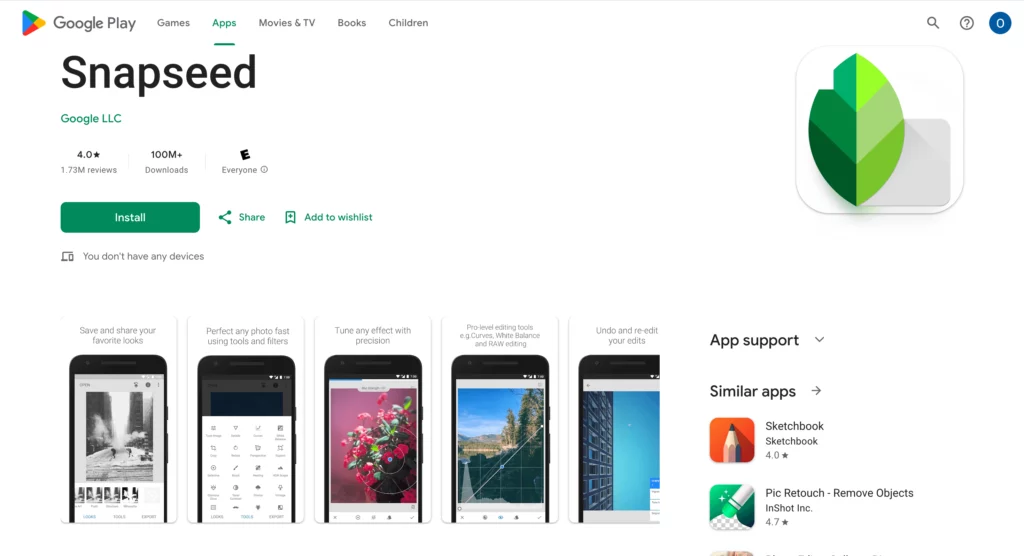
Only one app makes a clear “no strings attached” claim: Snapseed. Its Google Play listing says that it has no subscriptions, purchases, ads, or watermarks. By comparison, most other apps are free to download or offer a free plan. They also sell premium filters or advanced tools.
For this guide, free filter apps must offer useful filters or effects without an upfront payment. However, that does not promise unlimited exports, every preset, ad-free use, or full-resolution output. In addition, a free trial is not the same as a permanent free plan.
Before you install an app, check four details:
- Confirm which filters are free after any trial ends.
- Check whether the free export adds a watermark.
- Review the required permissions and current privacy label.
- Export one image at the size you actually need.
As a result, you will judge the usable free product rather than the size of the advertised library.
How we selected these free filter apps
This is a use-case comparison, not a laboratory ranking. First, each of these free filter apps needed a current official page or store listing. Next, it needed filter or effect access without an upfront purchase. Finally, it needed a clear social, portrait, creative, or brand use case. We did not assign fake scores or treat advertised premium features as free.

Quick comparison of 10 free filter apps
| App | Best fit | Confirmed free position | Main caution |
|---|---|---|---|
| Snapseed | Manual edits and reusable looks | Current listing states no subscriptions, purchases, ads, or watermarks | The wider tool set can feel complex at first |
| VSCO | Film-inspired presets | 15 filters are listed as free | Most of the larger preset library is premium |
| Lightroom Mobile | Basic color and light control | Free app with presets and basic editing tools | Several advanced AI tools require Premium |
| Canva | Filters inside social designs | Free filters and a free plan are available | Some assets and tools are Pro-only |
| BeautyPlus | Selfie filters and retouching | Free access is available | Premium and credit limits may vary |
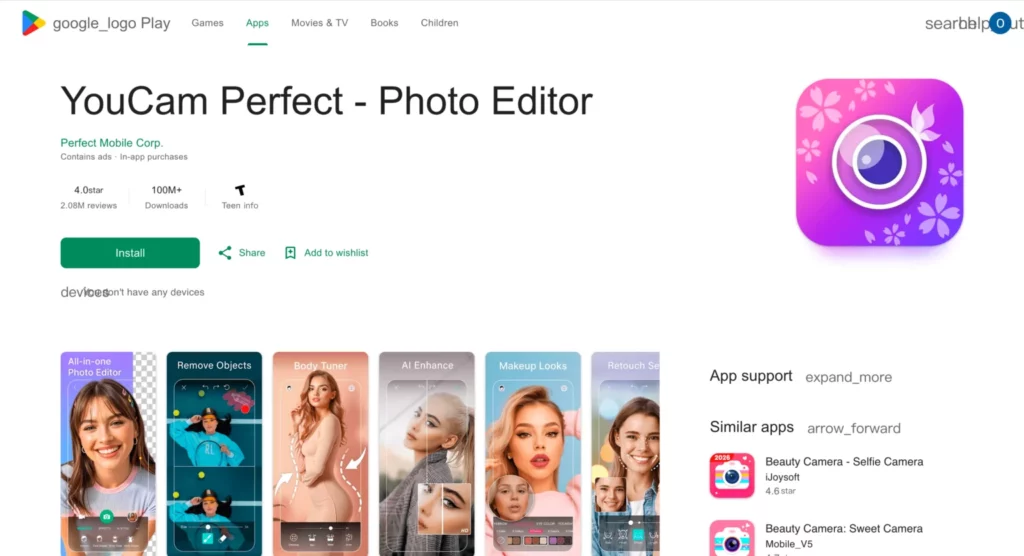
| YouCam Perfect | Portrait effects and makeup looks | Free download with basic tools and effects | Advanced AI tools and limits sit behind Premium |
| Lensa | Portrait-focused edits | Free download is available | In-app purchases and feature limits apply |
| Prisma | Artistic transformations | Free install includes ads and in-app purchases | Strong effects can hide product or facial detail |
| Dazz Cam | Retro camera effects | Free download is available on the listed Apple App Store page | Some features are paid; platform access can vary |
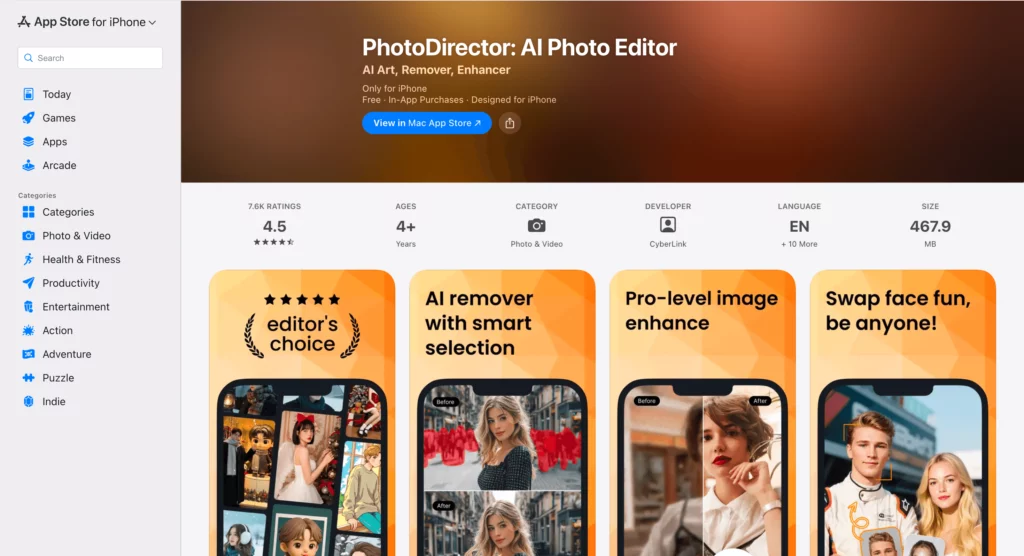
| PhotoDirector | Effects plus wider photo editing | PhotoDirector Essential is offered free | Features differ between Essential, mobile, and 365 versions |
This free filter apps table is a starting point. Among free filter apps, the longest feature list does not always give the best fit. Consequently, choose a tool because its free export works for your content.
1. Snapseed: broad control without a subscription
Snapseed stands out among free filter apps for manual control without a paid plan. Its Google Play listing names more than 30 tools and filters. These include local edits, film looks, batch editing, and RAW support. However, its wide tool set may take longer to learn than a one-tap app.
Best for: creators who want control, repeatable edits, and a currently fully free tool set.
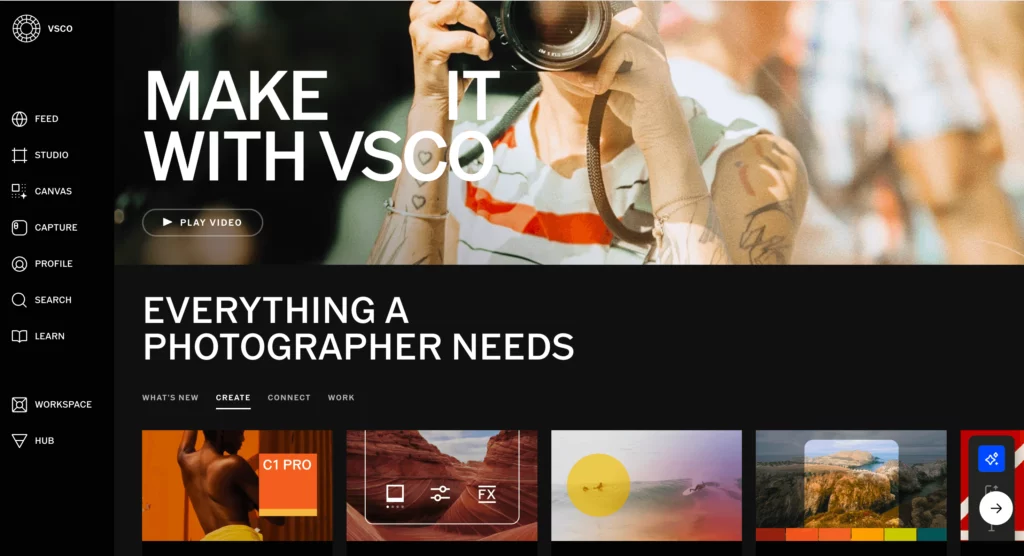
2. VSCO: a small free set of film-inspired presets
VSCO is useful when mood matters more than detailed repair. Its official page says that 15 presets are free, while the library of more than 200 presets is premium. Therefore, treat the free plan as a starter set. Lower the preset strength and compare skin tone, neutral colors, and shadows with the original.
Best for: lifestyle images, creator feeds, and people who want a consistent film-inspired mood.
3. Lightroom Mobile: basic color and light control
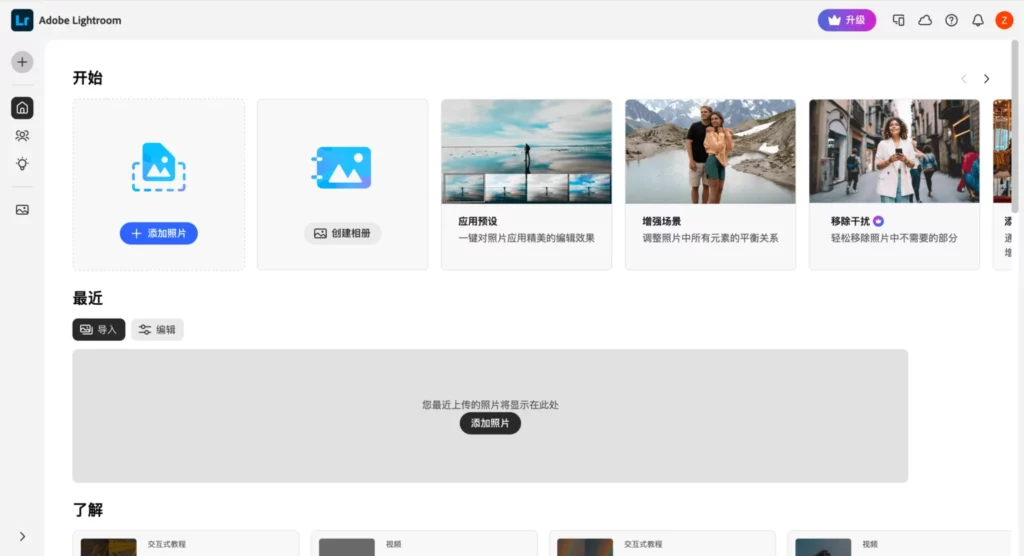
Lightroom Mobile bridges simple presets and careful color work. Adobe offers a free app with presets and basic editing tools. However, Generative Remove, Lens Blur, and some adaptive tools require Premium. Start with exposure and white balance, then compare the filtered export at full size.
Best for: photographers, brand teams, and users who may later need a deeper editing workflow.
4. Canva: filters inside a social design workflow
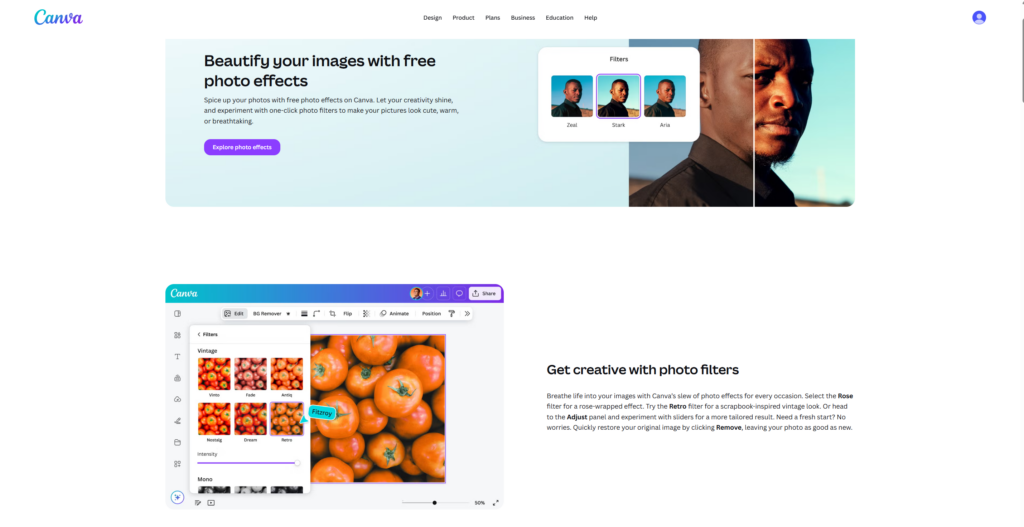
Among free filter apps, Canva is practical when a photo is only one part of a post. It offers free filters and adjustment controls, plus social templates with text and graphics. However, some assets and tools require Canva Pro. Therefore, test the full template-to-export path before a campaign.
Best for: story cards, announcements, quotes, simple ads, and social posts that need layout work.
5. BeautyPlus: selfie filters and portrait retouching
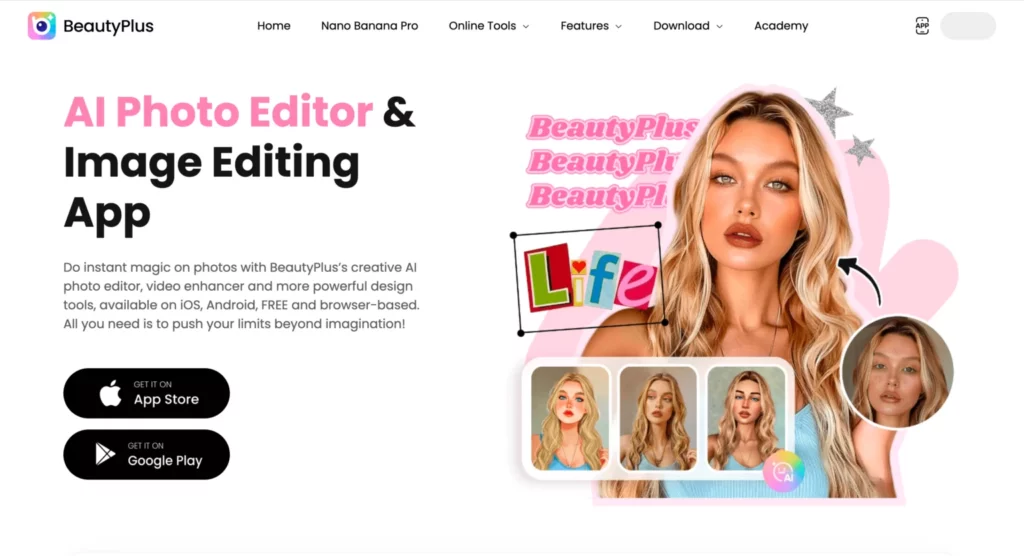
BeautyPlus centers on portraits, selfies, filters, and retouching. Still, premium tools and credit limits may vary by platform or region. Use portrait filters with care. For example, compare eye shape, skin texture, face outline, and hair edges with the original.
Best for: quick selfie styling and beauty-focused social content.
6. YouCam Perfect: portrait effects and makeup looks
YouCam Perfect offers a free download with basic photo tools and effects. However, advanced AI functions and usage limits sit in its premium offer. The app fits quick portrait effects and makeup looks. In particular, inspect teeth, glasses, earrings, hair, and hands at 100% zoom.
Best for: beauty creators and portrait users who prefer guided effects.
7. Lensa: portrait-focused effects in a simple editor
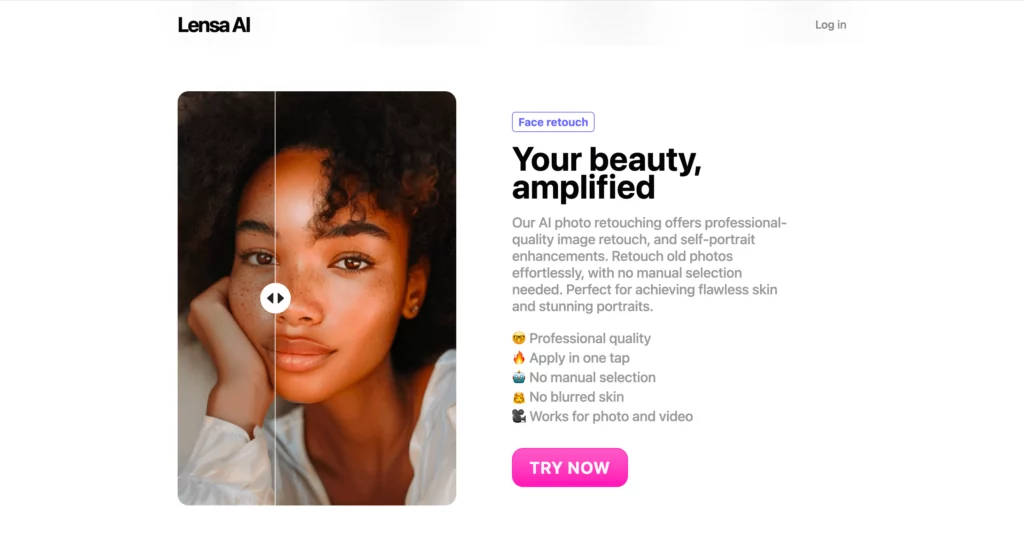
Lensa is a free-to-download portrait editor with filters and color controls. Its App Store listing also shows in-app purchases. Consequently, confirm which tools remain free. In addition, compare the face, hair, clothing texture, and background with the source before posting.
Best for: profile photos and portrait-led social posts.
8. Prisma: bold artistic transformations
Prisma favors obvious artistic effects over subtle color correction. Its Google Play listing also states that the app contains ads and in-app purchases. Therefore, use it when transformation is the goal. However, avoid it when a customer must inspect exact product color, material, or small details.
Best for: art-led posts, campaign experiments, and stylized creator content. from everyone else’s.
9. Dazz Cam: retro camera character
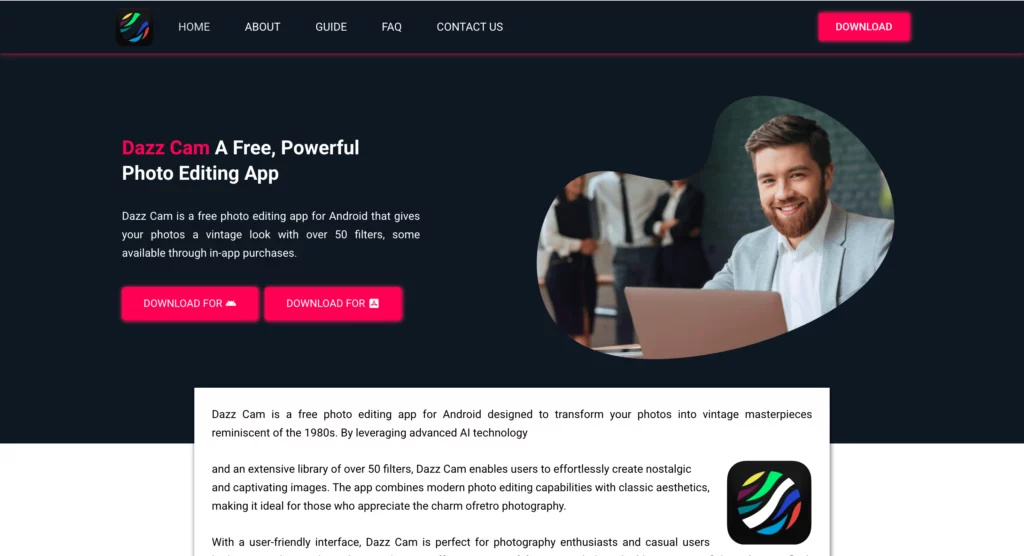
Dazz Cam focuses on vintage-camera effects. Its Apple App Store listing shows a free download with in-app purchases. However, access can vary by device and region. Retro effects may add grain, date marks, light leaks, or color shifts. Still, use one style consistently across a campaign.
Best for: casual lifestyle posts, travel images, and deliberate lo-fi campaigns.
10. PhotoDirector: effects plus a wider editing tool set
PhotoDirector combines effects with broader editing functions. CyberLink offers PhotoDirector Essential free, while PhotoDirector 365 is paid. In addition, mobile and desktop features differ. Confirm your exact version before describing a feature as free.
Best for: users who want effects, layers, and a path toward deeper editing.
How to test free filter apps with one photo
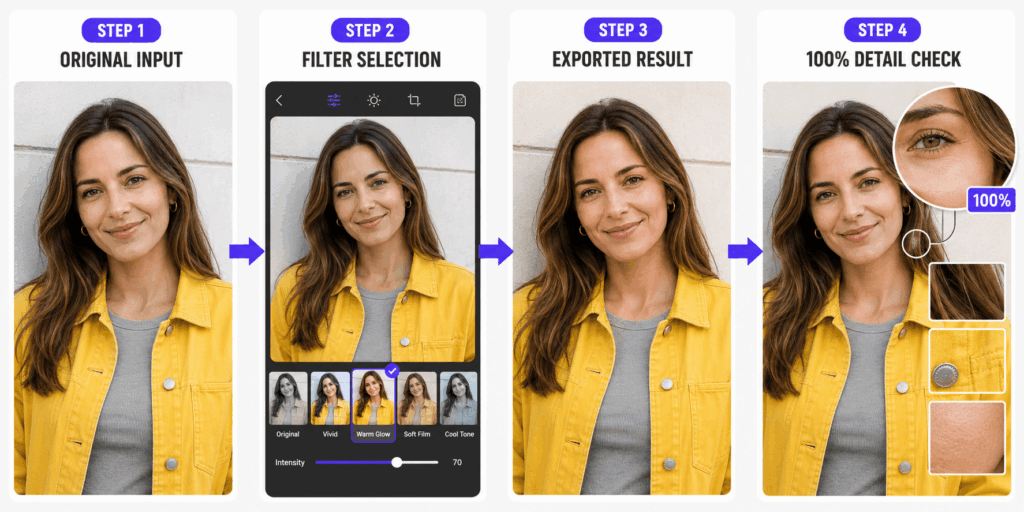
When you test free filter apps, use the same source, crop, and export target. Otherwise, you compare different photographs rather than different apps.
- Choose one demanding source. Include a face, a neutral object, shadow detail, and one saturated color. For products, include a logo, seam, or texture.
- Record the source. Note the pixel size, file type, crop, and prior edits. Also save an untouched copy.
- Apply one free filter. Start at the default strength. Next, make a lower-strength export if possible.
- Use one export target. Keep the aspect ratio and resolution as close as possible. Then record any watermark, size cap, ad, sign-in step, or paywall.
- Review at full size. Check skin, product color, text, edges, noise, banding, and highlights. Finally, compare every export side by side.
Use a simple table. Record the app, filter, strength, export size, watermark, visible error, and final choice. Consequently, you will rely on proof rather than a sales page.
Where WeShop AI fits before a filter
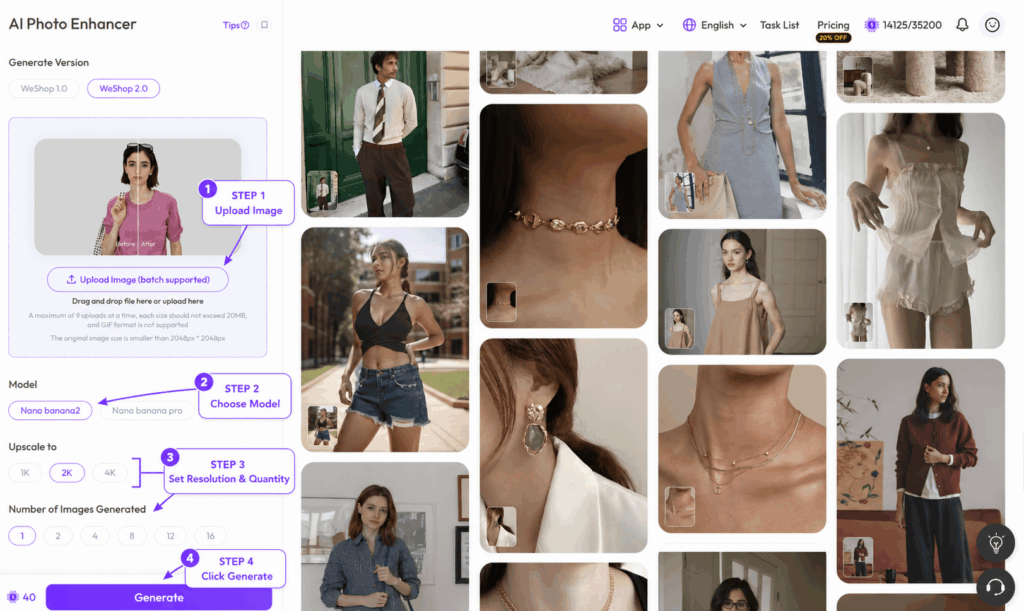
Unlike the free filter apps above, WeShop AI should not be ranked as a standard filter app. Its Photo Enhancer can improve clarity, detail, noise, and image quality before filtering. A free version is available for tests and basic use. However, advanced or high-resolution use may require credits.
Use this workflow when the source is soft, noisy, or too weak for a clean export:
- Upload the source to WeShop AI Photo Enhancer.
- Generate the enhanced version.
- Compare facial features, product edges, printed text, and color with the original.
- Download only the result that preserves the important details.
- Open that file in your chosen filter app.
- Apply a restrained filter and run the full-size check again.
However, skip enhancement when the source is already clean. Also, do not use it to hide product damage or condition.
Free filter apps for ecommerce and brand content
For ecommerce teams, free filter apps can support a campaign, but product accuracy comes first. Therefore, keep an unfiltered master and compare the edit against a color reference when color affects a purchase.
For a repeatable look, record the app, filter, strength, crop, and export settings. Next, test that recipe on a product shot, lifestyle scene, and portrait. If it fails, create separate recipes.
Avoid grain over small text. Likewise, avoid strong skin smoothing when it could mislead viewers. Keep marketplace main images accurate, and reserve creative effects for secondary images or social posts.
Common filter problems and practical fixes
Even good free filter apps can fail on the wrong source. Use these checks before you publish.
The filter changes product color. First, lower the filter strength. Then correct white balance or choose a more neutral preset. If the color still shifts, reject that filter for product images.
Skin looks plastic. Reduce smoothing. In addition, compare pores, hair edges, and facial lines at full size.
Text becomes soft or distorted. Apply the filter before adding text in a design tool. However, if text already exists in the photograph, use a lighter effect and inspect every character.
Shadows lose all detail. Reduce contrast or choose a lighter preset. Also check another screen.
A free tool becomes paid at export. Test export before a full batch. Then record the free limit.
The feed looks inconsistent. Keep one neutral recipe and one campaign recipe. As a result, posts can vary without losing a visual system.
Privacy, permissions, and honest disclosure
Free filter apps may process faces, locations, device data, or uploaded images. Therefore, review the privacy label before uploading client work or unreleased products. Remove location data when it is not needed. In addition, confirm permission for every person shown.
AI edits can change key details. Consequently, follow platform or client rules on disclosure. Never create a false product claim.
Frequently asked questions about free filter apps
These answers cover the most common choices and limits for free filter apps.
Are any free filter apps completely free?
Snapseed’s current Google Play listing states that it has no subscriptions, purchases, ads, or watermarks. However, store terms can change, so confirm the listing on your device before a major workflow change.
Which app is best for selfies?
BeautyPlus, YouCam Perfect, and Lensa focus on portraits. Still, compare free controls, export limits, and how well each app preserves the person.
Which app is best for film-style photos?
VSCO offers 15 free filters and is known for film-inspired looks. Dazz Cam takes a more obvious retro-camera approach. Meanwhile, Snapseed includes film simulations within a wider editing tool set.
Can I use filters on ecommerce product photos?
Yes, but keep color, material, logos, text, and condition accurate. Therefore, use subtle filters on listing images and stronger looks only when they do not mislead shoppers.
Is WeShop AI one of these free filter apps?
No. WeShop AI Photo Enhancer is better described as an image-quality tool that can prepare a weak source before filtering. Its free access and credit requirements should be checked at the time of use.
How often should I check free-plan limits?
Check before any large batch, client project, or scheduled campaign. In addition, recheck after a major app update because export rules and premium boundaries may change.
Choose one of these free filter apps and build a repeatable look
Start with two free filter apps, not ten. First, choose one for accurate edits and one for creative style. Next, test the same photo and record the export limits. Finally, save the winning settings.
If the source lacks clarity, try WeShop AI Photo Enhancer before filtering. However, keep the original beside every result and reject changes to important facial or product details.
Go to WeShop AI For Exploration: