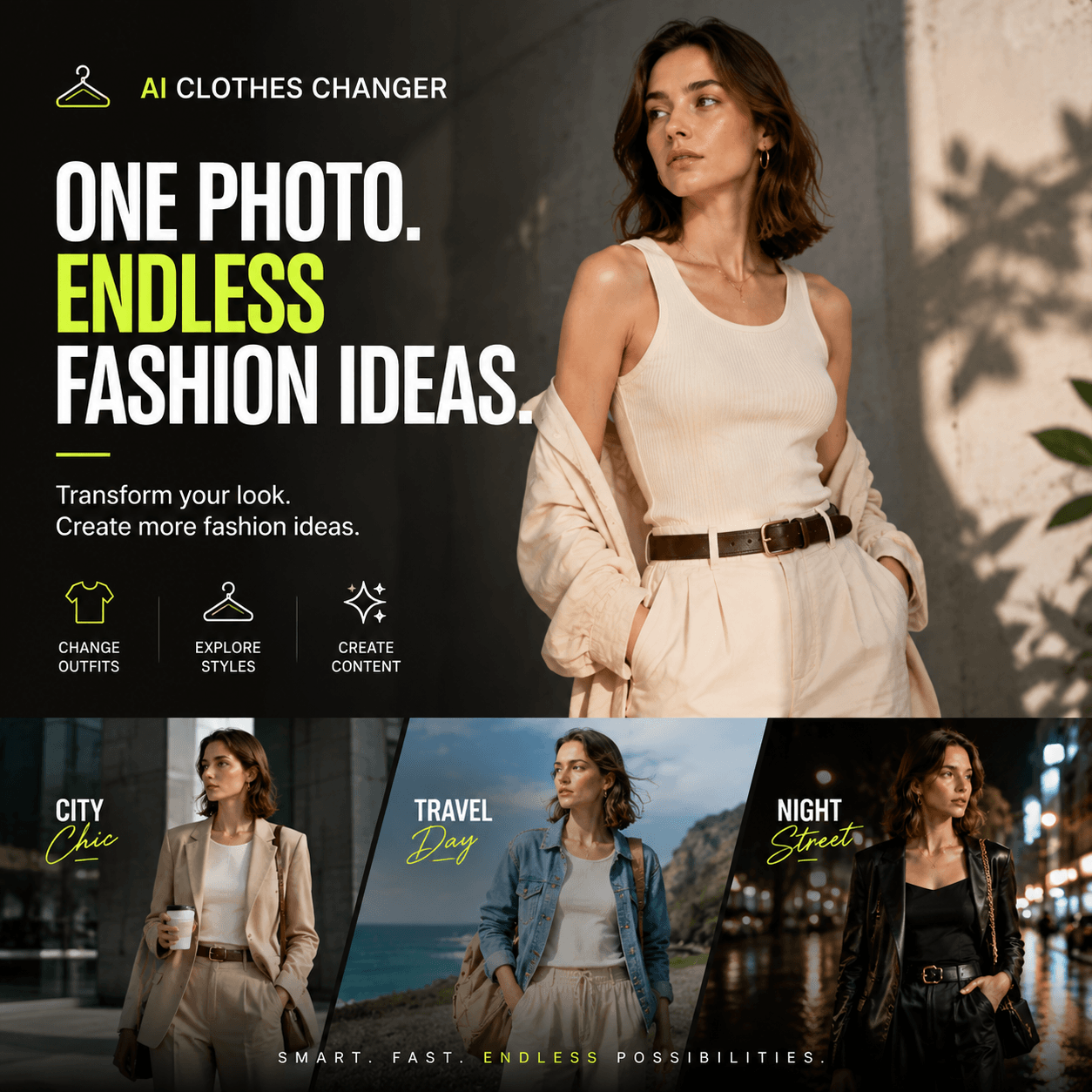
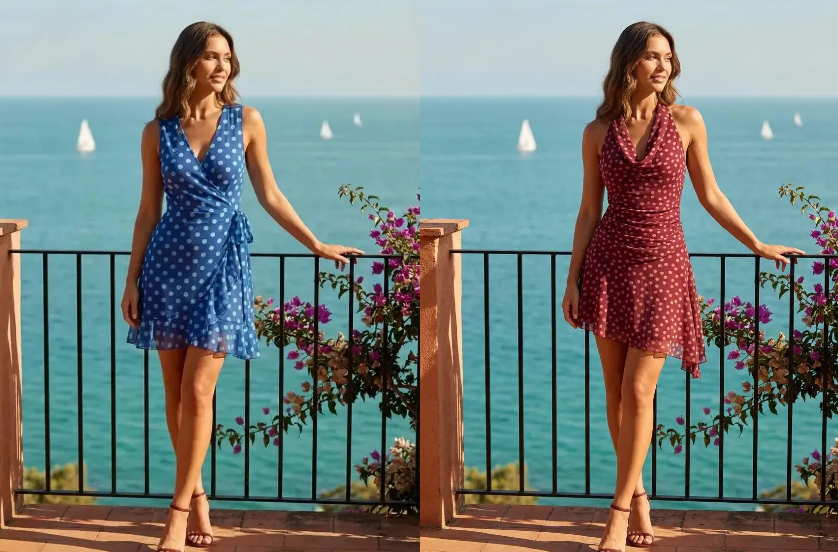
An AI clothes changer for product photos is useful only when the new outfit looks convincing and the image still tells the truth about the product. A polished result can still change the collar, shorten the hem, soften a print, or invent a pocket.
For fashion brands, online sellers, and content teams, those details determine where an image can be used. A creative concept has room for interpretation. A product detail page does not. Therefore, the goal is to know what changed and whether the result is accurate enough for its intended channel.
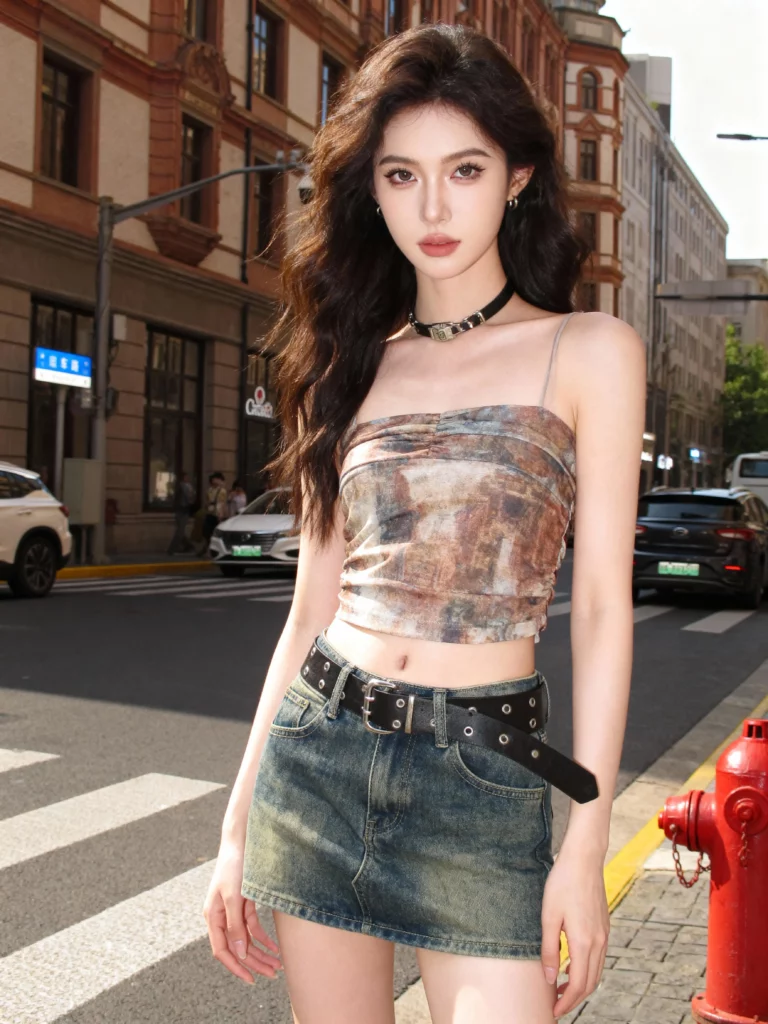
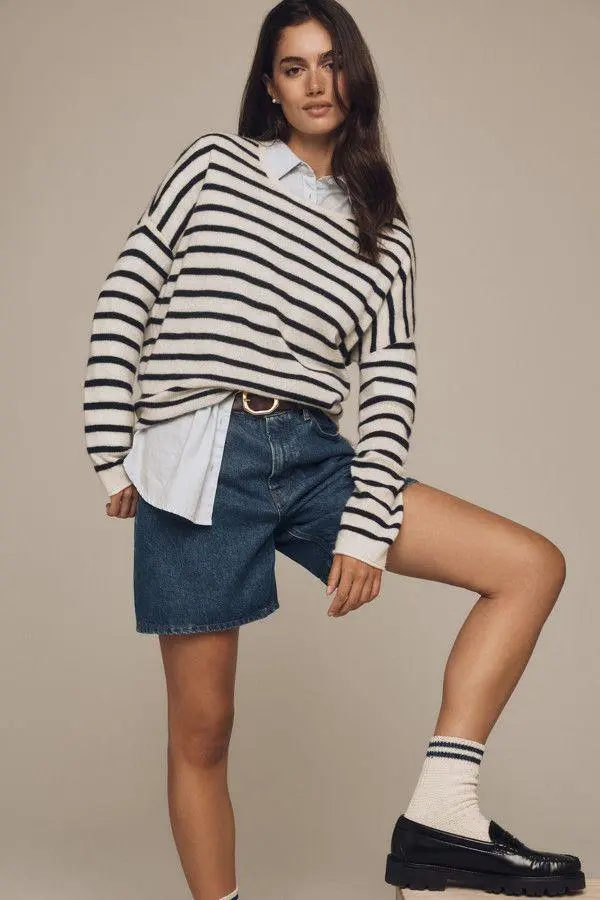
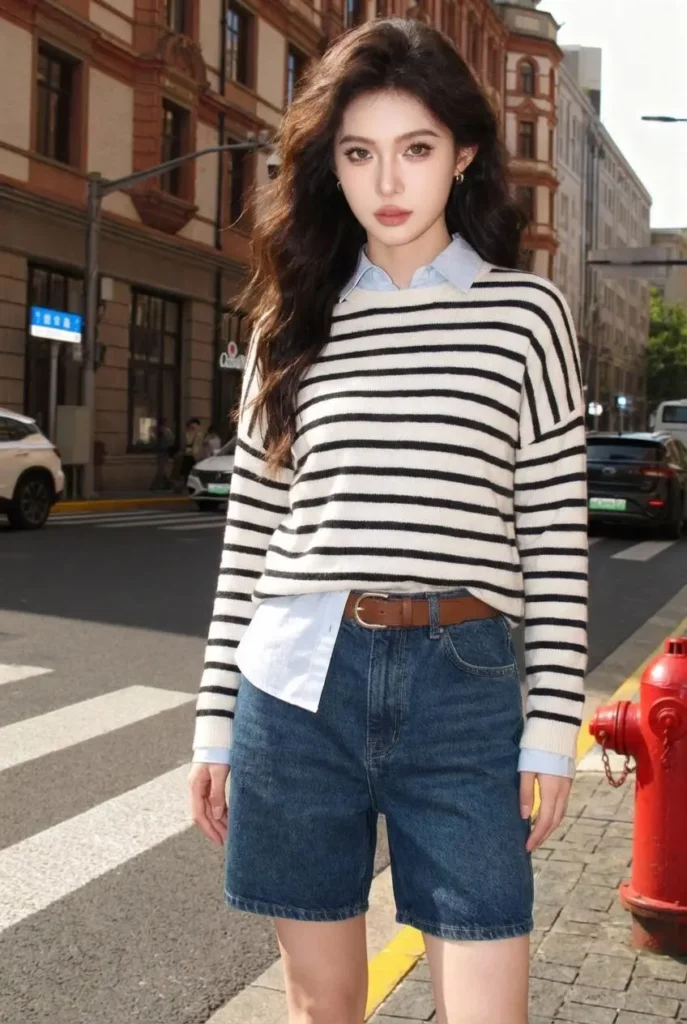
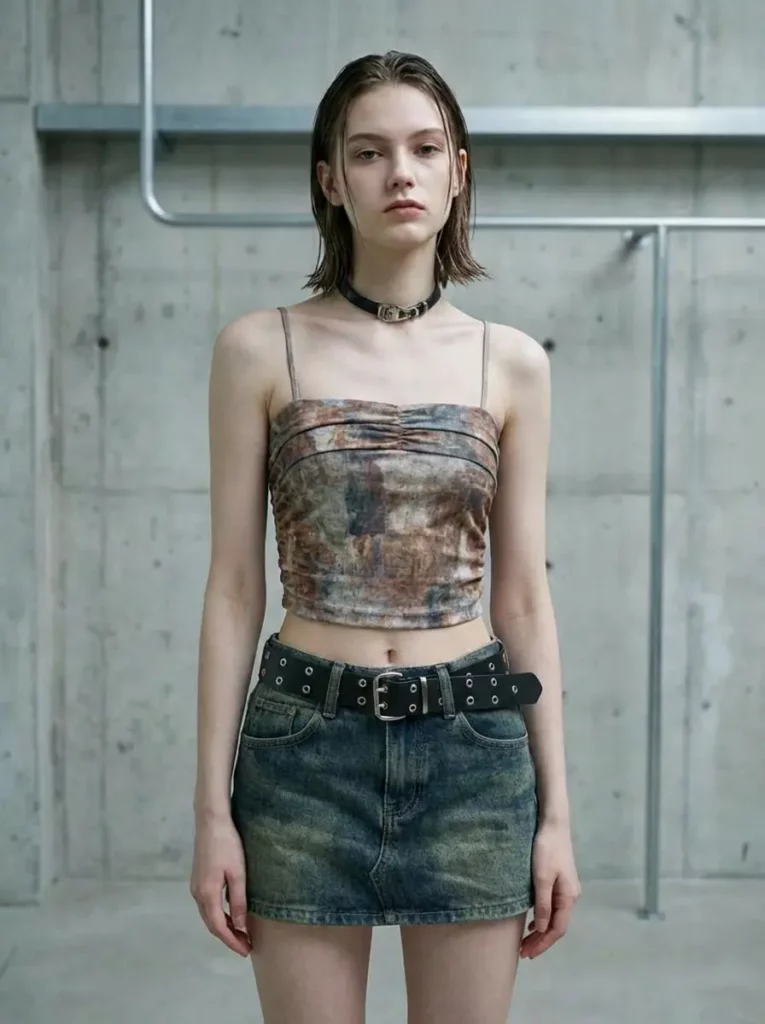
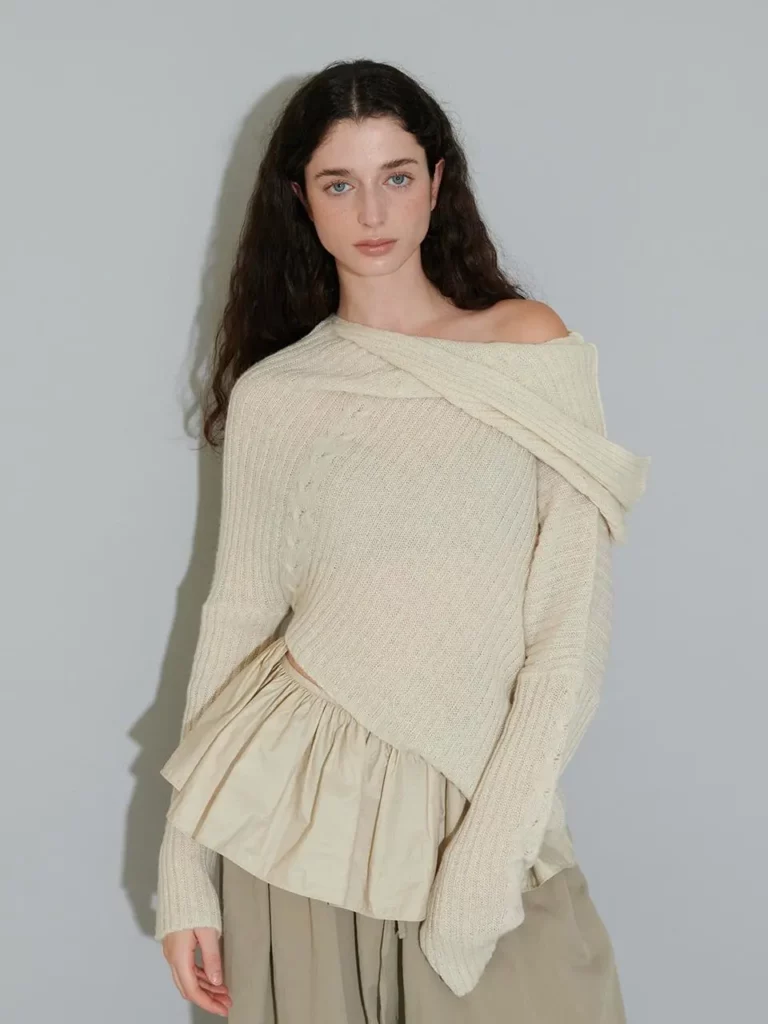
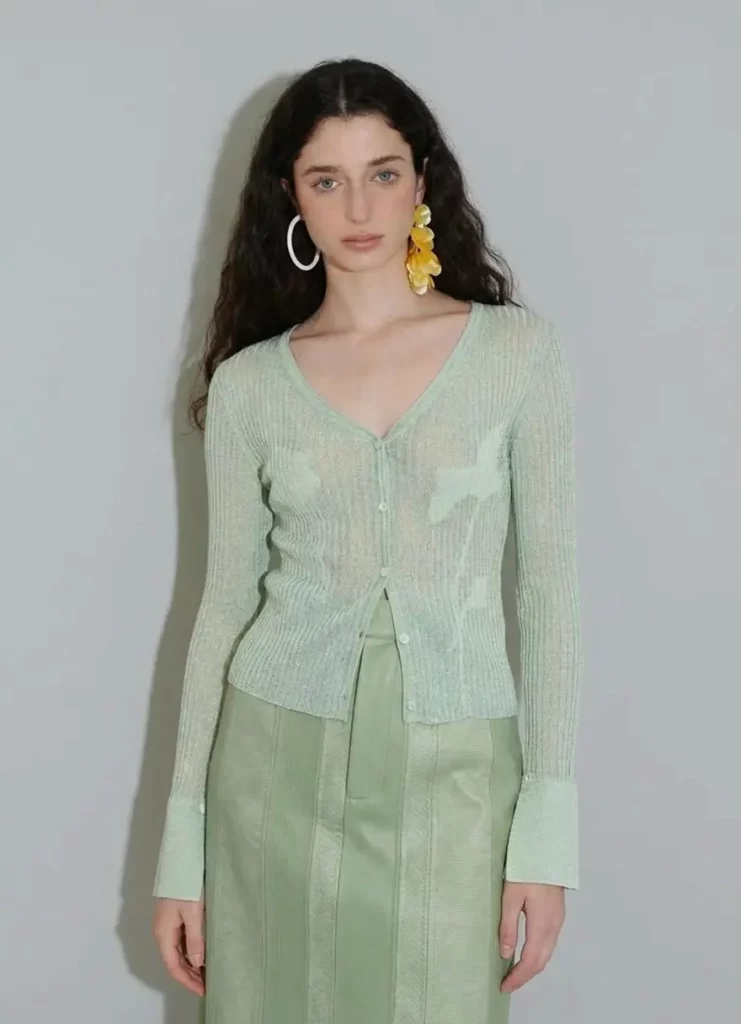
Use the images above as working example. Check the overall impression, then zoom in and compare the garment area against the source.
What an AI Clothes Changer for Product Photos Should Preserve
A useful outfit change is controlled. The clothing may change, but unrelated parts of the image should remain stable unless you intentionally ask for a broader redesign.
Start with the person. Check the face, hair, hands, body proportions, and pose. Next, compare the background, camera angle, and direction of light. Finally, inspect the area where the new garment meets the body. Sleeves should connect naturally at the shoulders. A neckline should follow the chest and neck without creating broken edges. Fabric should also sit behind crossed arms, hair, bags, or accessories when the scene requires it.
Product identity needs an even stricter review. If the image represents a specific item, its color, pattern, closures, trim, sleeve length, and silhouette should remain recognizable. A visually attractive result is not automatically a faithful one.
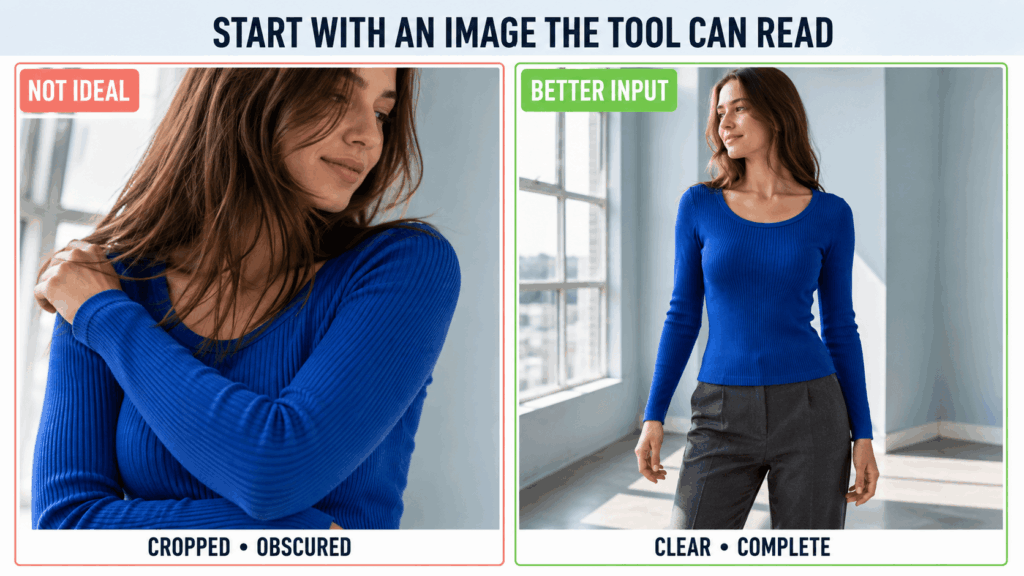
Start With an Image the Tool Can Read
The source image sets the limit for everything that follows. Choose a sufficiently large photo with even lighting and a clear view of the outfit. Avoid poses where crossed arms, large accessories, or motion blur hide important garment areas.
Check the source before uploading it. Compressed fabric detail, unclear hands, harsh shadows, or an obstructed waistline make the output harder to judge. Cleaning the input is often more useful than repeatedly generating from a poor base.
Decide on the destination early. A social post, marketplace listing, and lookbook image do not share the same accuracy requirements. The final use should guide the crop and garment-fidelity standard.
Using an AI Clothes Changer for Product Photos in WeShop AI
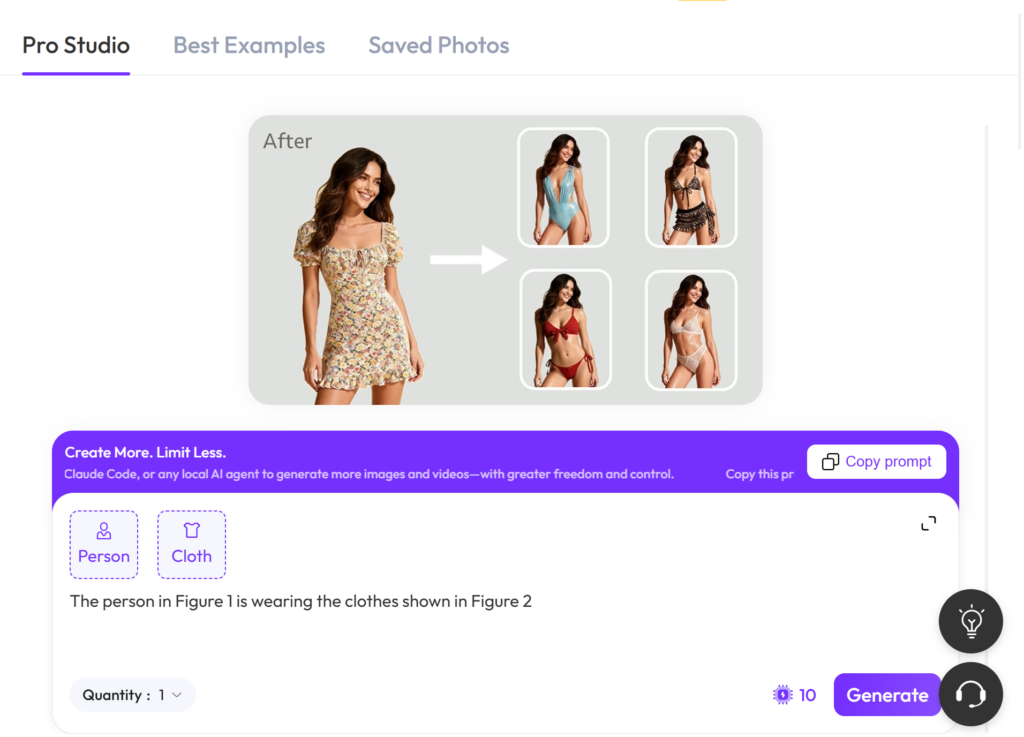
The current WeShop AI page offers two visible starting routes: upload an image directly or begin from an example look. Follow the fields displayed in the active project instead of assuming every attempt begins with the same form.
- Open the AI Clothes Changer page.
- Select Click to upload image to start with your own source, or choose an example look that matches the direction you want to explore.
- Sign in when prompted and complete the image inputs shown in the active project.
- Generate one base result before creating multiple variations.
- Compare that result with the source image at both normal size and full size.
- Keep, regenerate, or reject the image according to the checks below.
Do not judge the result from a thumbnail. Small previews can hide uneven edges, changed prints, or softened details.
Review AI Clothes Changer for Product Photos at Full Size
Start With the Garment Silhouette
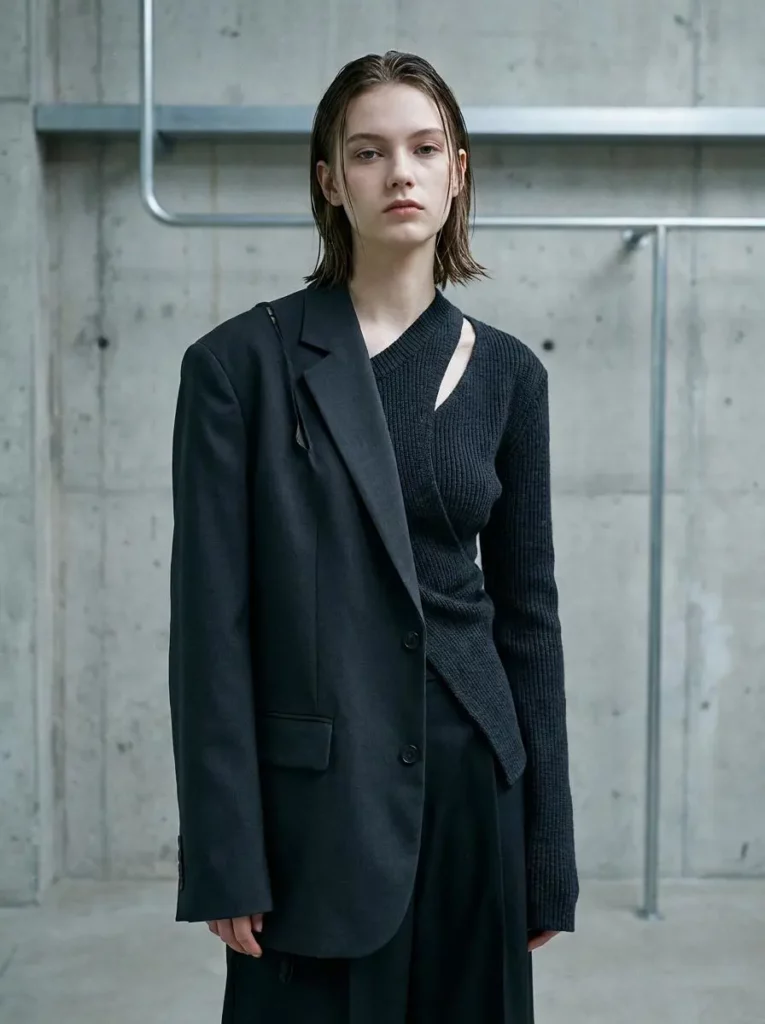
Compare the shoulder width, sleeve length, waist position, and hemline. If a cropped jacket becomes hip-length or a fitted dress turns loose, the result may look believable but no longer represent the design.
Check Product Identity in AI Clothes Changer for Product Photos
Check prints, logos, buttons, zippers, pockets, seams, and trim. Text and repeated patterns deserve extra attention. If a mark or print matters to the sale, compare it directly with the garment reference.
Check Garment Boundaries and Occlusion
Look where fabric meets skin, hair, hands, bags, or the background. Watch for doubled edges, missing straps, merged sleeves, and incorrect layering. These errors are often more noticeable than a minor texture change.
Compare Light and Body Proportions
The garment should share the scene’s lighting direction. Shadows under collars, arms, and folds should feel consistent with the body. Also confirm that the outfit has not changed the person’s shoulder line, waist, hands, or posture.
Match the Result to Its Real Level of Risk
Not every fashion image needs the same approval standard. The intended use determines how much variation is acceptable.
- Creative direction and mood boards: A plausible outfit is often enough because the image is testing an idea rather than selling a specific item.
- Organic social content: Small texture differences may be acceptable, but obvious anatomy, edge, or logo errors still weaken trust.
- Paid campaign drafts: The outfit, brand elements, crop, and safe area should be reviewed before the image enters testing.
- Product detail pages and marketplace listings: Use the strictest standard. The visual should not introduce features the physical garment does not have or hide details a buyer needs to see.
This distinction prevents a creative preview from being treated as verified product documentation.
Know When to Regenerate, Repair, or Reshoot
Regenerate when the direction works but the garment has unstable edges, altered proportions, or inconsistent lighting.
Consider a localized repair when one small area needs correction. Review it again at full size because a fix can affect nearby texture, fingers, hair, or seams.
Choose a real product shoot when exact construction, fit, or material behavior is the central promise. Transparent fabric, complex layering, reflective surfaces, small typography, and specific tailoring may require more evidence than a generated image provides. AI can still support planning, but it should not make the product less truthful.
The decision is simple: if the result communicates an idea, judge it as creative content. If it communicates what a customer will receive, judge it as product information.
Use AI Clothes Changer for Product Photos With a Clear Standard
An AI clothes changer for product photos can extend the value of a strong source image. It can help teams explore styling directions, prepare content concepts, and create visual variations without rebuilding every scene from the beginning. Still, speed is not the final measure of a good result. Accuracy is.
Start with a readable source. Generate one controlled version. Then inspect the silhouette, product details, garment boundaries, light, and body proportions. When the image passes the standard required by its destination, it becomes useful rather than merely impressive.
Go to WeShop AI For Exploration: