

The Seen Mahadev Generator helps you create striking Mahadev images from a simple prompt or personal photo. You can design cinematic Shiva portraits, spiritual wallpapers, Mahashivratri posters, and social media status images without complex editing.
More importantly, you can control the full visual mood. For example, you may choose peaceful Kailash mountains, glowing temple lights, dramatic storms, or a divine blue aura. Therefore, each image can feel more personal than a basic template.
✨ What Is the Seen Mahadev Generator?
The Seen Mahadev Generator is an AI image tool built for Mahadev-inspired visual creation. Instead of editing every detail by hand, you describe the scene you want and let the AI build it.
You can include sacred elements such as a Trishul, Shivling, crescent moon, Rudraksha beads, flowing Ganga, incense smoke, or Himalayan snow. In addition, you can choose realistic, cinematic, illustrated, 3D, or anime-style results.
What Can You Create?
With the Seen Mahadev Generator, you can make:
- Mahadev photos for WhatsApp status
- Cinematic Lord Shiva portraits
- Mahashivratri greeting images
- Instagram posts and Reel covers
- YouTube thumbnails
- Mobile wallpapers
- Temple event posters
- Personal devotional portraits
As a result, the tool works for both everyday spiritual posts and larger festival campaigns.
📸 How to Use the Seen Mahadev Generator
The process is simple. However, a clear idea usually gives you a better result than a long and confusing prompt.
Step 1: Choose a Visual Style
First, decide how you want the image to feel.
A peaceful image may show Mahadev meditating near Mount Kailash. Meanwhile, a dramatic version may include lightning, dark clouds, glowing eyes, and a powerful Trishul.
You can choose styles such as:
- Photorealistic
- Cinematic
- Traditional poster art
- Dark fantasy
However, avoid mixing too many styles. One clear direction usually creates a cleaner image.
Step 2: Upload a Photo or Start with Text
Next, choose whether to create the image from a prompt or edit an existing portrait.
When using text, describe the main subject, background, lighting, mood, and camera angle. For example, you can request a close-up portrait, a wide mountain scene, or a vertical festival poster.
Alternatively, upload a clear portrait that you have permission to use. Then, ask the tool to place the person in a respectful Mahadev-inspired setting.
For better results, use a photo with good lighting and a simple background.
Step 3: Write a Clear Prompt
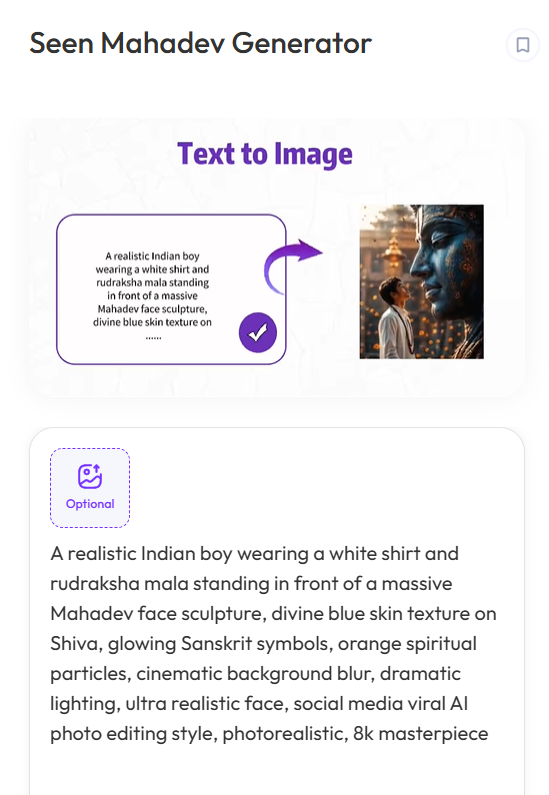
A useful Seen Mahadev Generator prompt should follow a simple structure:
Subject + pose + sacred details + background + lighting + style
For example:
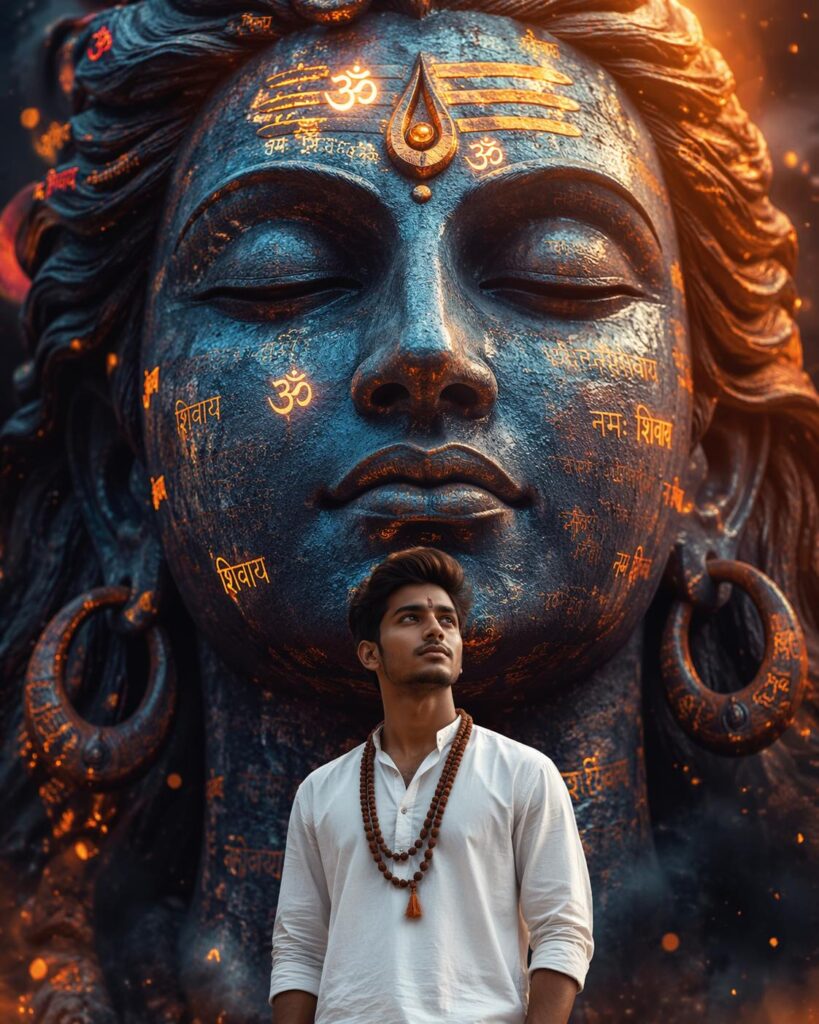
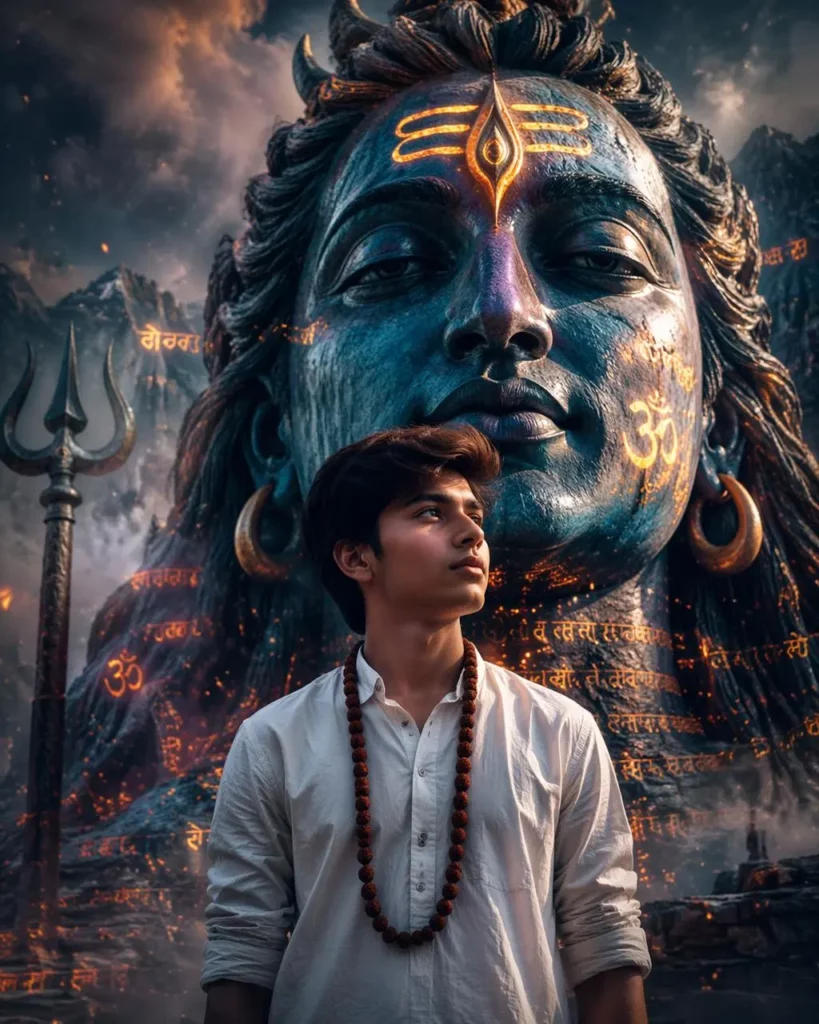
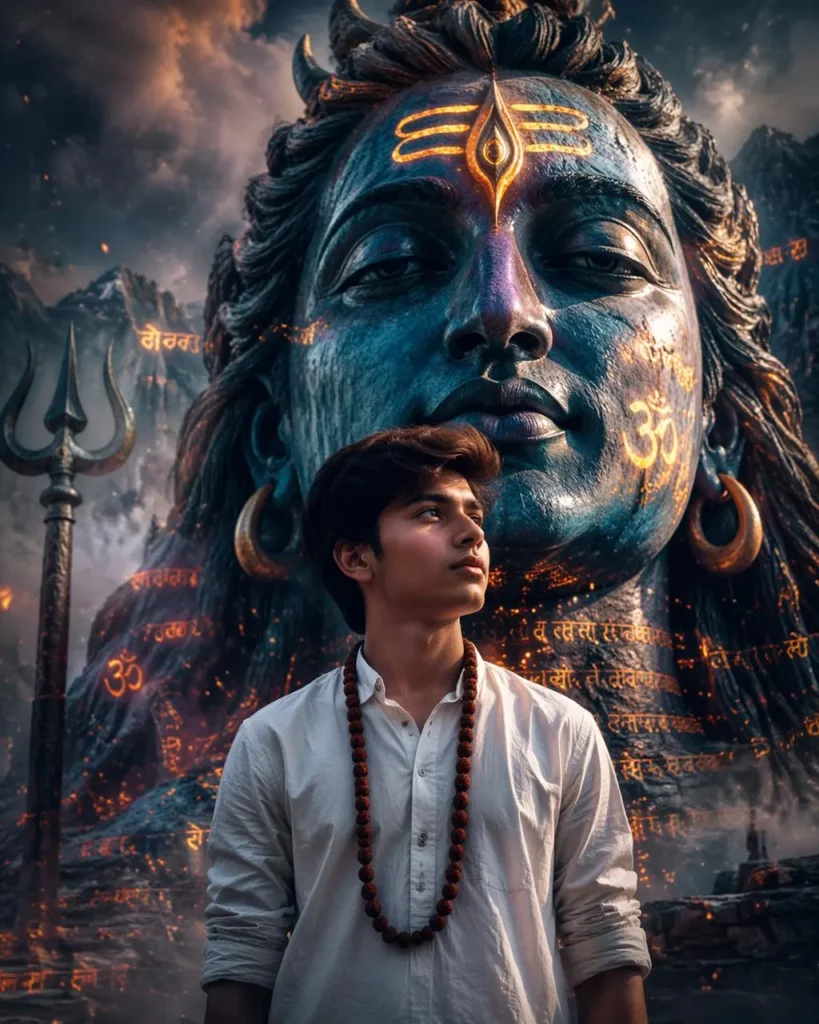
“A realistic Indian boy wearing a white shirt and rudraksha mala standing in front of a massive Mahadev face sculpture, divine blue skin texture on Shiva, glowing Sanskrit symbols, orange spiritual particles, cinematic background blur, dramatic lighting, ultra realistic face, social media viral AI photo editing style, photorealistic, 8k masterpiece”
This prompt works because every detail supports the same idea. In contrast, too many unrelated objects can make the result look messy.
Step 4: Review and Improve the Image
Finally, check the face, hands, sacred symbols, lighting, and background.
If the image feels too dark, request softer light. Likewise, if the composition looks crowded, remove a few background details. When the main subject appears too small, ask for a closer camera angle.
AI-generated text may contain spelling errors. Therefore, it is often better to create the artwork first and add phrases such as “Har Har Mahadev” afterward.
🎨 Tips for Better Seen Mahadev Generator Results
Keep One Main Subject
Choose Lord Shiva, a Shivling, or a devotee portrait as the focus. Although extra details can add atmosphere, too many elements may weaken the composition.
Describe the Lighting
Lighting controls the mood. Soft blue light feels peaceful, while strong backlighting creates a more dramatic effect. Therefore, avoid vague phrases such as “beautiful lighting.” Instead, explain the direction and tone of the light.
Preserve Facial Details
When editing a personal photo, ask the AI to preserve the person’s facial features, skin tone, hairstyle, and expression. Still, generating more than one version may help you find a more natural result.
🙏 Create Mahadev Images Respectfully
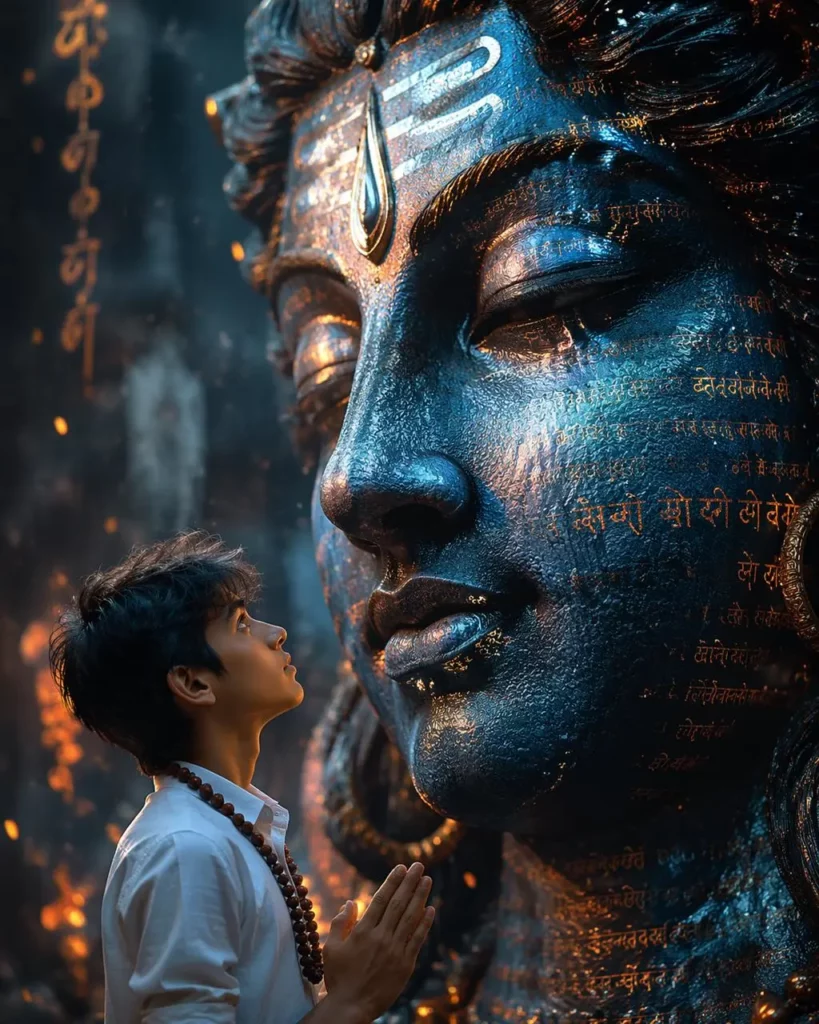
Mahadev images have deep spiritual meaning. Therefore, sacred figures and symbols should be used with care.
Avoid mocking, misleading, or inappropriate scenes. In addition, do not present an AI-generated image as an official temple photograph or historical record.
When using personal photos, make sure you own them or have permission. Above all, let the image support respectful creativity instead of treating religious symbols as random decoration.
🔱 Seen Mahadev Generator FAQ
Can I Make a Mahadev Photo for WhatsApp Status?
Yes. The Seen Mahadev Generator can create vertical images for WhatsApp status, Instagram Stories, and mobile wallpapers. Mention “9:16 vertical composition” in your prompt.
Can I Upload a Photo to the Seen Mahadev Generator?
Yes. However, use a clear photo and only upload images you own or have permission to edit.
Which Seen Mahadev Generator Prompt Works Best?
A focused prompt works best. Include the subject, background, lighting, mood, and visual style, but avoid adding too many unrelated details.
🌙 Final Thoughts
The Seen Mahadev Generator offers a simple way to create spiritual images with more control and personality. You can make calm meditation scenes, cinematic portraits, festival greetings, or devotional social media posts.
Therefore, start with one clear idea, add meaningful details, and improve the prompt step by step. Finally, keep every image respectful, balanced, and easy to understand.
Go to WeShop AI For Exploration:


