

I tried an Image to Video AI Generator with one ordinary photo, and honestly, the result made me rethink how much value can hide inside a still image.
At first, the photo was nothing more than a single frame. It had a subject, a background, and a mood, but it did not feel like a full content idea. Normally, I would post it once, add a short caption, and move on. However, after uploading it into the tool and adding a simple motion prompt, that same image became a short video with camera movement, depth, and a more polished social-media feel.
That is where the tool gets interesting. Instead of asking you to shoot new footage or learn editing software, it helps you turn an image you already have into something more dynamic. As a result, one photo can become a TikTok hook, a product ad, a logo intro, a presentation visual, or a short clip for Instagram Reels and YouTube Shorts.
In a feed where everyone scrolls fast, this small shift matters. A still image can look beautiful, but motion gives people a reason to stop.
Why I Wanted to Try an Image to Video AI Generator
Most of us already have good images sitting around. For example, we may have product photos, selfies, travel shots, pet pictures, logos, posters, AI-generated artwork, campaign images, or presentation visuals. The problem is not that we lack visuals. Instead, the problem is that static visuals often feel too quiet for today’s platforms.
On TikTok, Instagram Reels, YouTube Shorts, and even ecommerce pages, people are trained to notice motion. Because of that, a still photo has to work harder to get attention. Meanwhile, a moving image, even a subtle one, has a better chance of making someone pause.
That is why an Image to Video AI Generator feels useful. It sits in a sweet spot between “I only have a photo” and “I need a video now.” More importantly, it does not require a camera crew, a full editing workflow, or a new creative brief.
You just need one image and a clear idea of how it should move.
The First Result: Why One Photo Suddenly Felt More Expensive
The generated video was short. However, it immediately felt more premium than the original image.
The camera slowly moved in, while the background gained more depth. At the same time, the light felt more alive, so the subject looked less like a flat picture and more like part of a scene. In fact, that was the biggest surprise: the tool did not simply “move the photo.” It gave the image some of the visual language of video.
That language includes camera motion, atmosphere, pacing, and attention. Therefore, the same image can feel more cinematic, more commercial, or more social-ready depending on the prompt.
For instance, a product photo can feel like an ad. A selfie can feel like a live photo. A logo can feel like a brand intro. Likewise, an AI artwork can feel like a short cinematic scene.
The change is small, but the perception shift is big.
What Is an Image to Video AI Generator?
An Image to Video AI Generator is an AI tool that turns a still image into a short animated video. In simple terms, you upload an image, describe the motion you want, and let the AI generate a video with movement, depth, camera motion, lighting changes, or visual effects.
Unlike traditional video editing, this process starts from one image. Therefore, it is much easier for people who do not have video footage. It can work with portraits, product photos, logos, pet photos, travel pictures, posters, illustrations, AI-generated images, and brand visuals.
More importantly, the tool helps people reuse visuals they already own. Instead of letting one good image sit in a folder, you can turn it into a short clip for social media, ecommerce, branding, or presentations.
How to Use Image to Video AI Generator
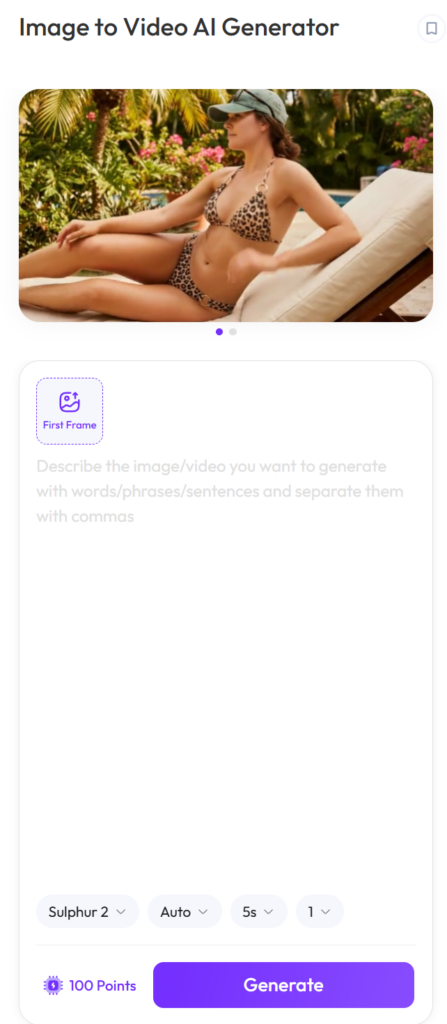
The workflow is simple. However, the final result depends heavily on the quality of your image and the clarity of your prompt.
Step 1: Upload a Clear Image
Start with a high-quality image. Ideally, the image should have one clear subject, good lighting, and enough detail for the AI to understand the scene.
For product images, make sure the product is easy to recognize. For portraits, make sure the face or body is visible enough. If the image is too blurry, too dark, or too crowded, the final video may look less stable.
Step 2: Write a Motion Prompt
Next, describe the motion like a director. Instead of writing “make it move,” give the AI a clearer direction.
For example, this prompt is much stronger:
“Slow cinematic zoom in, soft lighting, natural background motion, realistic camera depth.”
This works better because it explains the camera movement, mood, lighting, and visual style. As a result, the AI has a better chance of creating a controlled and natural-looking video.
Step 3: Generate and Compare
After that, click Generate and review the result. If the video feels too dramatic, make the prompt softer. If it feels too static, add clearer camera movement. Meanwhile, if the subject moves in a strange way, ask for subtle motion instead.
In many cases, one or two small prompt adjustments can improve the result a lot.
Step 4: Download and Use the Video
Finally, download the video and use it wherever it fits. You can post it on social media, add it to a product page, use it in an ad, place it inside a presentation, or include it in a larger creative project.
The Best Use Cases I’d Actually Recommend
There are many things you can do with an Image to Video AI Generator. However, some use cases feel much more valuable than others.
1. Turn Product Photos into Short Video Ads
This is probably one of the strongest use cases. If you run an online store, you already have product images. However, product videos usually take more time, money, and planning.
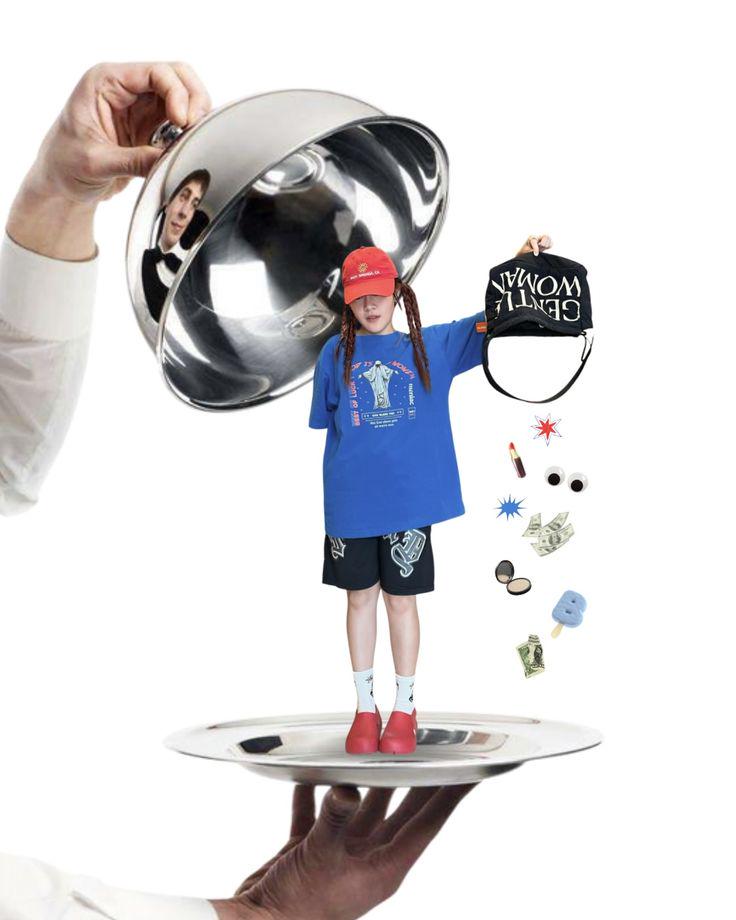
With image-to-video AI, one product photo can become a short ad-style clip with slow camera movement, clean lighting, and a more premium feel. For example, a skincare bottle can rotate softly under studio light. A handbag can get a luxury camera push-in. Meanwhile, a jewelry image can gain shine, reflection, and depth.
For ecommerce sellers, this is not just a fun effect. Instead, it can help create more ad creatives, product page visuals, and social content without reshooting every product.
2. Make Social Posts Feel More Alive
A still photo can be beautiful. However, a moving photo often feels more shareable.
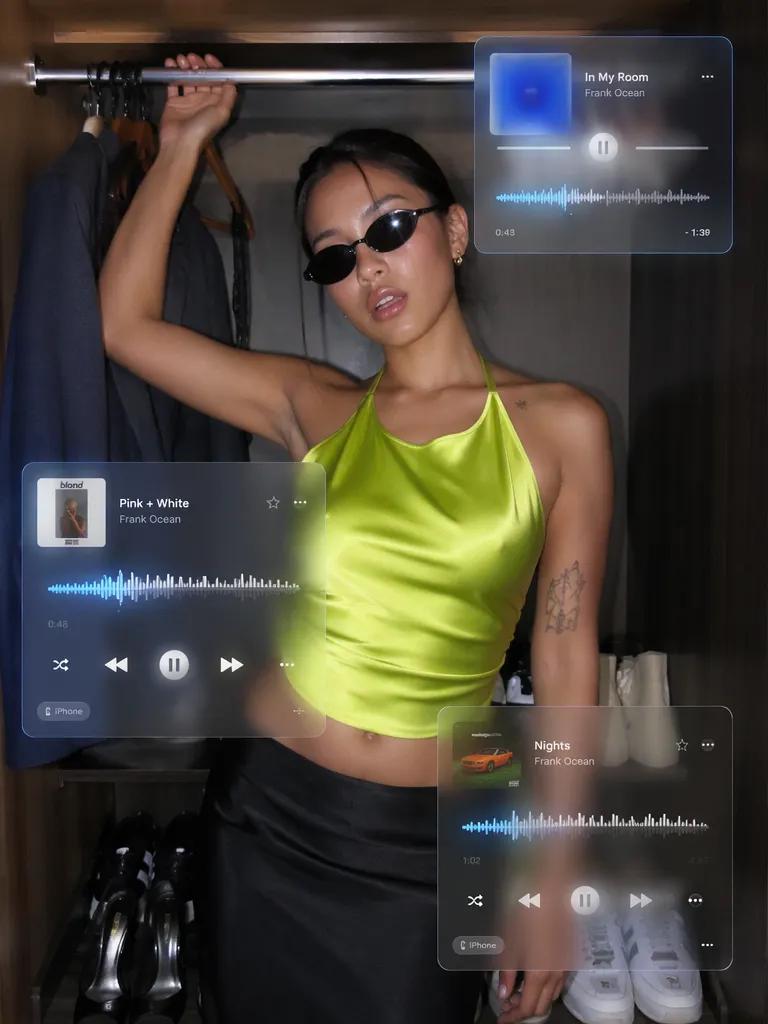
If you have a selfie, travel photo, outfit shot, or pet picture, you can turn it into a short clip with subtle motion. For instance, a slow zoom, soft light shift, gentle hair movement, or moving background can make the image feel more alive.
The key is not to make the video look dramatic. Instead, the goal is to make the image feel natural, polished, and ready for Instagram Stories, TikTok posts, Reels, birthday edits, or aesthetic videos.
3. Animate Logos and Brand Visuals
A static logo is fine. However, an animated logo often feels more finished, especially inside videos, websites, presentations, or launch pages.
With Image to Video AI Generator, a logo can become a short brand intro with a smooth reveal, glow effect, rotation, or motion graphic style. As a result, small brands can create motion assets faster without hiring a motion designer for every small update.
This is especially useful for YouTube intros, campaign videos, pitch decks, and brand social posts.
4. Bring AI Art and Posters to Life
AI-generated images, posters, and digital illustrations often already have strong visual style. Still, once you add motion, they can become much more immersive.
For example, you can add light particles, moving clouds, camera depth, glowing elements, fabric movement, or a fantasy atmosphere. Therefore, this use case works well for digital artists, AI creators, game concept visuals, music covers, and story-based content.
5. Upgrade Presentations and School Projects
This one is underrated. A presentation with only static images can feel flat. However, one animated visual can make the whole project feel more polished.
Students can use image-to-video AI for class presentations, creative assignments, marketing projects, design portfolios, and club promotions. Of course, every slide does not need animation. In fact, one strong moving visual is often enough.
A Simple Prompt Formula That Works
You do not need a long prompt. In fact, shorter prompts often work better when they are specific.
A useful formula is:
Camera movement + Subject movement + Lighting + Mood + Style
For example, here are a few prompts you can copy and adjust.
Portrait prompt:
Slow cinematic zoom in, subtle face movement, soft hair motion, warm natural light, elegant social media style.
Product prompt:
Slow camera orbit around the product, clean studio lighting, smooth reflection, premium commercial style.
Logo prompt:
Smooth logo reveal, subtle glow, clean motion graphics, modern brand intro.
AI art prompt:
Slow camera push-in, moving light particles, cinematic depth, fantasy atmosphere.
Overall, the key is to avoid vague words like “cool” or “amazing.” Instead, tell the AI what should move, how fast it should move, and how the final video should feel.
Tips for Better Image-to-Video Results
Although Image to Video AI Generator is easy to use, your input still matters.
First, use a clear image with one main subject. This helps the AI understand what to animate. Next, keep the motion natural, especially for portraits, products, and logos. In addition, match the prompt to the image type. A product photo may need camera orbit, while a portrait may need a slow zoom and subtle movement.
It also helps to use words like “slow,” “subtle,” “smooth,” and “cinematic” when you want a polished result. However, avoid asking for too much movement at once. Too much animation can make the video look strange.
Finally, if you are creating content for ads or campaigns, generate more than one version. This gives you more options and makes it easier to choose the strongest result.
Who Should Try It?
Image to Video AI Generator is especially useful for people who already work with images but need more video content.
Creators can use it for TikTok hooks, Reels, Shorts, and aesthetic edits. Meanwhile, ecommerce sellers can use it for product ads and store visuals. Marketers can use it for campaign assets and social content, while designers can use it for posters, logos, and visual concepts.
Students can also use it for presentations and creative projects. In addition, everyday users can animate selfies, travel photos, pet pictures, and memories.
The tool is not only for professionals. Actually, that is the point. It makes video creation feel less like a production task and more like a quick creative upgrade.
FAQ
What is an Image to Video AI Generator?
An Image to Video AI Generator is an AI tool that turns static images into short animated videos. You upload an image, write a motion prompt, and the AI adds movement, camera motion, depth, lighting, or visual effects.
Can I turn any photo into a video?
Yes, you can turn many types of photos into videos, including portraits, product photos, travel images, pet pictures, logos, posters, and AI-generated images. However, clear and high-quality images usually work best.
Do I need editing skills?
No. You do not need video editing skills. Instead, the basic process is simple: upload an image, write a prompt, generate the video, and download the result.
What images work best?
Images with one clear subject, good lighting, and clean composition tend to work best. For example, product images, portraits, logos, and AI artwork are especially suitable.
Can I use it for product ads?
Yes. Image to Video AI Generator is useful for turning product photos into short ad-style videos, ecommerce visuals, landing page clips, and social media promotions.
Can I animate a logo?
Yes. You can upload a static logo and generate an animated logo video with effects like reveal, glow, rotation, or smooth motion graphics.
How do I write a better prompt?
Describe the camera movement, subject movement, lighting, mood, and style. For example, you can write: “Slow camera push-in, soft lighting, natural motion, cinematic style.”
Can I use AI-generated videos commercially?
Commercial use depends on the platform’s license, your input image rights, music rights, and export terms. Therefore, for safer use, upload images you own or have permission to use.
Final Thoughts: One Image Is No Longer Just One Image
After trying an Image to Video AI Generator, my biggest takeaway is that one image can do more than I thought.
It can become a short video, a social media hook, a product ad, a logo intro, or a stronger presentation visual. More importantly, it can help you create more content from visuals you already have.
The tool is not interesting because it adds random motion. Instead, it is interesting because it makes existing images more flexible, more useful, and more ready for the way people consume content today.
For anyone who needs more video but does not want a full production process, this is the appeal. Upload one photo, describe the motion, generate the clip, and suddenly that still image has a second life.
Go to WeShop AI For Exploration:


