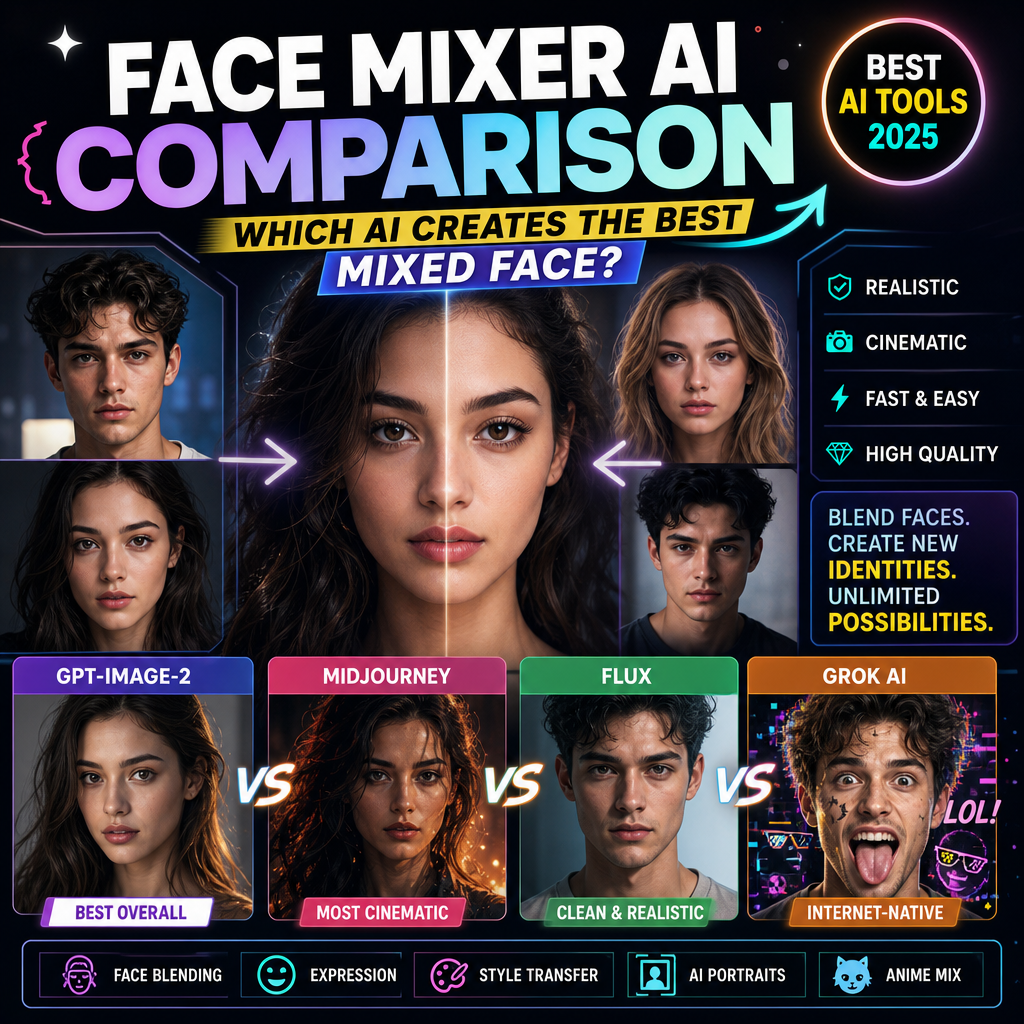
AI face swap tools have moved far beyond one-off memes and novelty edits. They are now used for social content, short-form video, marketing mockups, localized campaigns, product imagery, and eCommerce visual production.
However, tools that appear similar on the surface can be designed for very different workflows. One platform may prioritize fast, no-login photo swaps, while another may focus on video processing, multiple-face replacement, API access, or integration with a broader content-production suite.
That is why choosing the best AI face swap tool is not simply a matter of finding the platform with the longest feature list. The right choice depends on the formats you use, the number of faces you need to replace, your quality expectations, and whether the final content will be used commercially.
This guide compares five AI face swap tools in 2026: Remaker, PixNova, Higgsfield, Magic Hour, and WeShop AI.
How to Evaluate an AI Face Swap Tool
Before comparing individual platforms, consider the factors that affect whether an AI face swap tool will fit your workflow.
1. Output Quality
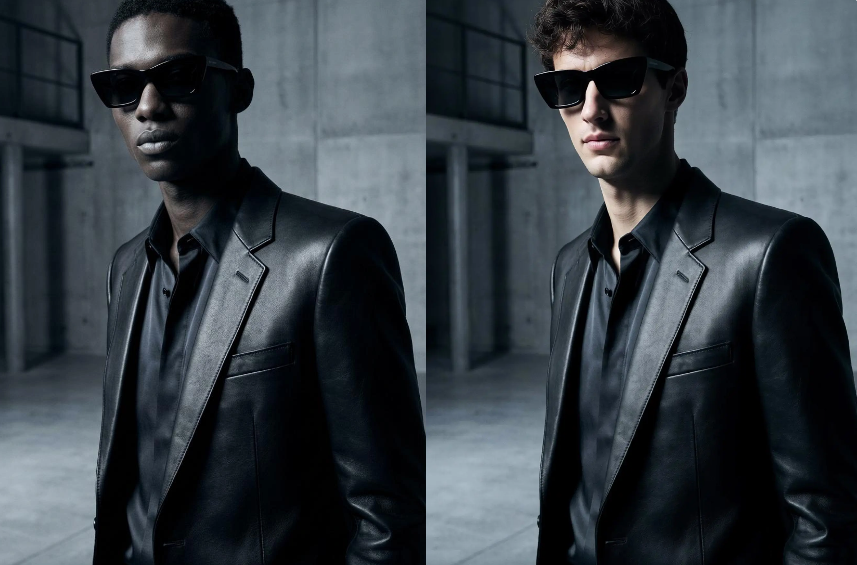
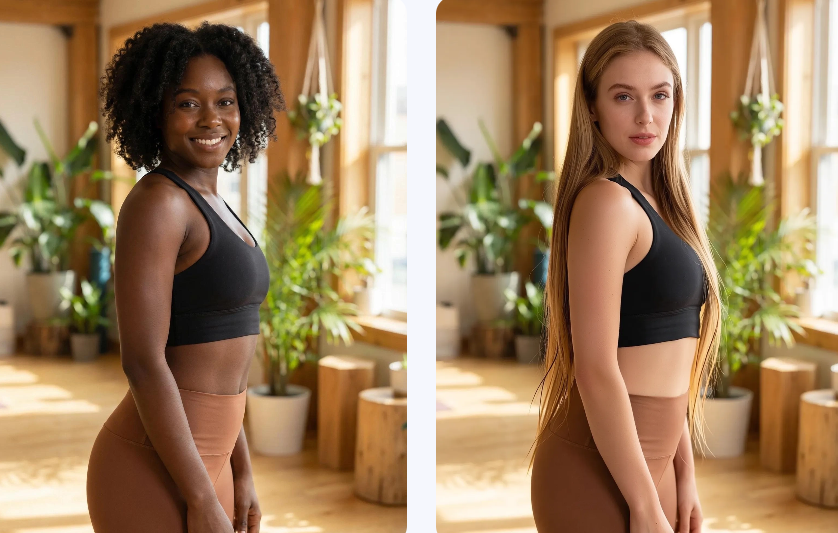
A natural-looking face swap should preserve facial proportions while blending the new face with the target image’s skin tone, lighting, shadows, sharpness, and overall texture.
For video face swap, consistency across frames is equally important. Watch for flickering, changing facial structure, unstable hairlines, broken profiles, and visible edges around the jaw.
2. Photo, Video, and GIF Support
Some tools support only still images, while others process videos and GIFs. Confirm that the platform supports the format, file size, video duration, and export resolution required for your project.
3. Multiple-Face Support
A tool that performs well on a single portrait may not support group photos or scenes with several people. If you create team images, group campaigns, or multi-character videos, check whether each face can be mapped separately.
4. Free-Tier Limits
“Free” can refer to very different levels of access. Common restrictions include daily generation limits, watermarks, reduced resolution, short video durations, slower queues, and personal-use-only licenses.
5. Workflow Speed and Usability
The fastest generation time is not always the most important factor. Consider how many steps are required, whether different formats use separate modes, whether projects are saved, and how easily results can be revised.
6. Commercial Use
A free output is not automatically licensed for use in advertisements, client work, product pages, or branded social content. Check the applicable plan and terms before publishing commercially.
7. Privacy, Consent, and Data Handling
Review how long uploads are stored, whether files can be manually deleted, whether inputs may be used for model training, and what consent is required for recognizable people.
AI Face Swap Tools Compared
| Tool | Supported formats | Multiple-face support | Free-tier or plan notes | Best fit |
|---|---|---|---|---|
| Remaker | Photo, video, GIF | Yes, through dedicated photo and video modes | Photo tool advertises no login and no watermark; video processing uses credits | Users switching between several formats |
| PixNova | Photo, video, GIF | Up to five faces in its current general face swap tool | No-login and watermark-free access advertised; free video face swap is currently limited to 10 seconds | Quick photos, GIFs, and short social clips |
| Higgsfield | Photo and video | One face per operation | Five free image swaps per day; video face swap is offered through paid access | Single-subject image and video workflows |
| Magic Hour | Photo, video, GIF | Yes | Three free video swaps per day; free video is limited to 10 seconds, 576p, and includes a watermark | Video, multi-face, API, and team workflows |
| WeShop AI | Photo, video, GIF | Yes, according to its product page | Free access or credits are available; verify current plan limits before production | eCommerce and branded visual workflows |
The table reflects features documented on publicly available product pages as checked on August 21, 2026. Because plans and limits can change, verify any feature that is critical to a paid or commercial workflow.
Tool-by-Tool Breakdown
Remaker: Broad Format and Multiple-Face Support
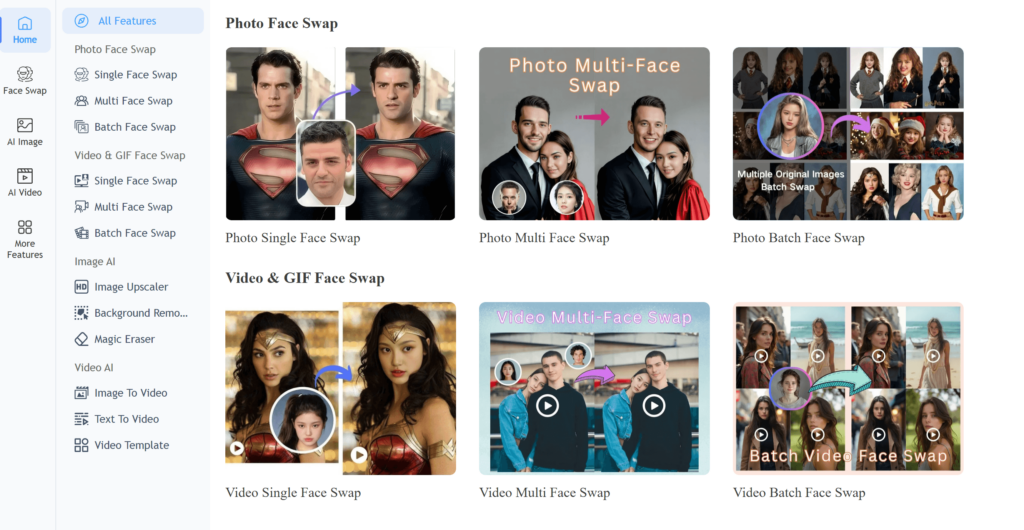
Remaker provides dedicated workflows for single-face and multiple-face photo swaps, along with video, GIF, batch, and multiple-face video processing. Its photo face swap page currently advertises no-login and no-watermark access.
The broad format coverage makes Remaker useful for people who frequently move between individual photos, group images, GIFs, and video clips. The trade-off is that users may need to switch between separate modes depending on whether the project contains one face, several faces, or multiple files.
Video processing is credit-based, and complex or longer clips may take more time than a simple photo swap. Check the current credit cost, file-size limits, export quality, and usage terms before building Remaker into a recurring production workflow.
Best fit: Users who need one platform for several face swap formats rather than a single photo-only tool.
Keep in mind: Test the exact mode you plan to use. A strong result in a single portrait does not automatically predict performance in a group image or moving video.
PixNova: Fast, No-Login Face Swap for Short Content
PixNova emphasizes a quick browser-based workflow with photo, video, GIF, and multiple-face options. Its current page advertises no-login and watermark-free access for the general face swap experience.
The platform’s current FAQ states that video face swaps are limited to a maximum of 10 seconds and that its general multi-face feature supports up to five faces. Those limits make PixNova a practical option for profile images, memes, reaction GIFs, and short social clips, but a less obvious fit for long-form or high-volume video production.
Before relying on it for client work, verify the current output resolution, upload limit, commercial terms, and whether the relevant feature requires login or a premium plan.
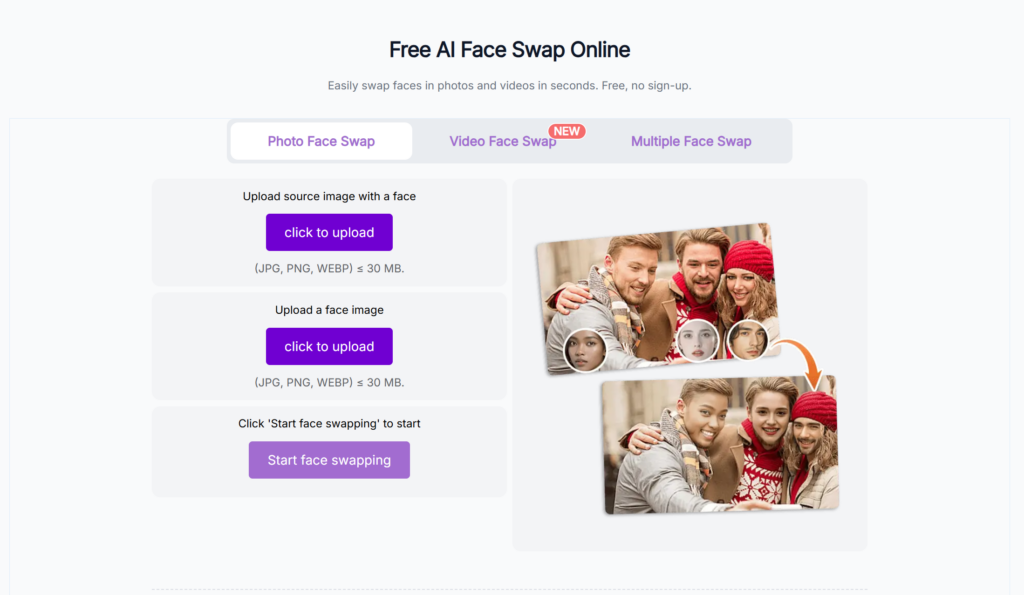
Best fit: Users prioritizing speed, easy access, and short-form face swap content.
Keep in mind: A “no watermark” statement should be checked separately for photos, videos, GIFs, and premium features rather than assumed to apply identically to every output.
Higgsfield: A Single-Face Workflow for Photos and Videos
Higgsfield supports both photo and video face swap and positions the feature around facial consistency, lighting, color matching, and production-ready output.
Its current product page states that the tool processes one face per operation. It also lists five free image face swaps per day, while video face swap is available through paid plans. This makes the workflow more suitable for individual portraits and single-subject clips than for group photos or scenes requiring several simultaneous replacements.
The article should avoid calling Higgsfield the highest-quality option unless a controlled comparison supports that conclusion. A more defensible description is that Higgsfield is positioned toward high-fidelity, single-subject output.
Higgsfield’s current official pages are not fully aligned on commercial-use wording. The product page associates commercial rights with paid Pro plans, while a newer help-center explanation says the Terms of Use do not restrict commercial use of outputs for users generally. Review the current Terms of Use before publishing client or advertising content.
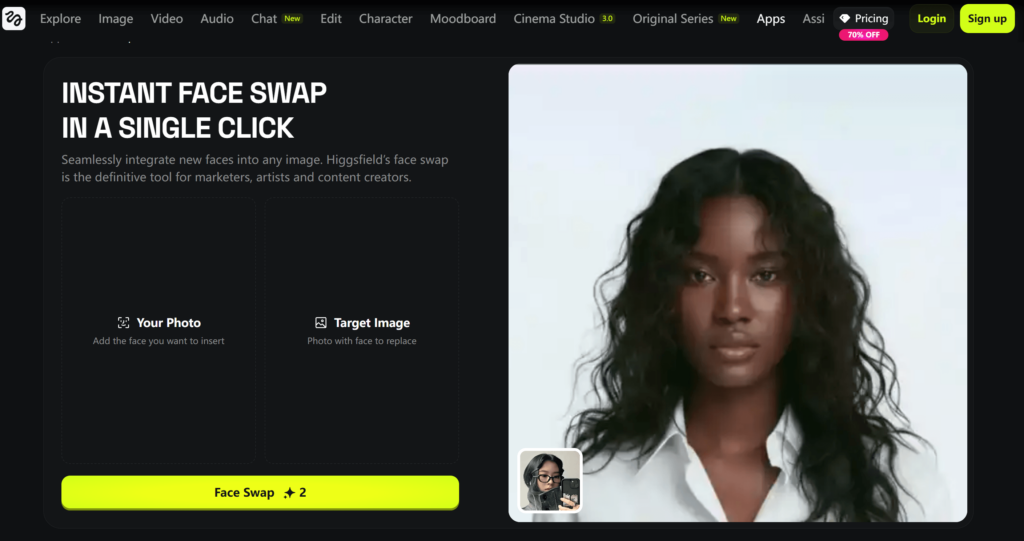
Best fit: Creators primarily working with one identifiable subject at a time.
Keep in mind: Group images require separate operations or another tool that supports direct multiple-face mapping.
Magic Hour: Video Face Swap, Multiple Faces, and API Access
Magic Hour supports face swapping in photos, videos, and GIFs. It also offers multiple-face mapping and an API for developers or teams that need to integrate face replacement into a larger workflow.
Its current video page provides three free video face swaps per day without requiring an account. Free video clips are limited to 10 seconds and 576p, and free outputs include a watermark. Paid subscribers receive watermark-free exports, longer or higher-resolution processing, and commercial-use permission.
These clearer video limits, multiple-face functionality, and API access make Magic Hour a strong feature fit for video-focused creators, agencies, and product teams. That does not automatically mean it will produce the best visual result for every clip, so test it with the motion, angle, lighting, and number of faces typical of your own content.swaps, offers multi-face video capabilities, and even provides API access for scaling production.
What sets it apart is how it handles commercial use. The platform explicitly separates personal and commercial usage: free outputs are limited to non-commercial use, while paid plans unlock commercial rights. This distinction is crucial for teams working on client projects, ads, or branded content.
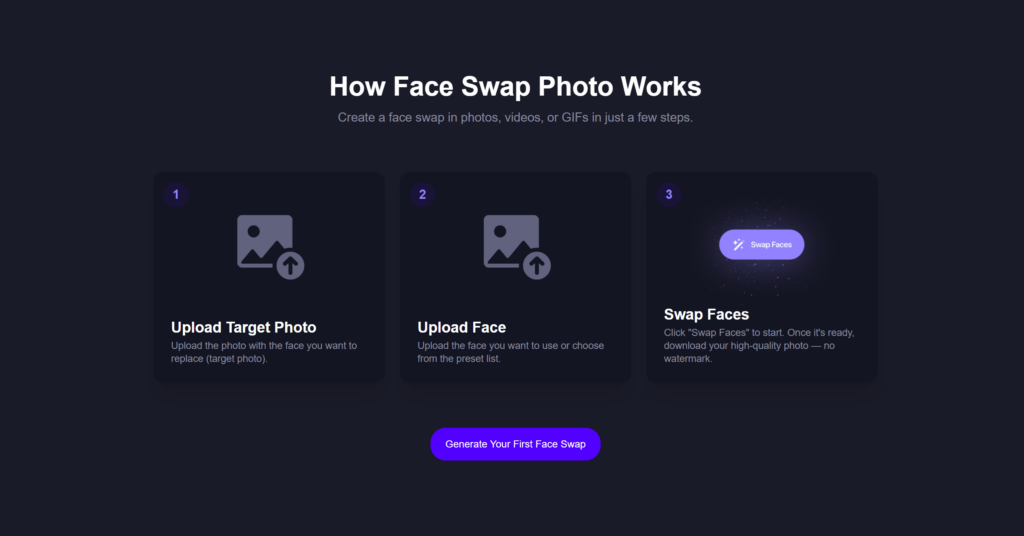
Magic Hour illustrates a three-step process: upload the target content, add a replacement face, and generate the swap.
Best fit: Video creators, teams requiring multiple-face support, and developers who need API access.
Keep in mind: Free access is suitable for testing, but watermark-free commercial output requires the appropriate paid plan.
WeShop AI: Face Swap Within an eCommerce Content Workflow
WeShop AI treats face swap as part of a broader visual-production environment rather than only as a standalone novelty tool. Its current product page describes support for photos, videos, GIFs, group images, and multiple-face scenarios.
The wider platform also includes product imagery, AI models, virtual try-on, background editing, and other eCommerce-oriented tools. For a brand already using these workflows, keeping face replacement and other visual tasks within one platform may reduce file transfers and tool switching.
Because WeShop AI publishes this comparison, this section should remain clearly labeled as first-party information. Avoid unsupported claims such as “best overall,” “most realistic,” or “industry-leading” unless they are backed by a transparent test and reproducible evidence.
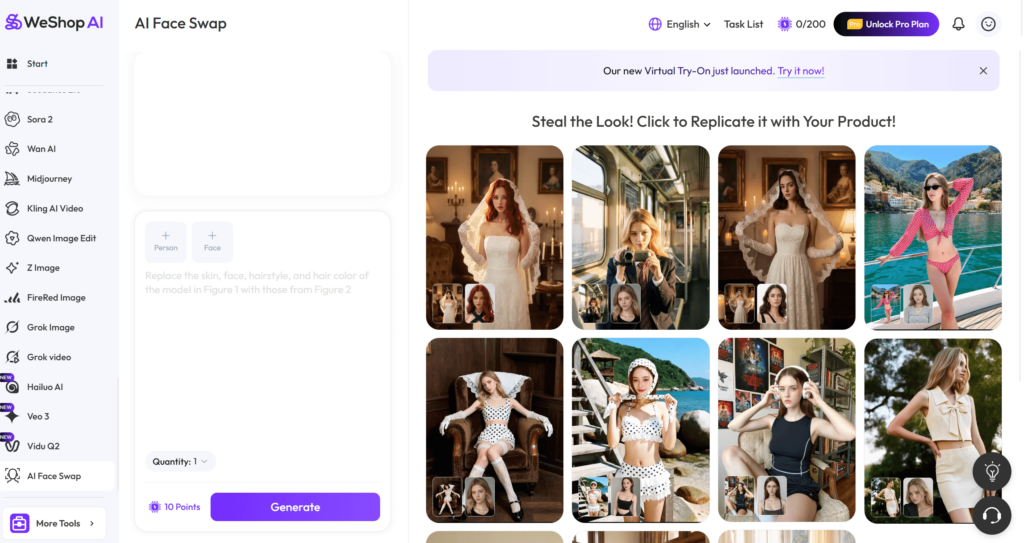
Best fit: eCommerce teams, product marketers, and brands that need face replacement to connect with a broader image-production process.
Keep in mind: Review the current plan, output rights, privacy policy, and consent requirements before using recognizable faces in commercial campaigns.
Which AI Face Swap Tool Should You Choose?
Choose Remaker when you need broad support across individual photos, group images, GIFs, and videos and do not mind moving between dedicated modes.
Choose PixNova when quick, no-login access for photos, GIFs, and short clips matters more than long-form video controls.
Choose Higgsfield when your workflow normally contains one subject and you want a focused photo-and-video face swap process.
Choose Magic Hour when multiple-face video, clear free-video limits, commercial paid plans, or API integration are priorities.
Choose WeShop AI when face swap is one stage in a wider eCommerce, product-image, virtual-model, or branded-content workflow.
Before paying for any tool, test at least three representative inputs:
- A clear, front-facing portrait in neutral light.
- A side angle or image with hair partly covering the face.
- A low-light, moving, or multiple-person scene similar to your real production material.
A platform that performs well on the first image may struggle with profile angles, motion blur, occlusion, facial hair, glasses, strong shadows, or rapidly changing expressions.
Privacy, Consent, and Commercial Use
AI face swap should only be used with faces, images, and videos that you have the right to process and publish.
Before uploading or distributing face-swapped content:
- Obtain permission from recognizable people whose faces are used.
- Confirm that you own or license the source image, video, music, logos, and other visible assets.
- Review how long uploads and generated outputs are retained.
- Check whether inputs or outputs may be used for model training.
- Confirm whether commercial use is permitted under the exact plan being used.
- Avoid using face swap to impersonate, defraud, harass, or mislead someone.
- Label altered or synthetic media where required by a platform, contract, campaign policy, or applicable rule.
- Keep records of licenses, consent, generation dates, and relevant plan terms for commercial projects.
A tool’s commercial-use permission does not give you ownership of another person’s likeness, copyrighted footage, trademarks, costumes, characters, or other third-party intellectual property.one.
FAQ: AI Face Swap Tools
Are AI face swap tools free to use?
Many AI face swap tools offer free access, but “free” does not mean unrestricted. Limits may include daily generation caps, short video durations, reduced resolution, watermarks, slower processing, or non-commercial licensing.
Check the limits for the exact format you need. A platform may offer free photo swaps while applying different rules to video, GIF, multiple-face, or high-resolution exports.
Which AI face swap tool is best for video?
There is no universal winner for every video. Magic Hour offers a clearly documented video workflow with multiple-face support and API access, while Remaker also supports single-face and multiple-face video modes. Higgsfield supports video but processes one face at a time, and PixNova’s general free video workflow currently limits clips to 10 seconds.
The better choice depends on clip length, number of faces, motion, export resolution, watermark requirements, processing budget, and commercial rights.
Can I use AI face swap results commercially?
It depends on the tool, plan, source content, and applicable terms. Some platforms permit commercial use only on paid plans, while others describe broader output rights.
Even when the platform permits commercial use, you remain responsible for obtaining the necessary rights to every person, image, video, logo, character, soundtrack, and other asset in the final content.
What makes an AI face swap look realistic?
The most important factors include compatible face angles, adequate input resolution, unobstructed facial features, consistent lighting, natural skin-texture blending, accurate jaw and hairline edges, and stable frame-to-frame tracking in video.
Clear, front-facing source images usually produce more predictable results than blurry photos, extreme profiles, covered faces, heavy filters, or strong directional shadows.
Can AI face swap tools replace several faces in one image?
Some tools support multiple-face replacement, but the maximum number and workflow vary. Remaker provides dedicated multiple-face modes, PixNova’s current general tool supports up to five faces, Magic Hour supports multiple-face mapping, and Higgsfield currently processes one face per operation.
Are uploaded photos and videos private?
Privacy practices differ by platform. Review the privacy policy and product-specific retention information rather than relying only on general marketing language.
For sensitive, client-owned, or unreleased content, confirm storage duration, deletion controls, model-training use, employee access, and available business or enterprise agreements before uploading files.
Final Thoughts
The best AI face swap tools in 2026 are built for different types of work.
Remaker offers broad format and multiple-face coverage. PixNova emphasizes fast, accessible short-form creation. Higgsfield provides a focused single-subject workflow. Magic Hour offers a more developed video, multiple-face, and API feature set. WeShop AI connects face swap with eCommerce and branded visual production.
Instead of choosing a tool based only on a “best overall” label, compare the formats, free limits, video restrictions, privacy practices, commercial-use terms, and production features that matter to your own workflow.
For the most reliable decision, use the same source face and target material across your shortlisted tools, keep the original outputs unedited, and document the settings, processing time, resolution, watermark, and plan used for every result.
Go to WeShop AI For Exploration: