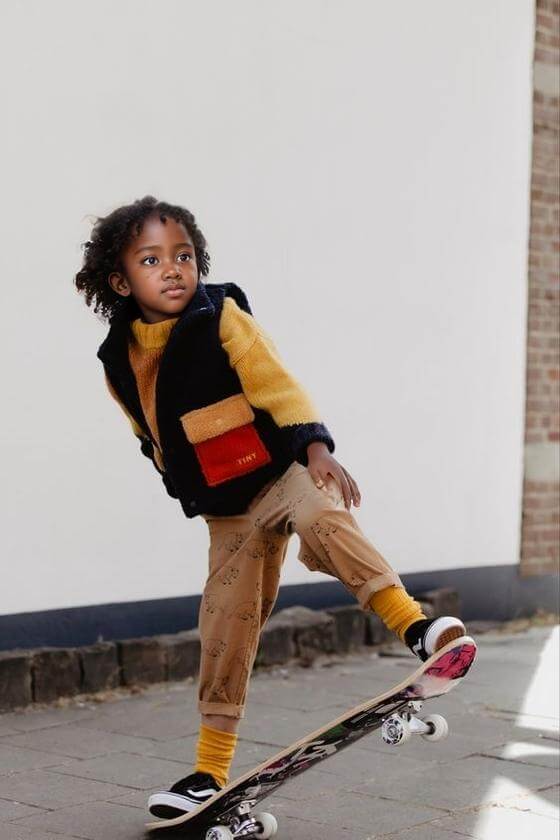
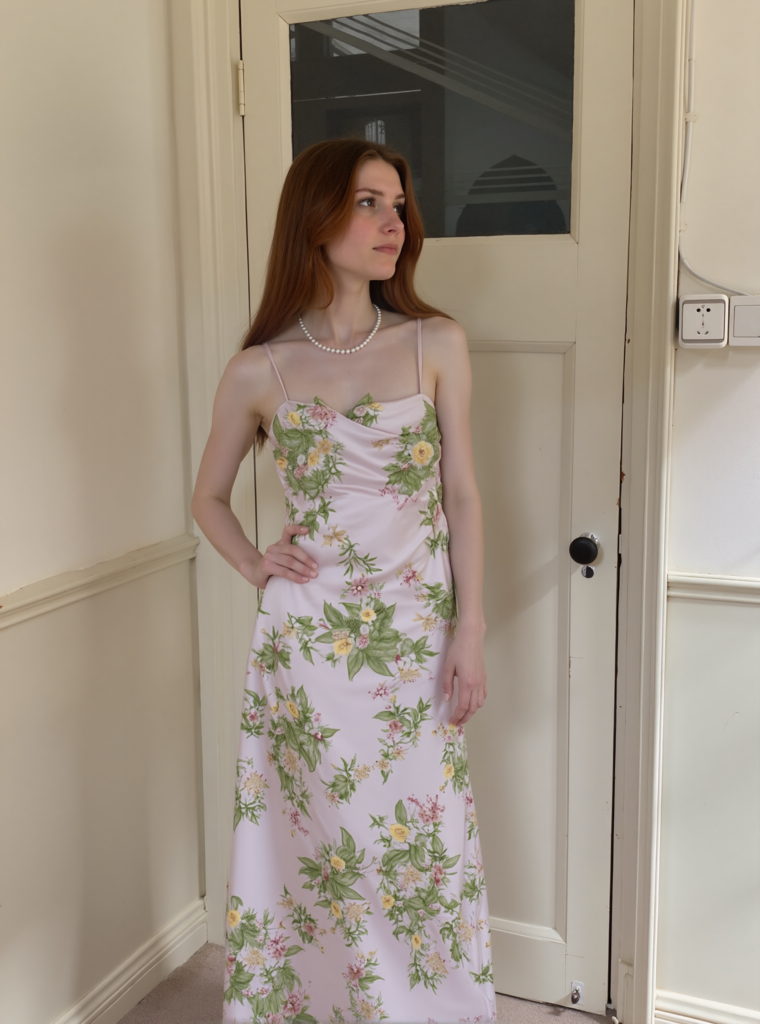
The phrase free AI image generator no restrictions sounds simple. In real use, it can mean many things. A seller may want more choice in model look, pose, size, or setting. Another user may mean no watermark, no credit cap, or broad rights to use the image. Those claims do not mean the same thing.
For fashion teams, choice is only one part of the decision. The image must still show the real product. The seller must also check the plan, export terms, use rights, site rules, and quality. Therefore, “no restrictions” should never mean “no review required.”
WeShop AI Fashion Model can turn flat-lay clothing and product shots into on-model images. It also lets users guide model style, size, pose, background, and brand mood. However, the key question is not whether every limit has gone. It is which work limits the tool can cut while keeping the item true to the source.
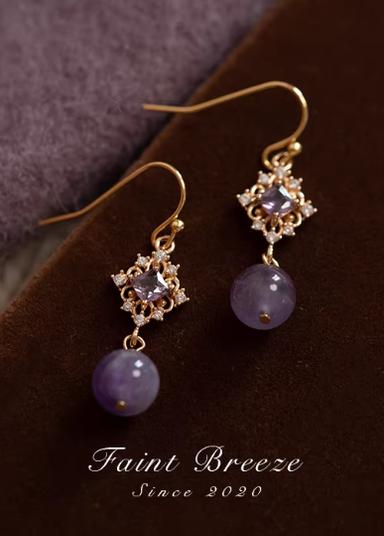
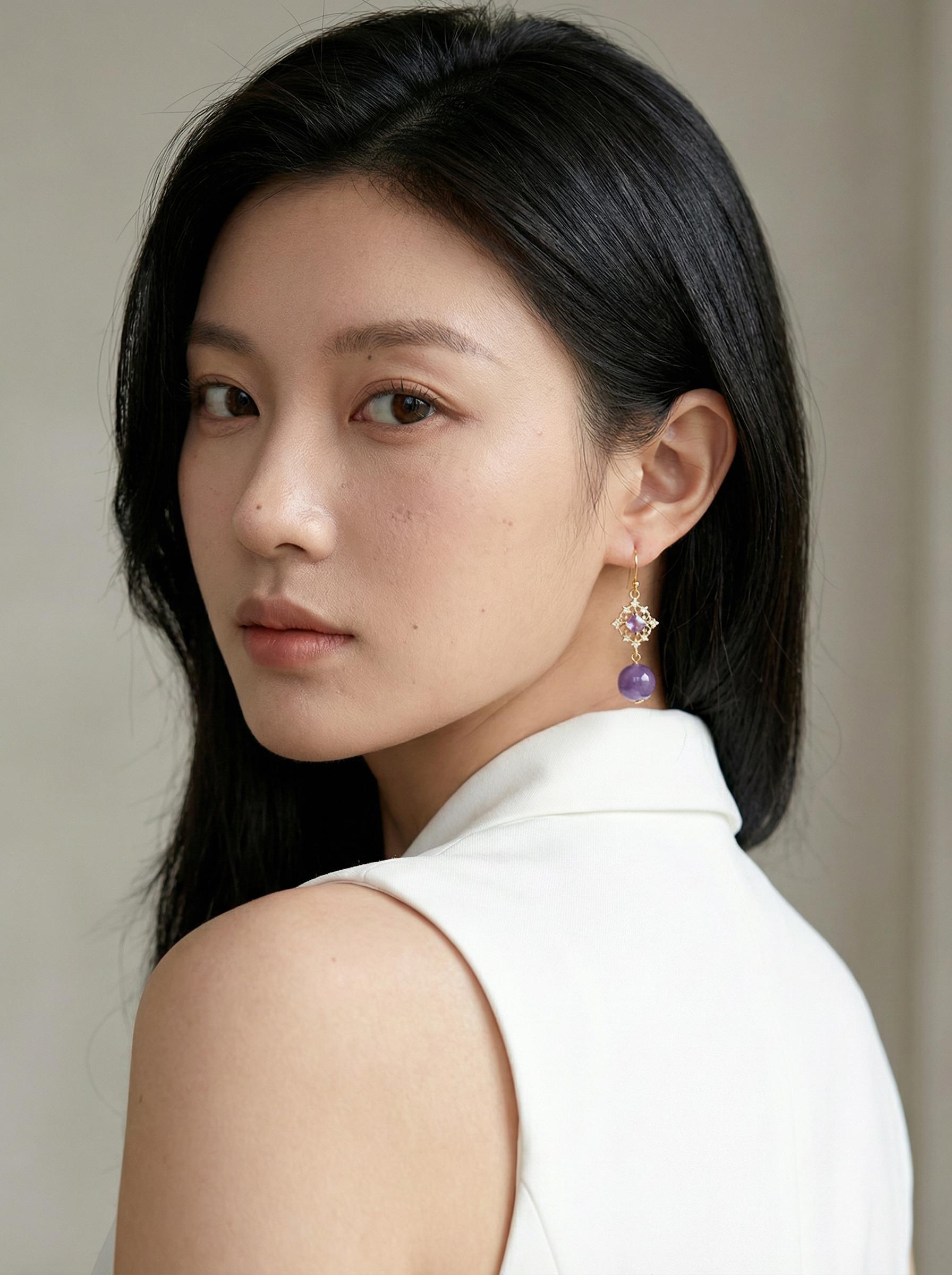
Before: Product flat-lay image — static, lifeless, zero emotional pull → After: AI-generated model — elegant pose, studio-quality lighting, zero photoshoot
The first image pair sets the standard for this guide. Do not judge the result only by how real it looks. Instead, compare the source item with the AI image. Check its color, shape, details, scale, and role in the shot. If it no longer looks like the same item, the edit has gone too far.
A Free AI Image Generator No Restrictions Claim Needs a Definition
Before choosing a tool, split the claim into five types of limits. This stops a broad sales phrase from hiding a key tradeoff.
| Type of limit | What the user should ask | Why it matters |
|---|---|---|
| Access | Is there a free trial, free credit, or ongoing free use? | “Free” may describe entry access, not unlimited production. |
| Creative control | Can the user guide model style, pose, size, and setting? | More control helps a brand match its customer and campaign. |
| Output | Are resolution, watermark, file, or export rules stated? | These details affect where the image can be used. |
| Usage | Do current terms allow the intended commercial use? | A downloadable image is not automatically cleared for every purpose. |
| Quality | Does the product remain accurate after generation? | A polished image can still contain a wrong color, print, seam, or logo. |
Check these points in the live product and terms pages before a large campaign. Plans and controls can change. As a result, this guide does not promise endless credits, a fixed output size, no watermark, or the same use rights in every case.
The next pair shows a broader change. A clothing input becomes an on-model shot in an urban setting. This can cut the need to build each scene from scratch. Yet the backdrop is not the main product. The garment must still lead the frame.
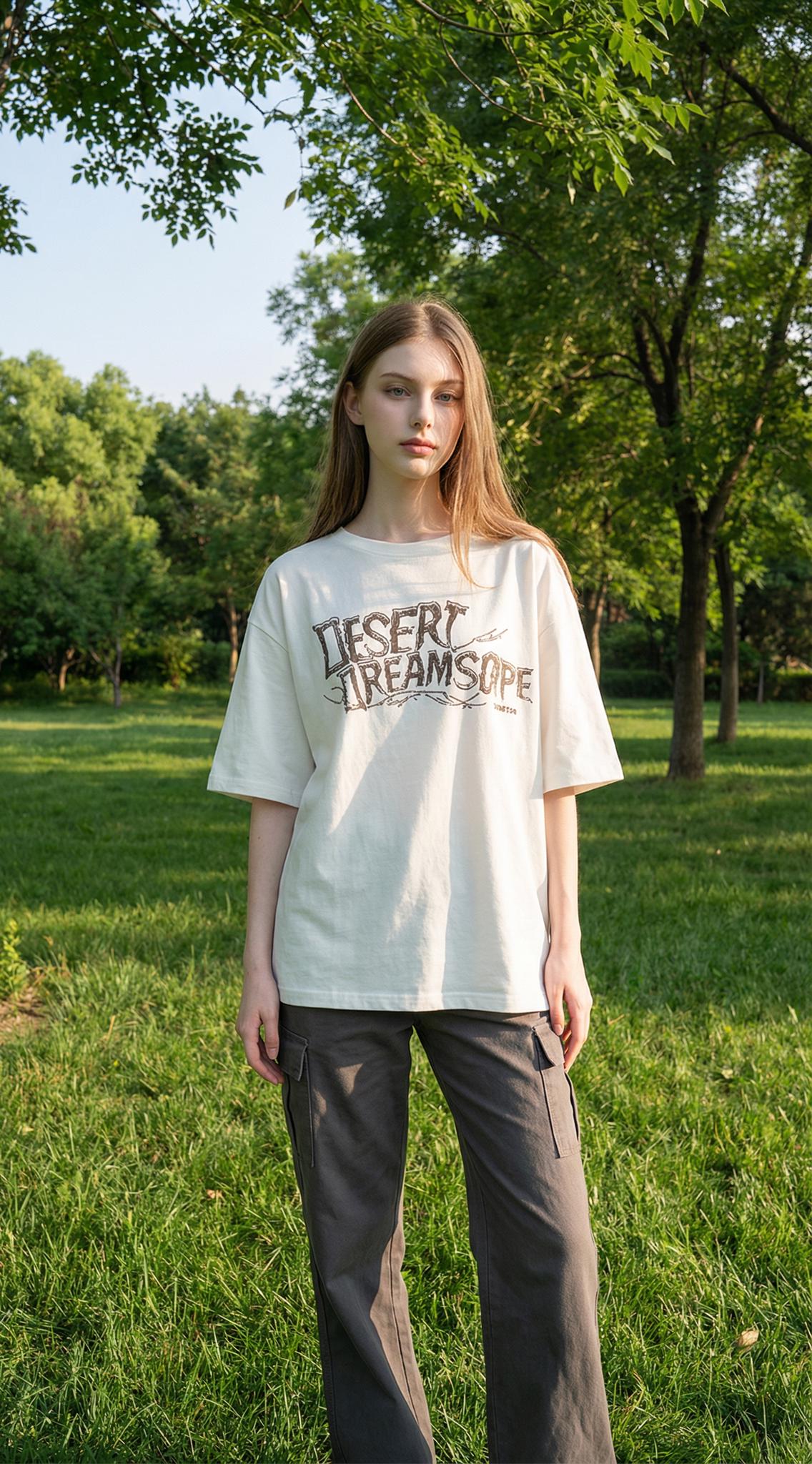
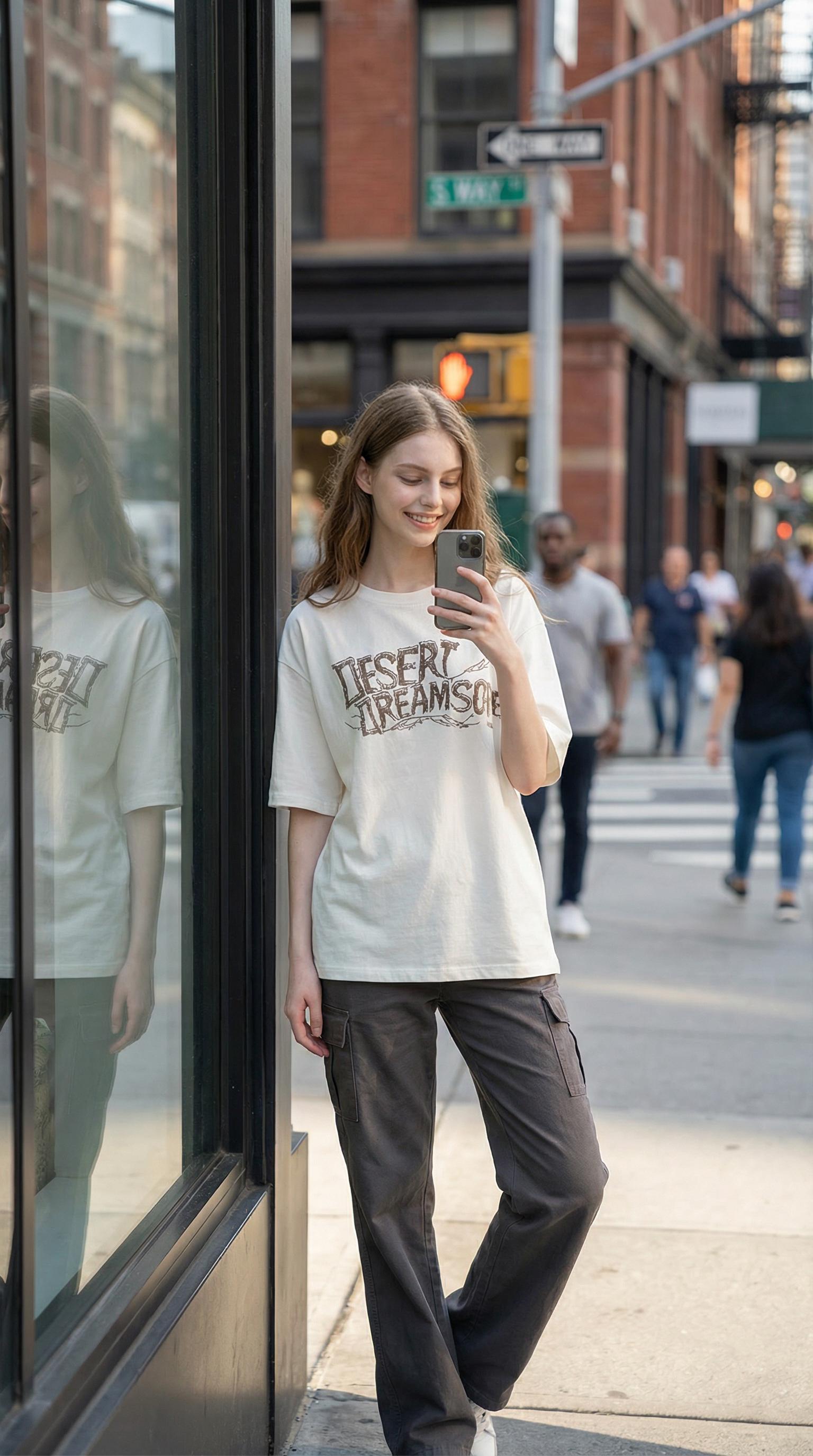
Before: Garment product photo — no model, no context, no story → After: AI places the outfit on a model in an urban streetwear setting — glass storefront backdrop
Audit 1: Product Fidelity Comes Before Freedom
Fashion images carry product facts. A buyer may rely on the neckline, sleeve length, pocket, print scale, color, or fabric feel. Therefore, each AI image should be checked against the source before it reaches a product page.
Can a Free AI Image Generator No Restrictions Workflow Preserve the Item?
Use a short “must preserve” list for every garment. For example:
- exact base color and print placement;
- neckline, collar, sleeve, and hem shape;
- buttons, pockets, fasteners, and visible labels;
- fabric texture and level of shine;
- product length and overall proportion.
Next, view the input and result side by side. Zoom in where the body bends the garment. Check the shoulders, waist, hips, elbows, and knees. A fold may move with the pose. However, a pocket should not vanish. A print should not turn into a new design.
For a marketplace main image, an exact product may matter more than mood. In contrast, a social ad can allow more scene detail. Even then, the item must be easy to spot.
Audit 2: Movement Is a Product Test, Not Decoration
Activewear often looks more useful in motion than on a flat surface. A run or walk can show stretch, fit, and range. At the same time, motion can cause more errors in hands, feet, fabric pull, and body balance.
Treat the activewear pair below as a stress test. First, check if the outfit still matches the source. Then, inspect the stride, arm pose, shoe contact, and fabric near the joints. Finally, ask if the motion shows how the item works. It should not exist just to add drama.ewear is capturing movement. Studio shots feel static; outdoor shoots require timing, weather, and athletic models. AI generation bypasses all three constraints simultaneously.
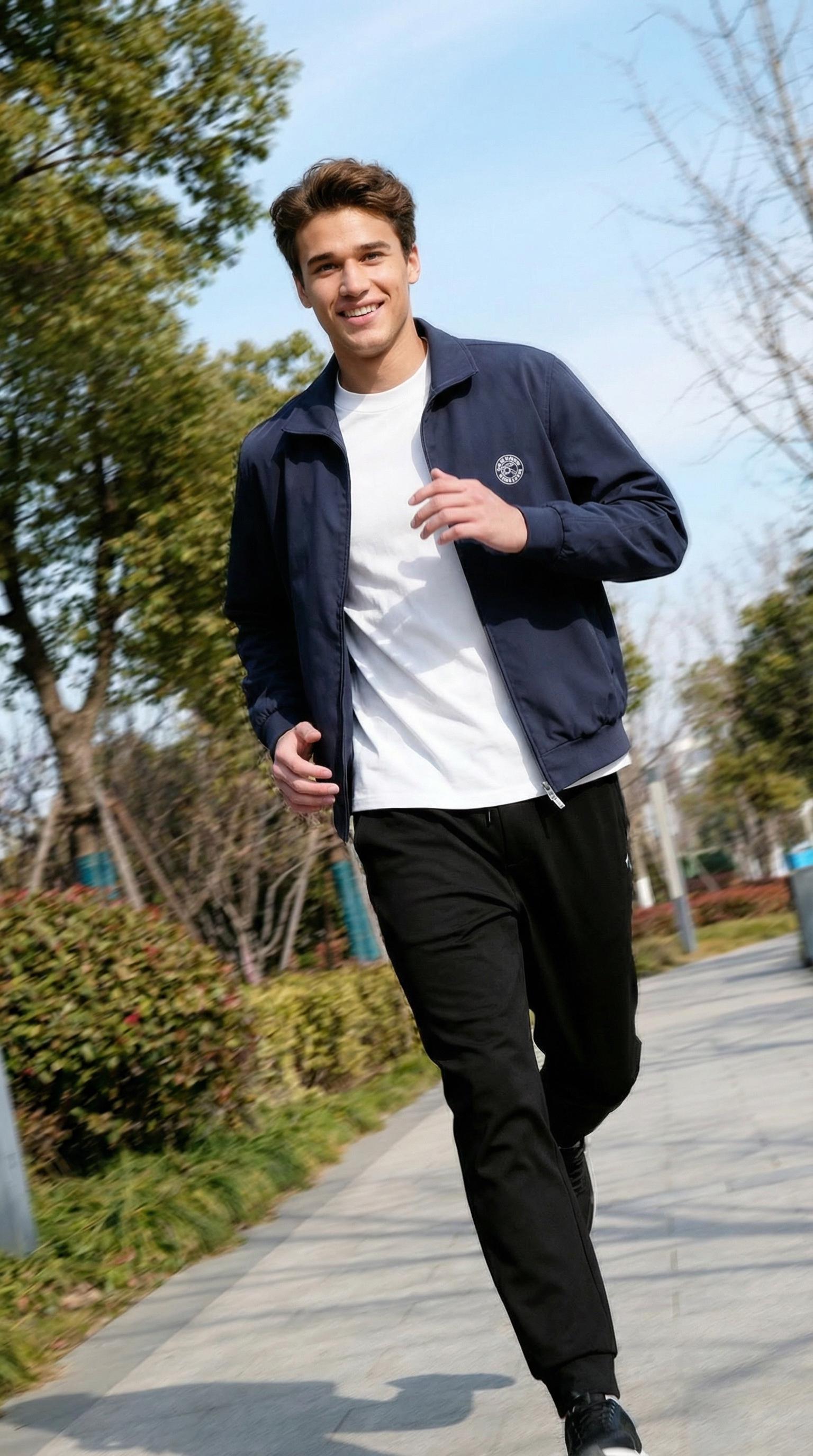
AI generates a jogging male model on a tree-lined path — fabric tension, mid-stride dynamics
A useful brief names the action. It also protects the product. For example: “adult model in a mid-stride pose, arms in balance, soft outdoor light, full outfit in view, keep the garment color, panels, logos, and seams.” Use this as art direction. Do not assume each output is final.
Audit 3: Scene Freedom Can Create New Errors
Changing the setting can help a range tell a clear story. Resort clothing may suit a beach. Workwear may suit a clean indoor space. However, each scene changes the light, color, shade, and contrast around the item.
The resort pair asks one clear question: does the new scene support the clothing without changing it? Look at light fabric, edges, skin contact, and overlap with the backdrop. Also, compare the product color under the new light. Warm sun should not turn a neutral fabric into a new colorway.
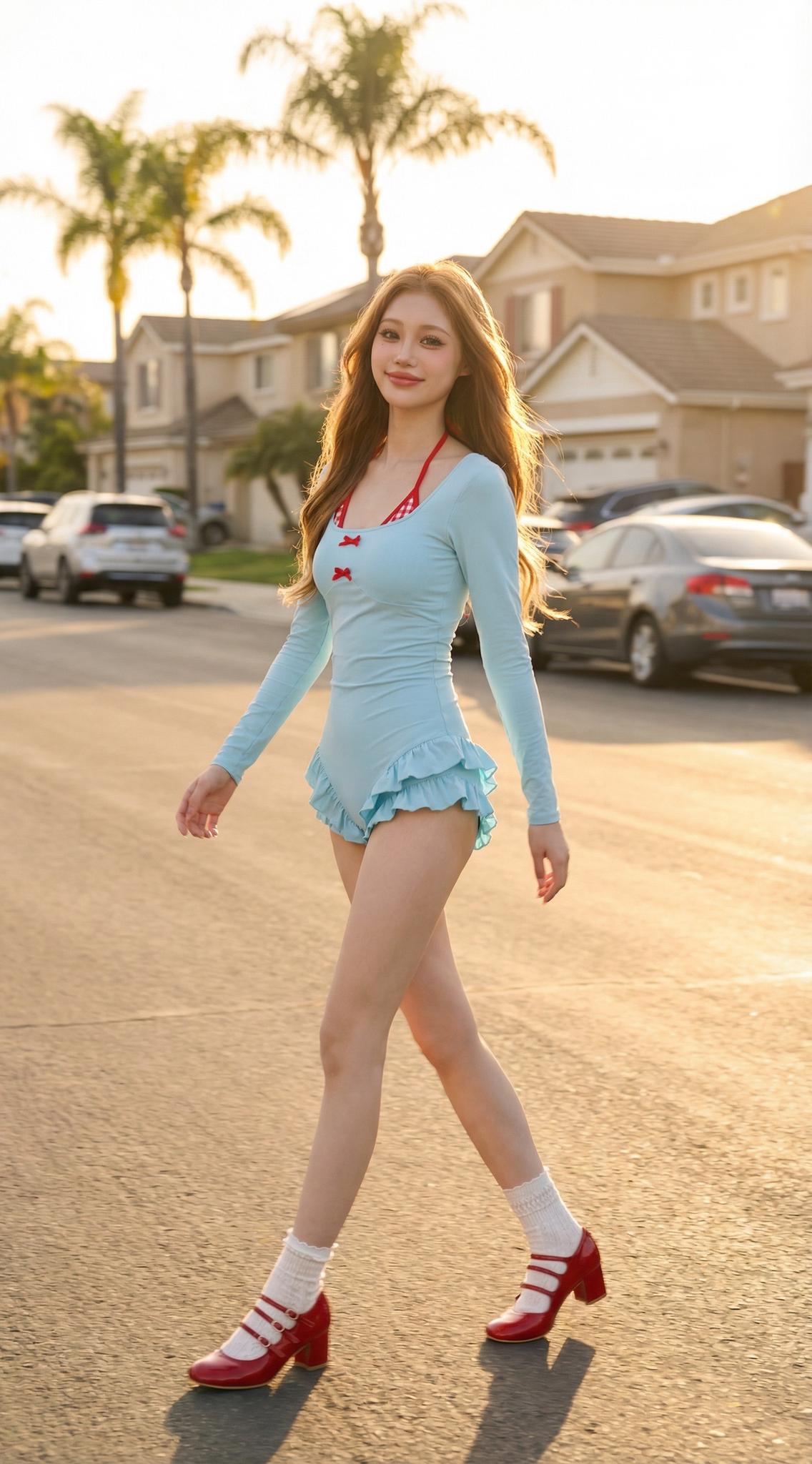
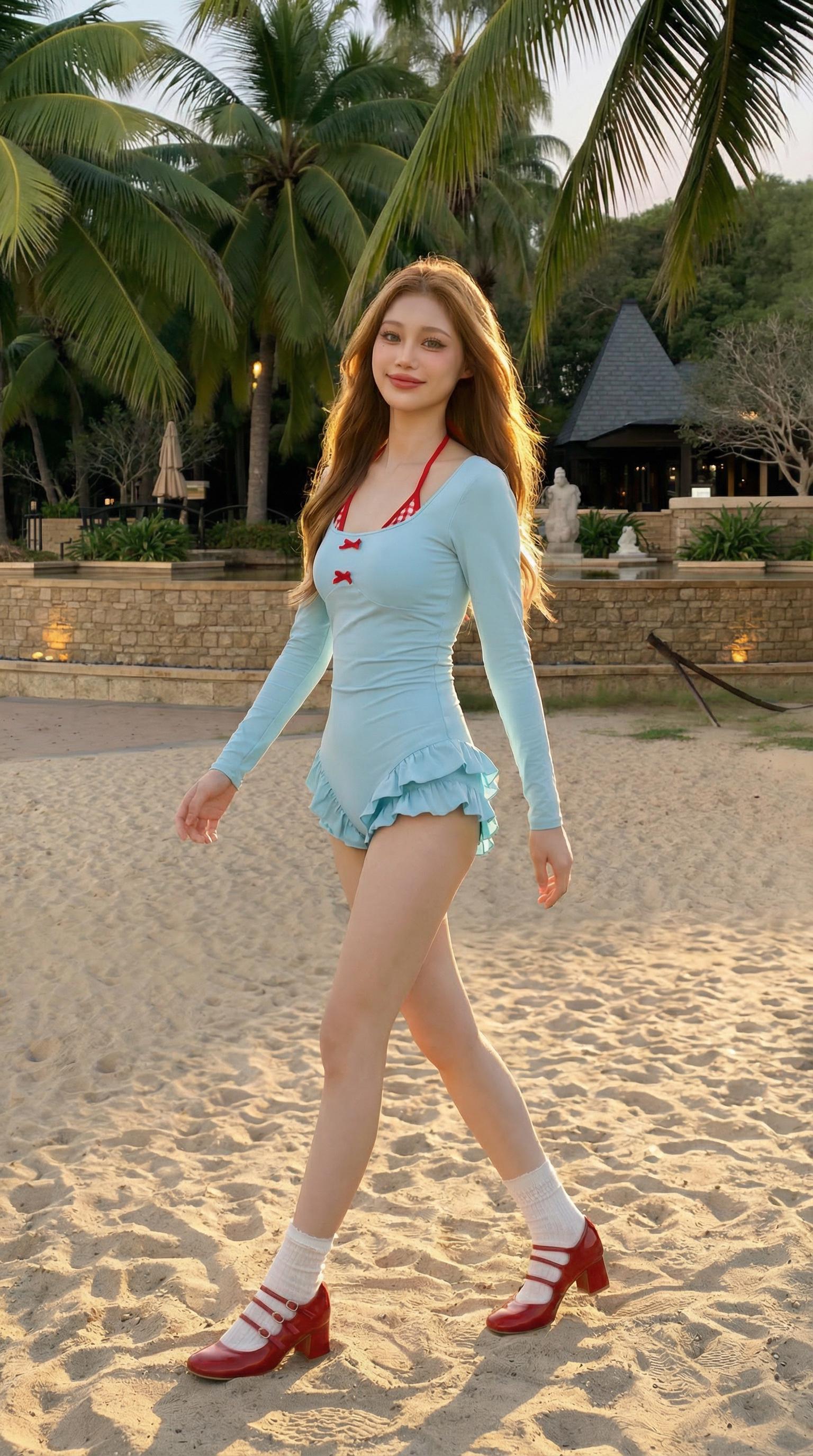
Before: Resort-wear product — gorgeous fabric but zero atmosphere → After: AI generates a model strolling along a sandy beach — sun-kissed lighting, ocean backdrop
Instead of asking for “any background,” give the scene one job. A beach can suggest travel and ease. A plain studio can keep focus on fit. Meanwhile, a modern building can suit formal clothing. Choose one goal. Then, keep the camera angle, light, and brand colors the same.
Free AI Image Generator No Restrictions Still Needs Review
No scene removes the need for a close check. Inspect hands, feet, faces, garment edges, shadows, glare, and objects that appear twice. Also, check all text and logos. If a brand mark changes, fix that area before you publish.
Audit 4: Brand Control Means Repeatability
One strong image is useful. A style that works again is worth more. Fashion teams often need product-page shots, campaign headers, store assets, email banners, and social crops. Therefore, the model direction should work across more than one frame.
Use the formalwear pair below to test that idea. Note the model, pose, backdrop tone, light, and camera height. Then ask if the same choices could work for the next suit or jacket without changing the brand mood.
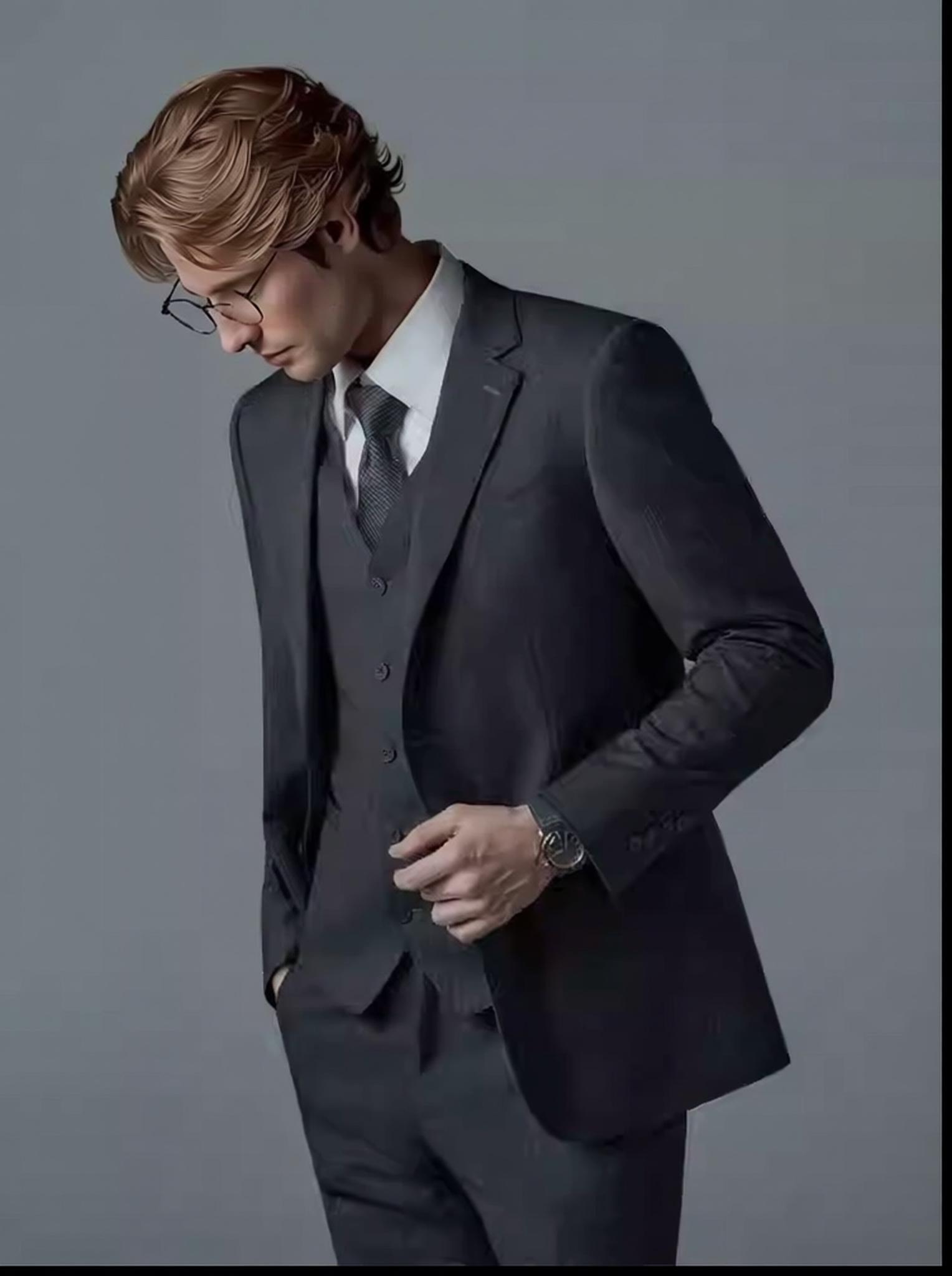
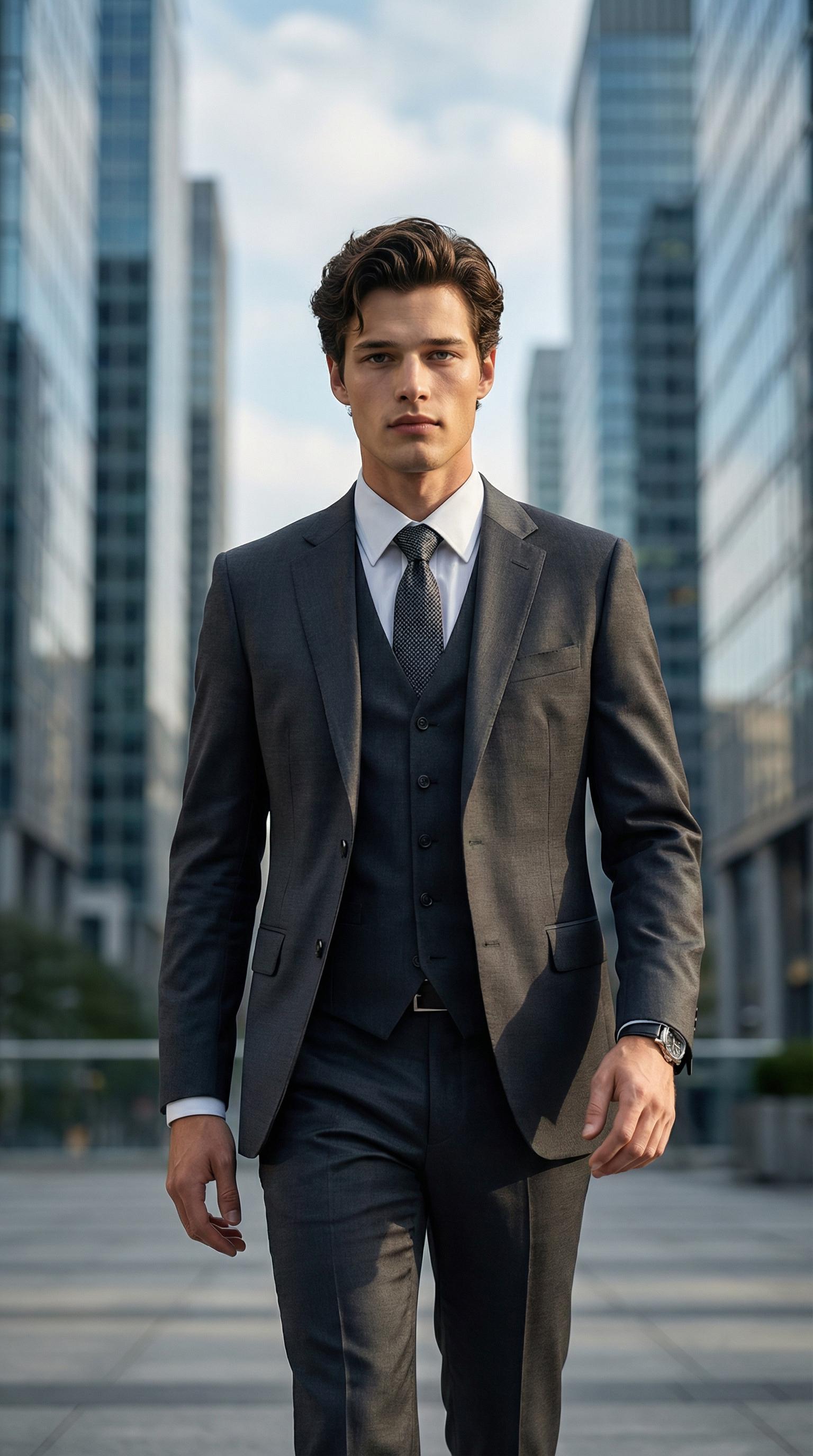
Before: Menswear suit product image — impressive garment, no human context → After: AI generates a confident businessman in a modern lobby — precise tailoring preserved
Create a small direction card for the range. Record the model style, pose type, backdrop, light, camera distance, crop, and brand colors. Then use the same card for related items. As a result, the outputs are easier to compare and choose.
A Production Brief Is More Useful Than “Unlimited”
Creative range has value only when it serves a real asset. Before you create an image, define the target and its rules.
| Deliverable | Main priority | Key review |
| Product page | Garment truth and fit | Compare every product detail with the source. |
| Marketplace listing | Clear product presentation | Check crop, background rules, and platform policy. |
| Lookbook | Visual rhythm across a collection | Keep model direction, light, and framing consistent. |
| Social ad | Fast message and strong crop | Protect the product and leave safe space for copy. |
| Campaign concept | Art direction and mood | Treat the image as a concept until product details pass review. |
This plan also stops teams from adding tools with no clear need. Start with AI Fashion Model when the task is to turn a garment image into an on-model shot. Add Change Pose only when the campaign needs a new pose. Use a background tool only when the scene must change. Finally, use AI Photo Enhancer after the body and product checks pass.
Where AI Fits Beside Traditional Fashion Photography
AI fashion images and real photography solve different work needs. AI can help with concept tests, catalog options, local ideas, long-tail products, and early art direction. It can also help small teams test more choices before a shoot.
Real photography still matters when a campaign needs a named person, exact art direction, real product proof, hard physical contact, or a recorded set. Therefore, the stronger claim is not that AI has removed each barrier. It is that AI gives fashion teams another route.
Use that route with clear review gates. Approve the source first. Then check the product, body, scene, brand style, and site fit. Only then should the team create more versions.
Free AI Image Generator No Restrictions: A Better Standard
A useful view of creative freedom is not “anything, with no limits.” It is the room to test model style, pose, size, background, and mood while keeping the product true and the work clear.
If you are searching for a free AI image generator no restrictions, check what “free” covers today. Review credits, export rules, watermark status, terms, and use rights. Then test the tool with your own garment image. A clear product match is more useful than a broad promise.
WeShop AI Fashion Model can help clothing brands turn product shots into on-model images for online stores and campaigns. Use the five image checks in this guide to judge the result. More choice has value. However, product truth, rights, safety, and close review still decide if an image is ready to publish.nt than traditional methods.
© 2026 WeShop AI — Powered by intelligence, designed for creators.