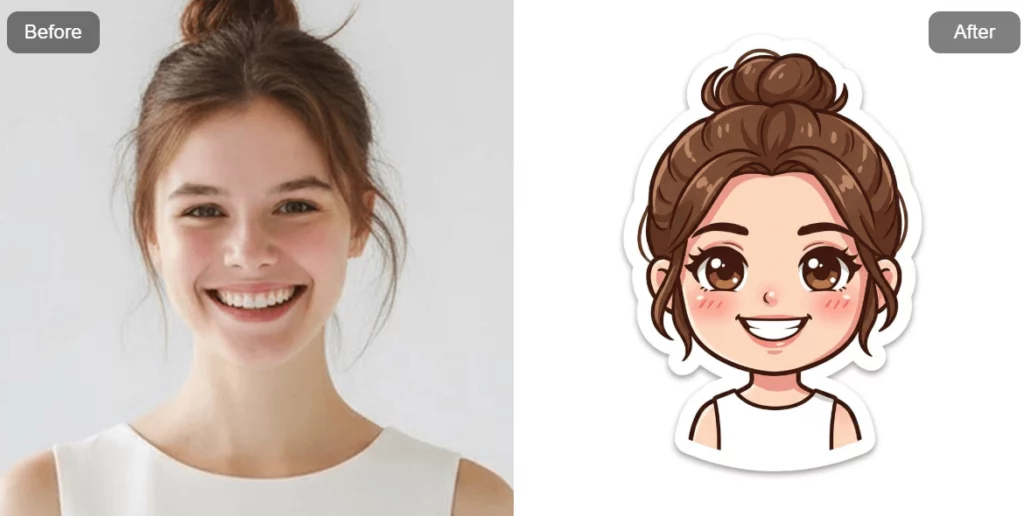
Chibi art has always been easy to love. It feels cute, expressive, and instantly recognizable. Now, with Weshop AI Chibi Maker, creating a chibi character becomes simple, fast, and fun. No drawing skills are needed. No design background is required. Everything is powered by AI.
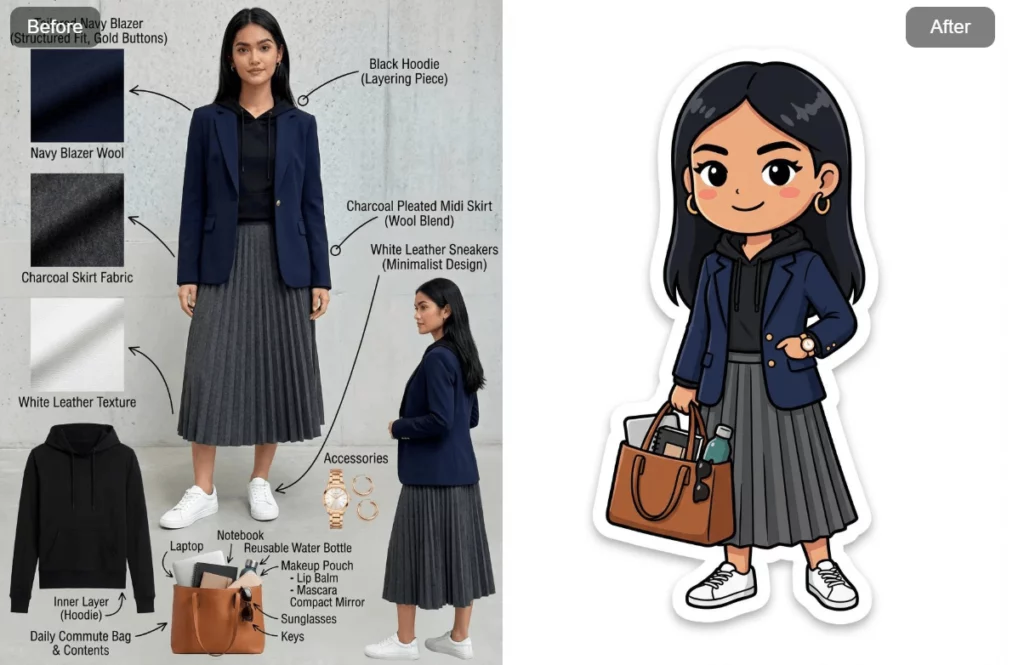
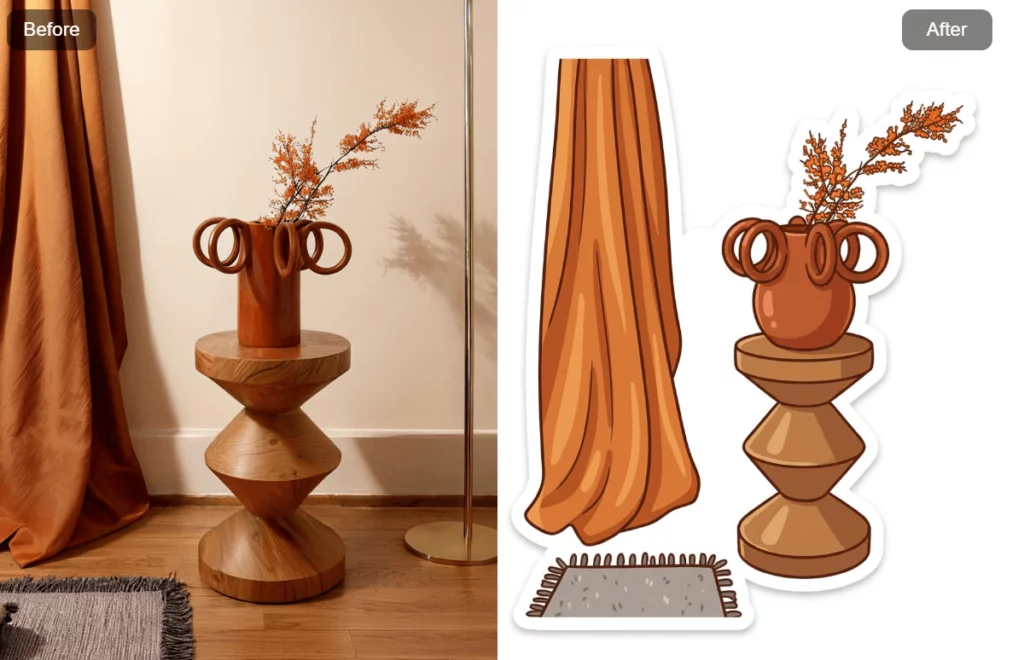
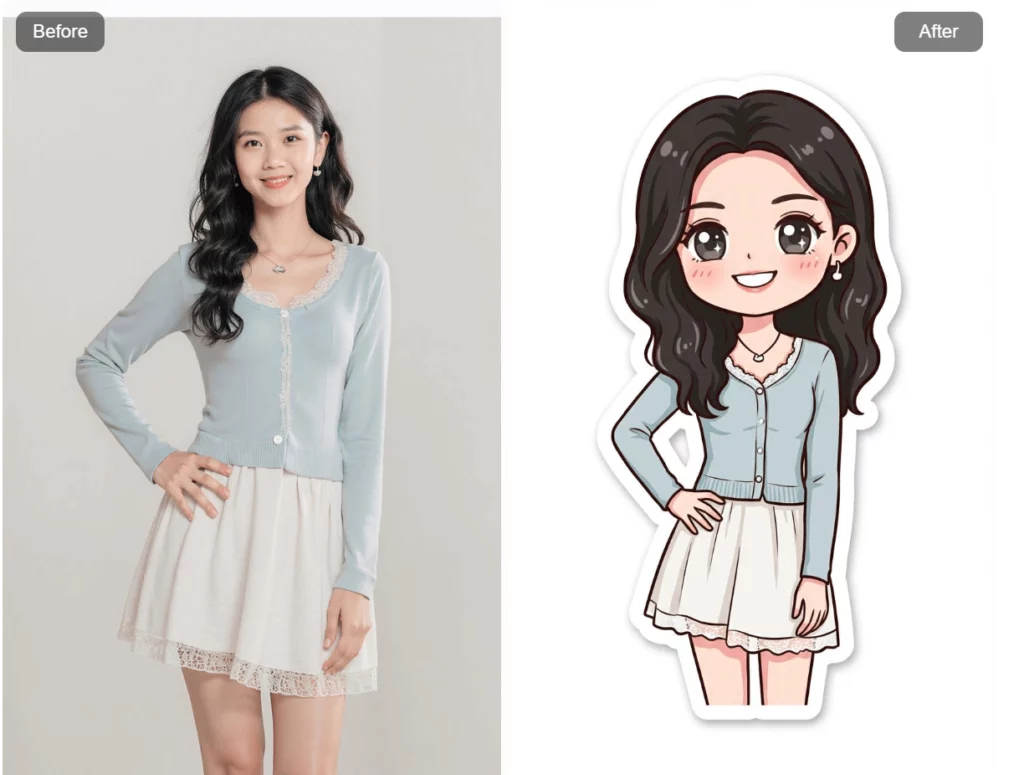
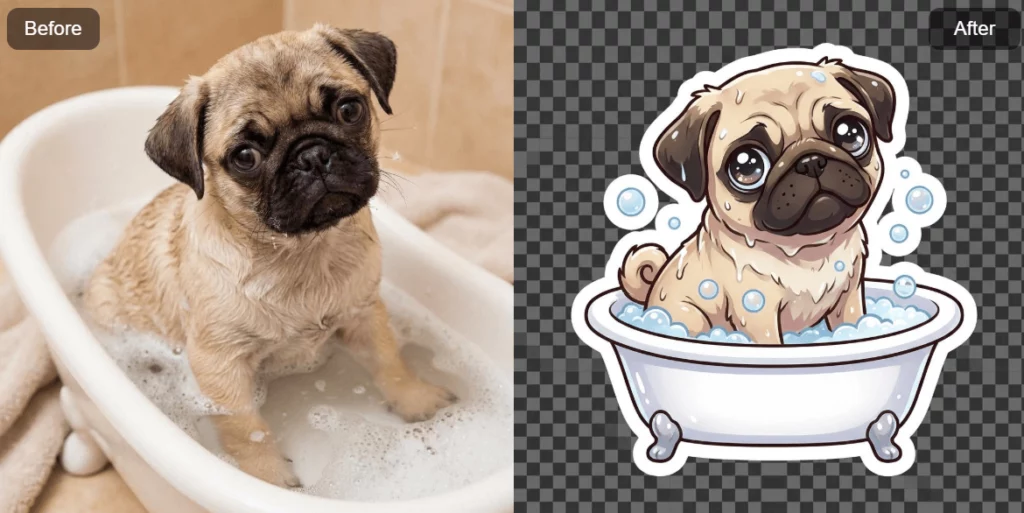
This AI chibi generator allows you to turn real photos into adorable chibi characters. A selfie works. A social media image works. E-commerce model photos work. Even pets, objects, or furniture can become a chibi version. The entire process happens online, and results appear in seconds.
In this guide, we’ll explore how the chibi maker works, how AI chibi art is generated, and how you can use this online chibi maker to create avatars, stickers, content assets, and personalized chibi art.
What Is a Chibi Character and Why It’s Everywhere
Chibi is a popular Japanese art style deeply connected to anime and manga culture. The word itself means small or short. Visually, a chibi character usually has a large head and a tiny body. Because of this, chibi characters feel cute, playful, and emotionally expressive.
Over the years, chibi art has moved far beyond anime fandoms. Today, you’ll see kawaii chibi designs across the internet. They appear as avatars, stickers, thumbnails, fan art, and even brand mascots. Platforms like Instagram and TikTok are filled with cute chibi characters used for content creation and personal branding.
The reason is simple. Chibi art feels friendly. It lowers distance. It creates instant emotional connection. With the rise of AI chibi tools, creating this style is no longer limited to artists. An AI chibi maker now makes chibi art accessible to everyone.
AI Generator and Chibi Maker from Photo: Turn Photos into Adorable Chibi Art
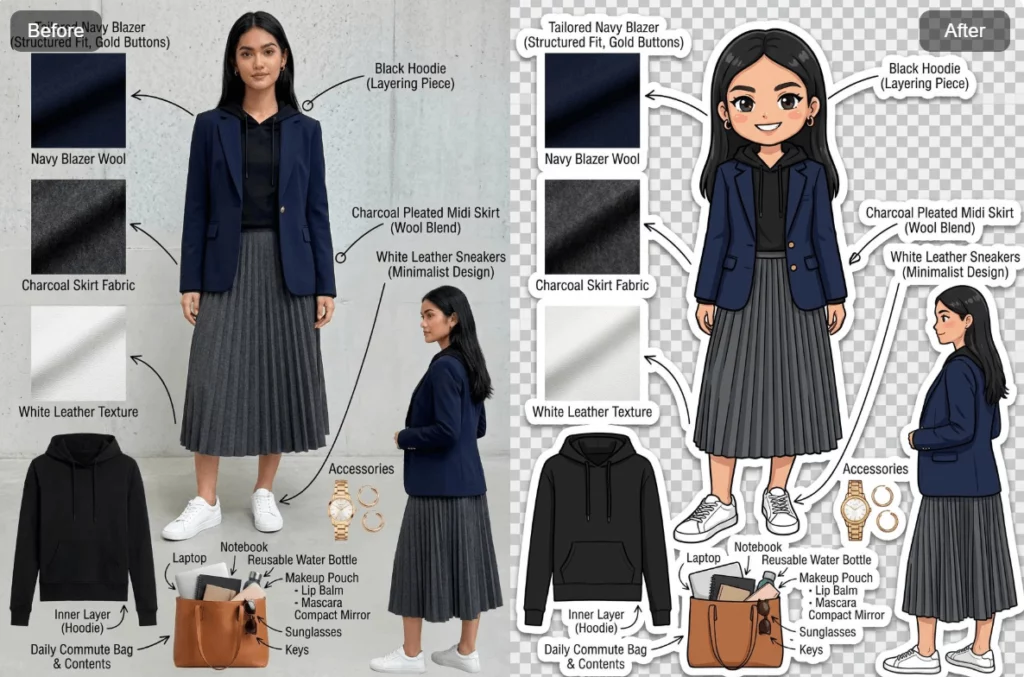
The core feature of Weshop AI Chibi Maker is its ability to transform photos into chibi art. This chibi maker from photo workflow is designed to be as smooth as possible.
First, you upload a photo. This can be a selfie, a portrait, an AI photo, a pet image, or even a product or furniture photo. Once uploaded, the image becomes the base for the chibi art generator.
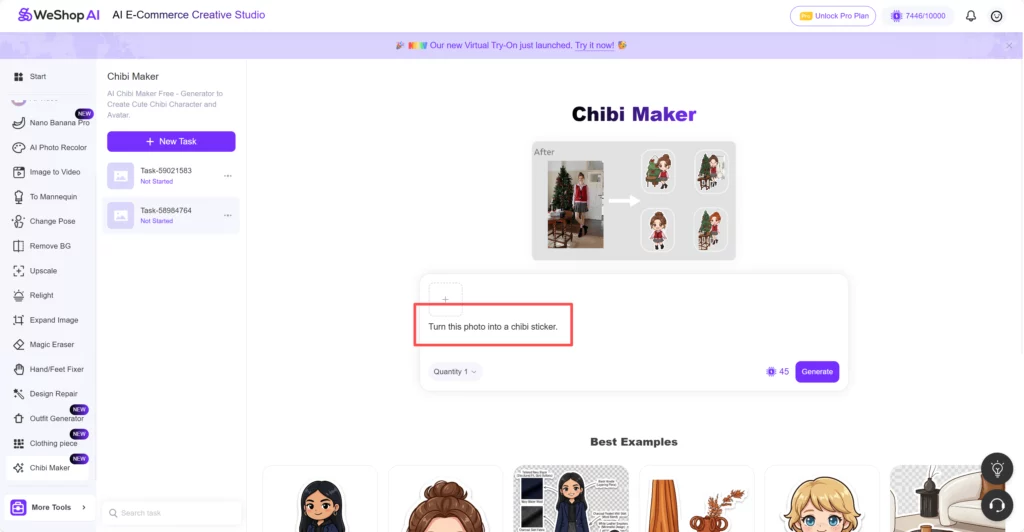
Inside the prompt box, you’ll immediately see a preset line:
“Turn this photo into a Chibi sticker.”
This default prompt means you can start instantly. Without typing anything, simply click Generate. The AI generator analyzes the image using advanced algorithms and produces a chibi image in seconds. This process turns photos into adorable chibi art with almost no effort.
Because this is an online chibi maker, everything runs directly in your browser. No downloads. No extra tools. Just fast and intuitive creation.

Step by Step: How to Use the Chibi Maker AI to Turn Photos into Adorable Chibi Art
Step 1: Open Weshop AI and Find the Chibi Maker Generator
First, enter the Weshop AI platform.
On the left-side task bar, you will see a list of available AI tools. Scroll through the menu and click Chibi Maker to enter the online chibi maker workspace.
This is where all chibi creation happens. The interface is clean and beginner-friendly, so you won’t feel overwhelmed. Once you’re inside, you’re ready to start creating chibi art instantly.

Step 2: Upload Your Image to the Chibi Maker from Photo
Next comes the most important step: upload your image.
The chibi maker from photo supports a wide range of images. You can upload:
- A portrait or selfie
- A photo from Instagram or TikTok
- An e-commerce model image
- A pet photograph
- An image of an object or furniture
No matter what you choose, the AI chibi maker will analyze the image and prepare it for transformation. This flexibility makes the chibi art generator useful for both personal and creative projects.
Once the image is uploaded, you’ll see it appear inside the generator interface.
Step 3: Use the Built-In Prompt to Generate Chibi Art Instantly
After uploading the image, take a look at the prompt box.
You’ll notice that a sentence is already there:
“Turn this photo into a Chibi sticker.”
This default prompt is built in on purpose. It means you don’t need to write anything to get started. With this line alone, the AI chibi generator already understands what to do.
At this point, you can simply click Generate.
In seconds, the AI generator will turn your image into a chibi image, following a cute and expressive chibi art style.
Frequently Asked Questions About Chibi and AI Chibi Maker
Many users have questions when they first try a chibi maker.
The chibi art generator works with most images. Clear photos usually give better results, but perfection is not required. The AI chibi generator is optimized for speed, so results appear quickly.
Another common question is about usage rights. Chibi creations can be used for personal projects, content creation, and creative design. Always review platform guidelines if you plan commercial use.
Brands also ask if chibi fits their identity. In most cases, the answer is yes. A chibi character maker helps brands feel warmer, more human, and more memorable.
Conclusion
Chibi art is all about fun, emotion, and creativity. With Weshop AI Chibi Maker, anyone can turn photos into adorable chibi characters using AI—no design skills required. From avatars and content creation to branding and merchandise, this AI chibi generator makes chibi art fast, flexible, and accessible. Upload an image, adjust the prompt if needed, and generate cute chibi art in seconds. If you’re looking for a simple way to create expressive, personalized chibi characters online, Chibi Maker is a perfect place to start.