
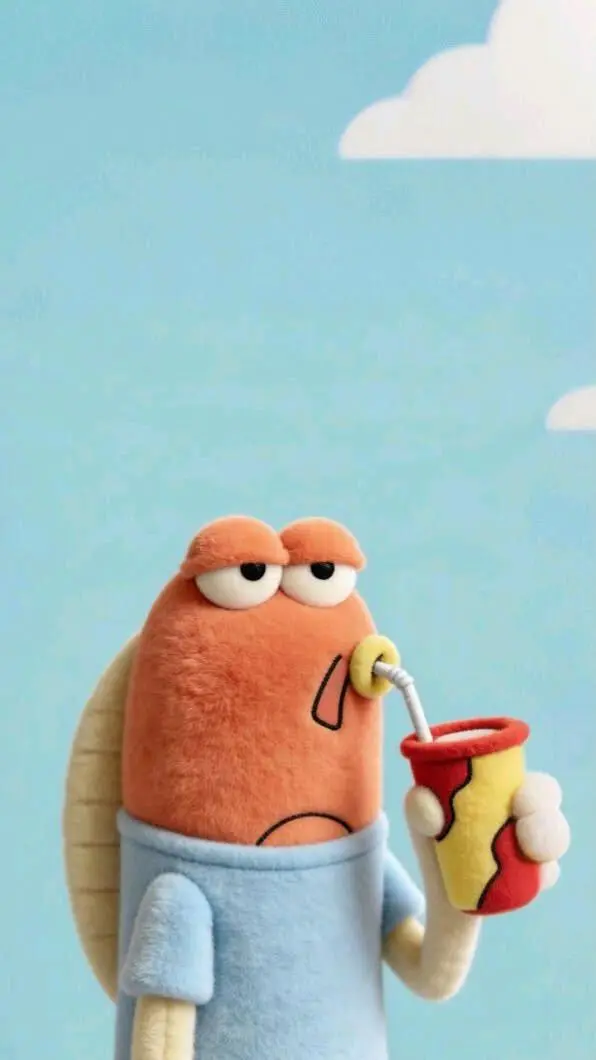
拿着笔记本电脑的角色相遇
提示词要求拿着笔记本电脑的角色不开心地向前走,遇到正在喝东西的朋友并开始交谈。封面将人物置于室外草地和矮墙旁。请检查实际互动;文字与封面都没有确立室内房间场景。
Walking forward with a laptop in hand and an unhappy expression, I ran into a good friend who was having a drink, and we struck up a conversation.

通过拿着笔记本电脑的角色相遇、两个构图之间的过渡、角色的结束姿势表演三个案例了解 Vidu Q3 Pro。每例保留实际提示词与已有输入;借用到自己的主体前,请先检查结果。
提示词要求拿着笔记本电脑的角色不开心地向前走,遇到正在喝东西的朋友并开始交谈。封面将人物置于室外草地和矮墙旁。请检查实际互动;文字与封面都没有确立室内房间场景。
Walking forward with a laptop in hand and an unhappy expression, I ran into a good friend who was having a drink, and we struck up a conversation.
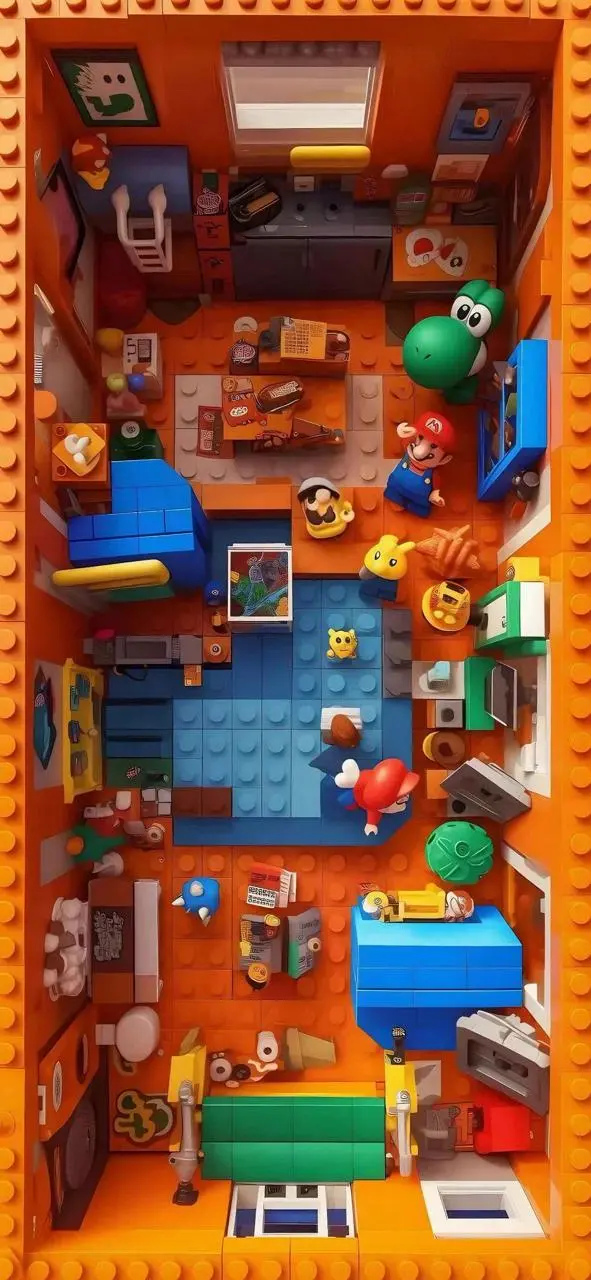
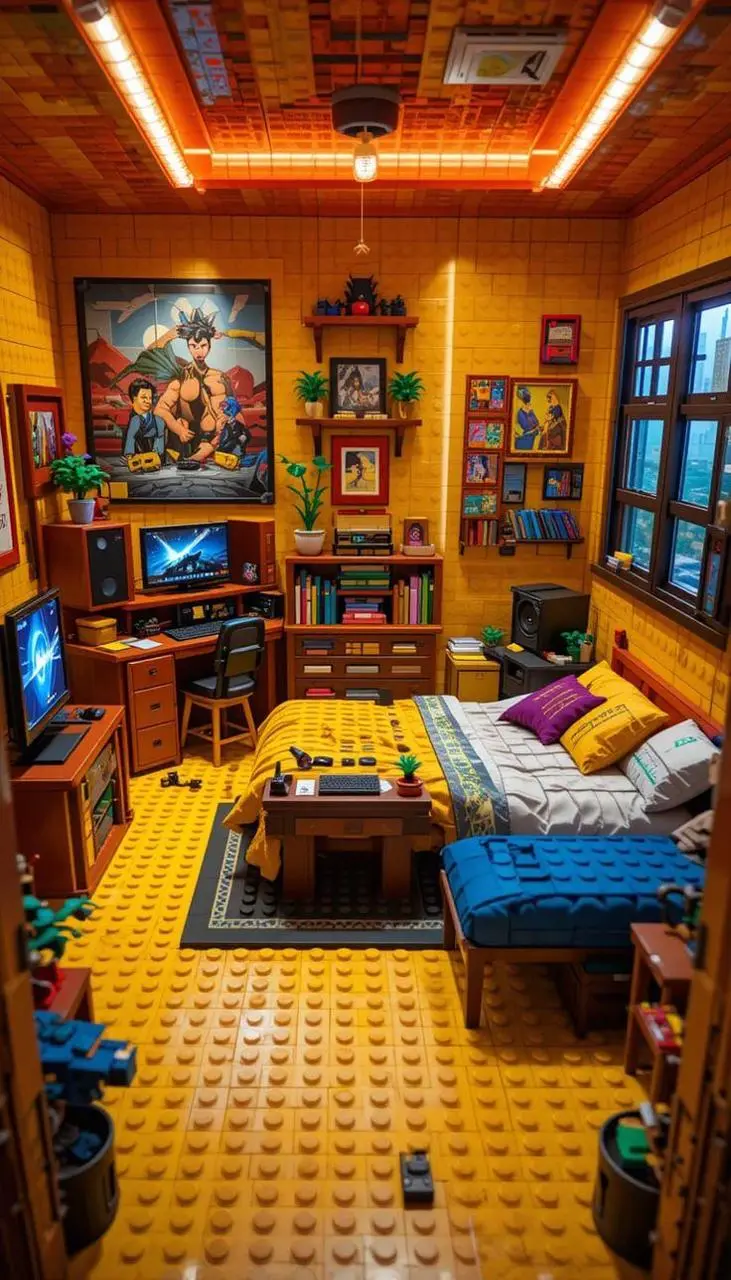
通过请求的镜头过渡连接起始与结束图片构图,两个输入均展示在结果旁。
Transition from Figure 1 to Figure 2, camera movement
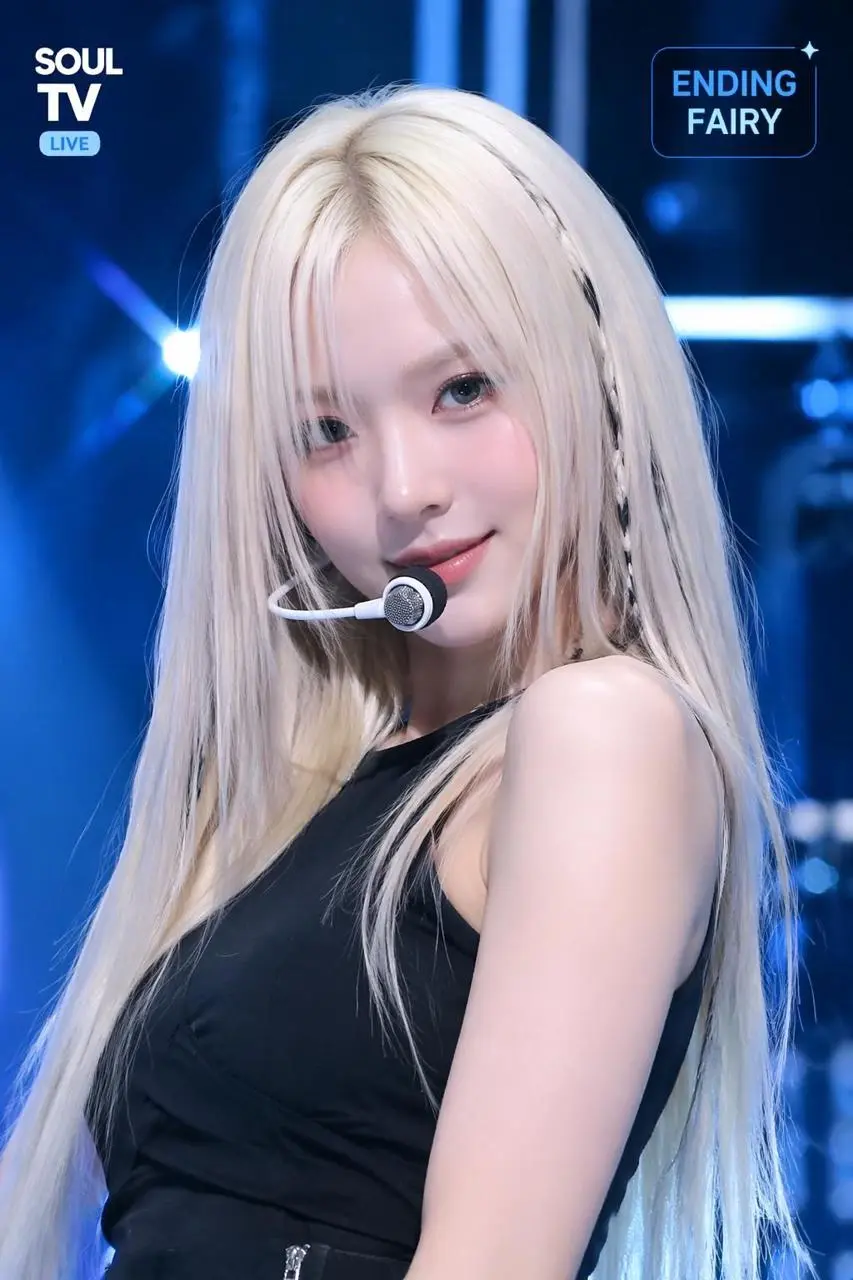
为偶像风格角色镜头描述直播式结束姿势、呼吸与小幅表情变化。
A K-pop ending fairy broadcast shot — idol-style person in a final dance pose, breathing softly and smiling into the camera as confetti slowly falls around them
Vidu Q3 Pro 是 ShengShu 的 Q3 视频模型,用于同步音画输出与分镜叙事。 Q3 Pro 可用于图片引导的角色场景与音画分镜调度。双构图案例说明如何连接起始与结束输入,结束姿势案例则聚焦细微表演变化。
Q3 模型表介绍声音与画面一起生成,实际对白或环境声仍需检查。
明确动作与取景,不只依靠静态图片描述。
WeShop 当前 Pro 入口提供首帧与首尾帧模式。
WeShop 此 Pro 选项列有首帧与首尾帧任务。请提供起始图片和动作描述;过渡模式再加结束图片。其他 Q3 参考或编辑工具需单独区分。
上传建立主体与场景的起始画面,再描述随后发生的动作、环境运动或运镜方向。
提供两张图片,再描述连接它们构图的动作或过渡,并选择该模式提供的时长。
结合实际结果与已有参考输入,阅读下方真实的 Vidu Q3 Pro 提示词。每段说明指出一项具体指令供检查;请求某种效果不保证所有生成细节都会符合。
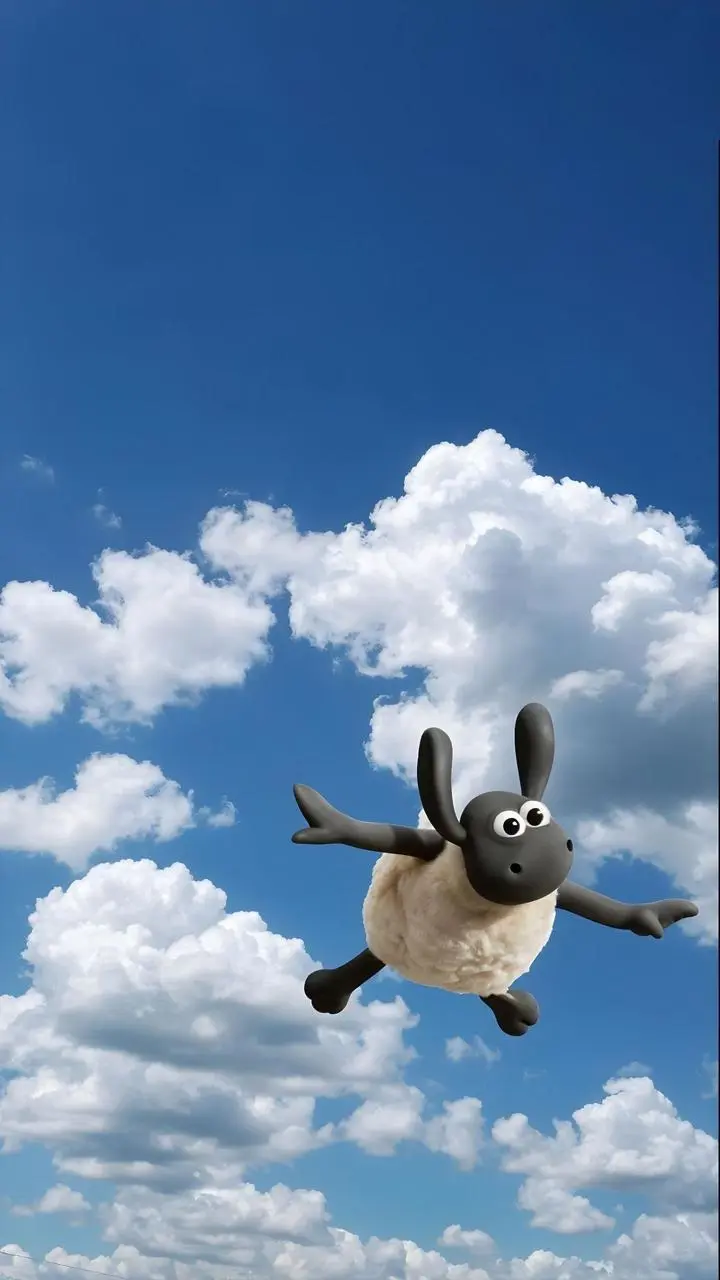
小羊掉进草堆,同时提示词要求反复发出“Ah!”。动作与发声是两项需要分别检查的请求,写出声音本身不证明结果已准确表现。
A little lamb fell from the sky, screaming "Ah! Ah! Ah!" as it tumbled into a haystack.

说明先发生什么,以及下一个动作或揭示如何接续。本例:“Swimming while listening to music, then diving into the water.”
Swimming while listening to music, then diving into the water.
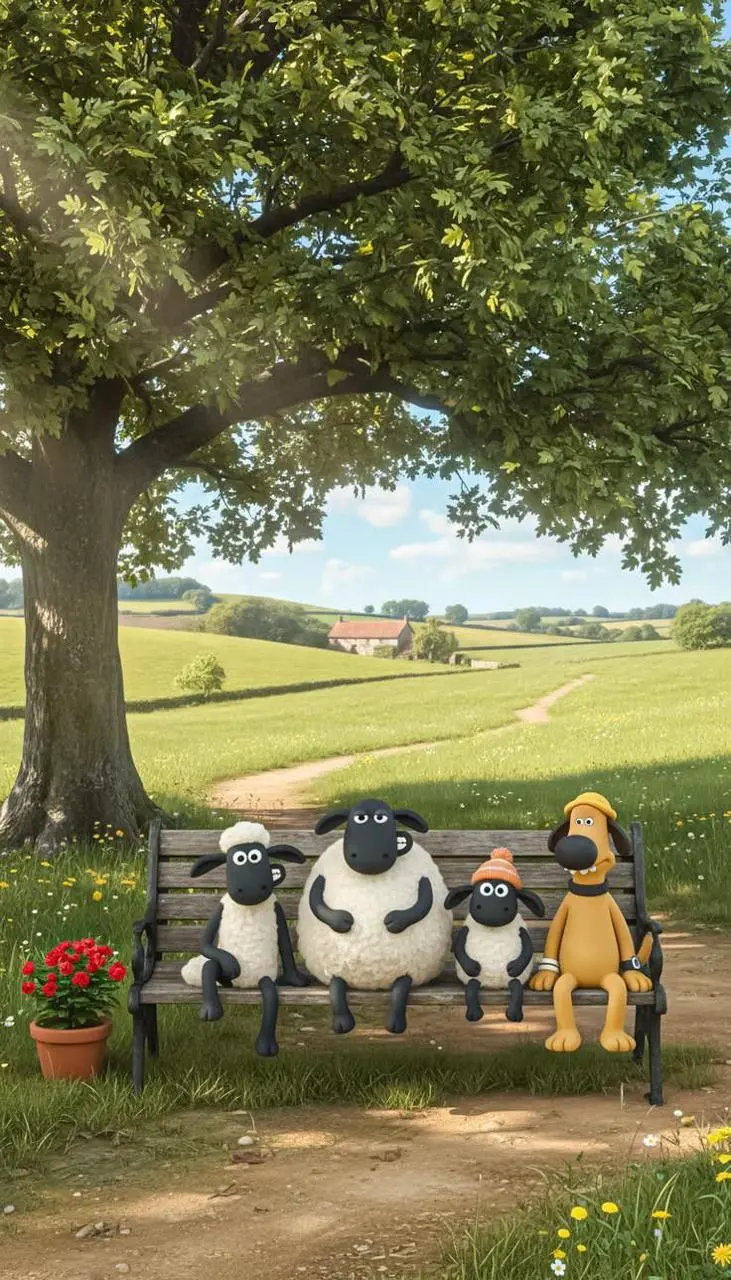
明确主体在镜头内应执行的动作。本例:“The little lambs came down in turn to salute.”
The little lambs came down in turn to salute.
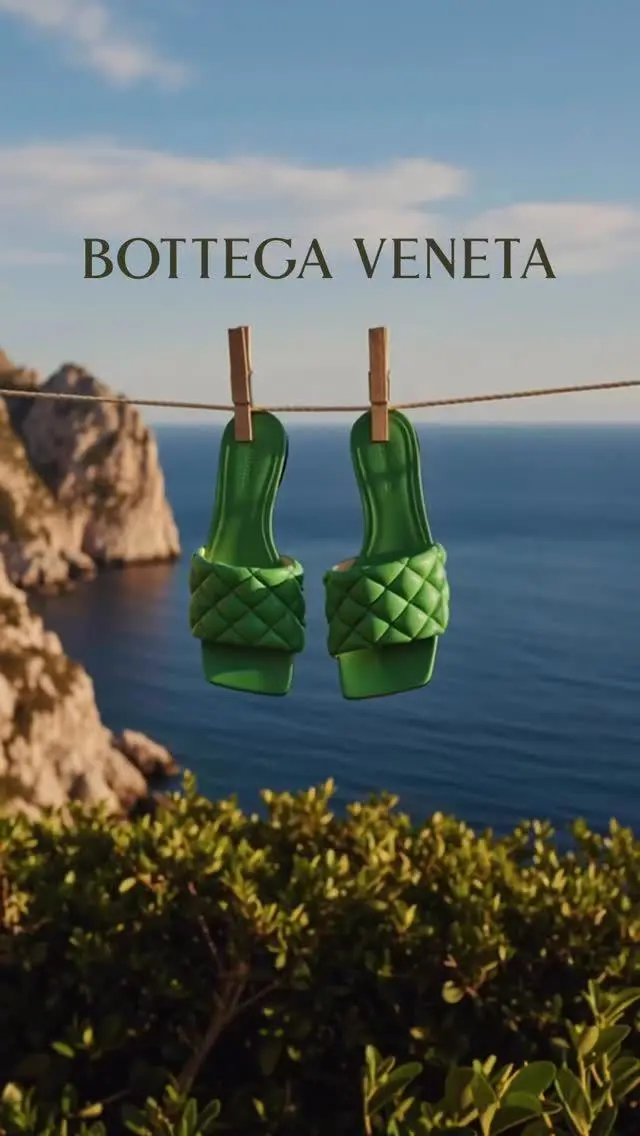
明确镜头绕主体的路线,不把视点留作隐含条件。本例:“The shoes swayed in the wind, and the camera slowly circled around them.”
The shoes swayed in the wind, and the camera slowly circled around them.
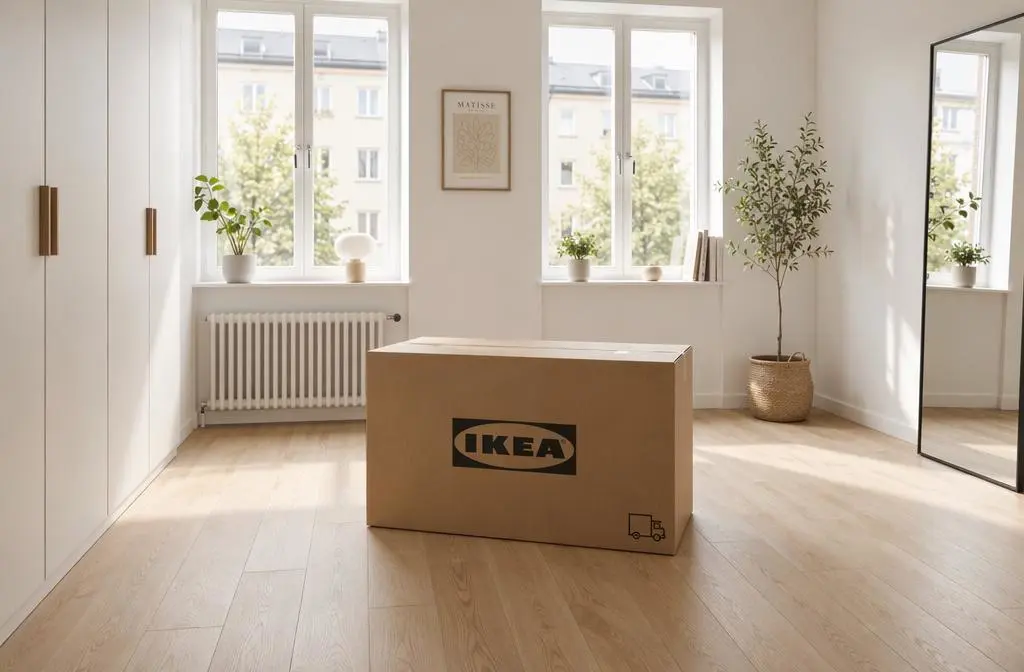
广告描述从空房间与盒子开始,再要求盒子打开、家具部件升起并组装,最后房间完成布置。请阅读完整提示词的动作顺序与镜头靠近方式,检查变化过程,不将整个请求概括为背景运动。
A cinematic IKEA-style commercial set inside a bright, empty Scandinavian apartment with warm natural morning light, pale wooden floors, white walls, two tall windows, and a minimalist calm atmosphere. In the center of the room sits a large IKEA cardboard box. The camera begins with a slow symmetrical dolly-in toward the box, emphasizing the clean geometry of the room and the soft sunlight spilling across the floor. The box subtly vibrates, then opens by itself. Flat-pack wooden panels, screws, cushions, lamps, shelves, a bed frame, a table, chairs, curtains, and decor pieces rise smoothly into the air as if guided by invisible hands. In a magical but elegant sequence, the furniture self-assembles piece by piece with satisfying precision. The empty room gradually transforms into a cozy, stylish, fully furnished modern living space with Scandinavian design: soft textiles, neutral tones, indoor plants, warm wood textures, clean storage, and inviting home details. Add gentle floating dust in the sunlight, realistic material textures, smooth camera transitions, premium commercial pacing, and a warm emotional feeling of “building a better everyday home.” High-end ad film look, realistic cinematic lighting, subtle sound-design-friendly visuals, polished product-commercial aesthetic

描述提示词要求的运镜,并检查结果中它对取景的影响。本例:“As the car starts moving, the camera slowly pans across the scenery outside.”
As the car starts moving, the camera slowly pans across the scenery outside.
从 Vidu Q3 Pro 选项与下方说明的输入路径开始,提交前检查可用设置和积分。
上传起始构图,再描述动作或镜头。两个构图过渡时上传两张图片,说明变化过程。
时长:4–16秒。宽高比:16:9、9:16、3:4、4:3、1:1。这些是可选设置,不保证固定像素尺寸或文件格式。实际尺寸与时长以原始输出文件为准;提交前检查显示的积分和套餐模型权限。
检查过渡、角色手势与结束姿势。有实际声音时,需与画面分开审核;提示词中写了喊声,不代表对白准确。
Q3 Pro 与 Pro Fast 有独立入口。请比较当前画面任务与实际结果;相同设置不能证明表现相同,也不构成固定速度差距。官方定位、WeShop 目录配置与当前表单须分开看待;本页不提供实测画质或速度排名。
| 比较维度 | Vidu Q3 Pro | Vidu Q3 Pro Fast |
|---|---|---|
| 模型定位 | Q3 音画能力与分镜叙事 | 图片引导的 Q3 选项,不等同于 Q3 Turbo 标识 |
| 页面列出的输入 | 让首帧动起来;引导首尾帧 | 让首帧动起来;引导首尾帧 |
| WeShop 当前选项 | 时长:4–16秒 | 时长:4–16秒 |
看重官方音画与分镜定位时可考虑 Q3 Pro。Pro Fast 有独立入口,应比较实际结果,不推断已有速度或画质差距实测。
打开相关模型页面,查看其能力、案例和当前生成选项。
关于此版本、输入要求与开始使用的常见问题。
Vidu Q3 Pro 是 ShengShu 的 Q3 视频模型,用于同步音画输出与分镜叙事。
Q3 Pro 可用于图片引导的角色场景与音画分镜调度。双构图案例说明如何连接起始与结束输入,结束姿势案例则聚焦细微表演变化。
WeShop 此 Pro 选项列有首帧与首尾帧任务。请提供起始图片和动作描述;过渡模式再加结束图片。其他 Q3 参考或编辑工具需单独区分。
时长:4–16秒。宽高比:16:9、9:16、3:4、4:3、1:1。这些是可选设置,不保证固定像素尺寸或文件格式。实际尺寸与时长以原始输出文件为准。
小羊掉进草堆,同时提示词要求反复发出“Ah!”。动作与发声是两项需要分别检查的请求,写出声音本身不证明结果已准确表现。请结合指南中的完整实际提示词与输入,再改成适合自己任务的请求。
Q3 Pro 与 Pro Fast 有独立入口。请比较当前画面任务与实际结果;相同设置不能证明表现相同,也不构成固定速度差距。
请在 WeShop 当前的定价页核对套餐中的模型权限和额度,并查看生成器按所选设置与数量显示的积分预估。本页不提供固定单次价格,也不将其他厂商的订阅额度套用到 WeShop。
其他 Q3 模式或专用版本不会自动包含在 Pro 表单中。检查过渡、手势与结束姿势;有实际声音时,需与画面分开审核,提示词中的喊声不能证明对白准确。
已保存的 Vidu Q3 Pro 案例展示拿着笔记本电脑的角色相遇、两个构图之间的过渡、角色的结束姿势表演。请将各例结果与实际提示词及已有输入对照;单个案例不保证效果,也不构成成功率基准。