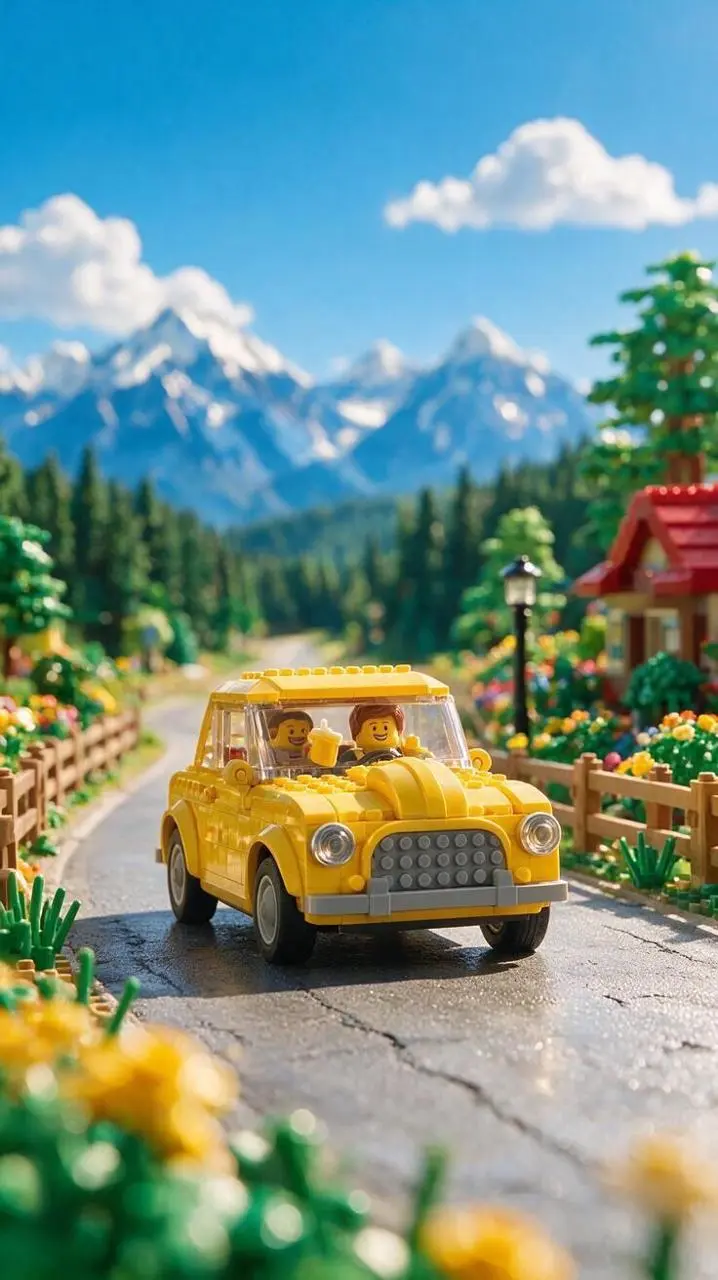
Use image 1 as the first frame. The yellow car drives slowly forward along the mountain road while flower heads sway gently in the foreground. Track the car smoothly at a low angle. Preserve the illustrated mountains, road and bright summer colors. Full-frame vertical 9:16 image, no frame or added lettering.
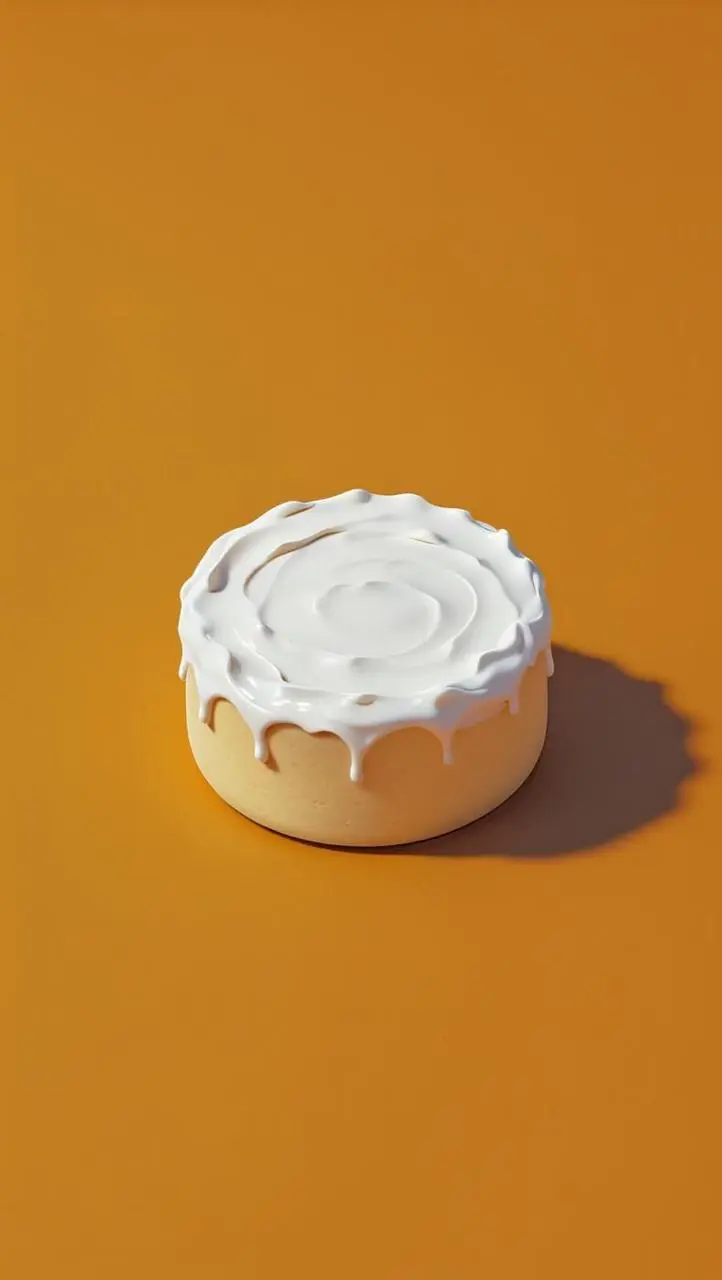
Use image 1 as the first frame. Slowly push the camera toward the open cream container. Move a soft studio highlight across the whipped white cream to reveal its ridges and texture. Keep the orange background, container shape and clean composition unchanged. Full-frame vertical 9:16, no cuts, no lettering or frame.
Use image 1 as the first frame. The blue-clad clay character blinks, smiles, and carefully lifts the little blue teapot to pour tea into one cup, then rests the teapot on the table. Keep the clay surface, soft light and blue costume consistent. A stable medium shot, full-frame vertical 9:16, no cuts, no added lettering or frame.
Veo 3.1 Fast 是 Google 侧重速度的 Veo 3.1 视频模型,具备原生音画生成与图片引导创作能力。
Fast 是 Veo 3.1 中侧重效率的图片引导短音画镜头选项。黏土角色与商品案例可用于检查在既定起始构图内产生的运动。
画面与声音一起规划
只在预期场景确实需要时描述对白、环境声或音乐,之后检查实际音轨。
起始与结束画面
Google 文档介绍了起始和结束画面引导;结束画面要与起始图片配合使用。
短镜头的电影感调度
用取景、镜头运动与明确的主体动作定义镜头。
创作模式
选择起始输入
当前 Fast 选项列有首帧与首尾帧任务。结束画面须与起始图片搭配,并非独立视频输入;不能据此推定额外官方 Veo 工具已接入。
让首帧图片动起来
上传建立主体与场景的起始画面,再描述随后发生的动作、环境运动或运镜方向。
引导开头与结尾画面
提供两张图片,再描述连接它们构图的动作或过渡,并选择该模式提供的时长。
提示词指南
Veo 3.1 Fast 提示词怎么写?
结合实际结果与已有参考输入,阅读下方真实的 Veo 3.1 Fast 提示词。每段说明指出一项具体指令供检查;请求某种效果不保证所有生成细节都会符合。
描述取景如何变化
描述提示词要求的运镜,并检查结果中它对取景的影响。本例:“A slow subtle camera push-in, realistic small movements, full-frame vertical 9:16, no cuts, no added text or frame.”
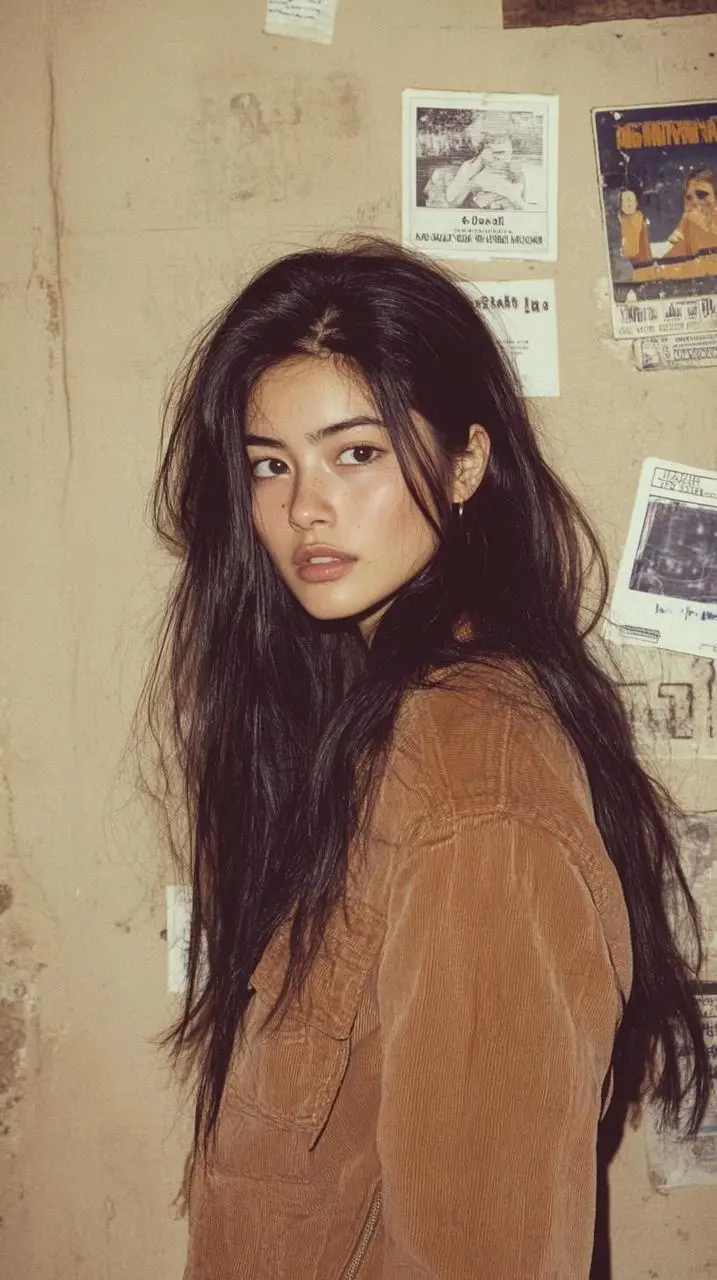
Use image 1 as the first frame. The woman turns her eyes toward the window and gently moves a loose strand of hair behind her ear. Keep the warm natural light, face, clothing and softly detailed room consistent. A slow subtle camera push-in, realistic small movements, full-frame vertical 9:16, no cuts, no added text or frame.
The dog was bored, so it picked up the coffee next to it and laughed.
描述与物体的互动
写明物体以及它与主体之间的动作,包括手势或接触。本例:“The puppy walked forward while drinking its beverage.”
The puppy walked forward while drinking its beverage.
为环境添加运动
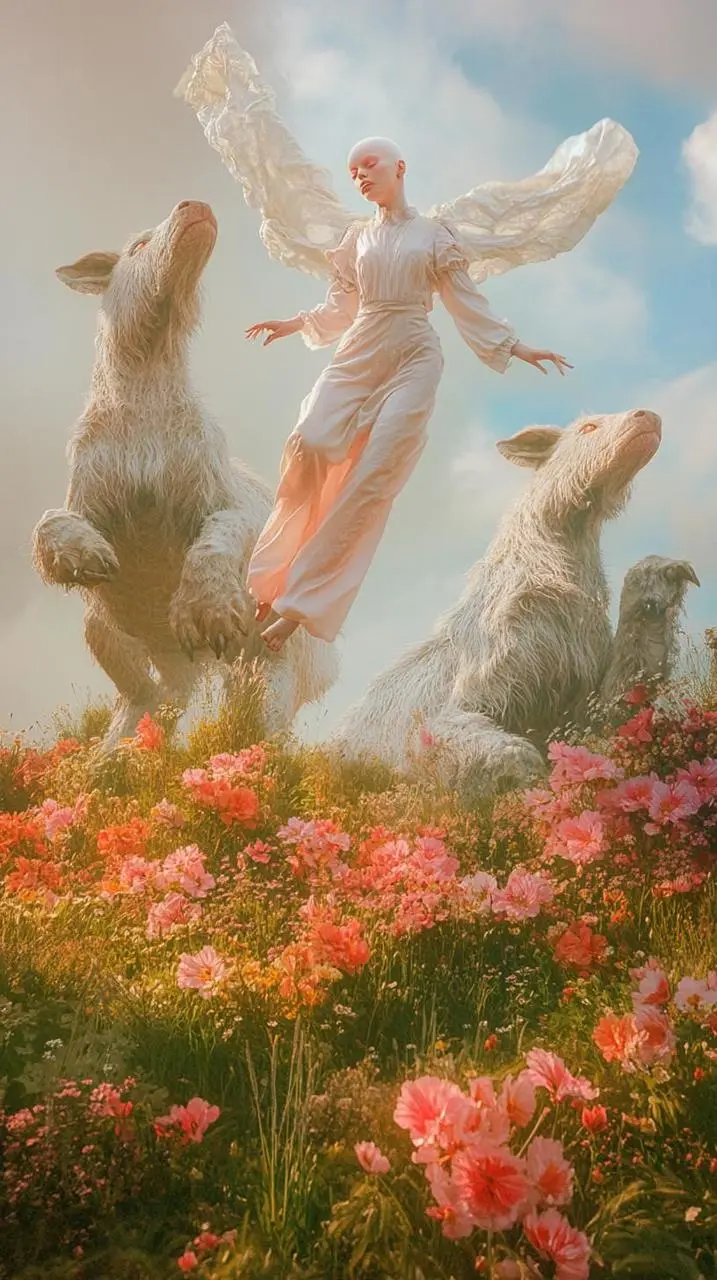
在构图仍可辨认的情况下,明确哪个环境元素要动。本例:“Let the flower stems and the flowing fabric sway in a light breeze while the central figure slowly raises one hand.”
Use image 1 as the first frame. Let the flower stems and the flowing fabric sway in a light breeze while the central figure slowly raises one hand. Keep the classical painted appearance, pastel light, woodland animals and garden composition consistent. One slow continuous shot, full-frame vertical 9:16, no added lettering or frame.
描述提示词要求的运镜,并检查结果中它对取景的影响。本例:“A slow subtle camera push-in, realistic small movements, full-frame vertical 9:16, no cuts, no added text or frame.”请结合指南中的完整实际提示词与输入,再改成适合自己任务的请求。
Veo 3.1 Fast 与相关模型怎么选?
可用 Fast 迭代 Veo 请求,再以代表性输入与标准 3.1 比较。请按实际时长与格式选项选择,本页没有测出通用优胜者。