subject_definitions:
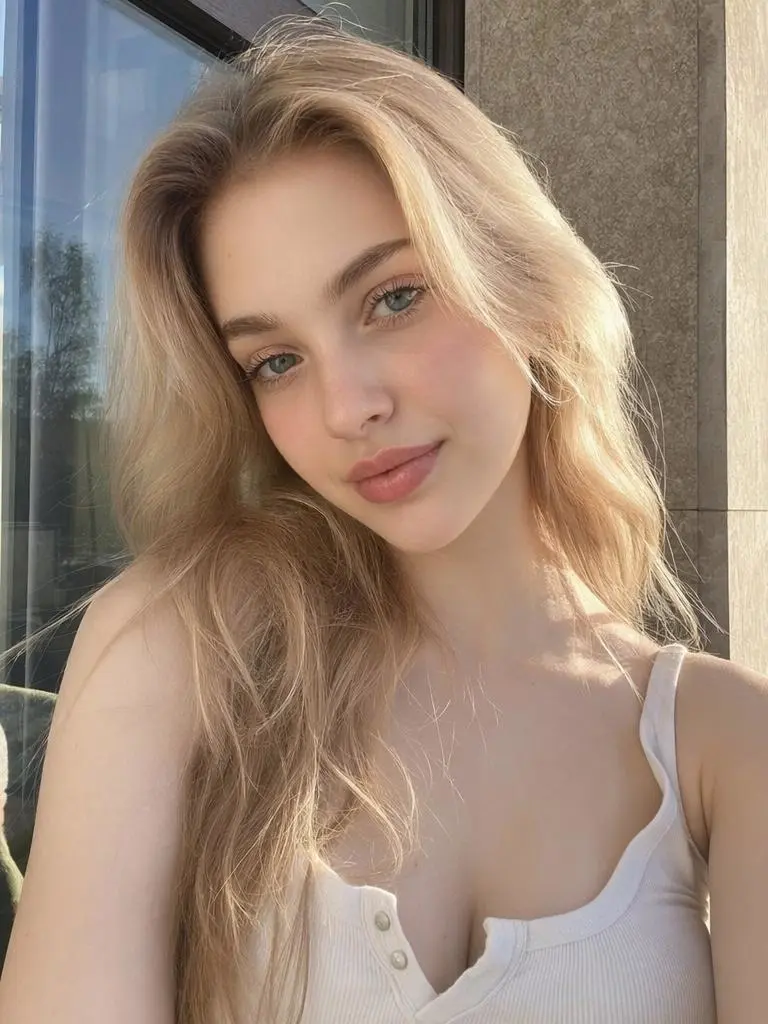
<Subject 1> is the young woman in <Picture 1>,
with a dark ponytail and a yellow sundress.
integrated_multimodal_description:
[Shot 1] <Subject 1> dances with Rome in the background.
[Shot 2] At 00:01.000, the shot changes to Paris.
[Shot 3] At 00:02.000, the shot changes to London.
[Shot 4] At 00:03.000, the shot changes to New York.
[Shot 5] At 00:04.000, the shot changes to Tokyo.
[Shot 6] At 00:05.000, the shot changes to Berlin.
overall_soundscape:
Light city ambience remains underneath the dance performance.
non_diegetic_music:
An upbeat instrumental dance rhythm without vocals.
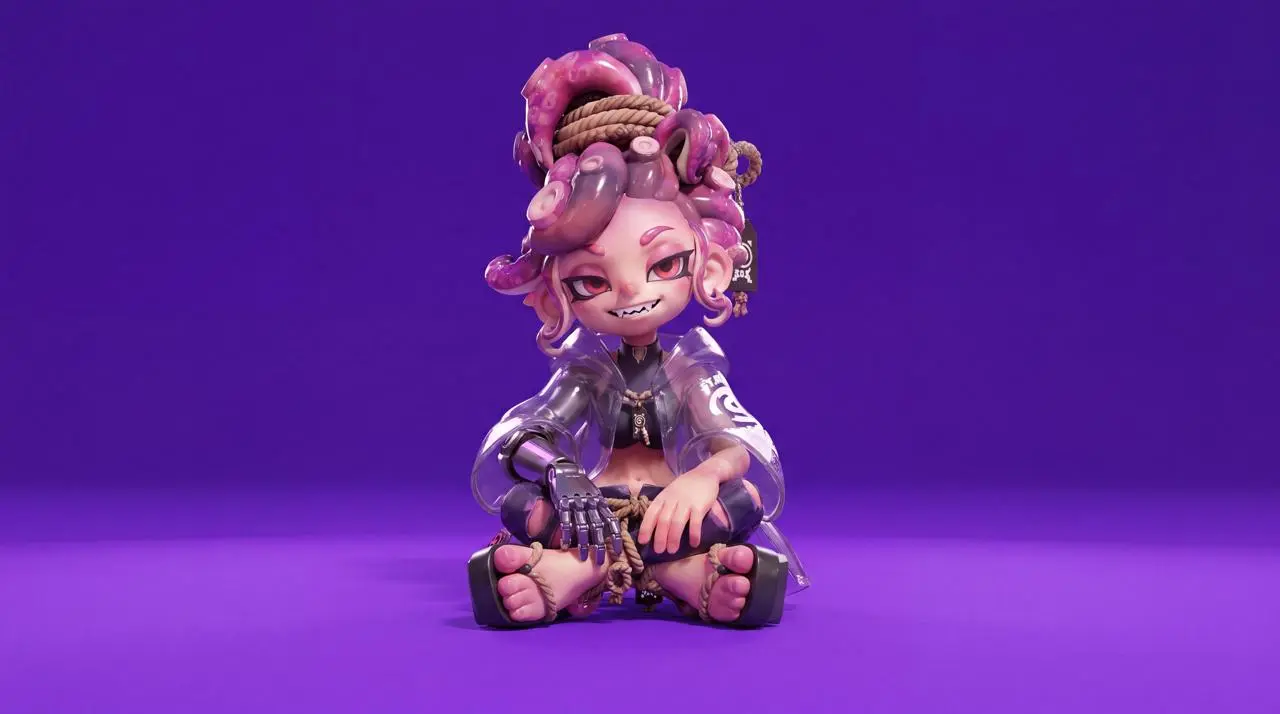
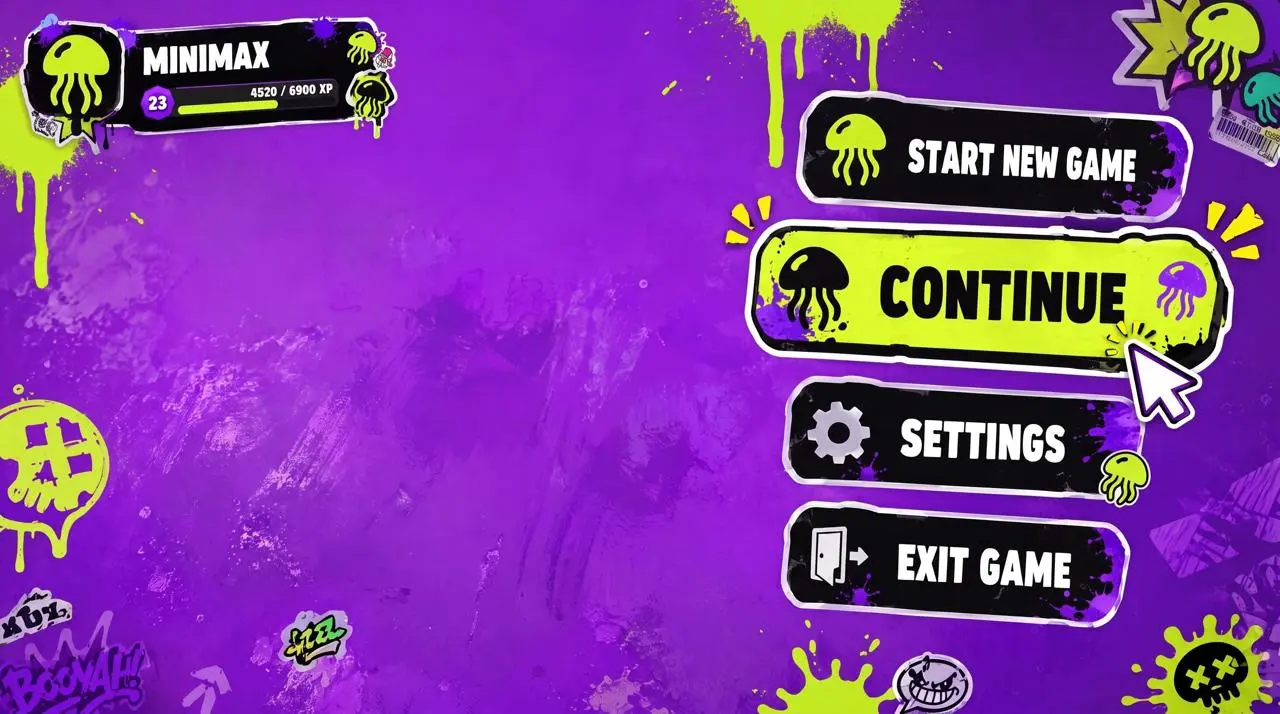
Character reference image 1, UI style reference image 2. [0 seconds - 2 seconds] High-angle overhead shot. The character sits on a highly saturated bright purple ground, as shown in image 1, looking up at the camera. The game menu UI is displayed on the right: Start New Game, Continue Game (highlighted), Settings, Exit Game. The player profile MINIMAX is displayed in the upper left corner. Click "Continue Game". [2 seconds - 4 seconds] Smoothly zoom to her right arm. The UI panel slides in from the right, and the "Right Arm EQUIPMENT" panel appears. Select the highlighted "Phantom Grap", then slide to "Chronos Claw". Her right hand mechanically reconfigures, fingers spread, new claw-like knuckles lock in place, and the cyan LED lights flash brighter. [4 seconds - 7 seconds] The camera smoothly moves to her left side. The new UI slides into the "ARMAMENT CUSTOMIZATION" grid, displaying the hand, forearm, elbow, and upper arm components. Selections quickly cycle through the components. Her left arm is disassembled piece by piece: the forearm plate detaches, new armor slides in, the elbow joint is replaced, and the hand is reconfigured, revealing exposed wiring and pistons during the replacement process. [7-8.5 seconds] The camera pulls back to a medium shot. The CONFIRM CONFIG button flashes. Click it. All UI panels shrink inward and disappear. The character's legs loosen, she adjusts her posture, and now sits relaxed, one knee raised, her prosthetic hand naturally raised, displaying a slight post-configuration movement. [8.5-10 seconds] A loading bar appears at the bottom. It quickly fills from 0% to 100%. The highly saturated bright purple environment begins to darken, shadows spread from the edges, and a warm golden light seeps in. [10-15 seconds] As she stands up, the complete environment loads around her. A dense cyberpunk slum appears, neon lights flashing, damp streets reflecting light, crowds surging, motorcycles weaving, and a tangled web of wires. Stacked buildings stretch towards futuristic skyscrapers in the distance. The camera stabilizes in a third-person perspective, positioned behind her, showing her back. HUD elements fade in, displaying a minimap in the upper right corner and a health and ammo counter in the lower left. A mission marker appears. She steps into the street.
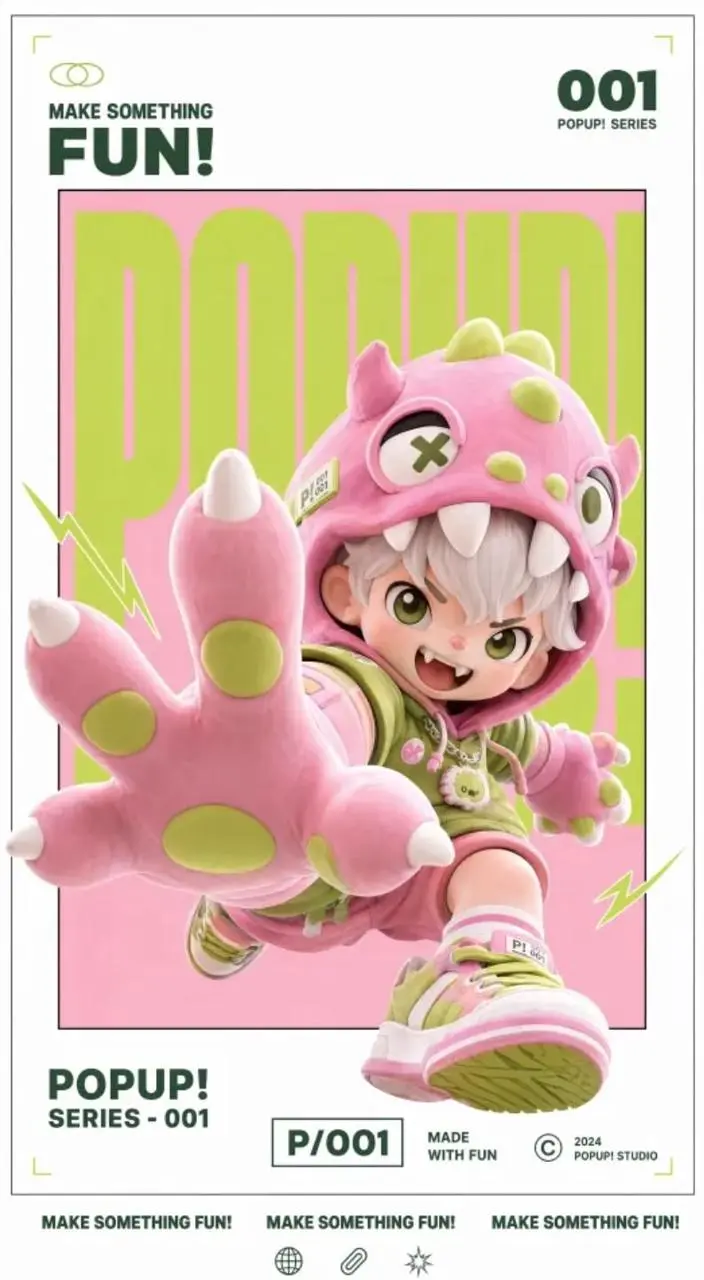
Create a dynamic poster video that retains the original image's gallery white frame, inner frame, red, white and black color scheme, 3D figure feel and layout structure, and adds a lively sound effect when the text appears.
给参考图分配不同任务
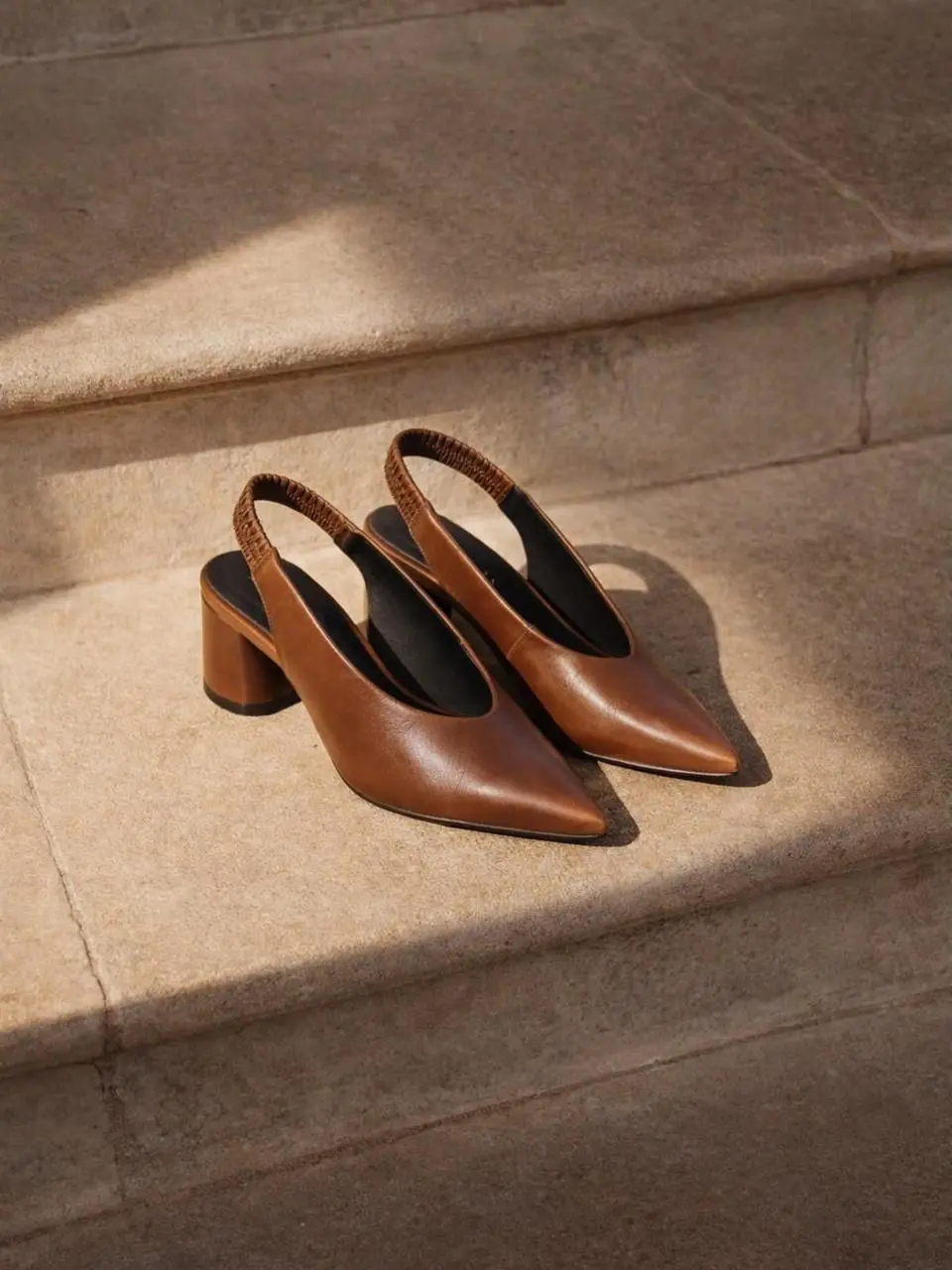
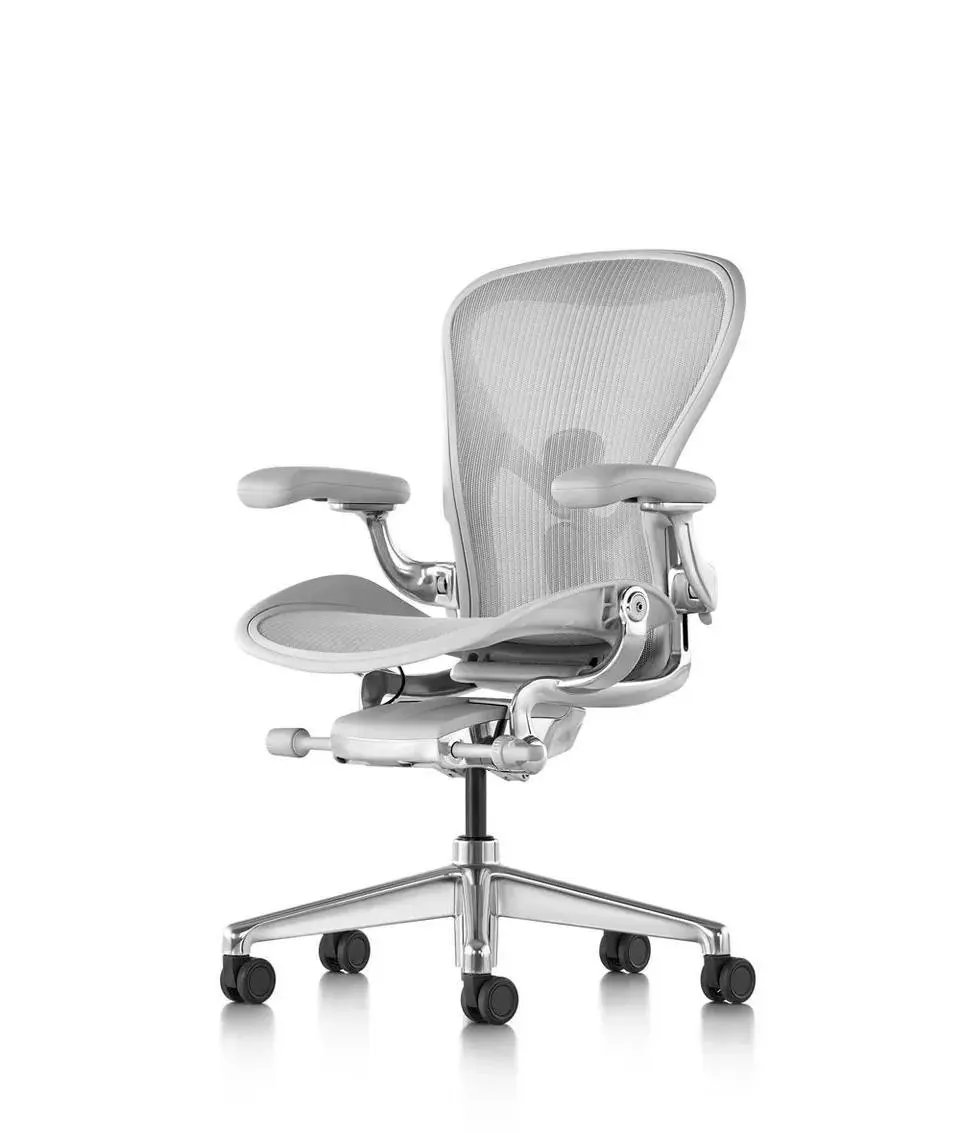
描述组合结果前,明确各输入图提供什么。本例:“Please refer to Figure 1 for product details and Figure 2 for product images.”
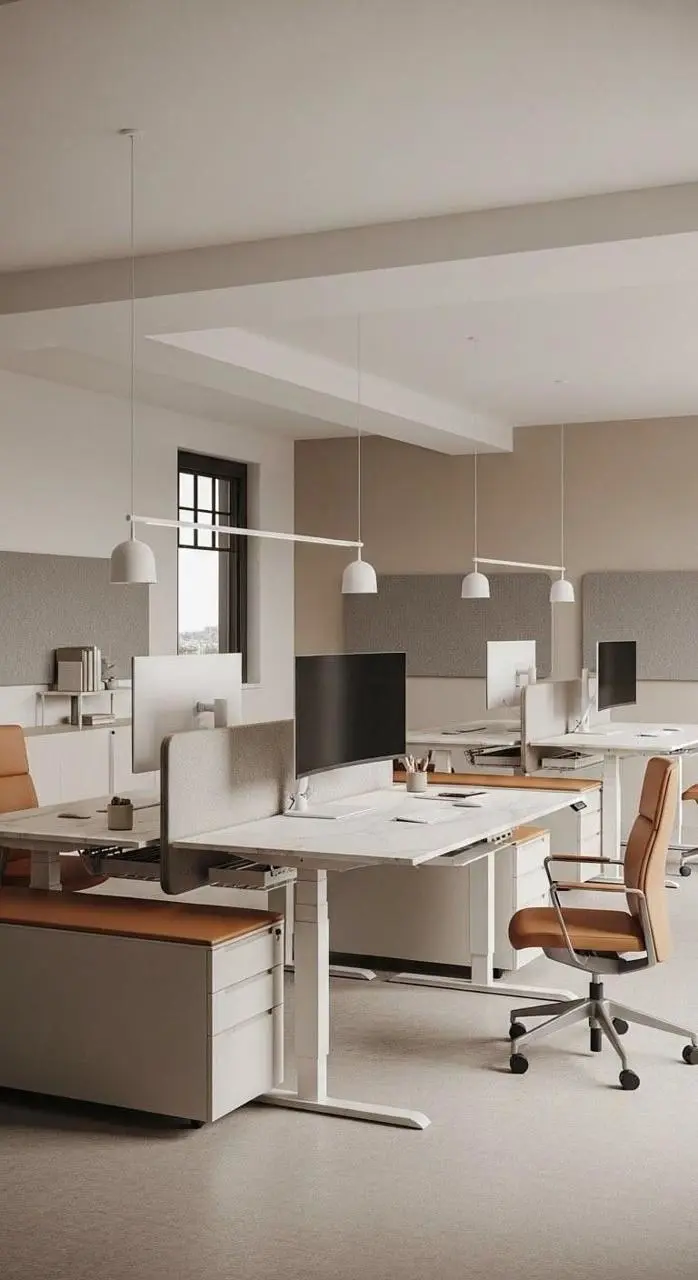
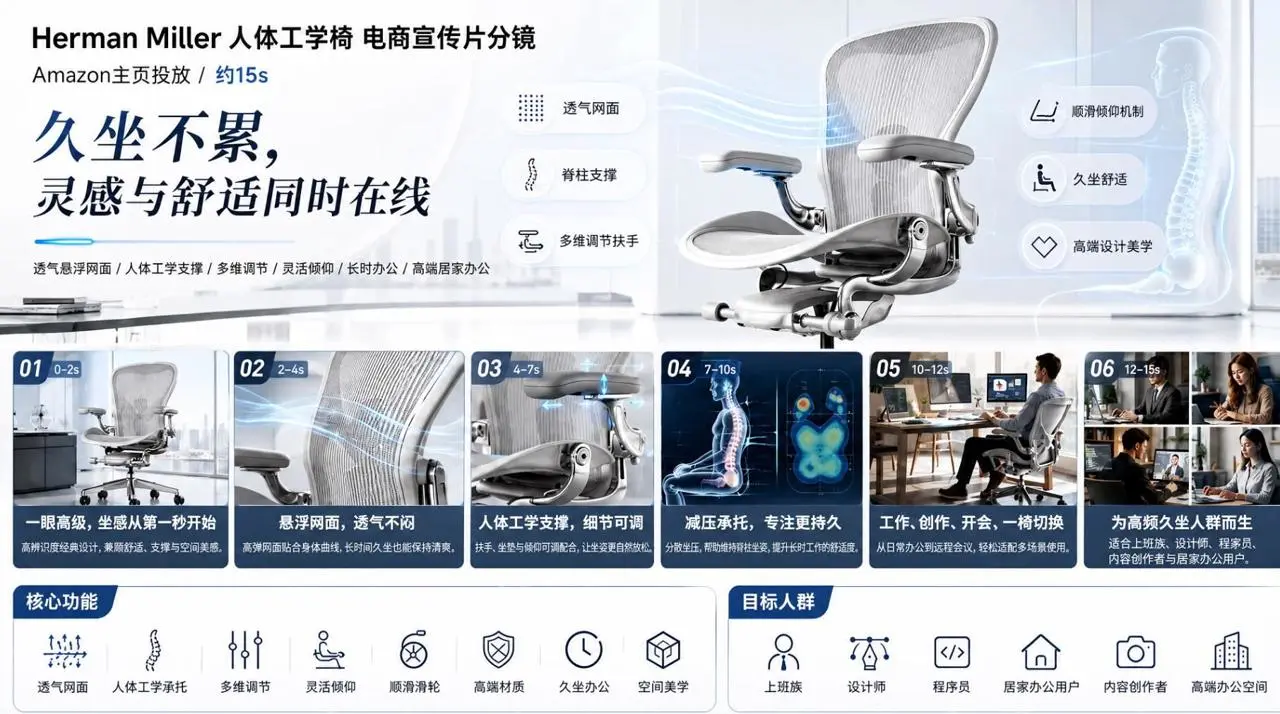
360-degree display of Herman Miller black ergonomic chair for high-end offices. Breathable mesh back for close-up visualization of air flow. Lumbar support + ergonomic curve engineering animation. Multi-dimensional armrest/seat height adjustment demonstration. Designers/programmers/creatives work in scenarios where they work for a long time, and their posture can be relaxed and comfortable. 3D skeletal support diagram to prevent fatigue from sitting for long periods of time. Spatial aesthetics interior display. At the end, the words "Inspiration and comfort are online at the same time" appear. High-end simplicity, cool colors, professional futuristic feel, and slow-paced camera movement. Please refer to Figure 1 for product details and Figure 2 for product images.
15 seconds, 16:9, realistic nature-documentary style.
In a misty wetland at dawn, an adult white crane stands on one leg in shallow water
and slowly turns its head toward the camera.
Soft backlight passes through the mist, and small ripples move across the water.
The camera slowly pushes from an extreme wide shot to a medium shot without cutting.
Use only wind, water, and distant bird calls. Do not add background music.
给动作具体指令
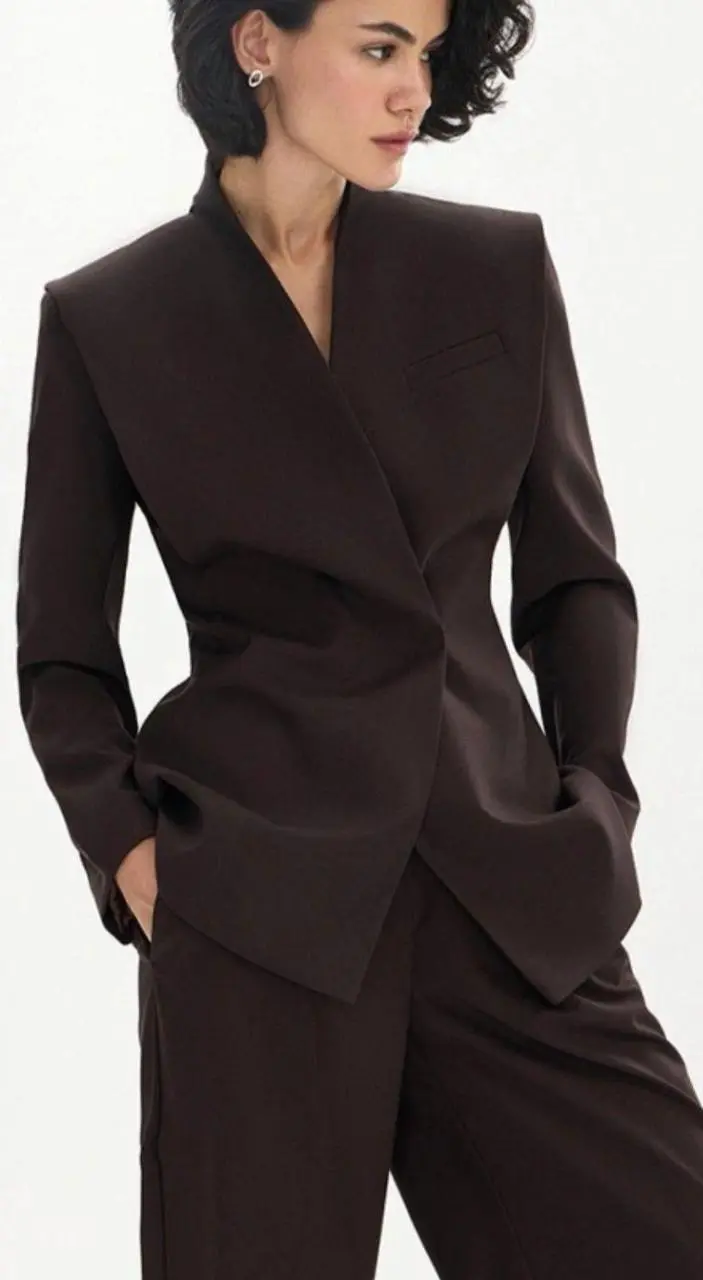
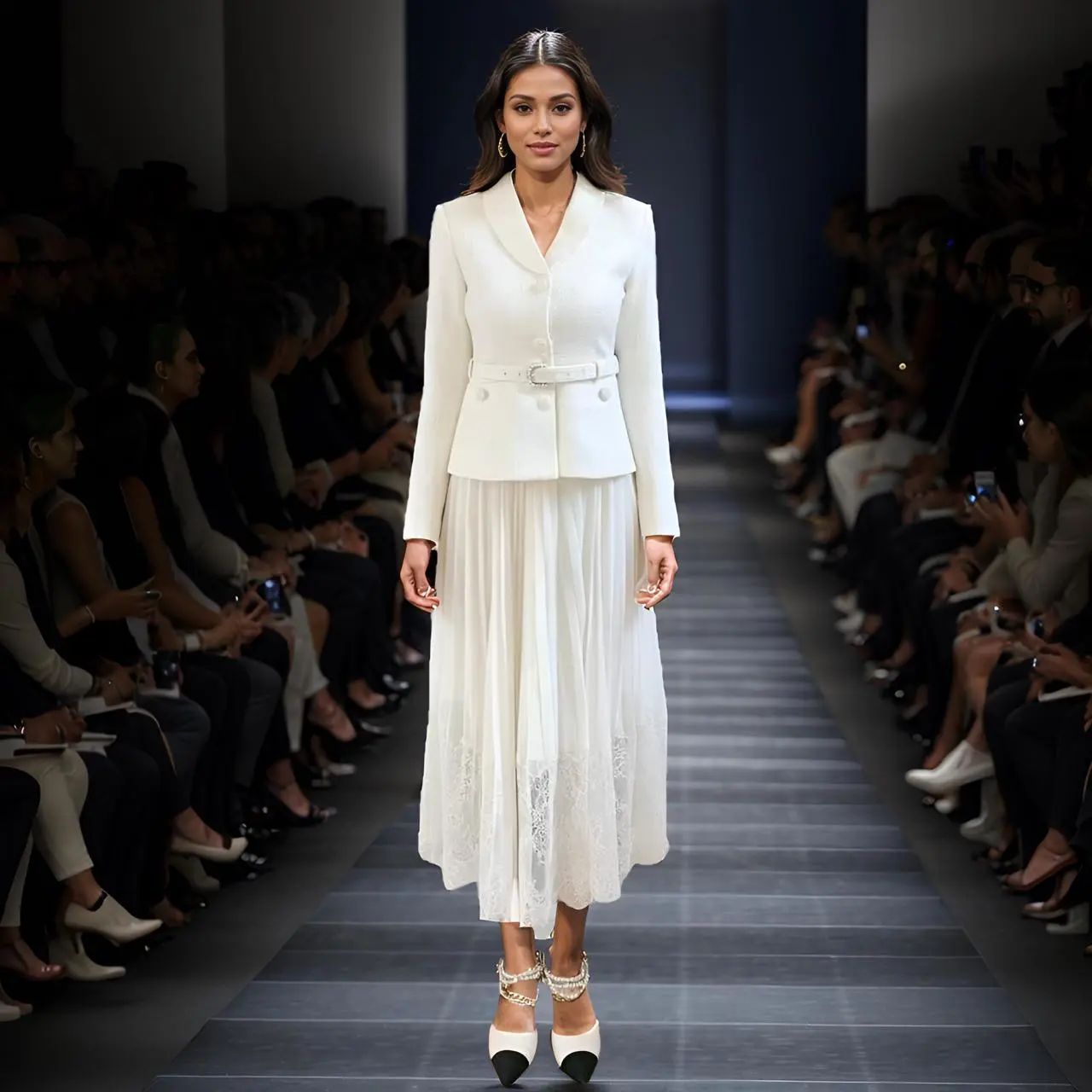
写明主体在镜头内应做的动作。本例:“Generate a smooth animation of the model's runway show, moving forward naturally, showing the clothes clearly.”
Generate a smooth animation of the model's runway show, moving forward naturally, showing the clothes clearly. The movie has extremely high-quality visuals. There is an inner lining in the skirt hem, and it must not be visible.