A young adult woman stands beside a cafe window in soft morning light, wearing a plain blue sweater. Medium close-up, realistic live-action style. She looks down at a small paper note, raises her eyes toward the camera, and gradually gives a warm, restrained smile. Her shoulders relax slightly. The camera makes a slow gentle push-in. One continuous shot, natural facial movement, stable clothing and background. No on-screen text, subtitles, logos, or watermark.
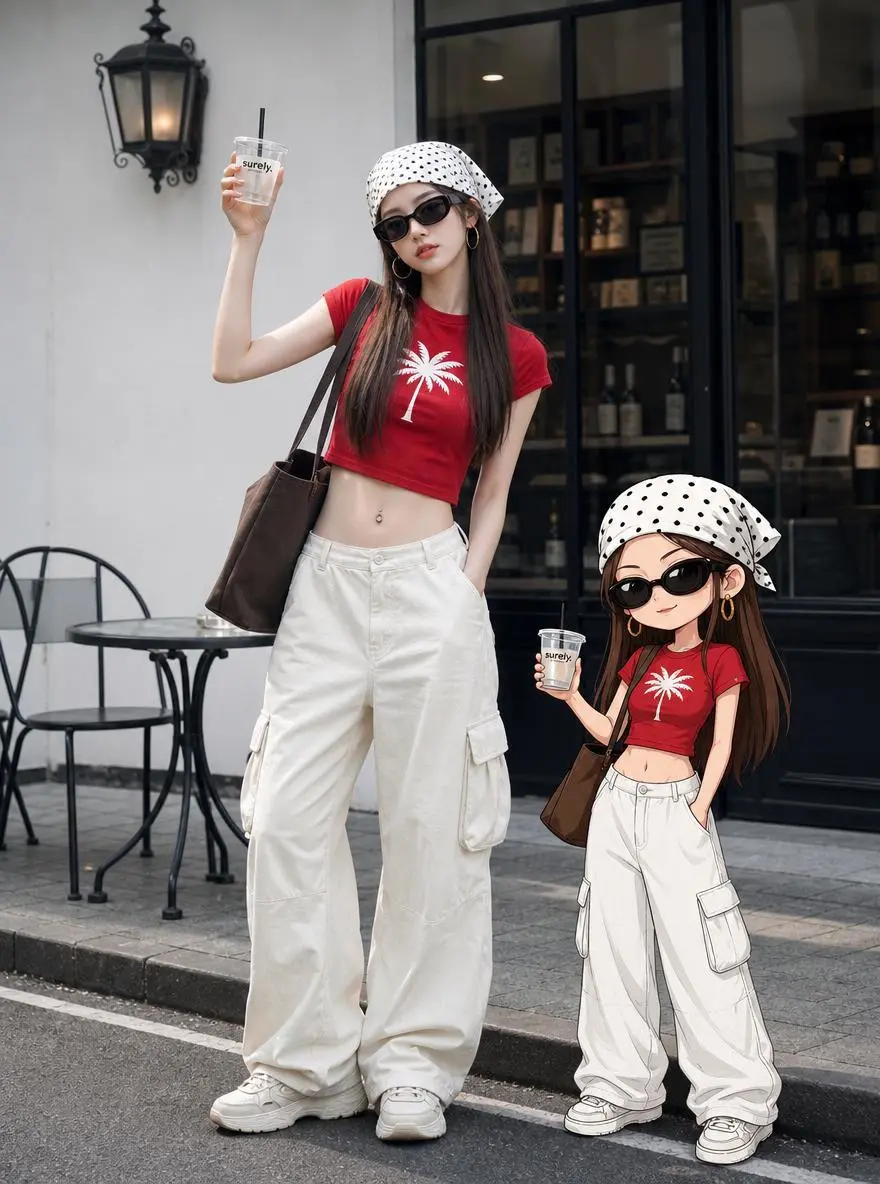
The main character winks at the camera, smiles, clinks glasses, while the cartoon character stands in the opposite direction to the main character, pretending to be angry. The scene transitions, and they engage in a happy interaction, walking together towards the left side of the frame.
Snowflakes gently fall around the fox, it sniffs the air, then nuzzles deeper into the scarf with a content expression. Cinematic realistic style, gentle natural movement.
A retro television displaying an alternate reality. The camera zooms directly into the TV screen. Suddenly all the toy monsters come alive and begin dancing chaotically. The Ultraman figure grows into a giant mechanical guardian. The screen glitches violently as multiple versions of the character emerge from different dimensions. Toys leap into the air and orbit around the floating television. The room transforms into a neon cyber-toy city. Reality folds and repeats recursively, creating an infinite screen-within-screen effect. Hyper dynamic camera movement, playful chaos, retro-futuristic aesthetics, cinematic toy universe, surreal storytelling, highly detailed animation.camera movement highly dynamic, cinematic motion blur, volumetric lighting, depth of field, realistic physics, ultra detailed, luxury fashion commercial, dramatic visual storytelling, 4K, 8K, blockbuster VFX, seamless animation
A small red paper boat floats along a shallow forest stream at sunrise. Hand-painted watercolor animation with visible paper texture, soft green foliage, and warm golden light. The boat drifts past a moss-covered stone, turns gently with the current, and continues toward the lower right. Small ripples spread across the water while leaves sway lightly in the background. The camera tracks slowly alongside the boat in one continuous shot. No people, lettering, logos, or watermark.
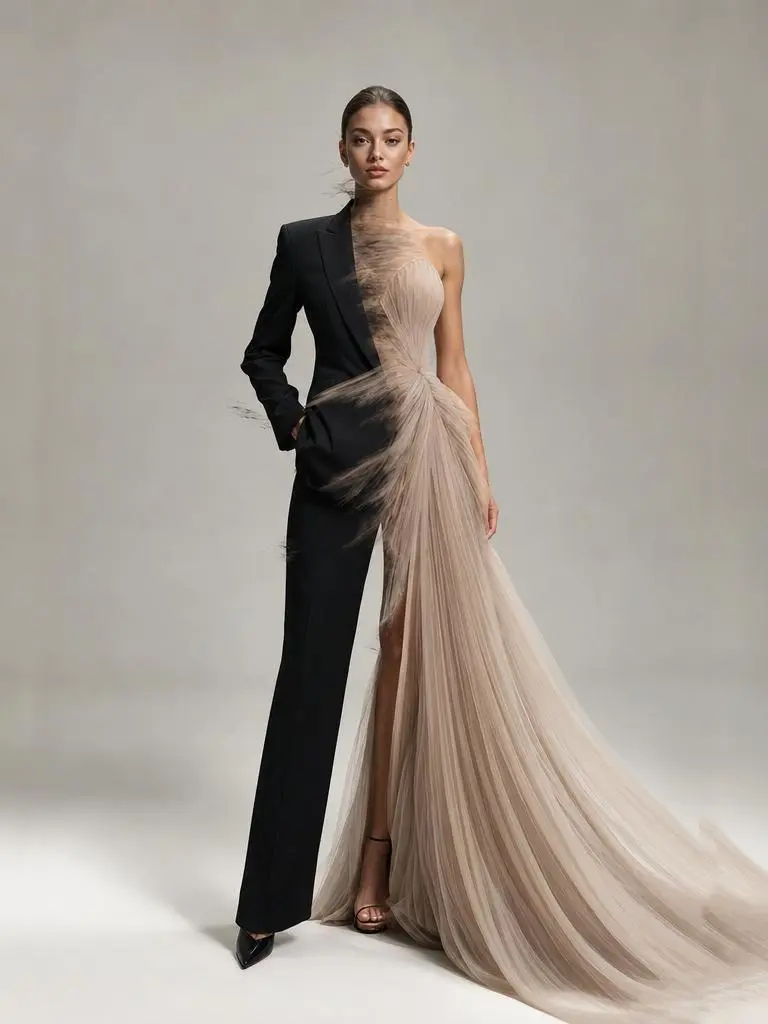
A circular energy pulse expands from the center of the frame. Where the pulse touches, the character's appearance upgrades to sci-fi style — clothing gains luminous circuit lines, lighting becomes cooler and sharper. The pulse fades outward leaving the transformed portrait. No facial changes, only texture and lighting shift.
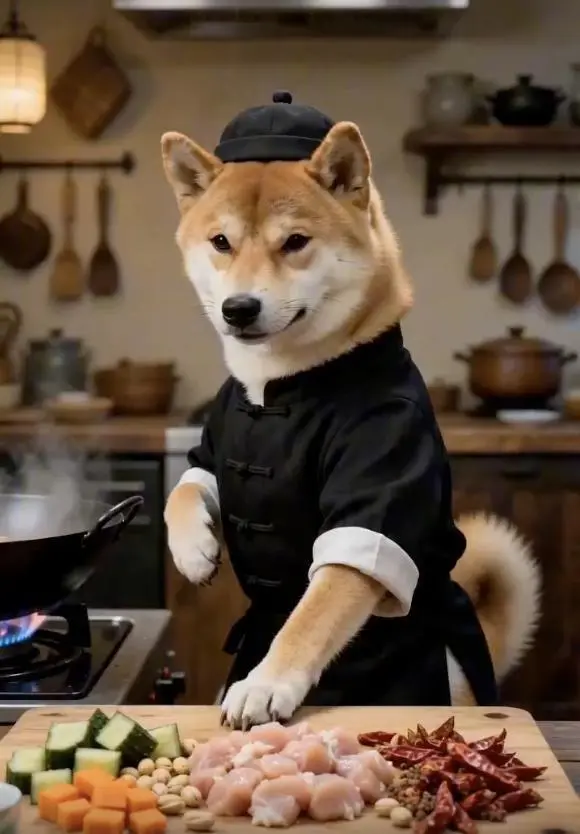
0-2 seconds (Opening): Close-up quick push-in, wearing Chinese-style clothing standing in front of the stove, sinking qi to the dantian pressing the table with one hand, knuckles exerting force to shake the diced chicken, peanuts, and dried chili peppers in the bowl to fly into the air simultaneously, ingredients suspended in mid-air.
2-4 seconds (Starting stance): Spinning body to initiate the stance, right hand like a sword finger quickly pointing at the diced chicken in the air, finger wind accurately slicing through the meat fibers, diced chicken instantly cut into uniform small pieces, falling into the hot oil iron wok in an arc in mid-air.
4-6 seconds (Palm wind stir-frying): Sinking waist into a horse stance, both palms exerting energy quickly towards the iron wok from a distance, palm wind enveloping the diced chicken to rotate at high speed in the wok, stir-frying until it changes color, the meat is tender and not dry, evenly coated with glossy oil.
6-8 seconds (Flying cutting ingredients): Side kick, toes lightly picking up cucumbers and carrots on the chopping board, fruits and vegetables flying in the air, raising hand with a fast knife slashing like lightning, instantly cut into cubes, accurately falling into the wok to join the diced chicken.
8-10 seconds (Stir-frying kung fu): Holding the wok handle with one hand, exerting force with the wrist to perform the ultimate wok-tossing skill, the iron wok flying up and down, diced chicken, peanuts, and chili peppers intertwining and flying in the air, not spilling a single drop of broth, the movement is as chic as sword dancing, full of wok hei.The final large-arc spinning wok, drawing an afterimage in the air, ingredients steadily fall into the wok, accurately plating the bright red, fragrant and crispy Kung Pao Chicken into a white porcelain plate, the finished dish steaming, the camera freezes on a delicious close-up with a blurred background of a fist-clasping figure, the picture should be smooth, following the plot, must have close-ups.