
app download

App

language

English

Steal the Look! Click to Replicate it with Your Product!
video to anime converter by weshop aivideo to anime converter by weshop ai

Video to Anime Converter – Turn Any Video into Anime with AI

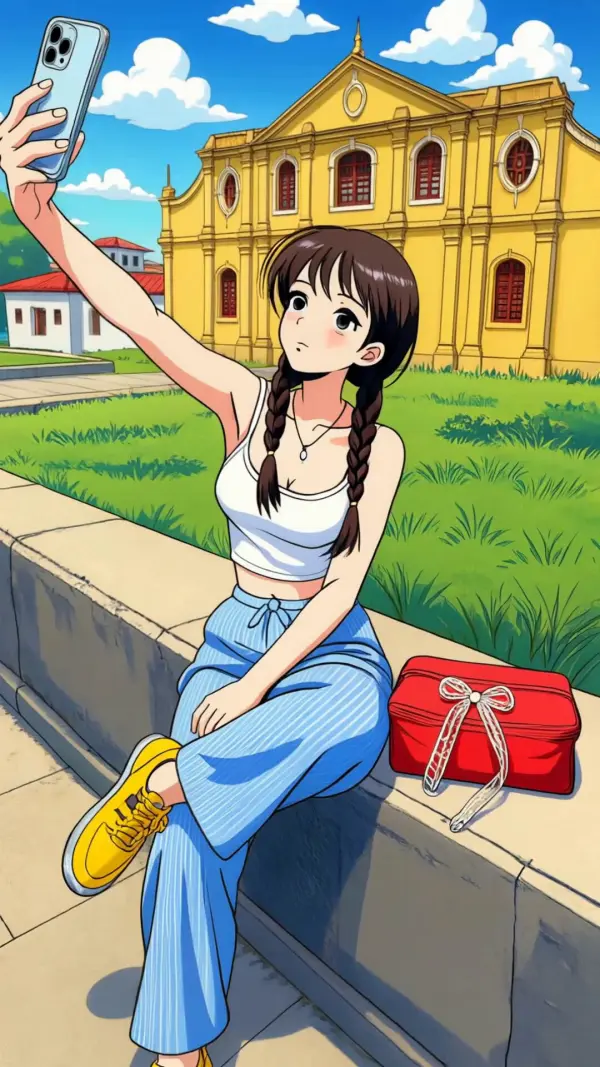
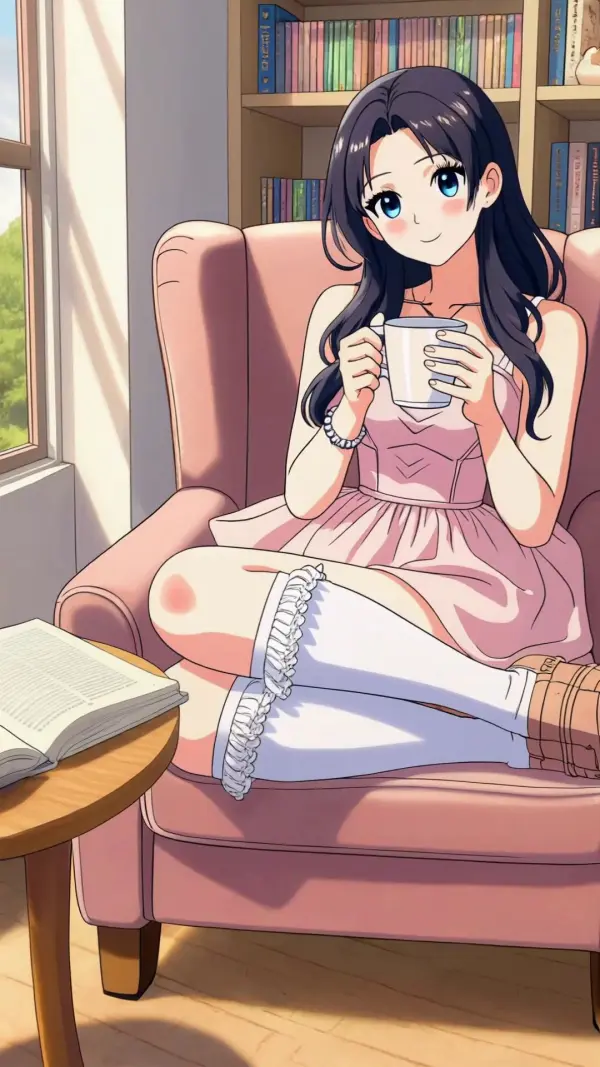
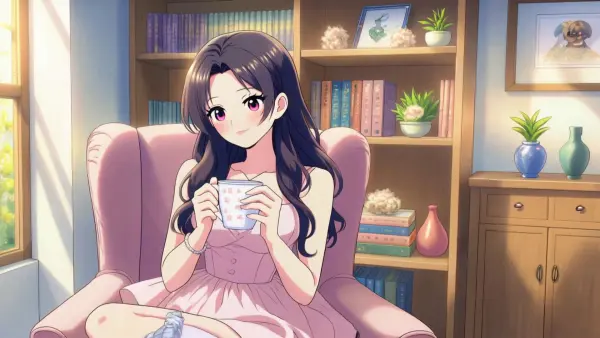
Video to Anime Converter is an online AI anime video tool that helps users transform real footage, selfies, character videos, product clips, or social media content into anime-style videos. Instead of creating only a static anime image, the tool can preserve original motion, gestures, facial expressions, head movement, and scene structure while applying an anime or cartoon visual style. Users can upload a source video, add an anime character reference image when needed, choose a preferred style, and generate dynamic anime content for TikTok, Instagram Reels, YouTube Shorts, education, marketing, fan edits, and creative projects.

Real-World Use Cases for Video to Anime Converter

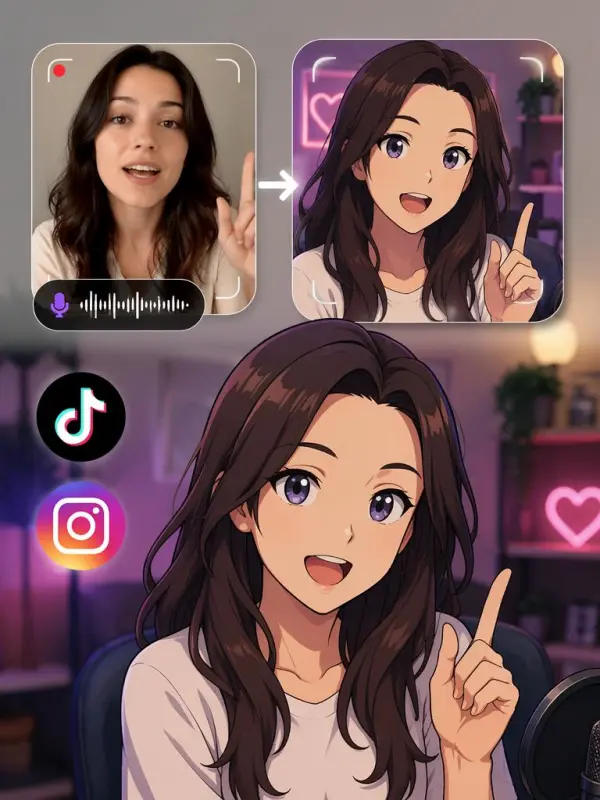
Creating an Anime Persona for Social Media

A content creator named Lina Brooks wanted to build a recognizable anime persona for TikTok and Instagram without drawing or animating every clip manually. She uploaded a short talking video and an anime character image, then used the video to anime converter to transfer her facial expressions, head tilts, gestures, and lip sync onto the character. The final anime video helped her create dynamic posts, reaction clips, and short-form content while keeping a consistent character identity across different videos.
video to anime for social media

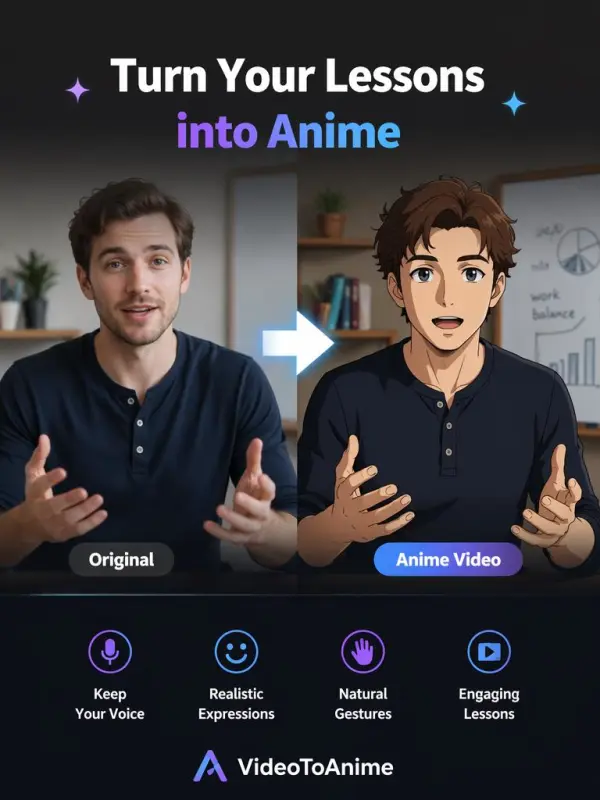
Turning Classroom Videos into Anime Presenters

An educator named Evan Reed wanted to make online lessons more engaging for younger audiences. Instead of recording traditional lecture videos, he used an AI anime video converter to turn his explanation clips into anime presenter videos. The anime character kept his voice rhythm, facial motion, and gestures, making the lesson feel more lively and approachable. This helped him create educational videos, tutorial clips, and visual learning content that felt more entertaining than standard talking-head videos.
ai anime video converter
Previous
Next

Key Features of Video to Anime Converter

Convert Videos into Anime Style

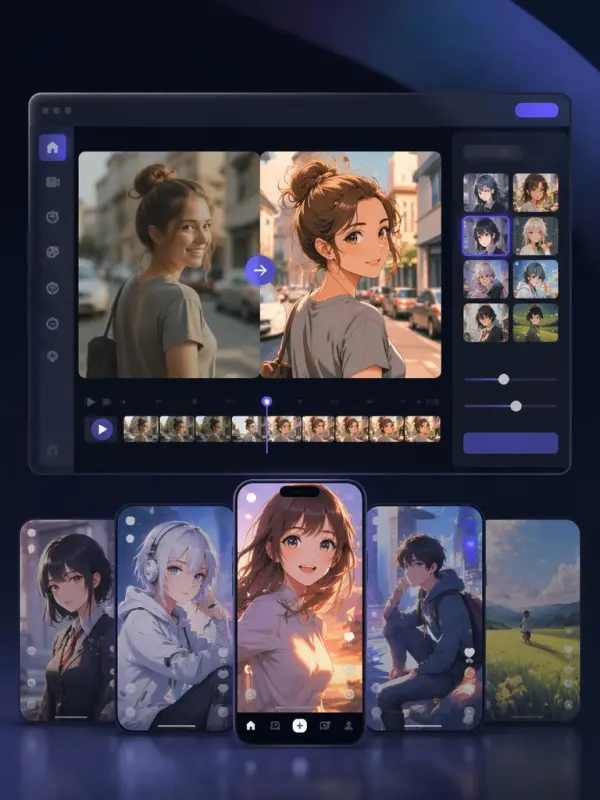
Video to Anime Converter helps users convert real videos into anime-style clips with AI. Upload a source video, choose an anime or cartoon look, and let the tool rebuild the footage with stylized colors, outlines, lighting, and textures. This is useful for creators who want anime videos without traditional animation software or frame-by-frame drawing.

AI Motion Transfer for Anime Characters

Some video to anime workflows support motion transfer, allowing users to upload a source video and an anime character reference image. The AI can transfer body movement, head motion, facial expressions, gestures, and lip sync to the anime character. This makes it possible to create animated anime personas, presenters, avatars, and character videos from real performances.

Preserve Original Motion and Timing

A strong AI anime video converter should preserve the original motion, timing, and composition of the source video. Whether the subject is speaking, dancing, walking, reacting, or gesturing, the converted anime video should keep the movement natural and recognizable. Motion preservation helps the output feel like a real animated performance rather than a simple filter.
personal entertainment

Multiple Anime and Cartoon Styles

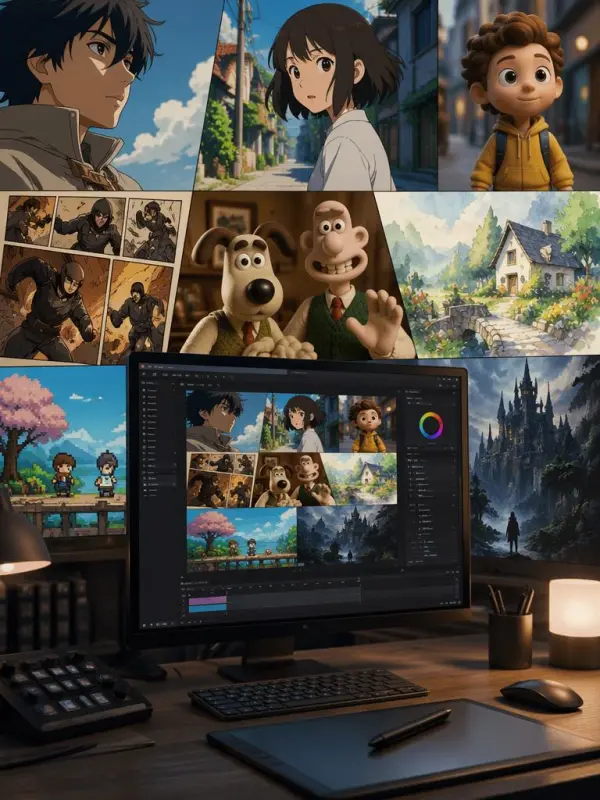
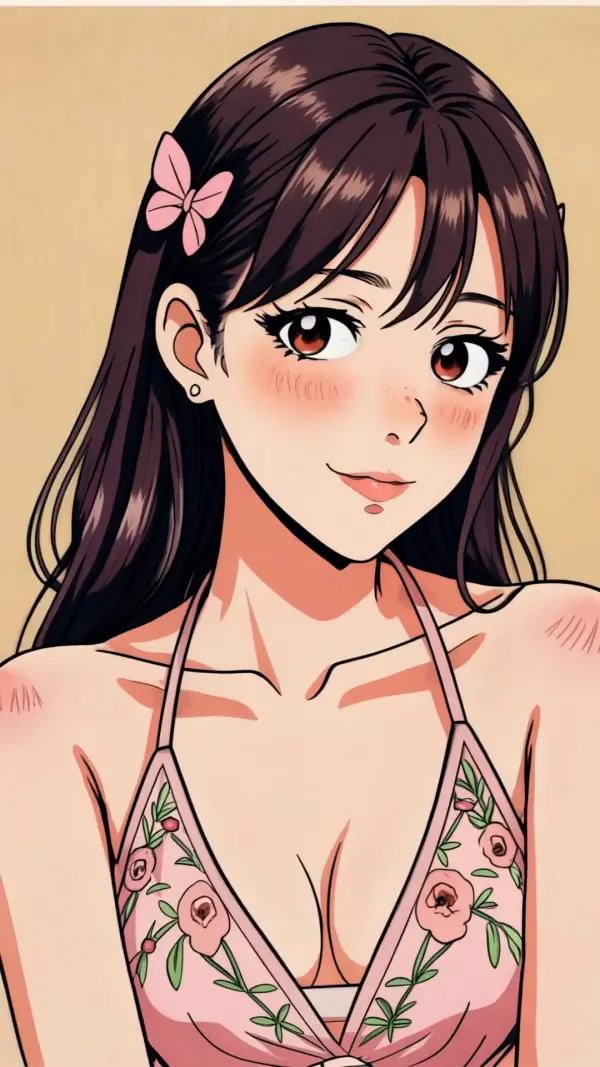
Users can explore different anime and animation styles, including classic Japanese anime, modern anime, cartoon, comic, claymation, watercolor, pixel art, fantasy animation, and cinematic stylized looks. This gives creators more flexibility when making videos for social media, fan content, professional projects, brand campaigns, or personal entertainment.
Short-form anime videos

Social Media-Ready Anime Videos

Video to Anime Converter is useful for creating short anime videos for TikTok, Instagram Reels, YouTube Shorts, Facebook, and other platforms. Users can create eye-catching anime clips, avatar videos, memes, fan edits, product videos, and storytelling content. Short-form anime videos can help creators stand out in crowded social feeds.

What You Can Do with Video to Anime Converter

Turn Yourself into an Anime Character

Upload a video of yourself speaking, posing, dancing, or performing, then use AI to convert the clip into anime style. You can create an anime version of yourself for social posts, profile content, fan edits, personal projects, or creative storytelling. This is a fun way to build a unique digital identity.

Create Anime Videos from Real Footage

Use the converter to transform real-world footage into anime-style scenes. A street video can become a cinematic anime city moment, a casual selfie can become an animated character clip, and a simple talking video can become an anime presenter scene. This makes ordinary footage feel more stylized and shareable.

Animate an Anime Character with Your Movements

Upload an anime character reference image and a source video to transfer motion from the video onto the character. The anime character can follow your head movement, gestures, facial expressions, and voice timing. This is useful for VTuber-style content, anime avatars, digital presenters, and character storytelling.

Create Anime Explainer and Education Videos

Educators and brands can use anime characters to explain ideas, present lessons, or deliver product information. Anime presenters can make tutorials, training videos, and explainer clips feel more approachable and entertaining. This is especially useful when the goal is to keep viewers engaged without showing a real presenter.

Build Anime Marketing and Brand Videos

Marketing teams can use AI anime video conversion to create character-driven campaigns, branded anime mascots, product stories, and social ads. Existing footage can be converted into anime style to match a campaign mood, attract younger audiences, or explore a more playful brand identity.

Frequently Asked Questions About Video to Anime Converter

What is a Video to Anime Converter?

A Video to Anime Converter is an AI tool that converts real videos into anime-style videos. Some tools apply anime style transfer to the entire video, while others use motion transfer to animate an anime character with movements from the source footage.

Can I turn myself into an anime character with AI?

Yes. You can upload a video of yourself and use AI to convert it into anime style. In motion transfer workflows, you can also upload an anime character image and transfer your gestures, expressions, head movement, and lip sync to that character.

Is video to anime different from an anime filter?

Yes. A basic anime filter may only stylize a photo or apply a simple visual effect. A video to anime converter can transform moving footage, preserve motion, and generate dynamic anime videos with gestures, expressions, and scene continuity.

Can I upload an anime character image?

Yes. Some workflows allow users to upload both a source video and an anime character reference image. The AI then transfers movement and facial performance from the video onto the anime character.

What kinds of videos work best?

Clear videos with visible faces, body movement, good lighting, and limited blur usually work best. For motion transfer, videos with clear gestures, head movement, and facial expressions can help produce stronger anime character animation.

Can I convert videos into different anime styles?

Yes. Many video to anime tools support multiple visual styles, such as classic anime, modern anime, cartoon, comic, claymation, watercolor, pixel art, fantasy, or cinematic animation. Style options depend on the tool and prompt quality.

Can I use video to anime for TikTok and Instagram?

Yes. Video to anime converters are useful for TikTok, Instagram Reels, YouTube Shorts, and other short-form platforms. Anime-style videos can make social content more eye-catching, expressive, and memorable.

Does video to anime support lip sync?

Some video to anime workflows support lip sync transfer, especially when animating an anime character from a talking video. This helps the character appear to speak with the same voice timing and mouth movement as the source footage.

Do I need animation skills?

No. Most AI video to anime tools are designed for simple online use. Users upload a video, choose a style or reference image, generate the result, preview it, and download the final anime video.

Can I use anime videos commercially?

Commercial use depends on the tool’s license, your source video rights, character image rights, music rights, and final export terms. For safer use, upload content you own or have permission to use, and review the platform’s commercial policy before publishing.
---

Explore More AI Tools

Our new Virtual Try-On just launched. Try it now!
close

HappyHorse AI Video Generator

Create Cinematic Text-to-Video and Image-to-Video Content

GPT Image 2 AI Image Generator

Create High Quality Images, Text Rich Visuals, and Product Photography

HappyHorse 1.1 AI Video Generator

Create Campaign-Ready Videos Online

Nano Banana

Google's Next-Gen AI Image Model for Instant Professional Creativity

AI Video Generator

Turn Images into Stunning AI Videos for Free

Virtual Try-On

Try On Clothes Online with AI Virtual Try Technology

Swap Model & BG

Realistic Model & Background Swapping Online with AI

AI Fashion Model

Showcase clothing with a variety of models

AI Product

Create stunning product images with few clicks from anywhere

Face Forge

AI Face Morph & Face Swap Generator Online

Product Recoloring

Recolor Image Online Free - Color Changer in WeShop AI

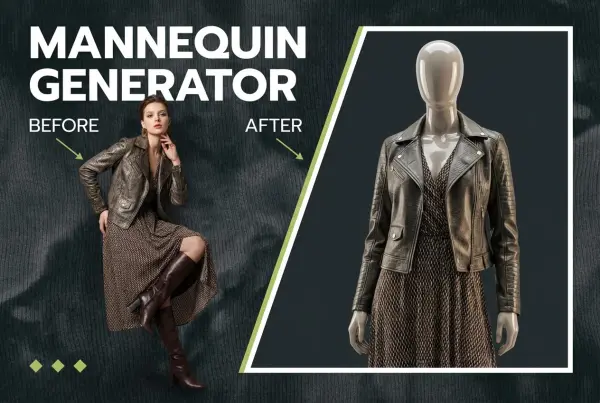
To Mannequin

Convert real model photos into mannequin displays

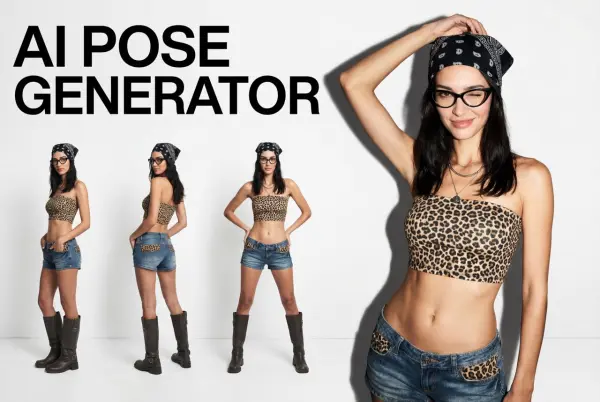
Change Pose

Change poses, switch between various model poses, making the clothing display more natural

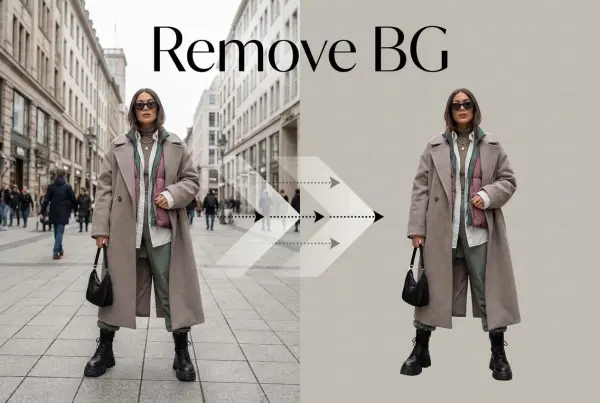
Remove Background

Removing background with lightning speed and ease

AI Photo Enhancer

Enhance Photo Quality Online with Free AI

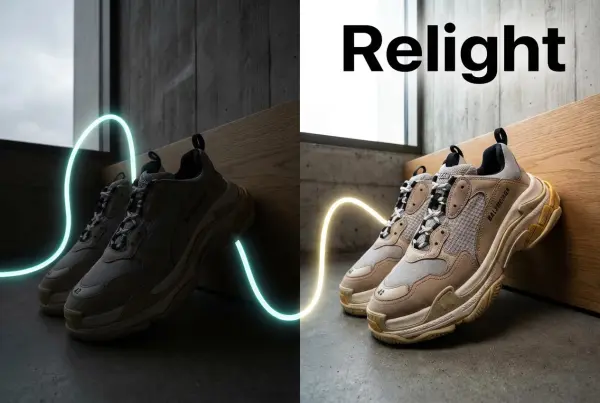
Relight

Relight your images automatically and efficiently

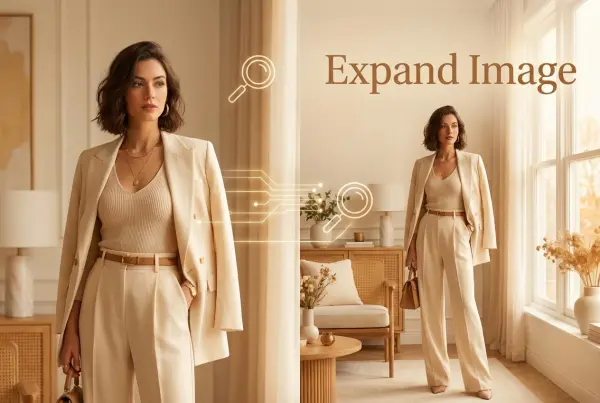
Expand Image

Expand images & backgrounds to fit any platform

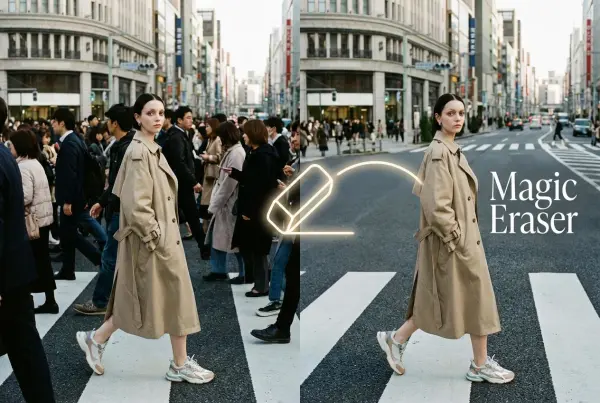
Magic Eraser

Remove unwanted objects from your photos with AI

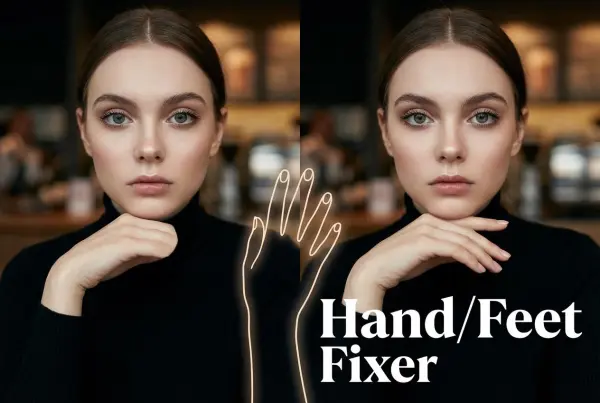
Hand/Feet Fixer

Regenerate natural-looking hands and feet in AI-generated images

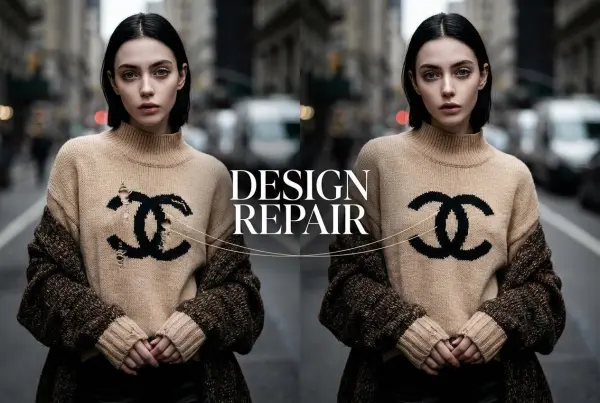
Design Repair

Upload an image, highlight the area you wish to fix, and upload a target reference image

Outfit Generator

Create AI clothes styling from any model photo, garment, or style prompt.

Video Agent

Create and publish videos from a photo or description—instantly, in any style.

AI Clothing Piece Generator

Create Professional Flatlay Clothing Images From Any Photo or Idea

Watermark Video Remover Free Online

Remove Watermark from Video

AI Video Enhancer

Enhance Video Quality Online with AI

Replace Face in Video Online Free

AI Video Face Swap for Realistic Clips

Seedream 5.0 Pro

Create Grounded Edits and Infographics Online

Seedance 2.0

A Multi-Modal AI Video Creative Engine for Cinematic Storytelling

Sora 2

Next Generation AI Video Generator with Realistic Physics & Storytelling

Wan AI Video Generator

Advanced AI Image & Video Generation Model

Midjourney Image Generator

Use Midjourney v7 to Create AI-Generated Images

Kling O1 AI Video Generator

Create Cinematic Videos with Omni One Control

Kling 3.0 Omni

Create Multimodal Videos with Native Audio ---

Kling 3.0

AI Director Video Model with 4K Cinematic Storytelling

Kling Motion Control

Create Realistic Motion Videos from Reference Images and Videos

Qwen Image Edit

A Revolutionary Tool for Seamless Image Editing

Z-Image AI Image Generator

Create High-Quality Images from Text Instantly

FireRed Image Edit

Open Source AI Image Editing Model for High Fidelity Edits

Grok Imagine AI Image Generator

Create High-Resolution Images from Text with Aurora AI

Grok Imagine AI Video Generator

Create Cinematic AI Videos with Native Audio & Scene Control

Hailuo AI Video Generator

Create Cinematic AI Videos from Text or Images

Veo 3 AI Video Generator

Create Cinematic Videos from Text or Images

Vidu Q3 AI Video Generator

Create Cinematic Short Videos with Turbo and Pro Modes

Imagen 4

Create Photorealistic Images and Accurate Text Visuals with AI

HiDream AI Image Generator

Create Stunning AI-Generated Images Online

Sulphur2

Create Cinematic AI Videos from Text and Images

PixVerse AI Video Generator

Create Cinematic Videos with V6 and V5.5

Video Replication

Recreate Video Styles, Motion, and Scenes with AI

Runway Gen 4 AI Video Generator

Create Consistent AI Videos Online

idea
helper