app download

App

Steal the Look! Click to Replicate it with Your Product!

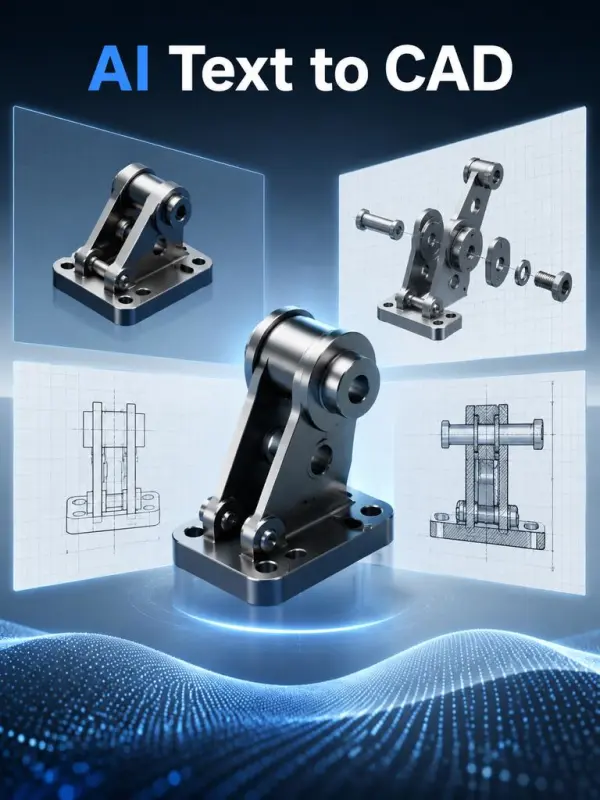
Text to CAD AI – Visualize Product and Engineering Concepts

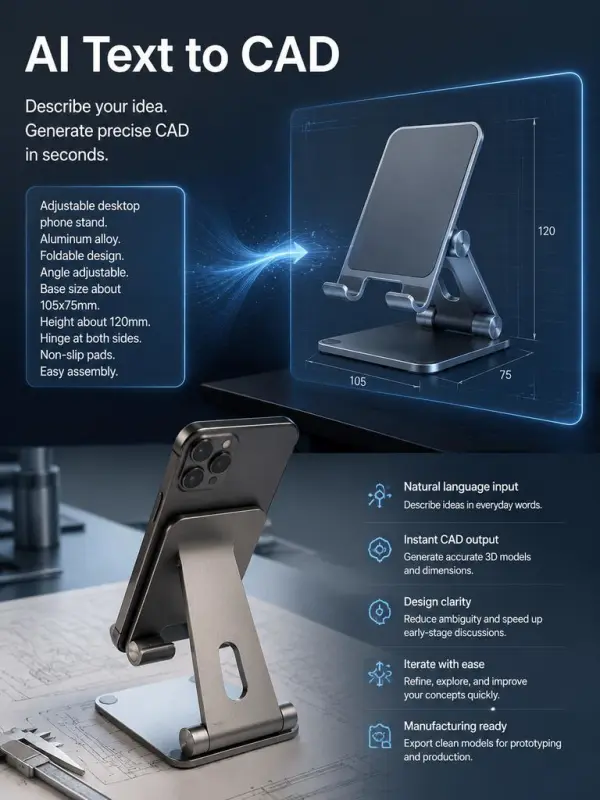
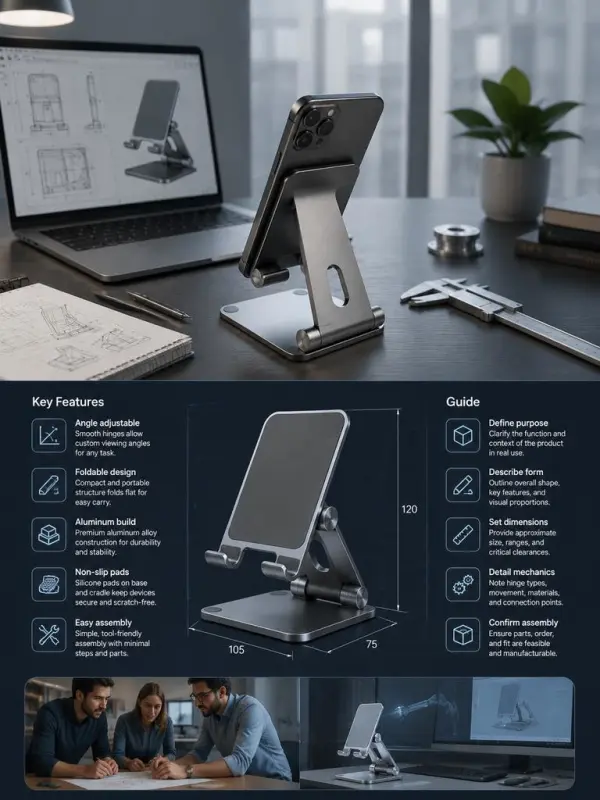
Text to CAD AI helps product teams turn natural-language design intent into clear CAD-style concept visuals for early exploration, stakeholder review, and rapid prototyping discussions. Describe the object, dimensions, form, features, materials, assembly context, and viewing angle to generate a distinct visual interpretation. Generated imagery can support ideation, but it is not automatically an editable CAD file or production-ready engineering model; qualified designers must verify geometry, tolerances, safety, and manufacturability.

Business Uses of Text to CAD AI

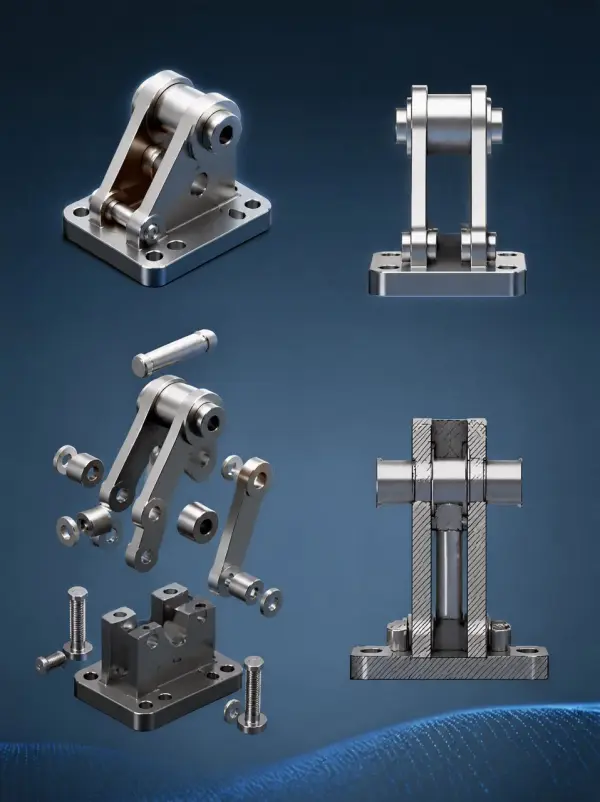
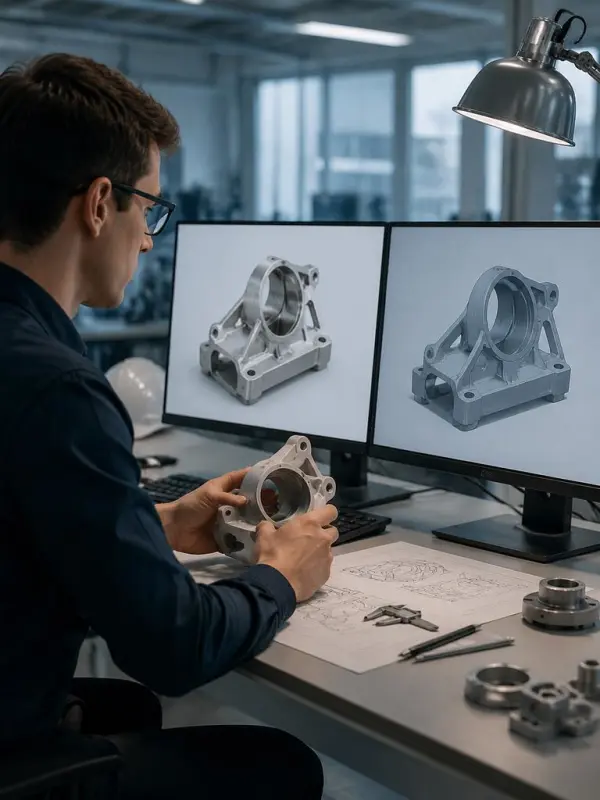
Axiswell Robotics Reviews a Sensor Bracket Concept

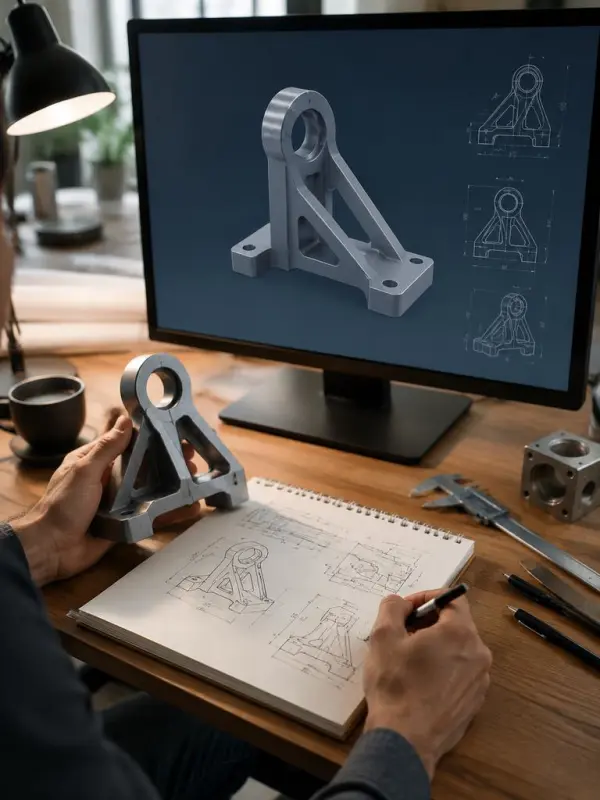
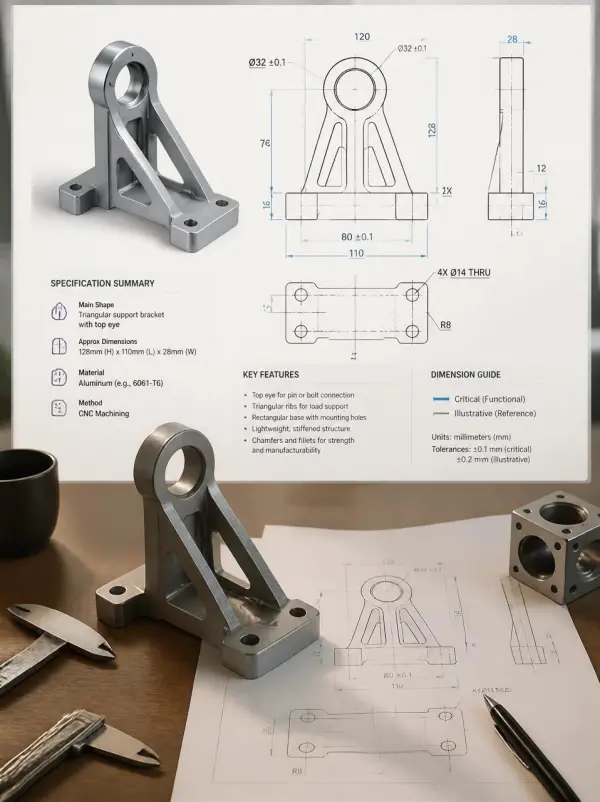
Axiswell Robotics, a fictional automation company, needed a clear concept for an adjustable sensor bracket before assigning detailed engineering work. Its product team described the mounting plate, slotted holes, reinforced arm, fastener locations, and viewing angle. A realistic CAD-style poster visual helped mechanical engineers and purchasing specialists discuss geometry, installation access, and material options before building a validated parametric model.
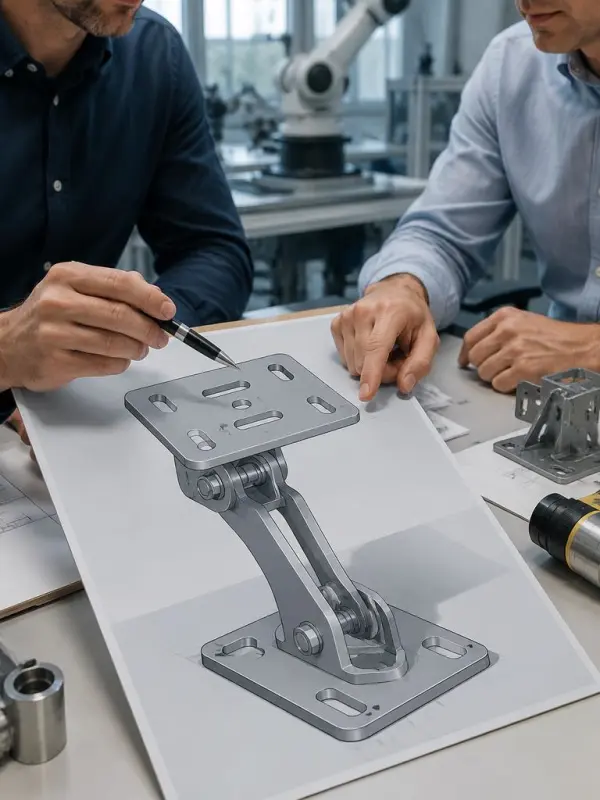
Axiswell Robotics Reviews a Sensor Bracket Concept

Formline Appliances Explores a Compact Enclosure

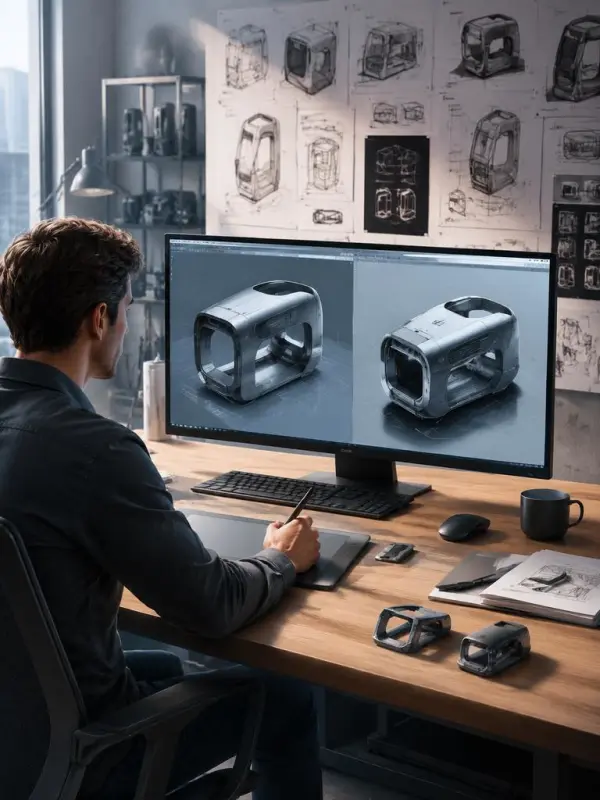
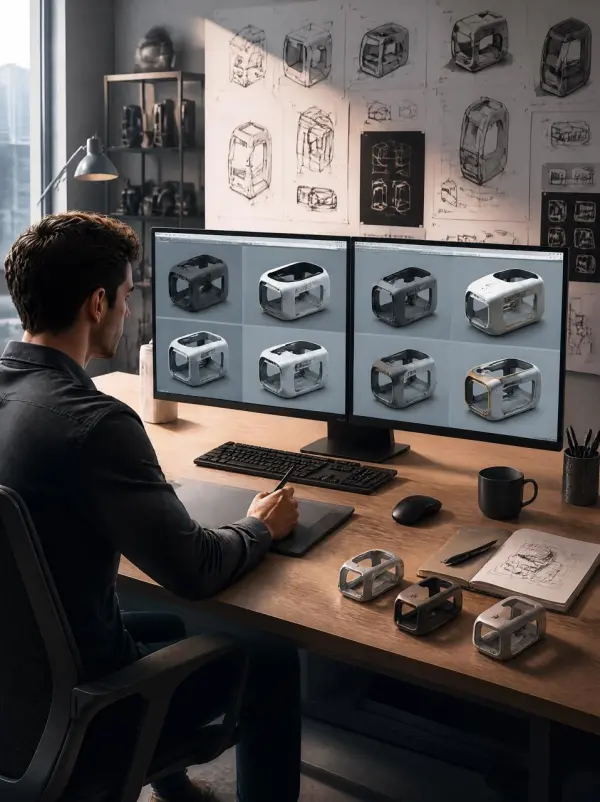
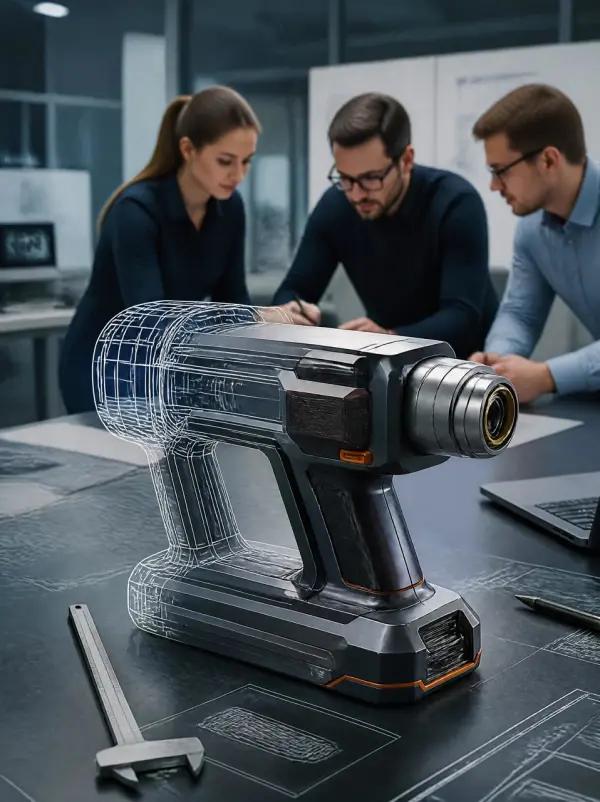
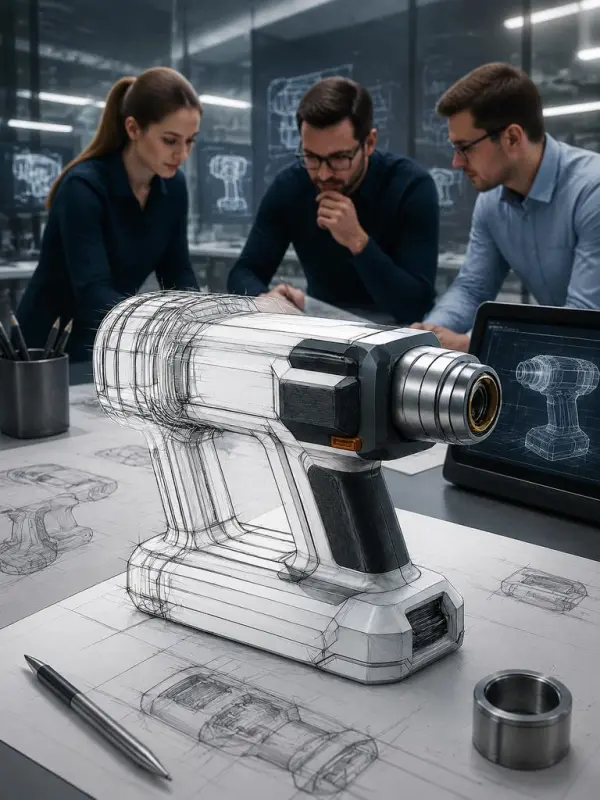
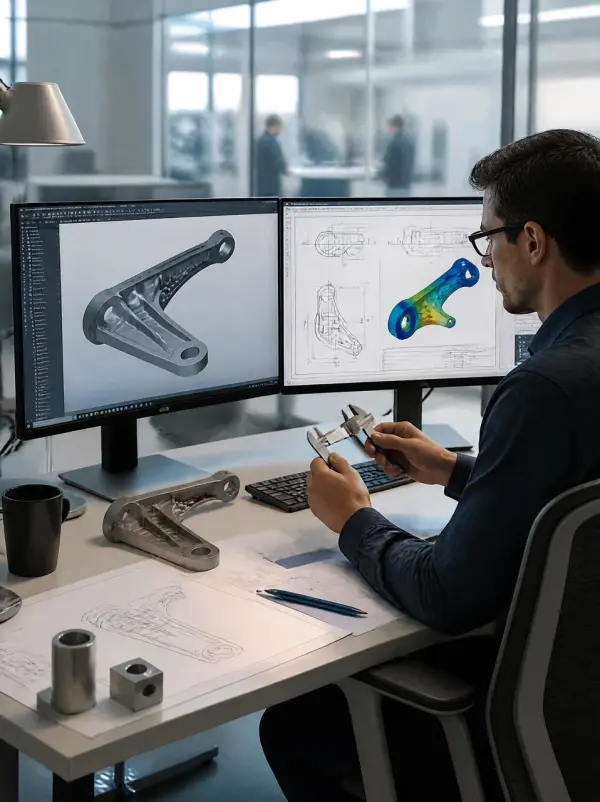
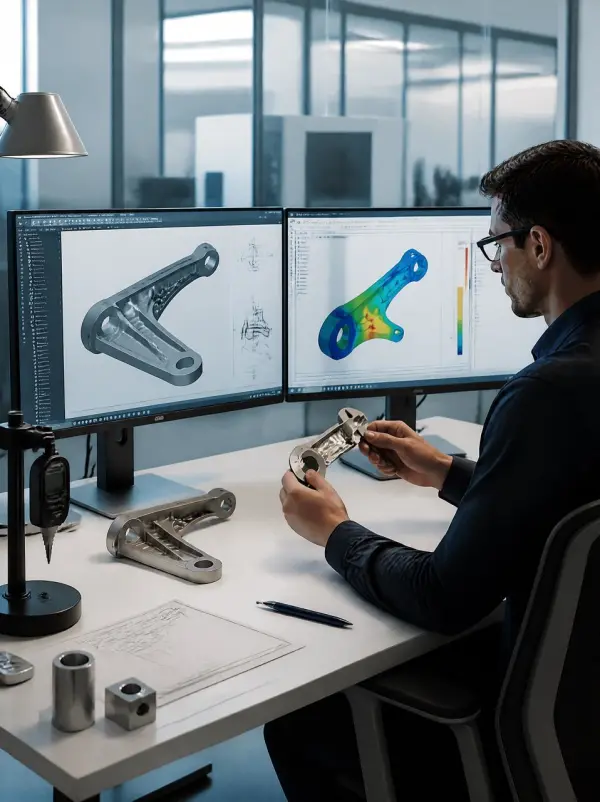
Formline Appliances, a fictional consumer product company, wanted to compare enclosure directions for a countertop device. Designers generated a realistic concept showing a vented shell, removable rear panel, rounded front edge, and internal volume cues. The visual gave marketing and engineering teams a shared reference for proportion and appearance, while licensed CAD professionals handled final dimensions, components, tolerances, and compliance.
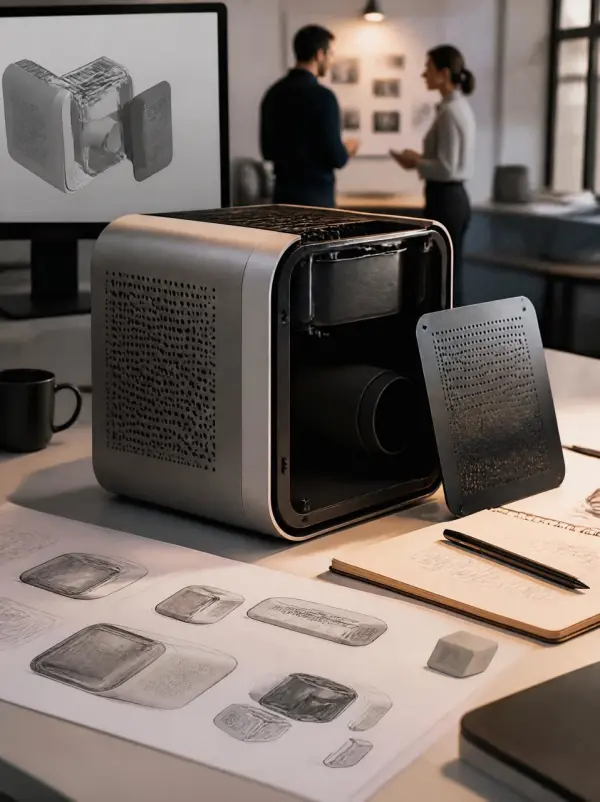
Formline Appliances Explores a Compact Enclosure
Previous
Next

Key Features of Text to CAD AI

Natural Language Design Intent

Natural Language Design Intent

Describe a product or mechanical concept in ordinary language, including purpose, overall form, major features, approximate dimensions, and assembly context. Text to CAD AI converts that brief into a readable CAD-style visual direction. This can reduce ambiguity during early discussions and give designers, engineers, clients, and stakeholders a common reference before detailed modeling begins.
Feature and Geometry Visualization

Feature and Geometry Visualization

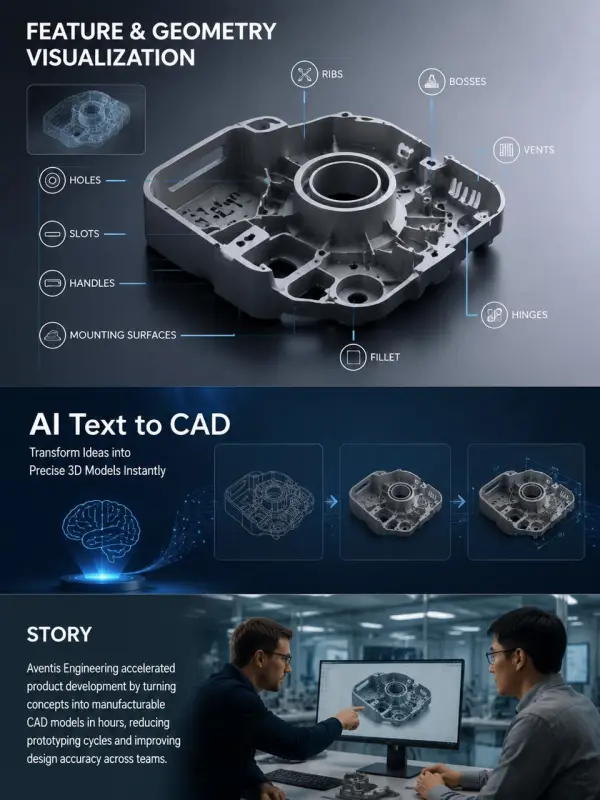
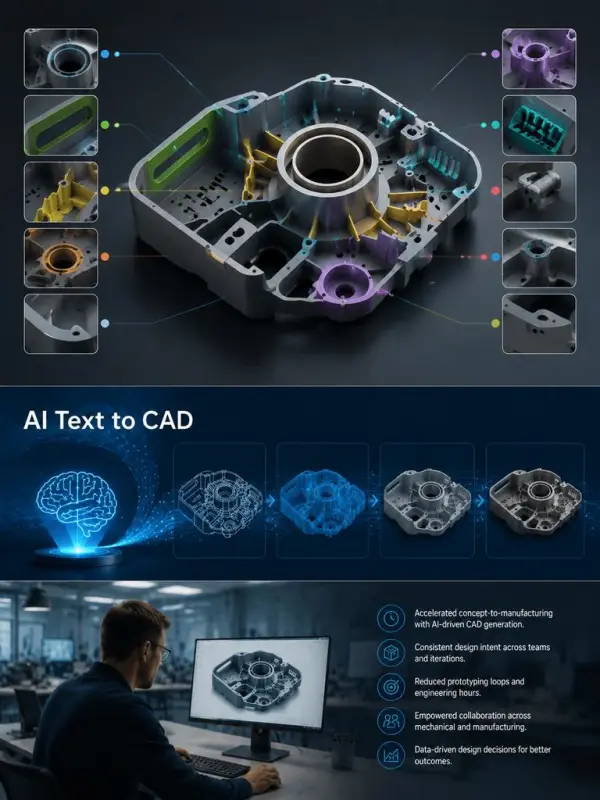
Call out important elements such as holes, slots, ribs, bosses, vents, handles, hinges, fillets, and mounting surfaces. A focused prompt helps the concept image communicate how these features relate spatially. The output supports exploration and review, but every dimension, constraint, interface, and geometric dependency must be recreated and verified in appropriate engineering software.
Multiple Technical Viewing Angles

Multiple Technical Viewing Angles

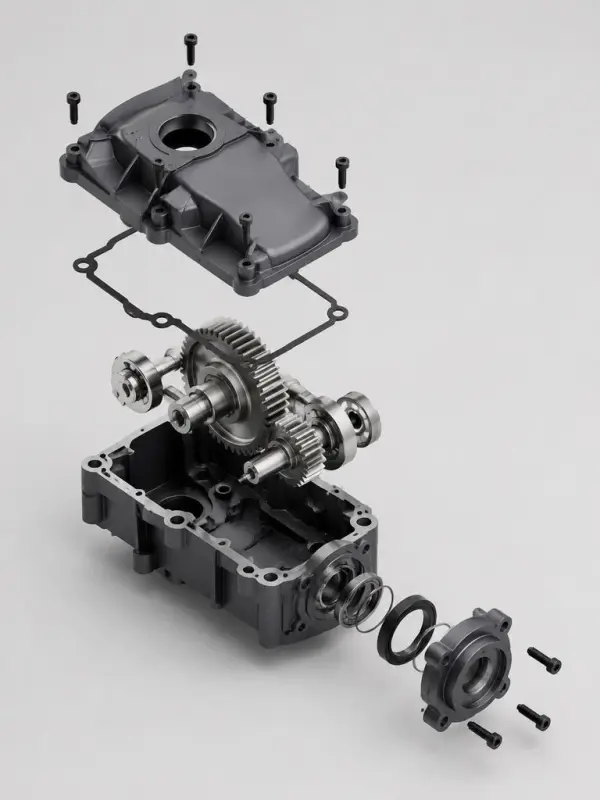
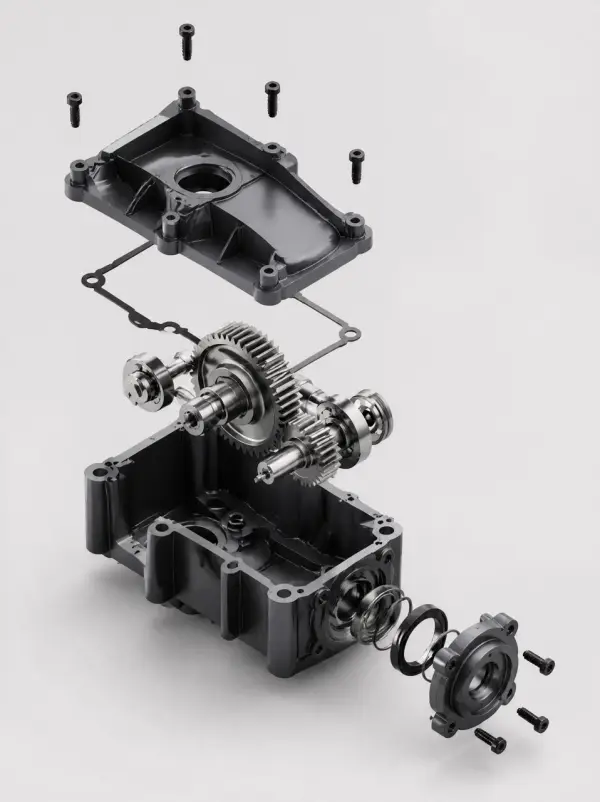
Request an isometric view, front elevation, exploded concept, section-inspired presentation, or close-up of a critical interface. A deliberate camera angle can make form and assembly relationships easier to evaluate. Generated views are illustrative rather than certified drawings, so teams should not infer exact scale, hidden geometry, tolerances, or manufacturing instructions from the image alone.
Faster Concept Review Cycles

Faster Concept Review Cycles

Create a distinct visual variation from the source concept to compare proportions, feature placement, material direction, and overall product character. The before-and-after structure helps teams document what changed between ideas. Text to CAD AI can accelerate early review meetings while preserving the need for human decisions, revision control, engineering calculations, and formal design approval.
Business Ready Ideation Support

Business Ready Ideation Support

Use CAD-style concept visuals in internal briefs, client workshops, design proposals, sourcing discussions, and prototype planning. Clear images can help non-specialists participate in early decisions without pretending that concept art is finished engineering data. Teams should label generated visuals appropriately and route promising directions into a controlled CAD, simulation, testing, and compliance workflow.

How to Use Text to CAD AI

Define Function and Operating Context

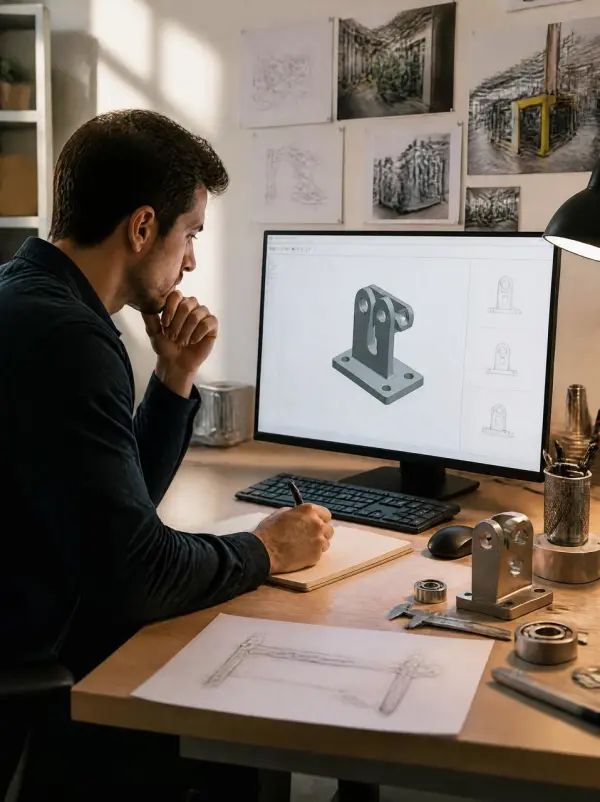
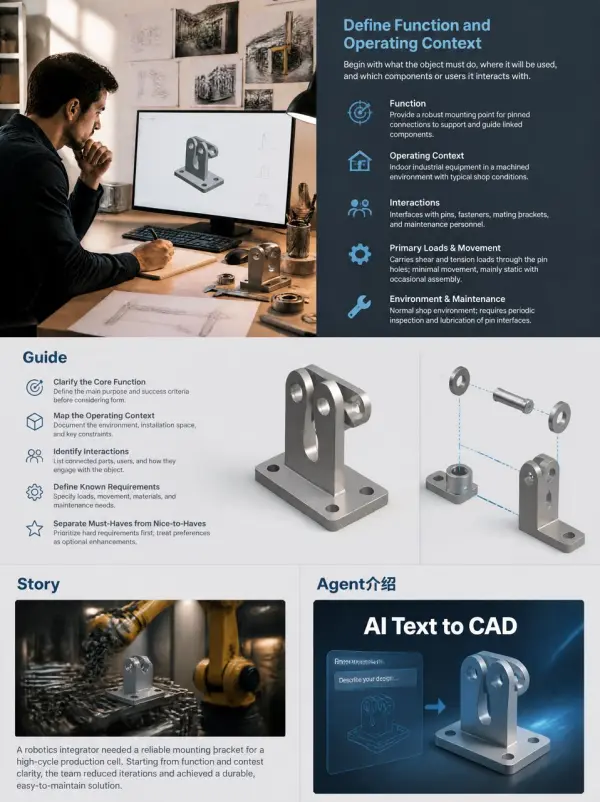
Begin with what the object must do, where it will be used, and which components or users it interacts with. Describe loads, movement, environment, installation space, and maintenance needs only when known. Separate hard requirements from optional preferences. A structured design brief gives Text to CAD AI a clearer basis for generating a useful concept visual.

Define Function and Operating Context

Specify Form Features and Dimensions

List the main body shape, approximate dimensions, interfaces, holes, slots, supports, openings, and edge treatments. Use consistent units and identify which measurements are critical versus illustrative. Do not overload the first prompt with every manufacturing detail. Early concept generation works best when the hierarchy of form and function is clear before fine constraints are introduced.

Specify Form Features and Dimensions

Choose a Technical Presentation View

Select an isometric, orthographic-inspired, exploded, cutaway-style, or detail-focused composition that reveals the most important geometry. Request a neutral background, controlled lighting, and limited annotations for visual clarity. Generated text and measurements may be inaccurate, so exact dimensions, callouts, datums, and tolerances should be added later in a verified engineering environment.

Choose a Technical Presentation View

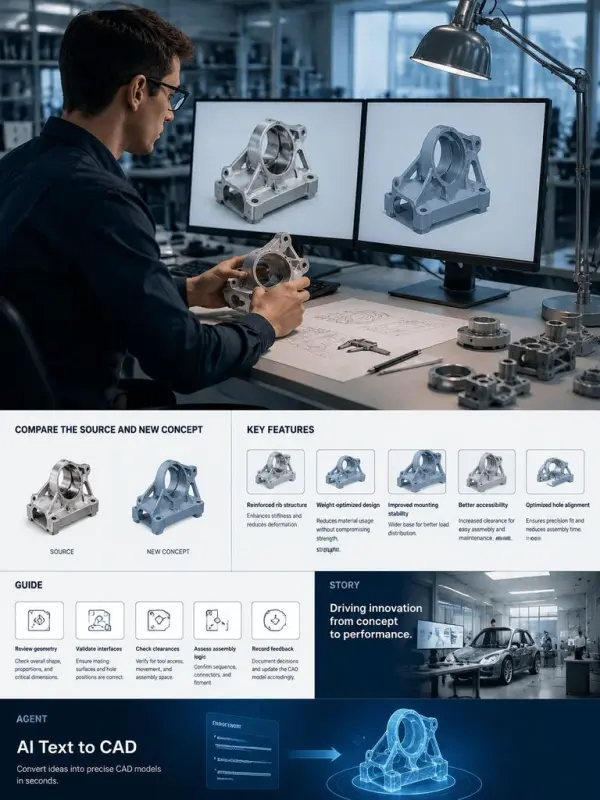
Compare the Source and New Concept

Keep the original visual separate and generate a distinct revised version so reviewers can identify changes in form, features, or assembly logic. Examine proportions, interfaces, clearances, access, and potential conflicts. Use the images to guide questions, not to approve fabrication. Record stakeholder feedback and transfer accepted decisions into the authoritative CAD model and revision system.

Compare the Source and New Concept

Rebuild and Validate in CAD Software

Have qualified designers recreate the chosen direction as constrained sketches, features, assemblies, and drawings. Verify materials, fits, tolerances, structural behavior, safety factors, ergonomics, standards, intellectual property, and manufacturing processes. Run simulation and physical testing where appropriate. Only reviewed engineering files—not generated concept images—should drive procurement, tooling, construction, or production.

Rebuild and Validate in CAD Software

Frequently Asked Questions About Text to CAD AI

What is Text to CAD AI?

It is a workflow that interprets natural-language design intent to generate CAD-style concepts or, in some systems, structured modeling instructions for further review.

Does this workflow create an editable CAD file?

Not necessarily. A generated image is a visual concept, not automatically a STEP file, parametric model, technical drawing, or manufacturing dataset.

What should a text-to-CAD prompt include?

Include function, form, major features, approximate dimensions, interfaces, material direction, operating context, and the most useful presentation view.

Can generated concepts be manufactured directly?

No. Qualified professionals must rebuild or verify the geometry, materials, tolerances, safety, standards, simulation, and testing before manufacturing.

Why keep the original and generated images separate?

Separate images make design changes visible and support side-by-side review instead of presenting an unchanged source as a new concept.

Who should use Text to CAD AI?

Product managers, industrial designers, engineers, educators, makers, and clients can use it for early visualization when a controlled engineering review follows.

Explore More AI Tools

Our new Virtual Try-On just launched. Try it now!
close

HappyHorse AI Video Generator

Create Cinematic Text-to-Video and Image-to-Video Content

GPT Image 2 AI Image Generator

Create High Quality Images, Text Rich Visuals, and Product Photography

HappyHorse 1.1 AI Video Generator

Create Campaign-Ready Videos Online

Nano Banana

Google's Next-Gen AI Image Model for Instant Professional Creativity

AI Video Generator

Turn Images into Stunning AI Videos for Free

Virtual Try-On

Try On Clothes Online with AI Virtual Try Technology

Swap Model & BG

Realistic Model & Background Swapping Online with AI

AI Fashion Model

Showcase clothing with a variety of models

AI Product

Create stunning product images with few clicks from anywhere

Face Forge

AI Face Morph & Face Swap Generator Online

Product Recoloring

Recolor Image Online Free - Color Changer in WeShop AI

To Mannequin

Convert real model photos into mannequin displays

Change Pose

Change poses, switch between various model poses, making the clothing display more natural

Remove Background

Removing background with lightning speed and ease

AI Photo Enhancer

Enhance Photo Quality Online with Free AI

Relight

Relight your images automatically and efficiently

Expand Image

Expand images & backgrounds to fit any platform

Magic Eraser

Remove unwanted objects from your photos with AI

Hand/Feet Fixer

Regenerate natural-looking hands and feet in AI-generated images

Design Repair

Upload an image, highlight the area you wish to fix, and upload a target reference image

Outfit Generator

Create AI clothes styling from any model photo, garment, or style prompt.

Video Agent

Create and publish videos from a photo or description—instantly, in any style.

AI Clothing Piece Generator

Create Professional Flatlay Clothing Images From Any Photo or Idea

Watermark Video Remover Free Online

Remove Watermark from Video

AI Video Enhancer

Enhance Video Quality Online with AI

Replace Face in Video Online Free

AI Video Face Swap for Realistic Clips

Seedream 5.0 Pro

Create Grounded Edits and Infographics Online

Seedance 2.0

A Multi-Modal AI Video Creative Engine for Cinematic Storytelling

Sora 2

Next Generation AI Video Generator with Realistic Physics & Storytelling

Wan AI Video Generator

Advanced AI Image & Video Generation Model

Midjourney Image Generator

Use Midjourney v7 to Create AI-Generated Images

Kling O1 AI Video Generator

Create Cinematic Videos with Omni One Control

Kling 3.0 Omni

Create Multimodal Videos with Native Audio ---

Kling 3.0

AI Director Video Model with 4K Cinematic Storytelling

Kling Motion Control

Create Realistic Motion Videos from Reference Images and Videos

Qwen Image Edit

A Revolutionary Tool for Seamless Image Editing

Z-Image AI Image Generator

Create High-Quality Images from Text Instantly

FireRed Image Edit

Open Source AI Image Editing Model for High Fidelity Edits

Grok Imagine AI Image Generator

Create High-Resolution Images from Text with Aurora AI

Grok Imagine AI Video Generator

Create Cinematic AI Videos with Native Audio & Scene Control

Hailuo AI Video Generator

Create Cinematic AI Videos from Text or Images

Veo 3 AI Video Generator

Create Cinematic Videos from Text or Images

Vidu Q3 AI Video Generator

Create Cinematic Short Videos with Turbo and Pro Modes

Imagen 4

Create Photorealistic Images and Accurate Text Visuals with AI

HiDream AI Image Generator

Create Stunning AI-Generated Images Online

Sulphur2

Create Cinematic AI Videos from Text and Images

PixVerse AI Video Generator

Create Cinematic Videos with V6 and V5.5

Video Replication

Recreate Video Styles, Motion, and Scenes with AI

Runway Gen 4 AI Video Generator

Create Consistent AI Videos Online

idea
helper