01
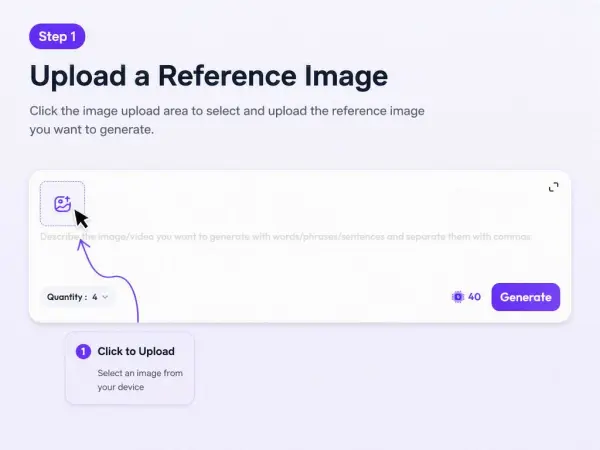
1. Upload a portrait image
Use a product photo, model image, lifestyle portrait, or campaign visual.


Download
Sign In





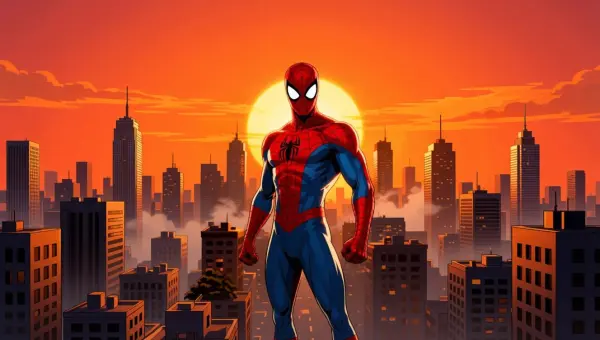

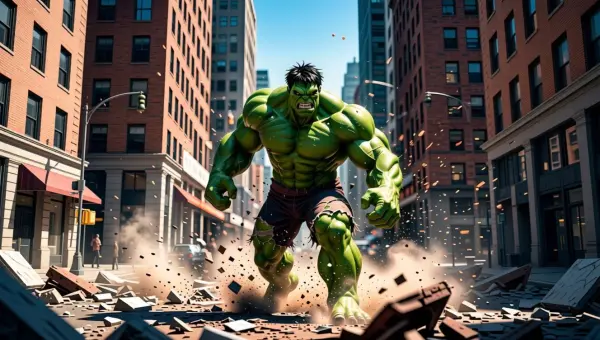
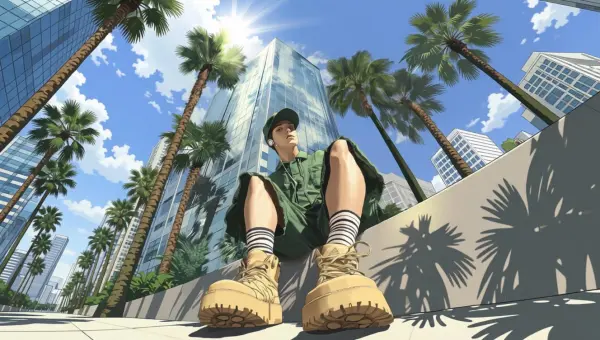
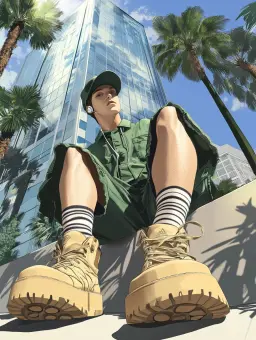
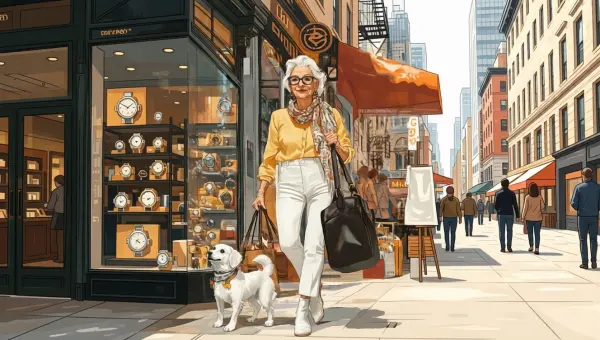
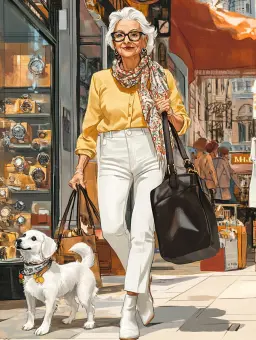
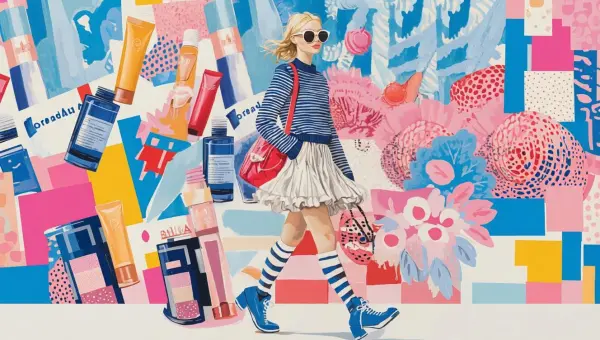
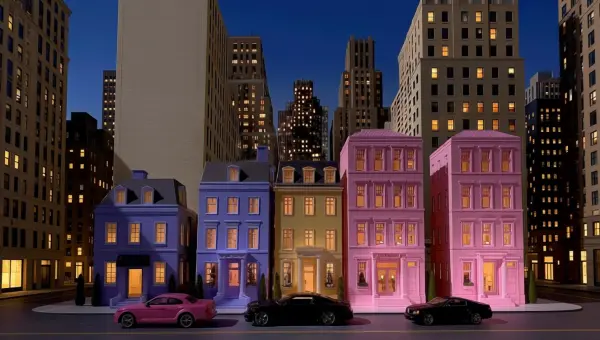
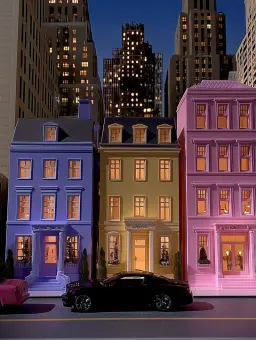
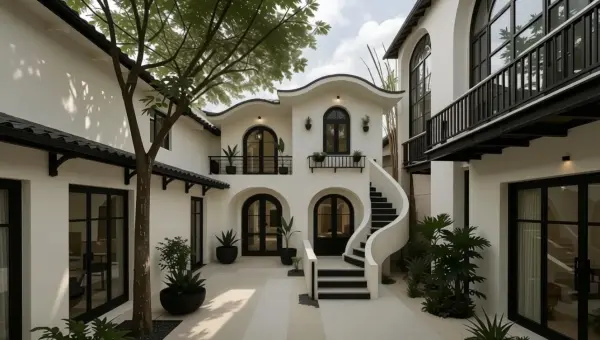

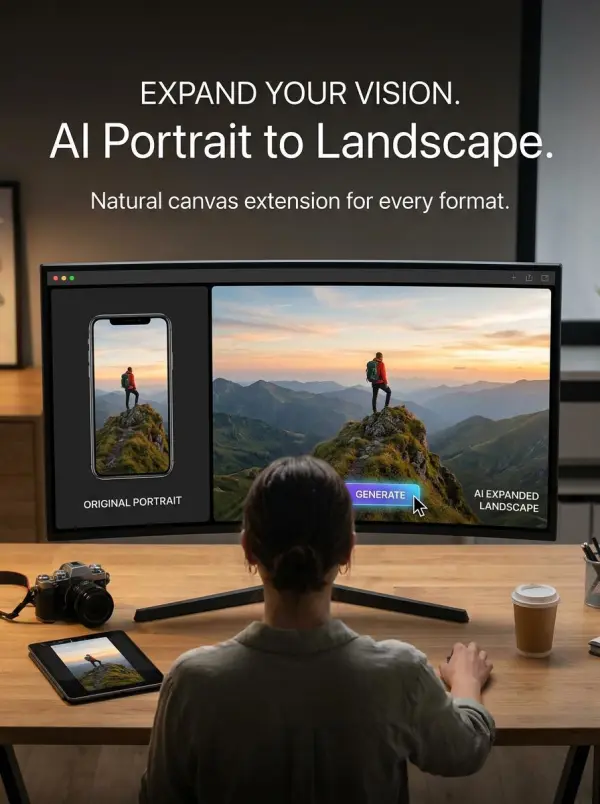
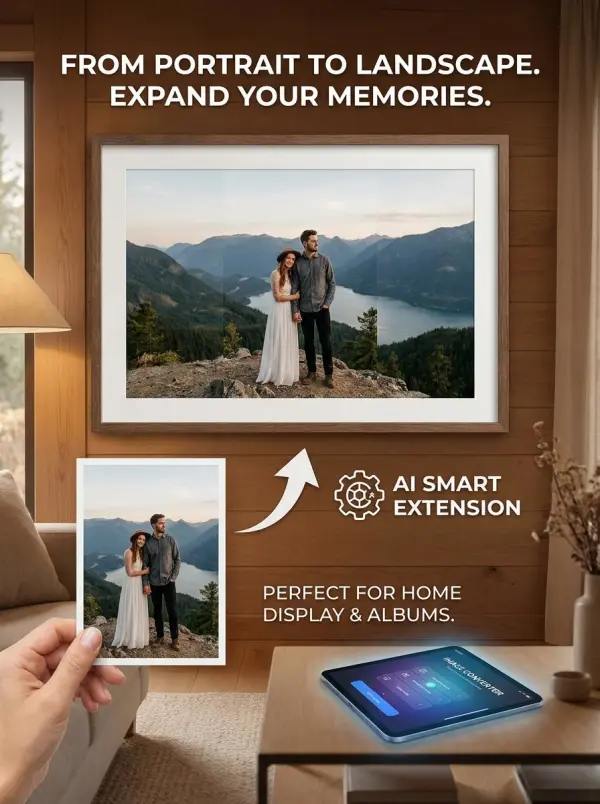


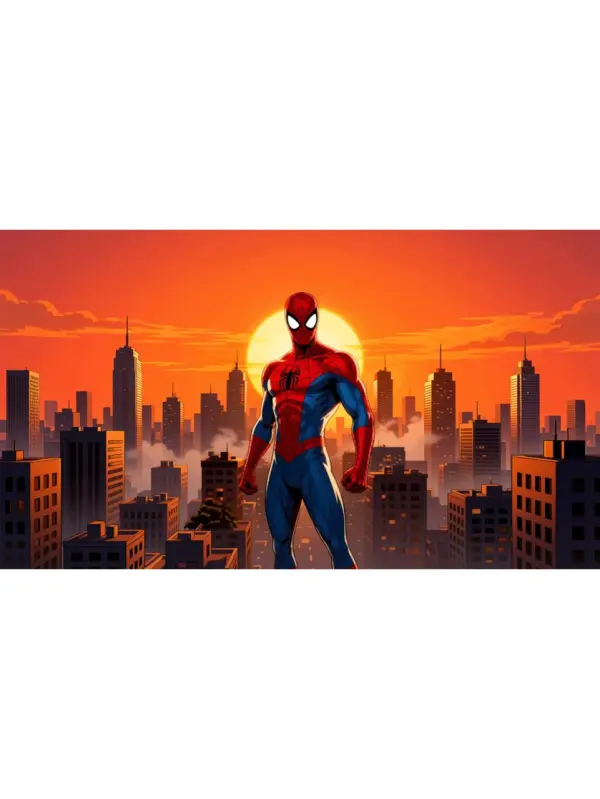
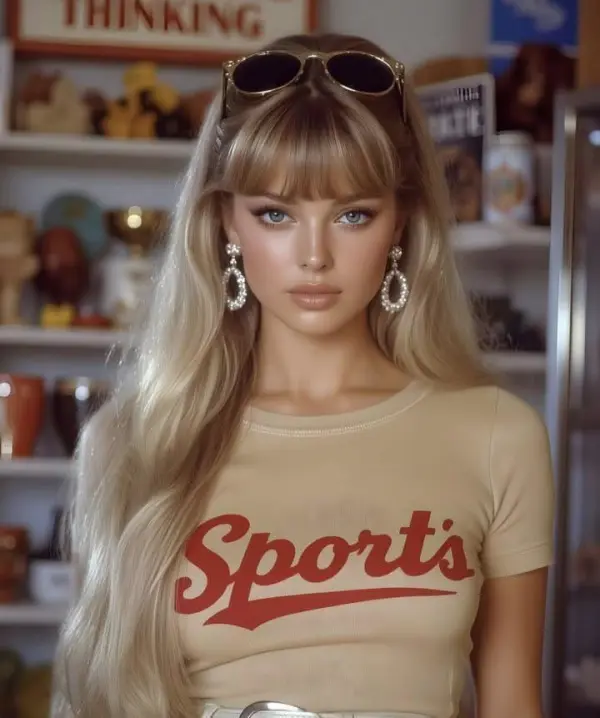
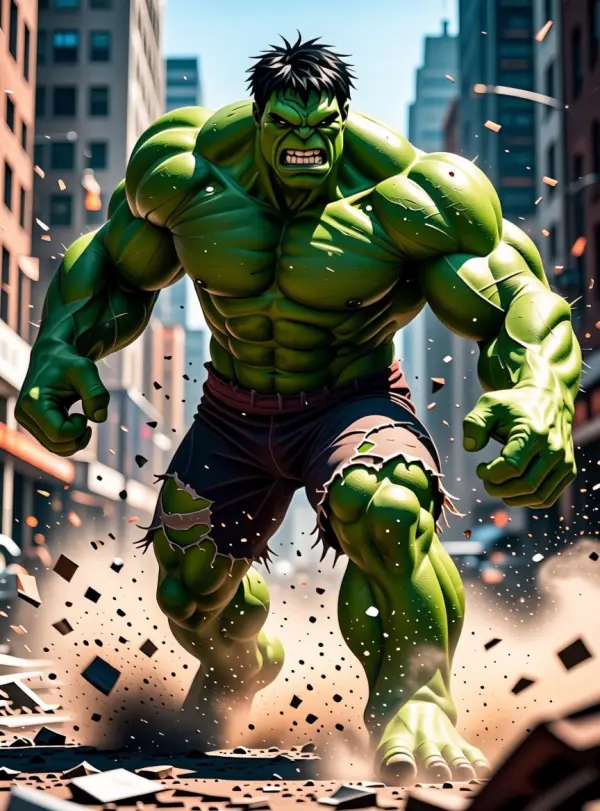
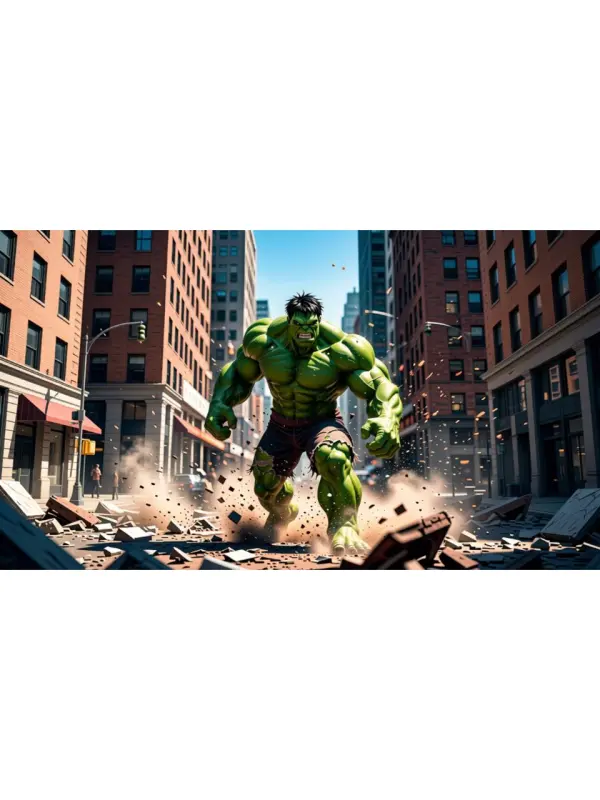

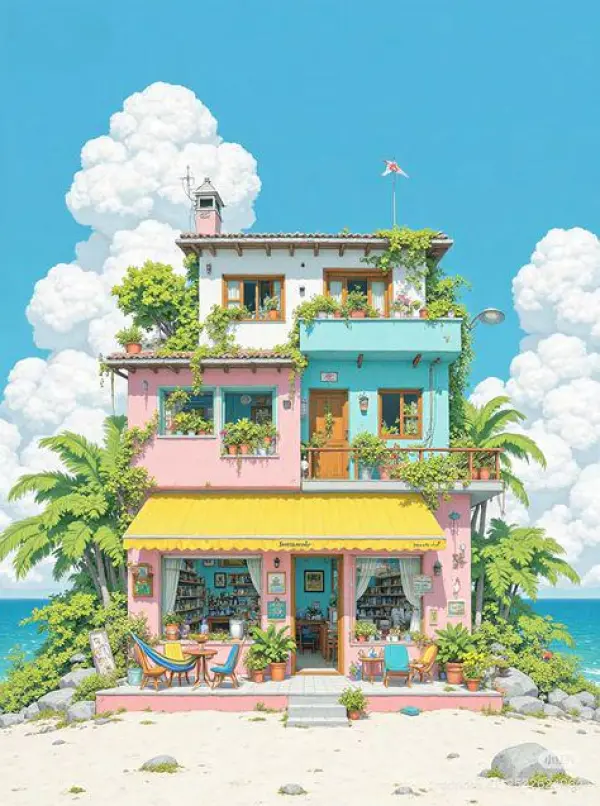
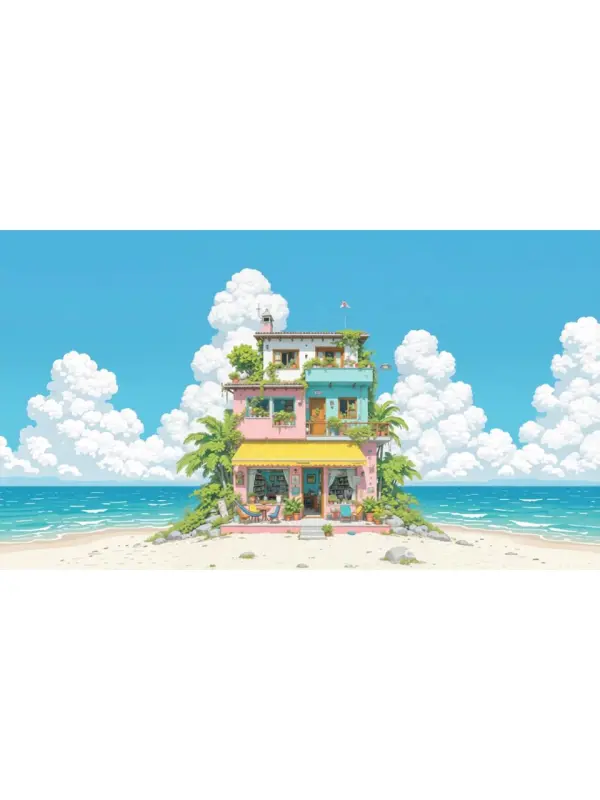
Use a product photo, model image, lifestyle portrait, or campaign visual.
We have the default prompt written for you already. Please confirm that you want to turn your image into a landscape horizontal image.
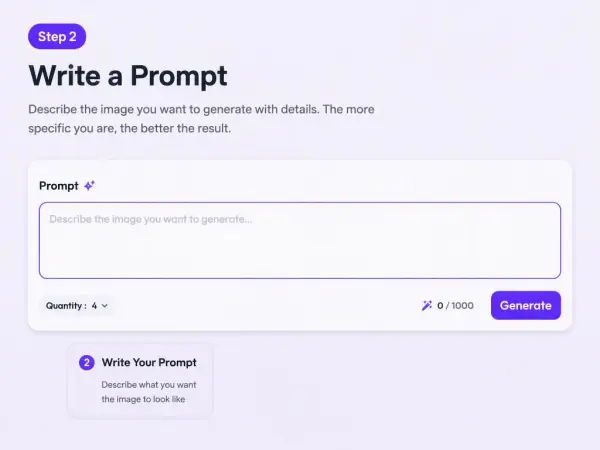
Check subject edges, background consistency, product details, hands, hair, and text space.
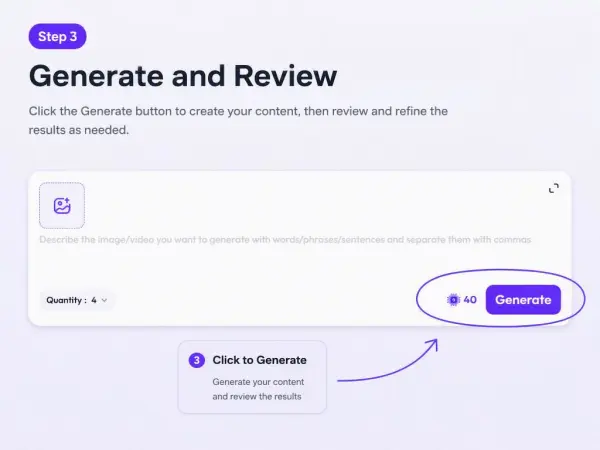
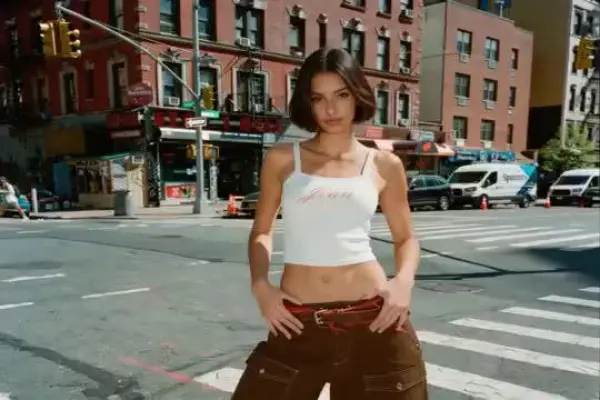
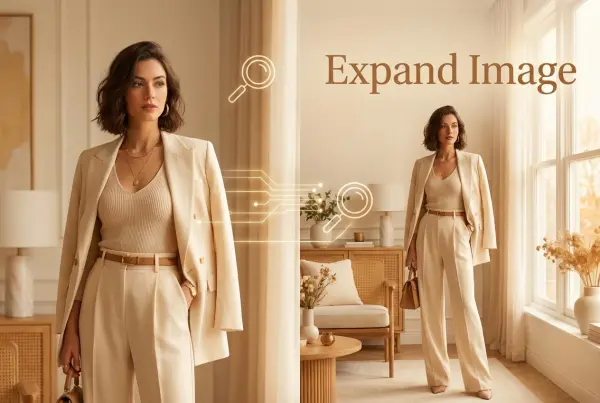
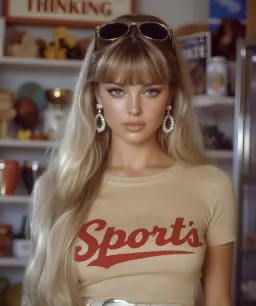
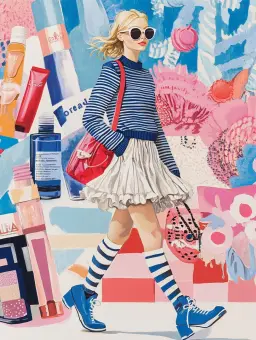
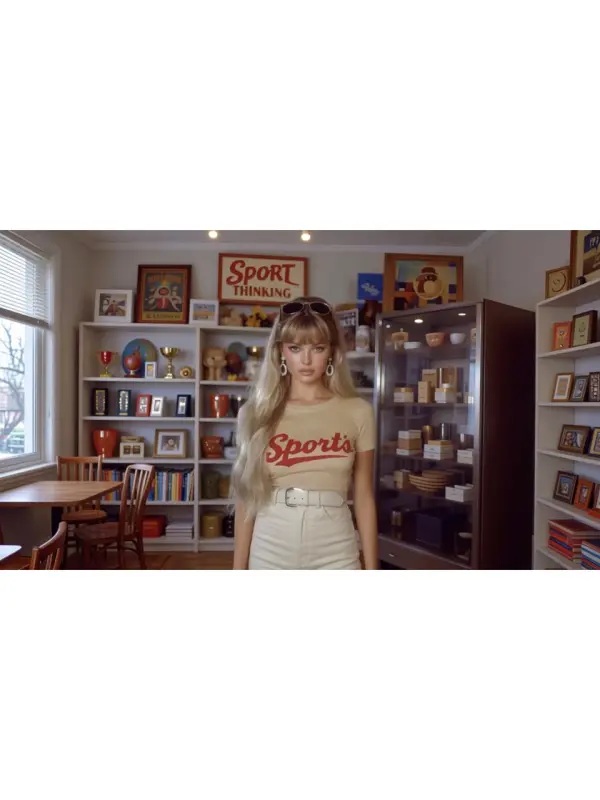
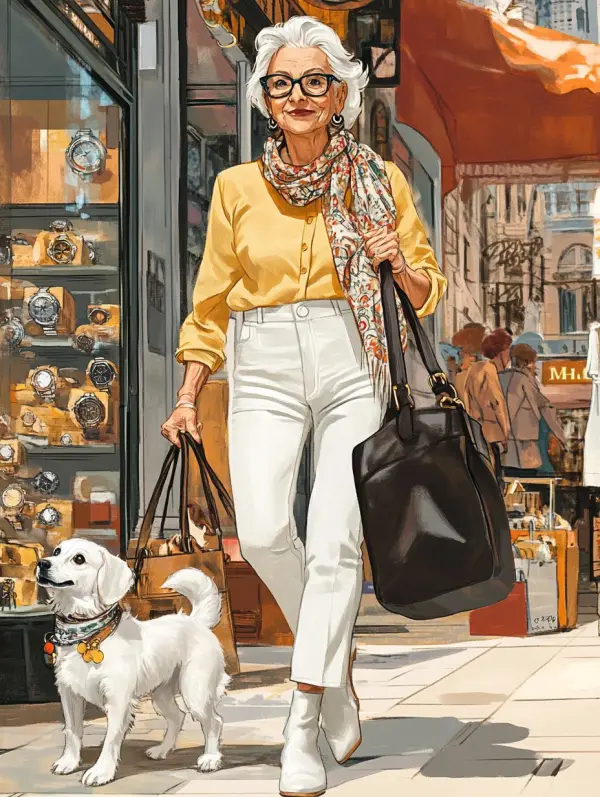
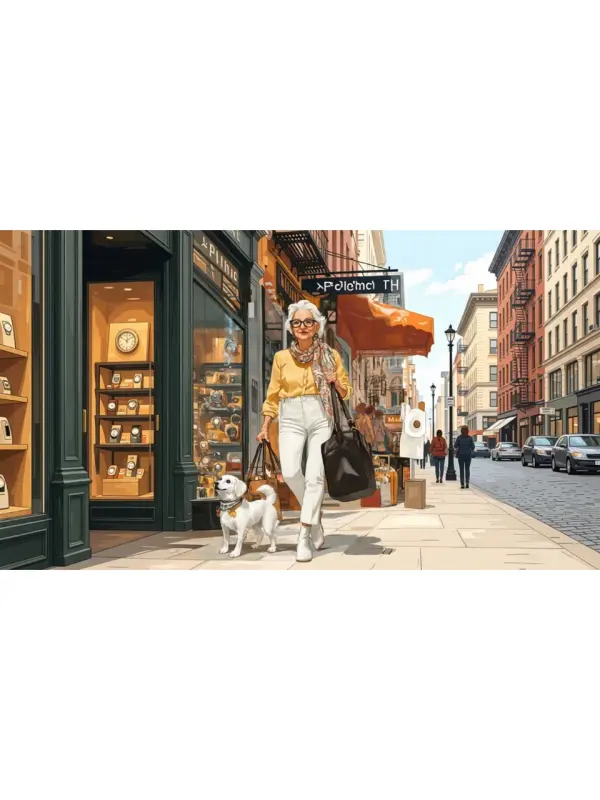
A fashion brand has a vertical model photo but needs a website hero banner. The team uses WeShop AI to expand the image into a horizontal layout.
Convert this vertical fashion portrait into a horizontal website banner. Keep the model, outfit, pose, face, and product details unchanged. Extend the background naturally to both sides and leave clean space on the right for headline text.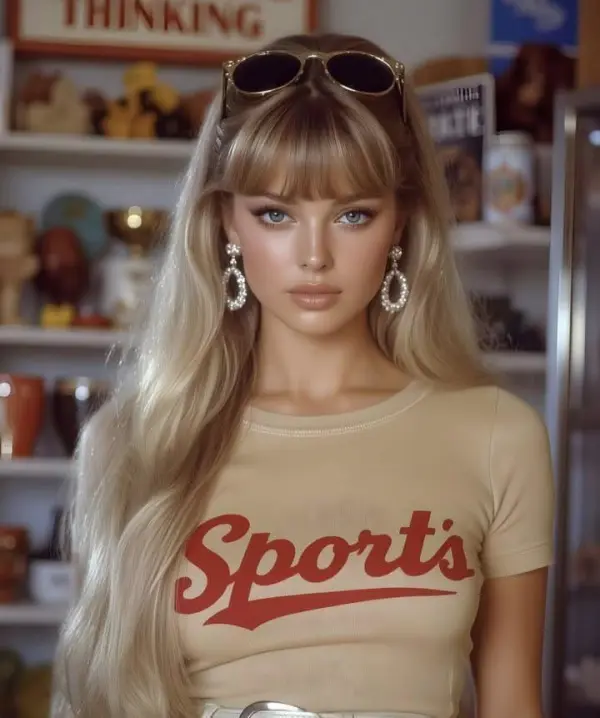
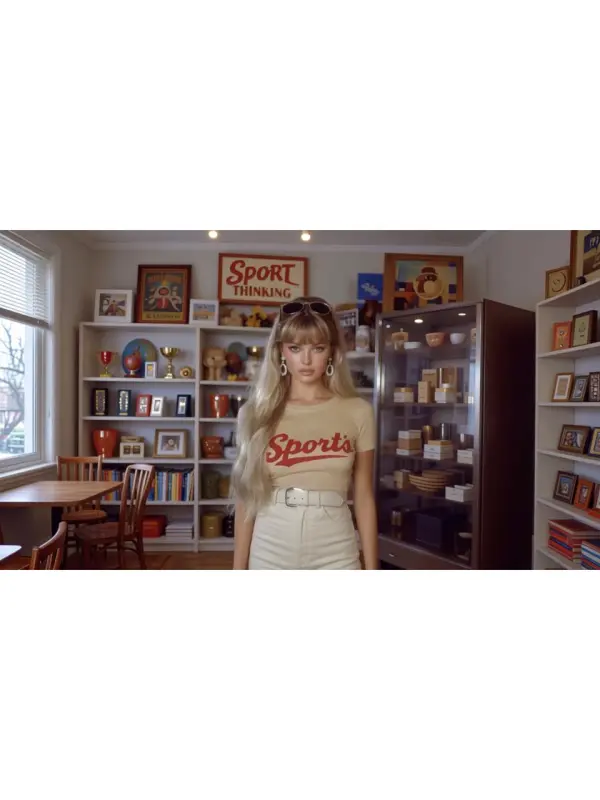
Background expansion may create inaccurate objects or soft details near edges. Review hair, hands, product outlines, shadows, and repeated patterns before publishing.
Use the converter to adapt vertical pictures into wide layouts for headers, posts, and other social media content. The ai powered tool helps intelligently expand the background so the final result feels more complete and social media ready. This is useful when you want to reuse one portrait across multiple platforms with high quality results.
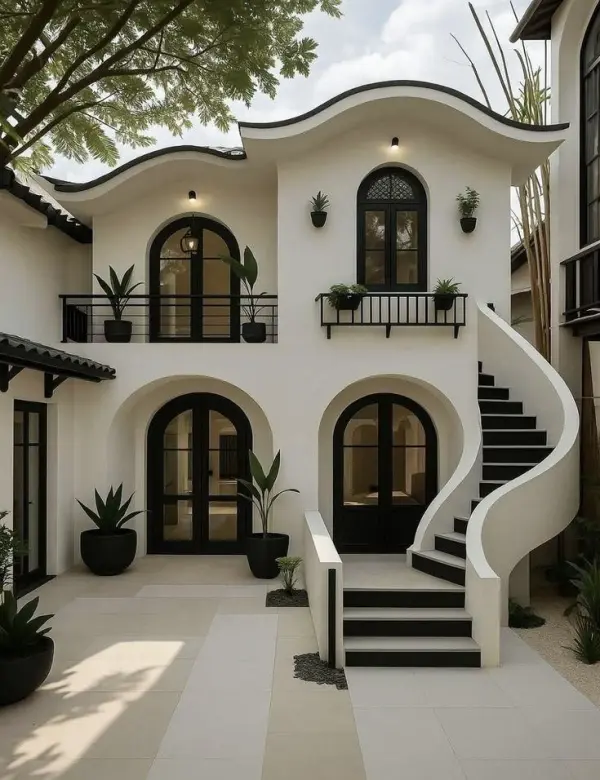
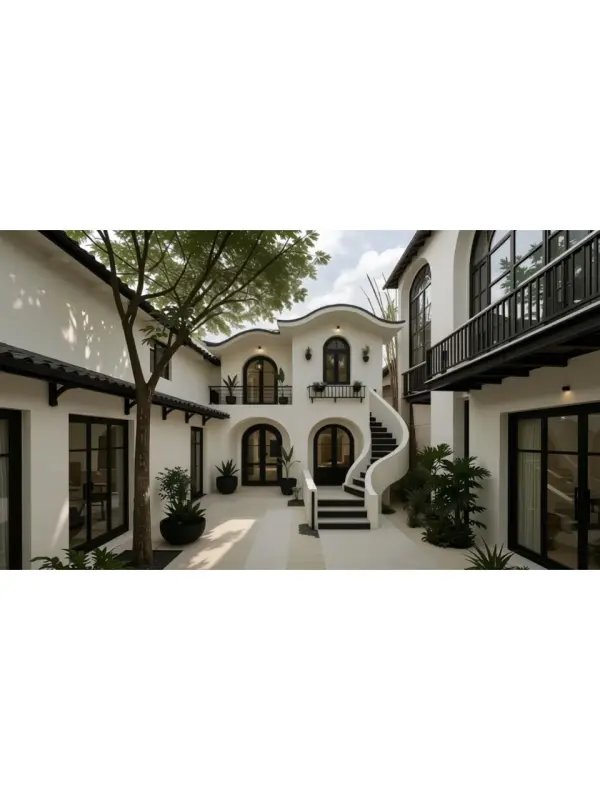
The tool can transform portrait images into banner-style visuals for websites, landing pages, and blog headers. With a simple prompt, users can start converting quickly and shape the added background for cleaner branding. The final output supports different file formats, making it easier to reuse the expanded image for commercial use and polished online visual content.
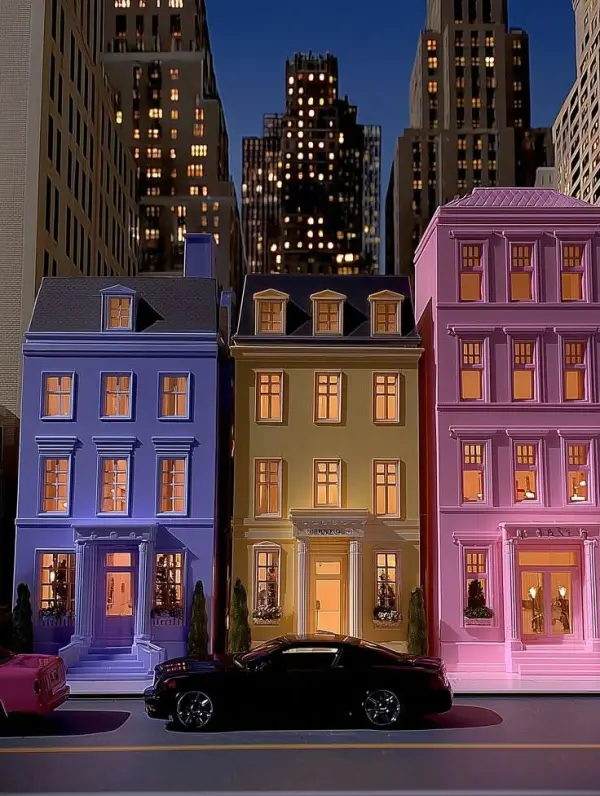
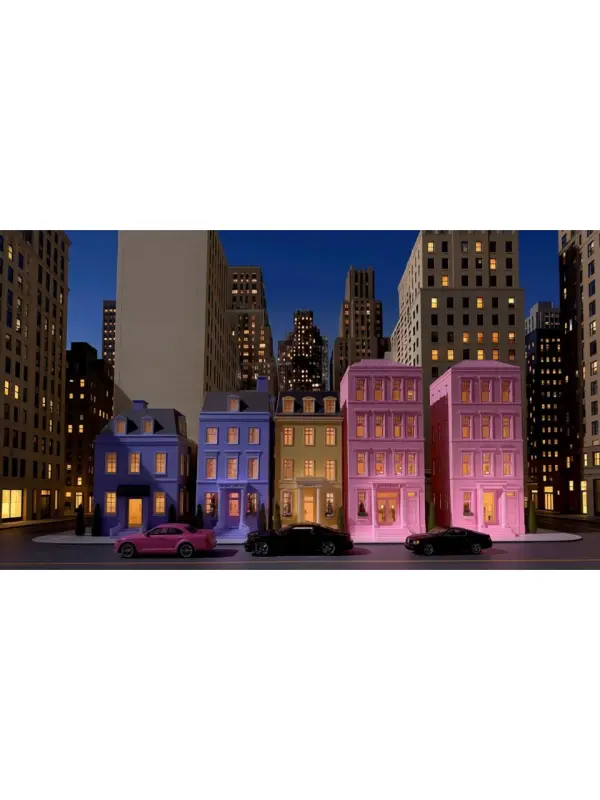
Users can turn portrait family photos, travel shots, and keepsake pictures into wide images that work better for albums, frames, and canvas prints. The system uses artificial intelligence to fill missing details naturally, helping the final composition look balanced. This makes the tool useful for gifts, decor, and even commercial purposes that require high quality results.
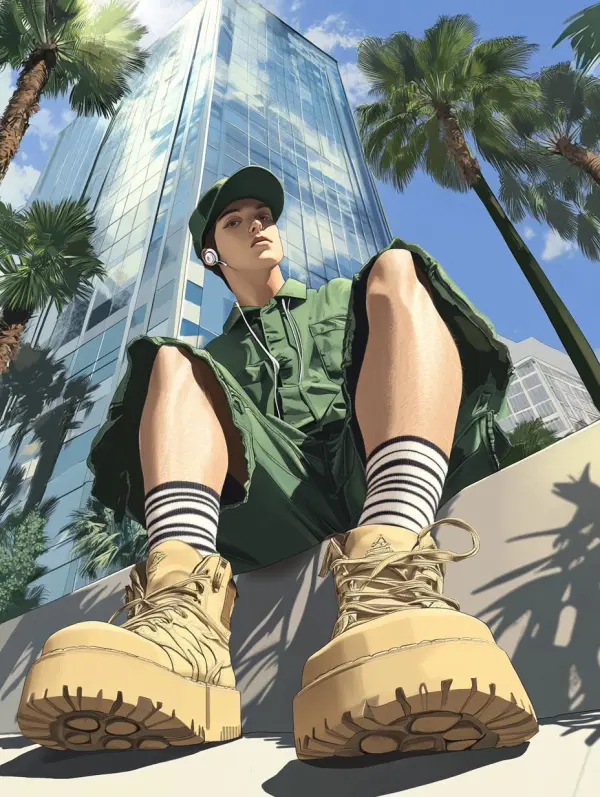
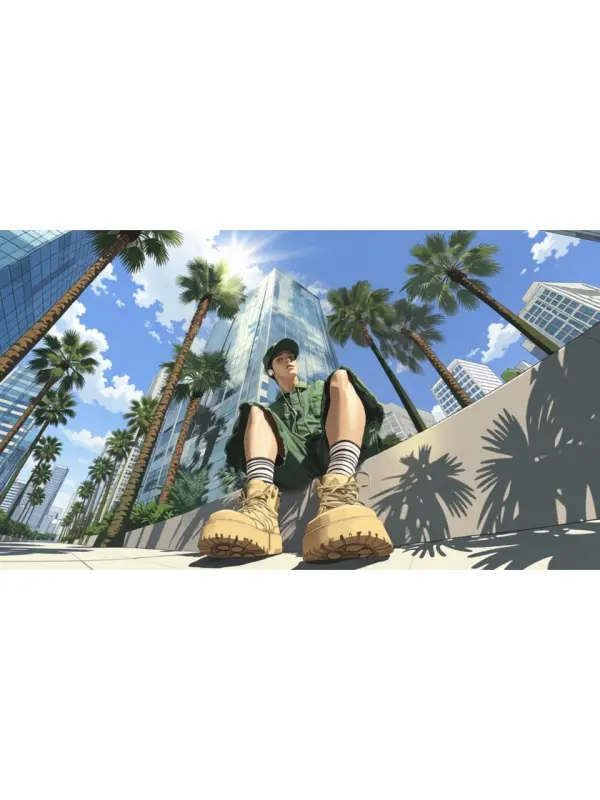
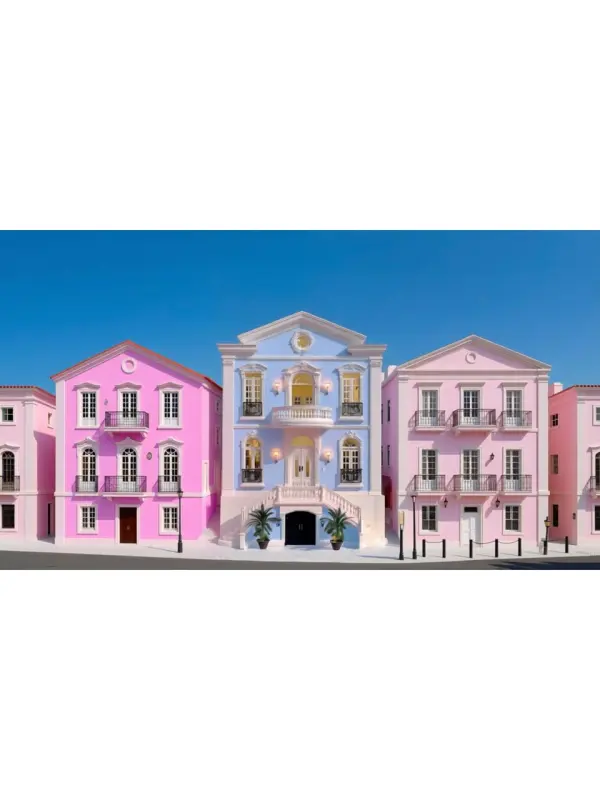
Travel portraits often capture the subject well but leave out too much of the surrounding scene. This converter helps intelligently expand mountains, beaches, city skylines, and other backgrounds with a simple prompt, creating more immersive visual content. It is a practical ai powered tool for users who want a wider story in one image without losing the original feeling.
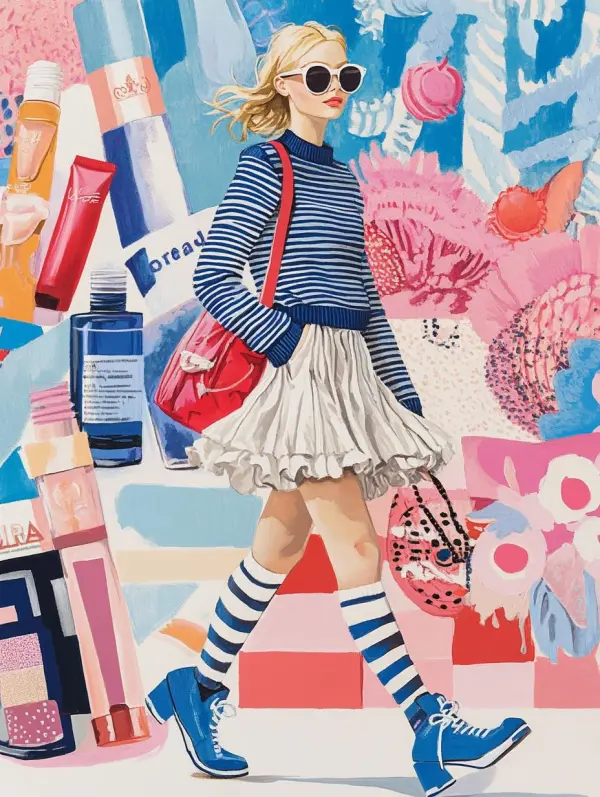
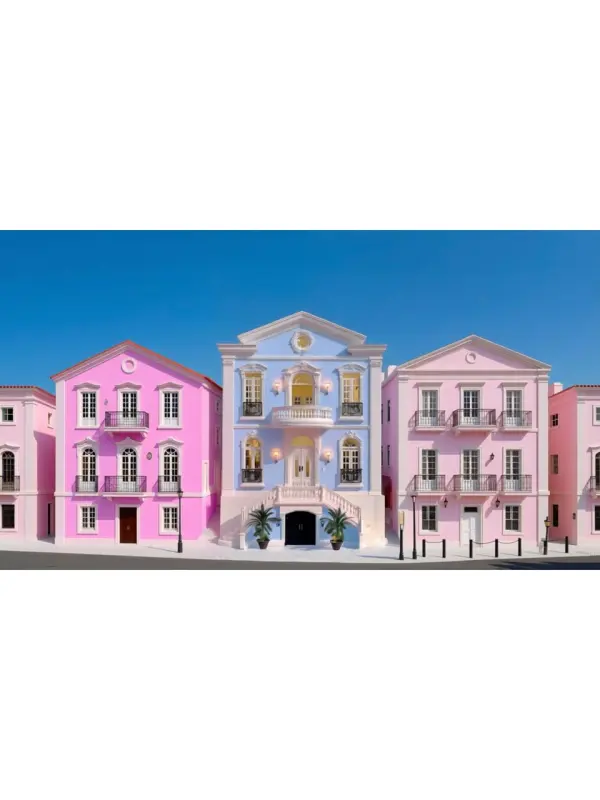
The converter is also useful for slides, ads, product banners, and other layouts that need a horizontal frame. Teams can start converting portrait assets into widescreen designs, then add text for campaigns, presentations, and branded visual content. Because it supports multiple file formats, it works well for both internal decks and commercial use.

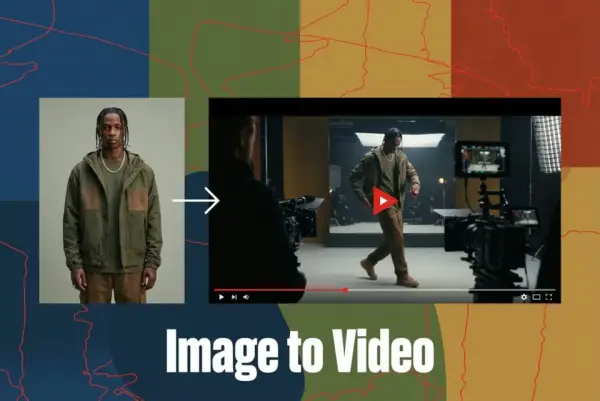
Turn Images into Stunning AI Videos for Free
Try On Clothes Online with AI Virtual Try Technology
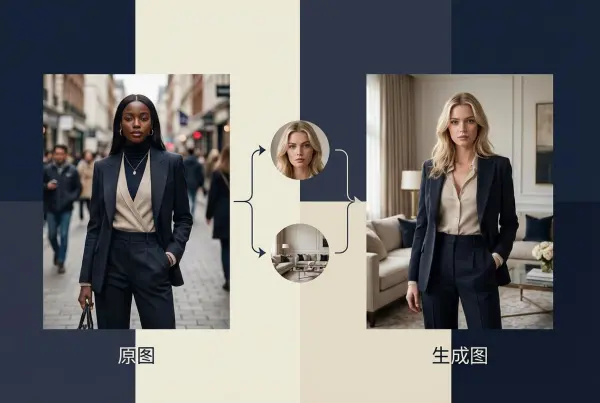
Realistic Model & Background Swapping Online with AI
Showcase clothing with a variety of models
Create stunning product images with few clicks from anywhere
AI Face Morph & Face Swap Generator Online
Recolor Image Online Free - Color Changer in WeShop AI
Convert real model photos into mannequin displays
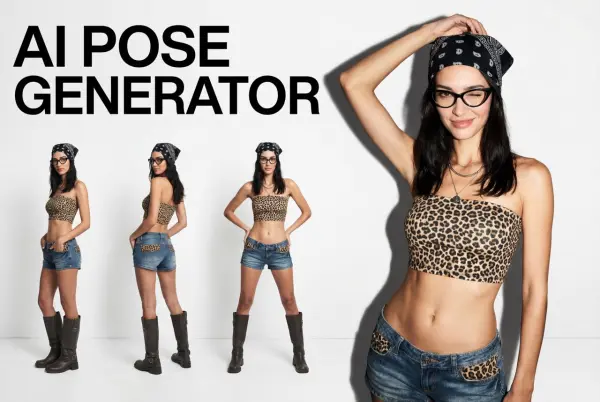
Change poses, switch between various model poses, making the clothing display more natural
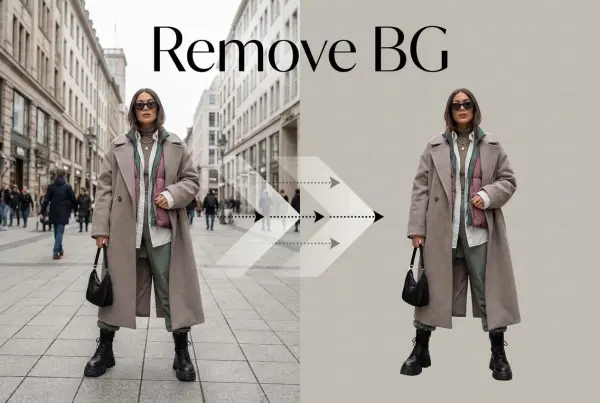
Removing background with lightning speed and ease
Enhance Photo Quality Online with Free AI
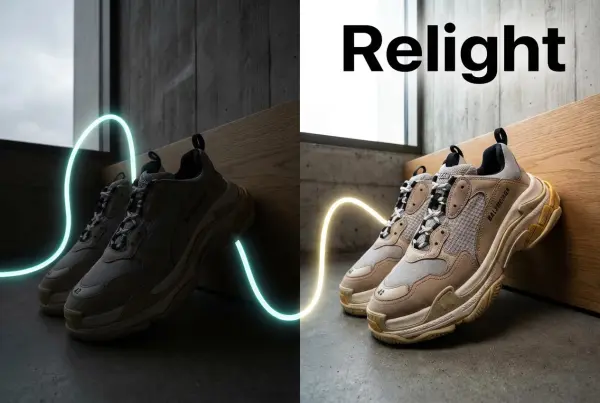
Relight your images automatically and efficiently
Expand images & backgrounds to fit any platform
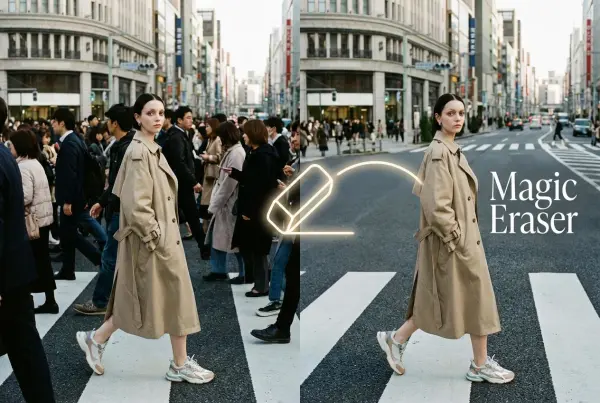
Remove unwanted objects from your photos with AI
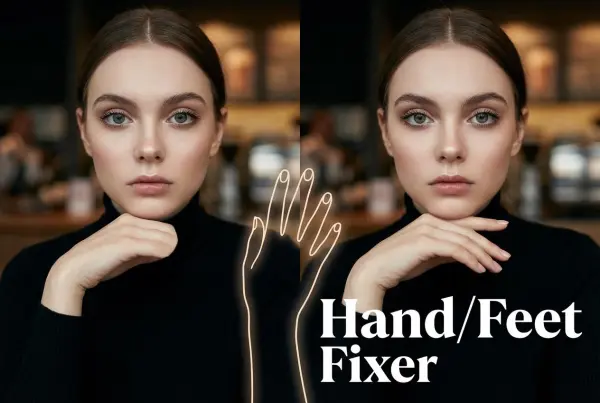
Regenerate natural-looking hands and feet in AI-generated images
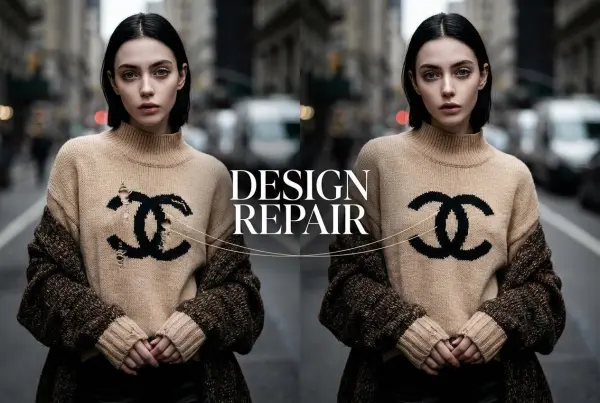
Upload an image, highlight the area you wish to fix, and upload a target reference image
Create and publish videos from a photo or description—instantly, in any style.
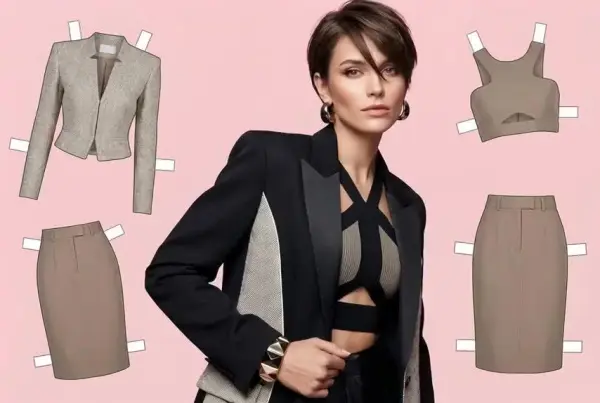
Create AI clothes styling from any model photo, garment, or style prompt.
Create Professional Flatlay Clothing Images From Any Photo or Idea
Remove Watermark from Video
Enhance Video Quality Online with AI
AI Video Face Swap for Realistic Clips
Recreate Video Styles, Motion, and Scenes with AI