language

English

PixVerse AI Video Generator – Create AI Videos, Motion Clips, and Visual Stories Online

add
Describe the image you want to generate with words/phrases/sentences and separate them with commas
1

Generate

Happyhorse

Happyhorse

Seedance 2.0

Seedance 2.0

Sora 2

Sora 2

Wan AI

Wan AI

Kling AI Video

Kling AI Video

Grok video

Grok video

Hailuo AI

Hailuo AI

Veo 3

Veo 3

Vidu Q3

Vidu Q3

Kling Motion Control

Kling Motion Control

Sulphur2

Sulphur2

Create AI videos, image-to-video clips, text-to-video scenes, cinematic animations, viral effects, and motion-based creative assets online with PixVerse AI. PixVerse AI is an AI video generation platform that can help users turn prompts or images into high-quality videos, explore different video styles, control camera movement, animate characters, apply creative effects, and produce content for social media, ads, storytelling, entertainment, and creative projects. Use WeShop AI to generate product images, model photos, marketing videos, and branded visuals from product photos, prompts, or campaign ideas.

Key Features of PixVerse AI

pixverse ai by weshop ai

Text to Video Generator

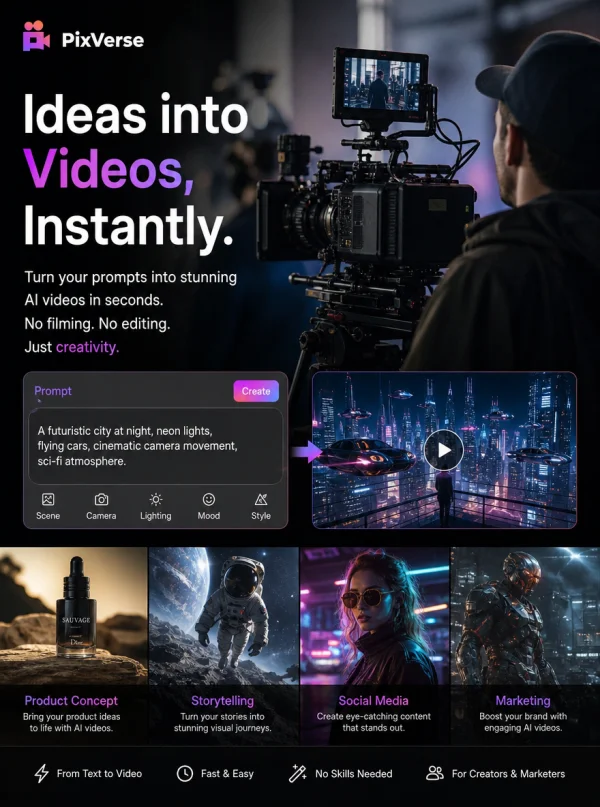
PixVerse AI can help users create videos from text prompts, making it useful for creators who want to turn a scene idea, script, product concept, or story prompt into AI-generated video content. Users can describe the subject, background, action, camera movement, lighting, mood, and visual style they want, then use PixVerse AI to generate a short video. This workflow is especially helpful for social media creators, marketers, storytellers, and beginners who want to create video content without filming or manual animation.
pixverse ai by weshop ai

Image to Video Creation

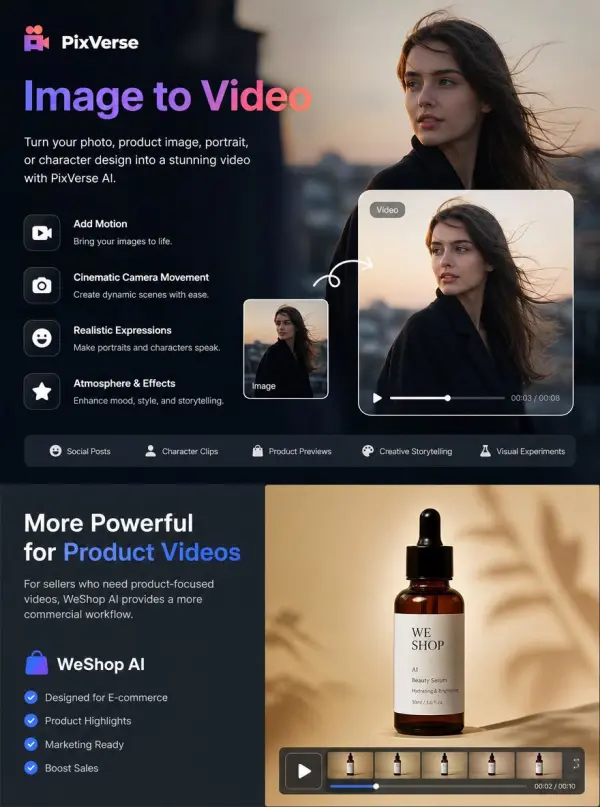
PixVerse AI supports image-to-video workflows, allowing users to upload a photo, product image, portrait, character design, or visual reference and turn it into a moving video. This is useful when users already have a strong image but want to add motion, camera movement, expression, atmosphere, or cinematic action. Image-to-video creation works well for social posts, character clips, product motion previews, creative storytelling, and visual experiments. For sellers who need product-focused videos, WeShop AI can provide a more commercial workflow for product videos and e-commerce marketing visuals.
pixverse ai by weshop ai

AI Video Effects

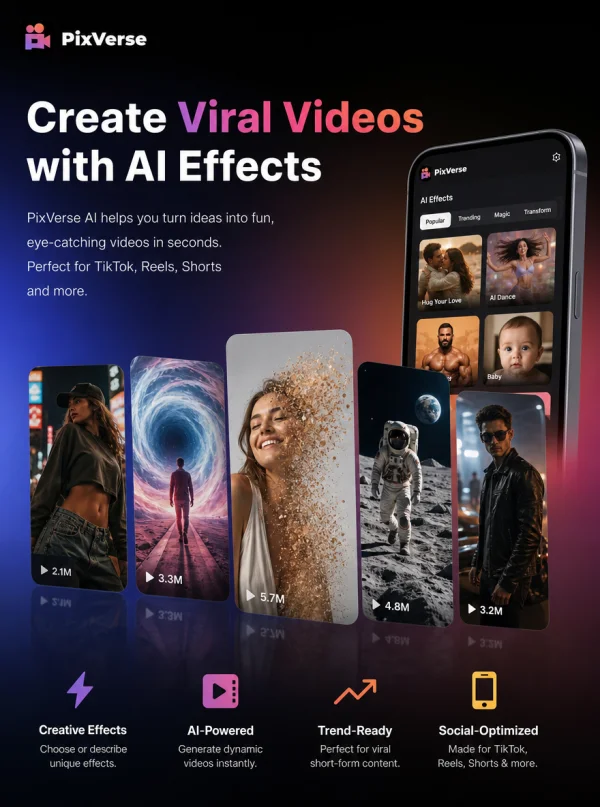
PixVerse AI offers creative video effects that help users generate fun, viral, and visually interesting video content. These effects can be useful for social media creators who want to make entertaining clips, transformation videos, character-based content, trend-style videos, or eye-catching short-form visuals. Instead of building every effect manually, users can choose or describe a creative effect and apply AI generation to produce more dynamic results. This makes PixVerse AI especially useful for TikTok, Instagram Reels, YouTube Shorts, and entertainment-driven content.
pixverse ai by weshop ai

Different Video Style Exploration

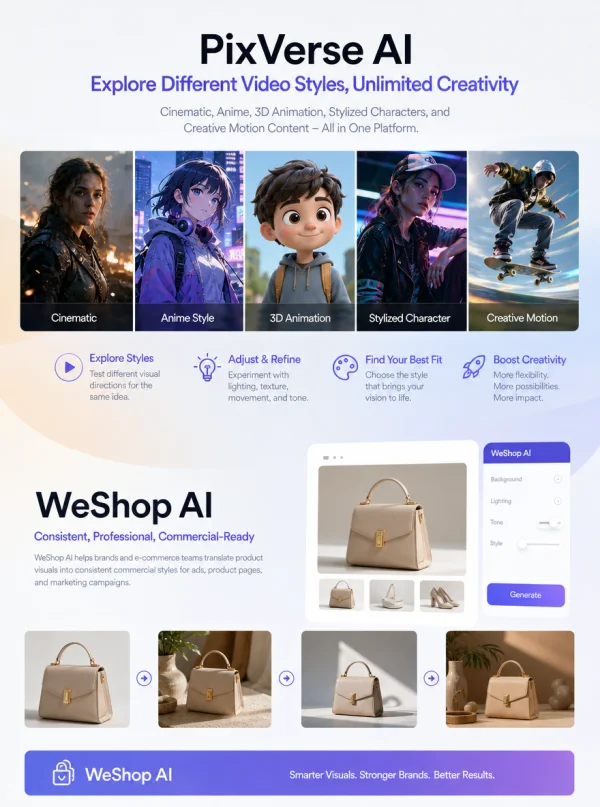
PixVerse AI allows users to explore different video styles and visual directions, such as cinematic scenes, anime-style clips, 3D animation-inspired visuals, stylized character videos, and creative motion content. This gives creators more flexibility when testing different looks for the same idea. Users can experiment with style, lighting, texture, movement, and tone to find the most suitable result for their video. For brands and e-commerce teams, WeShop AI can help translate product visuals into more consistent commercial styles for ads, product pages, and campaigns.
pixverse ai by weshop ai

Camera Movement Control

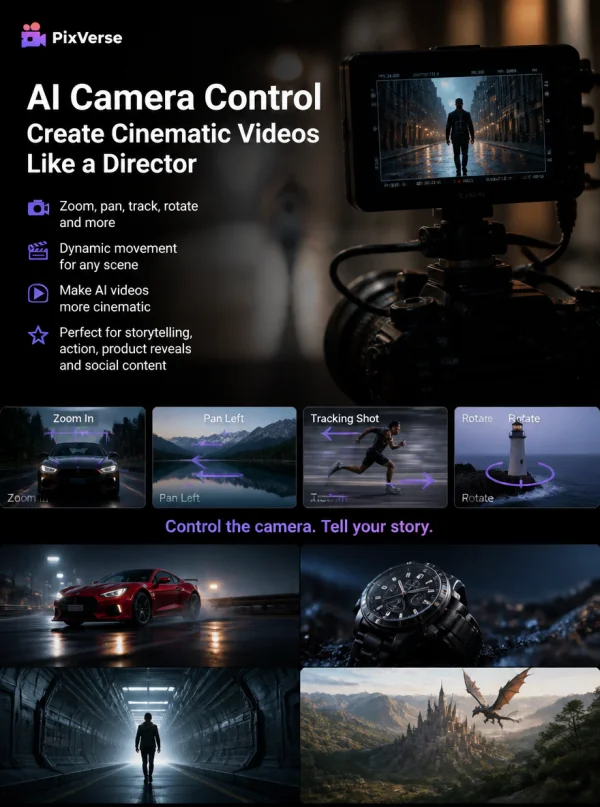
PixVerse AI can help users create more cinematic videos by controlling camera movement and shot direction through prompts or settings. Users can describe camera actions such as zooming, panning, tracking, rotating, or dramatic movement to make a generated video feel more dynamic. This is useful for creators who want their AI videos to look less static and more like directed scenes. Camera control is especially valuable for storytelling videos, action scenes, product reveal clips, and cinematic social content.
pixverse ai by weshop ai

Character Reference and Consistency

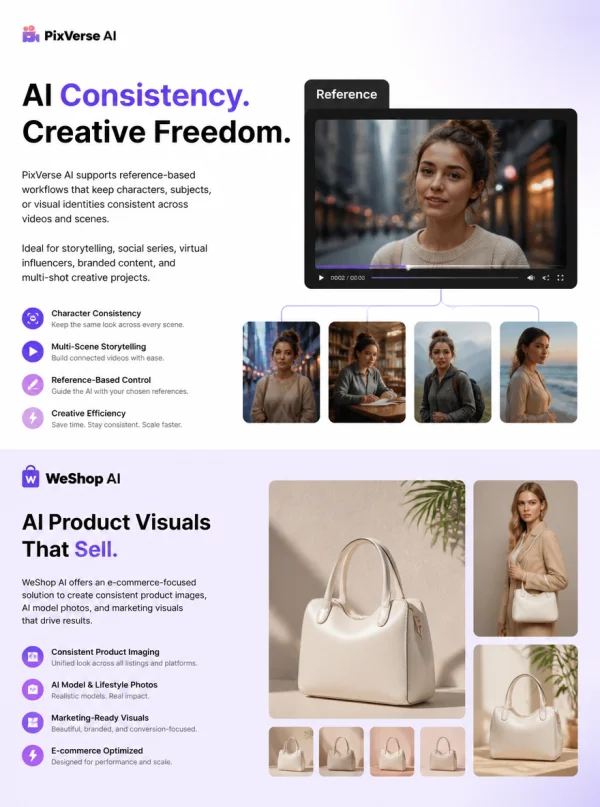
PixVerse AI supports reference-based workflows that can help users keep characters, subjects, or visual identities more consistent across generated videos. This is useful for creators who want to animate the same person, character, mascot, or product across different scenes. Character consistency matters for storytelling, social series, virtual influencers, branded content, and multi-shot creative projects. For product-focused brands, WeShop AI can offer a more e-commerce-oriented approach by helping users create consistent product images, AI model photos, and product marketing visuals.

What You Can Do with PixVerse AI

Social Media Creators

PixVerse AI is useful for social media creators who need quick AI videos, image-to-video clips, viral effects, character animations, cinematic scenes, and motion-based content for TikTok, Instagram Reels, YouTube Shorts, Facebook, and X. Creators can use PixVerse AI to turn prompts or images into short videos, test creative styles, apply fun effects, and produce more frequent visual content without traditional filming or editing.

pixverse ai by weshop ai

Short Video Marketers

Short video marketers can use PixVerse AI to create visual hooks, ad concepts, campaign tests, product motion clips, and attention-grabbing short videos. It can help marketers quickly explore different creative directions and generate more video variations for testing. For marketers who need product videos, UGC-style ads, lifestyle visuals, and e-commerce campaign assets, WeShop AI can be a stronger PixVerse AI alternative.

pixverse ai by weshop ai

E-commerce Sellers

E-commerce sellers can use PixVerse AI to animate product images, create short product motion clips, test creative product visuals, or generate social video concepts. This can make product content feel more dynamic for ads and social media. However, PixVerse AI is more general-purpose for AI video creation, while WeShop AI is more focused on product photography, AI model images, lifestyle scenes, product videos, and e-commerce marketing content.

pixverse ai by weshop ai

AI Video Creators

PixVerse AI is a strong fit for users who want to experiment with AI video generation, cinematic motion, character animation, camera controls, video effects, and prompt-based storytelling. AI video creators can use it to create fantasy scenes, action shots, character clips, stylized videos, and visual experiments. This makes PixVerse useful for creators who want to explore what modern AI video tools can produce.

pixverse ai by weshop ai

Storytellers and Creative Teams

Storytellers, filmmakers, and creative teams can use PixVerse AI to generate short scenes, test visual concepts, create animated story moments, or preview cinematic ideas. Features like camera movement, character reference, motion control, and multi-frame workflows can help users develop more coherent video scenes. It is especially useful for early-stage ideation, concept previews, and short-form visual storytelling.

pixverse ai by weshop ai

Small Business Teams

Small business teams can use PixVerse AI to create social videos, promotional clips, animated visuals, and creative ads without hiring a full video production team. It can support lightweight content creation for campaigns, social posts, announcements, and brand storytelling. For small businesses that sell products online and need repeatable product photos, model images, product videos, and e-commerce visuals, WeShop AI can provide a more commercial workflow from product image to finished marketing content.

pixverse ai by weshop ai

The difference between PixVerse AI and WeShop AI

PixVerse AI vs WeShop AI

DimensionAura AIWeShop AI
Product Positioning AI video generation and motion content platformAI product photography, model image, and product video creation platformcreation platform
Best ForText-to-video, image-to-video, video effects, character animation, cinematic clipsProduct photos, AI model images, lifestyle scenes, product videos, and e-commerce marketing visuals
WorkflowPrompt or image-based AI video generation with creative controlsProduct-focused visuals for online stores, ads, social media, and brand campaigns
Visual FocusGeneral AI videos, motion clips, effects, stories, entertainment contentProduct-focused visuals for online stores, ads, social media, and brand campaignsl media, and brand campaigns
Video StructureBetter for short creative clips, AI scenes, effects, and motion experimentsBetter for product videos, UGC-style content, ads, and e-commerce storytelling
Main UsersAI video creators, social media creators, marketers, storytellers, casual usersE-commerce sellers, fashion brands, product teams, marketers, and content teams
Content TypeAI videos, animated images, cinematic scenes, effect videos, character clipsProduct images, AI model photos, product videos, lifestyle visuals, marketing creatives
Ease of ScalingGood for individual clips and Good for individual creative videos and experimental contentBetter for repeatable product content production and campaign workflows
Conversion GoalGenerate creative AI videos from prompts or imagesCreate finished product marketing content from product photos or campaign ideas

Frequently Asked Questions About PixVerse AI

What is PixVerse AI?

PixVerse AI is an AI video generation platform that helps users create videos from text prompts or uploaded images. It can be used for image-to-video creation, text-to-video generation, camera movement control, video effects, character animation, and creative short-form content.

Is PixVerse AI a video generator?

Yes. PixVerse AI is an AI video generator that allows users to create videos from prompts, images, or creative ideas. It is useful for social videos, cinematic clips, AI animations, product motion concepts, storytelling scenes, and entertainment content.

Is PixVerse AI a video model?

PixVerse AI can be understood as both an AI video platform and a video model ecosystem. Users interact with it as a video generation tool, while its underlying models support text-to-video, image-to-video, motion control, reference-based generation, and video editing workflows.

Can I use PixVerse AI for image-to-video?

Yes. PixVerse AI supports image-to-video creation. Users can upload a still image, product photo, character image, portrait, or visual reference and turn it into a moving video with AI-generated motion, camera movement, or creative effects.

Can I use PixVerse AI for product videos?

Yes. PixVerse AI can be used to animate product images or create product-related video concepts. However, if your main goal is e-commerce product marketing, AI model photos, lifestyle scenes, product videos, and campaign visuals, WeShop AI can be a stronger alternative.

What is the best PixVerse AI alternative?

The best PixVerse AI alternative depends on your goal. If you mainly need general AI video generation, image-to-video clips, cinematic effects, or motion experiments, PixVerse AI can be useful. If you need product photos, AI model images, product videos, and e-commerce marketing visuals, WeShop AI can be a stronger option.

How is WeShop AI different from PixVerse AI?

PixVerse AI focuses on general AI video generation, including text-to-video, image-to-video, video effects, motion control, camera movement, and creative short clips. WeShop AI is designed for users who want a product-focused workflow, including AI product photography, model images, lifestyle product scenes, product videos, and export-ready content for e-commerce and marketing platforms.

Can I use PixVerse AI and WeShop AI together?

Yes. Users can use PixVerse AI for general AI video generation, creative clips, cinematic scenes, and motion experiments, then use WeShop AI to create more product-focused assets such as model photos, lifestyle product images, product videos, and e-commerce marketing visuals.

Explore More AI Tools

Our new Virtual Try-On just launched. Try it now!
close

HappyHorse AI Video Generator

Create Cinematic Text-to-Video and Image-to-Video Content

GPT Image 2 AI Image Generator

Create High Quality Images, Text Rich Visuals, and Product Photography

Nano Banana

Google's Next-Gen AI Image Model for Instant Professional Creativity

AI Video Generator

Turn Images into Stunning AI Videos for Free

Virtual Try-On

Try On Clothes Online with AI Virtual Try Technology

Swap Model & BG

Realistic Model & Background Swapping Online with AI

AI Fashion Model

Showcase clothing with a variety of models

AI Product

Create stunning product images with few clicks from anywhere

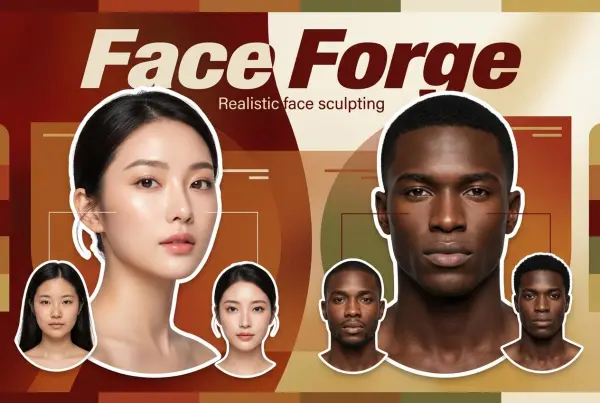
Face Forge

AI Face Morph & Face Swap Generator Online

Product Recoloring

Recolor Image Online Free - Color Changer in WeShop AI

To Mannequin

Convert real model photos into mannequin displays

Change Pose

Change poses, switch between various model poses, making the clothing display more natural

Remove Background

Removing background with lightning speed and ease

AI Photo Enhancer

Enhance Photo Quality Online with Free AI

Relight

Relight your images automatically and efficiently

Expand Image

Expand images & backgrounds to fit any platform

Magic Eraser

Remove unwanted objects from your photos with AI

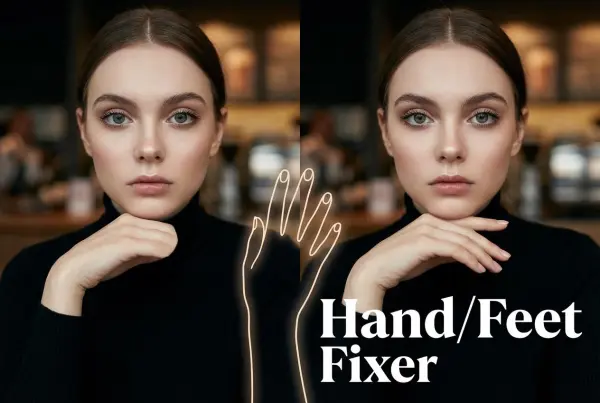
Hand/Feet Fixer

Regenerate natural-looking hands and feet in AI-generated images

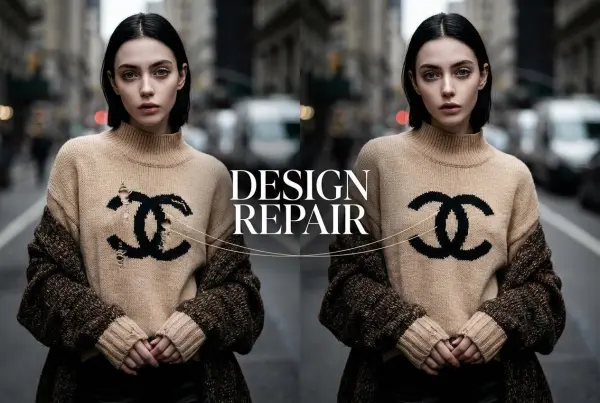
Design Repair

Upload an image, highlight the area you wish to fix, and upload a target reference image

Outfit Generator

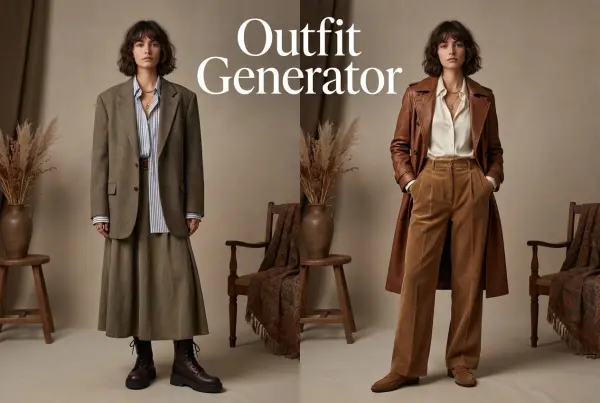
Create AI clothes styling from any model photo, garment, or style prompt.

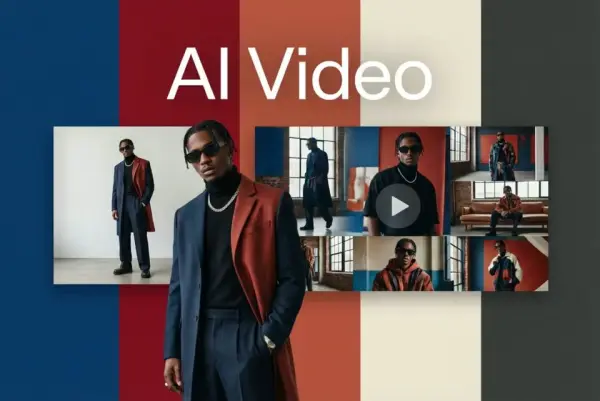
Video Agent

Create and publish videos from a photo or description—instantly, in any style.

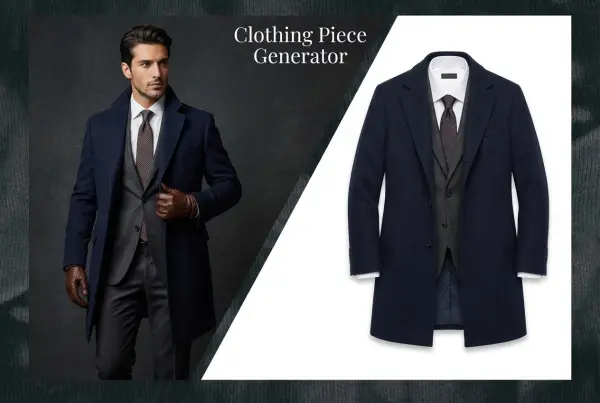
AI Clothing Piece Generator

Create Professional Flatlay Clothing Images From Any Photo or Idea

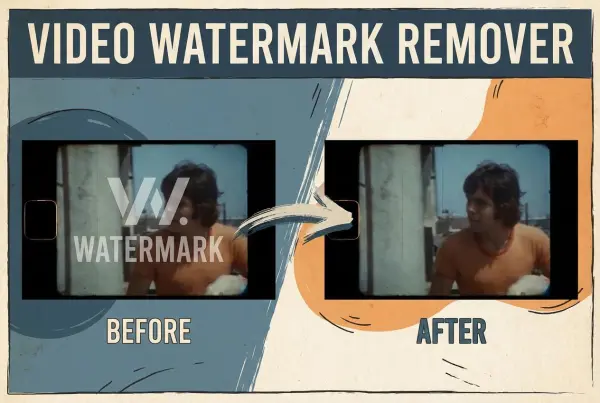
Watermark Video Remover Free Online

Remove Watermark from Video

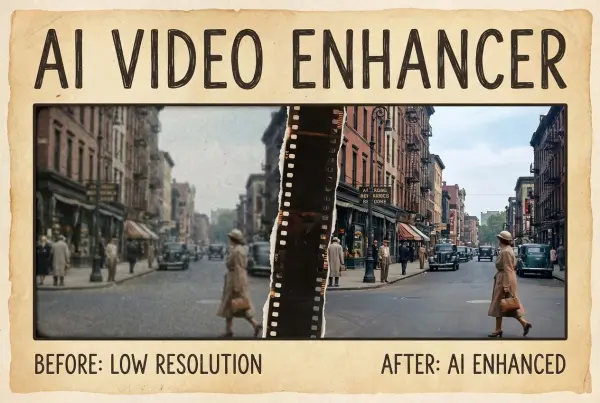
AI Video Enhancer

Enhance Video Quality Online with AI

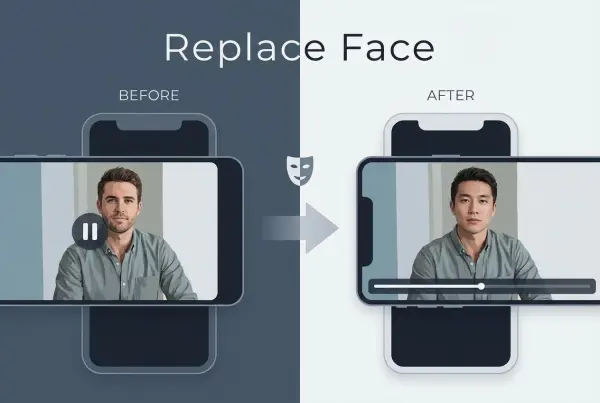
Replace Face in Video Online Free

AI Video Face Swap for Realistic Clips

Seedream 5.0

Try the Latest Smart Image Creation Model Online

Seedance 2.0

A Multi-Modal AI Video Creative Engine for Cinematic Storytelling

Sora 2

Next Generation AI Video Generator with Realistic Physics & Storytelling

Wan AI Video Generator

Advanced AI Image & Video Generation Model

Midjourney Image Generator

Use Midjourney v7 to Create AI-Generated Images

Kling 3.0

AI Director Video Model with 4K Cinematic Storytelling

Qwen Image Edit

A Revolutionary Tool for Seamless Image Editing

Z-Image AI Image Generator

Create High-Quality Images from Text Instantly

FireRed Image Edit

Open Source AI Image Editing Model for High Fidelity Edits

Grok Imagine AI Image Generator

Create High-Resolution Images from Text with Aurora AI

Grok Imagine AI Video Generator

Create Cinematic AI Videos with Native Audio & Scene Control

Hailuo AI Video Generator

Create Cinematic AI Videos from Text or Images

Veo 3 AI Video Generator

Create Cinematic Videos from Text or Images

Vidu Q3 AI Video Generator

Create Cinematic Short Videos with Turbo and Pro Modes

Kling Motion Control

Create Realistic Motion Videos from Reference Images and Videos

Imagen 4

Create Photorealistic Images and Accurate Text Visuals with AI

Sulphur2

Create Cinematic AI Videos from Text and Images

PixVerse AI Video Generator – Create AI Videos, Motion Clips, and Visual Stories Online

Create AI videos, image-to-video clips, text-to-video scenes, cinematic animations, viral effects, and motion-based creative assets online with PixVerse AI. PixVerse AI is an AI video generation platform that can help users turn prompts or images into high-quality videos, explore different video styles, control camera movement, animate characters, apply creative effects, and produce content for social media, ads, storytelling, entertainment, and creative projects. Use WeShop AI to generate product images, model photos, marketing videos, and branded visuals from product photos, prompts, or campaign ideas.

Key Features of PixVerse AI

pixverse ai by weshop ai

Text to Video Generator

PixVerse AI can help users create videos from text prompts, making it useful for creators who want to turn a scene idea, script, product concept, or story prompt into AI-generated video content. Users can describe the subject, background, action, camera movement, lighting, mood, and visual style they want, then use PixVerse AI to generate a short video. This workflow is especially helpful for social media creators, marketers, storytellers, and beginners who want to create video content without filming or manual animation.
pixverse ai by weshop ai

Image to Video Creation

PixVerse AI supports image-to-video workflows, allowing users to upload a photo, product image, portrait, character design, or visual reference and turn it into a moving video. This is useful when users already have a strong image but want to add motion, camera movement, expression, atmosphere, or cinematic action. Image-to-video creation works well for social posts, character clips, product motion previews, creative storytelling, and visual experiments. For sellers who need product-focused videos, WeShop AI can provide a more commercial workflow for product videos and e-commerce marketing visuals.
pixverse ai by weshop ai

AI Video Effects

PixVerse AI offers creative video effects that help users generate fun, viral, and visually interesting video content. These effects can be useful for social media creators who want to make entertaining clips, transformation videos, character-based content, trend-style videos, or eye-catching short-form visuals. Instead of building every effect manually, users can choose or describe a creative effect and apply AI generation to produce more dynamic results. This makes PixVerse AI especially useful for TikTok, Instagram Reels, YouTube Shorts, and entertainment-driven content.
pixverse ai by weshop ai

Different Video Style Exploration

PixVerse AI allows users to explore different video styles and visual directions, such as cinematic scenes, anime-style clips, 3D animation-inspired visuals, stylized character videos, and creative motion content. This gives creators more flexibility when testing different looks for the same idea. Users can experiment with style, lighting, texture, movement, and tone to find the most suitable result for their video. For brands and e-commerce teams, WeShop AI can help translate product visuals into more consistent commercial styles for ads, product pages, and campaigns.
pixverse ai by weshop ai

Camera Movement Control

PixVerse AI can help users create more cinematic videos by controlling camera movement and shot direction through prompts or settings. Users can describe camera actions such as zooming, panning, tracking, rotating, or dramatic movement to make a generated video feel more dynamic. This is useful for creators who want their AI videos to look less static and more like directed scenes. Camera control is especially valuable for storytelling videos, action scenes, product reveal clips, and cinematic social content.
pixverse ai by weshop ai

Character Reference and Consistency

PixVerse AI supports reference-based workflows that can help users keep characters, subjects, or visual identities more consistent across generated videos. This is useful for creators who want to animate the same person, character, mascot, or product across different scenes. Character consistency matters for storytelling, social series, virtual influencers, branded content, and multi-shot creative projects. For product-focused brands, WeShop AI can offer a more e-commerce-oriented approach by helping users create consistent product images, AI model photos, and product marketing visuals.

What You Can Do with PixVerse AI

Social Media Creators

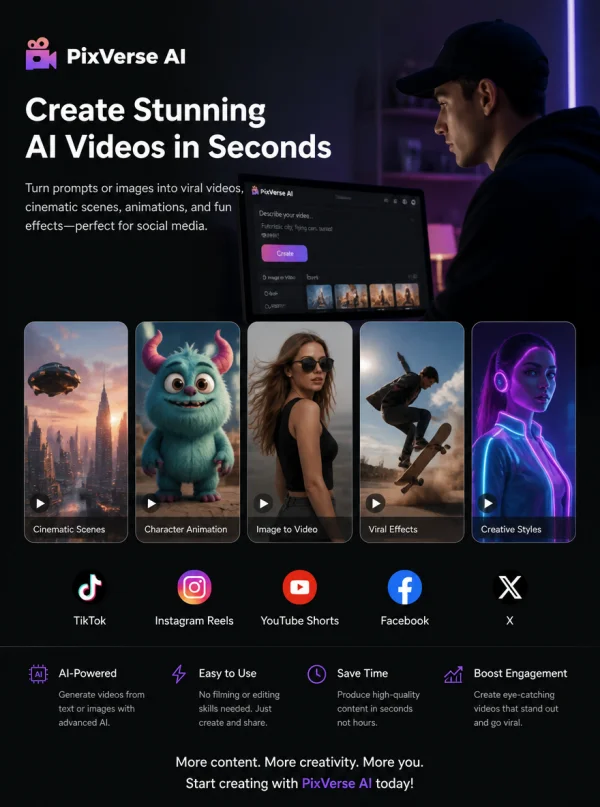
PixVerse AI is useful for social media creators who need quick AI videos, image-to-video clips, viral effects, character animations, cinematic scenes, and motion-based content for TikTok, Instagram Reels, YouTube Shorts, Facebook, and X. Creators can use PixVerse AI to turn prompts or images into short videos, test creative styles, apply fun effects, and produce more frequent visual content without traditional filming or editing.
pixverse ai by weshop ai

Short Video Marketers

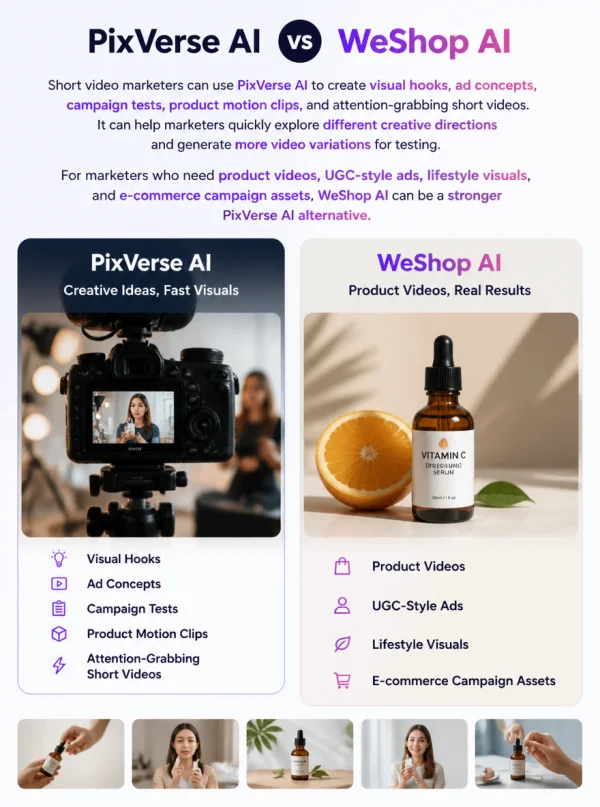
Short video marketers can use PixVerse AI to create visual hooks, ad concepts, campaign tests, product motion clips, and attention-grabbing short videos. It can help marketers quickly explore different creative directions and generate more video variations for testing. For marketers who need product videos, UGC-style ads, lifestyle visuals, and e-commerce campaign assets, WeShop AI can be a stronger PixVerse AI alternative.
pixverse ai by weshop ai

E-commerce Sellers

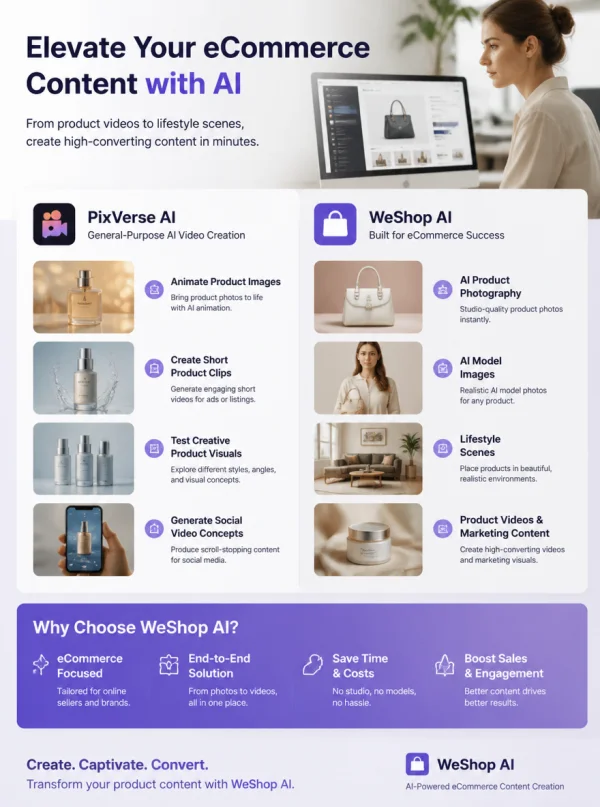
E-commerce sellers can use PixVerse AI to animate product images, create short product motion clips, test creative product visuals, or generate social video concepts. This can make product content feel more dynamic for ads and social media. However, PixVerse AI is more general-purpose for AI video creation, while WeShop AI is more focused on product photography, AI model images, lifestyle scenes, product videos, and e-commerce marketing content.
pixverse ai by weshop ai

AI Video Creators

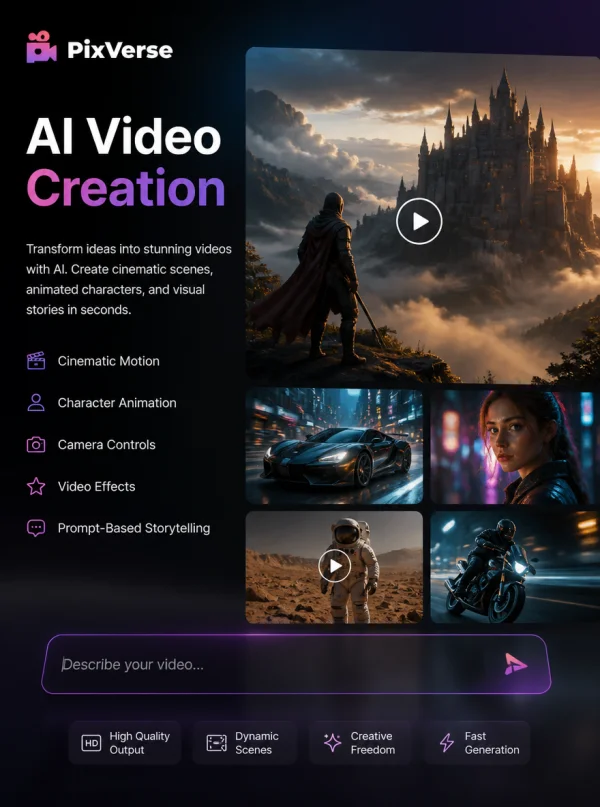
PixVerse AI is a strong fit for users who want to experiment with AI video generation, cinematic motion, character animation, camera controls, video effects, and prompt-based storytelling. AI video creators can use it to create fantasy scenes, action shots, character clips, stylized videos, and visual experiments. This makes PixVerse useful for creators who want to explore what modern AI video tools can produce.
pixverse ai by weshop ai

Storytellers and Creative Teams

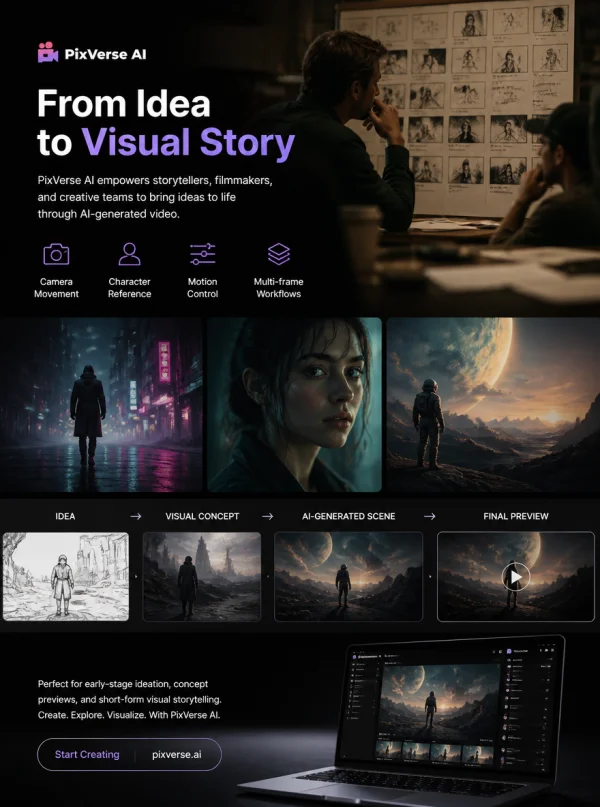
Storytellers, filmmakers, and creative teams can use PixVerse AI to generate short scenes, test visual concepts, create animated story moments, or preview cinematic ideas. Features like camera movement, character reference, motion control, and multi-frame workflows can help users develop more coherent video scenes. It is especially useful for early-stage ideation, concept previews, and short-form visual storytelling.
pixverse ai by weshop ai

Small Business Teams

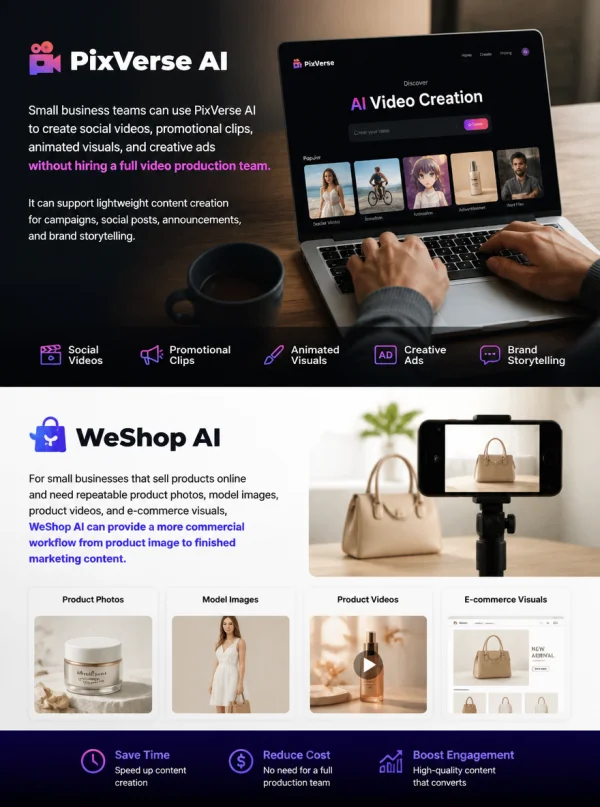
Small business teams can use PixVerse AI to create social videos, promotional clips, animated visuals, and creative ads without hiring a full video production team. It can support lightweight content creation for campaigns, social posts, announcements, and brand storytelling. For small businesses that sell products online and need repeatable product photos, model images, product videos, and e-commerce visuals, WeShop AI can provide a more commercial workflow from product image to finished marketing content.
pixverse ai by weshop ai

The difference between PixVerse AI and WeShop AI

PixVerse AI vs WeShop AI

DimensionAura AIWeShop AI
Product Positioning AI video generation and motion content platformAI product photography, model image, and product video creation platformcreation platform
Best ForText-to-video, image-to-video, video effects, character animation, cinematic clipsProduct photos, AI model images, lifestyle scenes, product videos, and e-commerce marketing visuals
WorkflowPrompt or image-based AI video generation with creative controlsProduct-focused visuals for online stores, ads, social media, and brand campaigns
Visual FocusGeneral AI videos, motion clips, effects, stories, entertainment contentProduct-focused visuals for online stores, ads, social media, and brand campaignsl media, and brand campaigns
Video StructureBetter for short creative clips, AI scenes, effects, and motion experimentsBetter for product videos, UGC-style content, ads, and e-commerce storytelling
Main UsersAI video creators, social media creators, marketers, storytellers, casual usersE-commerce sellers, fashion brands, product teams, marketers, and content teams
Content TypeAI videos, animated images, cinematic scenes, effect videos, character clipsProduct images, AI model photos, product videos, lifestyle visuals, marketing creatives
Ease of ScalingGood for individual clips and Good for individual creative videos and experimental contentBetter for repeatable product content production and campaign workflows
Conversion GoalGenerate creative AI videos from prompts or imagesCreate finished product marketing content from product photos or campaign ideas

Frequently Asked Questions About PixVerse AI

What is PixVerse AI?

PixVerse AI is an AI video generation platform that helps users create videos from text prompts or uploaded images. It can be used for image-to-video creation, text-to-video generation, camera movement control, video effects, character animation, and creative short-form content.

Is PixVerse AI a video generator?

Yes. PixVerse AI is an AI video generator that allows users to create videos from prompts, images, or creative ideas. It is useful for social videos, cinematic clips, AI animations, product motion concepts, storytelling scenes, and entertainment content.

Is PixVerse AI a video model?

PixVerse AI can be understood as both an AI video platform and a video model ecosystem. Users interact with it as a video generation tool, while its underlying models support text-to-video, image-to-video, motion control, reference-based generation, and video editing workflows.

Can I use PixVerse AI for image-to-video?

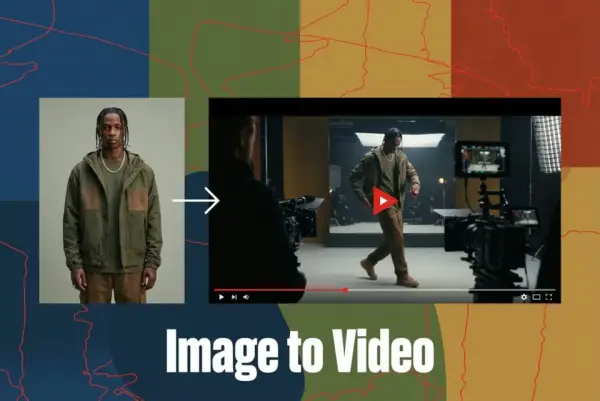
Yes. PixVerse AI supports image-to-video creation. Users can upload a still image, product photo, character image, portrait, or visual reference and turn it into a moving video with AI-generated motion, camera movement, or creative effects.

Can I use PixVerse AI for product videos?

Yes. PixVerse AI can be used to animate product images or create product-related video concepts. However, if your main goal is e-commerce product marketing, AI model photos, lifestyle scenes, product videos, and campaign visuals, WeShop AI can be a stronger alternative.

What is the best PixVerse AI alternative?

The best PixVerse AI alternative depends on your goal. If you mainly need general AI video generation, image-to-video clips, cinematic effects, or motion experiments, PixVerse AI can be useful. If you need product photos, AI model images, product videos, and e-commerce marketing visuals, WeShop AI can be a stronger option.

How is WeShop AI different from PixVerse AI?

PixVerse AI focuses on general AI video generation, including text-to-video, image-to-video, video effects, motion control, camera movement, and creative short clips. WeShop AI is designed for users who want a product-focused workflow, including AI product photography, model images, lifestyle product scenes, product videos, and export-ready content for e-commerce and marketing platforms.

Can I use PixVerse AI and WeShop AI together?

Yes. Users can use PixVerse AI for general AI video generation, creative clips, cinematic scenes, and motion experiments, then use WeShop AI to create more product-focused assets such as model photos, lifestyle product images, product videos, and e-commerce marketing visuals.

Explore More AI Tools

Our new Virtual Try-On just launched. Try it now!
close

HappyHorse AI Video Generator

Create Cinematic Text-to-Video and Image-to-Video Content

GPT Image 2 AI Image Generator

Create High Quality Images, Text Rich Visuals, and Product Photography

Nano Banana

Google's Next-Gen AI Image Model for Instant Professional Creativity

AI Video Generator

Turn Images into Stunning AI Videos for Free
Virtual Try-On

Try On Clothes Online with AI Virtual Try Technology
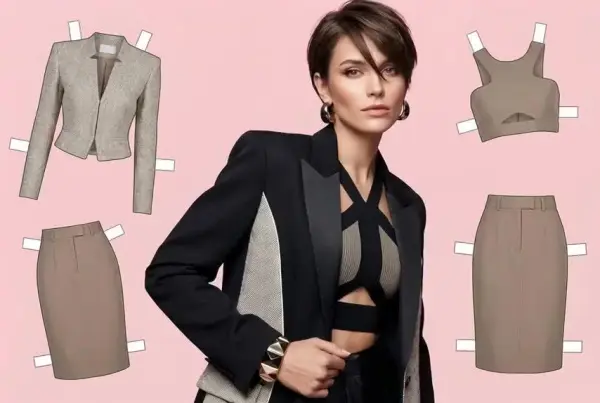
Swap Model & BG

Realistic Model & Background Swapping Online with AI
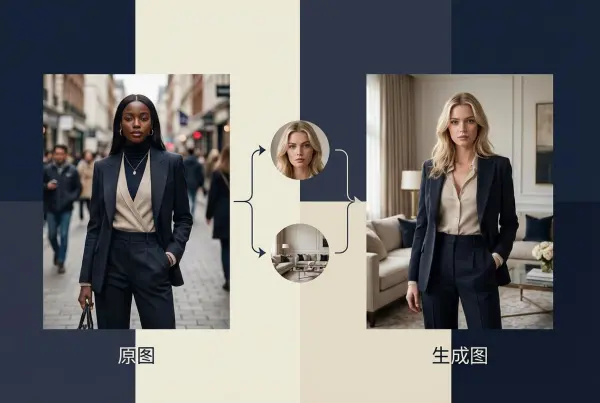
AI Fashion Model

Showcase clothing with a variety of models
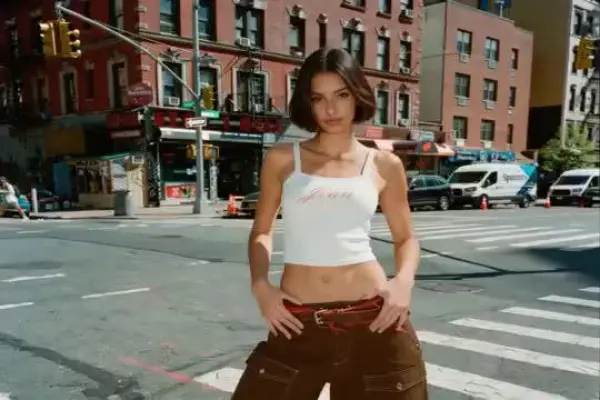
AI Product

Create stunning product images with few clicks from anywhere
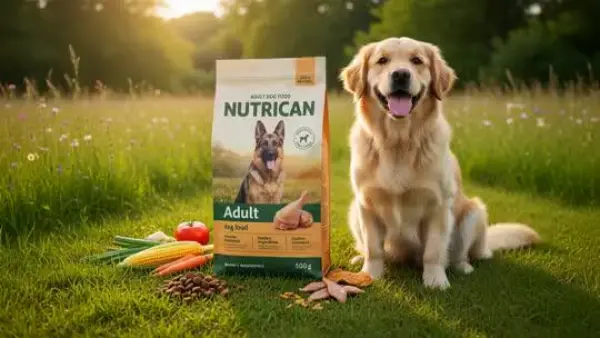
Face Forge

AI Face Morph & Face Swap Generator Online
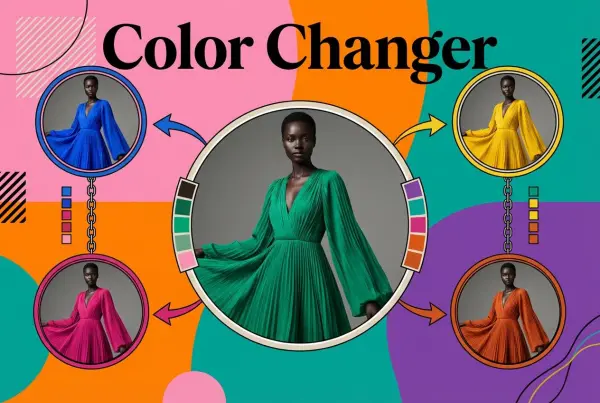
Product Recoloring

Recolor Image Online Free - Color Changer in WeShop AI
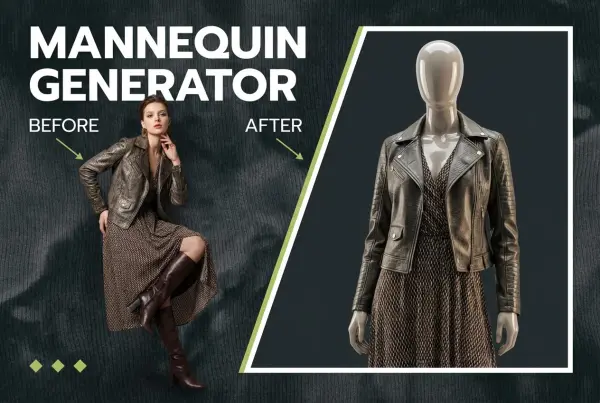
To Mannequin

Convert real model photos into mannequin displays
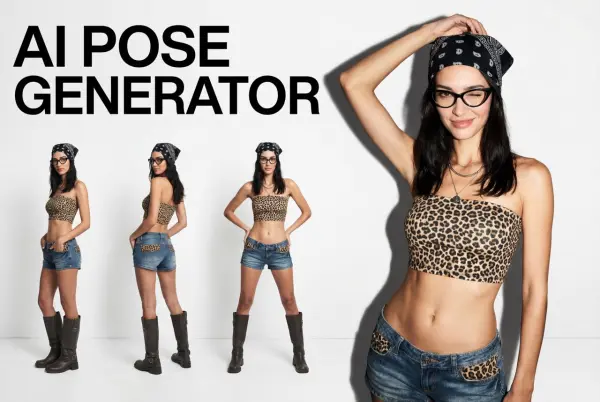
Change Pose

Change poses, switch between various model poses, making the clothing display more natural
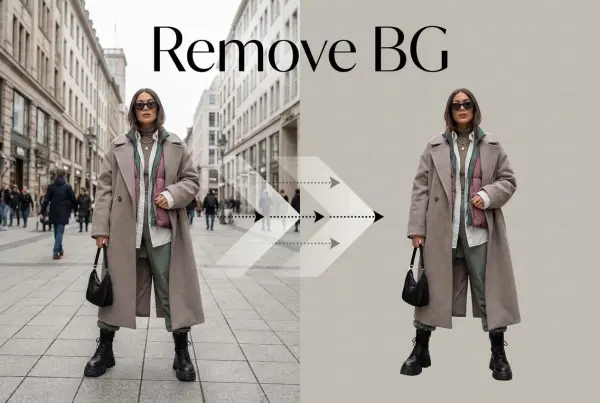
Remove Background

Removing background with lightning speed and ease
AI Photo Enhancer

Enhance Photo Quality Online with Free AI

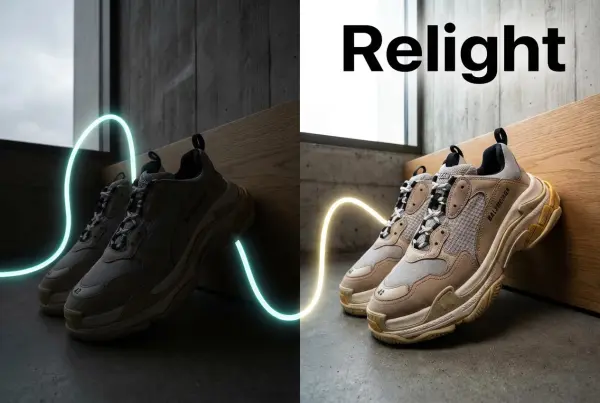
Relight

Relight your images automatically and efficiently
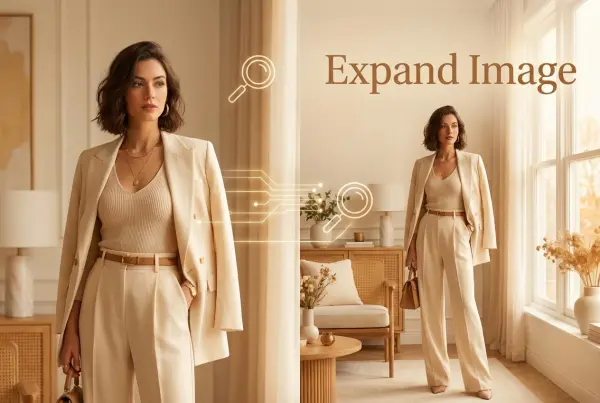
Expand Image

Expand images & backgrounds to fit any platform
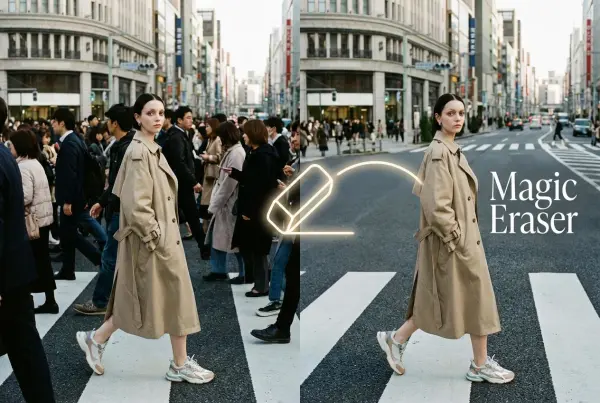
Magic Eraser

Remove unwanted objects from your photos with AI
Hand/Feet Fixer

Regenerate natural-looking hands and feet in AI-generated images
Design Repair

Upload an image, highlight the area you wish to fix, and upload a target reference image
Outfit Generator

Create AI clothes styling from any model photo, garment, or style prompt.

Video Agent

Create and publish videos from a photo or description—instantly, in any style.
AI Clothing Piece Generator

Create Professional Flatlay Clothing Images From Any Photo or Idea
Watermark Video Remover Free Online

Remove Watermark from Video
AI Video Enhancer

Enhance Video Quality Online with AI
Replace Face in Video Online Free

AI Video Face Swap for Realistic Clips
Seedream 5.0

Try the Latest Smart Image Creation Model Online

Seedance 2.0

A Multi-Modal AI Video Creative Engine for Cinematic Storytelling

Sora 2

Next Generation AI Video Generator with Realistic Physics & Storytelling

Wan AI Video Generator

Advanced AI Image & Video Generation Model

Midjourney Image Generator

Use Midjourney v7 to Create AI-Generated Images

Kling 3.0

AI Director Video Model with 4K Cinematic Storytelling

Qwen Image Edit

A Revolutionary Tool for Seamless Image Editing

Z-Image AI Image Generator

Create High-Quality Images from Text Instantly

FireRed Image Edit

Open Source AI Image Editing Model for High Fidelity Edits

Grok Imagine AI Image Generator

Create High-Resolution Images from Text with Aurora AI

Grok Imagine AI Video Generator

Create Cinematic AI Videos with Native Audio & Scene Control

Hailuo AI Video Generator

Create Cinematic AI Videos from Text or Images

Veo 3 AI Video Generator

Create Cinematic Videos from Text or Images

Vidu Q3 AI Video Generator

Create Cinematic Short Videos with Turbo and Pro Modes

Kling Motion Control

Create Realistic Motion Videos from Reference Images and Videos

Imagen 4

Create Photorealistic Images and Accurate Text Visuals with AI

Sulphur2

Create Cinematic AI Videos from Text and Images

idea
helper