
















































logo
AI E-Commerce Creative Studio

Sign In

🎉new
Our new Virtual Try-On just launched. Try it now!
🥳
close
tools
More Tools
addNew Task
How it works:
1
Create a new task and upload an image
2
Generate

Chibi Maker

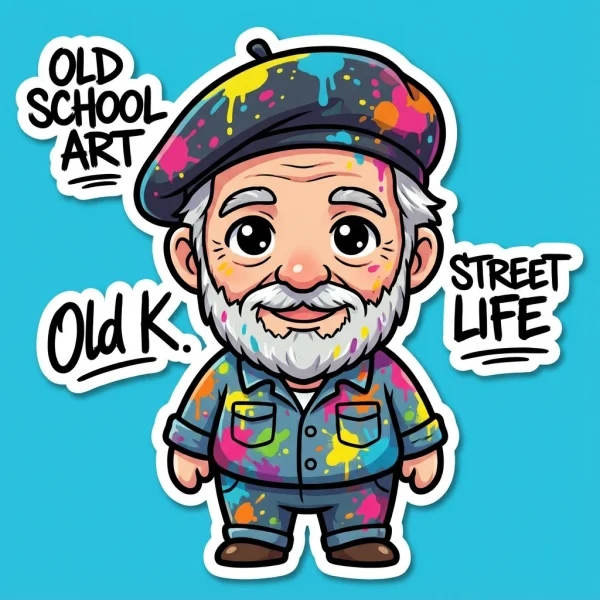
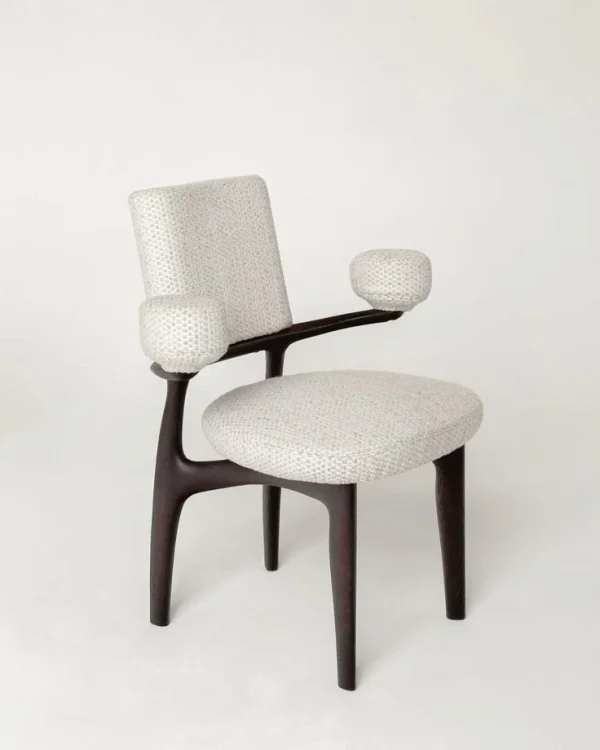
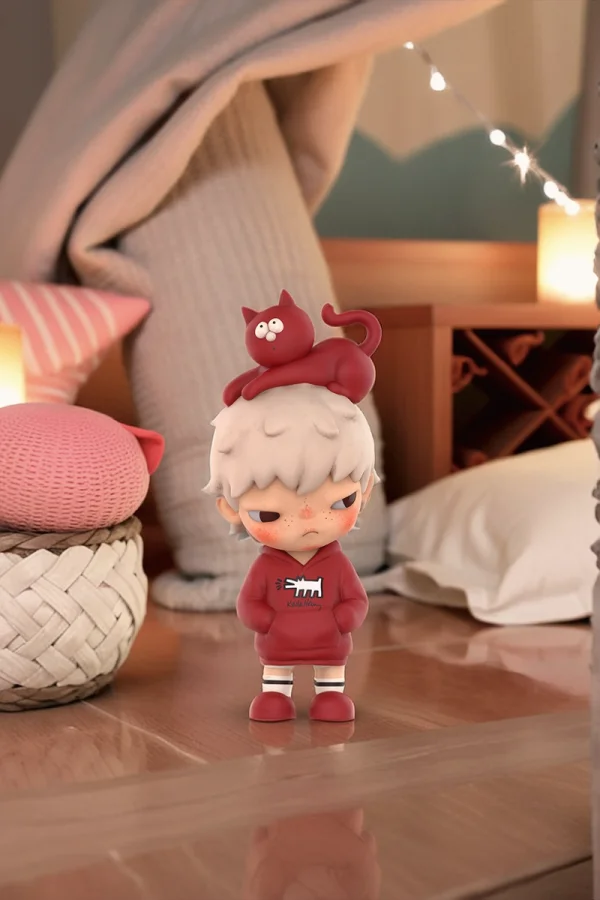
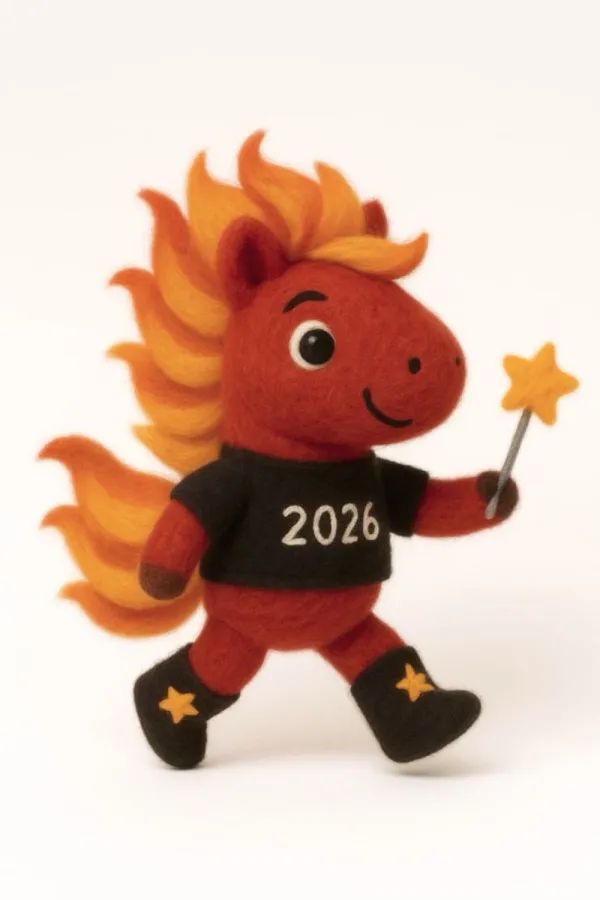
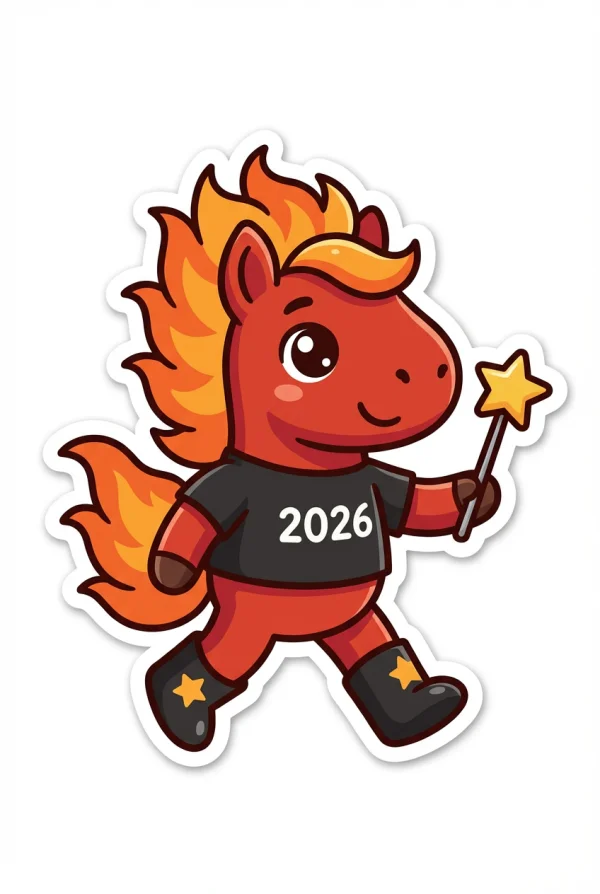
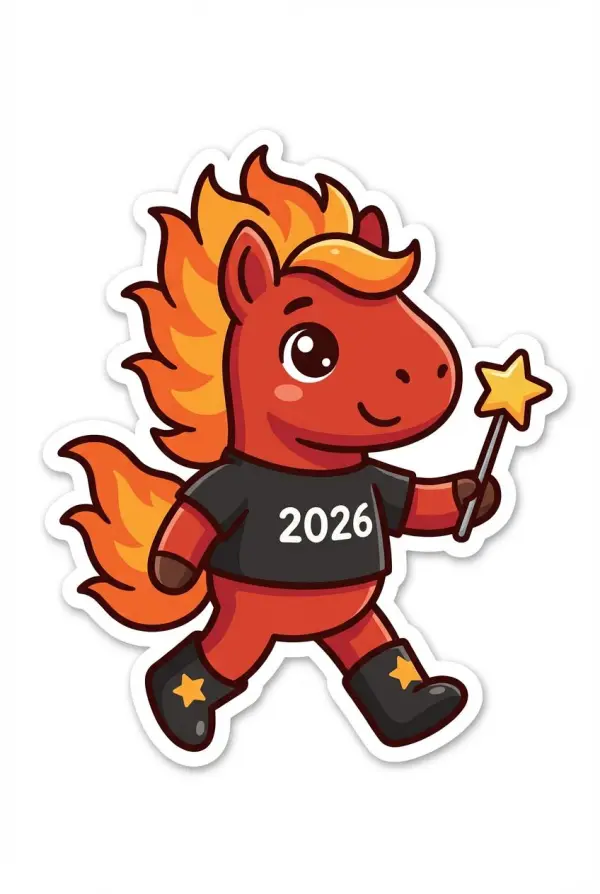
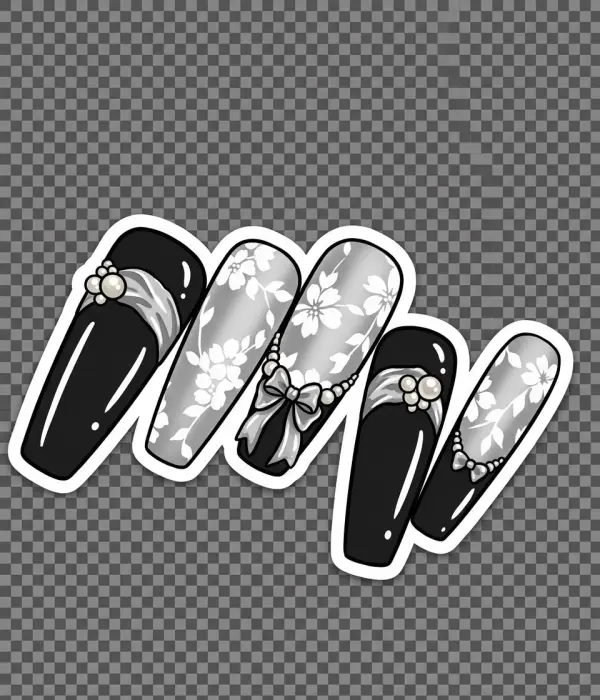
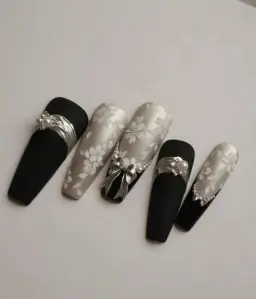
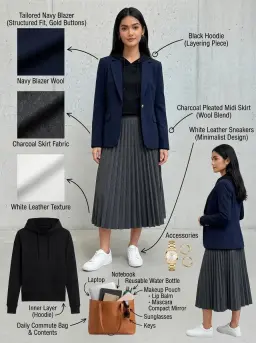
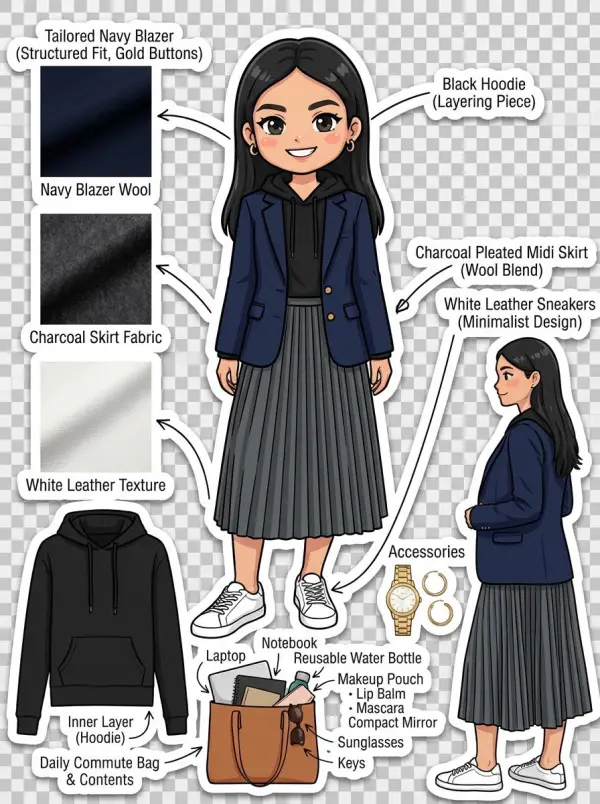
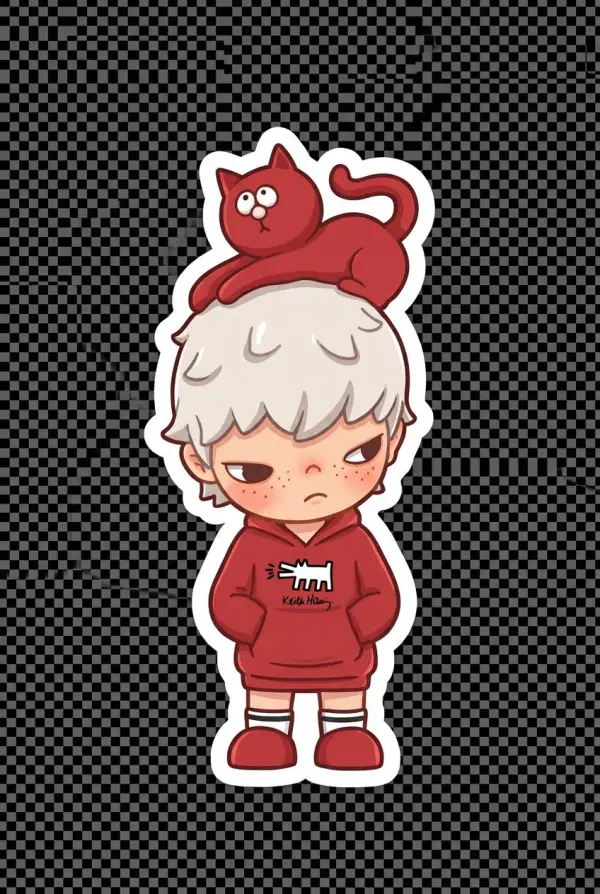
The Chibi Maker AI turns any photo into a charming chibi-style character—big eyes, small body proportions, and a playful cartoon aesthetic. Whether you're creating merch designs, profile icons, comics, or social media content, this tool generates high-quality chibi illustrations while keeping recognizable facial features and personality. Simply upload a photo and let AI convert it into a unique, delightful chibi version.

User Guide

Social Media Avatars

Creators instantly turn selfies into cute chibi icons for TikTok, Instagram, Discord, and more.

chibi maker by weshop ai

Merch & Sticker Designs

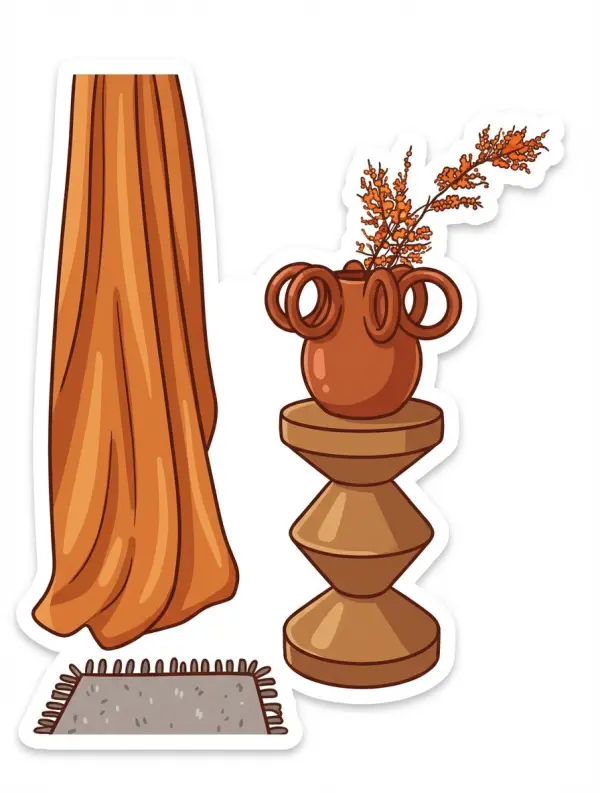
Generate adorable chibi characters for custom stickers, keychains, prints, or fan merch.

chibi maker by weshop ai

Comic & Storytelling Art

Artists create character sets quickly for manga-style comics, storyboards, or animated projects.

chibi maker by weshop ai

Gift & Surprise Art

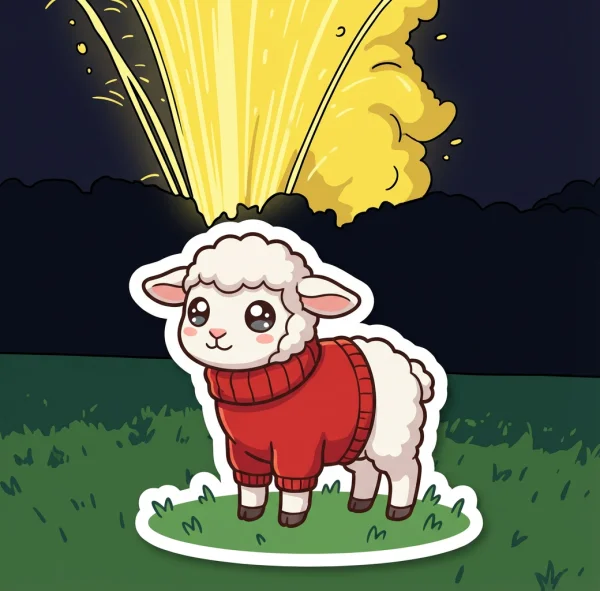
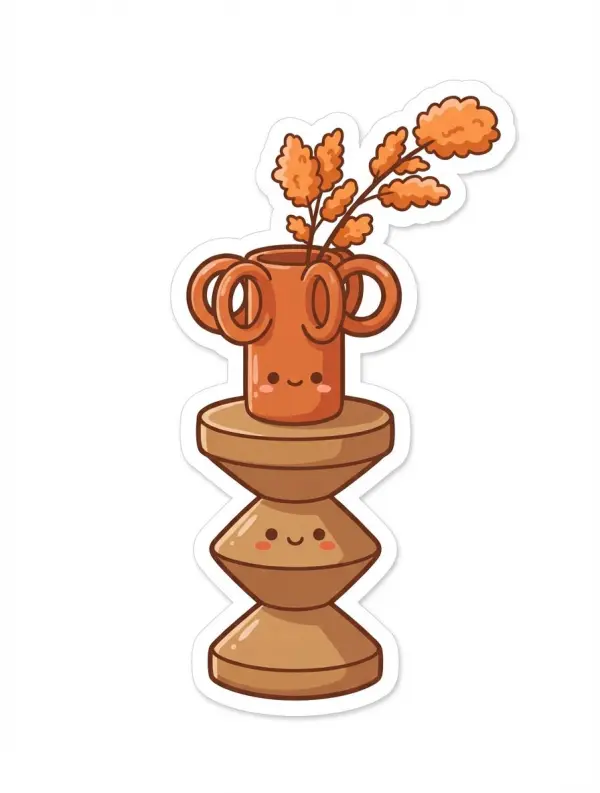
Turn friends, couples, or pets into charming chibi drawings perfect for personalized gifts.

chibi maker by weshop ai

Game or App Character Creation

Developers produce chibi style assets and character variations for games, apps, or branding.

chibi maker by weshop ai

FAQs

What does the Chibi Maker AI do?

It converts photos into stylized chibi characters with exaggerated cute proportions.

Will the chibi still look like the original person?

Yes, AI keeps key facial traits so the chibi version remains recognizable.

Can I generate chibis from full-body photos?

Yes, both portraits and full-body images work well.

Does it work with pets or objects?

Absolutely, pets, plushies, and even products can be turned into chibi illustrations.

Can I customize the chibi style?

Yes, add prompts like “super cute,” “anime shading,” or “pastel colors” to control the output.

Related Tools

idea
helper