


logo
AI Image & Video Creative Studio

Sign In

🎉new
Our new Virtual Try-On just launched. Try it now!
🥳
close
addNew Task
How it works:
1
Create new task and upload an image
2
Generate

Bangs Filter – See What You’d Look Like with Bangs Online

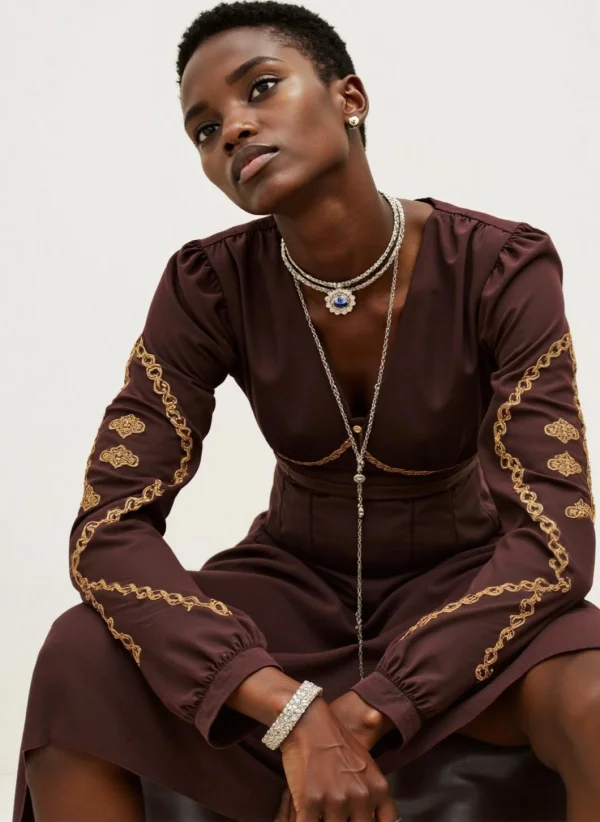
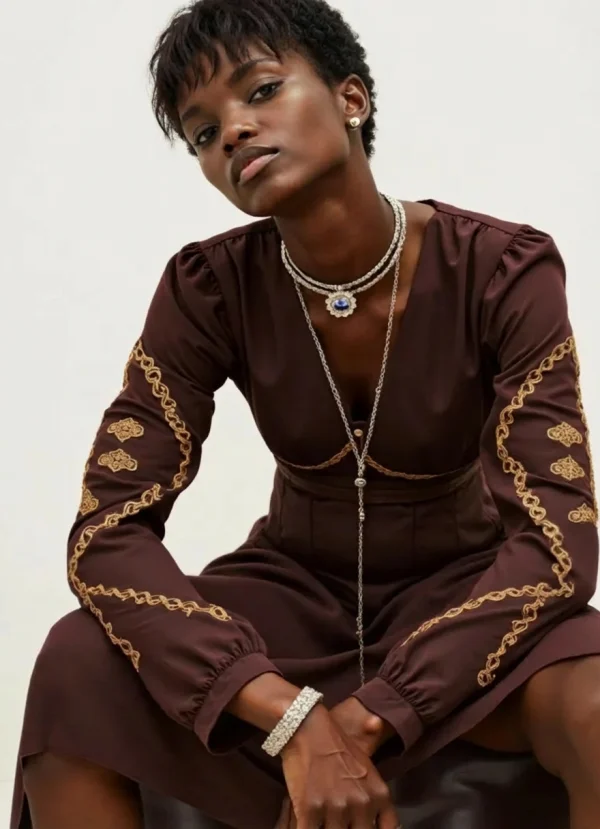
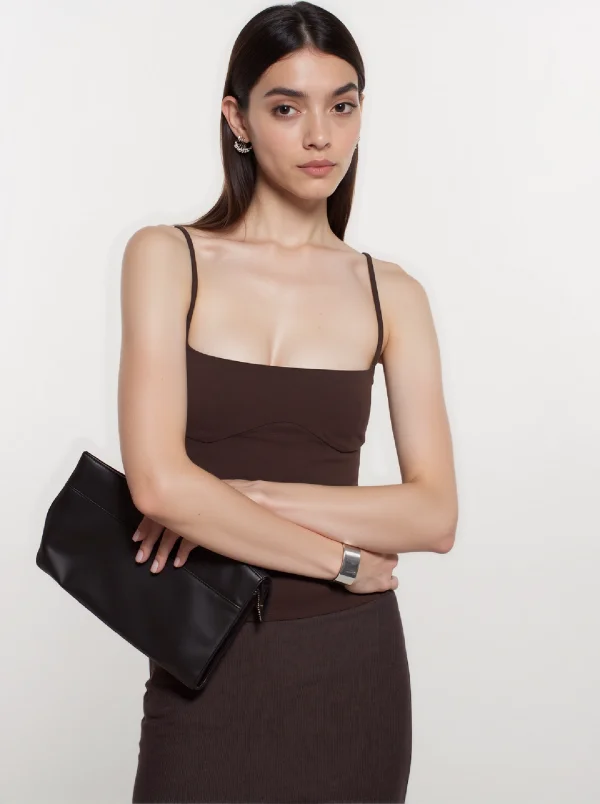
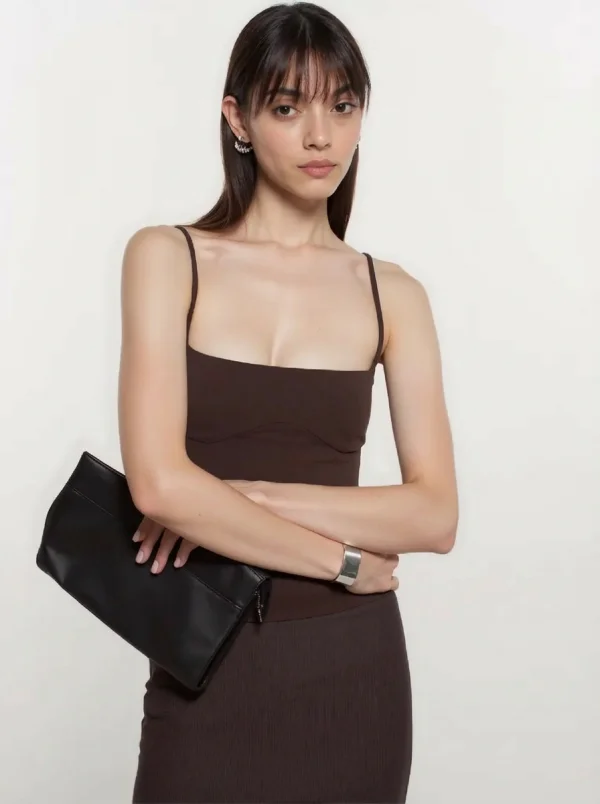
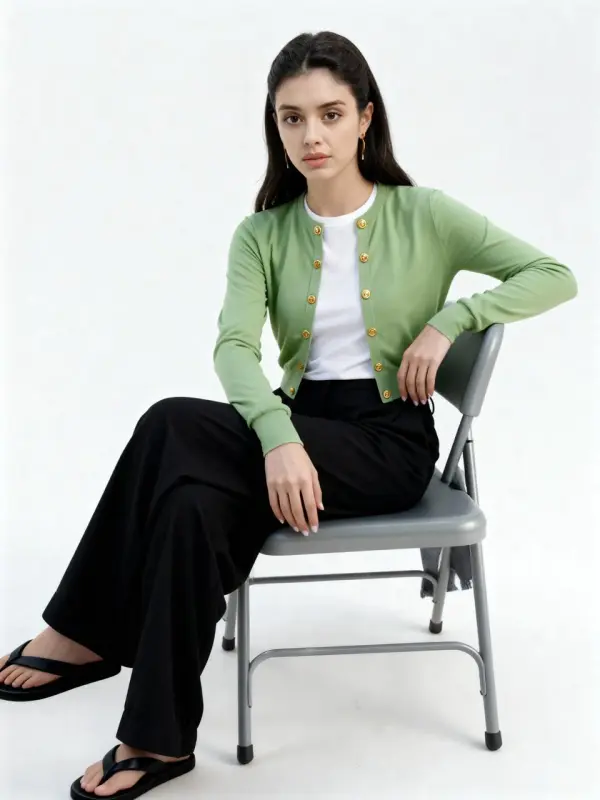
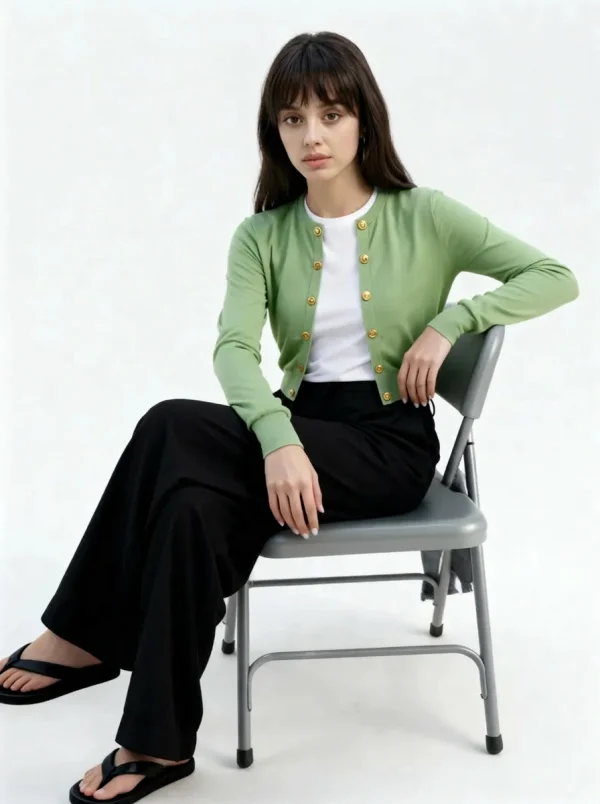
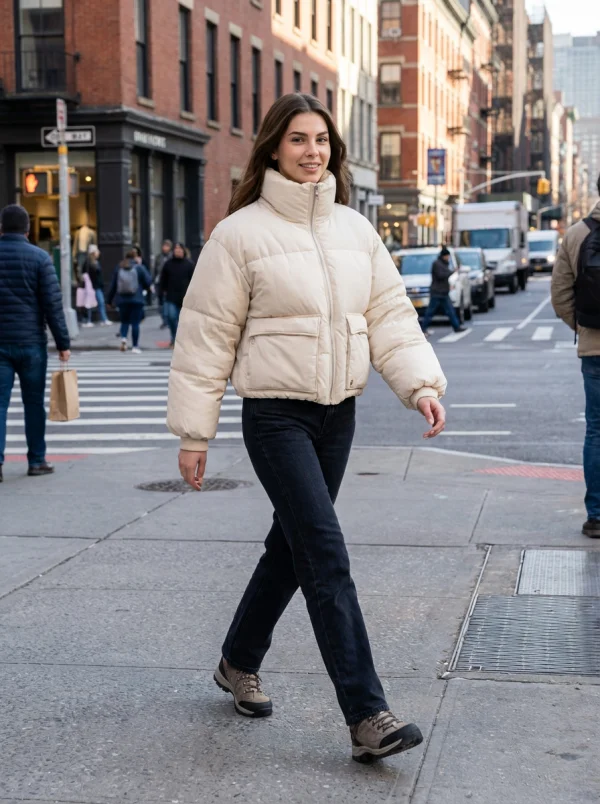
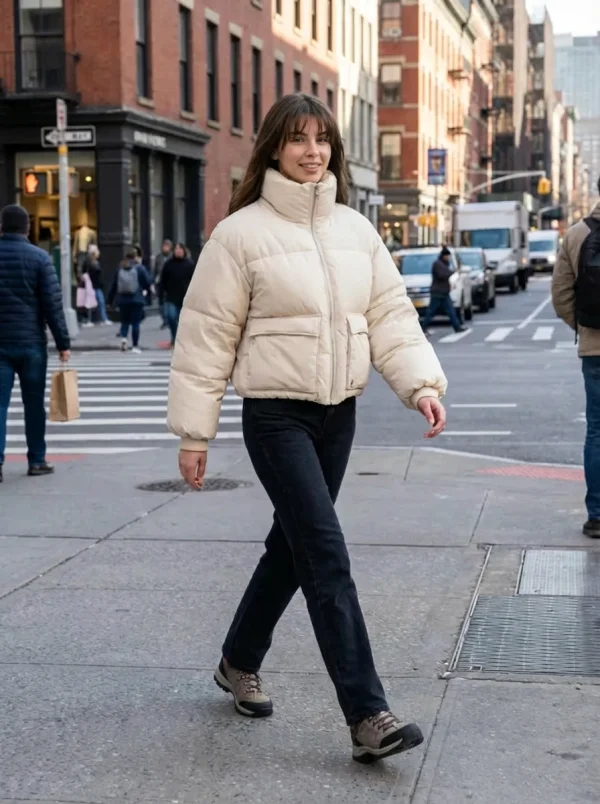
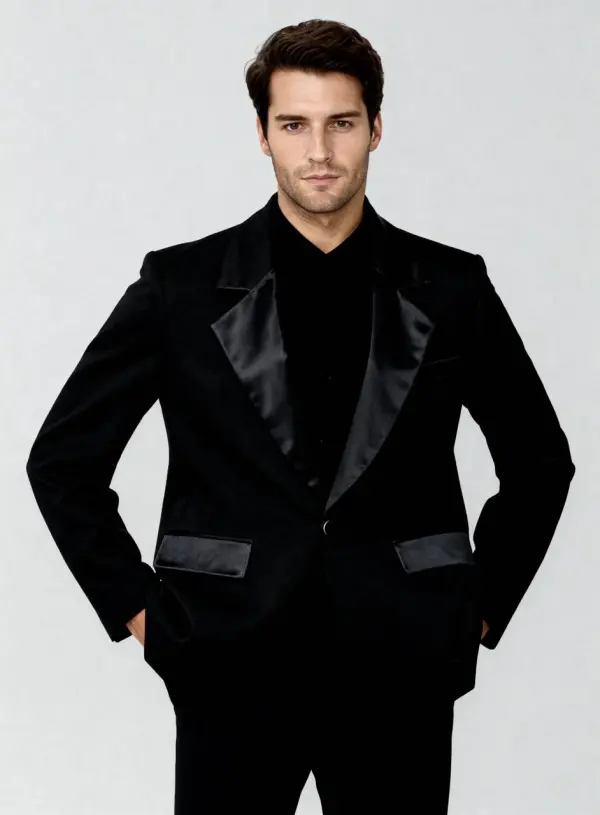
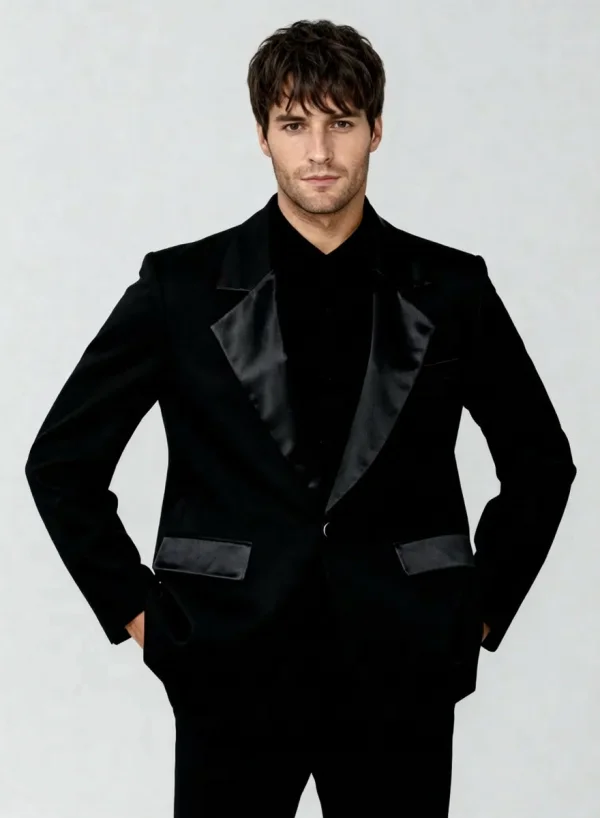
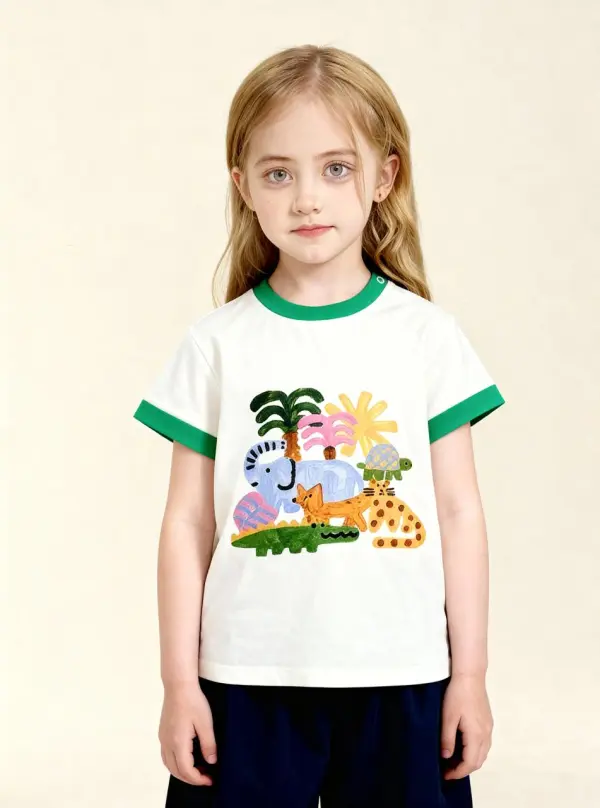
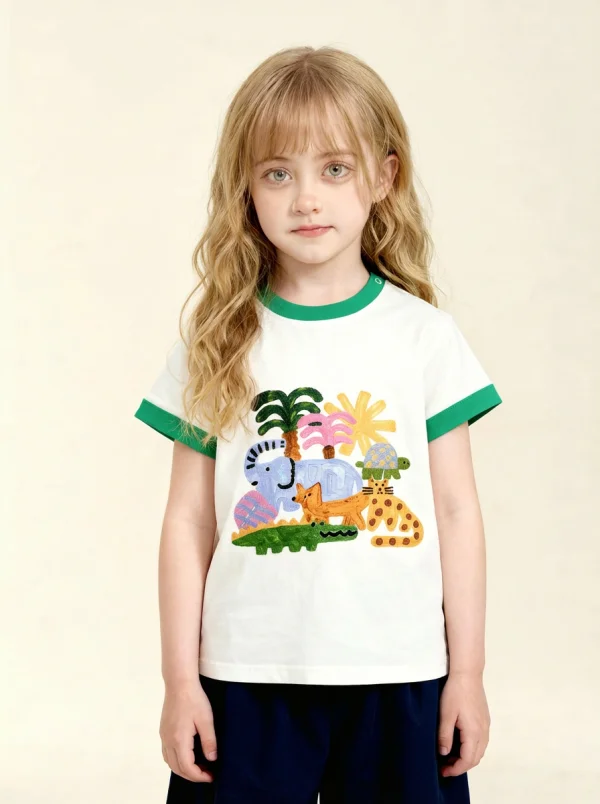
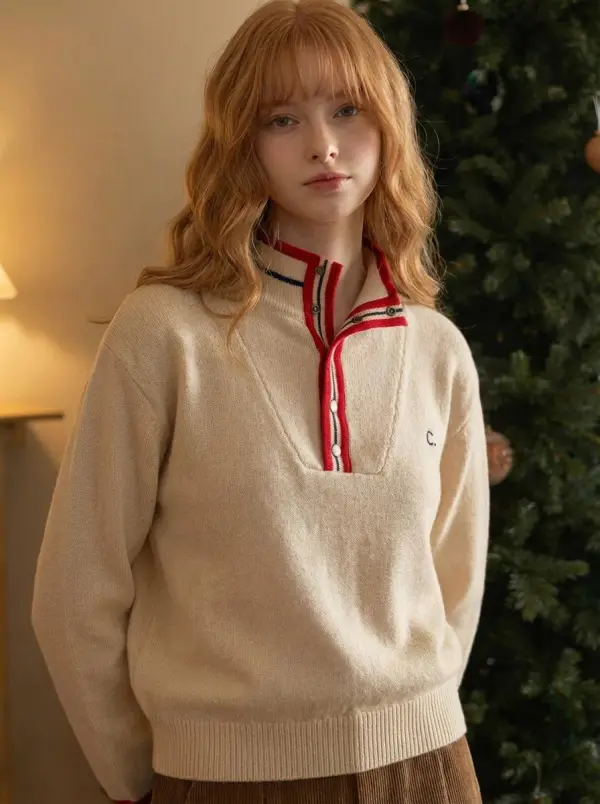
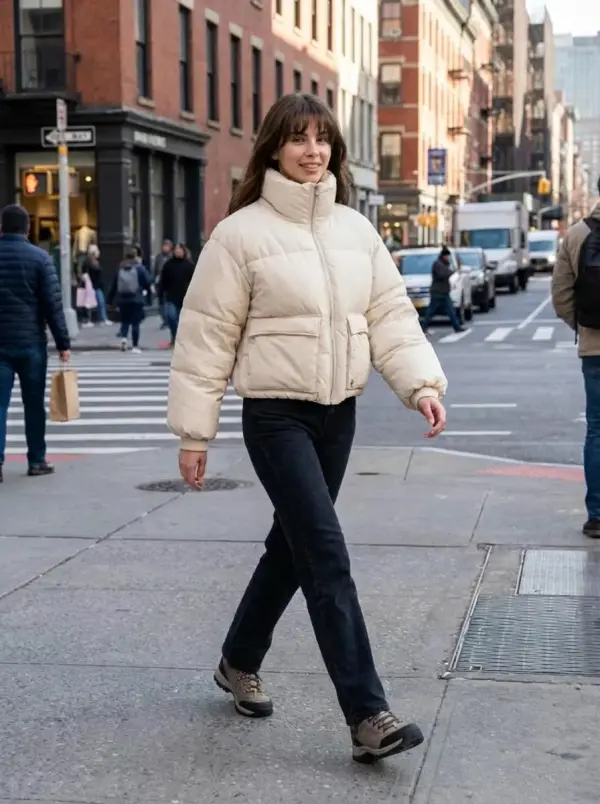
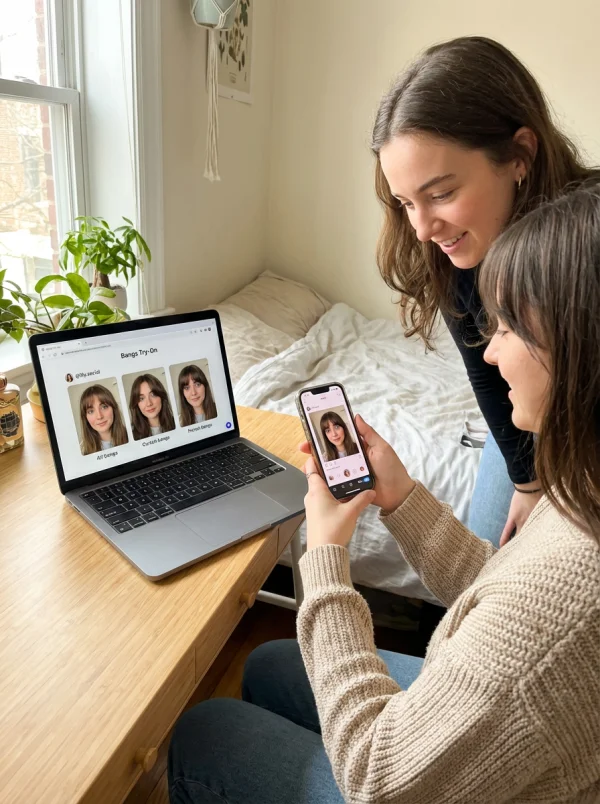
The Bangs Filter is an AI-powered virtual bangs try-on tool that helps you instantly see what you would look like with bangs—without touching your existing hair. Simply upload your photo, and the AI adds a realistic bangs effect in just a few clicks. Whether you’re exploring a new hairstyle, testing curtain bangs, split bangs, or layered cuts, this bangs filter online free helps you preview different styles and find your perfect look before making a small change.

How People Avoid Bad Haircut Decisions with a Bangs Filter

Avoiding the Wrong Bangs and Cutting Regret by 70%

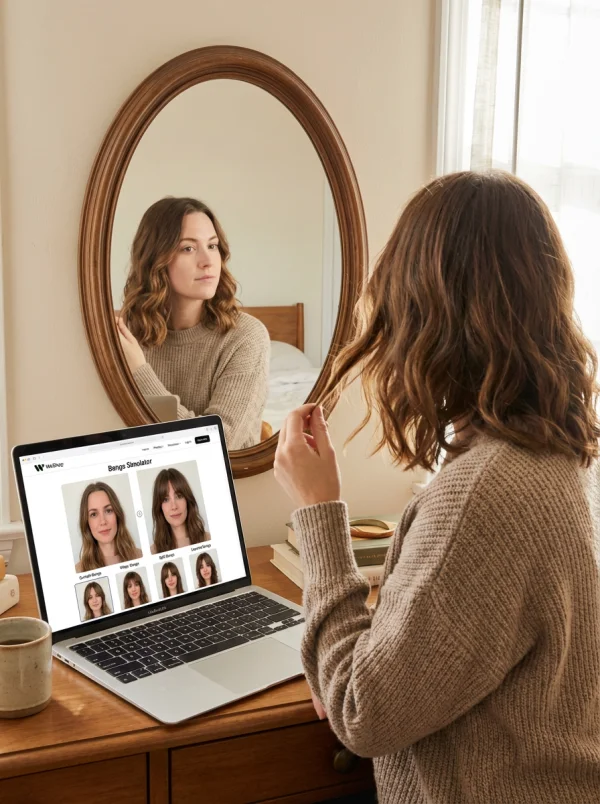
A user unsure how would I look with bangs used the bangs simulator online to preview different types of bangs before going to a salon. By trying curtain bangs, wispy bangs, split bangs, and layered cuts virtually, they avoided a haircut they didn’t like. Previewing the desired bangs style reduced haircut regrets and trial-and-error decisions by over 70%.
Faster Content Creation for Social Media

A content creator used the bangs filter online free to test new bangs for profile photos and short videos. By previewing different styles—without changing their existing hair—try-on time dropped from 15 minutes to under 1 minute per image. Posts featuring realistic bangs effects and new hairstyles achieved higher engagement thanks to the fresh, polished look.
Powerful Features for Trying Bangs with AI

AI-Powered Bangs Detection & Placement

The AI bangs filter automatically analyzes your face shape, forehead, and hairline from an uploaded image. Using advanced AI, it places bangs with brush-level precision—adjusting density, length, and angle—so the transformation feels natural on straight, wavy, or long hair, instead of looking pasted on.

Try Bangs Online Instantly

This bangs generator makes it the easiest way to try bangs online. Simply upload image files and instantly see me with bangs, helping answer common questions like how will bangs look on me or will bangs suit me—no waiting, no guessing.

Curtain Bangs, Wispy Bangs & More

The bangs simulator supports different types of bangs, including curtain bangs, wispy bangs, baby bangs, and front fringe. Whether you have bobs, long hair, or wavy styles, users can discover and compare looks side by side to find their desired bangs style.

Realistic Bangs Filter Results

Unlike basic filters, this realistic bangs filter preserves original hair texture, color, and lighting. The AI blends new bangs seamlessly, creating a realistic preview that closely reflects how bangs would look in real life—so the transformation feels believable, not artificial.

*Free Online Bangs Filter – No App Needed

This bangs filter online free works directly in your browser. No app download, no editing skills required—just upload your image and try on bangs virtually anytime. It’s an easy way for girls and friends alike to explore new hairstyles without commitment.

See What You’d Look Like with Bangs – Use Cases

Try Bangs Before Cutting Hair

Use the bangs simulator to preview bangs before cutting your hair. This helps avoid haircut regrets and gives a clear answer to what will I look like with bangs, making decisions easier and more confident.

bangs filter by weshop ai

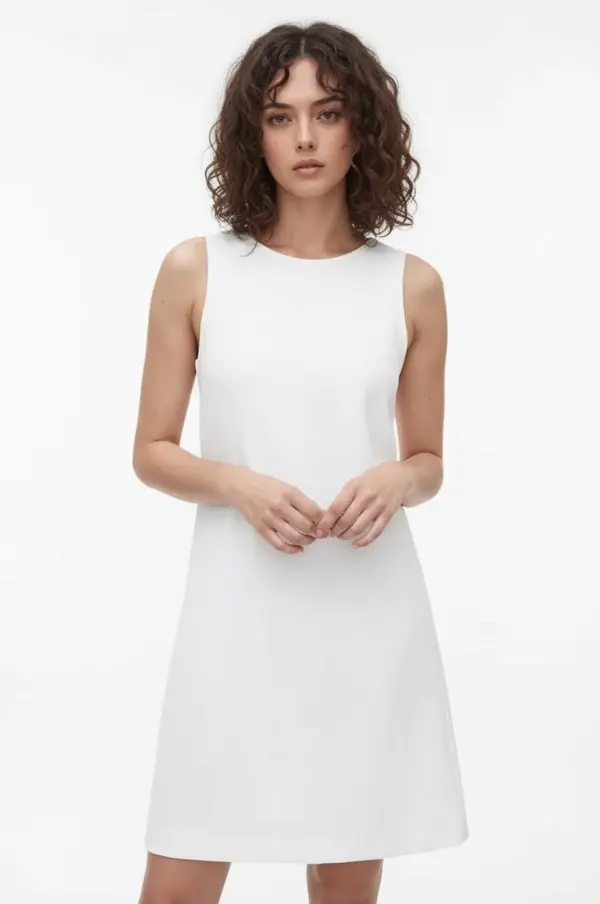
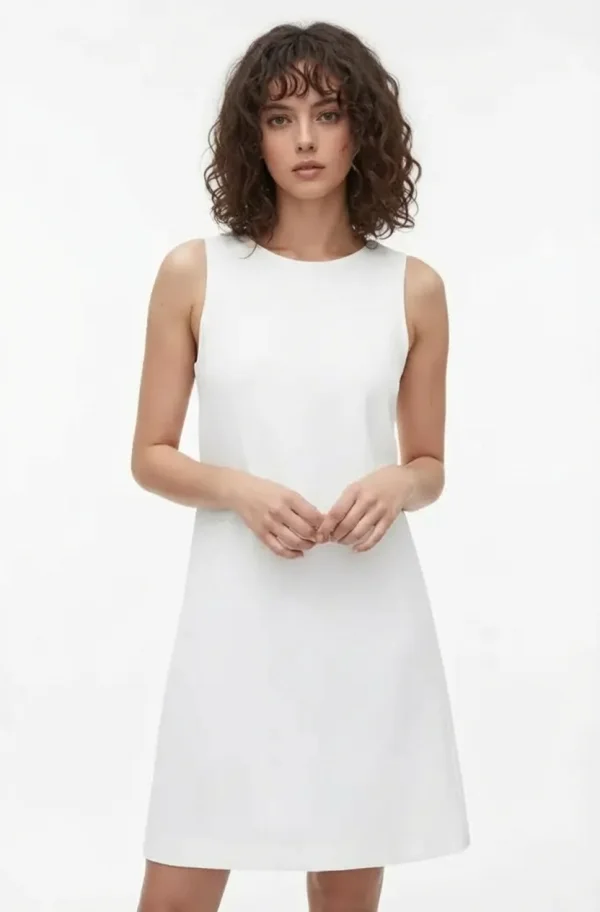
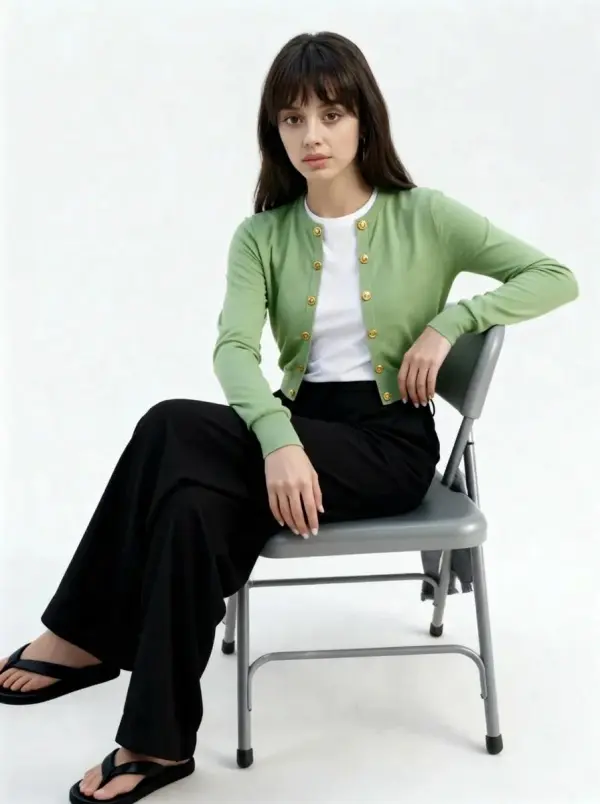
Curtain Bangs Try-On

Test curtain bangs virtually to see how they frame your face. Many users rely on the curtain bangs filter to decide if the style suits their face shape.

bangs filter by weshop ai

Compare With Bangs vs Without Bangs

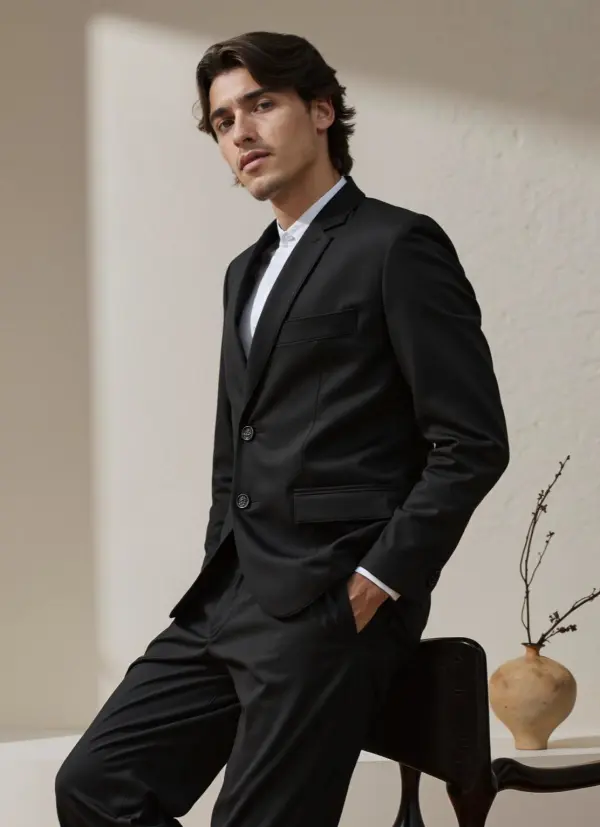
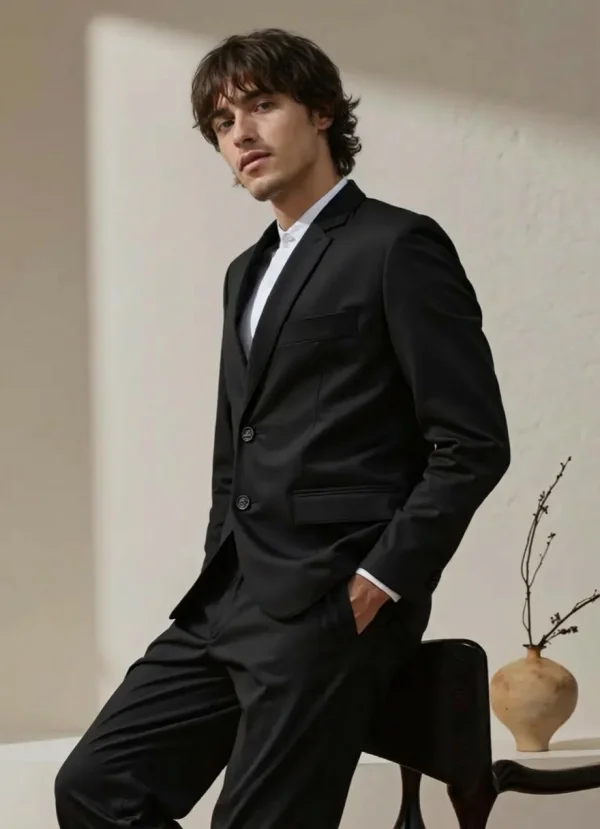
Easily compare what I look like with bangs versus without bangs. Side-by-side previews make it simple to see how a small change can transform your look, helping you decide what feels right.

bangs filter by weshop ai

Social Media & Profile Photos

Creators use the bangs filter to test new hairstyles for profile photos, reels, and posts. A realistic preview helps create polished visuals that stand out and feel intentional.

bangs filter by weshop ai

Group Photos & Friends Fun

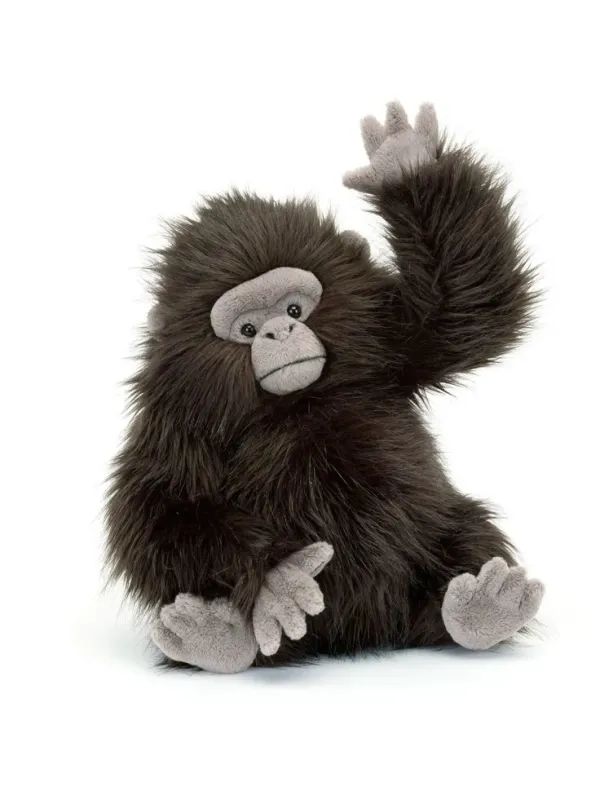
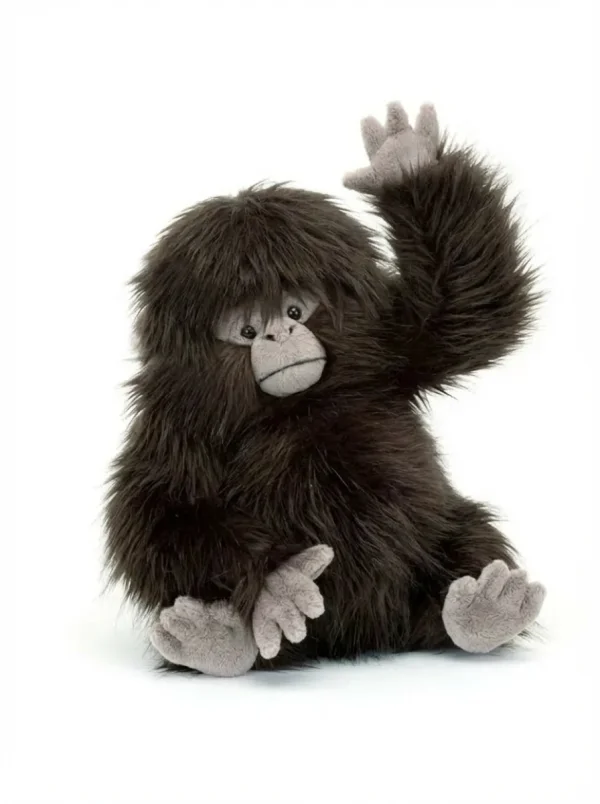
Apply the bangs filter to group photos to see how bangs look on different people at once. It’s a fun way to compare styles with friends, create playful before-and-after moments, or explore new looks together without anyone actually cutting their hair.

bangs filter by weshop ai

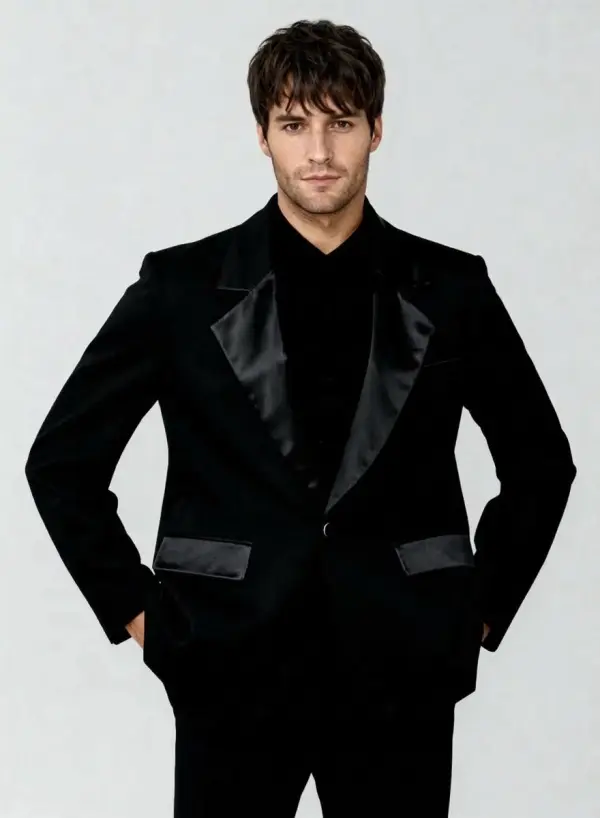
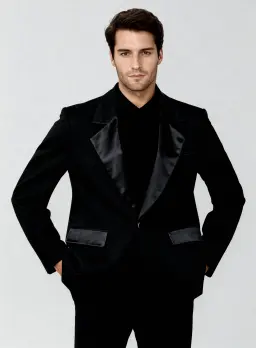
Fun & Playful Bangs for Guys

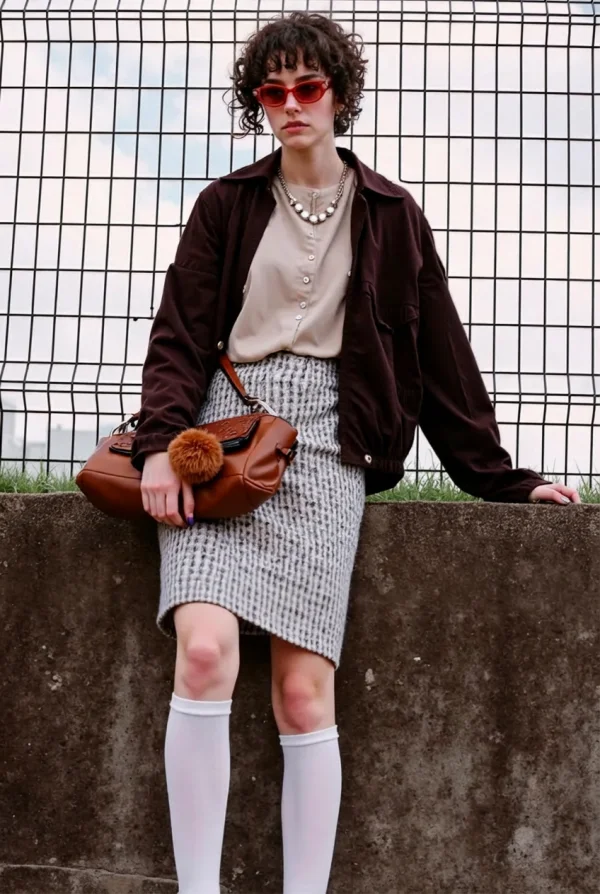
Guys also use the bangs try-on tool for fun and experimentation. Whether testing bangs for a costume, a joke, or a playful social post, the filter lets men see a dramatic, sometimes hilarious transformation—perfect for casual sharing and lighthearted content.

bangs filter by weshop ai

Hair Inspiration & Style Exploration

Explore different bangs styles just for fun or inspiration. Whether you’re experimenting alone or with friends, the virtual bangs try-on experience lets you transform your look, wonder less, and discover new hairstyle ideas—without any risk.

bangs filter by weshop ai

Frequently Asked Questions

What is a bangs filter?

A bangs filter is an AI-powered tool that adds bangs to your photo so you can see what you’d look like with bangs.

Is the bangs filter online free?

Yes, the bangs filter can be used online for free, with no app download required.

How do I see what I would look like with bangs?

Upload your photo and use the bangs simulator or virtual bangs try-on.

Can I try curtain bangs?

Yes, the curtain bangs filter lets you preview curtain bangs instantly.

Will the bangs look realistic?

Yes, the AI is designed to create natural and realistic bangs results.

Do I need photo editing skills?

No, the AI handles everything automatically.

Explore More AI Tools

idea
helper