app download

App

Steal the Look! Click to Replicate it with Your Product!

AI Thumbnail Maker – Generate Thumbnails from Videos or Text Prompts

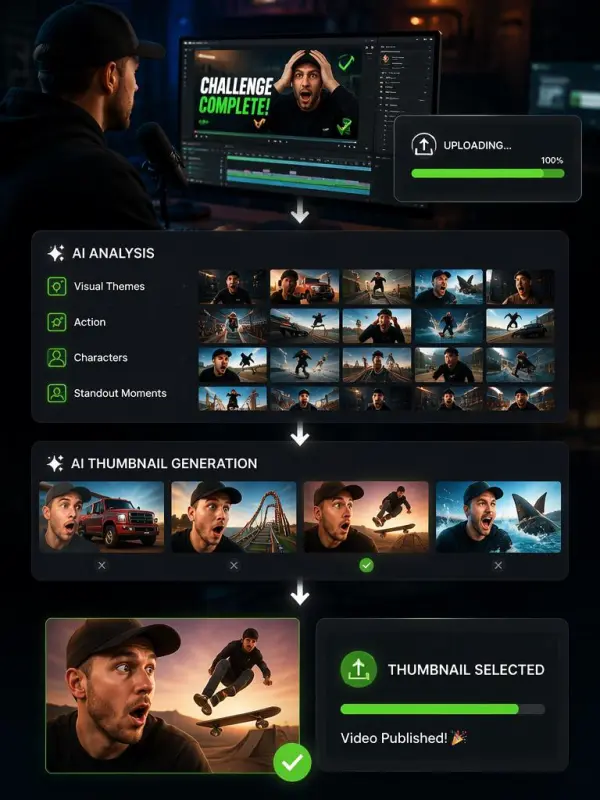
Upload a video or describe your idea with a text prompt, then let an AI thumbnail maker analyze the theme, subjects, and visual cues to create relevant thumbnail options. It can identify useful frames, adapt the composition to the content, and produce distinctive directions for gaming videos, tutorials, reviews, podcasts, and other creator workflows. Compare the results, refine the strongest concept, and choose the thumbnail that best represents your video.

How Creators Use an AI Thumbnail Maker

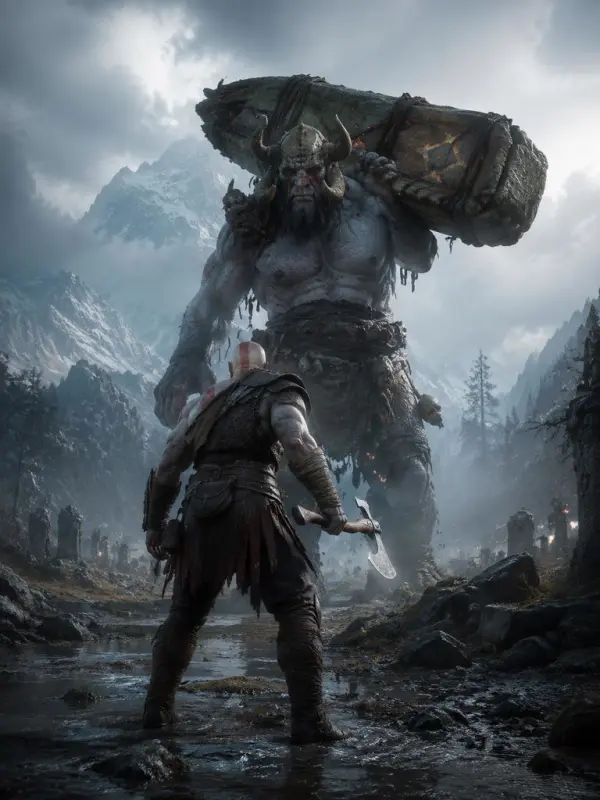
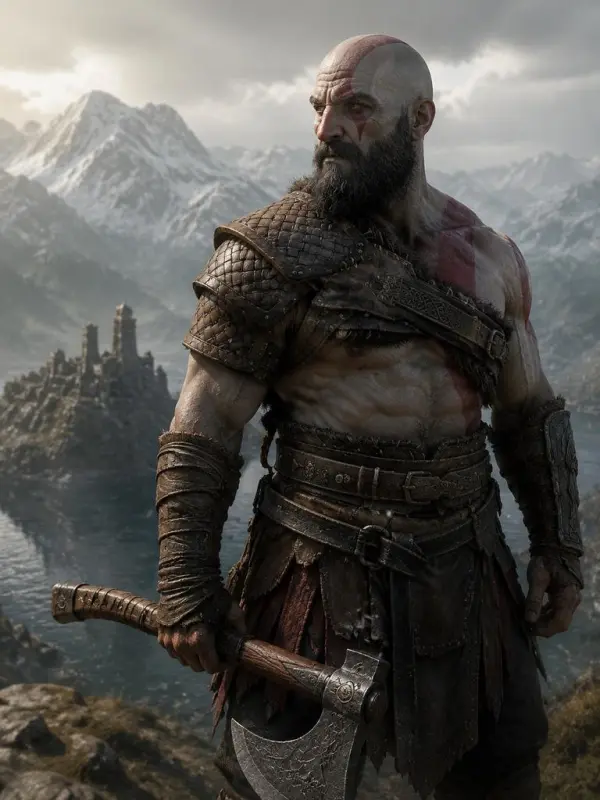
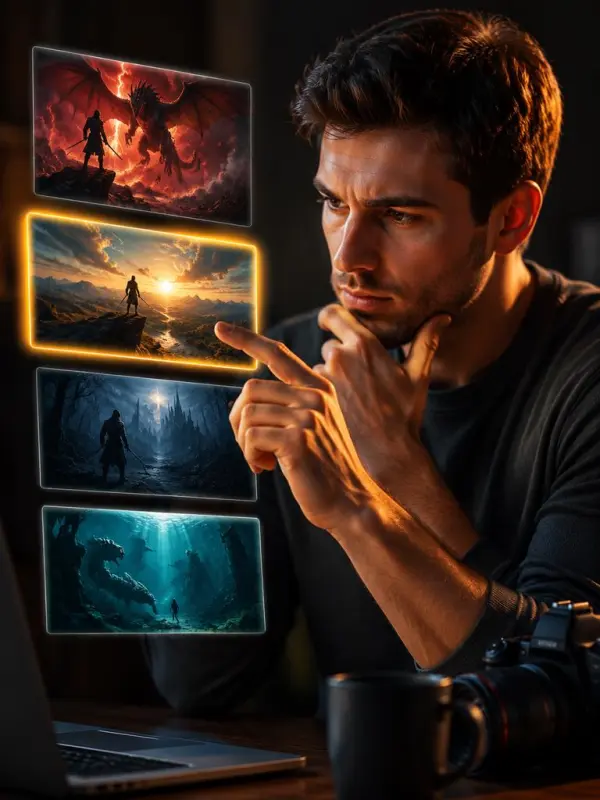
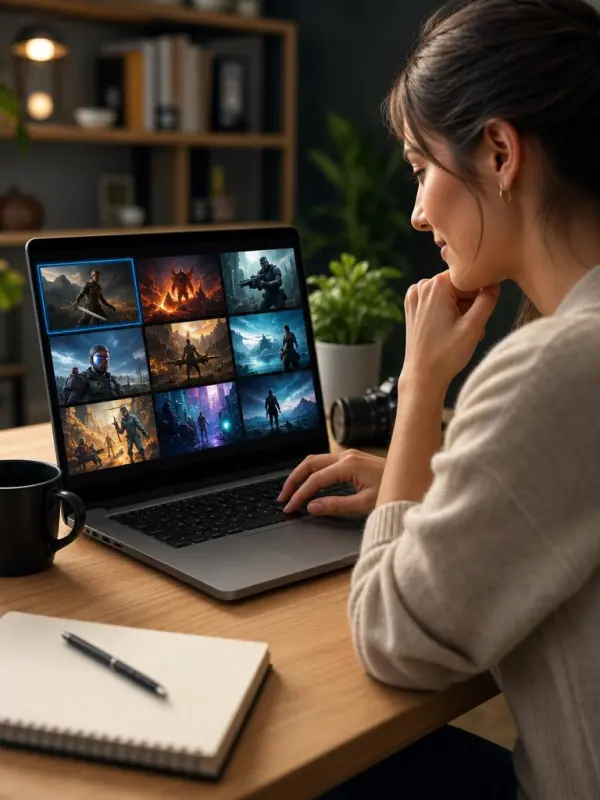
Turning a Gaming Video into Dramatic Thumbnail Options

A gaming creator finishes a high-energy challenge video but does not want to search through the entire recording for a usable cover. He uploads the video, and the workflow analyzes its visual themes, action, characters, and standout moments. The AI extracts relevant frames and uses them as context for several dramatic compositions with strong depth, clear subjects, energetic lighting, and uncluttered backgrounds. He compares the alternatives, rejects any image that overstates the actual gameplay, and chooses the option that gives viewers an accurate preview of the episode.
AI Thumbnail Maker by weshop ai

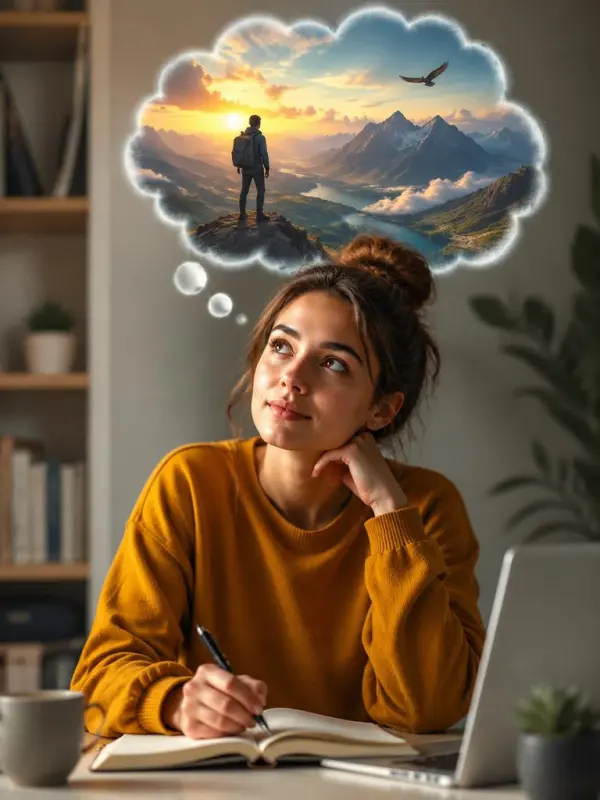
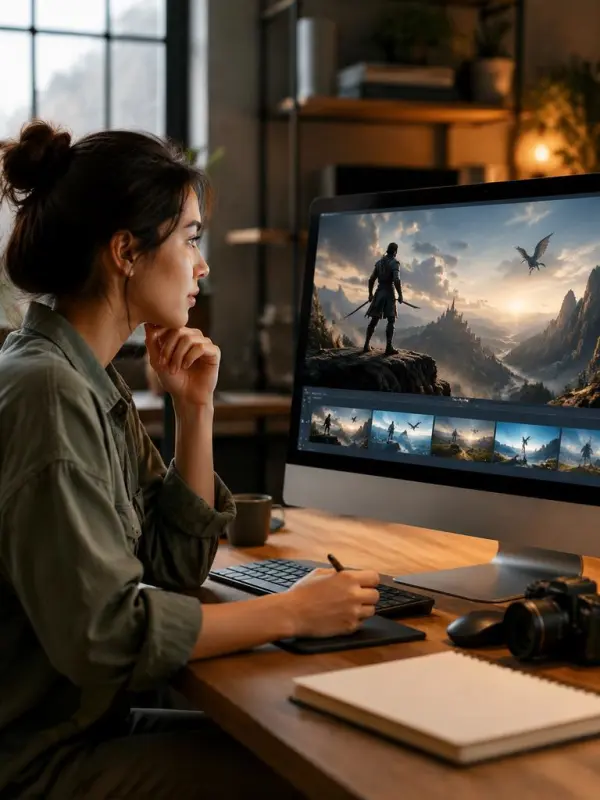
Creating a Clean Cover for a Software Tutorial

An educator needs a thumbnail for a concise screen-recorded tutorial. She provides the video and a short prompt describing the result viewers will learn to achieve. The AI thumbnail maker interprets the topic and creates clean visual concepts with a simple focal point, controlled color, and enough negative space for a brief headline. Instead of forcing a dramatic gaming style onto instructional content, the generated options reflect the tutorial’s practical tone. She reviews the details, selects the best match, and prepares it for publishing.
AI Thumbnail Maker by weshop ai
Previous
Next

Key Features of an AI Thumbnail Maker

AI Thumbnail Maker by weshop ai

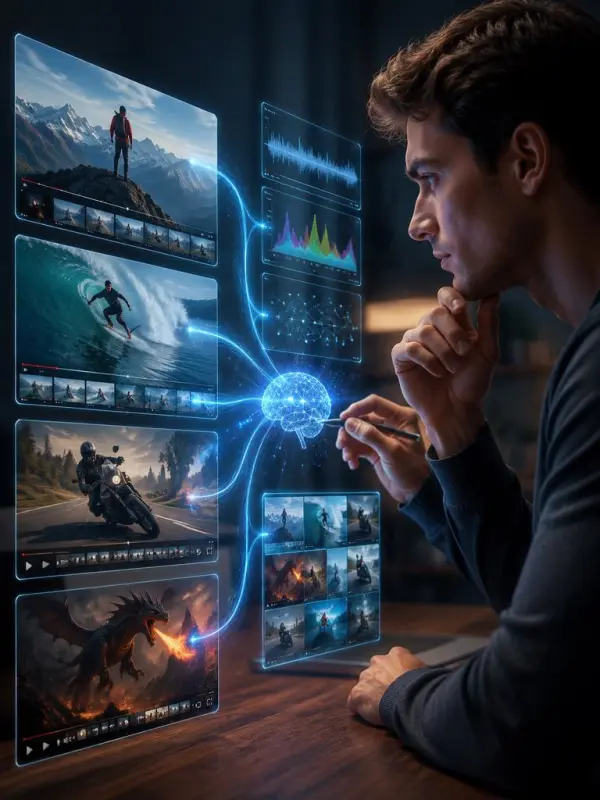
Video Content Analysis

Upload a video so the workflow can examine scenes, subjects, motion, and recurring visual themes. Content analysis provides context for thumbnail generation and helps reduce the mismatch between a generic image and the actual video. Creators should still verify that every generated concept represents the content honestly and accurately.
AI Thumbnail Maker by weshop ai

Automatic Frame Extraction

AI can identify and extract useful frames from an uploaded video instead of requiring creators to scrub through the timeline manually. Selected frames may provide a recognizable subject, product, action, or setting that grounds the generated thumbnail in real video content. The creator remains responsible for choosing the frame and result that communicate the episode most clearly.
AI Thumbnail Maker by weshop ai

Text-Prompt Generation

When a finished video is unavailable, start with a title, topic, or detailed text prompt. Describe the subject, mood, setting, lighting, target audience, and intended platform. Prompt understanding helps transform the description into visual concepts for upcoming videos, podcasts, tutorials, livestreams, or campaign ideas.
AI Thumbnail Maker by weshop ai

Content-Aware Visual Styles

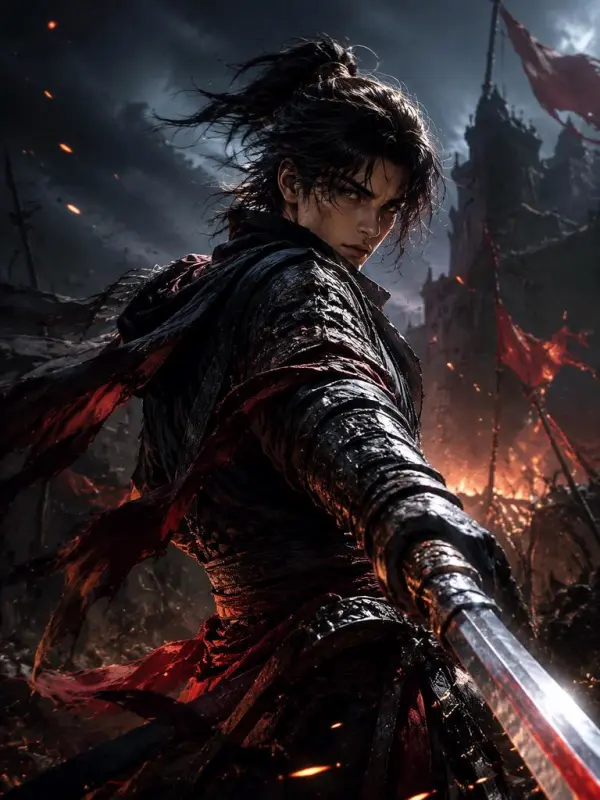
Different videos need different visual treatment. Gaming content may benefit from dramatic composition, strong depth, action, and bold lighting, while tutorials often work better with clean layouts, concise visual cues, and controlled negative space. The AI thumbnail maker adapts the creative direction to the supplied content instead of applying one fixed style to every project.
AI Thumbnail Maker by weshop ai

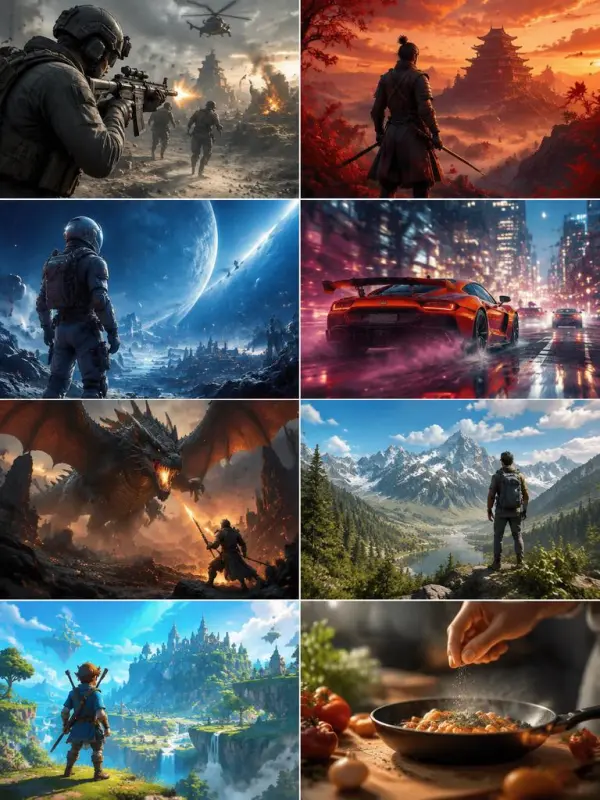
Multiple Matching Options

Generate several thumbnail alternatives from the same video or prompt. Each option can explore a different frame, subject crop, palette, camera angle, or composition while preserving the central topic. Comparing variations makes it easier to find the strongest honest representation rather than settling for the first output.
AI Thumbnail Maker by weshop ai

Creator-Led Final Selection

AI accelerates analysis and concept generation, but the creator chooses the final result. Review each option at full size and at a small mobile preview, check faces and objects, confirm any added text, and reject misleading or inaccurate imagery. The best match should support the title and reflect what the viewer will actually see.

How to Generate a Video Thumbnail with AI

Upload a Video or Enter a Prompt

Choose the starting source that fits your workflow. Upload a completed video when you want the AI to analyze actual scenes and frames, or enter a text prompt when you are planning content in advance. Include the video topic, audience, tone, and desired outcome so the tool has enough context.

AI Thumbnail Maker by weshop ai

Let AI Analyze the Content

For uploaded media, the workflow examines visual cues, subjects, scenes, and possible key frames. For text input, it interprets the topic, requested mood, and composition details. This analysis helps create thumbnail directions aligned with the content rather than unrelated generic artwork.

AI Thumbnail Maker by weshop ai

Generate Several Thumbnail Options

Create multiple alternatives so you can compare different focal points, colors, crops, and visual styles. A gaming video may produce dynamic action-driven choices, while a tutorial may produce cleaner, more concise layouts. Treat the results as candidates rather than automatic final answers.

AI Thumbnail Maker by weshop ai

Compare Relevance and Readability

View each candidate at a small size and check whether the main subject remains obvious. Look for clear separation between foreground and background, restrained detail, and a truthful connection to the video. If you plan to add text, keep it brief and leave enough negative space for readable typography.

AI Thumbnail Maker by weshop ai

Choose, Review, and Export

Select the option that best matches the content’s theme and promise. Inspect people, products, objects, text, and scene details for generation errors. Confirm you have rights to uploaded media, then export the appropriate resolution and file format for the current destination-platform requirements.

AI Thumbnail Maker by weshop ai

Frequently Asked Questions About AI Thumbnail Makers

What is an AI thumbnail maker?

An AI thumbnail maker analyzes a video, image, title, or text prompt and generates visual cover options for online videos and other creator content. It can help identify useful frames, develop compositions, adapt visual style, and reduce the time required to create several alternatives.

Can AI create a thumbnail from an uploaded video?

Yes. A video-aware workflow can analyze scenes and visual cues, extract relevant frames, and use that context to create thumbnail concepts that match the content. Capabilities vary by tool, so confirm supported video formats, file limits, privacy terms, and processing behavior before uploading.

Can I generate a thumbnail from a text prompt?

Yes. Describe the video topic, main subject, mood, setting, lighting, composition, audience, and platform. A detailed prompt helps the AI create concepts even when a completed video is not available.

How does AI choose frames from a video?

AI-assisted workflows may evaluate frames for subject visibility, scene relevance, composition, visual quality, and connection to the overall topic. Automatic selection is not perfect, so creators should review the extracted frames and choose the one that accurately represents the video.

Can it create different styles for gaming and tutorial videos?

Yes. The input can guide different creative treatments. Gaming thumbnails may use dramatic action, lighting, and depth, while tutorial thumbnails may favor simple subjects, clean layouts, and concise visual communication.

Does an AI thumbnail guarantee more clicks?

No. Thumbnail performance also depends on the topic, title, audience, competition, distribution, timing, and how well the image represents the video. AI can speed up exploration, but it cannot guarantee a click-through rate or other performance result.

How many thumbnail options should I generate?

Generate enough options to compare meaningful differences without creating an unmanageable review process. Several focused alternatives can reveal which frame, crop, palette, and composition communicate the topic most clearly.

What size should a YouTube thumbnail be?

A common workflow uses a 16:9 landscape canvas and a 1280×720 target. Platform specifications can change, so verify the current supported dimensions, formats, and file-size limits before publishing.
Can I add text to a generated thumbnail?

Depending on the workflow, text may be generated or added during editing. Keep the headline concise, use strong contrast, and verify every character. For greater control, reserve negative space in the generated image and add final typography separately.
Is uploading my video safe?

Safety depends on the service’s storage, retention, training, and privacy policies. Upload only media you are authorized to use, avoid confidential footage unless the processing terms are appropriate, and review how files are handled before submission.

Can I use generated thumbnails commercially?

Commercial use depends on the model and service terms, subscription plan, and rights attached to uploaded videos, frames, reference images, fonts, logos, and other assets. Review all applicable licenses before using outputs for monetized content or clients.

What should I check before publishing?

Confirm that the thumbnail accurately reflects the video, inspect faces and objects for errors, verify any text, avoid unauthorized logos or likenesses, and preview the image at a small display size. Do not publish misleading imagery solely to attract clicks.

Explore More AI Tools

AI Video Generator

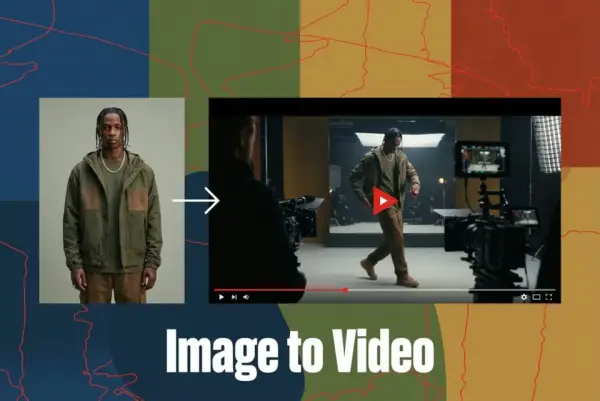
Turn Images into Stunning AI Videos for Free

Virtual Try-On

Try On Clothes Online with AI Virtual Try Technology

Swap Model & BG

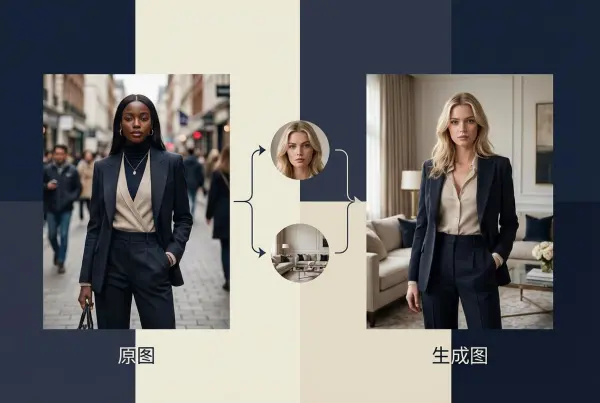
Realistic Model & Background Swapping Online with AI

AI Fashion Model

Showcase clothing with a variety of models

AI Product

Create stunning product images with few clicks from anywhere

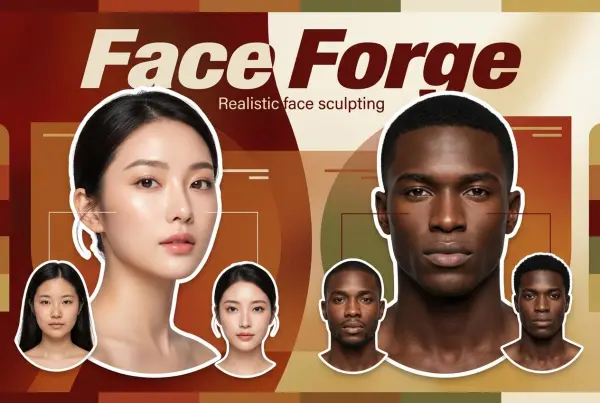
Face Forge

AI Face Morph & Face Swap Generator Online

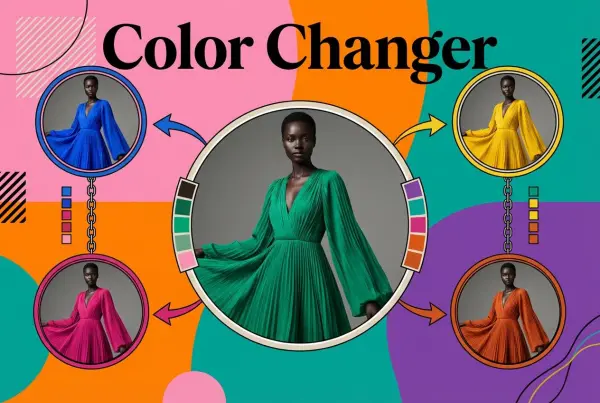
Product Recoloring

Recolor Image Online Free - Color Changer in WeShop AI

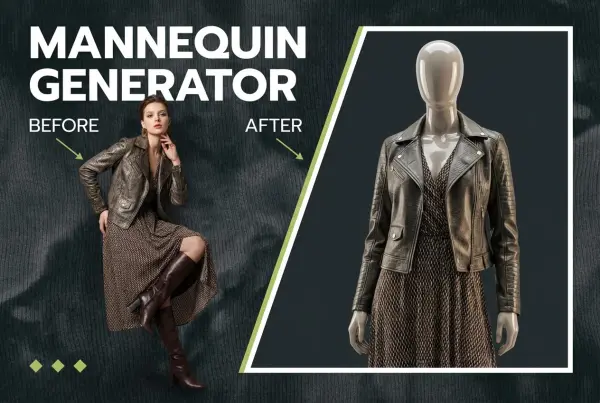
To Mannequin

Convert real model photos into mannequin displays

Change Pose

Change poses, switch between various model poses, making the clothing display more natural

Remove Background

Removing background with lightning speed and ease

AI Photo Enhancer

Enhance Photo Quality Online with Free AI

Relight

Relight your images automatically and efficiently

Expand Image

Expand images & backgrounds to fit any platform

Magic Eraser

Remove unwanted objects from your photos with AI

Hand/Feet Fixer

Regenerate natural-looking hands and feet in AI-generated images

Design Repair

Upload an image, highlight the area you wish to fix, and upload a target reference image

Video Agent

Create and publish videos from a photo or description—instantly, in any style.

Outfit Generator

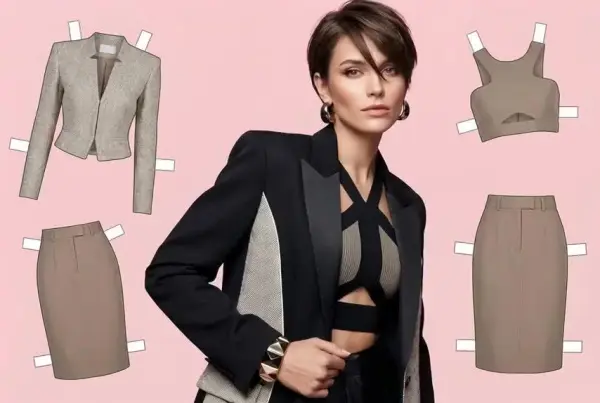
Create AI clothes styling from any model photo, garment, or style prompt.

AI Clothing Piece Generator

Create Professional Flatlay Clothing Images From Any Photo or Idea

Watermark Video Remover Free Online

Remove Watermark from Video

AI Video Enhancer

Enhance Video Quality Online with AI

Replace Face in Video Online Free

AI Video Face Swap for Realistic Clips

Video Replication

Recreate Video Styles, Motion, and Scenes with AI

idea
helper