How Businesses Use AI Lookbook Generator
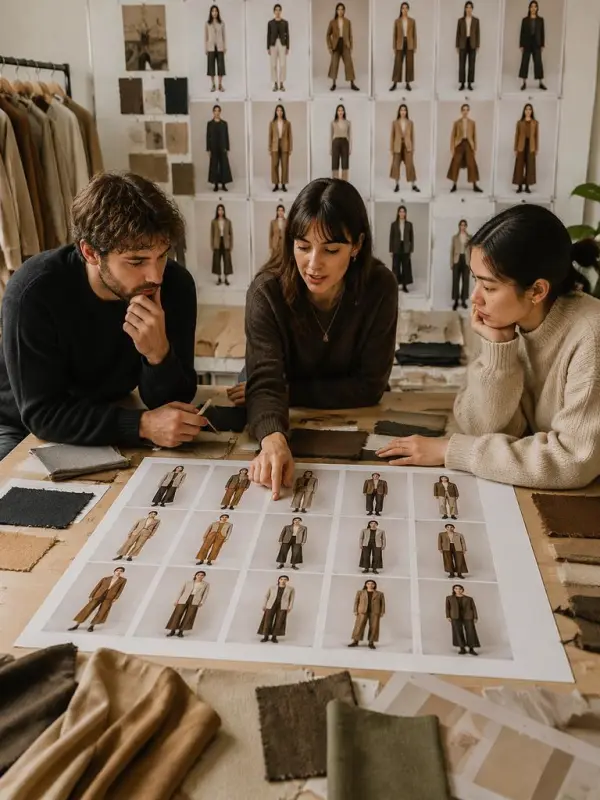
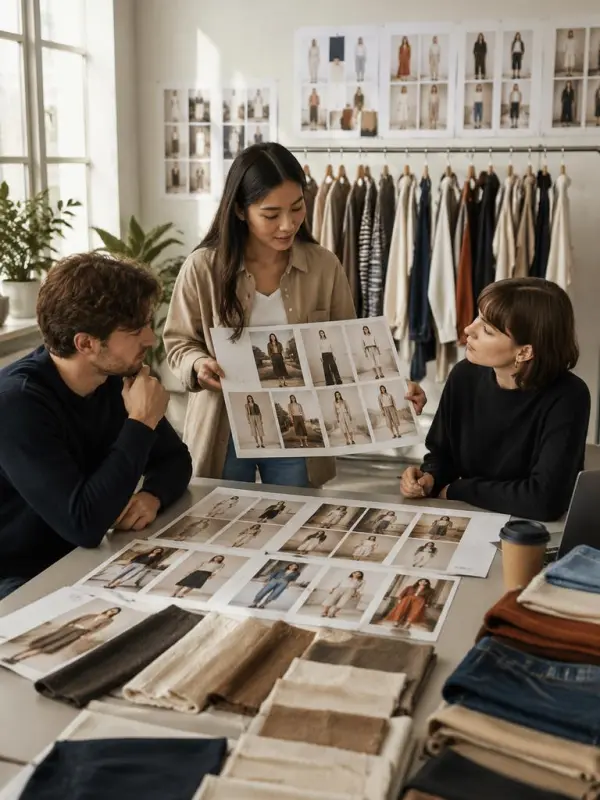
Seasonal Collection Review for a Fashion Label

Marketplace Refresh Across a Large Catalog


Sign In


Choose sharp, color-accurate product images that clearly show silhouette, fabric, trim, and important construction details. Remove unrelated clutter and note any elements that must not change. Better references give reviewers a stronger basis for comparing the original product with the generated lookbook concept and reduce uncertainty during brand or merchandising approval.


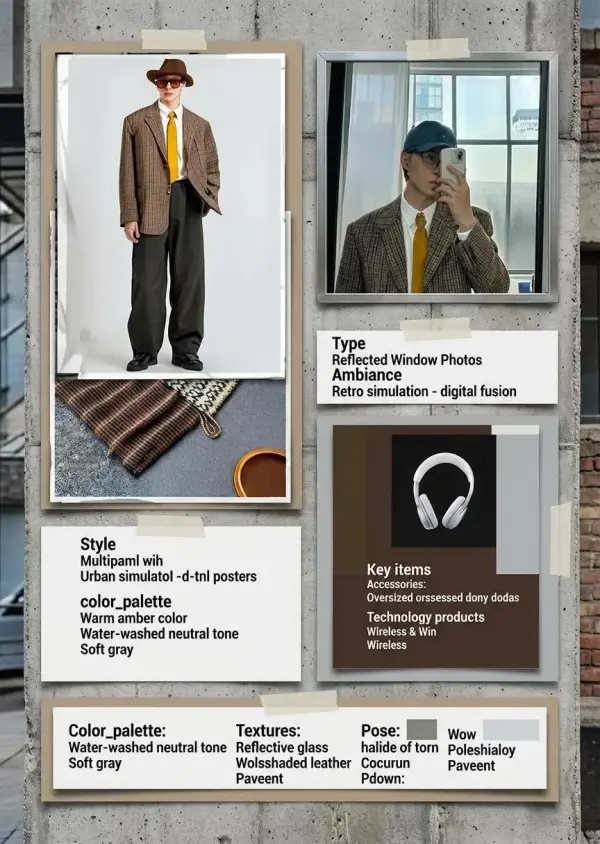
Describe the target customer, season, setting, palette, casting mood, lighting, and camera style in one focused brief. Explain whether the result should feel commercial, luxury, streetwear, resort, or minimal. A shared direction keeps generated scenes coherent and gives stakeholders concrete criteria for evaluating styling, composition, and collection-level consistency.


Start with one important product before applying the direction to the entire collection. Compare the result with the reference for color, proportion, garment details, and intended mood. Use feedback from design, merchandising, and brand teams to correct the prompt, then lock the strongest visual rules for the remaining lookbook images.


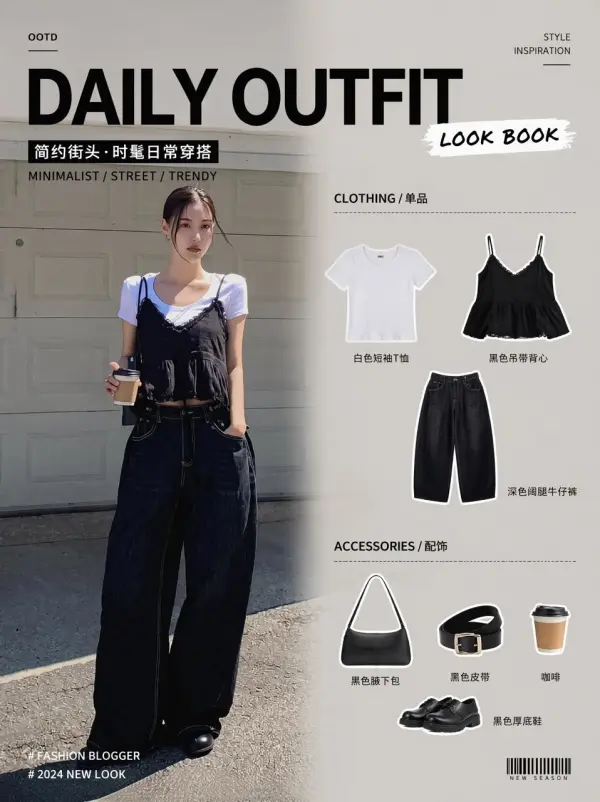
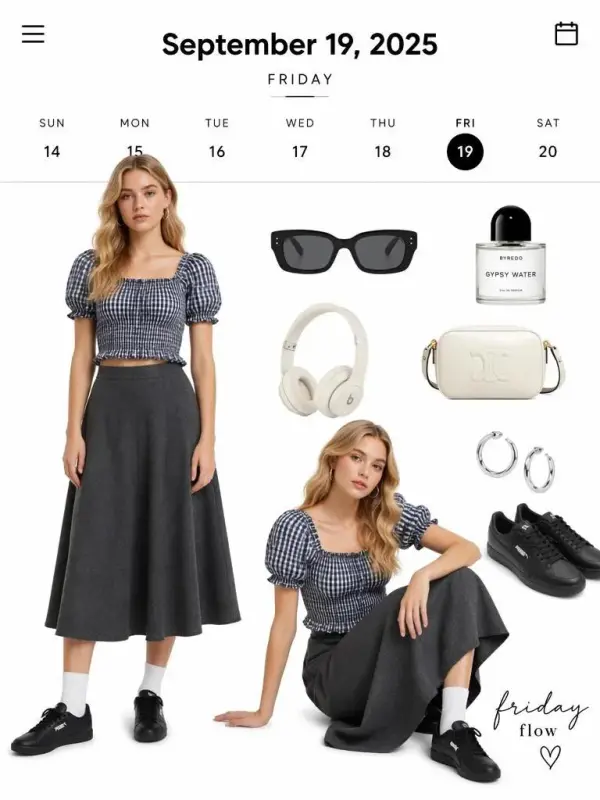
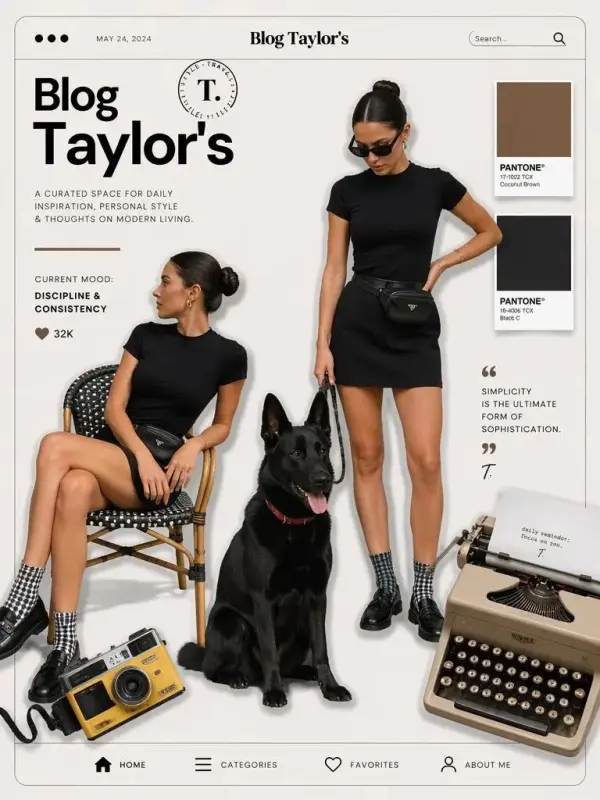
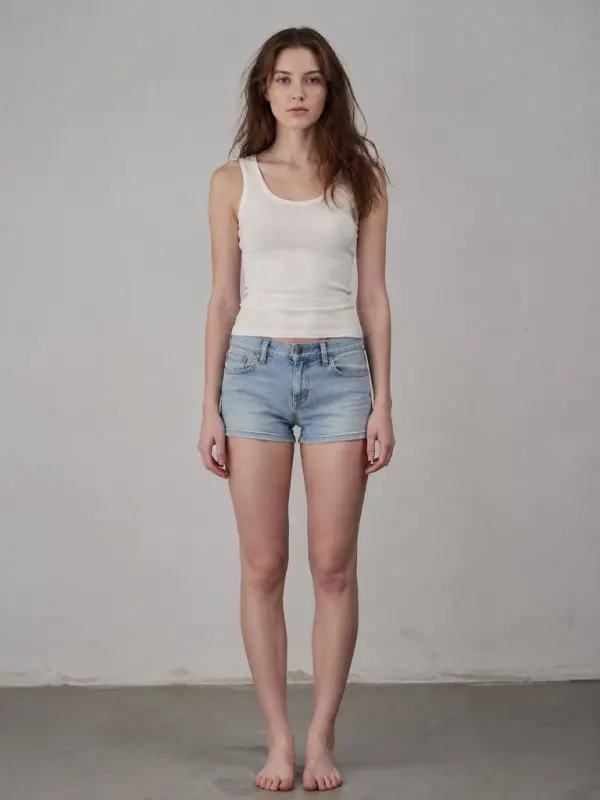
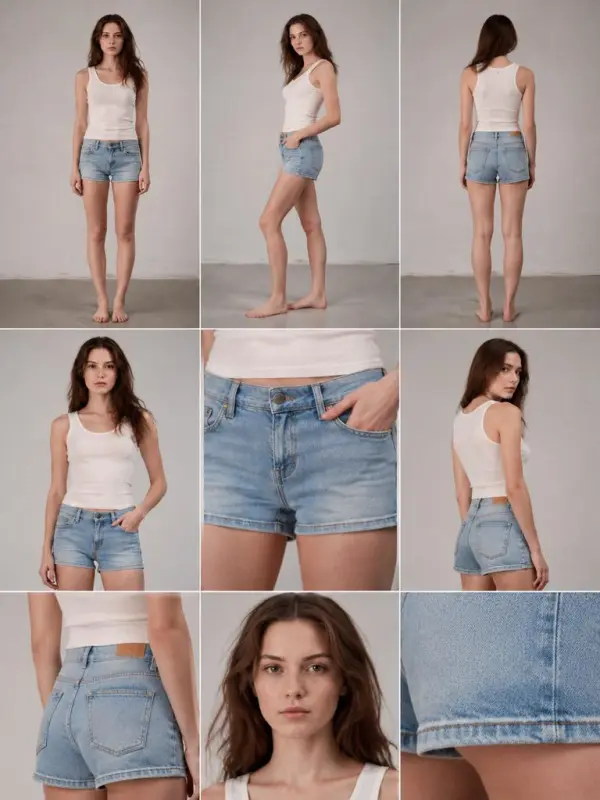
Generate complementary poses, crop levels, and backgrounds while maintaining the approved palette and lighting. Organize the images into a deliberate flow that introduces the collection, shows key silhouettes, and closes with memorable detail. Avoid excessive variation that weakens the story, and flag any image that does not represent the product reliably.


Check every output against the real product, especially logos, patterns, closures, proportions, and color. Confirm consent and rights for reference people, locations, and creative assets. Clearly distinguish concept imagery from verified product photography when required, and obtain legal or platform review before using generated images in advertising, ecommerce listings, or wholesale materials.
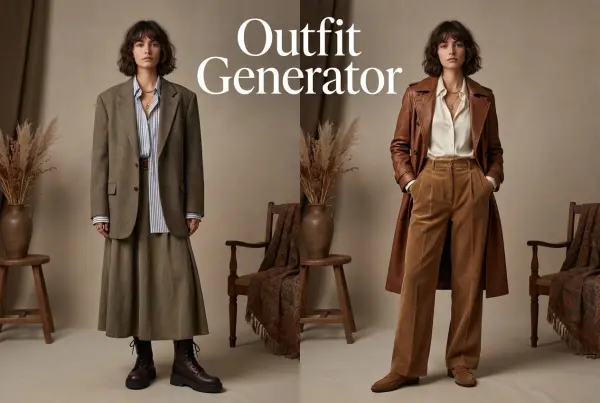

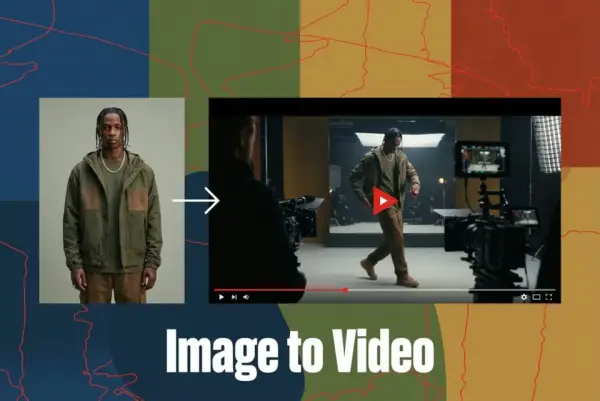
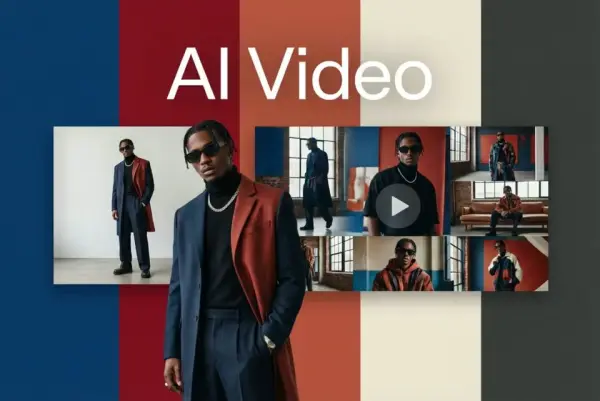
Turn Images into Stunning AI Videos for Free
Try On Clothes Online with AI Virtual Try Technology
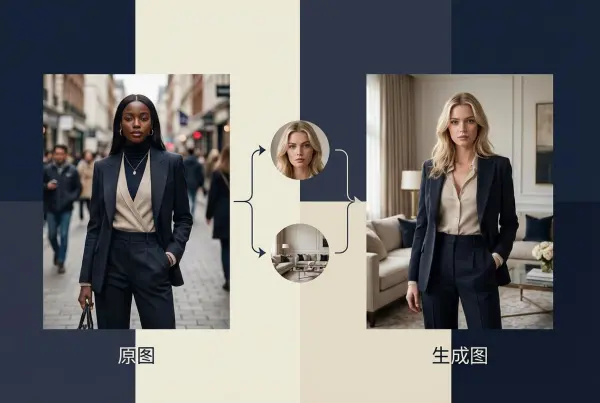
Realistic Model & Background Swapping Online with AI
Showcase clothing with a variety of models
Create stunning product images with few clicks from anywhere
AI Face Morph & Face Swap Generator Online
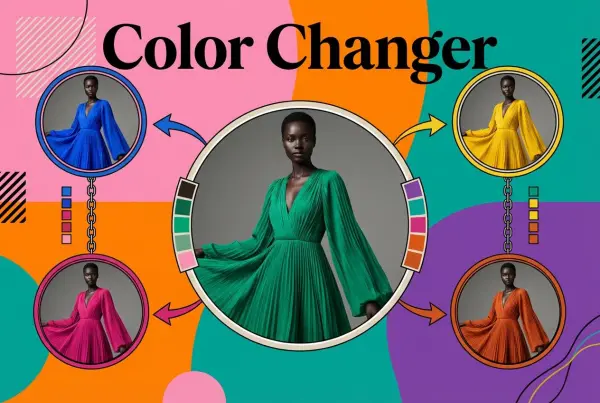
Recolor Image Online Free - Color Changer in WeShop AI
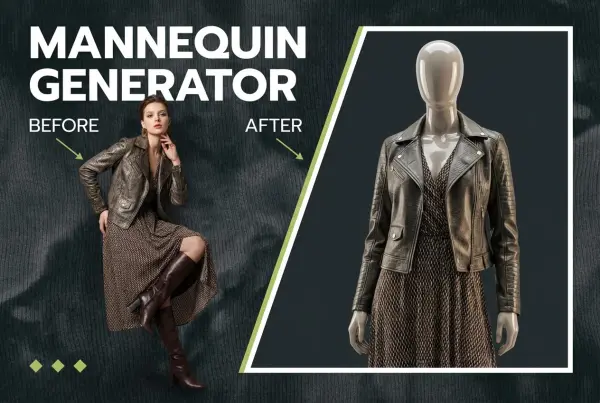
Convert real model photos into mannequin displays
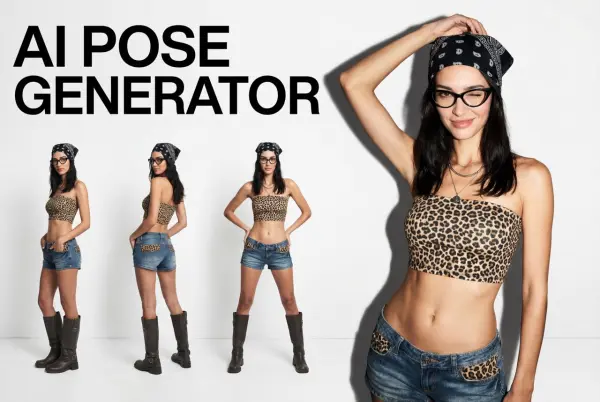
Change poses, switch between various model poses, making the clothing display more natural
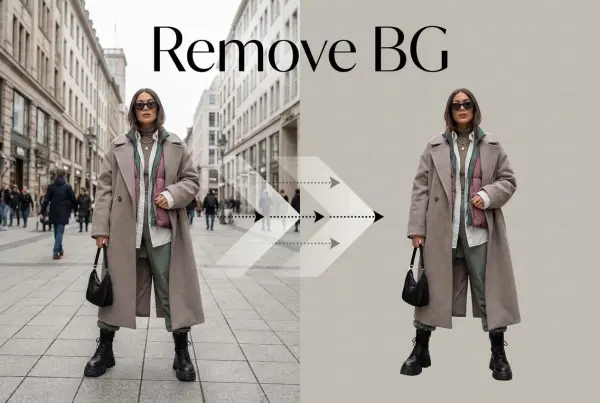
Removing background with lightning speed and ease
Enhance Photo Quality Online with Free AI
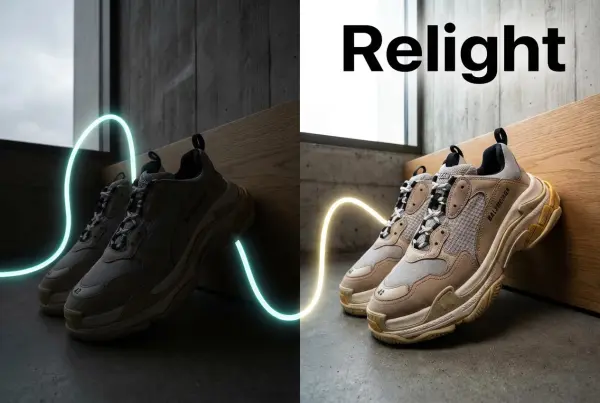
Relight your images automatically and efficiently
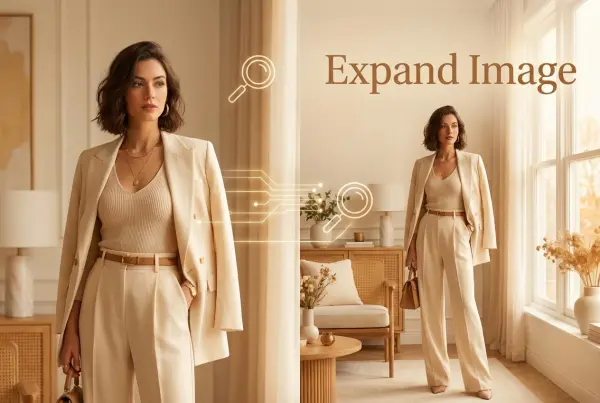
Expand images & backgrounds to fit any platform
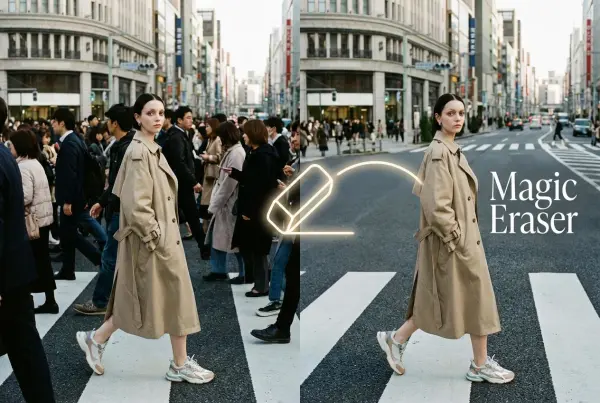
Remove unwanted objects from your photos with AI
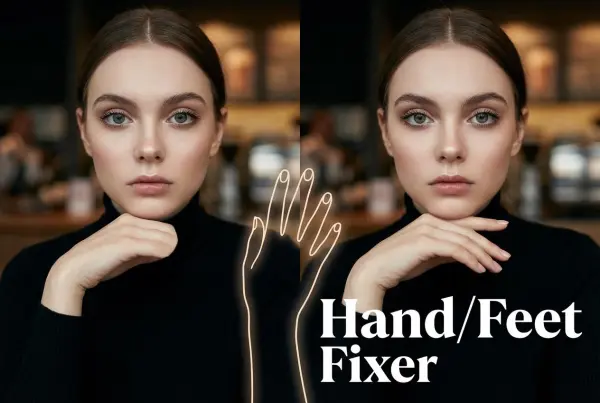
Regenerate natural-looking hands and feet in AI-generated images
Upload an image, highlight the area you wish to fix, and upload a target reference image
Create and publish videos from a photo or description—instantly, in any style.
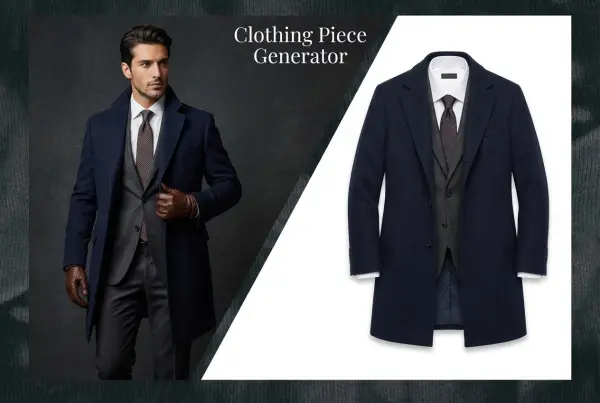
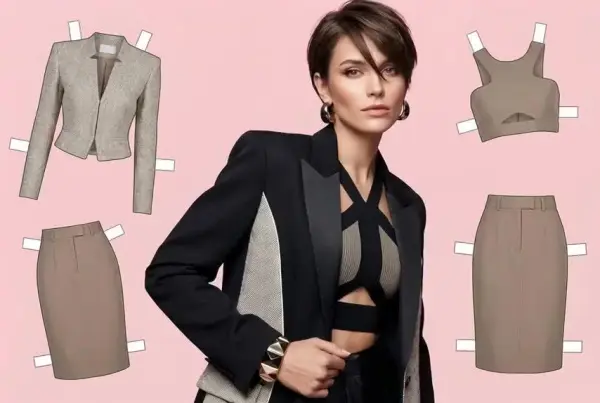
Create AI clothes styling from any model photo, garment, or style prompt.
Create Professional Flatlay Clothing Images From Any Photo or Idea
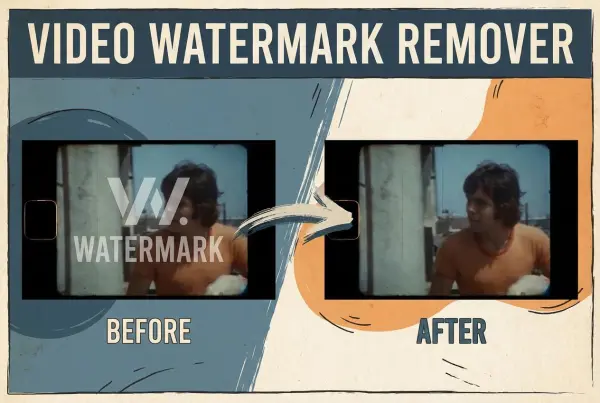
Remove Watermark from Video
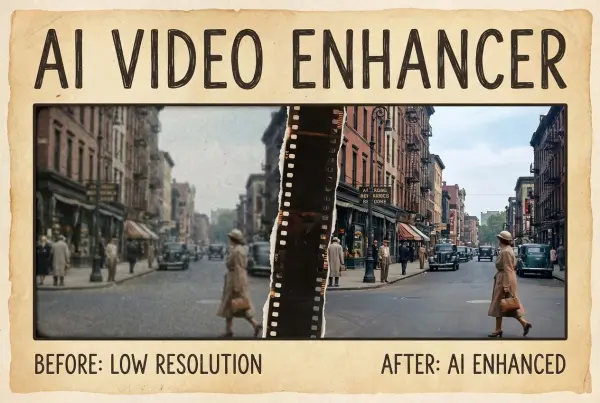
Enhance Video Quality Online with AI
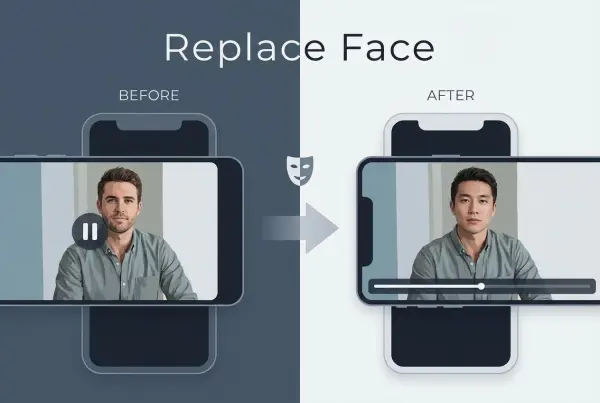
AI Video Face Swap for Realistic Clips
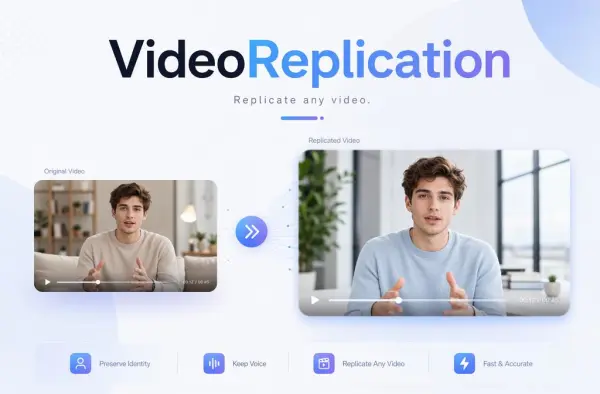
Recreate Video Styles, Motion, and Scenes with AI