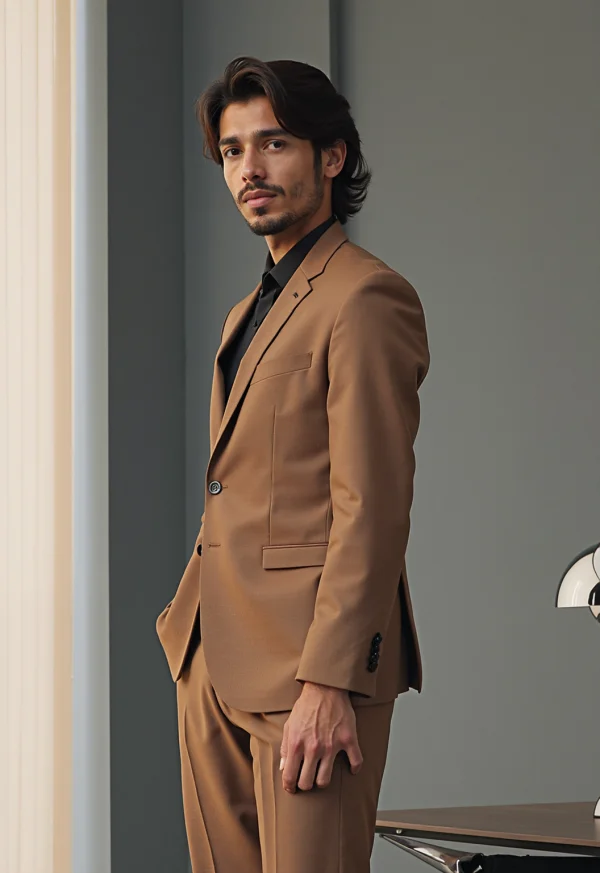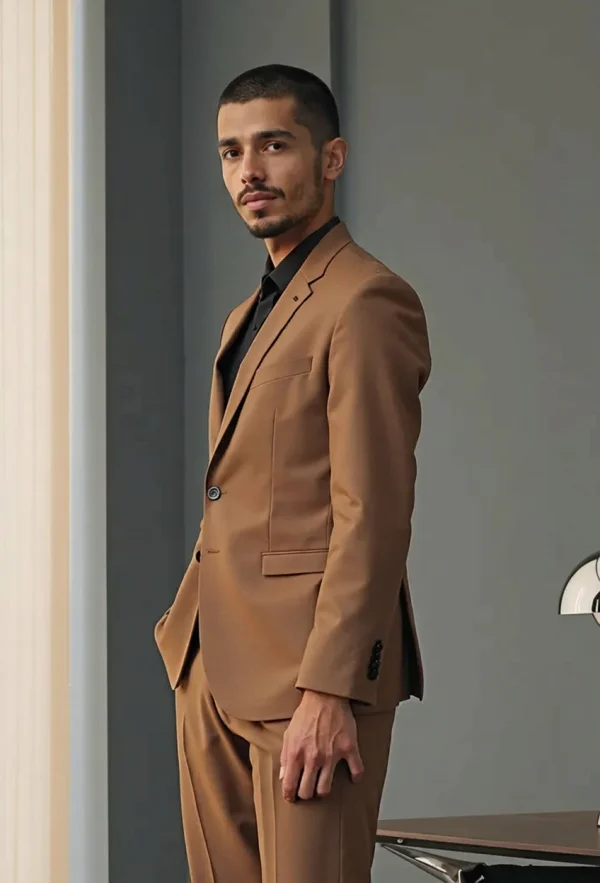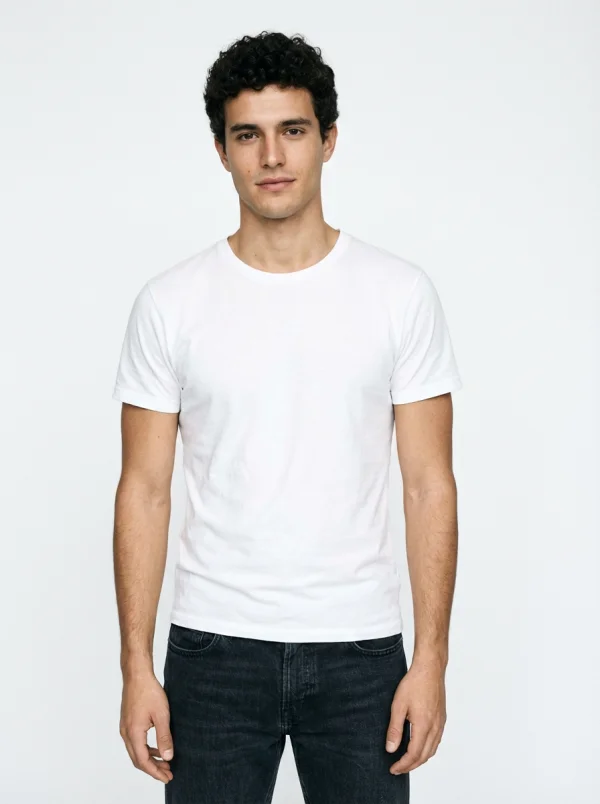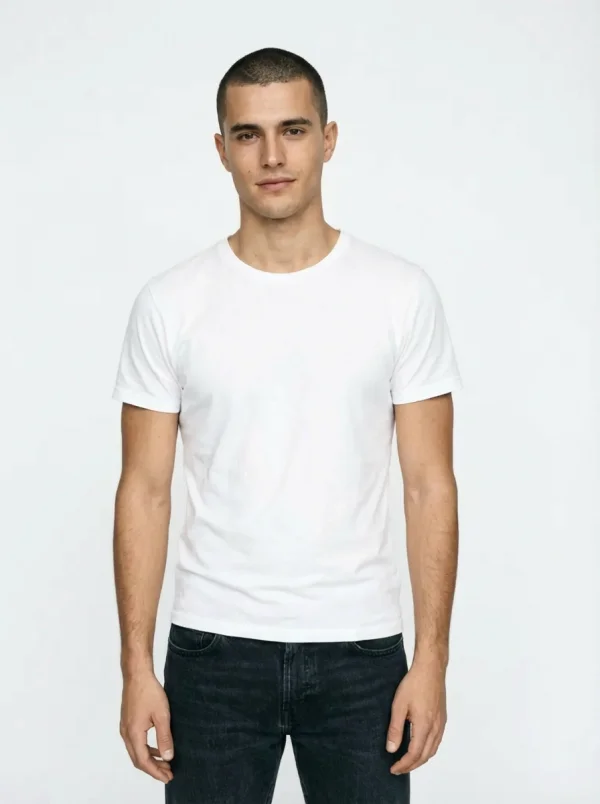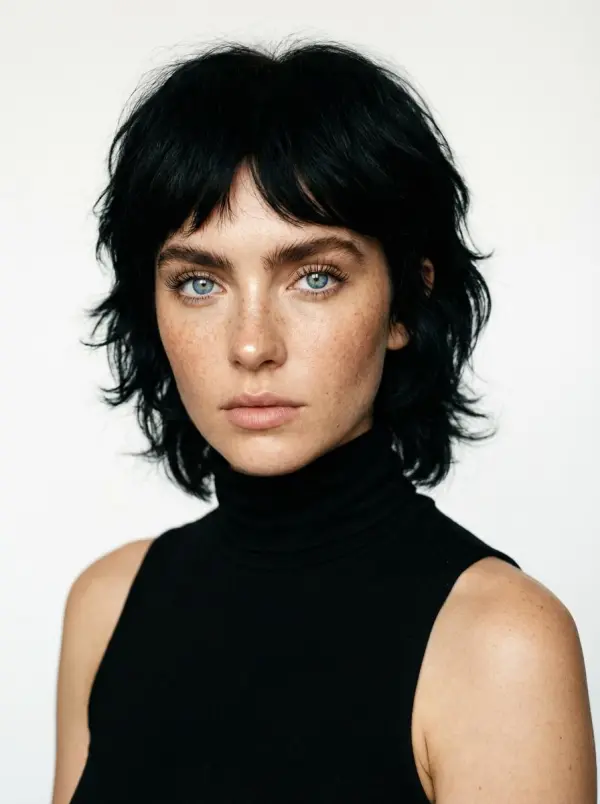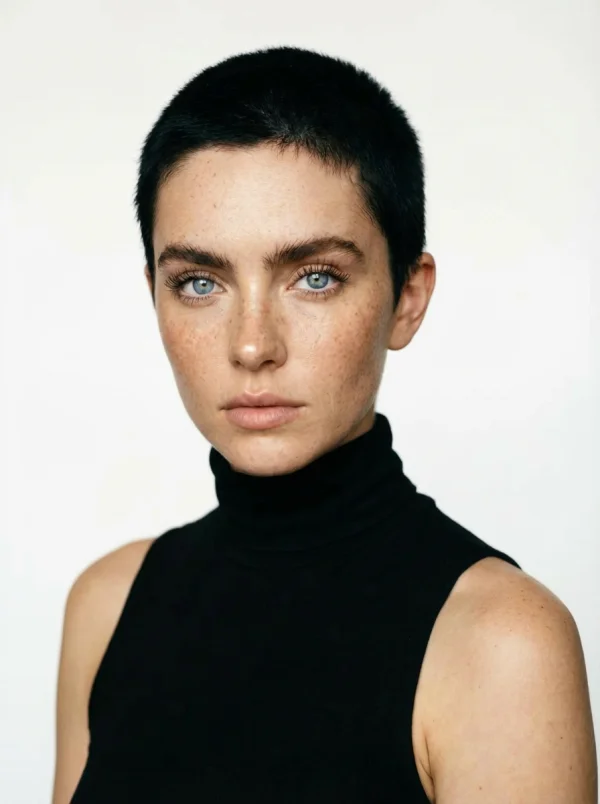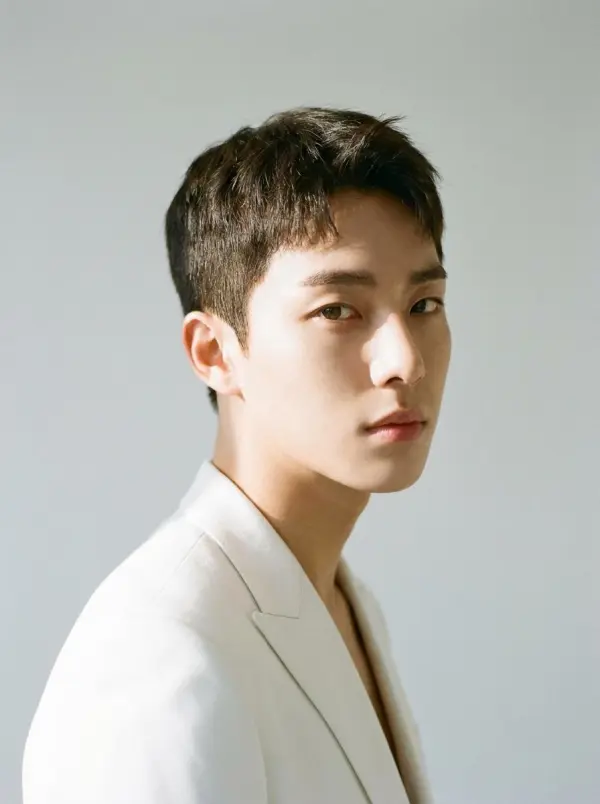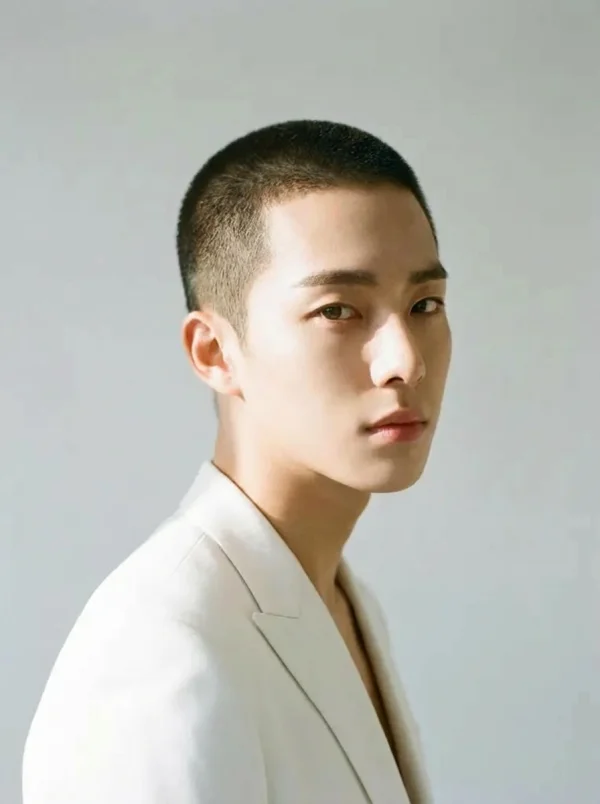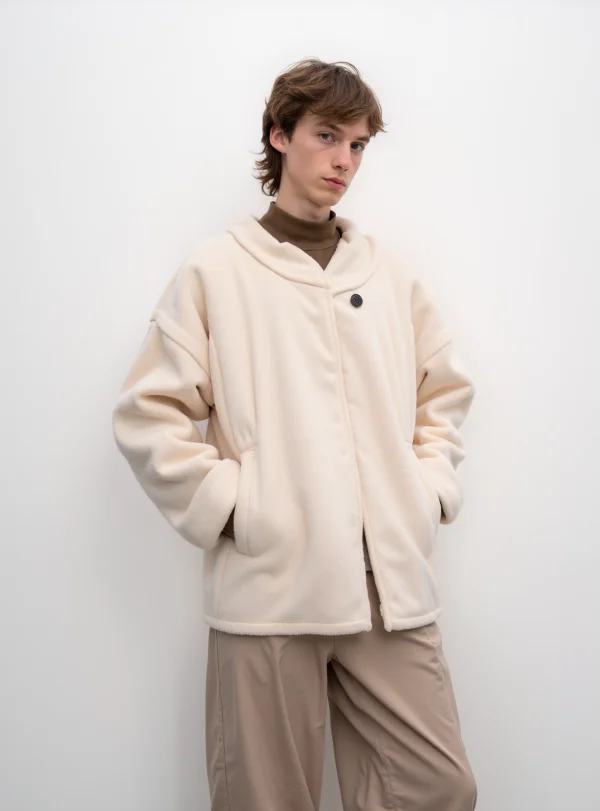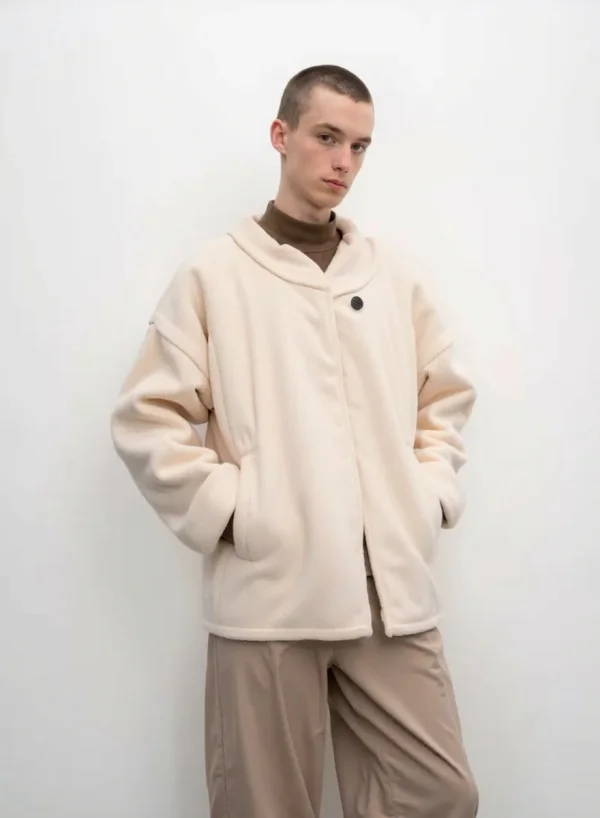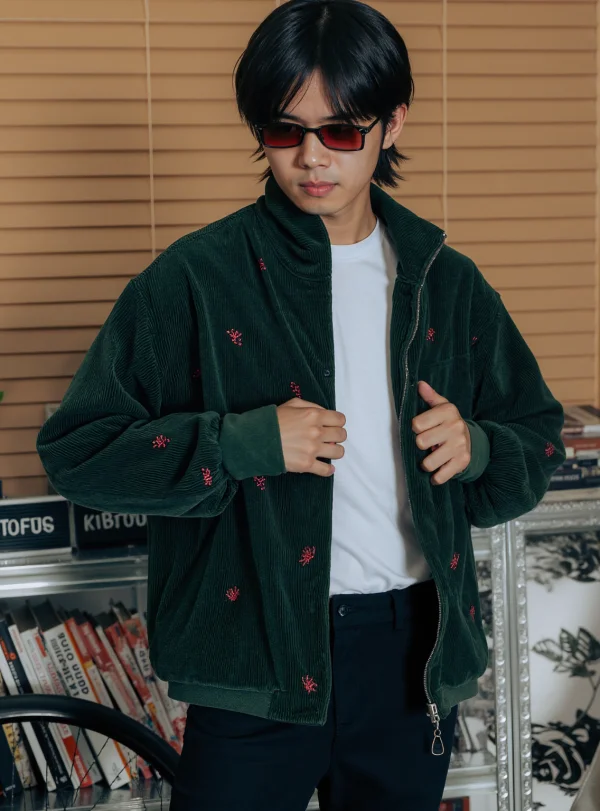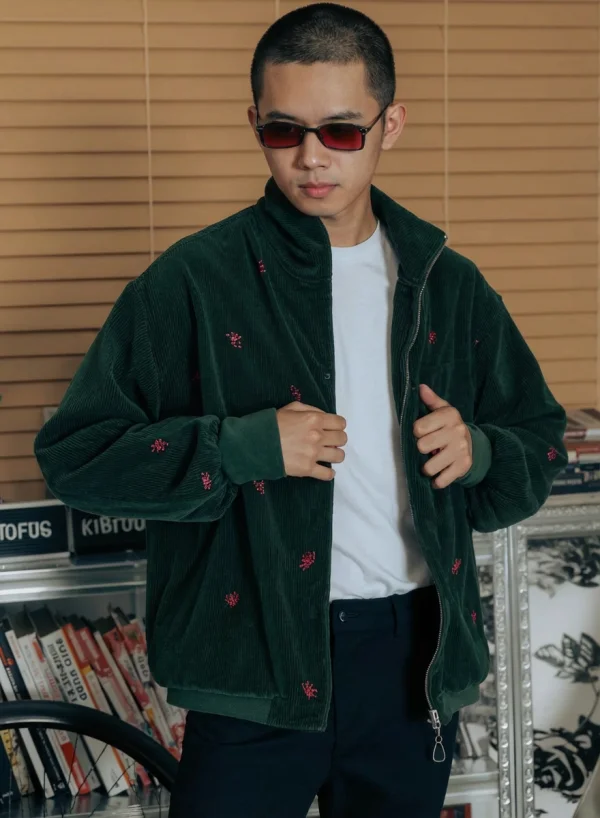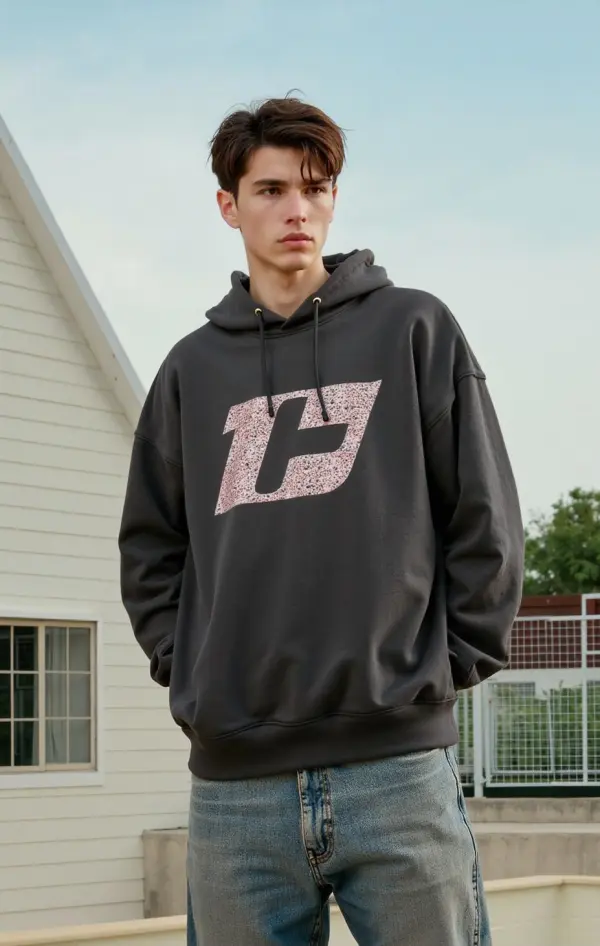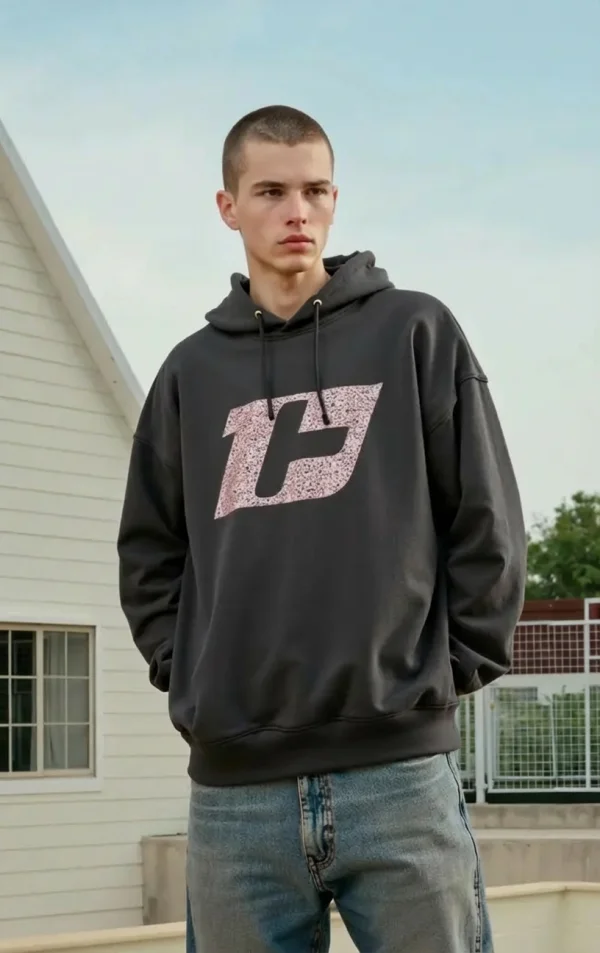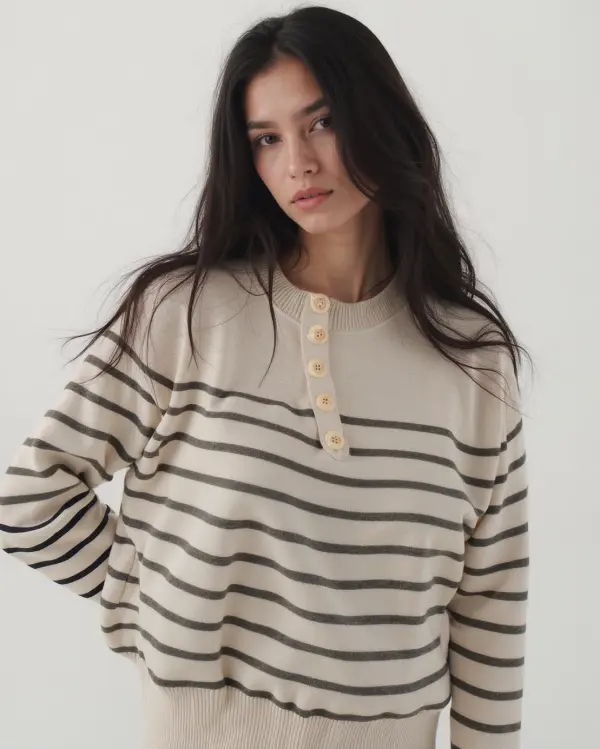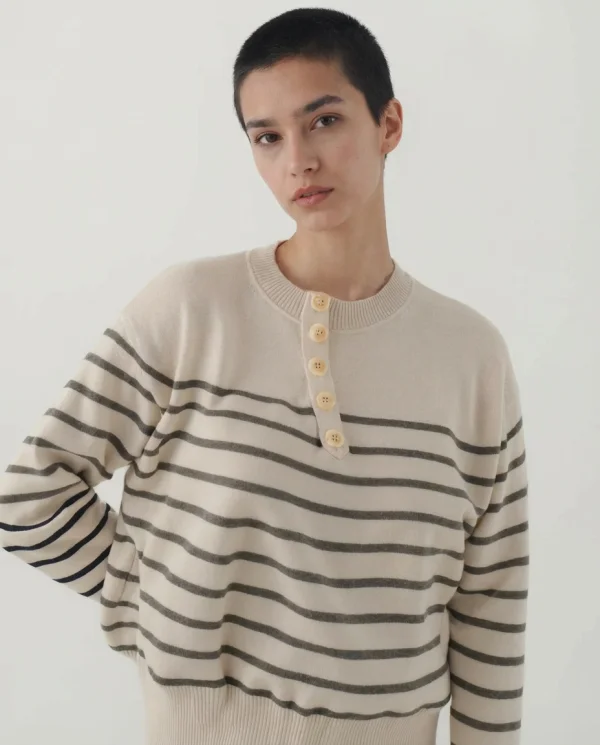

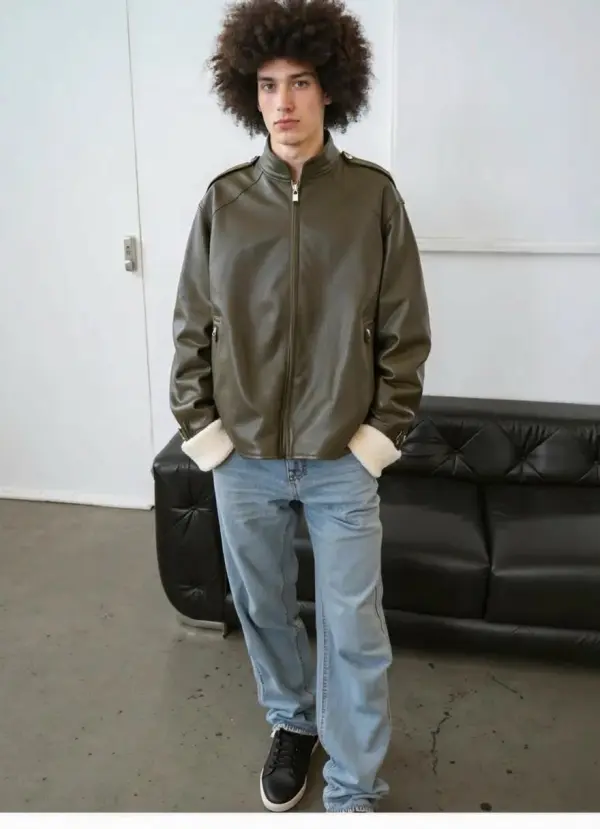
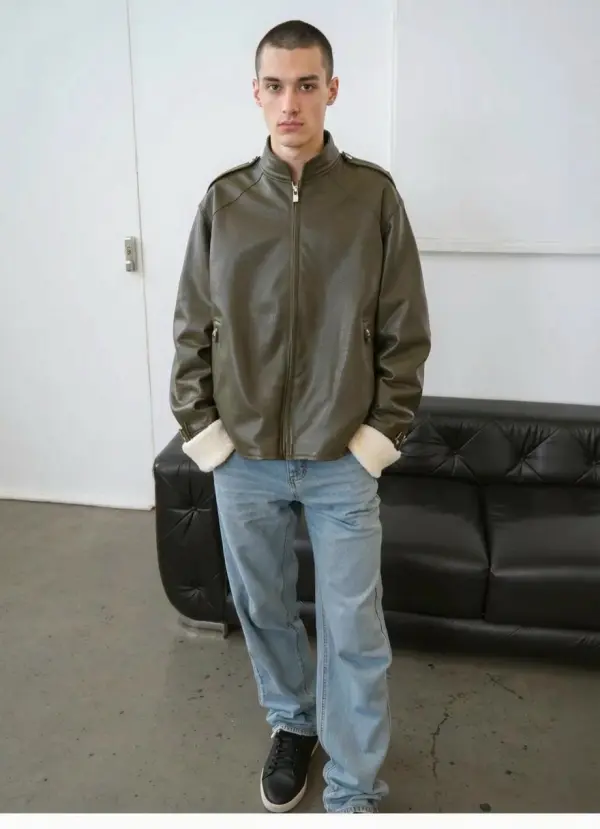
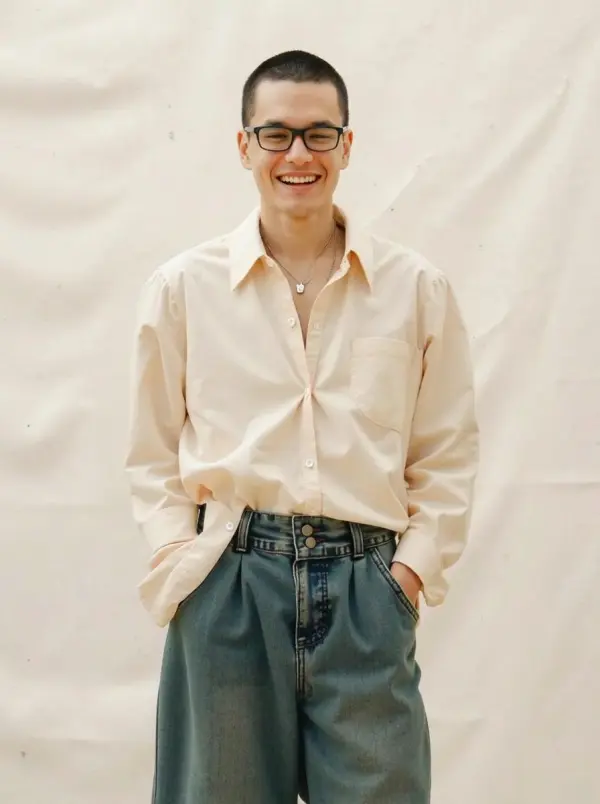
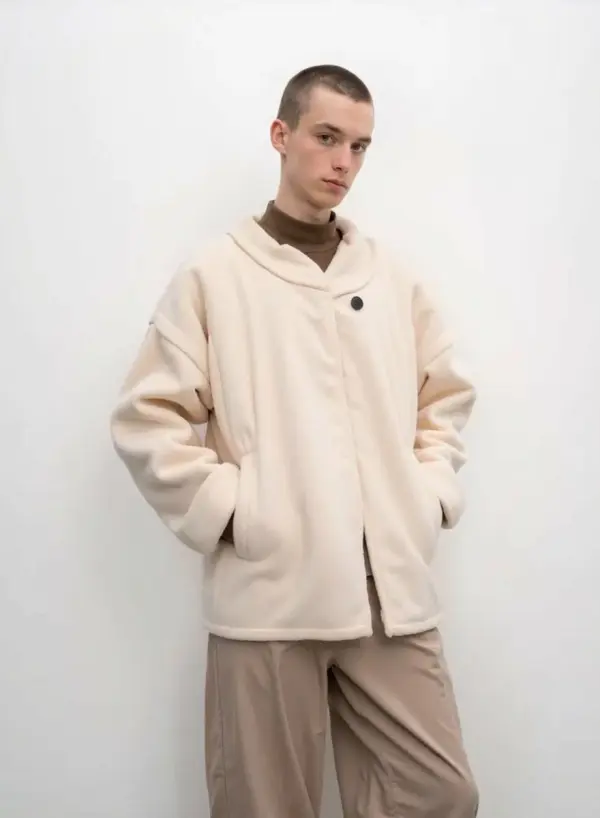
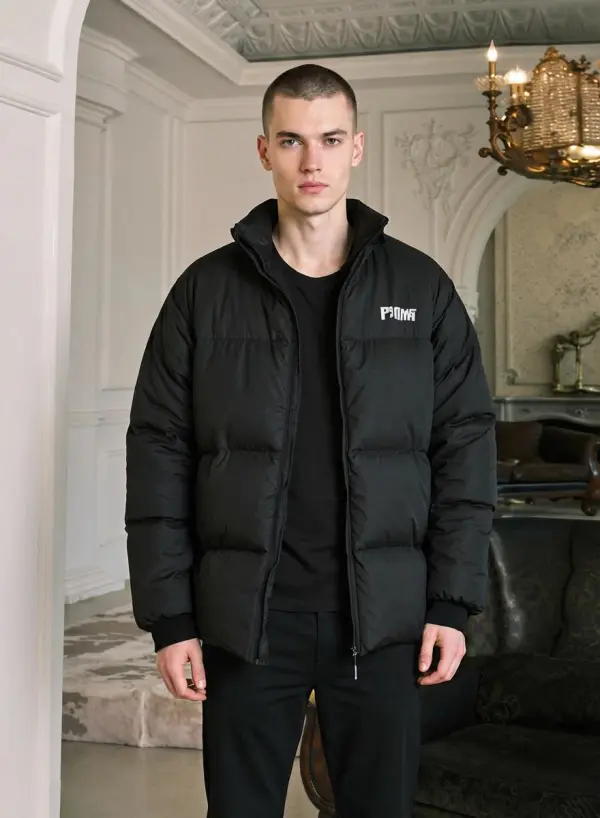
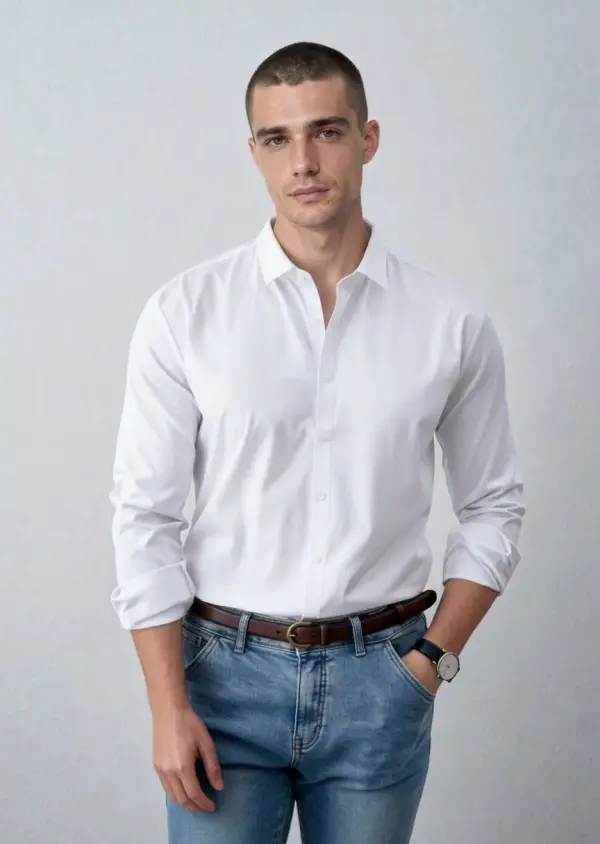

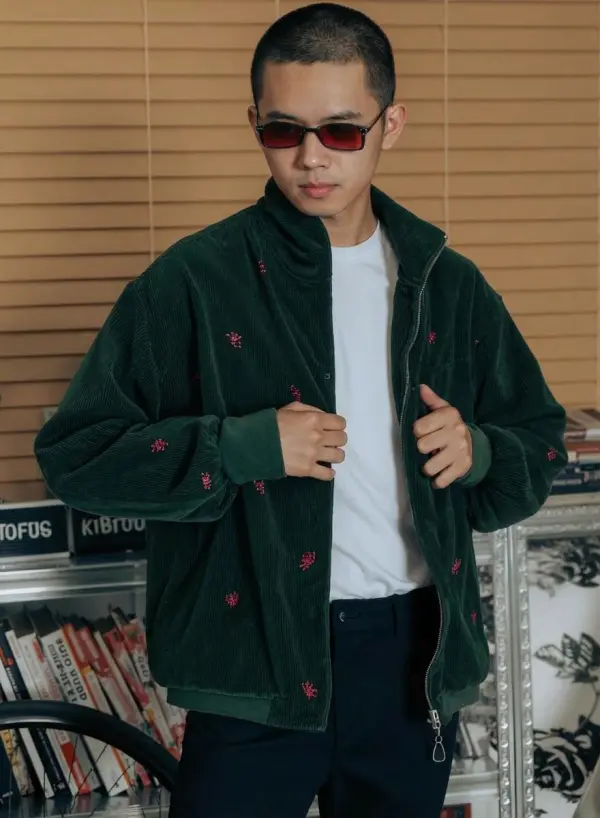


AI Buzz Cut Filter Online
Key Features of Buzz Cut Generator
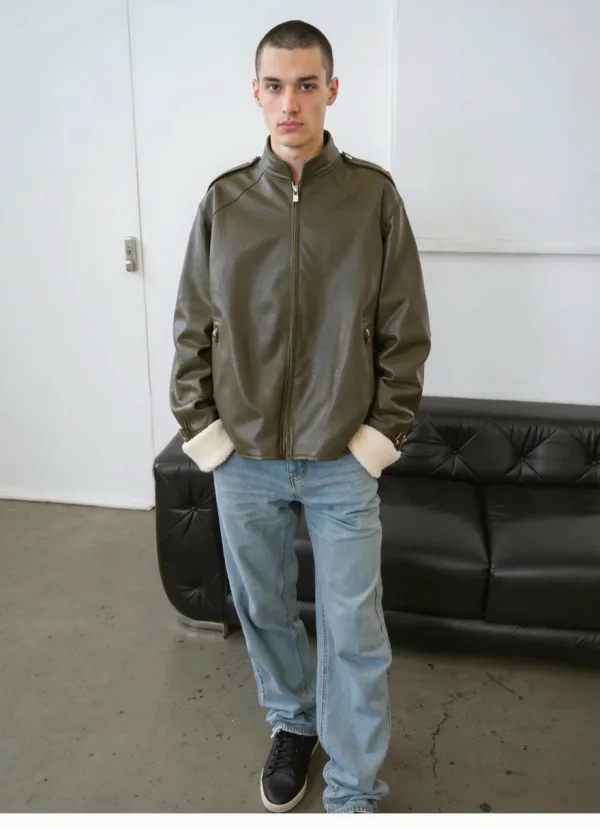
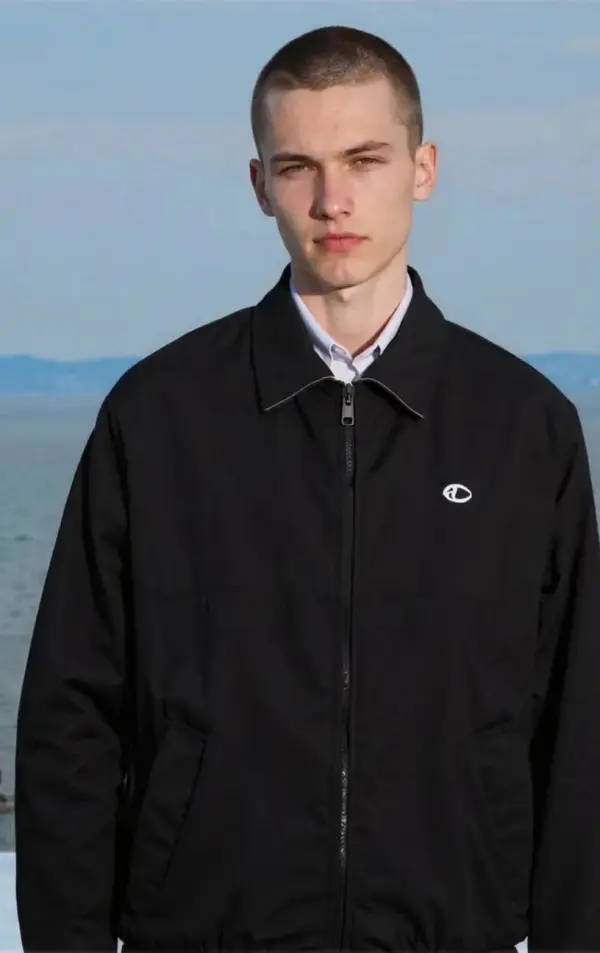
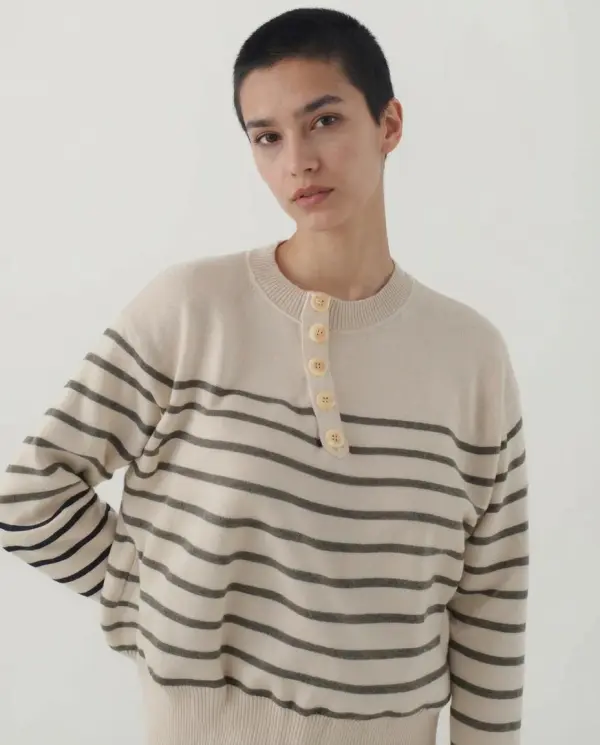
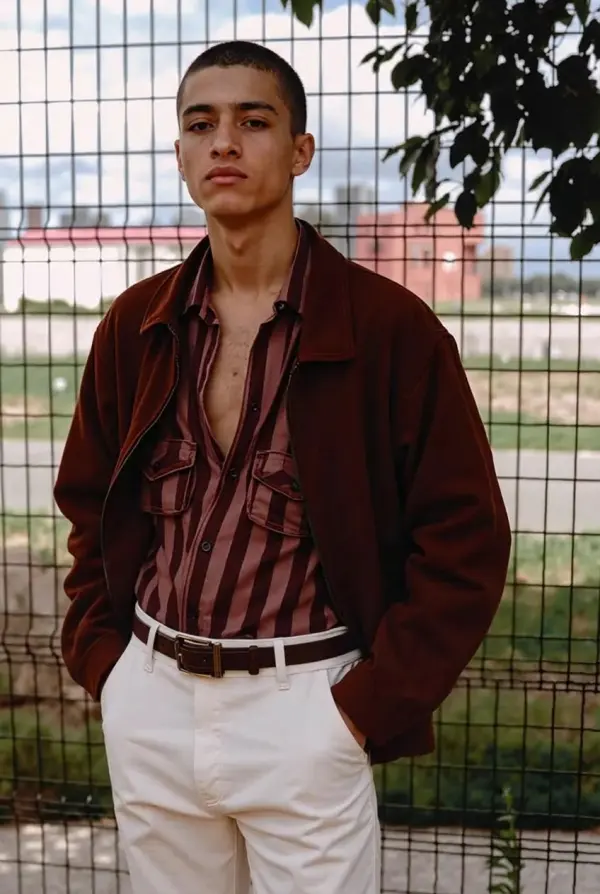
Highly Realistic Buzz Cut Simulation
One-Tap Upload, Instant Preview
Multiple Buzz Cut Styles in One Tool
Online for Free, No Watermark
All-in-One Hairstyle Editing Tools
AI Technology Behind Buzz Cut AI
Use Cases for AI Hairstyle Filter
Try a Buzz Cut Before Shaving
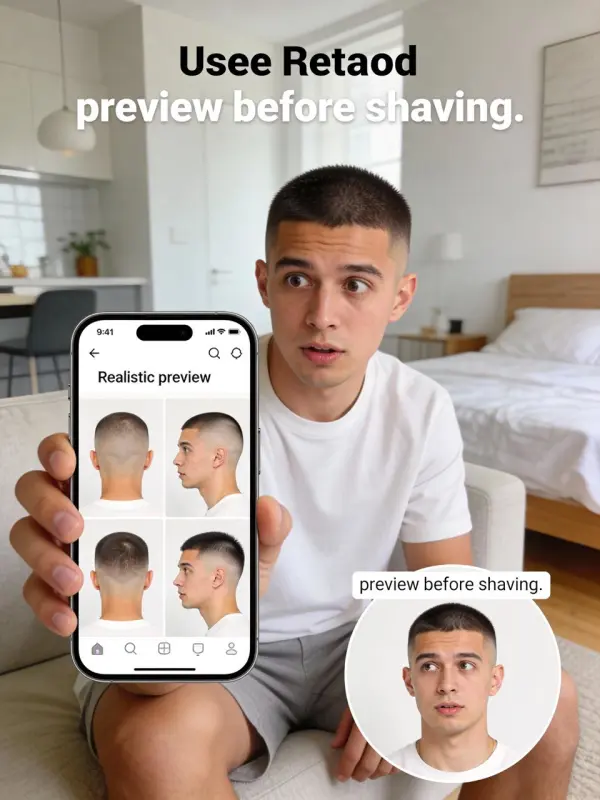
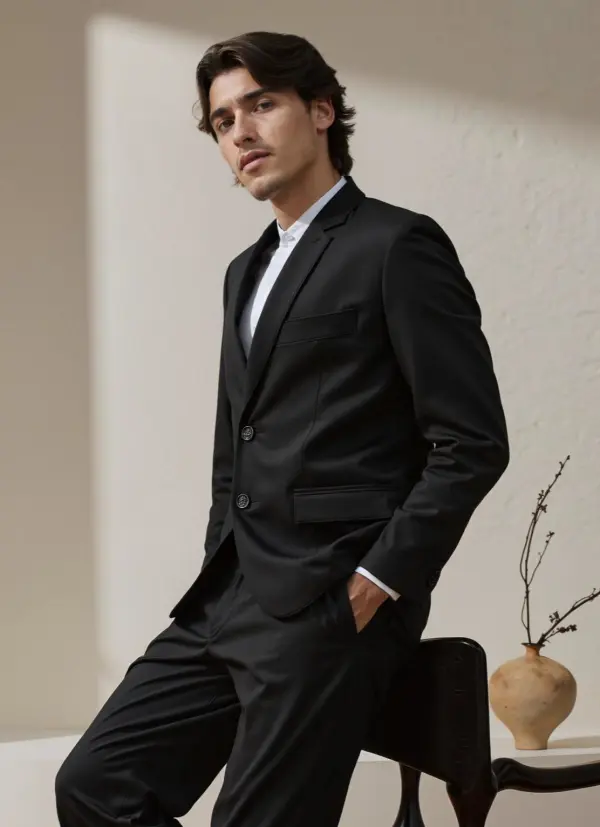
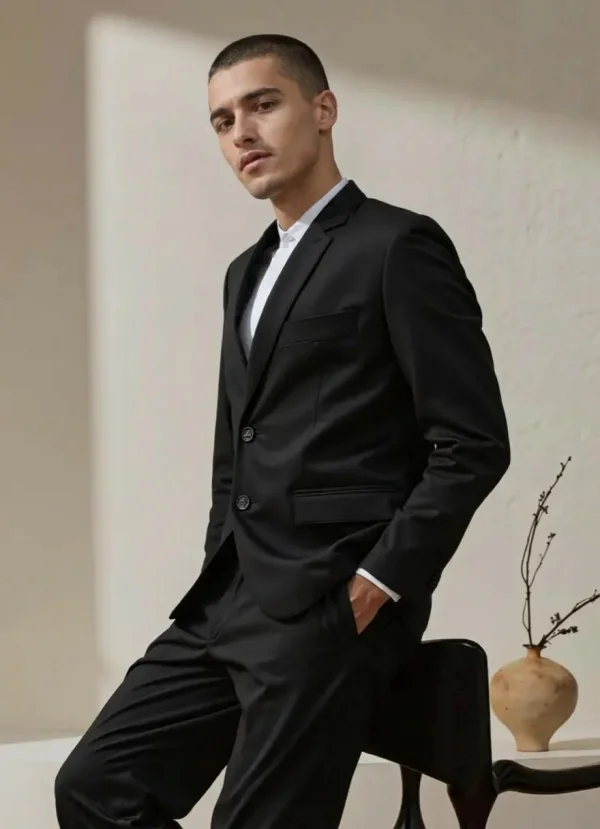
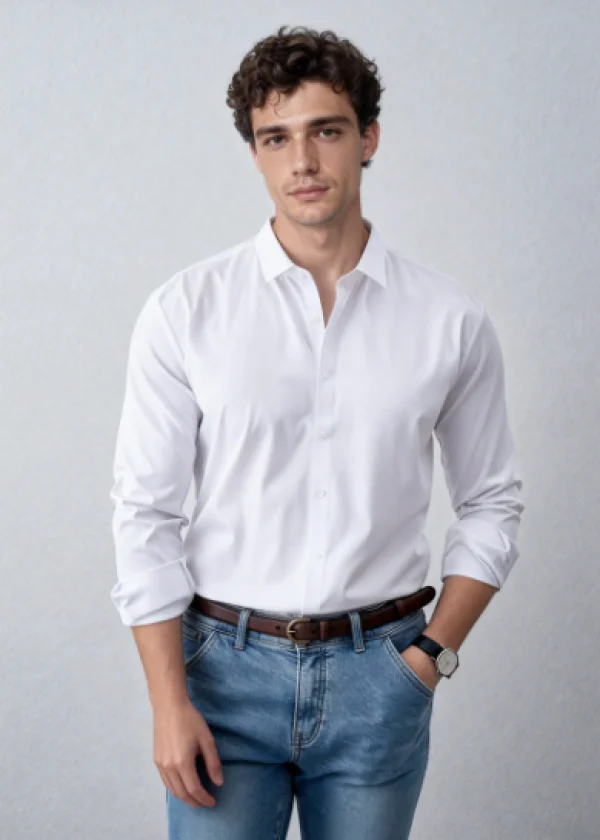
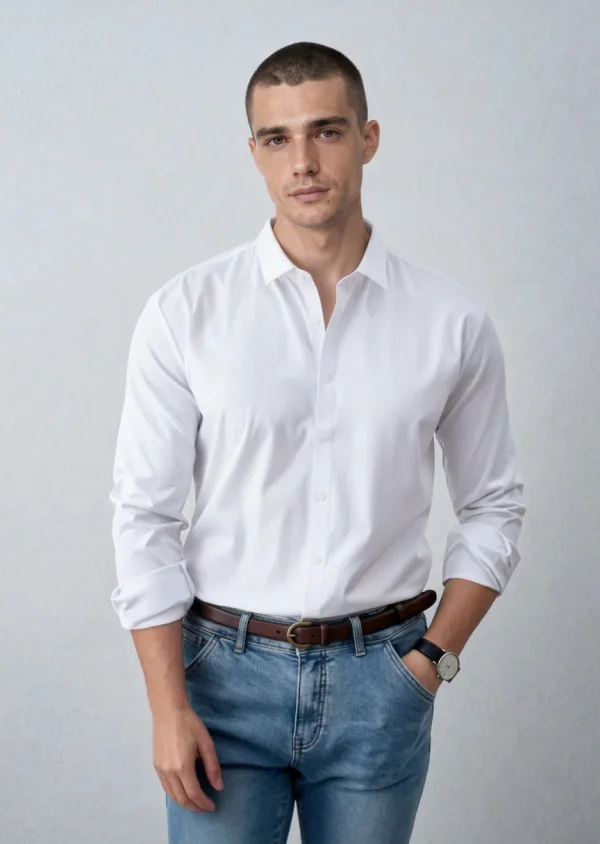
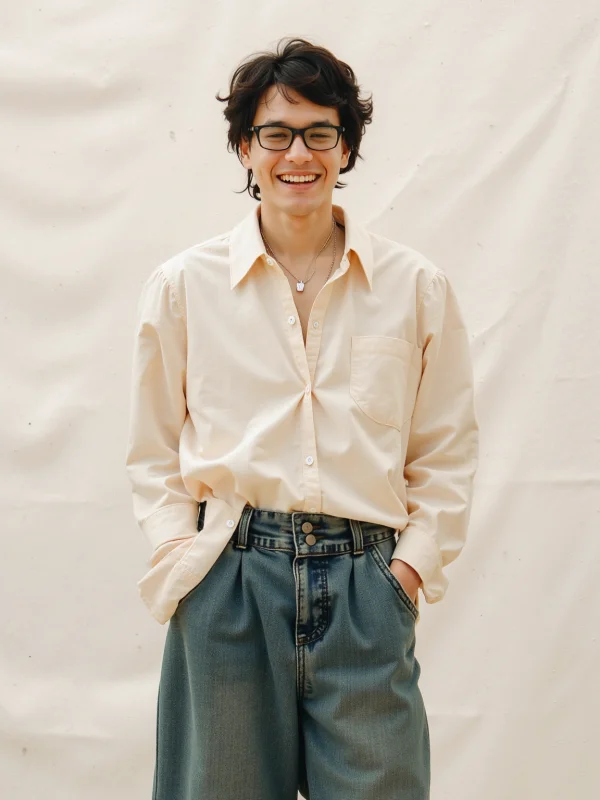
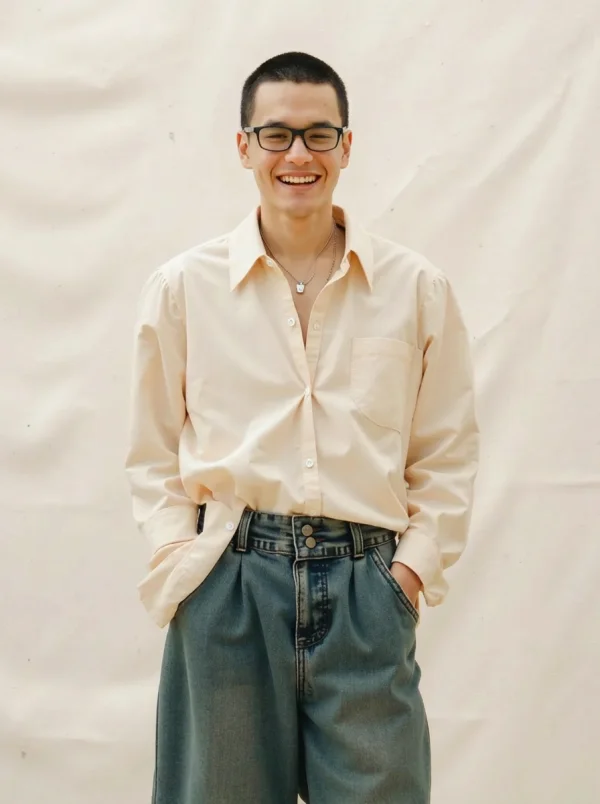
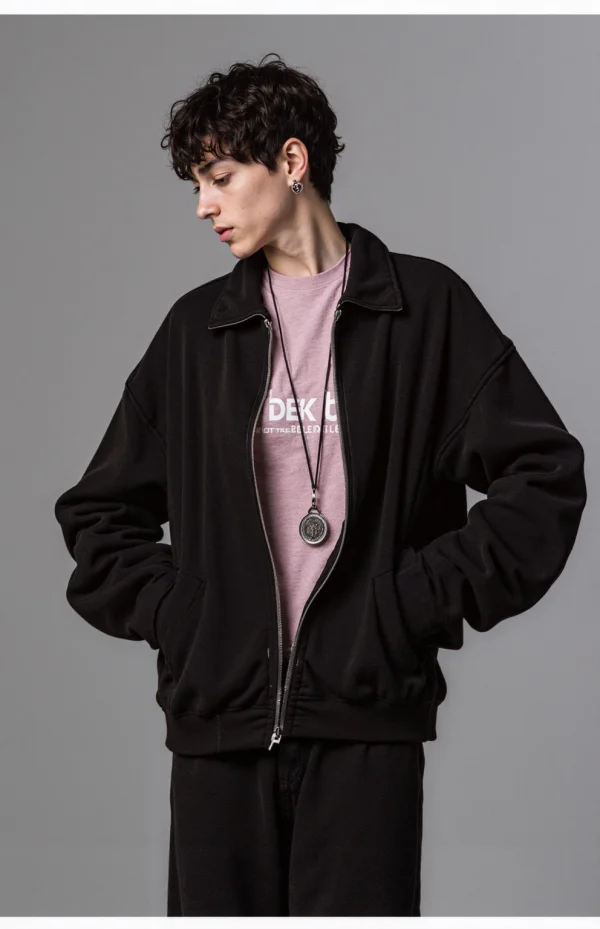
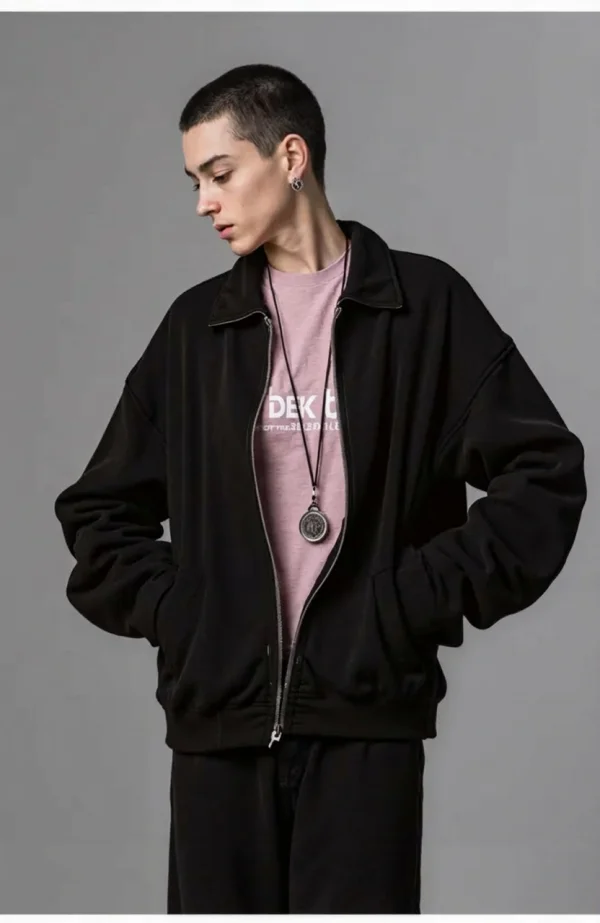
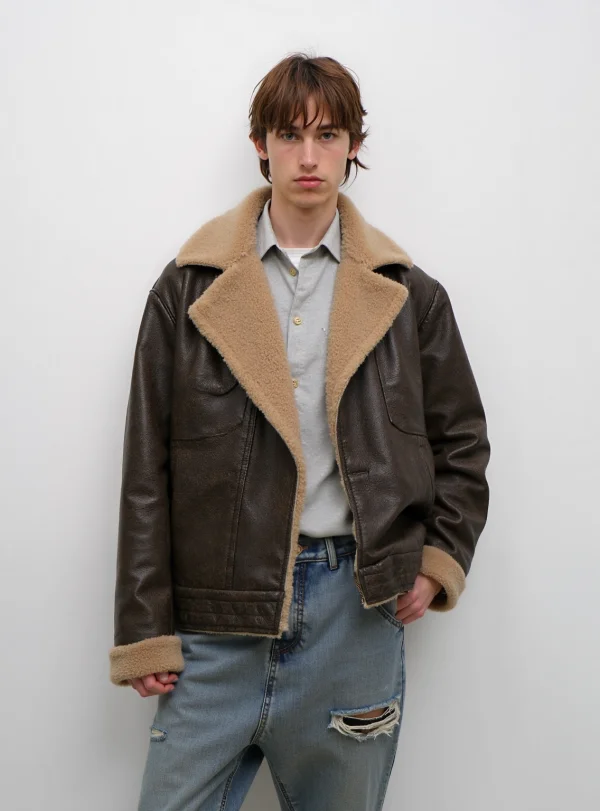
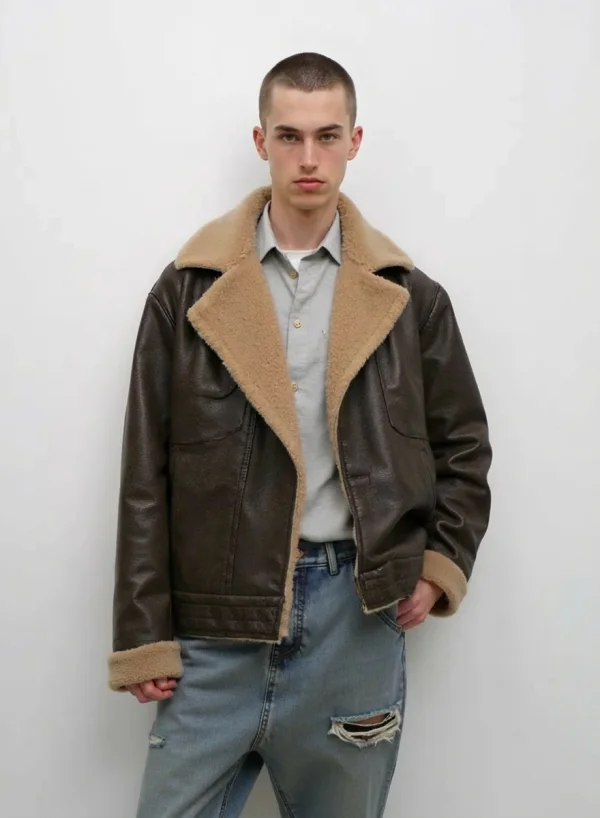
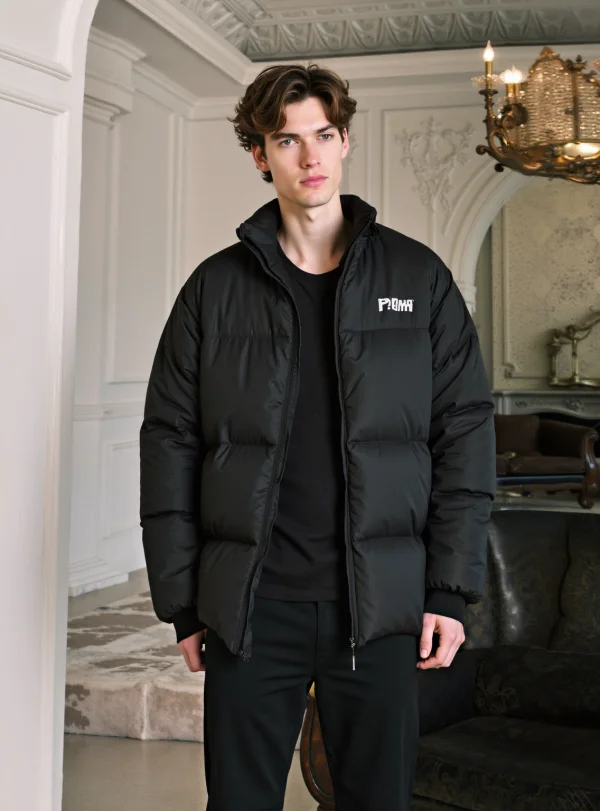
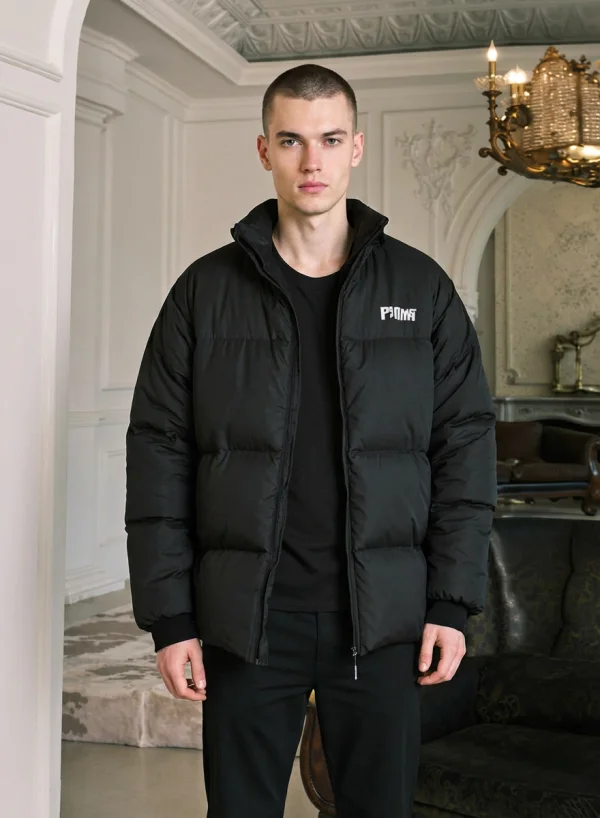
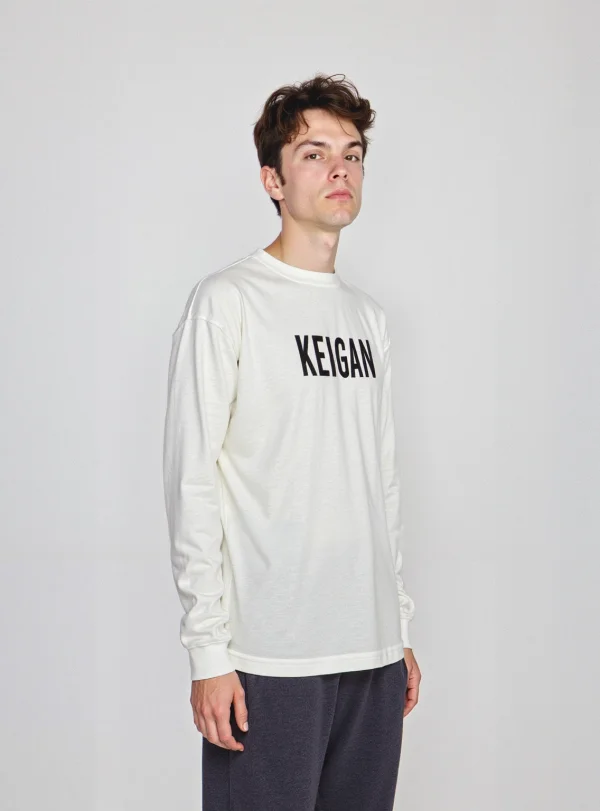
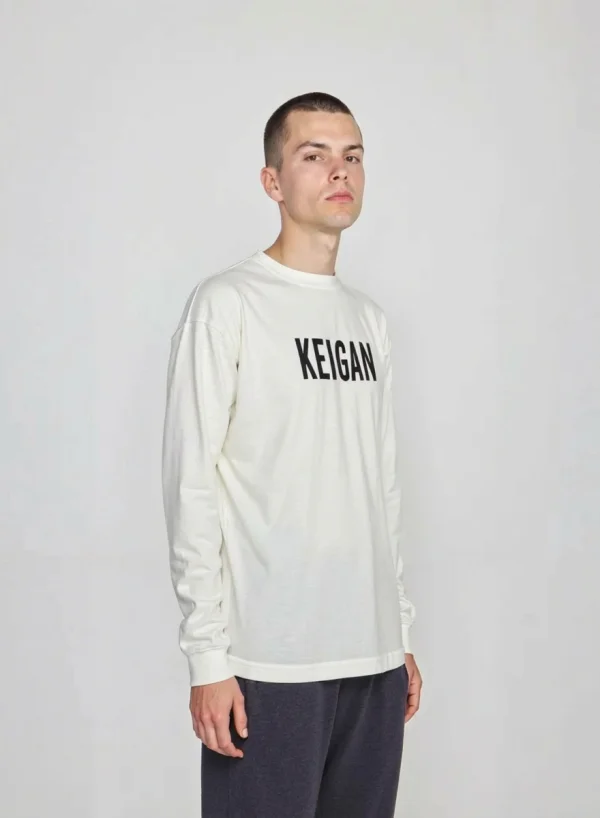
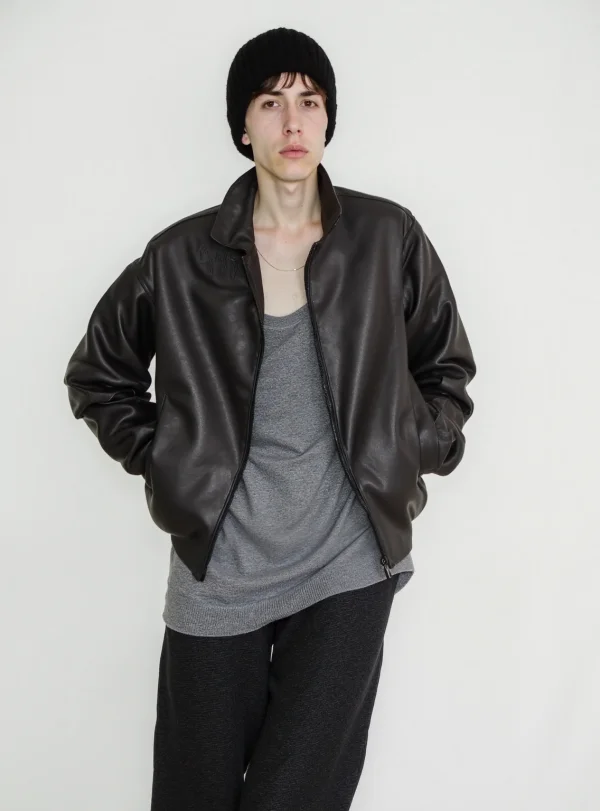
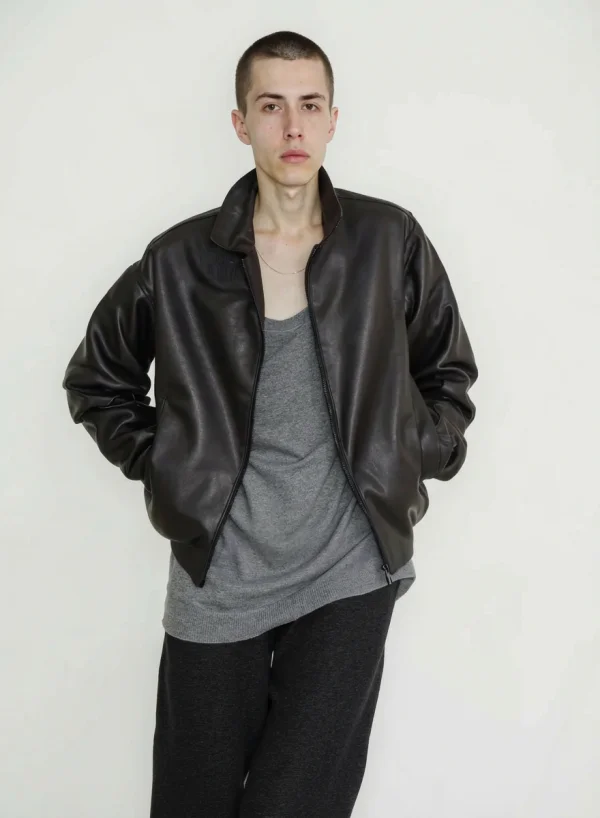
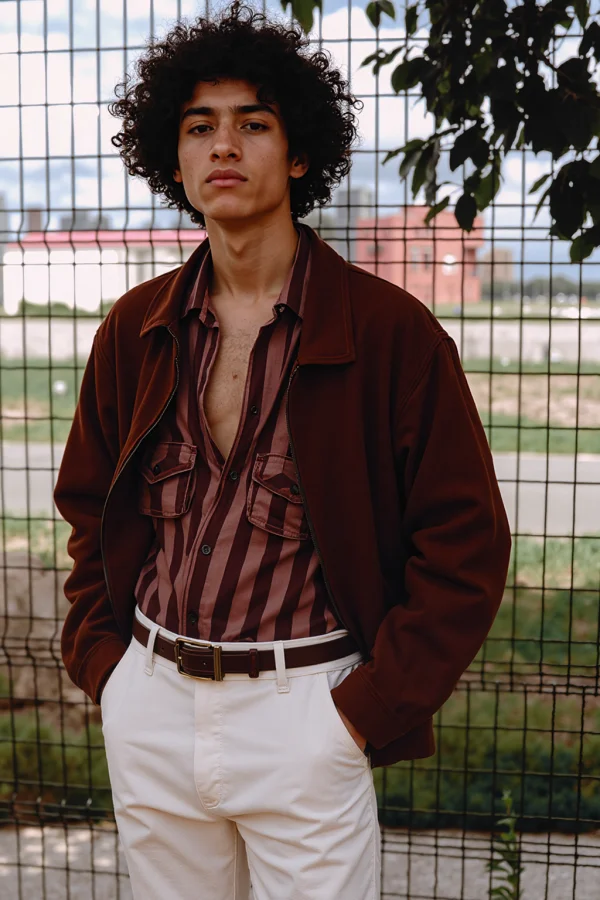
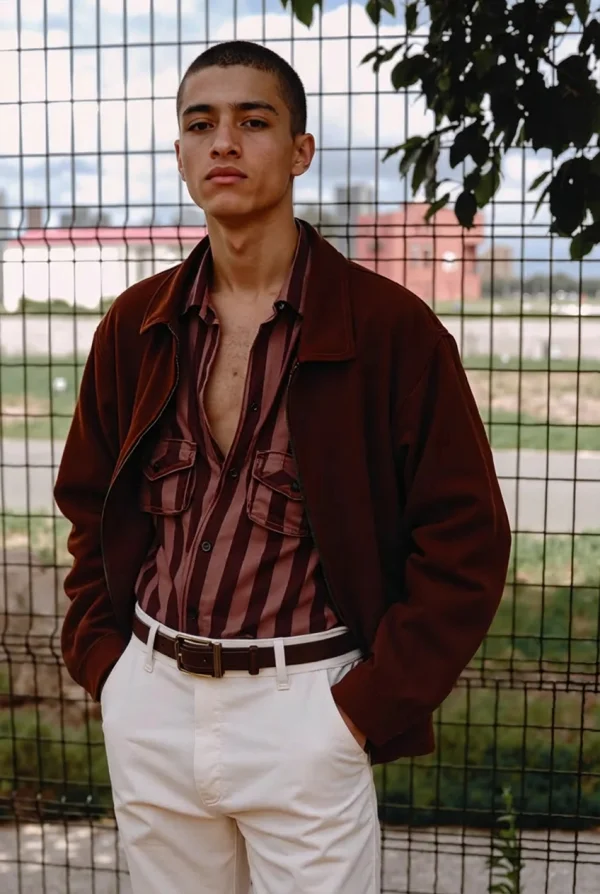
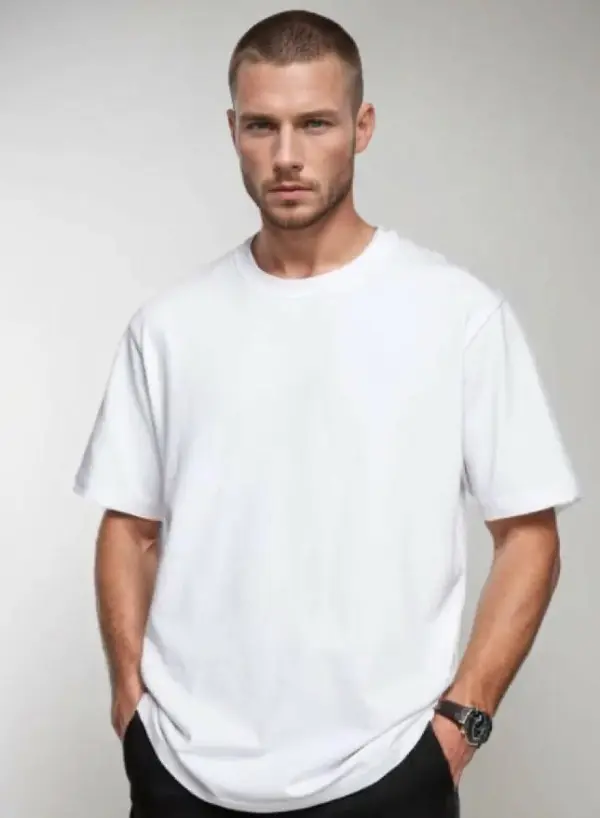
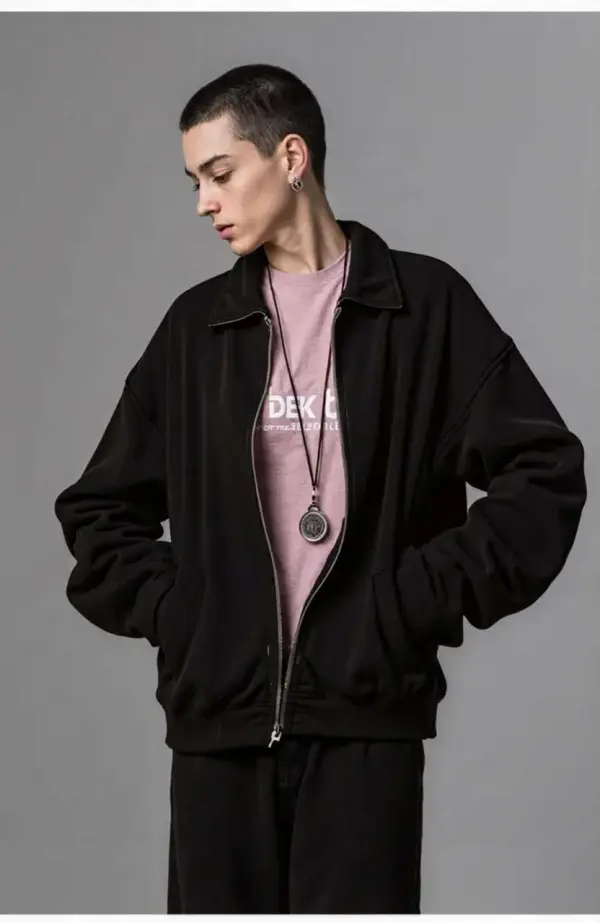
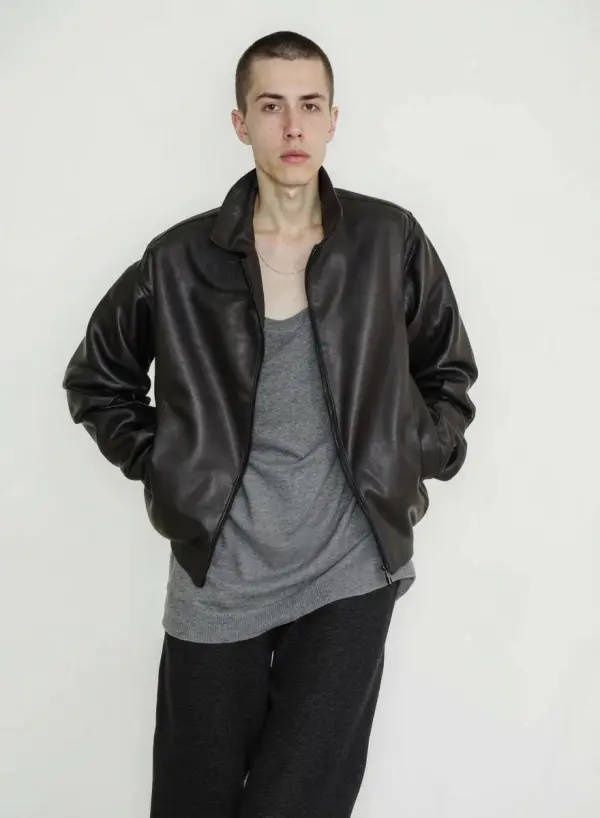
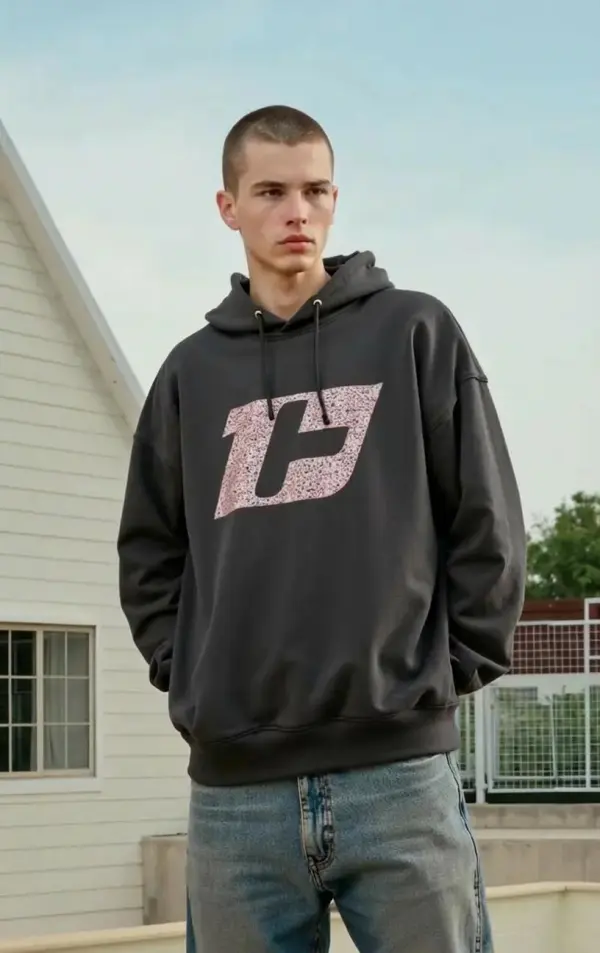
Not sure if you want to shave? Try a buzz cut safely with Buzz Cut AI. The buzz cut simulator shows a realistic preview of exactly how you’d actually look with a buzz—no regret, no pressure.

Hairstyle Decisions for Different Face Shapes
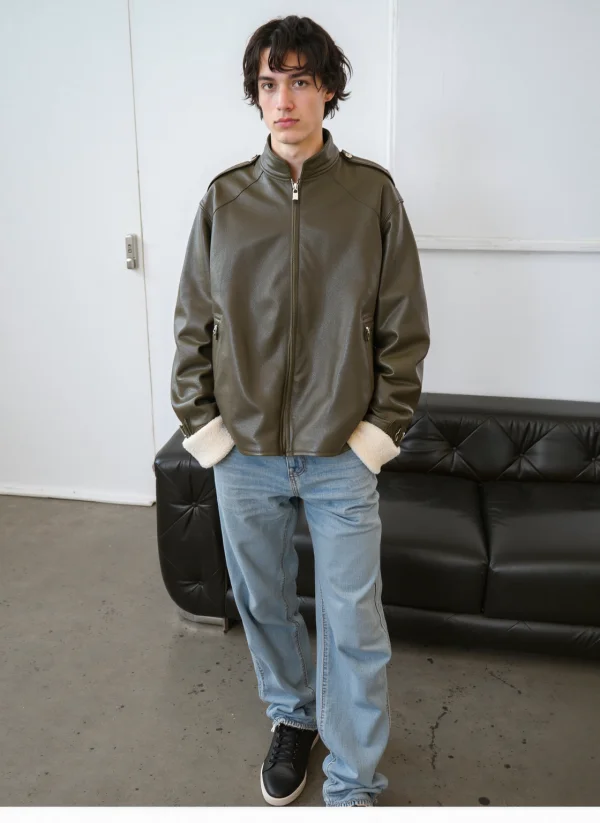
Simply upload your personal photos to get started. Buzz Cut AI evaluates face shape to recommend flattering hairstyles. It helps users understand whether a buzzcut look complements round, oval, or angular features.


Style Inspiration: Buzz Cut Looks to Try
Ready to find your next signature style? Here are some buzz cut looks you can try with Buzz Cut AI: Classic buzz cut: A timeless, low-maintenance style that flatters most face shapes and always looks sharp. Fade buzz cut: Add a trendy edge with a gradual fade from the top down, perfect for a fresh, modern vibe. Undercut buzz cut: Keep it bold with a close-cropped undercut and a slightly longer top for extra style points. Crew cut: A versatile, short haircut with a bit more length on top—great for those who want a neat yet stylish look. Surfer cut: Go for a textured, laid-back style with a bit more length and movement for a relaxed, fresh new look. With Buzz Cut AI, you can experiment with these styles and more, customizing each one to suit your face shape and personal taste. It’s the perfect way to discover a new look and create eye-catching content—before you commit to an actual haircut.


Social Media Filter Content
Creators use Buzz Cut AI as a viral filter (social media) tool. The online buzz cut filter makes transformation content easy, fast, and visually striking —the perfect way to capture attention. Users can also share their buzz cut portraits directly through a message box or messaging interface, making it easy to get instant feedback from friends.


Barbershop Consultations
Barbers use Buzz Cut AI as an ai haircut and haircut simulator during consultations. Clients see the buzz cut preview from a front-facing photo before the clipper touches their hair.


Fashion & Styling Experiments
Stylists test hairstyle with ai to match outfits, accessories, and moods,creating a trendy style. Buzz Cut AI helps visualize a new buzz cut across different looks.


Bald vs Buzz Comparison
Compare a bald filter with a short buzz. Buzz Cut AI lets users explore head shaving options without committing to a shaved head.


App Store–Ready Visuals
Developers and designers create visuals optimized for the App Store (Apple) using Buzz Cut AI images that look clean, sharp, and professional for the best results.


Quick Haircut Decisions
When a haircut needed decision comes up fast, Buzz Cut AI provides clarity in seconds—helping users choose a new buzz cut confidently.


Virtual Grooming for Men & Women
Buzz Cut AI supports all genders, showing how buzz cuts buzzcut filter and buzzcut styles adapt to different hair types and facial structures with advanced customization.


Exploring a Fresh New Look
For anyone wanting a fresh new hairstyle look, Buzz Cut AI simulator lets you explore a variety of possibilities and see your buzz cut before making a real change.


How to Achieve the Best Results with Buzz Cut AI
To make sure your virtual buzz cut looks as sharp and realistic as possible, follow these expert tips: Use good lighting: Upload a photo taken in bright, even lighting to help the AI accurately detect your facial features and hair. Avoid shadows: Shadows can interfere with the buzz cut filter’s ability to create a clean, natural look. Choose a clear, front-facing photo: The more visible your face, the better the AI can generate a realistic preview. Experiment with customization: Don’t be afraid to try different buzz cut styles, lengths, and textures using the advanced customization options. Have fun with the process: Play around with various virtual buzz cuts until you find the one that truly suits you and gives you that fresh, bold new look. By following these steps, you’ll get the best results from your Buzz Cut AI experience—making it easy to decide on your next haircut with confidence.


High-Quality Outputs for Every Preview
Every image generated by Buzz Cut AI is crafted to deliver a highly realistic and polished result. The AI uses sophisticated image processing to create detailed, natural-looking buzz cut hairstyles that blend seamlessly with your facial features. Whether you’re after a classic short haircut or a modern, trendy buzz cut, the outputs are designed to look just like a real-life transformation. You can easily adjust the length, texture, and color of your virtual buzz cut, ensuring each preview is personalized to your style. With Buzz Cut AI, you get high-quality, professional-grade images that make it easy to visualize your next haircut before making the big decision.


Frequently Asked Questions
What is Buzz Cut AI?
How does the buzz cut filter work?
Does it support different hairstyles?
Is this an ai buzz cut simulator?
Explore More AI Tools
Virtual Try On
AI Fitting Room, Professional Face & Scene
AI Model
Showcase clothing with a variety of models
AI Product
Create stunning product images with few clicks from anywhere
AI Video
Create and publish videos from a photo or description—instantly, in any style.
Nano Banana Pro
Conversational editing, precisely consistent.
Product Recoloring
Recolor Image Online Free - Color Changer in WeShop AI
Image to Video
Transform static images into dynamic videos with one click
To Mannequin
Convert real model photos into mannequin displays
Change Pose
Change poses, switch between various model poses, making the clothing display more natural
Remove Background
Removing background with lightning speed and ease
Upscale
Enhance image with upscaler to embark on a visual renaissance
Relight
Relight your images automatically and efficiently
Expand Image
Expand images & backgrounds to fit any platform
Magic Eraser
Remove unwanted objects from your photos with AI
Hand/Feet Fixer
Regenerate natural-looking hands and feet in AI-generated images
Design Repair
Upload an image, highlight the area you wish to fix, and upload a target reference image
Outfit Generator
Create AI clothes styling from any model photo, garment, or style prompt.
AI Clothing Piece Generator
Create Professional Flatlay Clothing Images From Any Photo or Idea