01
1. Start with a Reference Image
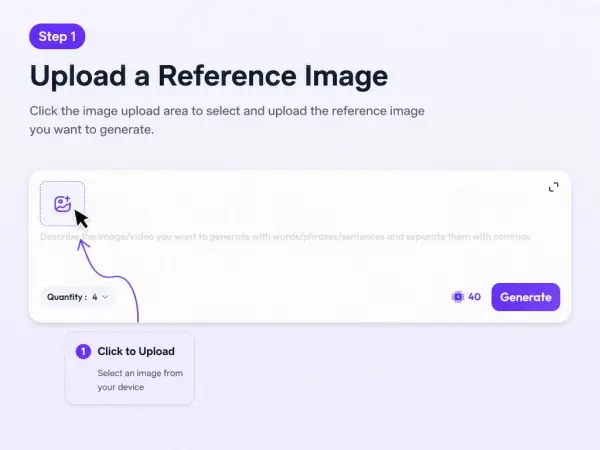
Describe the image you want, or upload a product photo, model image, or campaign asset as a reference.


Download
Sign In
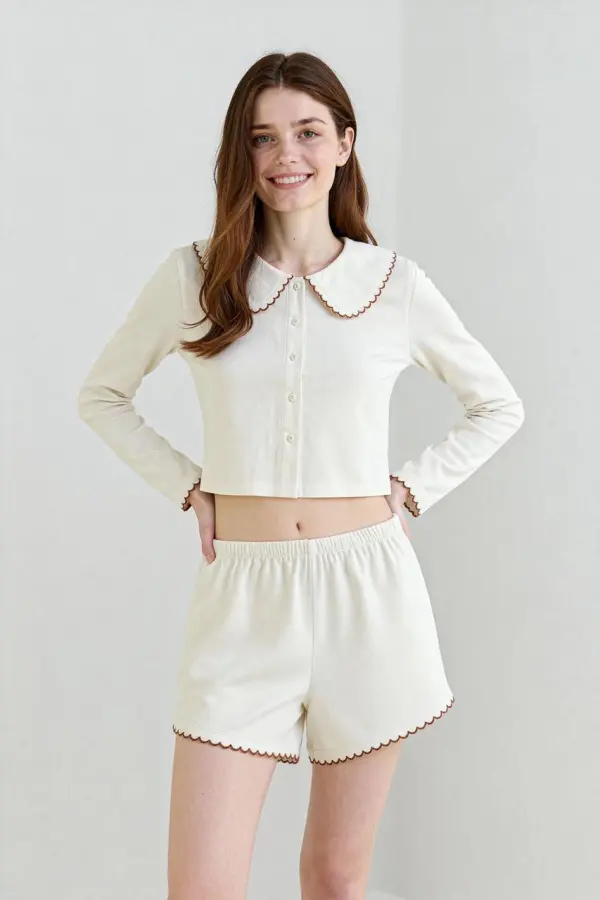
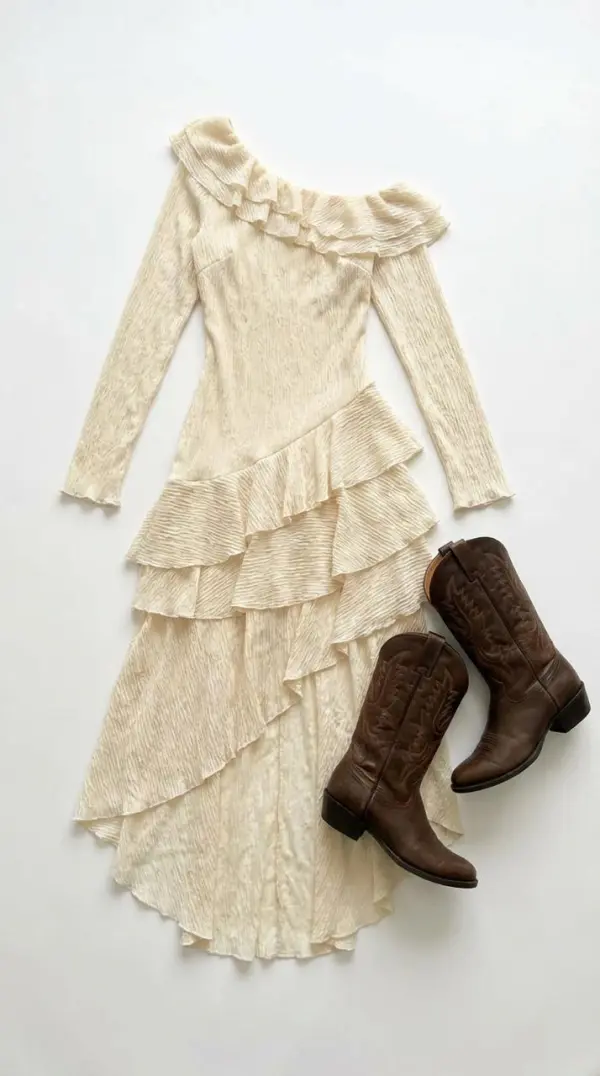
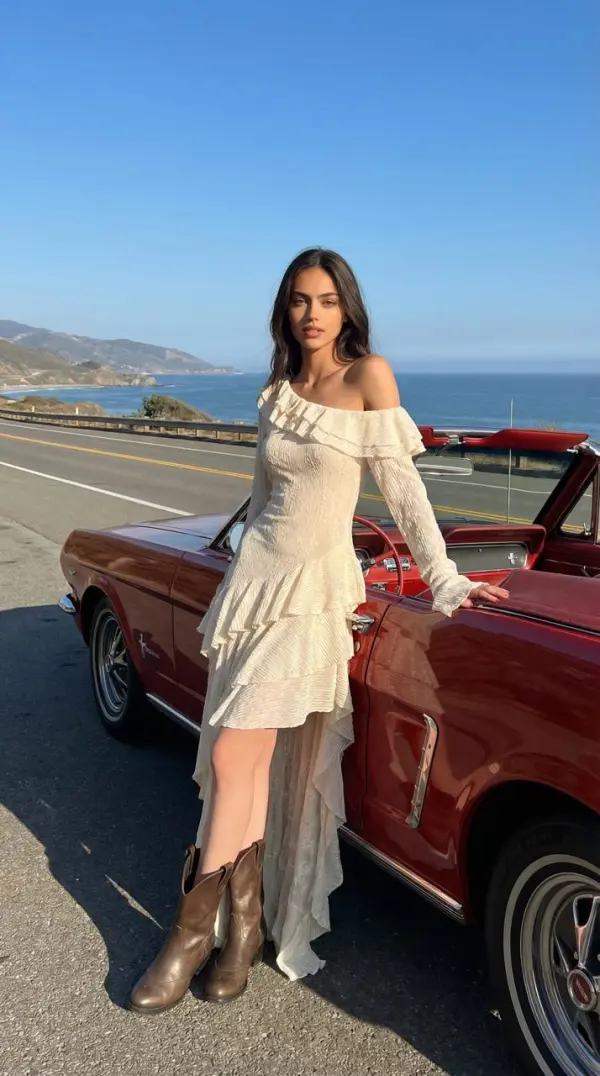
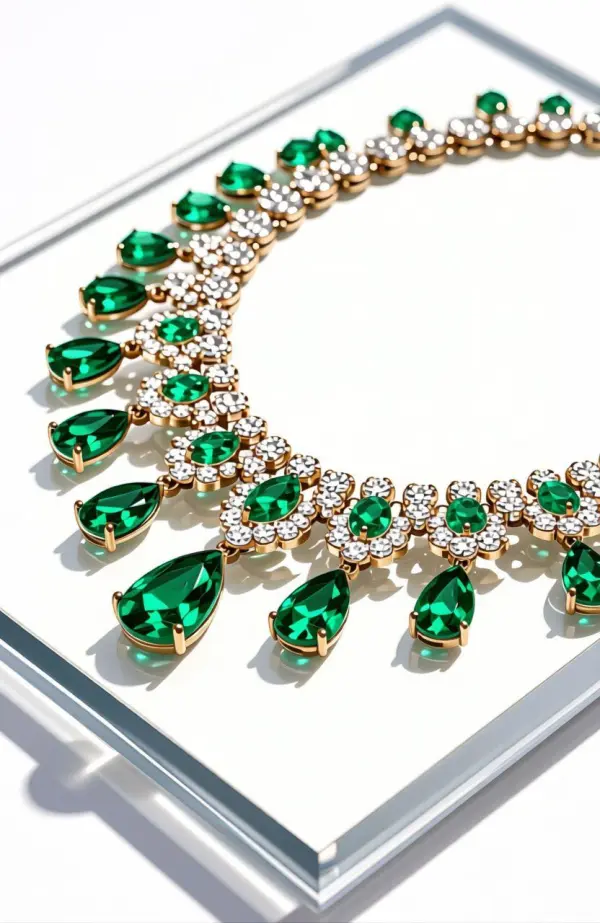
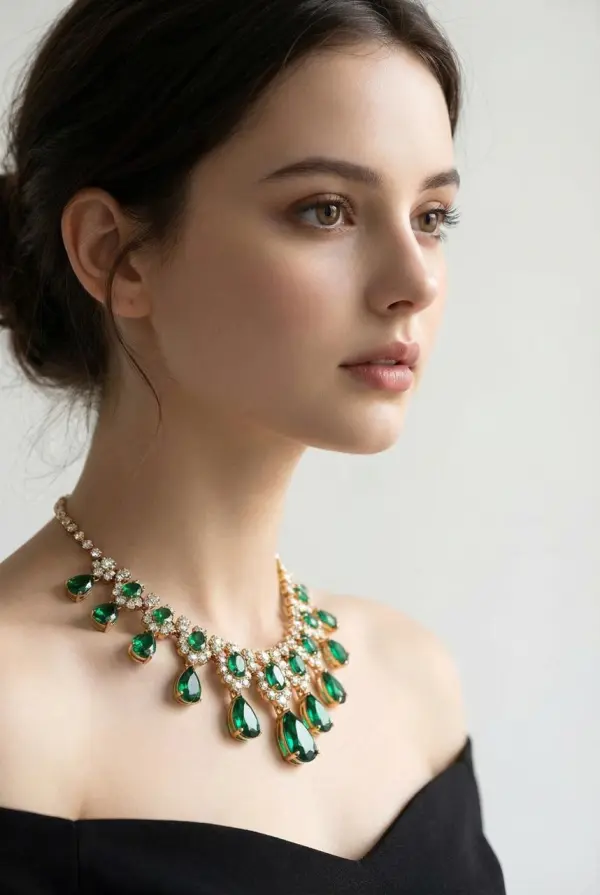
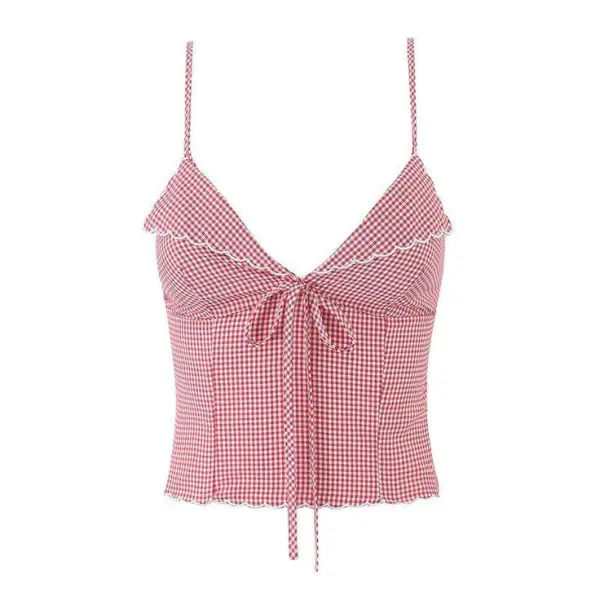
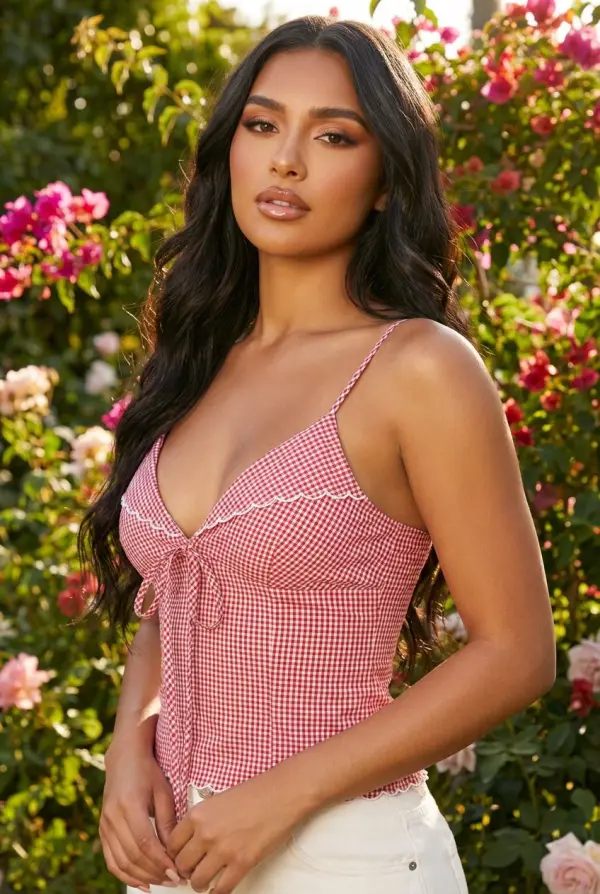
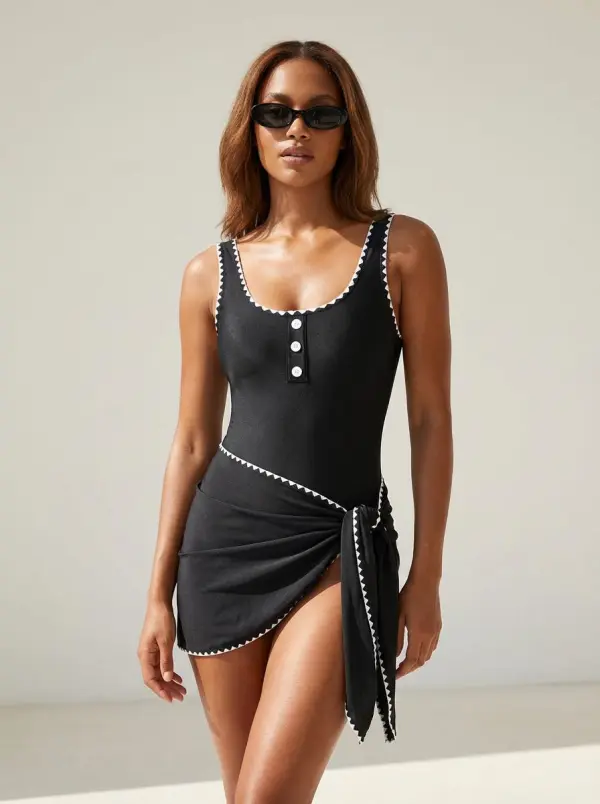
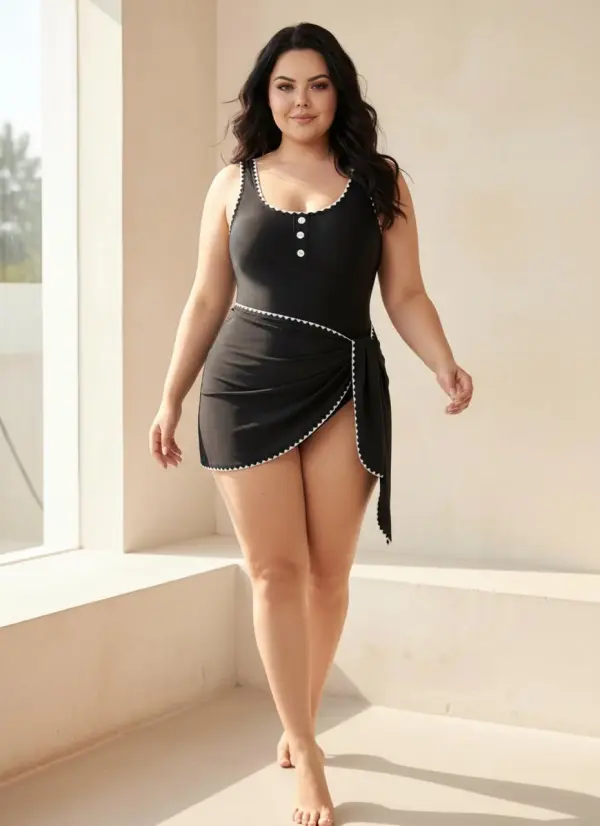
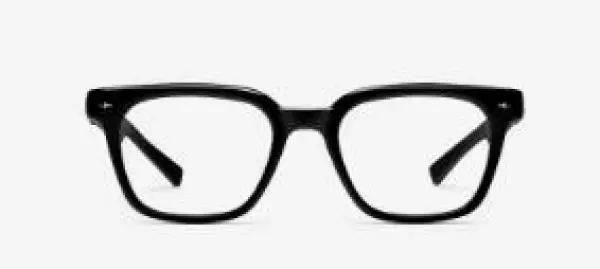
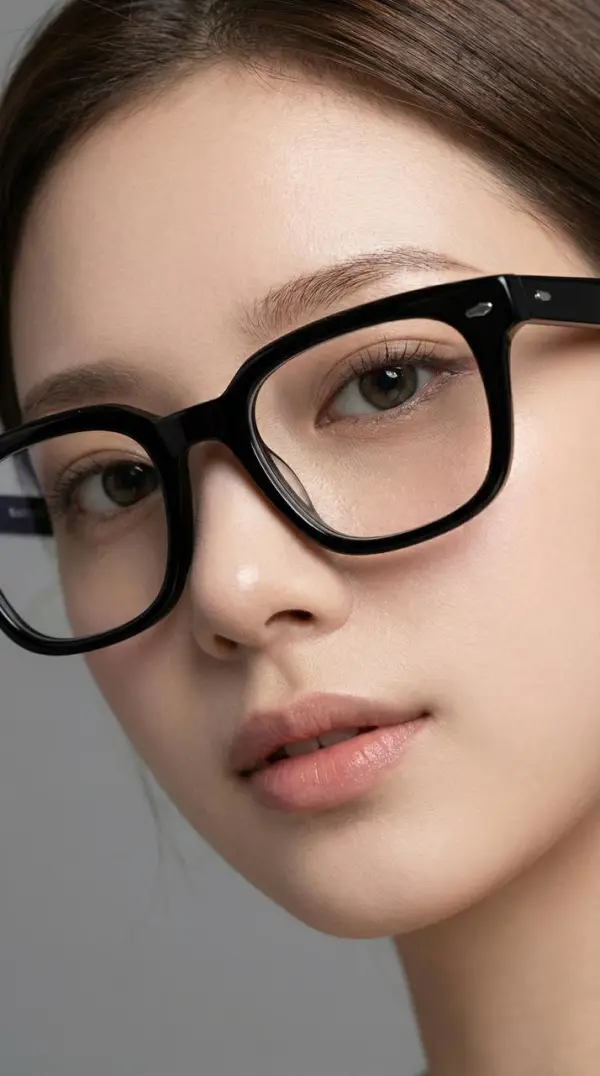
Describe the image you want, or upload a product photo, model image, or campaign asset as a reference.
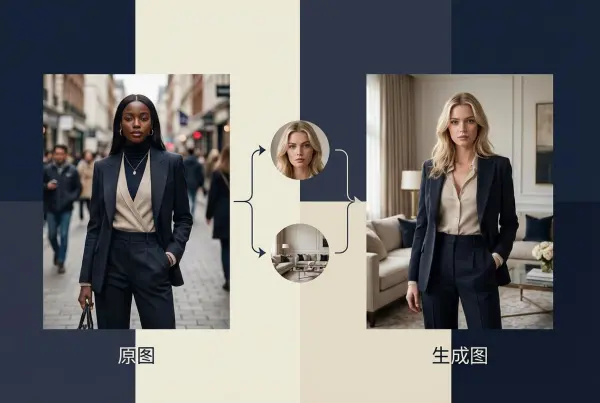
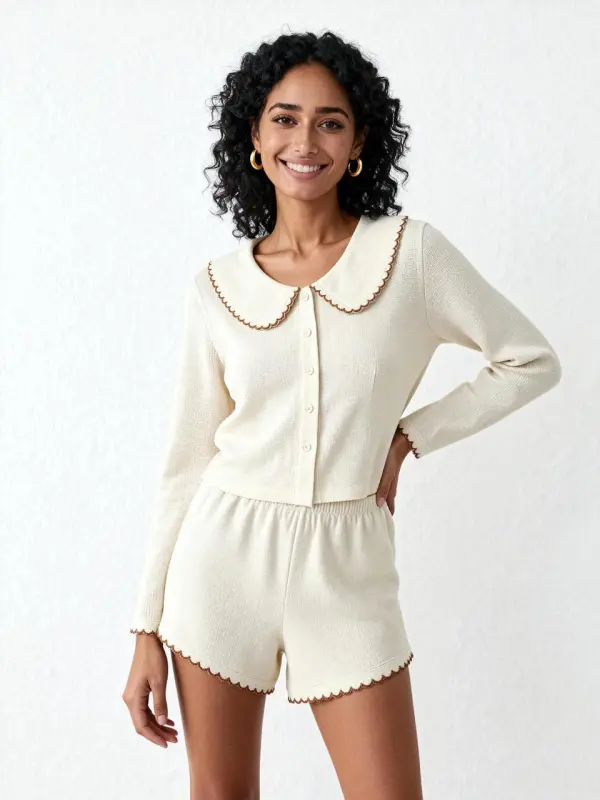
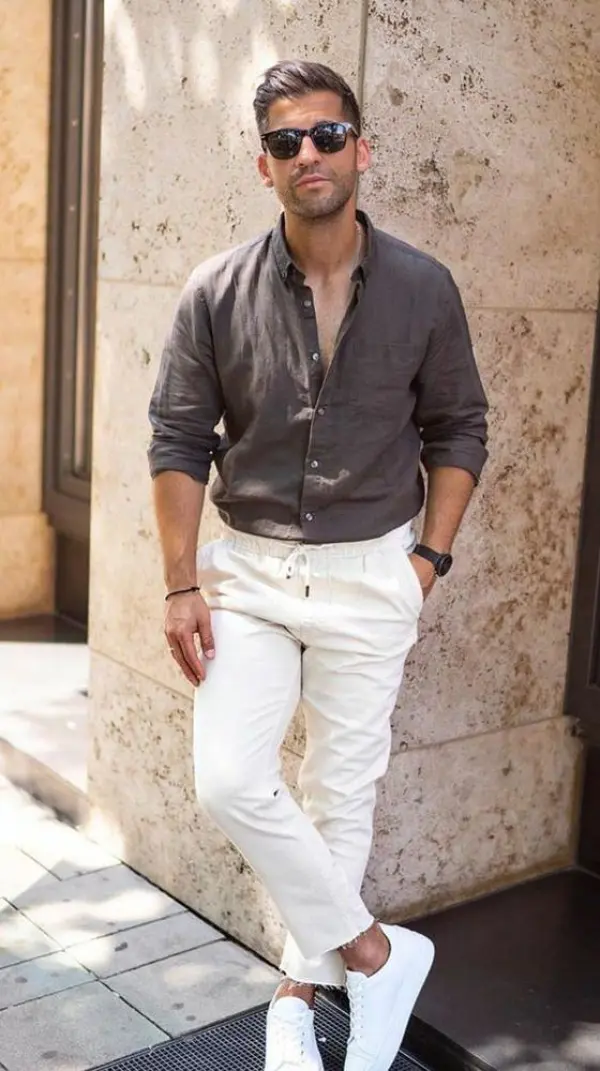
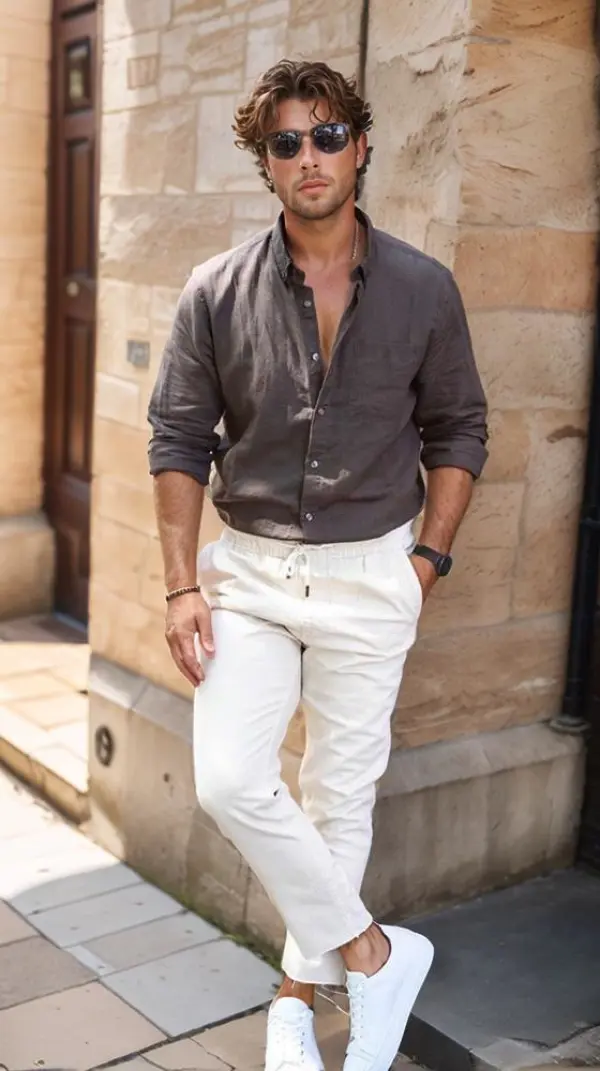
ou can choose from two modes: Swap Face & Change Background or Virtual Try-On. With Swap Face & Change Background, the pose stays the same as the reference image, while the model’s face and background are updated. With Virtual Try-On, the clothing stays the same, while the model’s pose follows the location reference image.
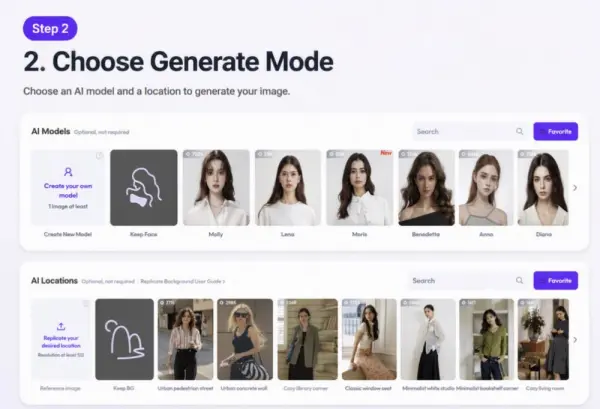
You may describe the image you want with short sentences and separate with commas.
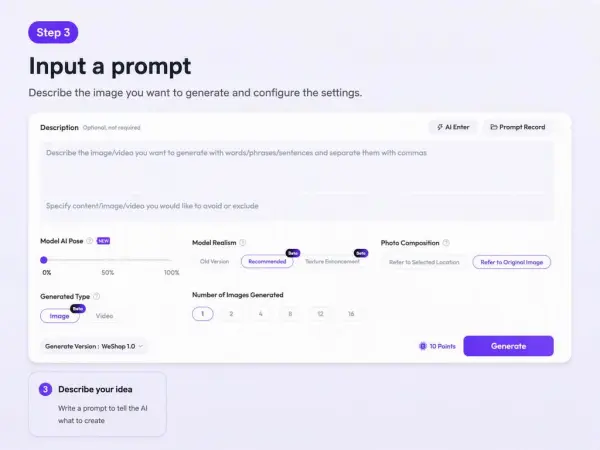
Here you may choose to generate imagewhich is about 3 seconds.
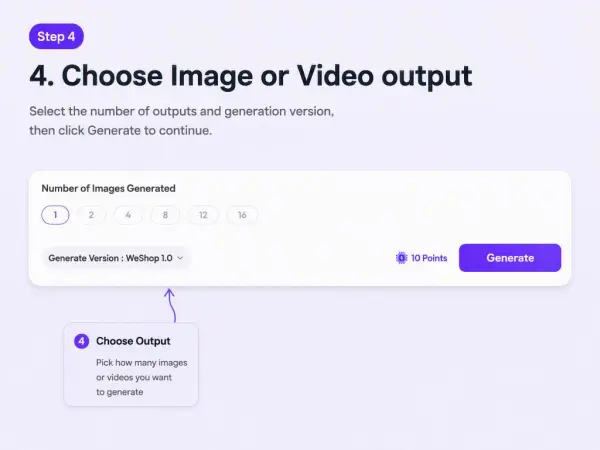
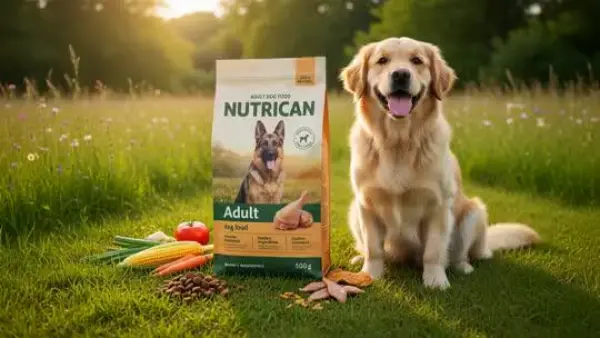
An ecommerce team has a plain product photo but needs a more polished campaign image for ads and landing pages. Instead of arranging a new shoot immediately, they use WeShop AI to test a few visual directions.
Example prompt:
Create a polished ecommerce campaign image for this product. Keep the product shape, color, logo position, material, and key details accurate. Use clean studio lighting, a premium background, and enough negative space for ad copy. Make the result realistic and suitable for a product page or paid social ad.If the first result changes the product too much, the team can simplify the prompt:
Keep the product exactly the same. Only improve the background, lighting, shadows, and composition. Do not change the logo, label, color, shape, or material.Create a clean product hero image with soft studio lighting, realistic shadows, and a light neutral background. Keep the product color, shape, label, and material accurate.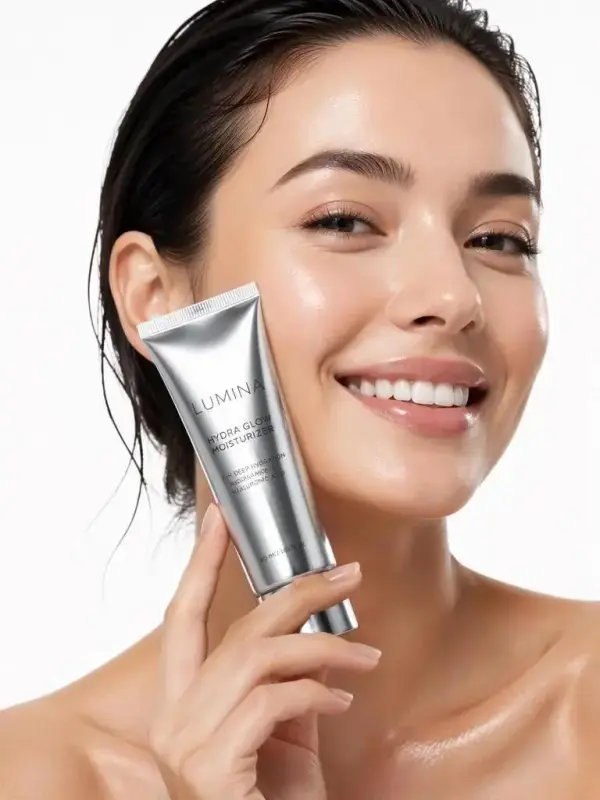
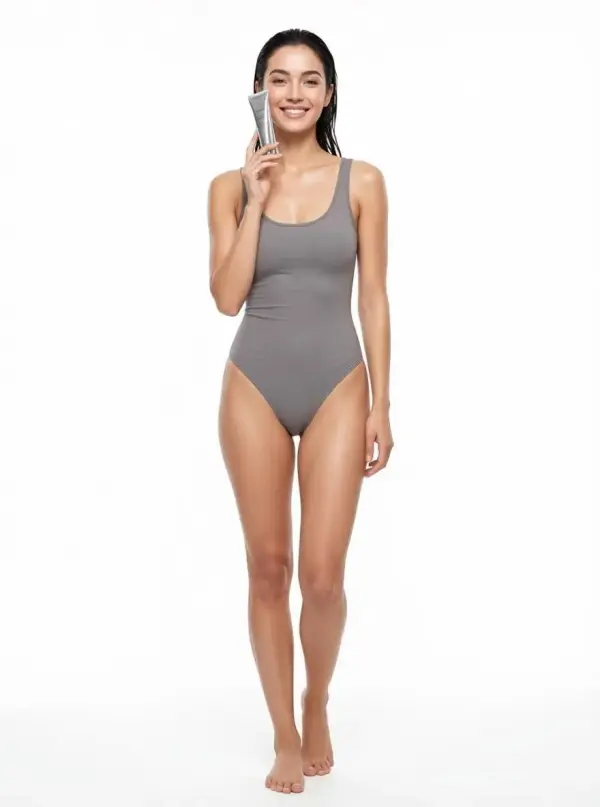
Create a vertical social ad image for this product. Keep the product centered and clear. Add a lifestyle background suitable for Instagram and TikTok. Leave space for a short headline.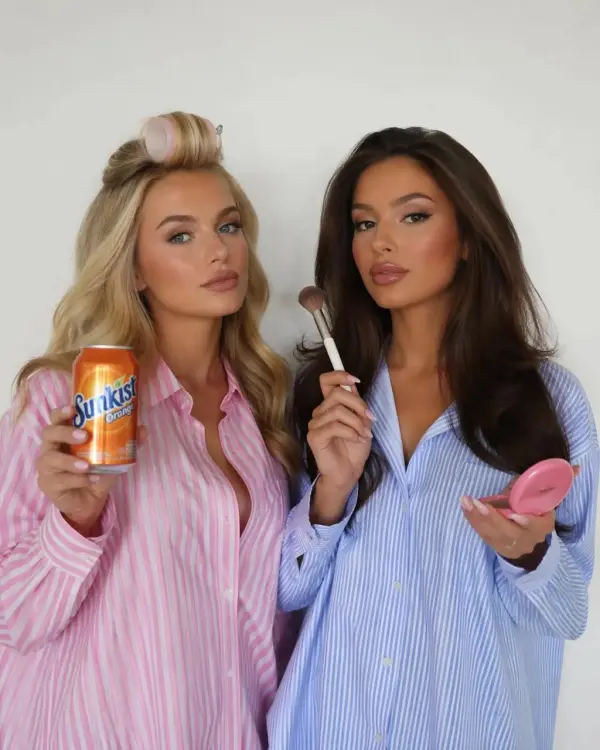
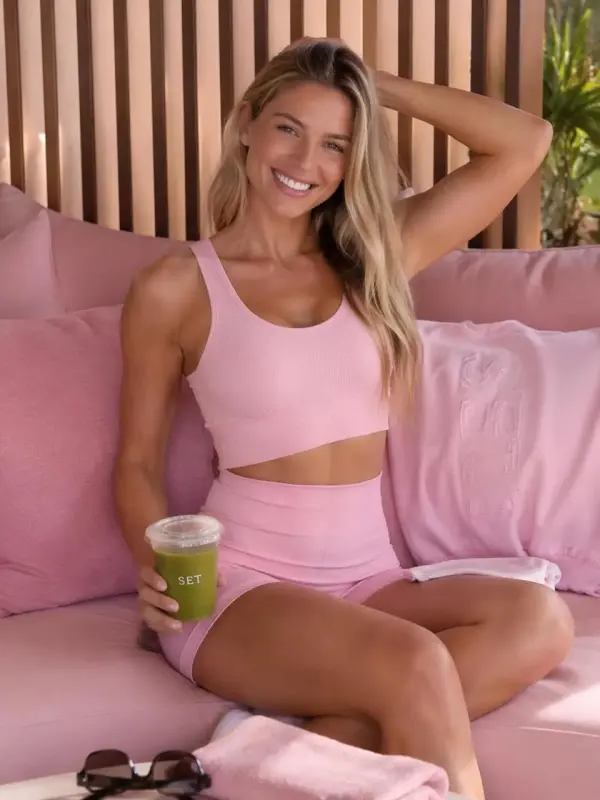
Edit this product photo by improving the background and lighting. Keep the product unchanged. Make the image suitable for a Shopify product page.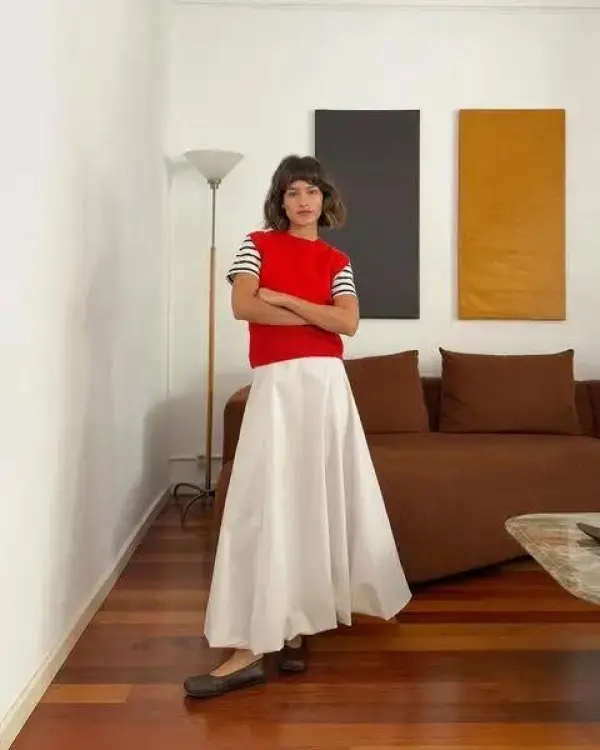
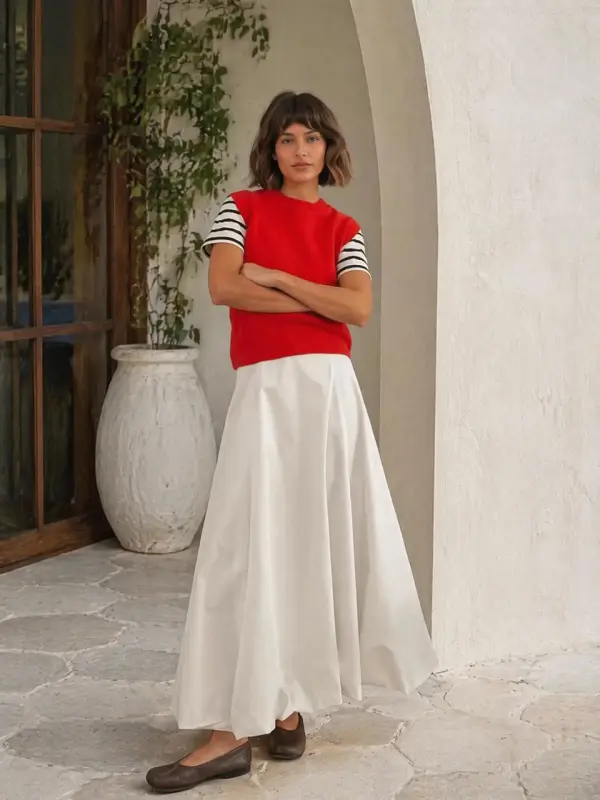
Create a campaign banner image with the product on the left and clean space on the right for text. Use realistic lighting and avoid changing product details.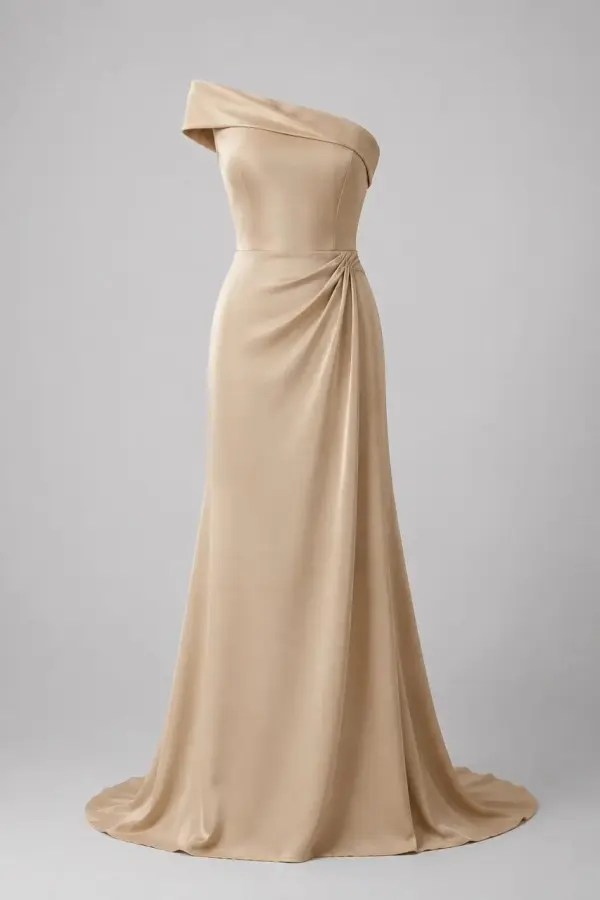
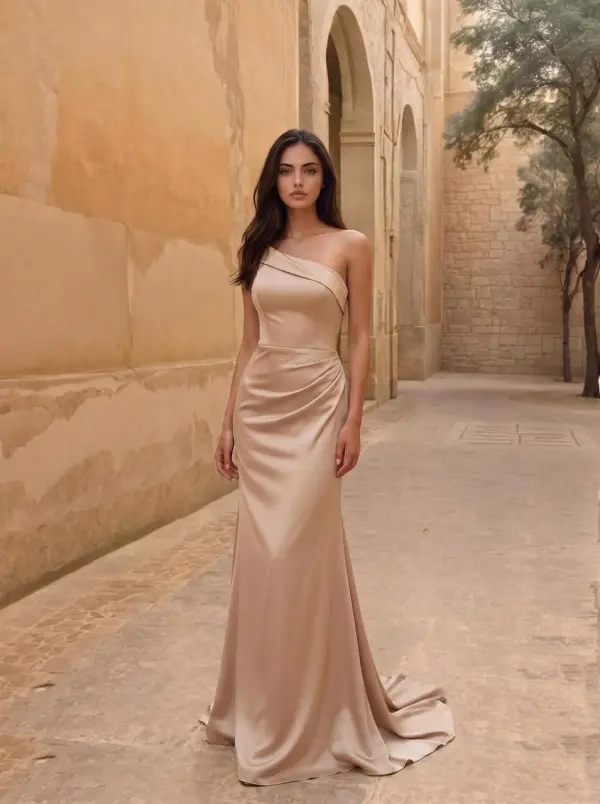
AI image generation can speed up creative production, but every result still needs review. Small logos, labels, text, packaging details, hands, reflections, and fine textures may change. For ecommerce, do not publish generated images that misrepresent the actual product.
Content creators use ai image generator for marketing visuals to generate original images for blogs, social media, and storytelling. This helps produce visually engaging content without relying on stock photos.
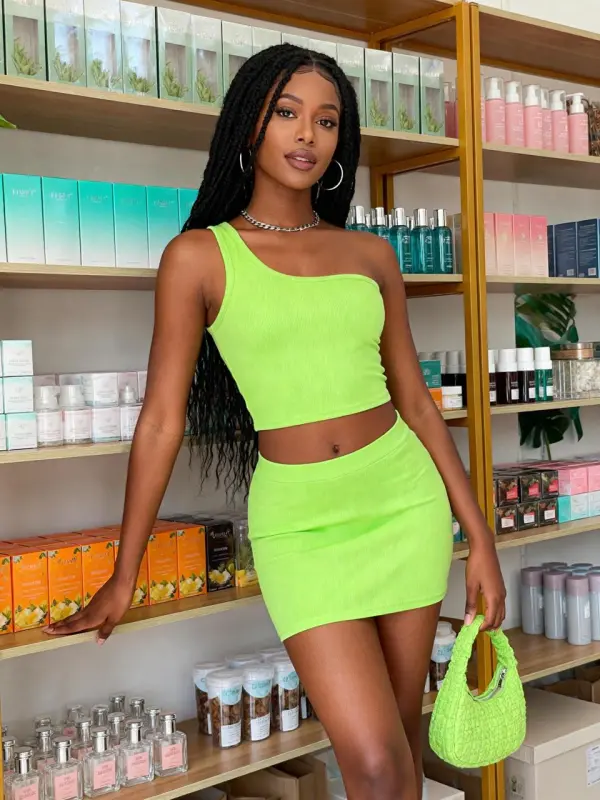
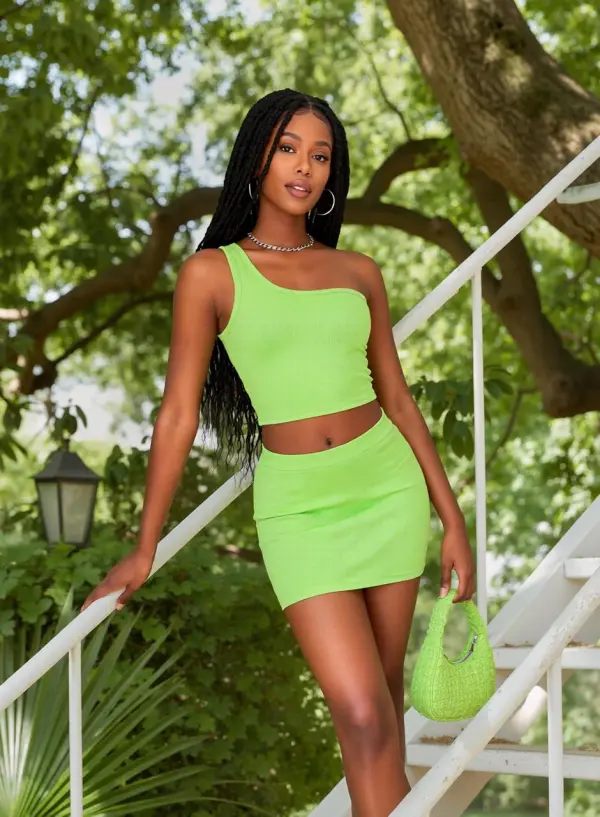
Marketers use ai image generator for marketing visuals for online ads, landing pages, and promotional campaigns. This reduces production cost while maintaining high visual quality.
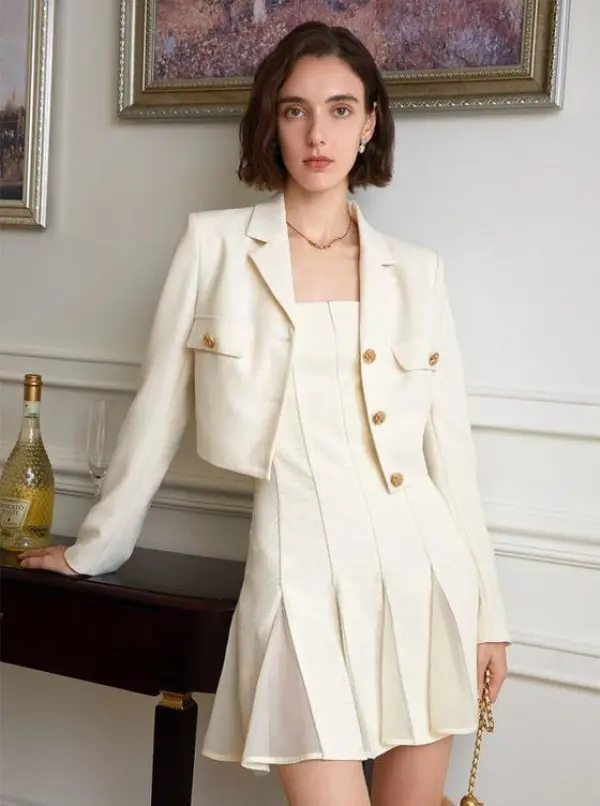
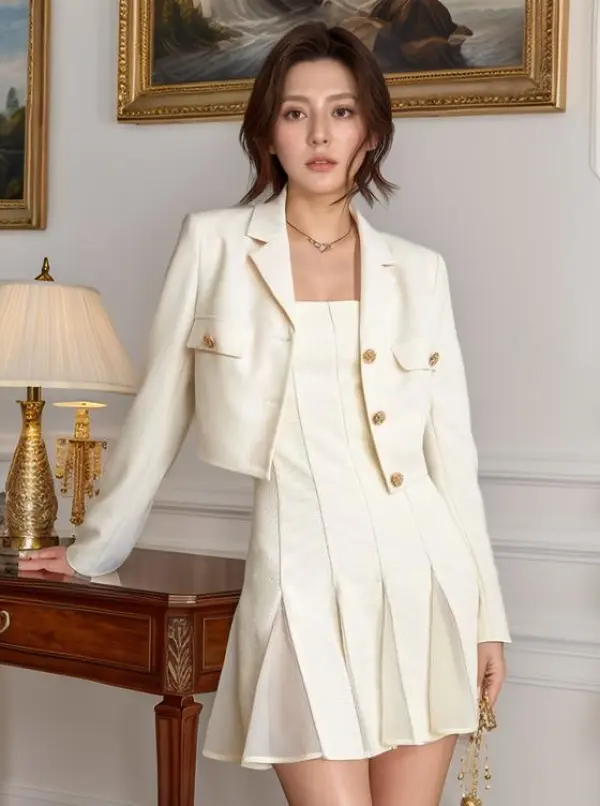
E-commerce sellers generate product backgrounds, promotional images, and lifestyle scenes. This helps improve product presentation for online stores.
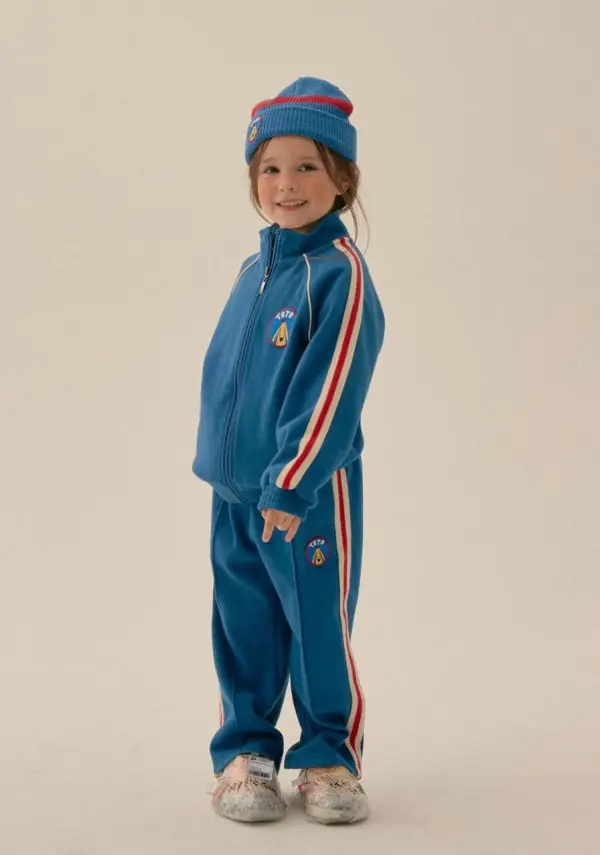
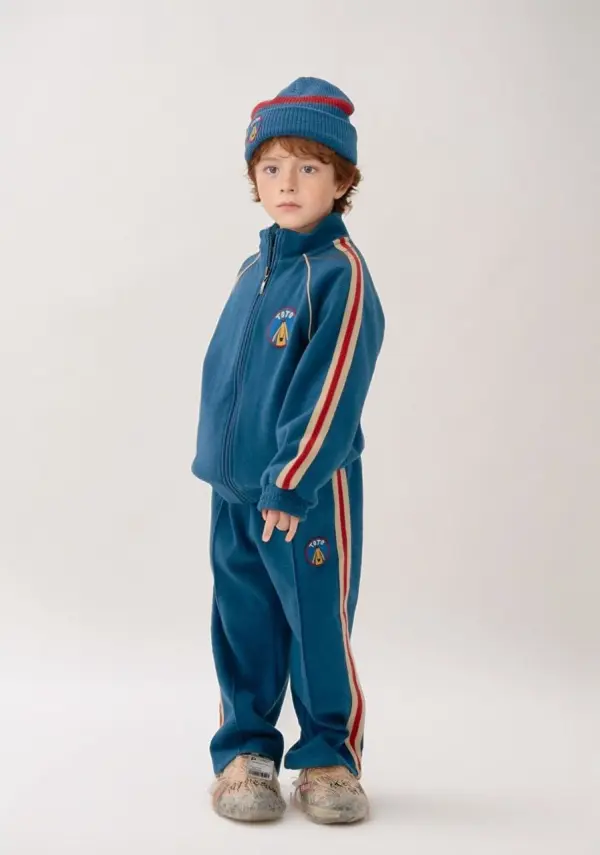
Creators test multiple design aesthetics and visual moods before selecting the final creative direction. This speeds up the design process and improves creative outcomes.

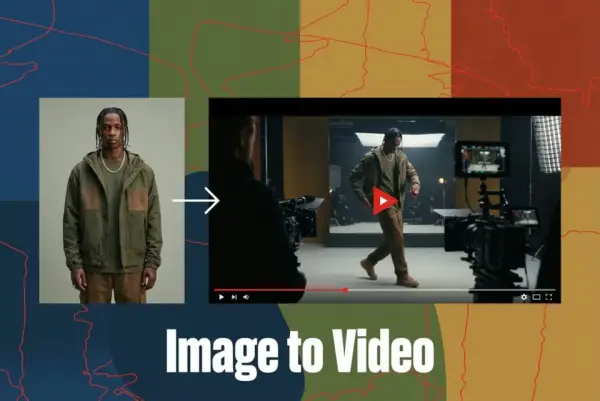
Turn Images into Stunning AI Videos for Free
Try On Clothes Online with AI Virtual Try Technology
Realistic Model & Background Swapping Online with AI
Showcase clothing with a variety of models
Create stunning product images with few clicks from anywhere
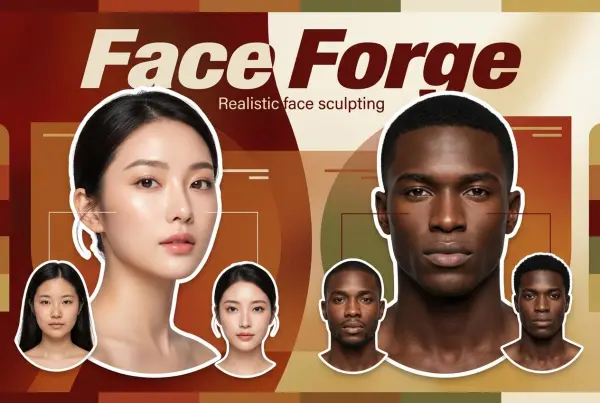
AI Face Morph & Face Swap Generator Online
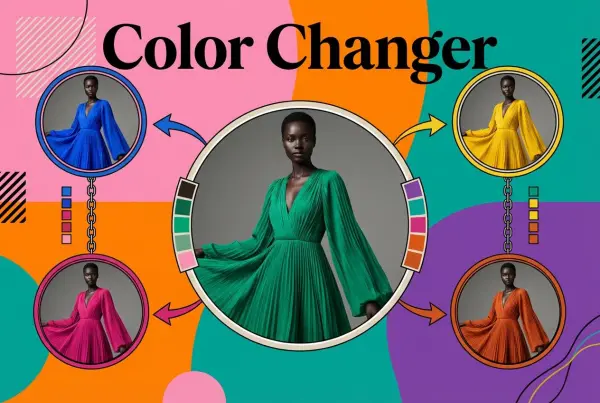
Recolor Image Online Free - Color Changer in WeShop AI
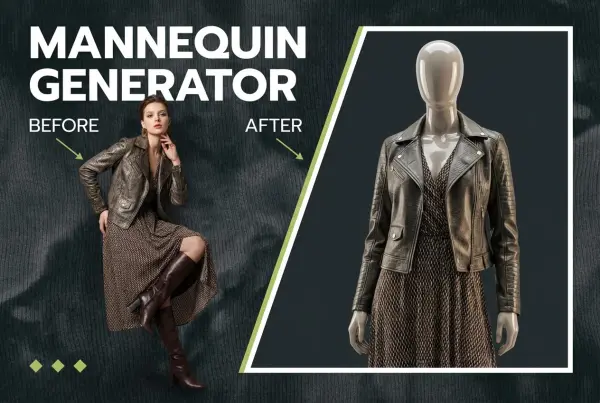
Convert real model photos into mannequin displays
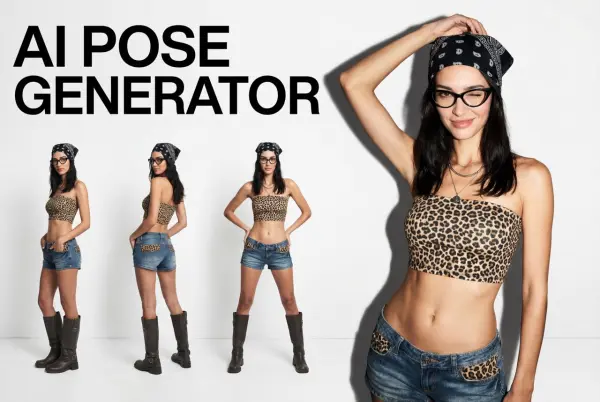
Change poses, switch between various model poses, making the clothing display more natural
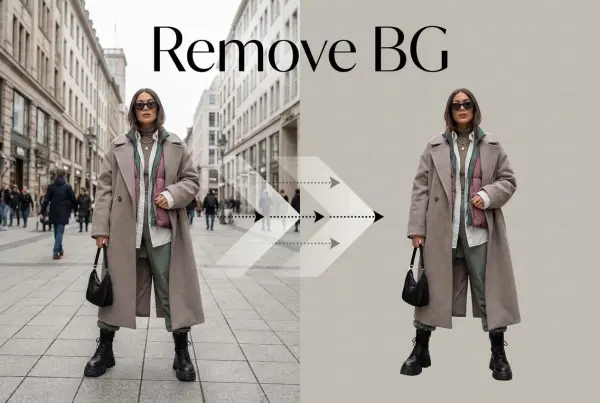
Removing background with lightning speed and ease
Enhance Photo Quality Online with Free AI
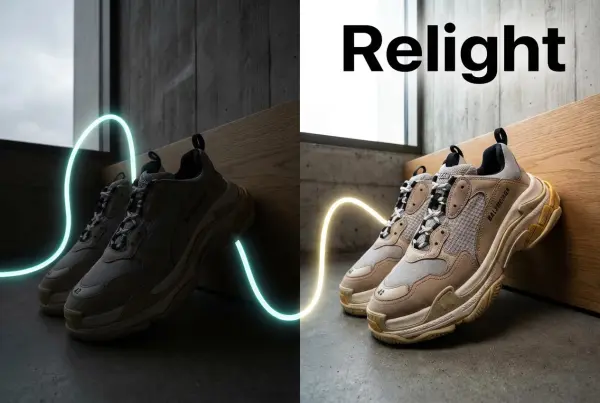
Relight your images automatically and efficiently
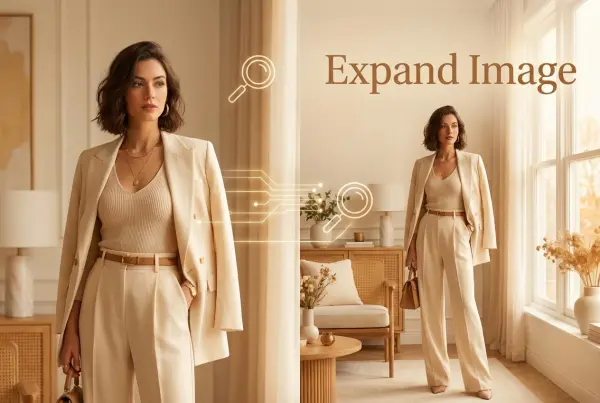
Expand images & backgrounds to fit any platform
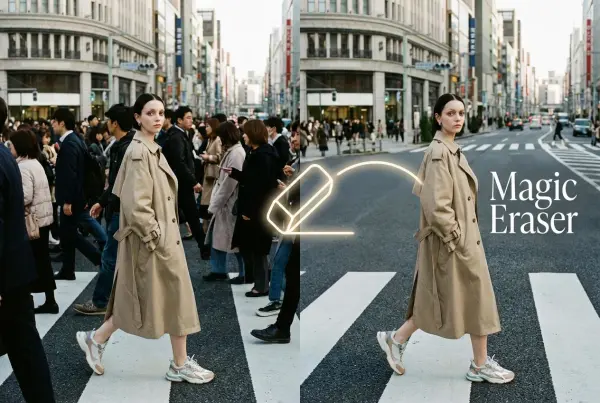
Remove unwanted objects from your photos with AI
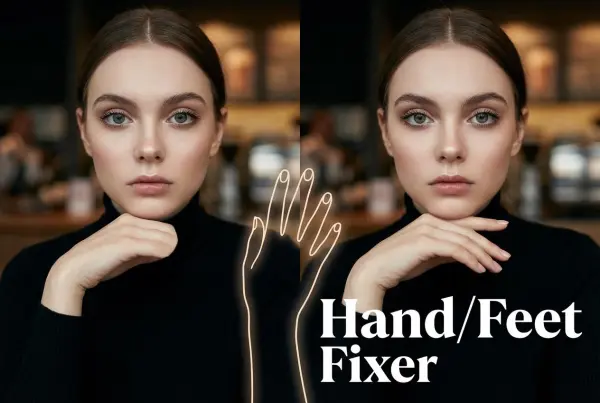
Regenerate natural-looking hands and feet in AI-generated images
Upload an image, highlight the area you wish to fix, and upload a target reference image
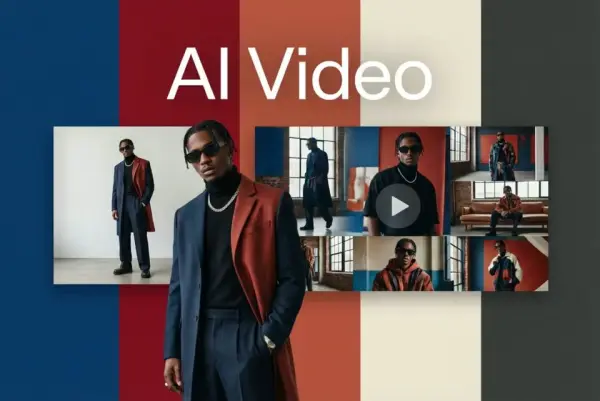
Create and publish videos from a photo or description—instantly, in any style.
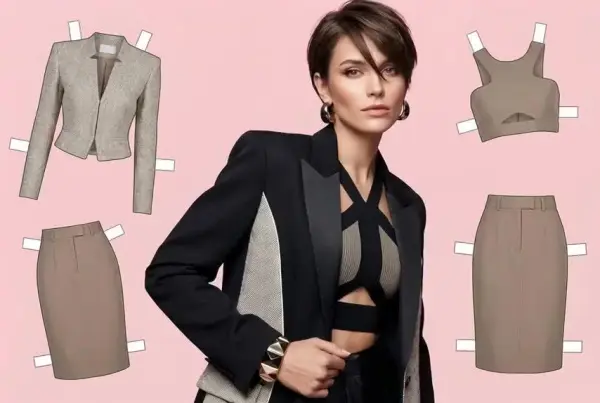
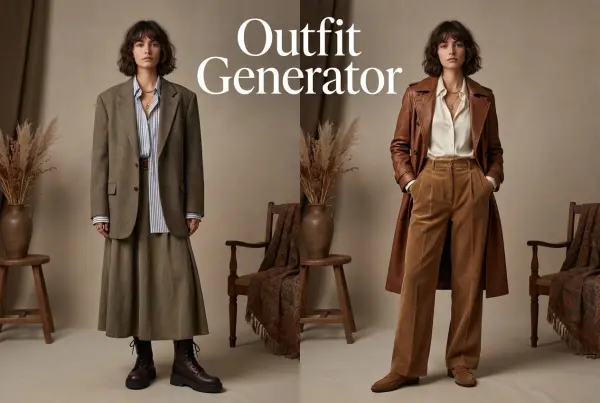
Create AI clothes styling from any model photo, garment, or style prompt.
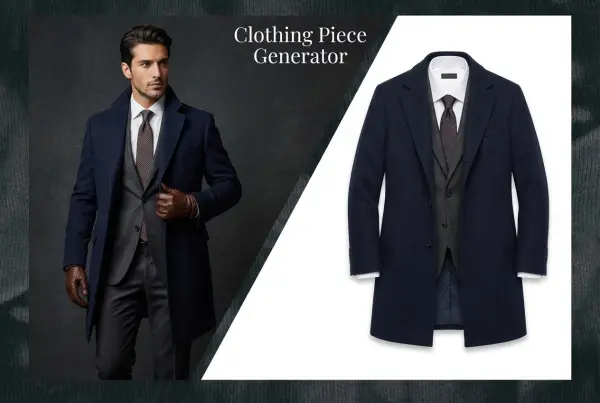
Create Professional Flatlay Clothing Images From Any Photo or Idea
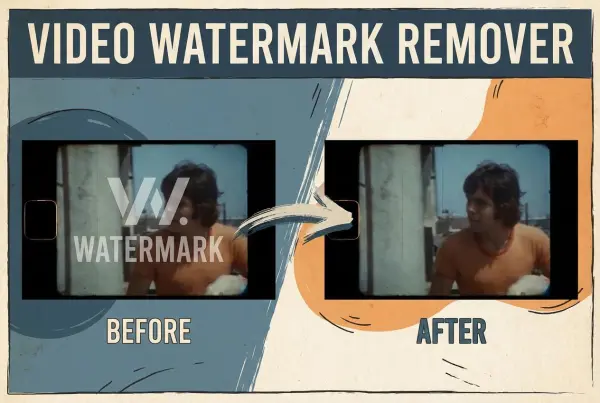
Remove Watermark from Video
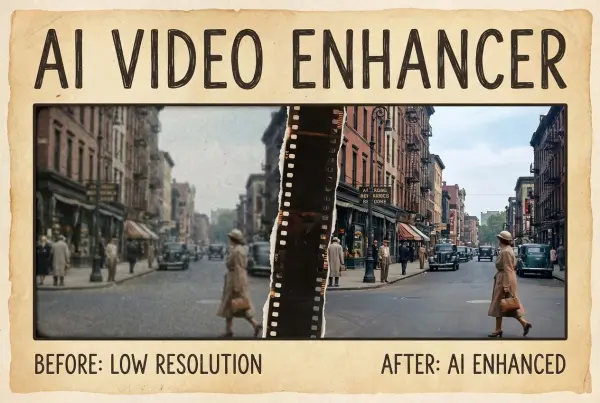
Enhance Video Quality Online with AI
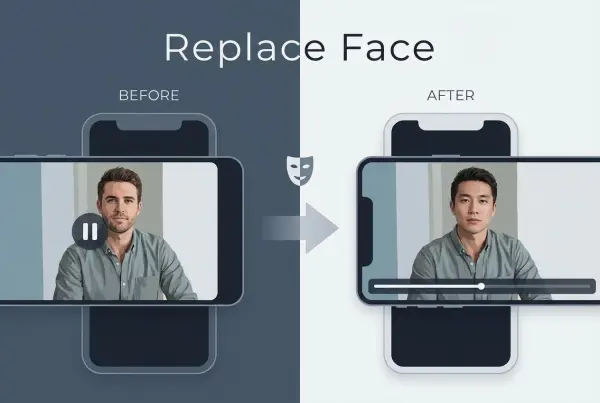
AI Video Face Swap for Realistic Clips
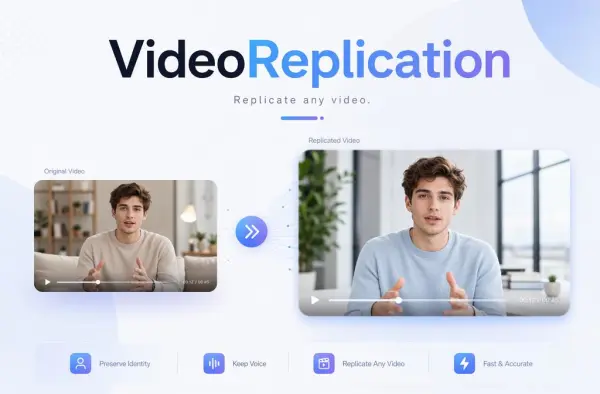
Recreate Video Styles, Motion, and Scenes with AI