Veja quatro edições com imagens de referência e uma paisagem com farol criada apenas a partir de texto. Compare as entradas reais com os resultados e leia os prompts originais completos em inglês.
Diga o que mudar e o que manter
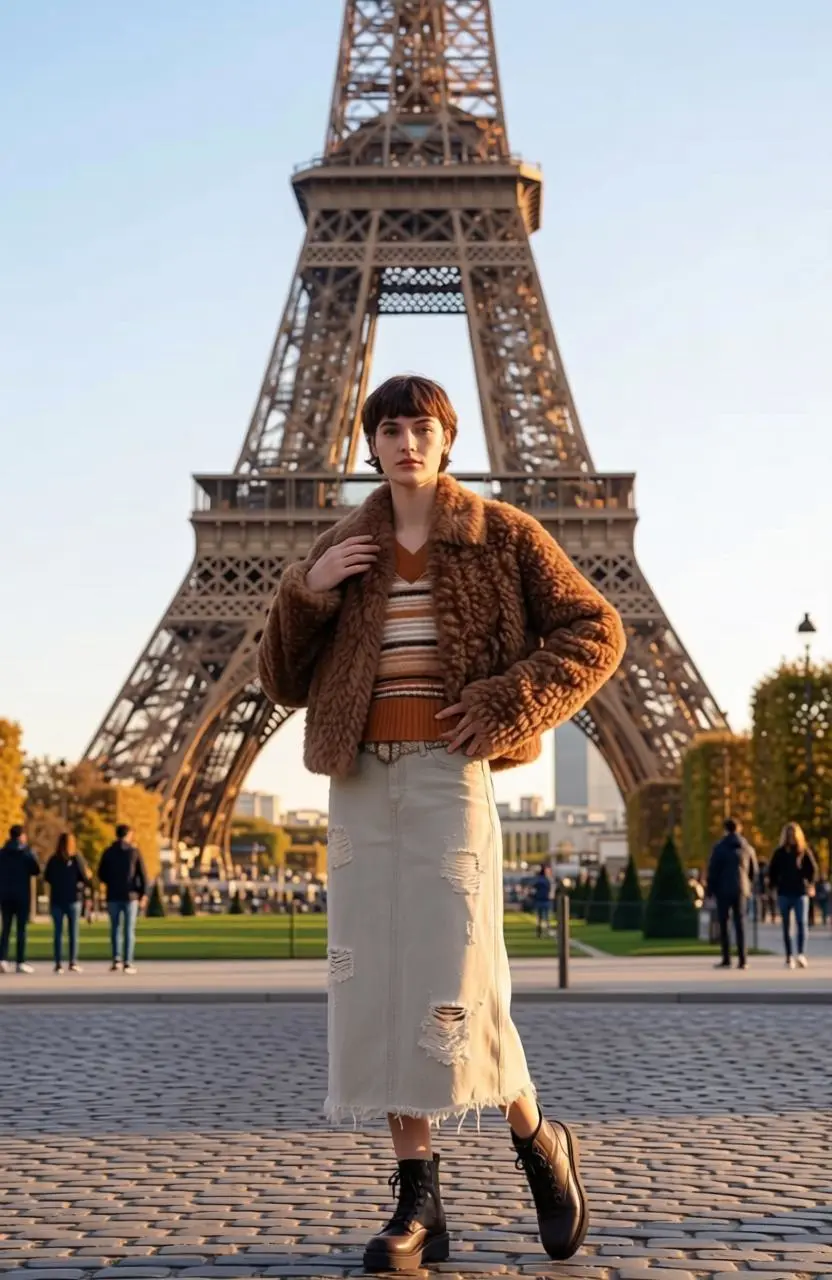
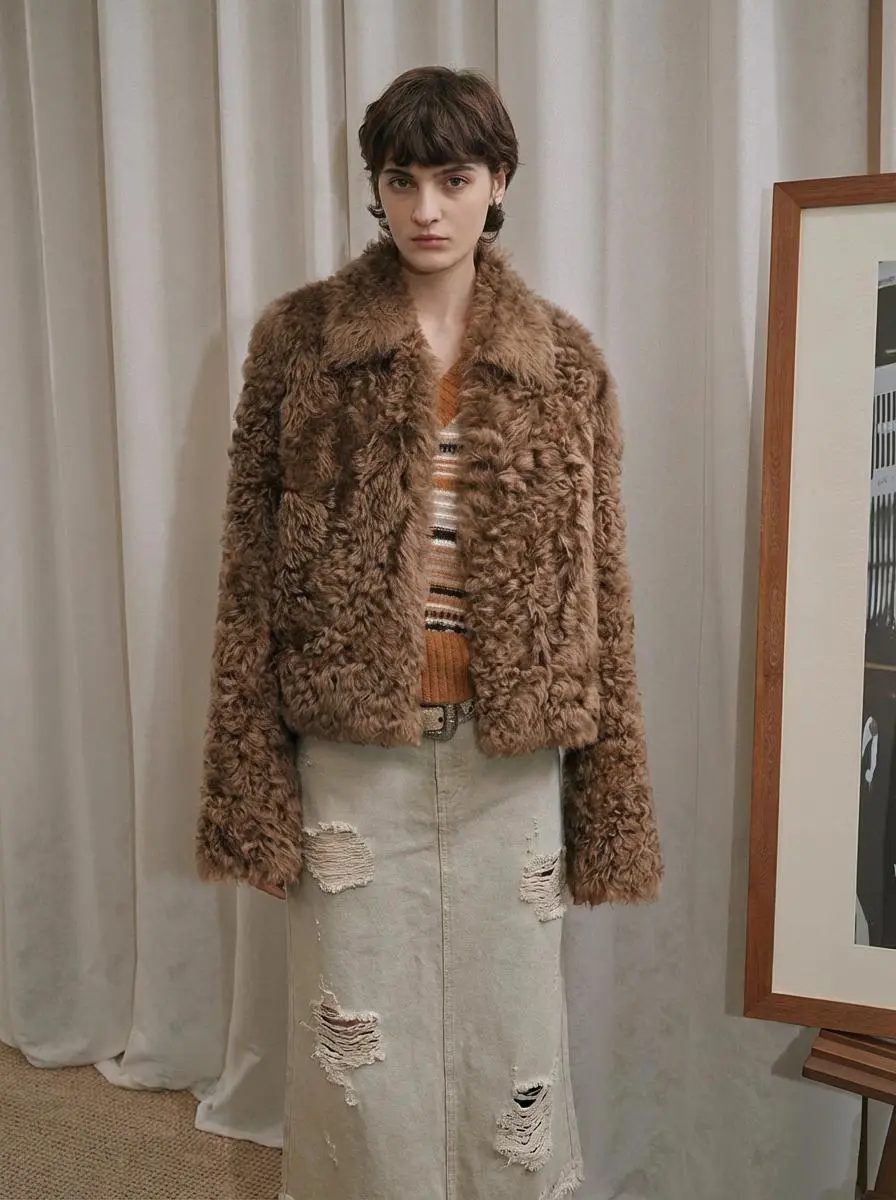
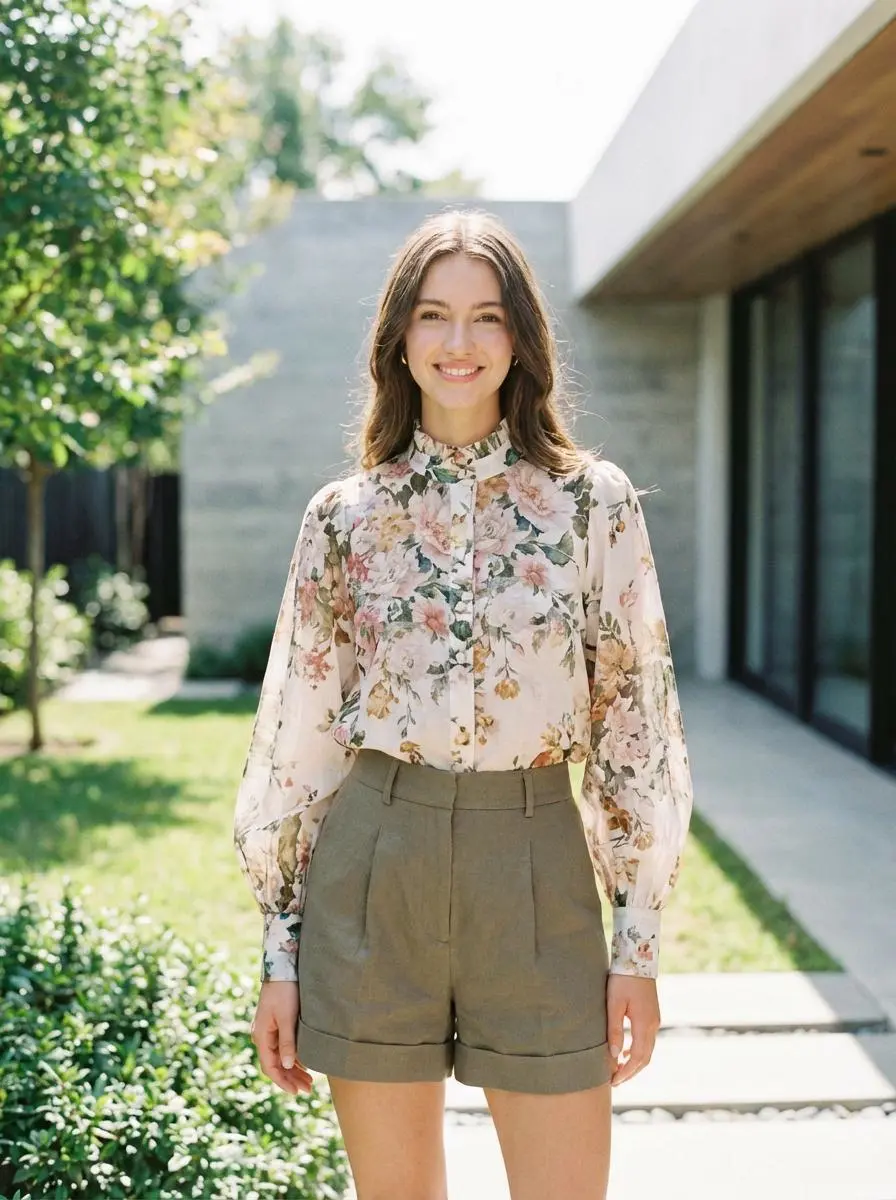
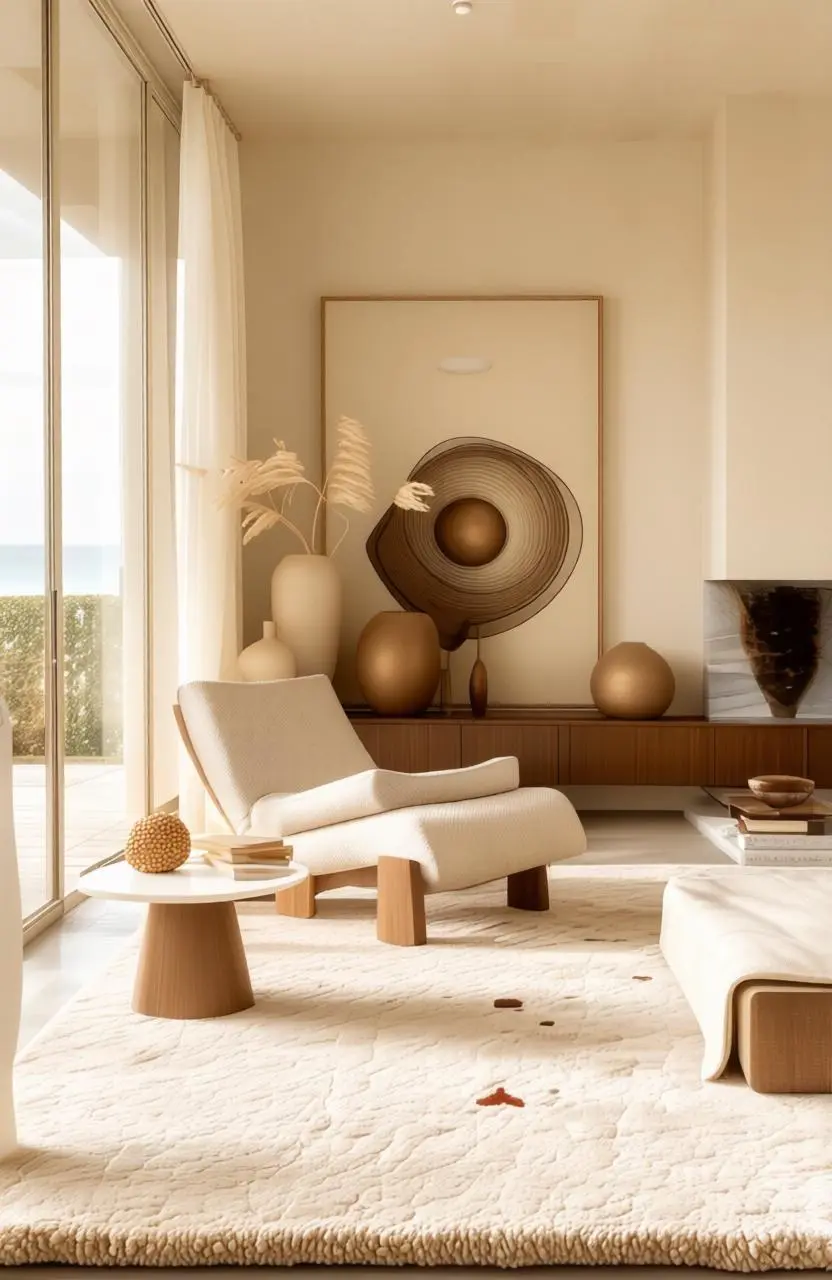
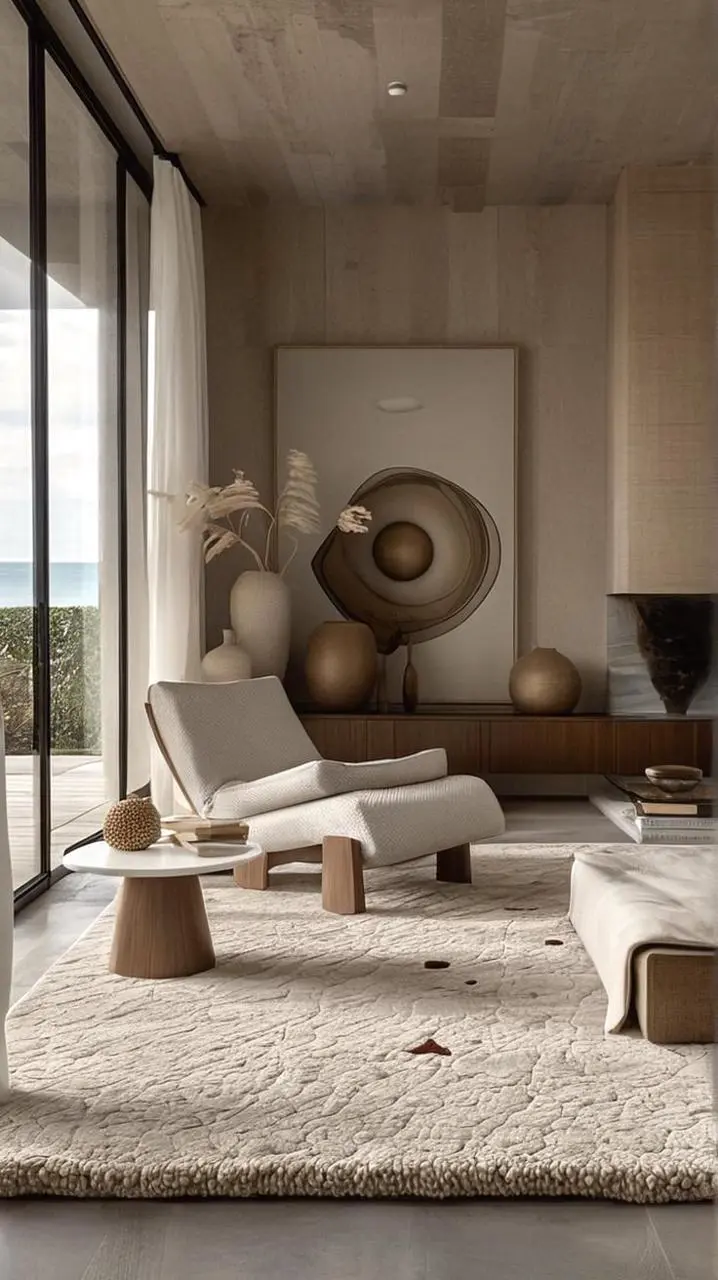
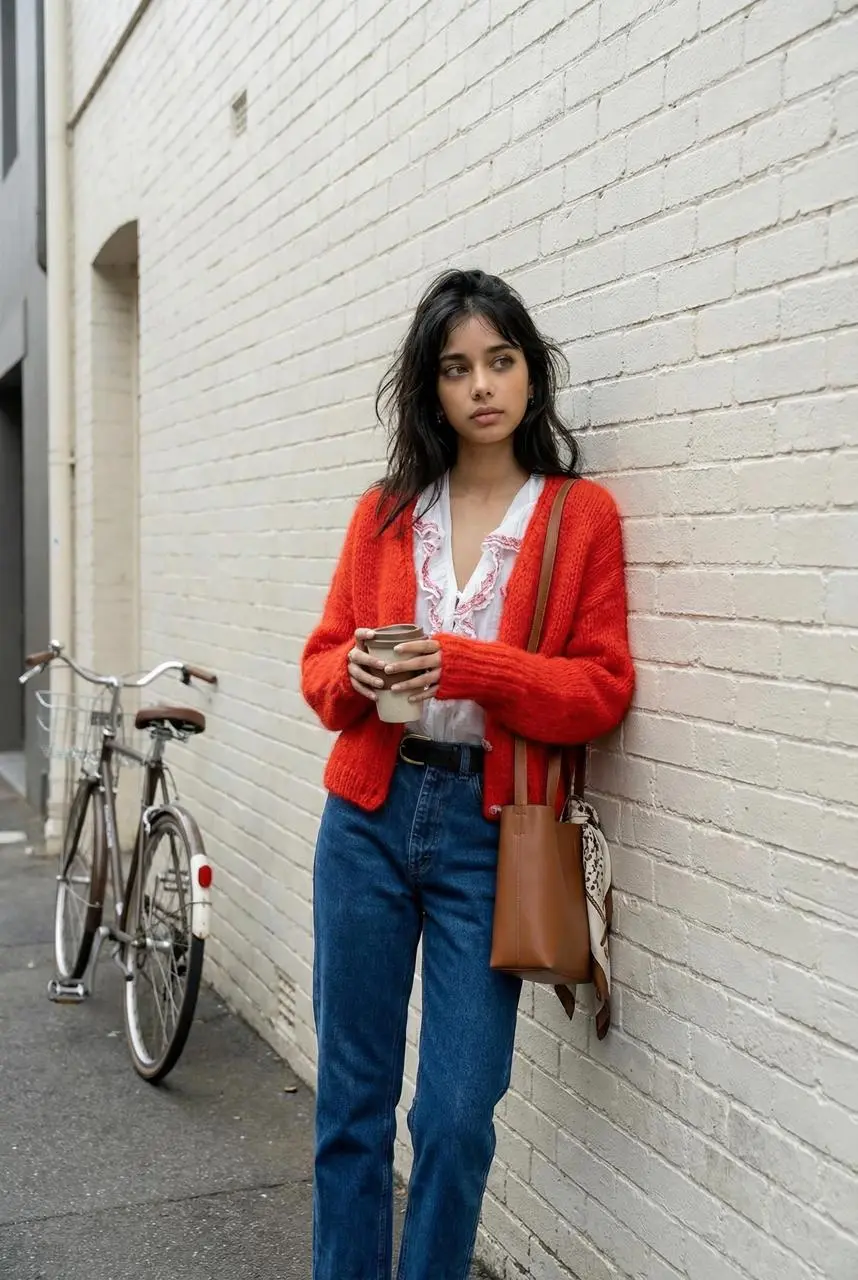
Diferencie a transformação solicitada do sujeito ou da composição fornecidos pela imagem. Neste caso: “Generate a creamy French-style effect from my uploaded image with one click, keeping the objects in the scene unchanged.”
Generate a creamy French-style effect from my uploaded image with one click, keeping the objects in the scene unchanged.
Especifique o sujeito e a composição
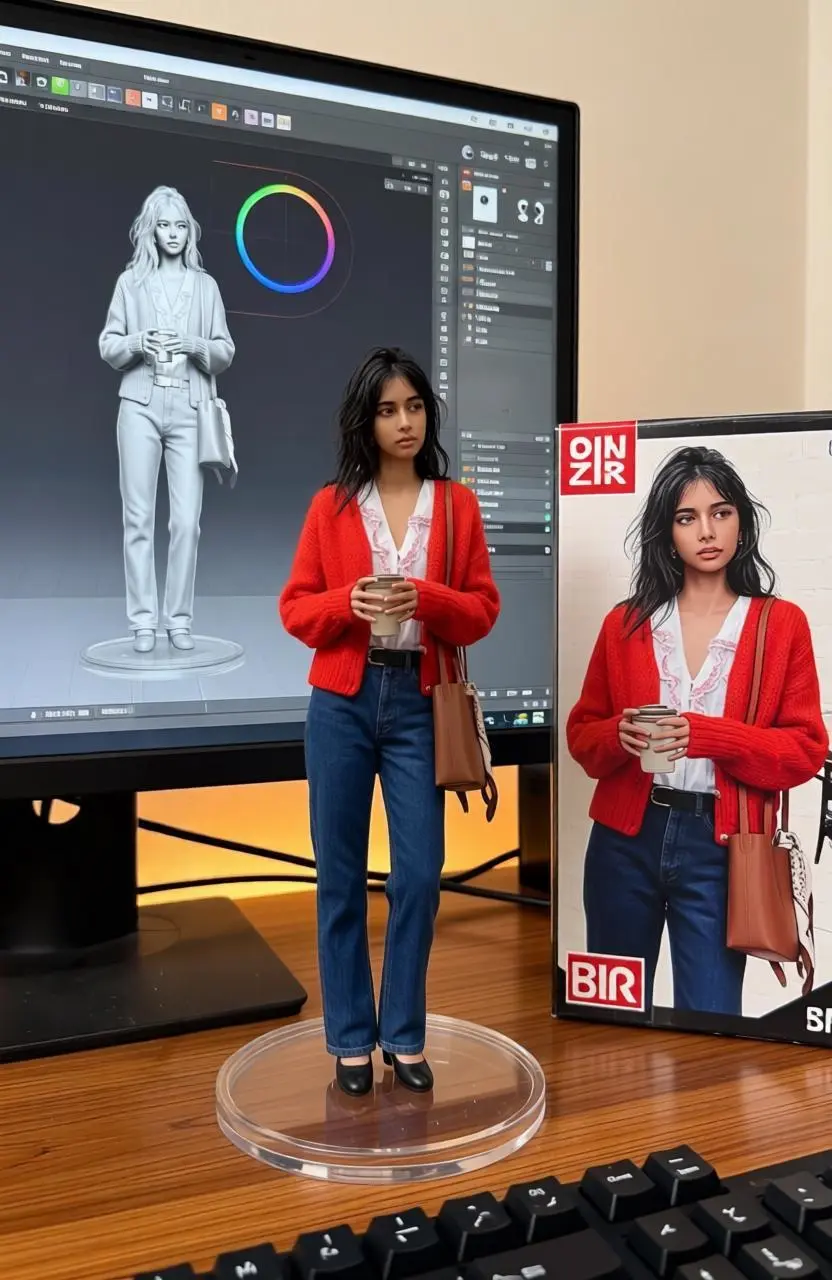
Descreva os detalhes visíveis do sujeito e sua posição na imagem. Neste caso: “A commercially available figure of the character from the illustration is produced in 1/7 scale, featuring a realistic style and environment.”
A commercially available figure of the character from the illustration is produced in 1/7 scale, featuring a realistic style and environment. The figure is positioned on a computer desk with a round, clear acrylic base that has no text. The ZBrush modeling process of the figure is shown on the computer screen. Beside the computer screen, a BANDAI-style toy box printed with the original illustration is placed.
Monte a colagem em torno do retrato
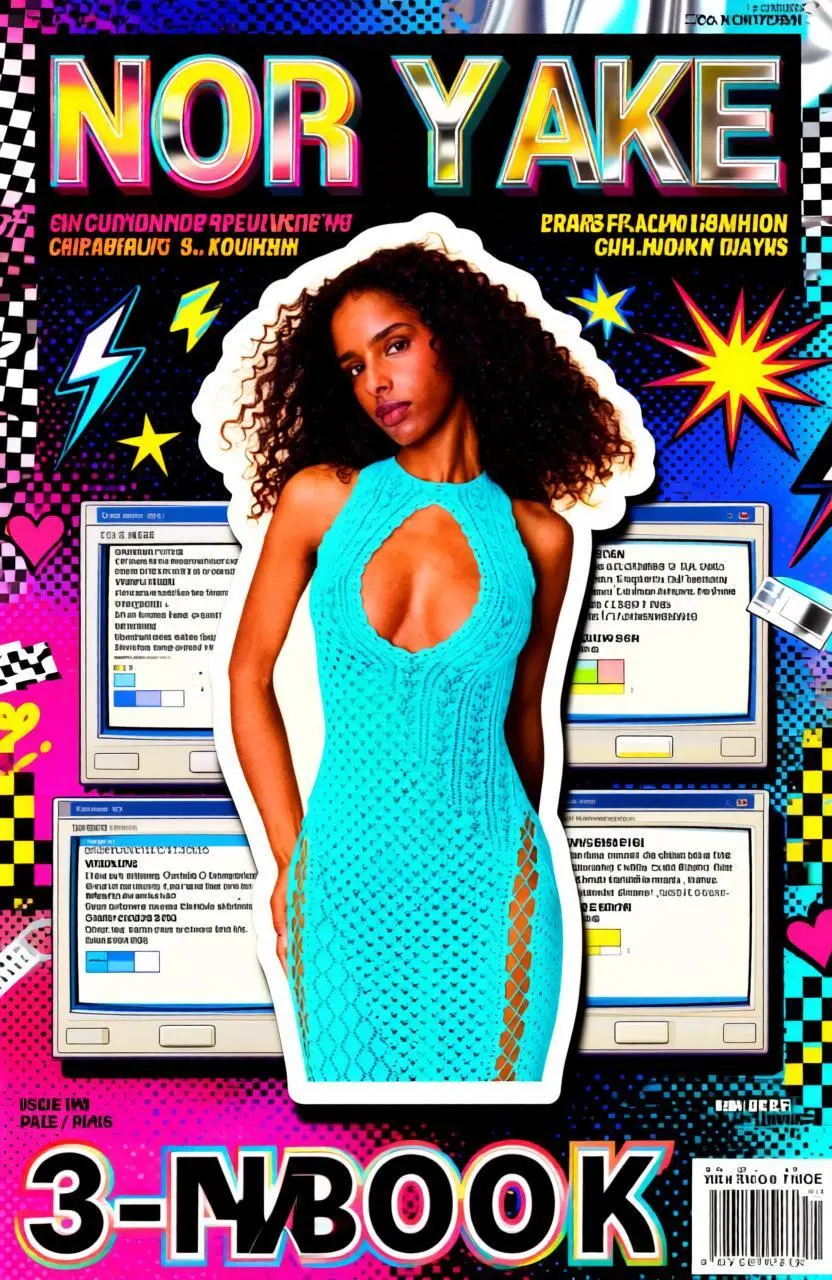
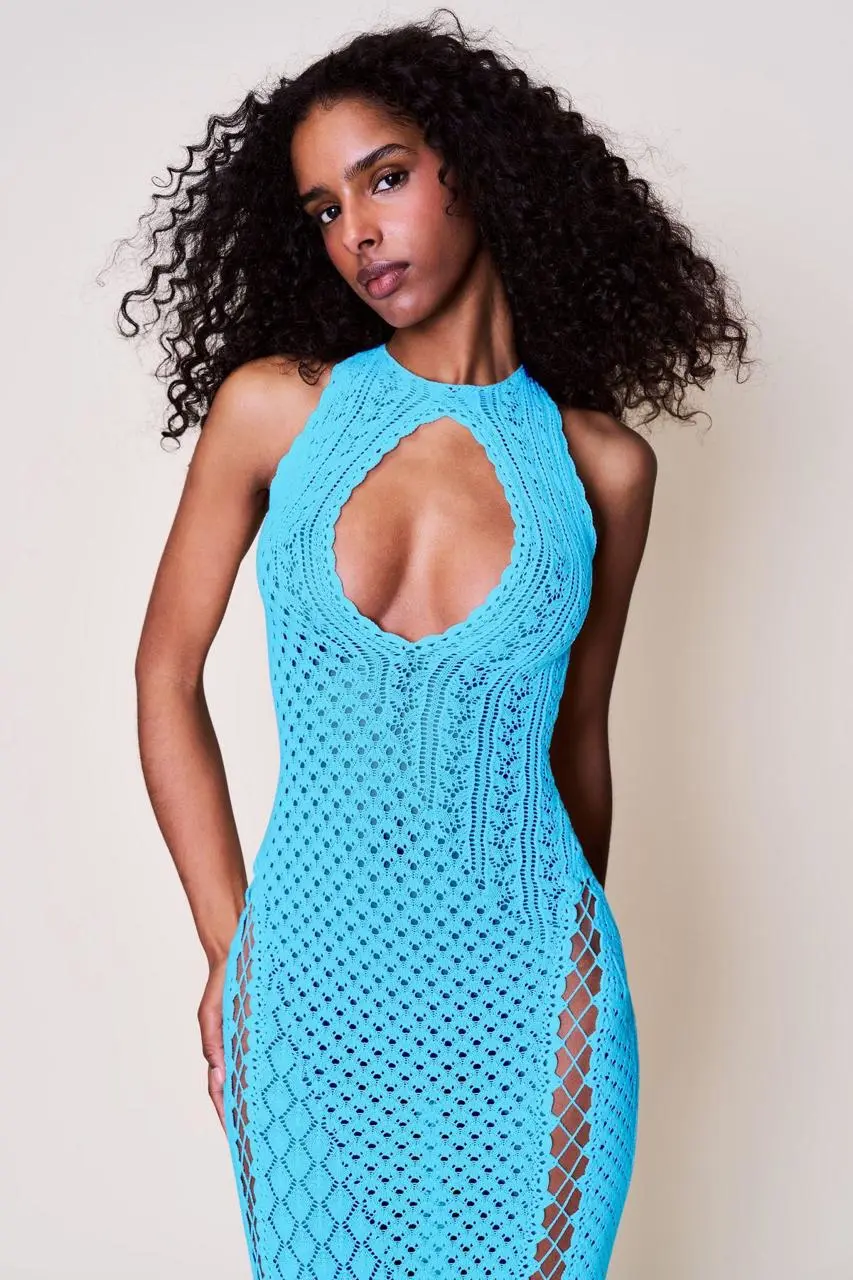
Especifique o retrato como o recorte central e depois coloque as camadas gráficas ao redor. Esta solicitação descreve uma borda branca de adesivo, uma sombra leve, detalhes neon e janelas de interface retrô, mantendo a pessoa em destaque.
Convert the uploaded photos into a Y2K collage-style magazine cover poster. Keep the identity features and expressions of the main subject consistent, with the main subject clearly and prominently displayed, like being cut out and turned into a sticker placed in the center of the picture, with clean white borders and slight shadows, with distinct layers, with the main subject having the highest priority, and not being obscured.
Color scheme rules: Extract the color from the main subject's largest proportion in the uploaded photo and enhance it to a higher saturation and brighter Y2K neon version; then automatically pair a set of strong contrasting colors / adjacent colors / complementary colors as embellishments for the title, stickers, and UI windows.
Background uses common Y2K elements combinations: neon gradients, dot halftones, pixel textures, shiny plastic / chrome reflective textures; make a collage decoration around the edges but without competing with the main subject: hand-drawn graffiti lines, stars, hearts, lightning, checkered patterns, exploding star rays, tape stickers, arrows, sticker borders, etc., with high information density but in an orderly manner.
Generate the publication name at the top (please design appropriate title text based on the nature of the subject, in English, bold, 3D border, candy color or metallic chrome effect).
Generate several short subheadings / slogans above and on the sides of the picture (automatically randomly created, in English, please design appropriate subheading text based on the nature of the subject, short and powerful, like magazine cover copy).
Generate a large main title at the bottom (please design appropriate text based on the nature of the subject, 3-6 words, in English, all in capital letters).
Generate a magazine information module in the corners: issue number / date / price / small labels, and add a clear barcode area.
Retro Windows elements: Overlay multiple layers of Windows 98 / Windows XP era-style window collages around the main subject. The text content and prompt information in the windows are randomly generated, but in line with the tone and layout of the system prompts from that era (in English, short sentences, prompts, percentages, paths, dialog box buttons, etc.), overall realistic and credible.
Overall texture leans towards the trendy poster printing and scanning style: slight particles, a little misalignment / overlay effect, sharp edges, strong contrast, bright color grading, high-contrast highlights. The overall picture is clear, clean, and has layers, suitable for magazine covers.
Nomeie a mudança local de cor
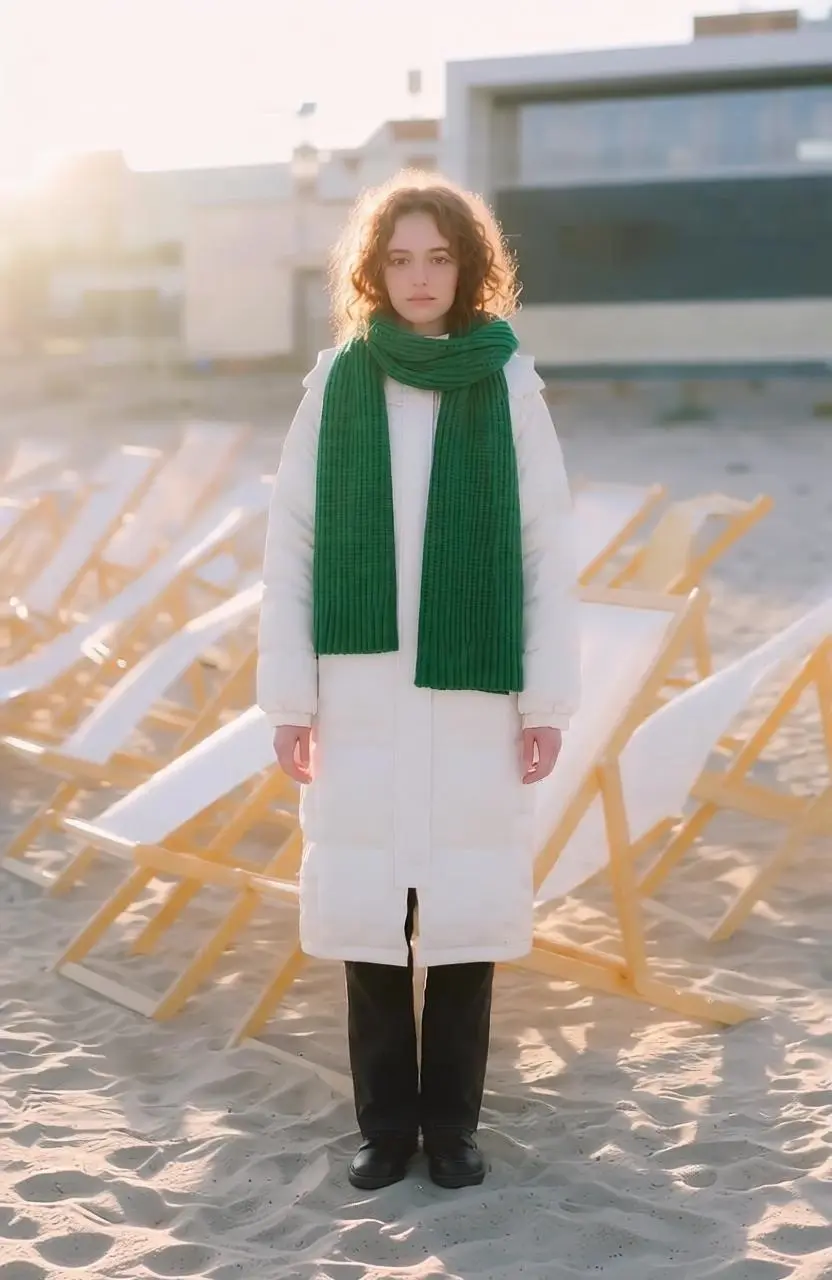
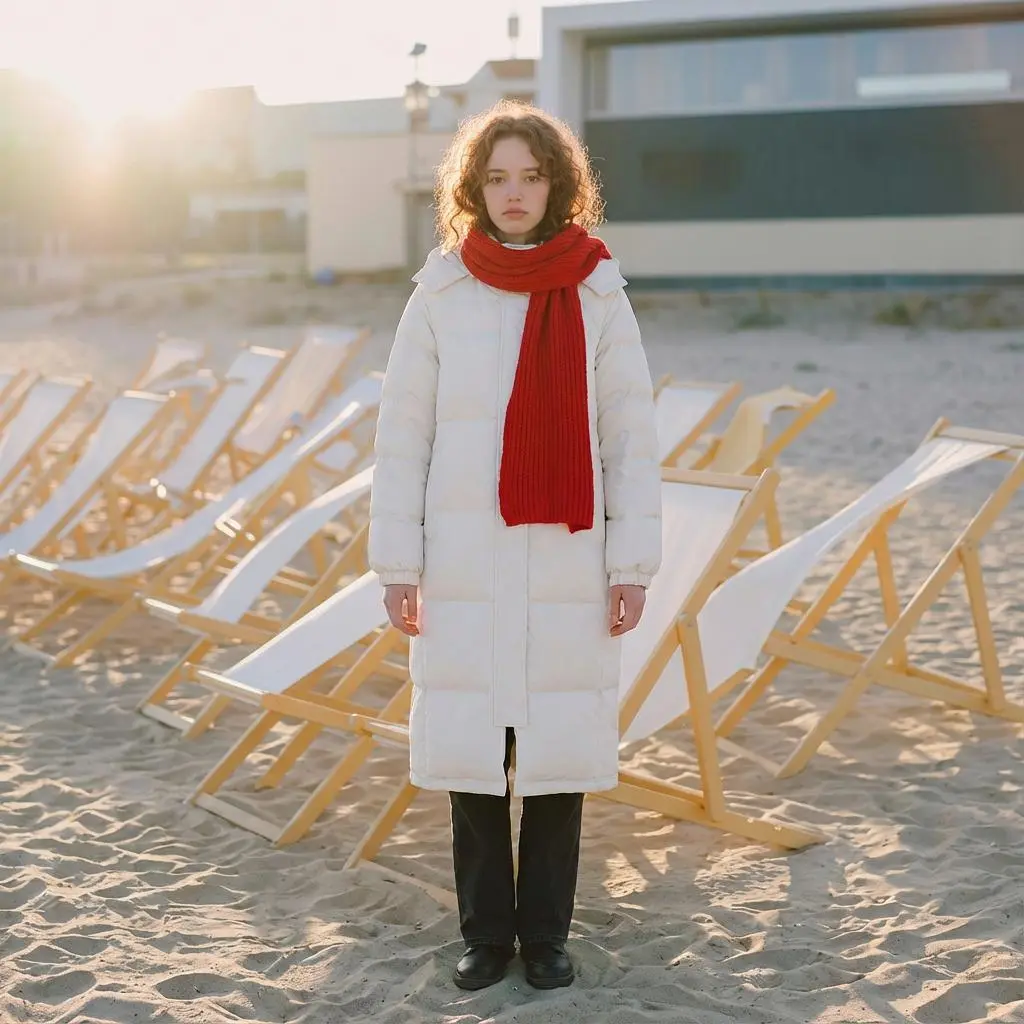
Identifique o item e sua nova cor em vez de pedir uma mudança completa de estilo. Neste caso: “Change to a green scarf.”
Change to a green scarf.
Farol após a tempestade: criação apenas com texto
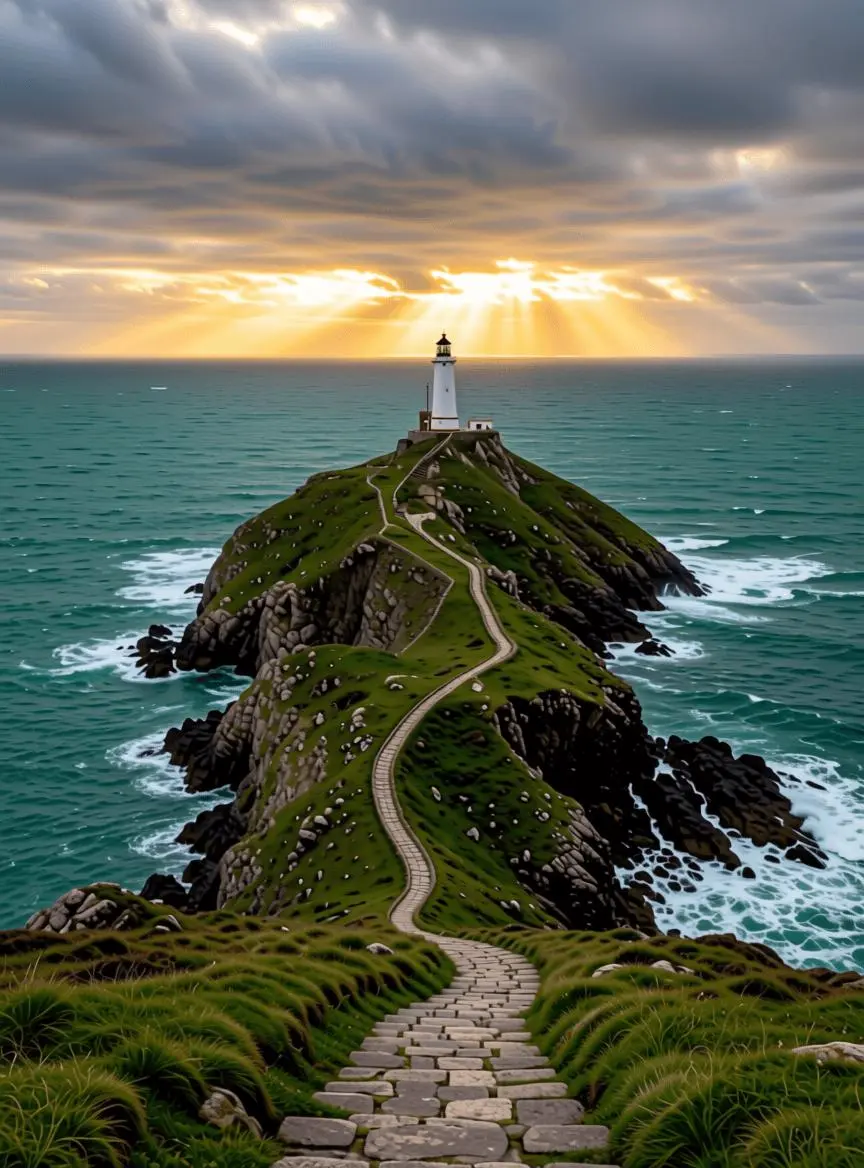
Nenhuma imagem de referência foi enviada nesta solicitação. O prompt descreve um farol branco, um promontório verde, um caminho de pedra até o farol, um mar azul-esverdeado e luz dourada atravessando nuvens de tempestade. Observe esses elementos e a profundidade do primeiro plano até o horizonte; depois, leia o prompt completo para entender como a nova cena foi descrita.
A solitary white lighthouse on a rugged green headland above a deep teal sea just after a storm. A winding stone path leads from the bottom foreground to the lighthouse in the upper third. Golden sunlight breaks through layered gray clouds, and white waves foam against dark rocks. Photorealistic landscape photography, detailed natural textures, a clear foreground, middle ground and distant horizon. Vertical composition. No people, lettering, logos, border or watermark.