Turn a prompt and multimodal references into a complete video up to 30 seconds. Direct characters, products, camera movement, dialogue, music, and sound in one connected creative workflow.
Explore longer stories, product videos, and multilingual performances created with multimodal references and native sound.
Beyond the Snow, an Epic Begins
A 30-second vertical fantasy trailer with consistent characters, cinematic pacing, environmental sound, and a complete beginning-to-ending narrative arc.
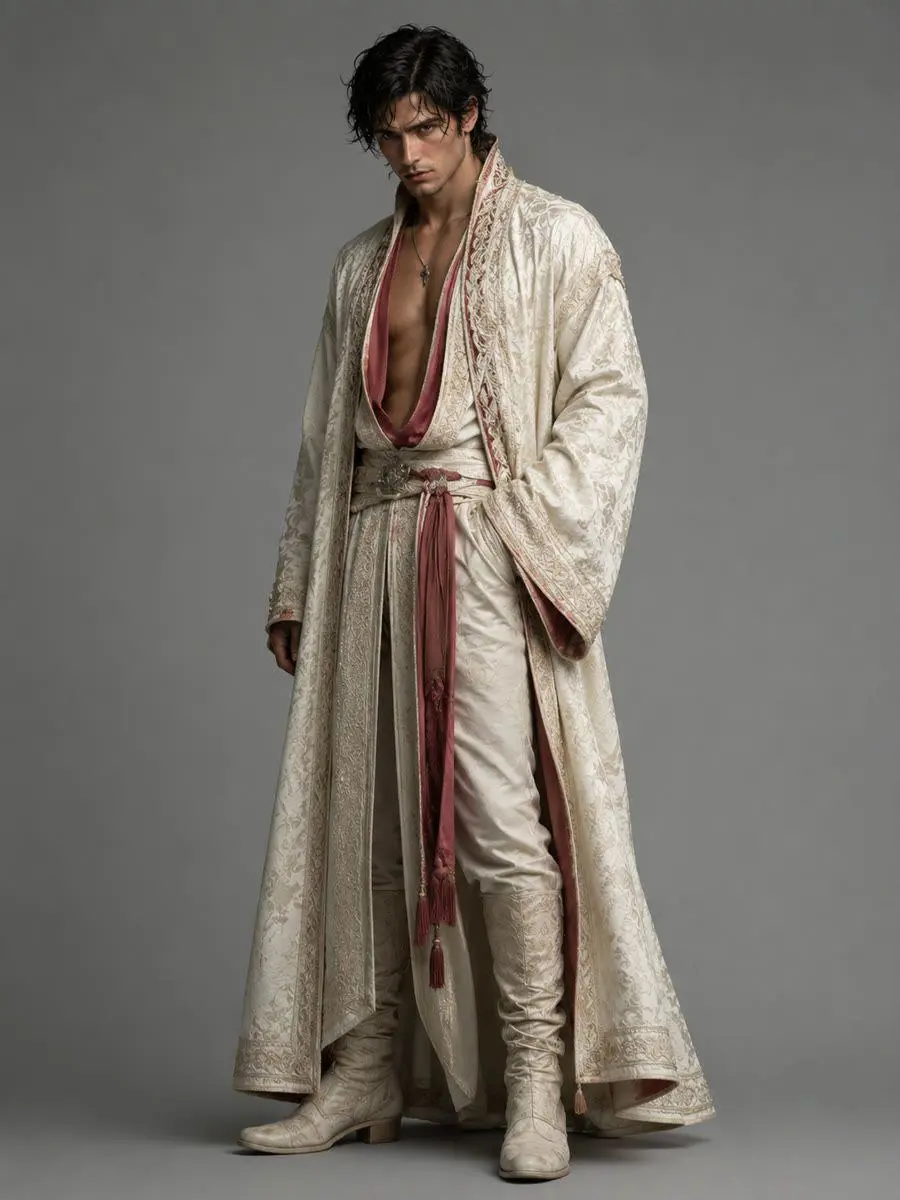
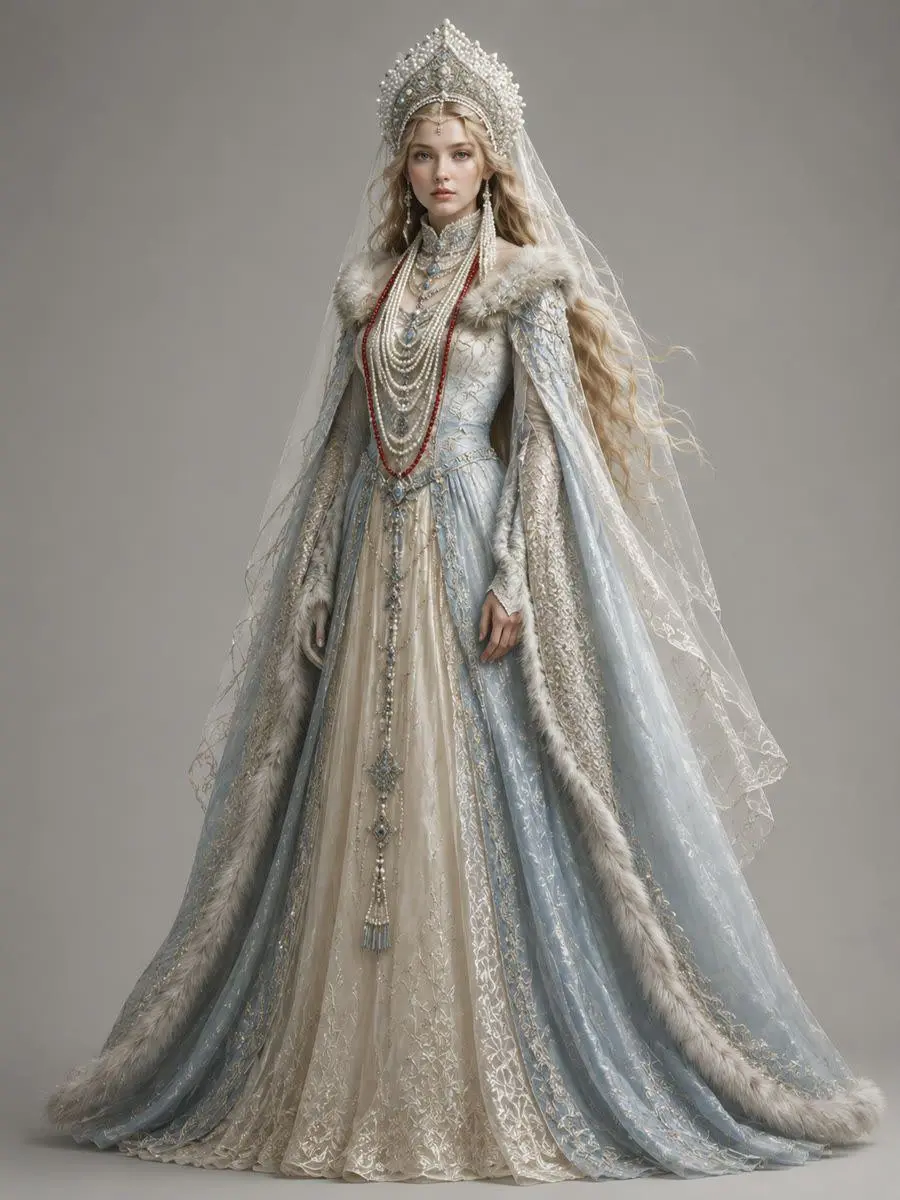
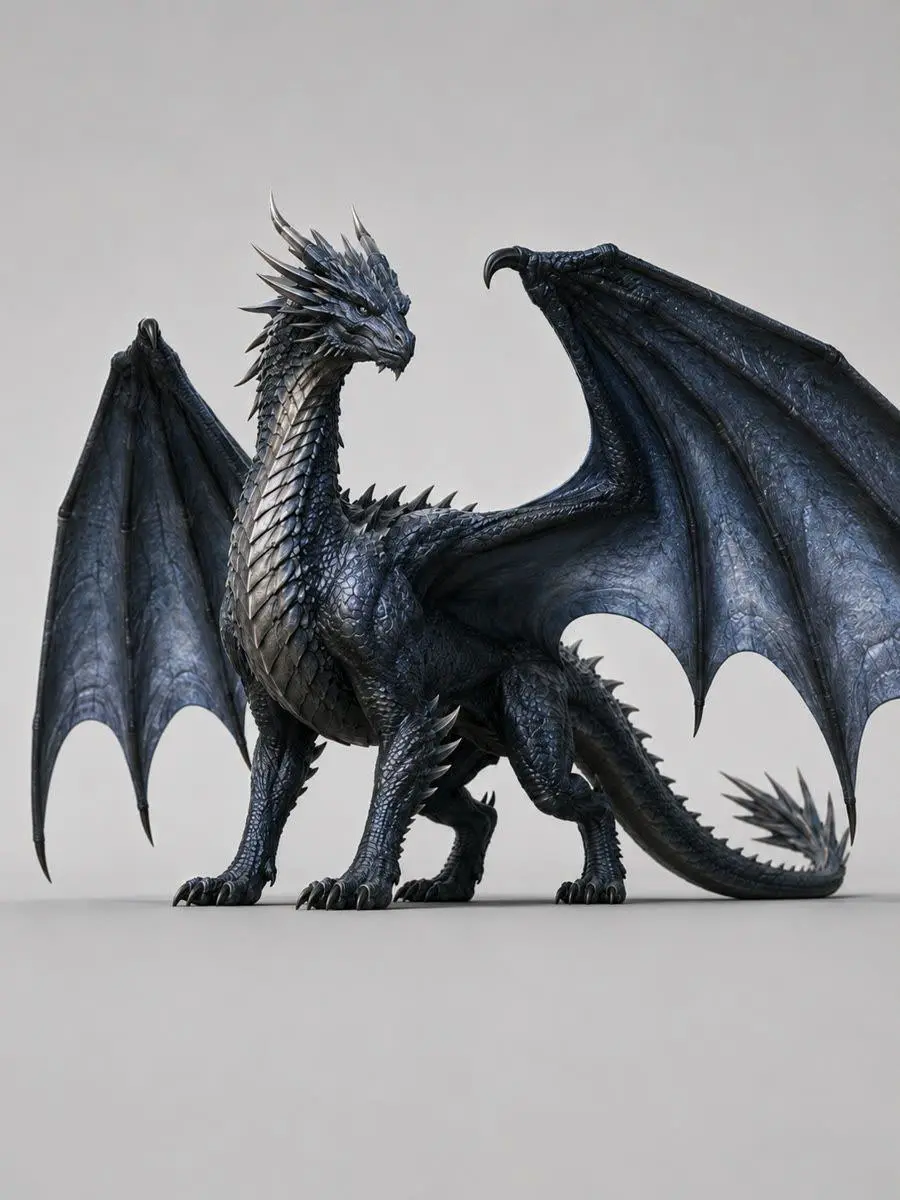
Create a 30-second cinematic vertical fantasy trailer set in a frozen mountain kingdom. Keep the heroine, the male lead, the dragon, their costumes, and the color palette consistent across every shot. Begin with an extreme close-up of the heroine in falling snow, reveal a sacrificial altar and a dragon descending through the storm, then move to her escape through an abandoned ice-covered castle. End with the heroine confronting the male lead at the edge of a snowy cliff. Use fast trailer editing, cold blue lighting, restrained orchestral music, wind and snow ambience, and two short lines of whispered voice-over.
A Blender, Elevated
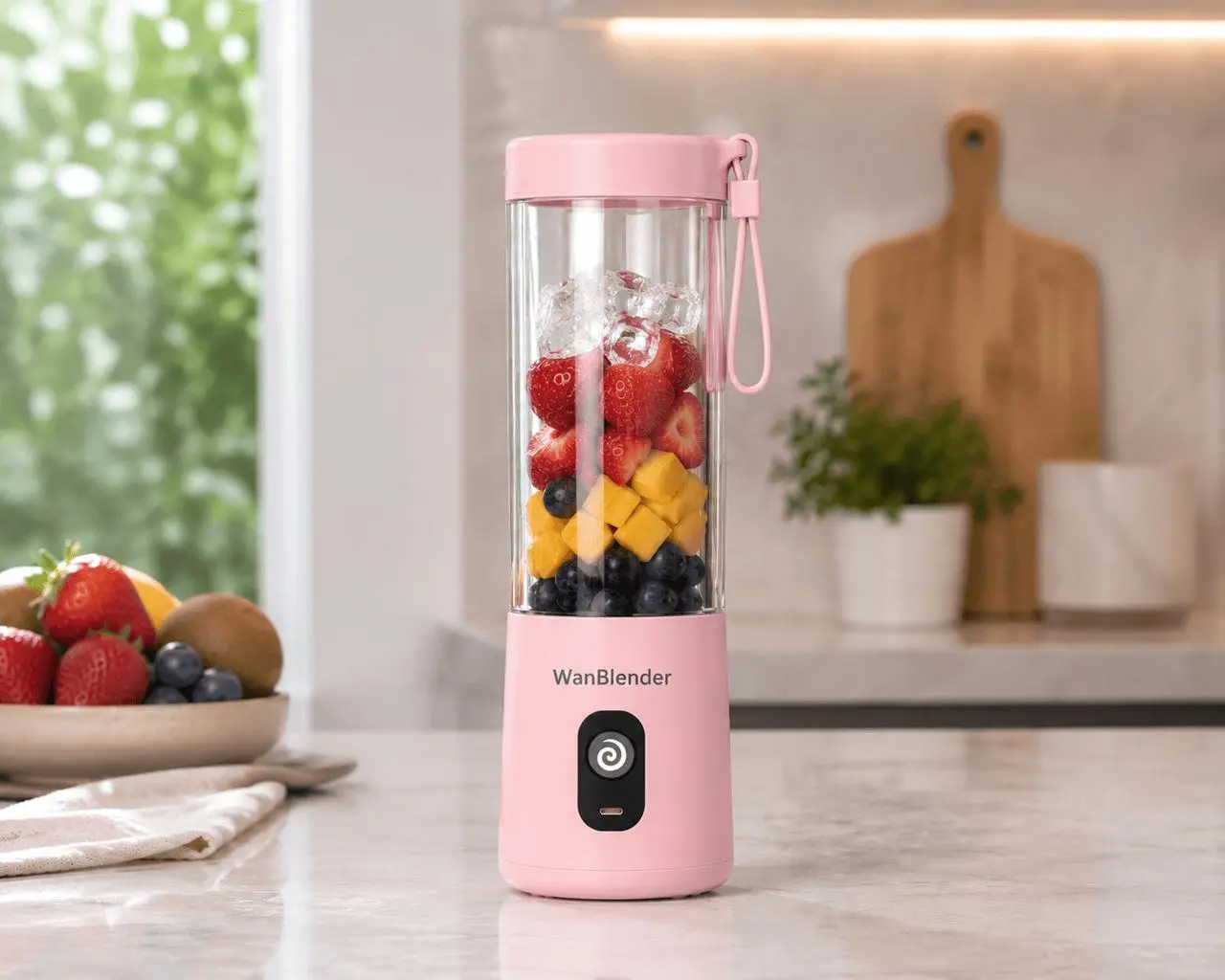
A 30-second vertical UGC advertisement that keeps the presenter, pink portable blender, kitchen, and outfit consistent through dialogue and product close-ups.
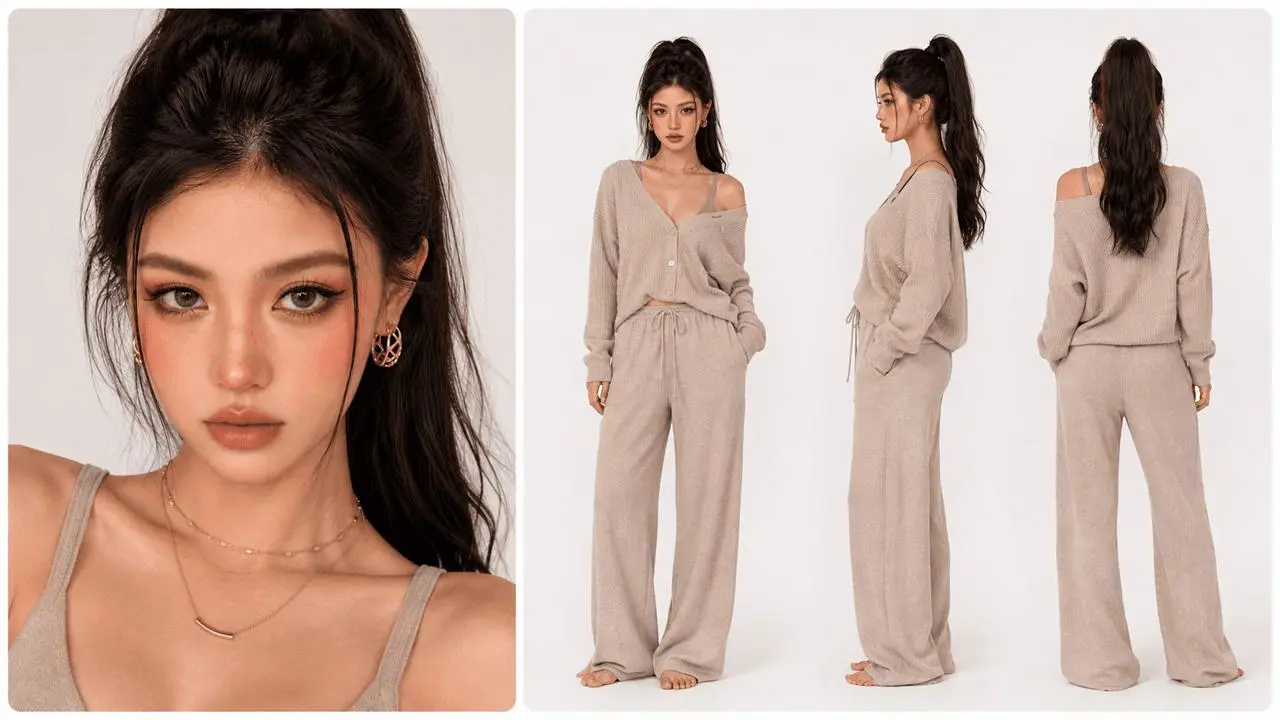
Create a 30-second premium vertical UGC ad using Image 1 for the pink portable blender and kitchen, and Image 2 for the presenter and outfit. Keep the presenter, blender design, and kitchen consistent. Open with a direct-to-camera introduction. Show fruit and ice entering the cup, the lid being secured, and the power button being pressed. Keep the blender upright as it blends. Return to the presenter, show the smoothie being poured into a glass, then end with her taking a sip. Use natural jump cuts, soft daylight, realistic dialogue, kitchen ambience, blending and pouring sounds. Add no subtitles or text overlays.
Eight Languages, One Beat
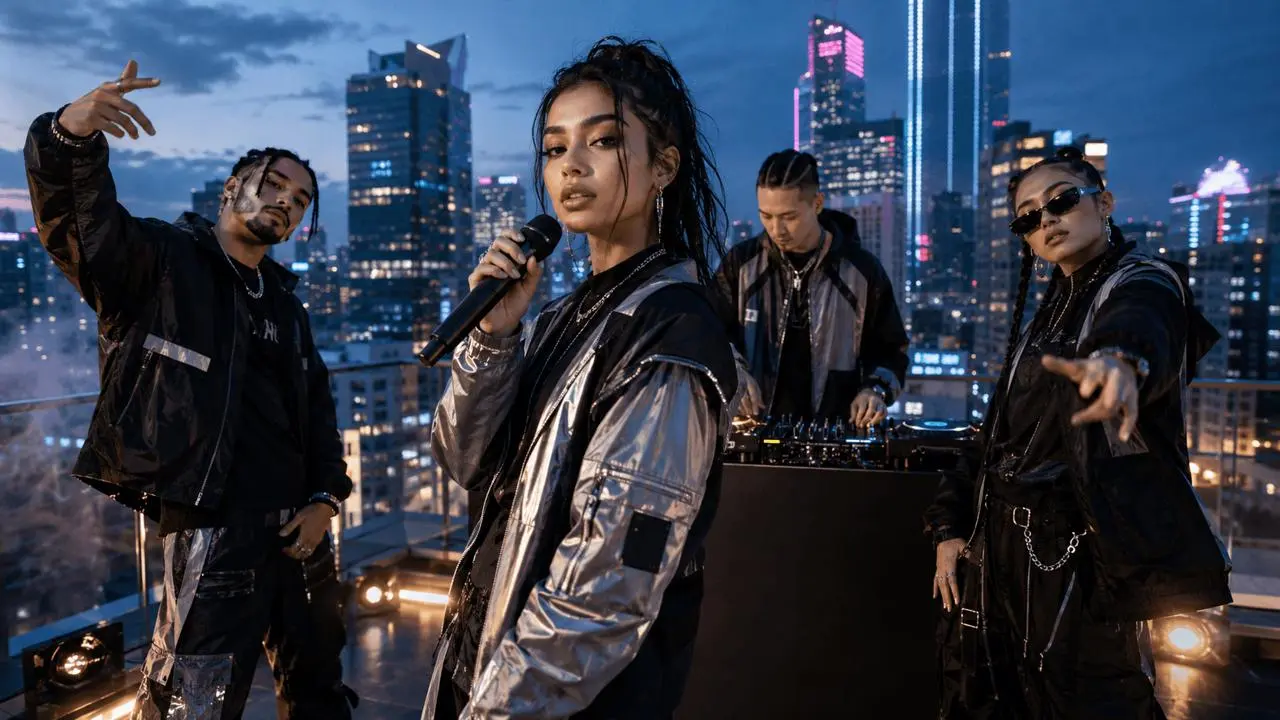
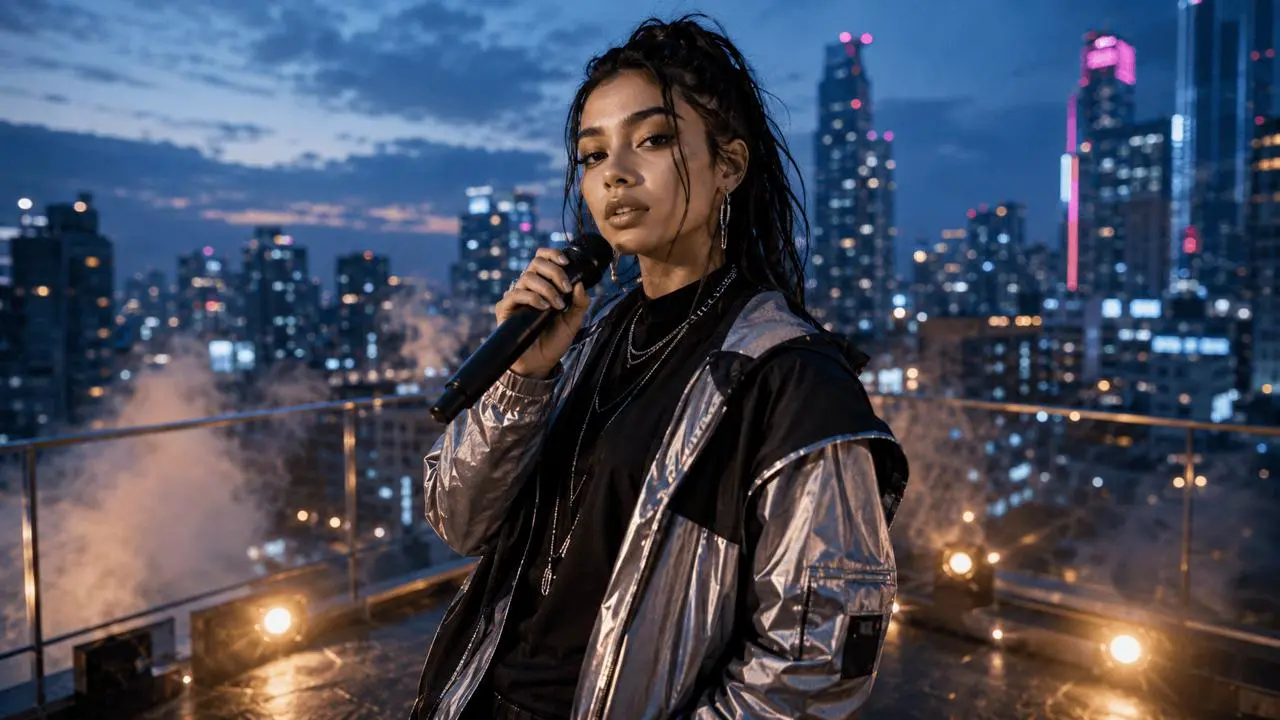
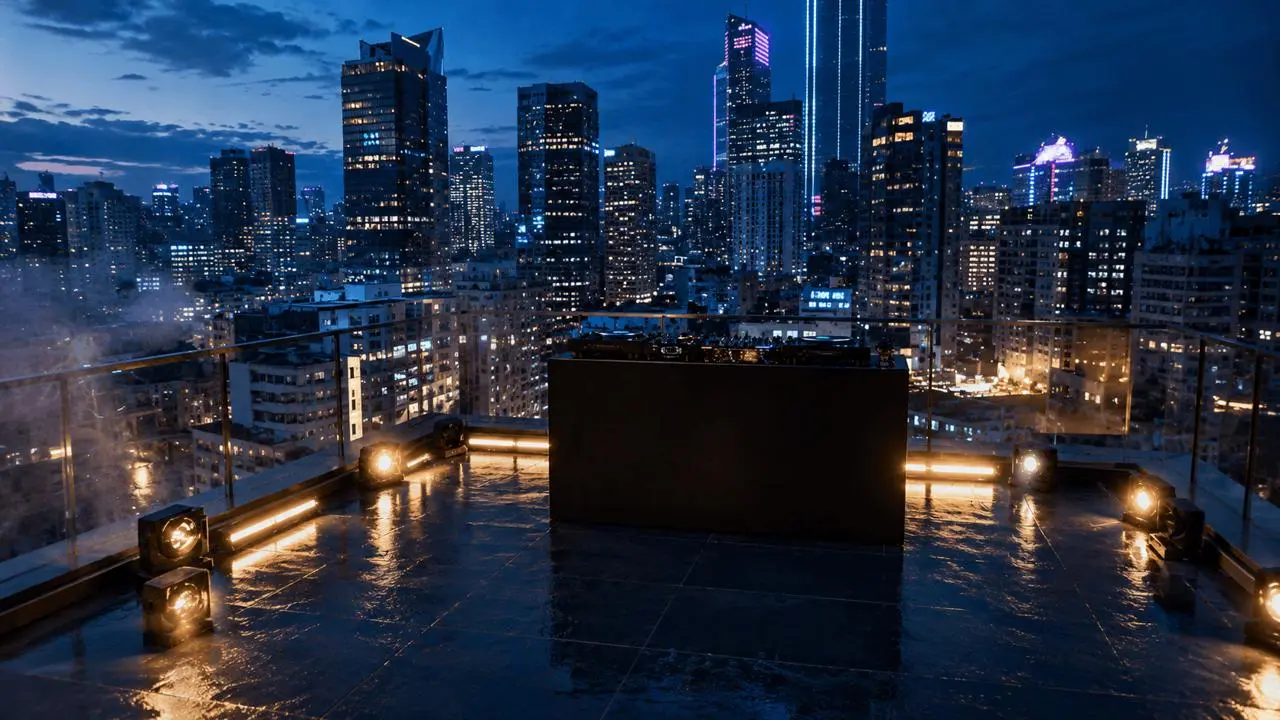
A multilingual rooftop performance that preserves the lead vocalist, four-person lineup, stage, camera axis, voices, lip sync, and beat throughout the sequence.
Create a 24-second rooftop music performance with one lead vocalist and a four-person backing lineup. Keep every performer's face, clothing, position, and voice consistent. Let the lead vocalist move naturally between multiple languages while staying on beat. Alternate between a wide stage view, medium performance shots, and close-ups with accurate lip sync. Preserve the rooftop environment, evening lighting, camera axis, rhythm, and spatial relationships throughout the video.
WHAT IS WAN 3.0?
One Model for Complete Audio-Visual Creation
Wan 3.0 is Alibaba's unified video generation model for longer storytelling and multimodal creative direction. It can generate videos from text and supported references, create native dialogue and sound, preserve important visual details across multiple shots, and produce clips up to 30 seconds at up to 1080p.
Native 30-Second Storytelling
Give the setup, action, camera movement, dialogue, and ending enough time to develop in one generation instead of stitching together several short clips.
Multimodal Creative Direction
Guide the result with up to 10 images, 5 video clips, and 5 audio clips. Use documents or web pages when the story begins with structured information rather than a finished visual.
Native Dialogue, Music, and Sound
Generate spoken lines, background music, ambience, and sound effects together with the picture so the performance and audio timing feel connected.
Stronger Visual Consistency
Keep characters, products, props, voices, locations, visual style, and spatial relationships recognizable across longer sequences and multiple shots.
Made for Real Creative Work
30-Second Brand Films
Build a complete campaign story with multiple shots, consistent subjects, dialogue, music, and sound effects.
Product and UGC Ads
Keep presenters, products, voices, and locations consistent across demonstrations, close-ups, and calls to action.
Multi-Character Stories
Direct longer dialogue and narrative scenes while preserving character identity, environments, and spatial relationships.
CREATION MODES
Choose the Right Way to Start
Text to Video
Start with a written idea and direct the subject, action, shot order, camera movement, lighting, dialogue, music, and sound.
Image to Video
Animate a character, product, illustration, or scene while using the source image to preserve composition and recognizable details.
First and Last Frame
Define how the video begins and where it should end, then let Wan 3.0 create the movement and transition between both frames.
Reference to Video
Combine images, videos, and audio to guide identity, styling, motion, camera language, voice, rhythm, and environment in one generation.
Learn six writing techniques through official Wan 3.0 examples. Read each breakdown, inspect the reference galleries where provided, and watch the corresponding result. The copyable prompts are the full prompts published in Alibaba Cloud’s guide; the explanations are our summaries.
Assign Each Reference a Clear Role
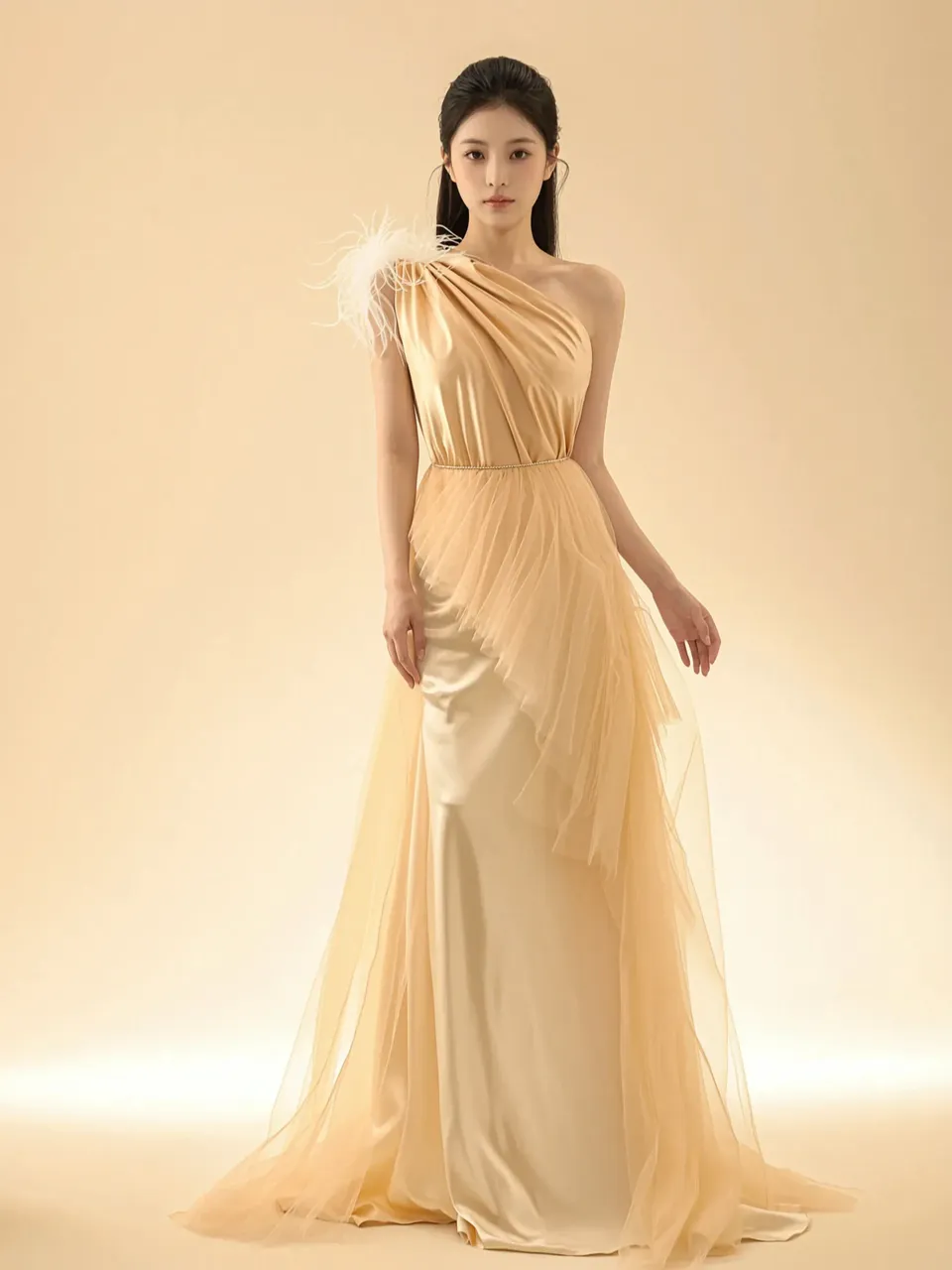
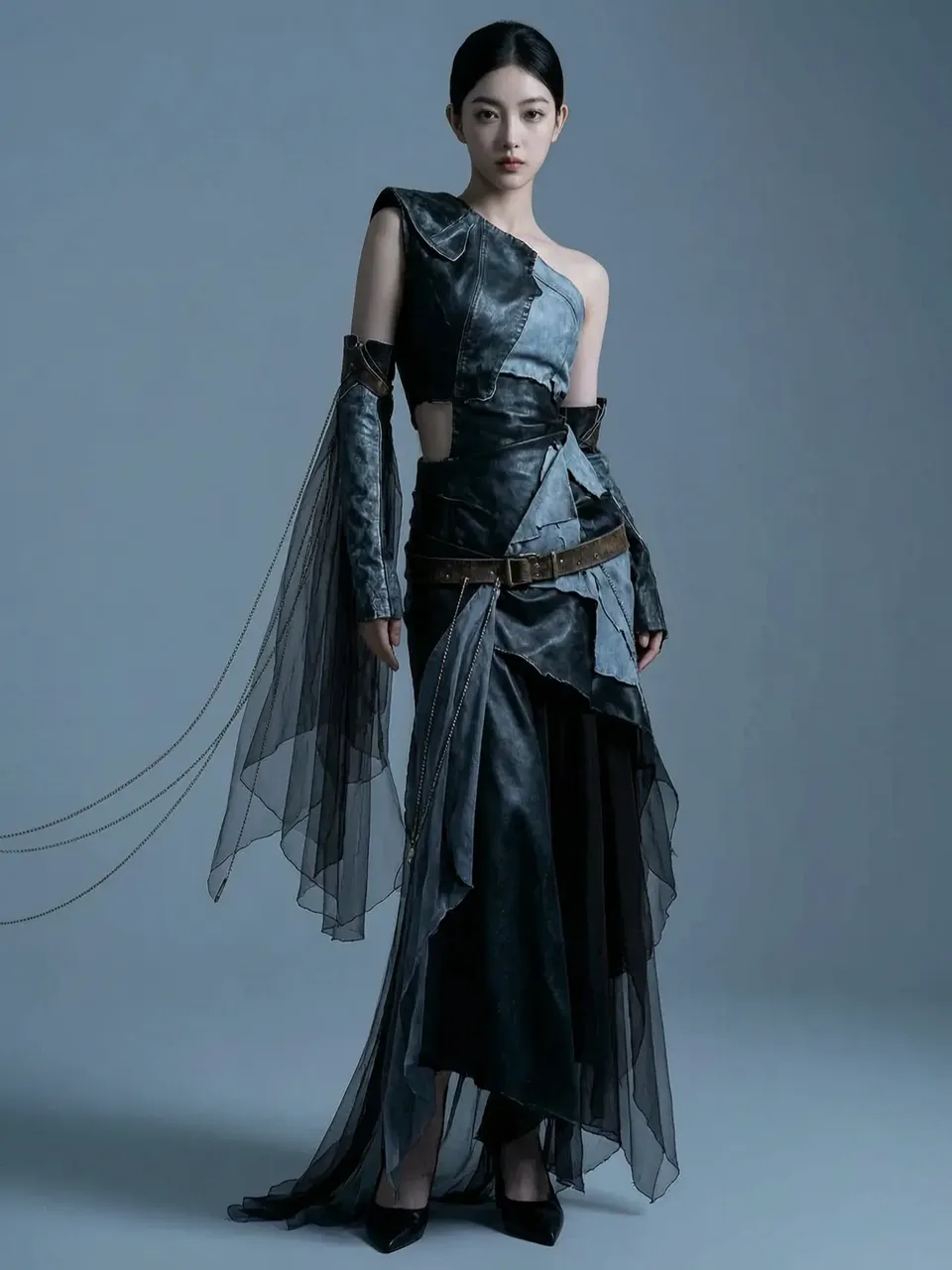
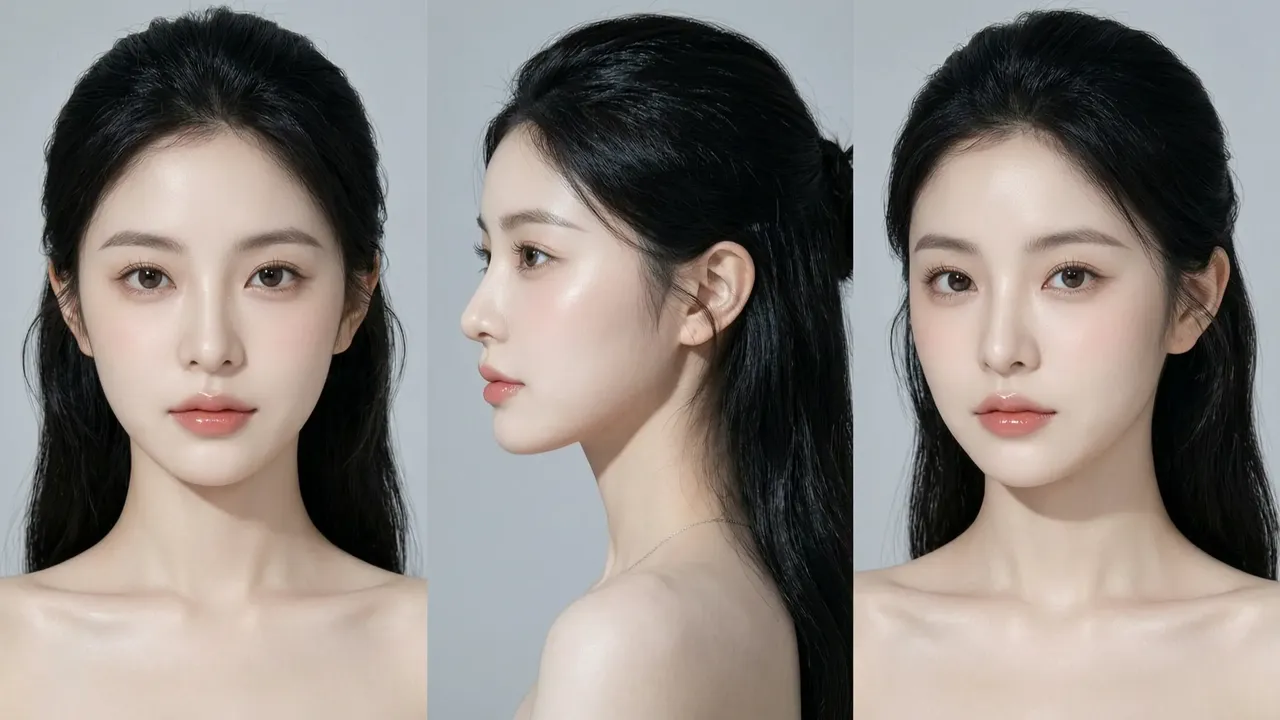
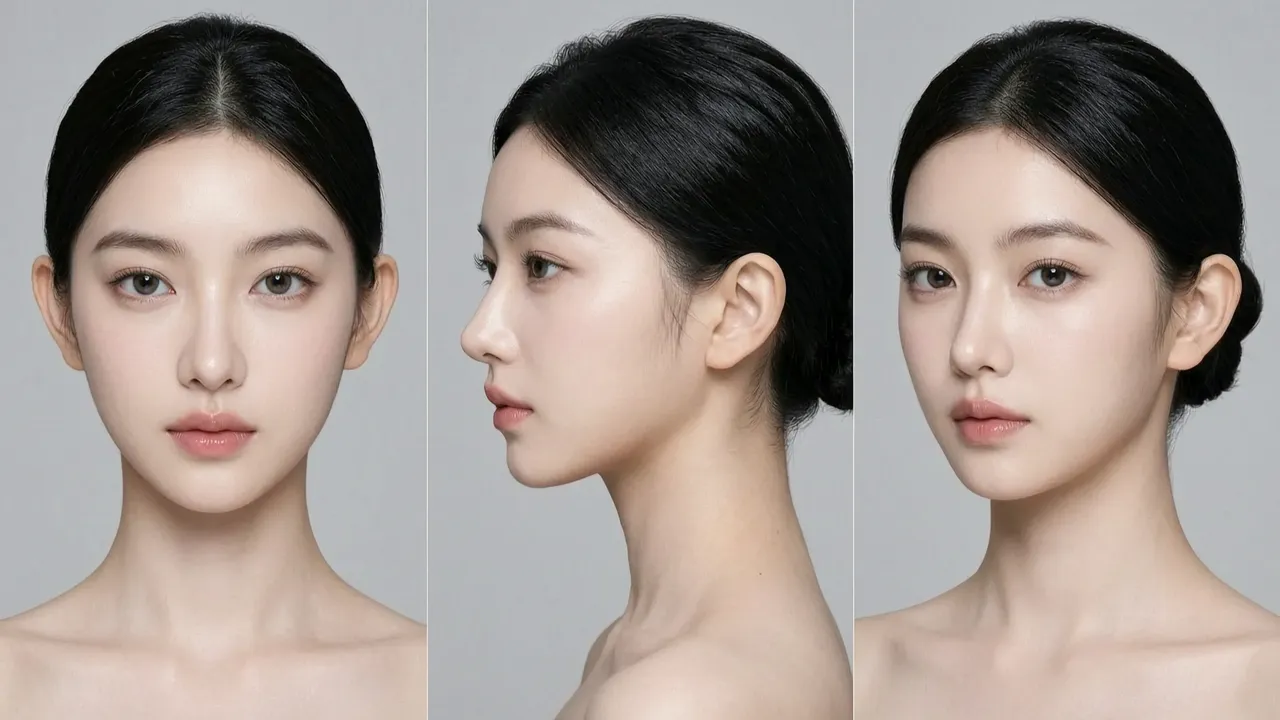
Assign separate references to each person and outfit, then repeat their roles in the shot descriptions. The official fashion prompt names two leads, a black leather suit, and a champagne silk dress. Its entrances, fabric close-ups, and final two-person shot show where those assignments are reused. The source’s image labels are inconsistent with some visible reference contents; check the gallery before copying its numbering.
Cinematic dual-heroine fashion film, extremely fast pace, pure hard cut editing logic, shot on Arri Alexa 65 and Panavision anamorphic widescreen lenses, Kodak Vision3 500T film texture, 8K resolution, photorealistic, no text. Facial features fully locked to girl A Image 1 and girl B Image 2.
[0-3s: high-speed entrance and contrast] (hard cut) Pure white minimalist space, cut by strong side light into sharp shadows. Left screen / left side: girl A Image 1 wearing the black deconstructionist leather suit of Image 3, cold beauty under cold light, fast turn of the head staring into the lens. Right screen / right side: girl B Image 2 wearing the champagne gold flowing silk dress of Image 4, languid eyes under warm light, fast turn of the head staring into the lens. Authentic film grain.
[3-6s: extreme material close-up] (hard cut) Extreme macro close-up. Girl A referencing garment Image 3: cold light on the sharp folds and metal hardware of the black leather, a cold premium luster. Girl B referencing garment Image 4: warm light tracing her collarbone line, silk fabric flowing like water ripples, skin showing a hyper-realistic translucent dewy texture, fine peach fuzz visible.
[6-9s: tension crossing (high-speed photography)] (hard cut) The two walk toward each other in the pure white space, passing shoulder to shoulder. High-speed photography (1000fps slow motion). The hardness of the black leather and the softness of the champagne silk violently collide in the crossing instant, hems and hair flying in the air. In the 0.1 seconds of crossing, their eyes meet sharply.
[9-12s: back-to-back pressure] (hard cut) The two stand back to back. Strong side backlight (Rim light) simultaneously outlines both faces and a golden rim on their hair. They both turn their heads fast, staring into the lens. Expressions intensely pressuring, professional, radiating the confidence of top supermodels.
[12-15s: ease and freeze frame] (hard cut) The two stand shoulder to shoulder, slightly turning heads to look at each other, showing a highly infectious, relaxed and confident smile. The camera slowly pulls back (Slow zoom out), revealing the two's perfect proportions in a grand light-and-shadow space, the image fading in premium glow.
Camera movement: fast handheld, extreme push-in, high-speed photography slow motion, pure hard cuts, no flashy visual effects. Color: high-contrast black-white-gray base, accented with cold metallic luster and warm champagne gold, cinematic color grading.
Build the Story Shot by Shot
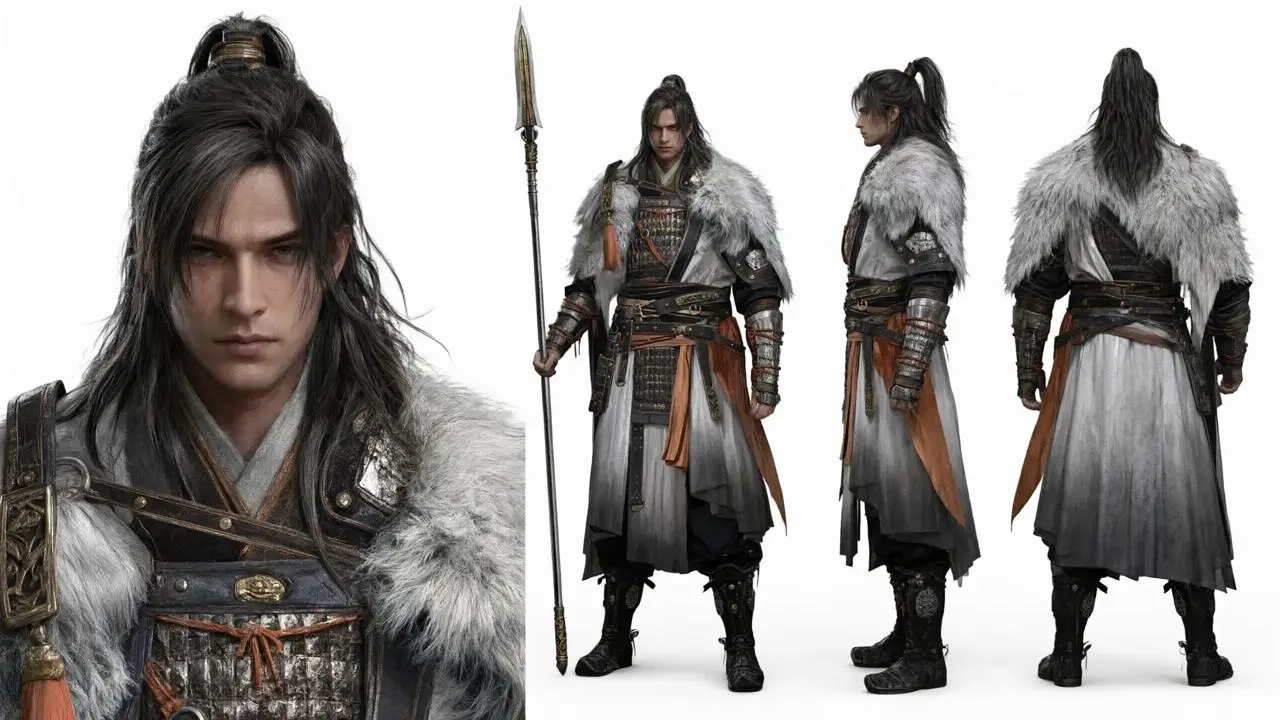
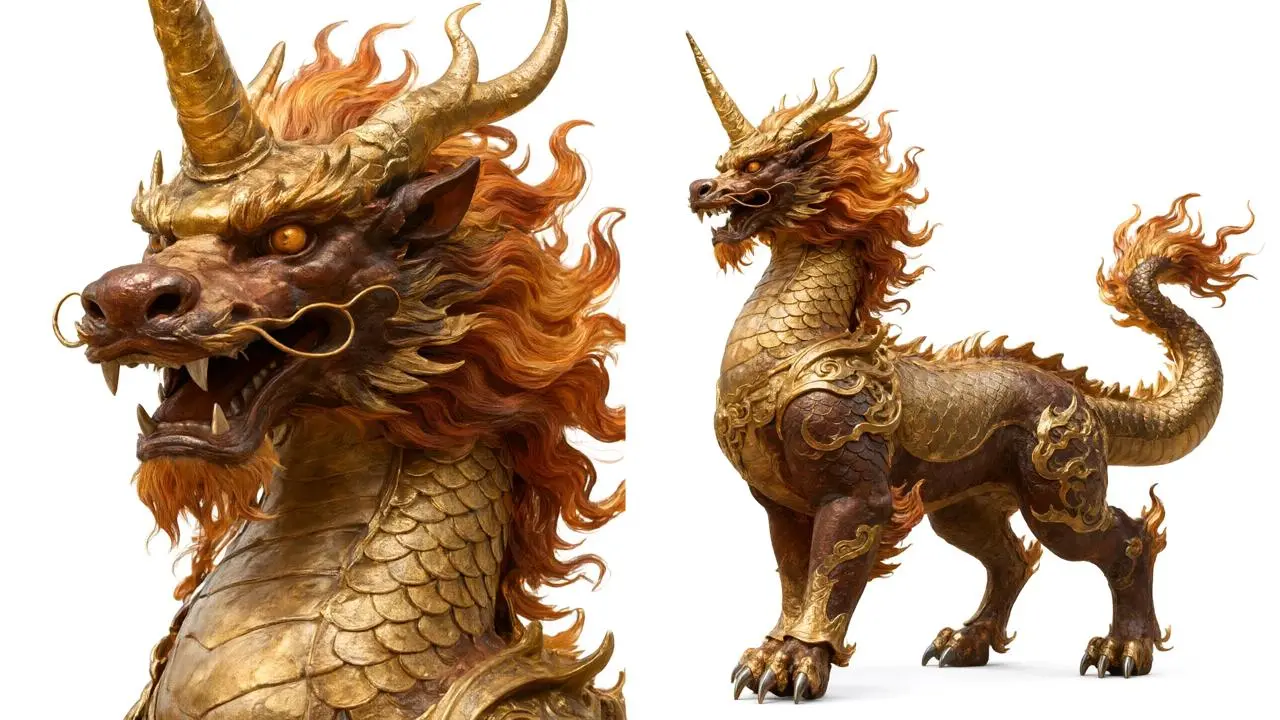
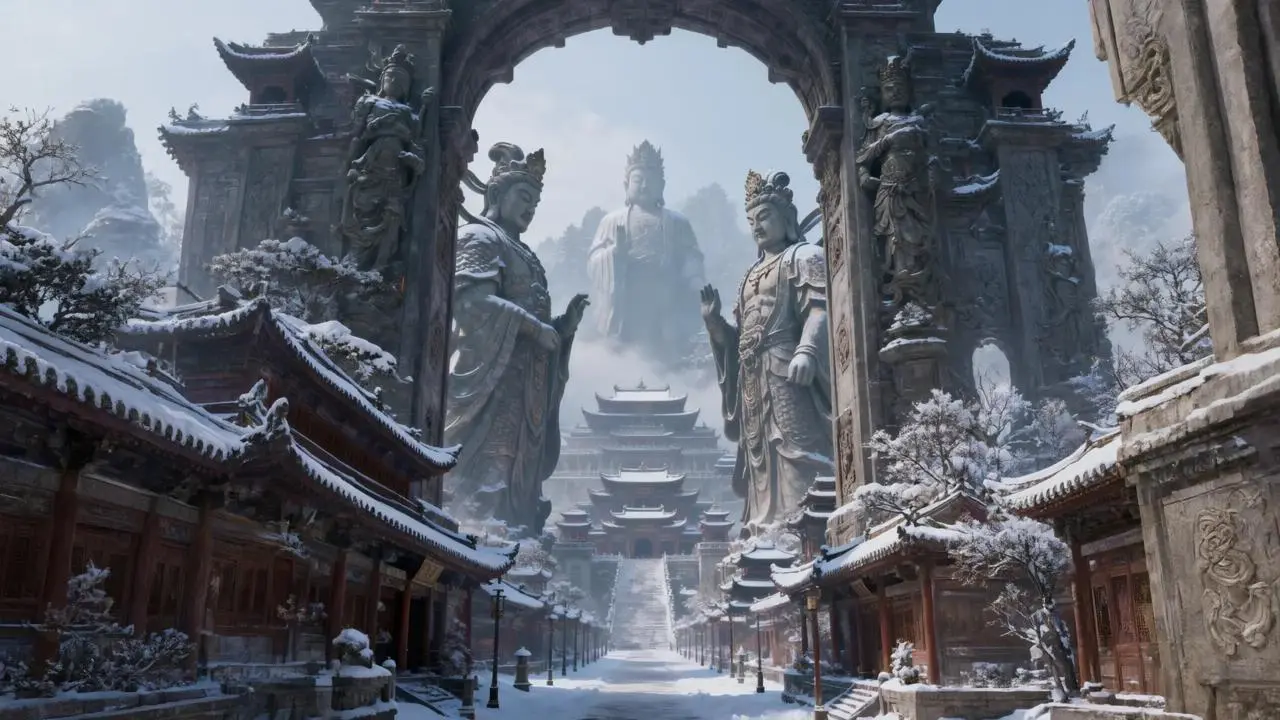
Give each shot a time range, framing, and action. The official qilin example moves from an establishing wide shot (0–3s), to a face-and-spear close-up (3–6s), to a slow push-in and spoken challenge (6–10s), then an orbit and low-angle climax (10–15s). Keep the general, mount, and pass connected across the sequence. The source’s image labels do not fully match the visible gallery contents; verify your own upload numbering before reusing the published prompt.
Eastern epic xianxia, majestic and imposing. A general in heavy armor holds a long spear, riding alone on a golden qilin, guarding the grand pass between two mountains as an enemy army surges like a black tide in the distance. 15 seconds, pacing shifts from steady restraint to explosive release. The general's appearance references Image 1, facial expression references Image 2, mount references Image 3, voice timbre references Audio 1.
Shot 1 (00:00-00:03): Extreme wide establishing shot, 24mm wide-angle, extreme low angle, camera static. A towering stone archway stands between two mountains; on each side stands a weathered giant stone statue of a warrior. The general rides the golden qilin alone before the gate, tiny yet unyielding. In the distance, the enemy black tide blankets the wilderness and slowly advances; dark clouds press down, fierce winds whip up sky-filling dust, tattered war banners snap in the wind.
Shot 2 (00:03-00:06): Close-up, 85mm telephoto, shallow depth of field. Half of the general's face, blood and dust on the temple, resolute eyes; cut to the hand gripping the spear, knuckles white. The qilin growls low and exhales white breath, golden scales shimmer with flowing reflections. The general speaks low: "This pass, I have guarded for ten years."
Shot 3 (00:06-00:10): Medium close-up, slightly low angle, camera pushes in very slowly. The general raises his eyes, killing intent surging within, and says in a deep voice: "Today, not one of you gets through." As the words fall, the qilin rears its front hooves high and slams them to the ground.
Shot 4 (00:10-00:15): The camera orbits 120 degrees around the general and descends to an extreme low angle, transitioning to an extreme wide shot. A three-headed, six-armed golden dharma form rises behind him, taller than the archway, moving in sync with the general; where the spear strikes the ground, radial cracks explode outward, a ring-shaped dust shockwave expands, the enemy black tide halts as one, and the silhouettes of the general and qilin stand in golden light.
Style and mood: Eastern epic, IMAX-scale spectacle, anamorphic widescreen, cinematic, film grain, high dynamic range; tragic and unyielding, the overwhelming presence of one man holding the pass.
Negative prompt list: No modern elements, no subtitles or watermarks, no extra characters, avoid facial distortion and continuity errors, avoid blur and low resolution.
Map a Continuous Camera Journey
For one continuous shot, state the viewpoint, route, obstacles, and changes in speed. The official LEGO example starts at miniature ground level, threads past books, keyboards, and chair legs, enters a busy human activity zone, then eases into a parts area before a final pull-up. Its time ranges describe one moving viewpoint rather than a series of cuts.
Core: cinematic hyper-realism, first-person LEGO-brick perspective, one continuous shot gliding smoothly through, hardcore adventure with a cold hard-edged texture; no dialogue, no BGM, only high-fidelity ambient sound; 15 seconds of high-speed thrilling danger-evasion throughout, amplifying the LEGO plastic texture and the sense of scale contrast.
Visuals: LEGO-brick perspective bursting into a giant human home scene; floor = wilderness, tabletop = wasteland, books = cliffs, water cup = skyscraper tower, keyboard = machinery cluster; hands and footsteps bring intense oppressive presence, no cartoon feel, faithful to home-scene logic.
Shot list (15 seconds)
0-2s: miniature low-altitude POV, launched from the edge of the floor/tabletop, skimming the ground at full speed, ultra-wide angle amplifying scale contrast, quickly pulling the viewer into the micro-adventure.
2-5s: high-speed traversal, brushing past LEGO parts, books, pens, keyboards, water cups, dodging the shadow of a hand, skimming the ground / diving / squeezing through gaps, extreme obstacle avoidance.
5-8s: high-risk threading, sliding toward the sofa, threading through chair legs, rushing the book-page cliff, dodging the water cup / human footsteps, tempo increasing, danger maxed out.
8-11s: breaking into the human activity zone, dodging typing, page-turning, and drinking motions; keyboard roaring, page-turning like a gale, extreme danger-evasion threading.
11-13s: bursting out of danger, entering the half-assembled / parts zone of LEGO, atmosphere briefly easing, clarifying the LEGO perspective.
13-15s: sharp pull-up and freeze-frame on the finished LEGO build, leaving giant home-scene afterimages in the background; a sharp, memorable finish.
Sound: no BGM; opening wind-shear / plastic-friction sounds; mid-section keyboard / paper / footstep / vibration sounds; latter half plastic snap-fit / faint wind sounds, amplifying the scale contrast.
Choreograph to the Audio
Supply an audio reference and describe how movement follows its changing rhythm. In the official kitchen dance example, strong drum beats call for large, crisp moves and holds; gentler passages use softer waves and hand gestures; the chorus becomes denser and more explosive. A fixed full-body shot keeps the choreography in view.
Vertical 9:16, full-body shot, fixed and stable camera. A young woman with long black hair, wearing a white floral-embroidered long-sleeve top, a white pleated mini skirt with a black belt, and white platform sneakers, dances in an idol-style routine in a modern minimalist kitchen, following the beat of the fixed audio. The background is light-gray cabinetry, a white island counter, and a dark night-view window; behind the figure is a square fill light forming a rim light, with indoor cool-white lighting.
Choreograph the dance according to the rhythm, speed, and emotional swells of the fixed audio: heavy drum downbeats correspond to crisp, large-range movements and hold poses; gentle passages correspond to soft body waves and hand gestures; the chorus-climax passages are denser and more explosive. Overall it is an idol-style dance, with movements coherent and fluid, full of rhythm and expressiveness, perfectly in sync with the audio beat.
Motion is smooth, limb proportions natural.
Make the Visual Style Concrete
Describe visible materials, lighting, color, and mood. The official corgi example specifies fluffy plush-like fur, a soft warm key light, slight rim lighting, and saturated warm colors. It then changes the corgi’s expression from anticipation to confusion and frustration, tying the cozy animated look to the comedy.
[Style/Lighting/Atmosphere] 3D Pixar/Disney animated film quality, hyper-realistic plush-material rendering, fluffy soft fur detail, soft warm key light + slight side backlight, delicate highlight-to-shadow transitions, clean translucent frame, minimalist black background to make the subject pop, high-saturation warm color palette, healing cozy atmosphere, comedic contrast-cute, adorable soft-squishy character expressions, natural emotional progression, 8K ultra-clear, cinematic detail, cartoon render, The Secret Life of Pets / Zootopia style, no text or watermarks, pure visual. [00:00-00:02 medium close-up] A short-legged corgi sits on a wooden floor, its round rump planted, tail wagging frantically, grinning happily, face full of excited anticipation, staring at a rolling colorful ball of yarn, warm light on its fluffy orange-and-white fur, soft highlights at the fur's edges. [00:02-00:04 close-up] The corgi leans in to grab the yarn ball in its mouth; the ball suddenly veers and slips away; the corgi tilts its head and squints, face full of confused puzzlement, the yarn ball's reflection shining in its bright black eyes, soft reflections forming on the yarn ball's surface. [00:04-00:07 fast cutting] The corgi repeatedly lunges, bites, and paws, failing again and again; the yarn ball rolls back and forth, constantly dodging; the corgi shifts from puzzled to agitated and annoyed, its tail going from wagging to stiffly swaying; the warm lighting sways slightly with each lunge, heightening the comedic rhythm. [00:07-00:10 tempo increases] The corgi rises on its hind paws and pounces, chasing back and forth, short legs bobbing as it runs, its round rump swaying along, the yarn ball bouncing elastically and veering in exaggerated escapes, the lighting tracing the corgi's round body silhouette. [00:10-00:12 slow motion] The corgi's front paws pin the yarn ball firmly, but the ball instantly slips free and escapes; the corgi lunges and misses, flops on the ground, head resting on its paws, face full of frustrated disappointment; in slow motion the fluffy fur texture and the soft light feel even cozier. [00:12-00:15 climax] The corgi bounces in place and paws the ground, the yarn ball bounces up and smacks its face then slides off; the corgi first goes blank with shock, eyes wide, then its face falls, ears drooping, finally freezing in a breakdown as warm highlights hit its pitiful little face — funny and heartwarming at once.
Guide the Start and End Frames
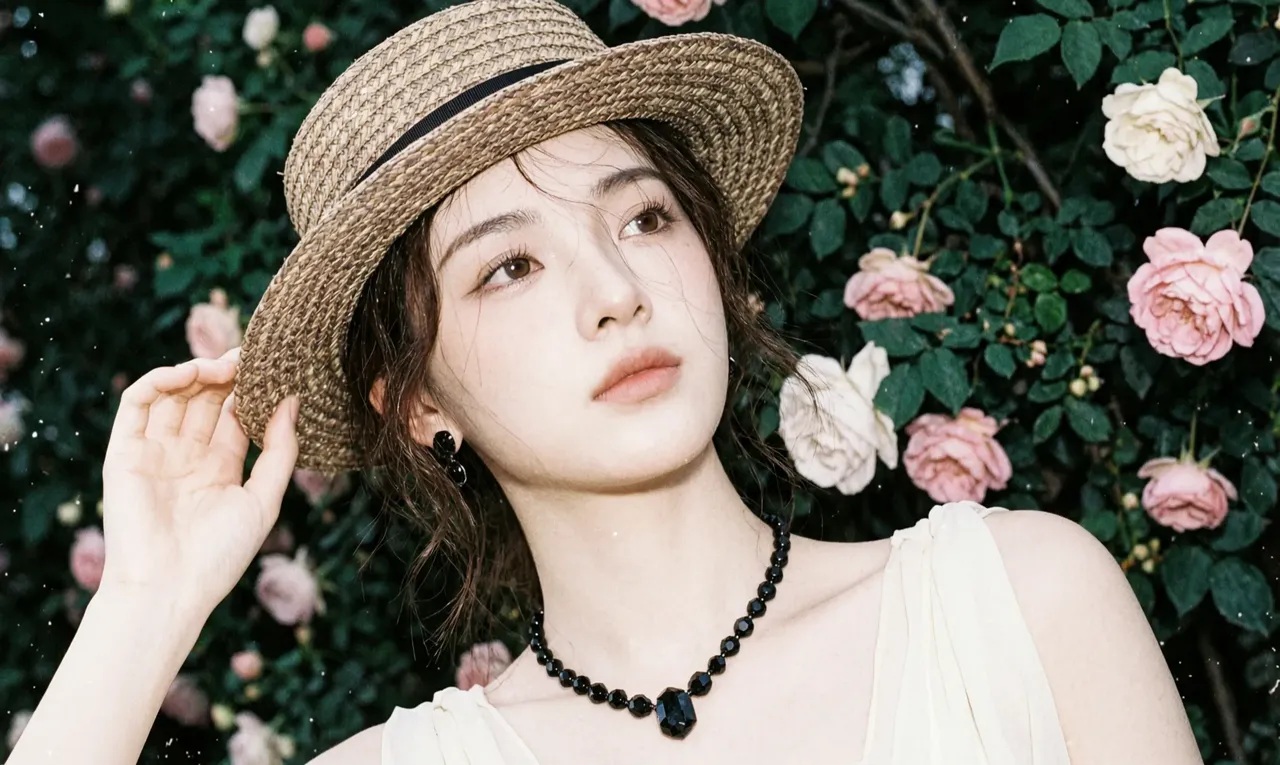
Use first and last images to define the opening and ending, then describe the changes between them. In the official garden example, the prompt moves from a woman touching her hat beside roses, to a change in expression, then to a rainy car-window scene and a final close-up. With the visual anchors supplied, focus your writing on motion, story, and camera direction.
Shot 1 (00:00-00:08) Beautiful past:
35mm film stock, a vintage sunlit garden. An elegant woman wearing a straw hat, a black necklace, and a white dress stands before a wall of blooming roses. The wind stirs her hair; she lightly touches the hat brim, her gaze tender with a trace of contemplation. The camera slowly pushes in, natural light flares, soft warm tones, shallow depth of field, exquisitely delicate motion, 4K high quality.
Shot 2 (00:08-00:15) Turn of mood:
Cinematic close-up. The woman slowly removes the straw hat from her head and lowers her gaze, her expression carrying a faint wistfulness and longing. A soft breeze passes; the light and shadow shift subtly, conveying a story-like narrative atmosphere. 35mm film texture, deep and elegant, cinematic lighting.
Shot 3 (00:15-00:23) Return to reality — inside the car:
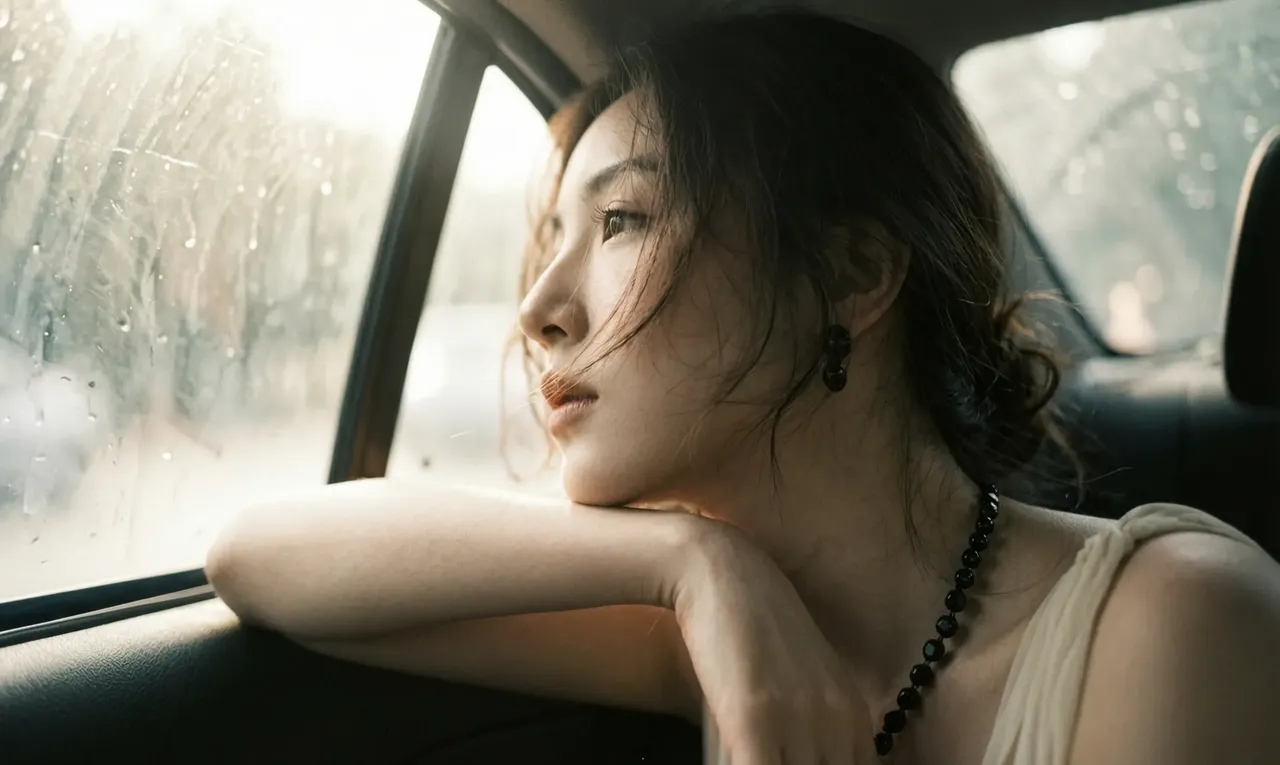
View from the back seat of a moving car, the same woman in profile, her hand resting on the door, gazing out the rain-streaked window. Blurred greenery and dappled light outside rush backward; the light inside the car is dim yet warm. Her profile is refined, highly cinematic in emotional feel, authentic film grain, slow cinematography, elegant and melancholic.
Shot 4 (00:23-00:30) The final gaze:
Extreme facial close-up. Beside the car window, the woman slowly closes her eyes, revealing a calm, released expression. Raindrops glide slowly down the window glass; the focus gradually shifts onto the raindrops on the glass, the background figure blurs, and the picture slowly fades to black. Wong Kar-wai-style cinematic feel, deeply emotional and fluid.
HOW TO USE
How to Generate a Video with Wan 3.0
Choose a Creation Mode
Start with a written idea, an image, first and last frames, or a set of multimodal references.
Direct the Scene
Describe the timeline, subject, action, camera, lighting, dialogue, music, and sound. Add references for any identity, product, location, movement, or voice that must stay consistent.
Set, Generate, and Review
Choose from the available output settings, generate the video, then check continuity, motion, lip sync, product accuracy, and sound timing.
Wan 3.0 is Alibaba's unified AI video generation model for text-led, frame-guided, and multimodal reference workflows. It is designed for longer audio-visual stories with consistent characters, products, scenes, and sound.
How long can a Wan 3.0 video be?
Wan 3.0 can generate videos from 2 to 30 seconds, giving multi-shot stories, product demonstrations, dialogue, and camera movement more time to develop.
What resolutions does Wan 3.0 support?
Wan 3.0 supports 480p, 720p, and 1080p output at up to 30fps.
Does Wan 3.0 generate audio?
Yes. Wan 3.0 can generate dialogue, background music, ambience, and sound effects together with the video.
What references can I use with Wan 3.0?
Wan 3.0 supports image, video, and audio references, as well as document and web-page inputs. A generation can use up to 10 images, 5 video clips, and 5 audio clips.
Does Wan 3.0 support first and last frames?
Yes. You can guide the opening frame, or provide both a first and last frame to define the starting composition and intended ending.
Can I use people, products, voices, or branded materials as references?
Only upload materials you own or are authorized to use. Obtain the necessary consent and usage rights for identifiable people, voices, logos, products, and copyrighted assets.
What is the difference between Wan 3.0 and Wan 2.7?
Wan 3.0 increases the maximum duration from 15 to 30 seconds, expands the multimodal reference capacity, adds a 480p option, and brings text, frame-guided, and all-in-one reference generation into one model route.