In today’s digital age, having high-quality images is crucial for businesses, particularly in e-commerce and marketing. A common requirement is to remove backgrounds and cleanup pictures from images to make them stand out. This guide explores the top AI tools available for background removal: WeShop AI, Cutout.pro, VMake.ai, and PhotoRoom. We will compare their features, ease of use, and effectiveness to help you decide which tool best suits your needs.
Introduction
Removing backgrounds from images can transform the look and feel of your visuals, making them more professional and appealing. Whether you’re a photographer, marketer, or e-commerce business owner, using the right AI tool to remove backgrounds can save time and enhance your image quality. In this guide, we will delve into the top AI tools available, focusing on their unique features and benefits.
WeShop AI: The Comprehensive Solution
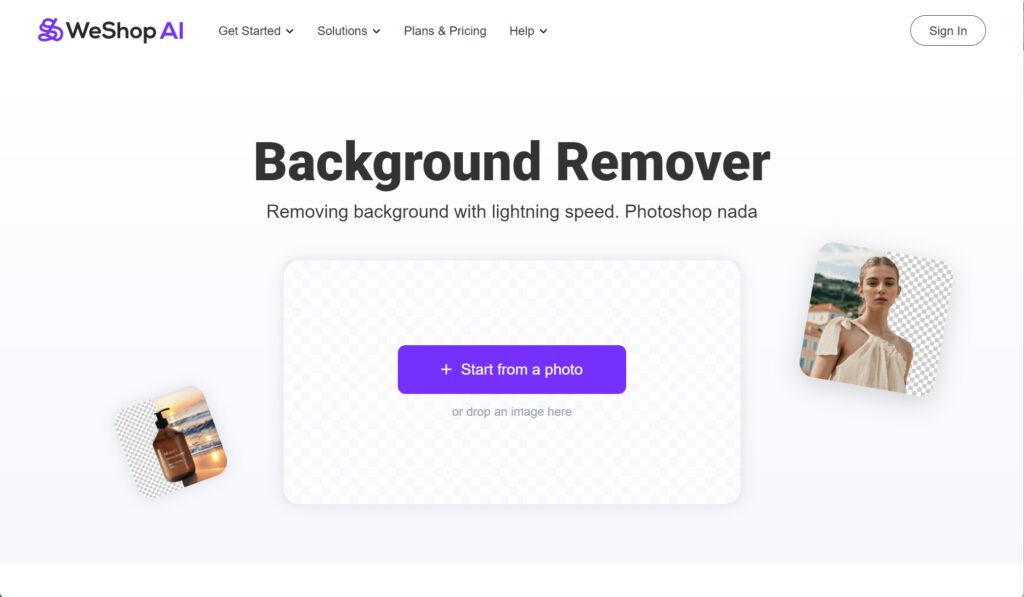
Key Features:
- Advanced AI Technology: WeShop AI uses cutting-edge AI to remove backgrounds accurately and efficiently.
- Custom Models: Create customized models by uploading just one model image, simplifying the customization process.
- Consistency Across Images: Maintain a cohesive visual identity with consistent background removal. Able to create consistent models across all images.
- Extensive Template Library: Choose from over 200 location templates to find the perfect backdrop for your images.
- Cost-Effective: Provides high-quality results at a fraction of the cost of traditional methods.
Why Choose WeShop AI?
WeShop AI stands out for its user-friendly interface, versatility, and affordability. It’s ideal for businesses of all sizes looking to enhance their visual content with minimal effort.
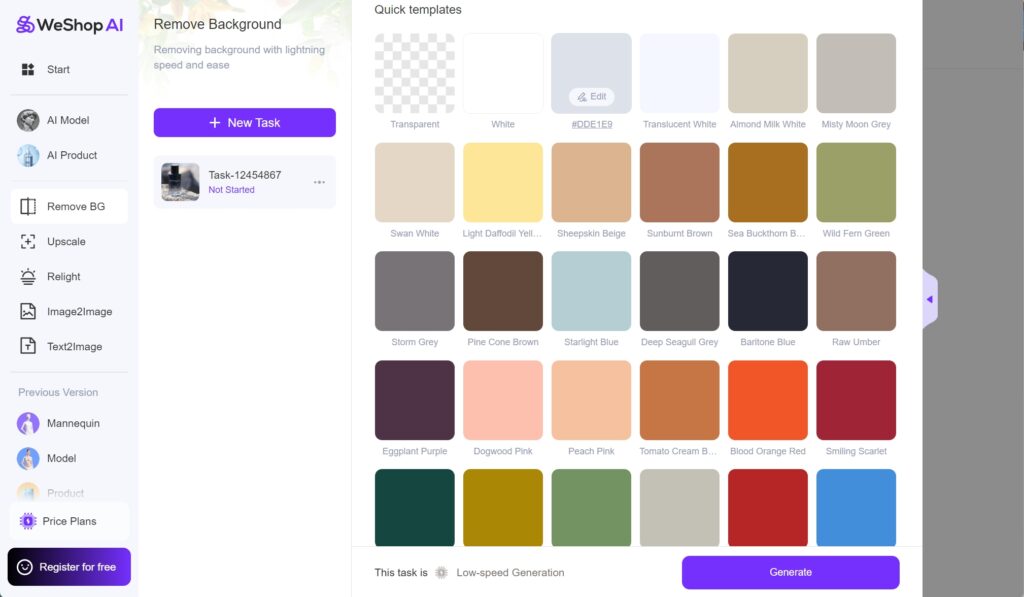
Cutout.pro: Precision and Batch Processing
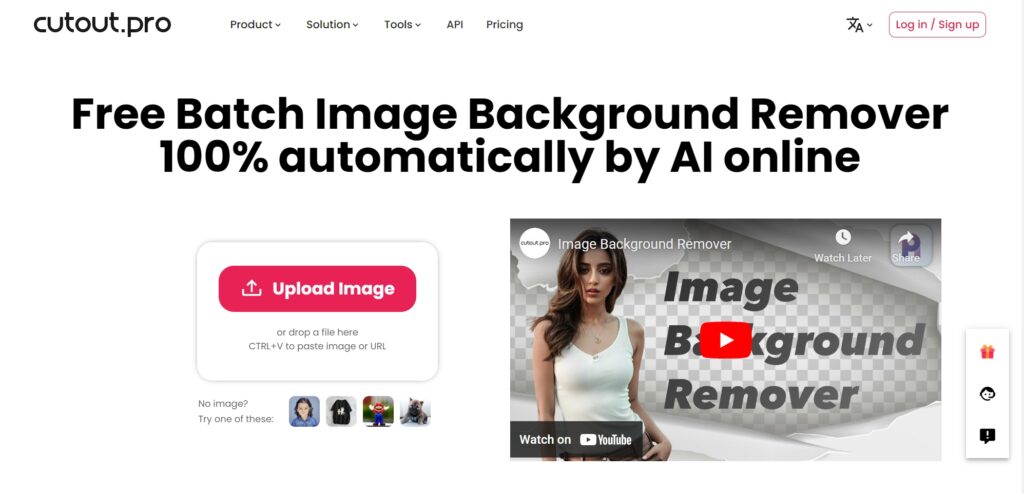
Key Features:
- AI Precision: Utilizes advanced AI algorithms for precise background removal.
- Batch Processing: Process multiple images simultaneously to save time.
- User-Friendly Interface: Easy to navigate and accessible for users of all skill levels.
Why Choose Cutout.pro?
Cutout.pro is great for users who need high accuracy and the ability to process multiple images quickly. However, it may lack some advanced customization options available in WeShop AI.
PhotoRoom: Creativity and Flexibility
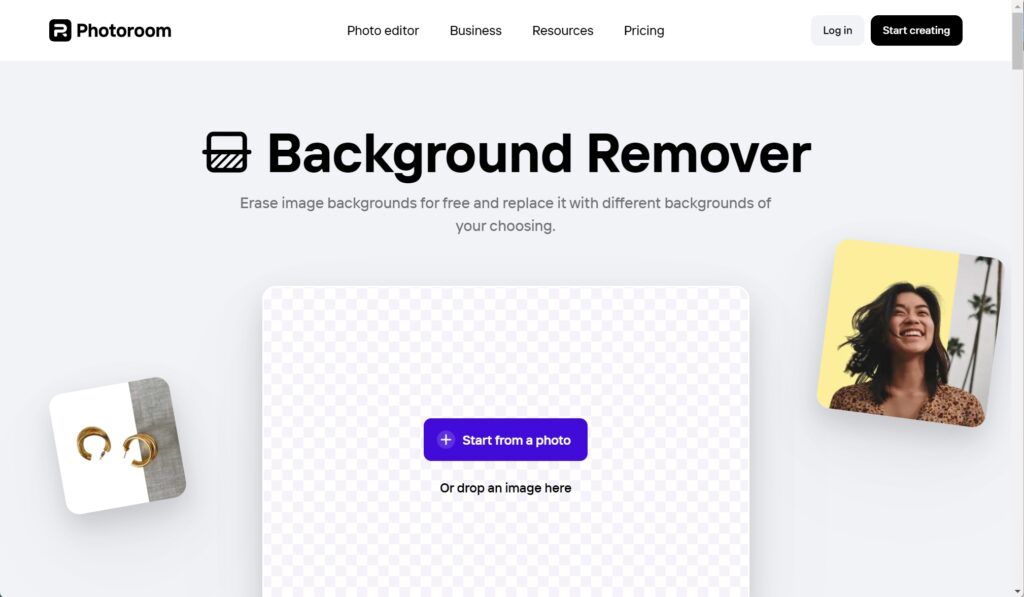
Key Features:
- Smart Background Removal: Uses AI to accurately remove backgrounds.
- Creative Templates: Offers a variety of templates for different use cases.
- Editing Tools: Includes additional editing tools for further customization.
Why Choose PhotoRoom?
PhotoRoom is suitable for e-commerce sellers and social media influencers who need a wide range of templates and editing options. However, it may be more expensive and complex for new users.
Choosing the Best AI Tool to Remove Backgrounds
When it comes to choosing the best AI tool to remove backgrounds, it ultimately depends on your specific needs and preferences.
- WeShop AI offers a comprehensive solution with advanced technology, customization options, and cost-effectiveness, making it ideal for businesses seeking to enhance their visual content.
By evaluating these features and comparing them against your requirements, you can choose the tool that best fits your needs and helps you achieve professional, high-quality images effortlessly.