
Make more with WeShop.
Clear, practical guides for every step of your creative workflow.
All articles
23 guides to get you started
WeShop AI User Manual and Tutorial
Get started with WeShop AI: sign in, upload a photo, choose what to keep, select a model and scene, generate an image, and download your result.
Read guide
AI Hands Fixer: The Ultimate Solution for Failed AI Hand Image
Repair extra fingers, distorted joints, and unnatural hands with a local mask, then review the result and recognize when a different base image is needed.
Read guide
AI Product Photography: Tips and Tricks for Best AI Photos
Refine the product selection, add reference scenes, adjust position and scale, choose output dimensions, and review AI product photography results.
Read guide
Almost Right Is Still Wrong—An AI Hands and Feet Fixer Quality Gate
Use a six-point review to judge hand and foot repairs, protect product details, and decide whether to repair again or regenerate.
Read guide
Content Safety and Generation Limits
Understand clothing-image safety boundaries, review restricted tasks, and find support for content or point-charge questions.
Read guide
Erase Objects with AI: A Practical Photo Cleanup Guide
Choose between brush-based cleanup and negative prompts to remove unwanted hats, glasses, and other objects while checking the finished image.
Read guide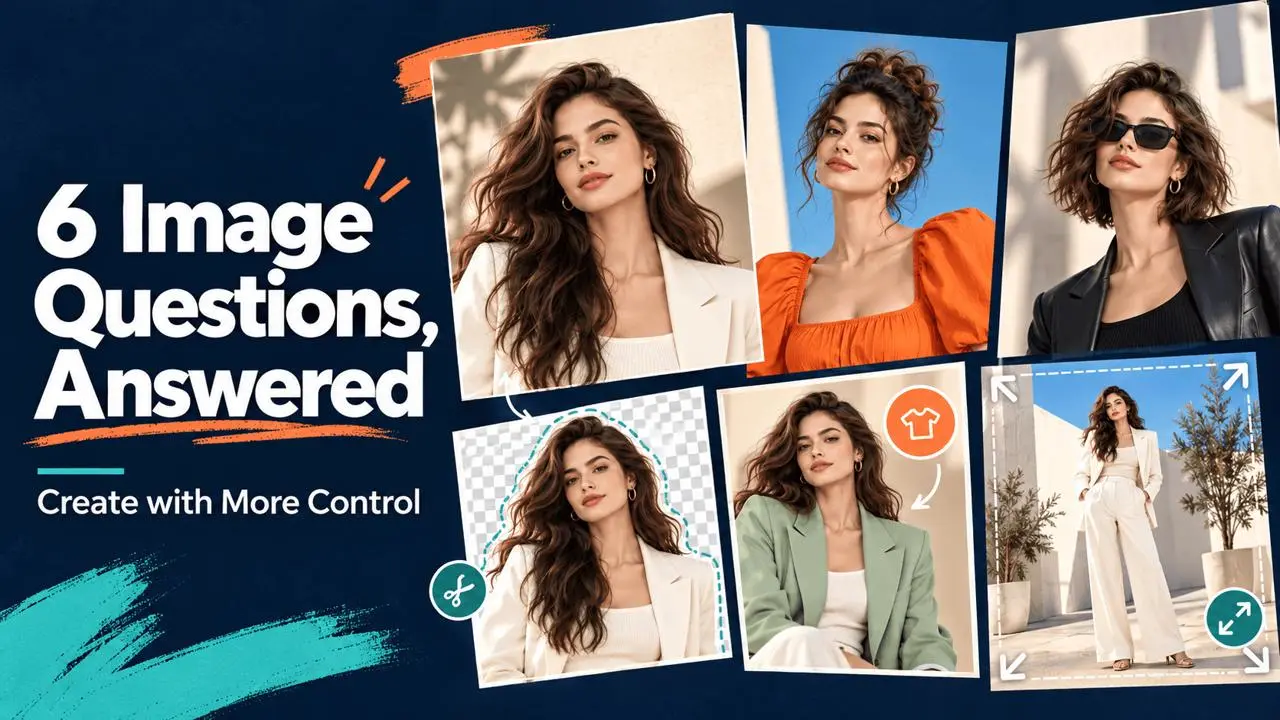
Frequently Asked Questions About WeShop AI – Must Read
Find answers to six common image creation questions: change backgrounds, reuse a model, generate one image, edit clothing, complete a missing head, and change hairstyles.
Read guide
How Points Work
Learn how WeShop AI points are charged, when they expire, how to check your balance, and what to do when you need more.
Read guide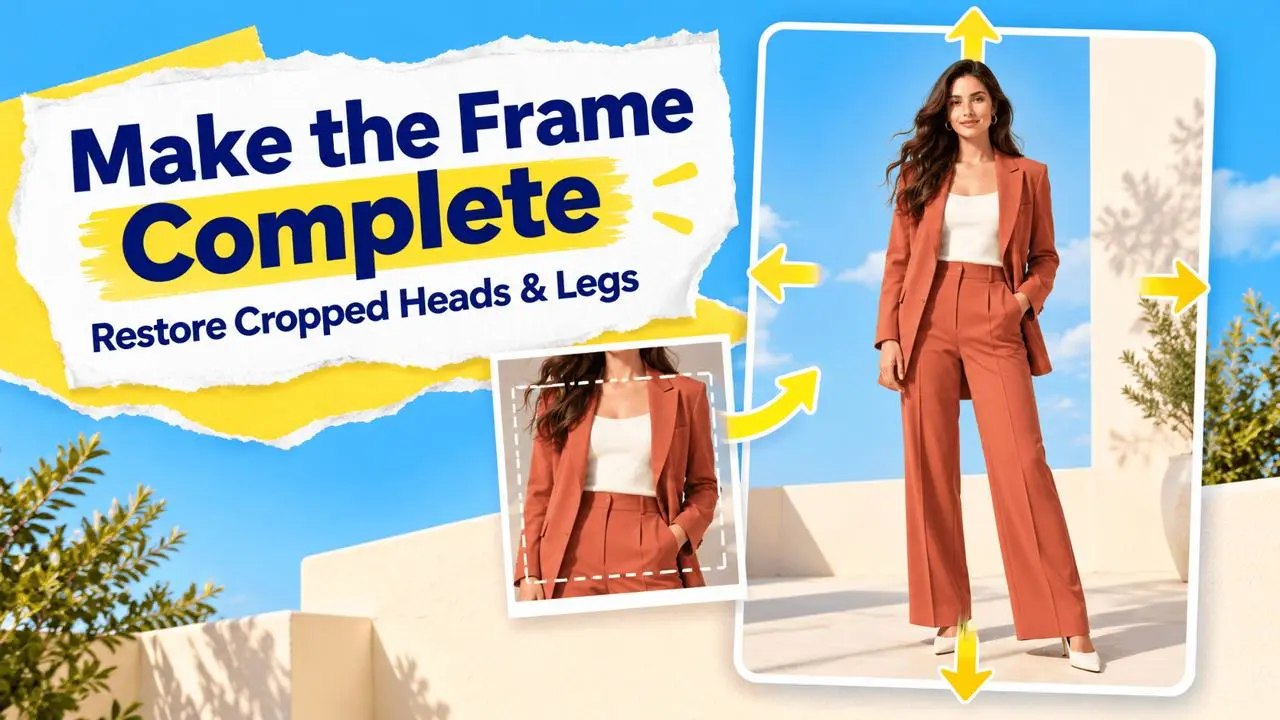
How to Add Head or Legs to Headless Incomplete Mannequin with AI
Use Expand Image or a full-body reference in Virtual Try-On to complete fashion photos with missing heads or legs.
Read guide
How to Cancel Your WeShop AI Subscription
Learn how to cancel automatic renewal on the web or mobile web. Your current plan remains active until the end of your paid billing period.
Read guide
How to Cancel Your WeShop AI Subscription on iOS & Android
Learn how to cancel a WeShop AI subscription purchased through the Apple App Store or Google Play and stop future automatic renewals.
Read guide
How to Cancel Your WeShop AI Subscription on Shopify
Cancel a WeShop AI subscription purchased through Shopify, turn off automatic renewal, and keep your plan benefits through the paid billing period.
Read guide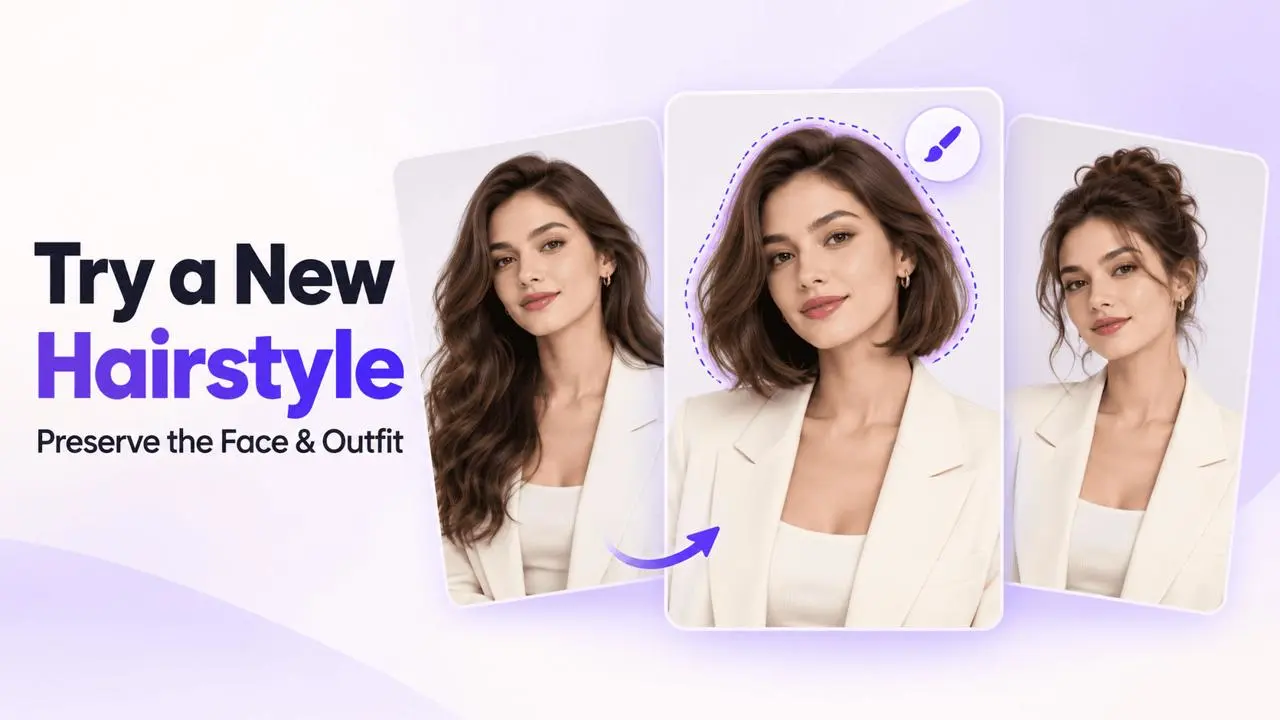
How to Change a Model’s Hairstyle with AI
Change a model’s hairstyle with an AI Model mask and a clear description while preserving the face and clothing selected in the image.
Read guide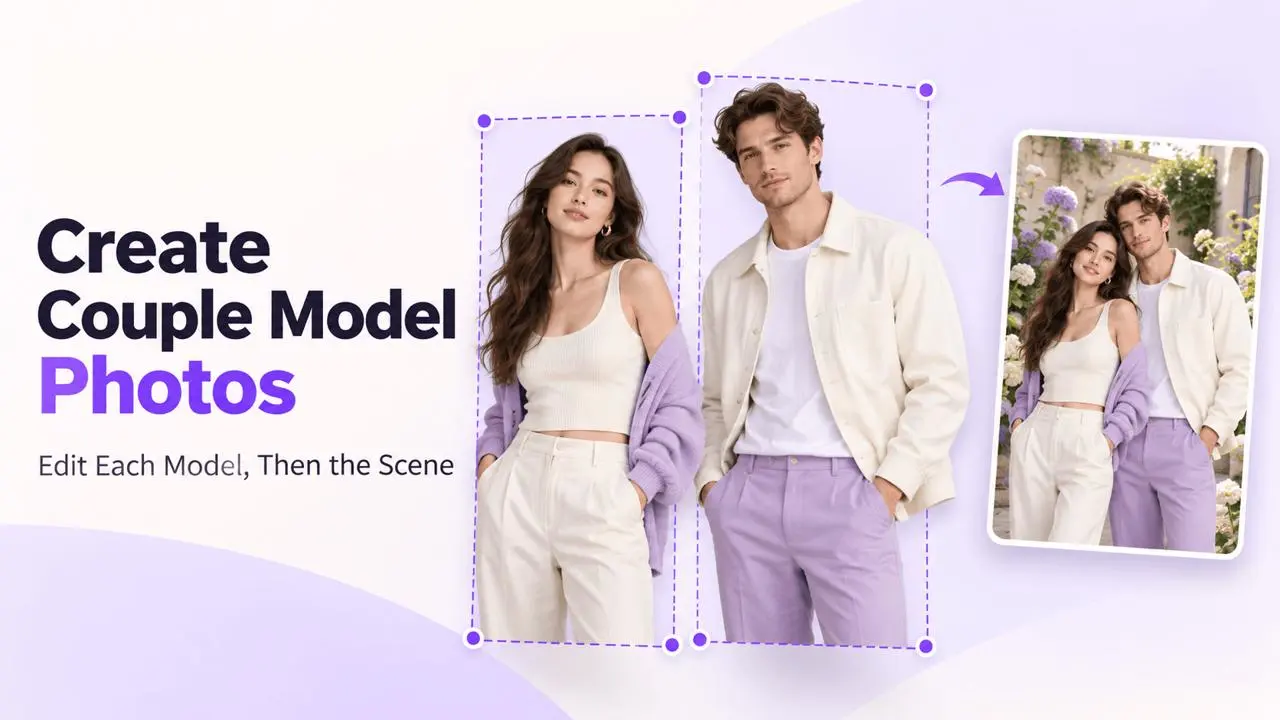
How to Customize Couple Model Images with Perfect Scenes
Replace each model in a two-person photo separately, then preserve both models and their clothing while generating a new scene.
Read guide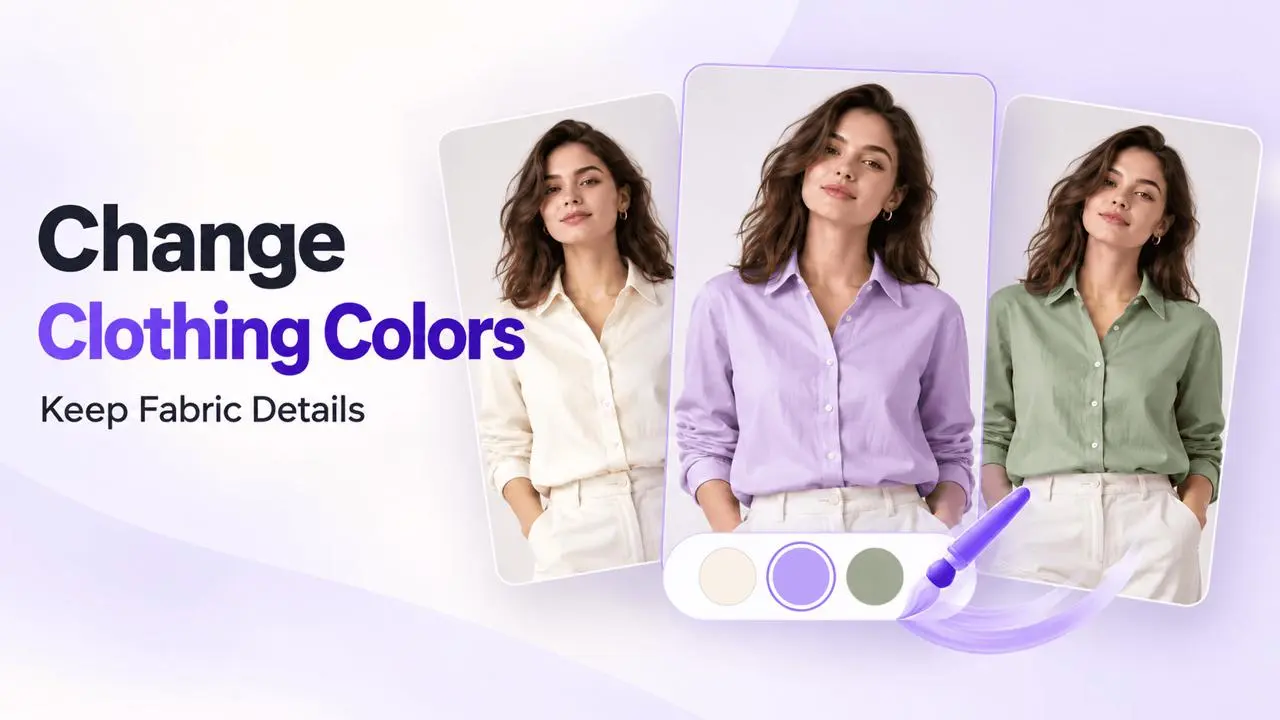
How to Easily Change Shirt Color in Photos with AI
Use the AI Model mask and a color prompt to generate new clothing colors, then compare the result with your original image.
Read guide
How to Update Your Payment Method
Update the payment method for future website subscription renewals, confirm your purchase channel, and find help if the option is missing.
Read guide
How to Use AI Video Agent for E-commerce: Make Clothes Move
Turn a product or model image into video: upload a clear photo, describe motion, review the storyboard, generate clips, and refine the result.
Read guide
Image and Content Privacy
Understand generated-image access, personal-information processing, sharing precautions, and how to ask about retention or deletion.
Read guide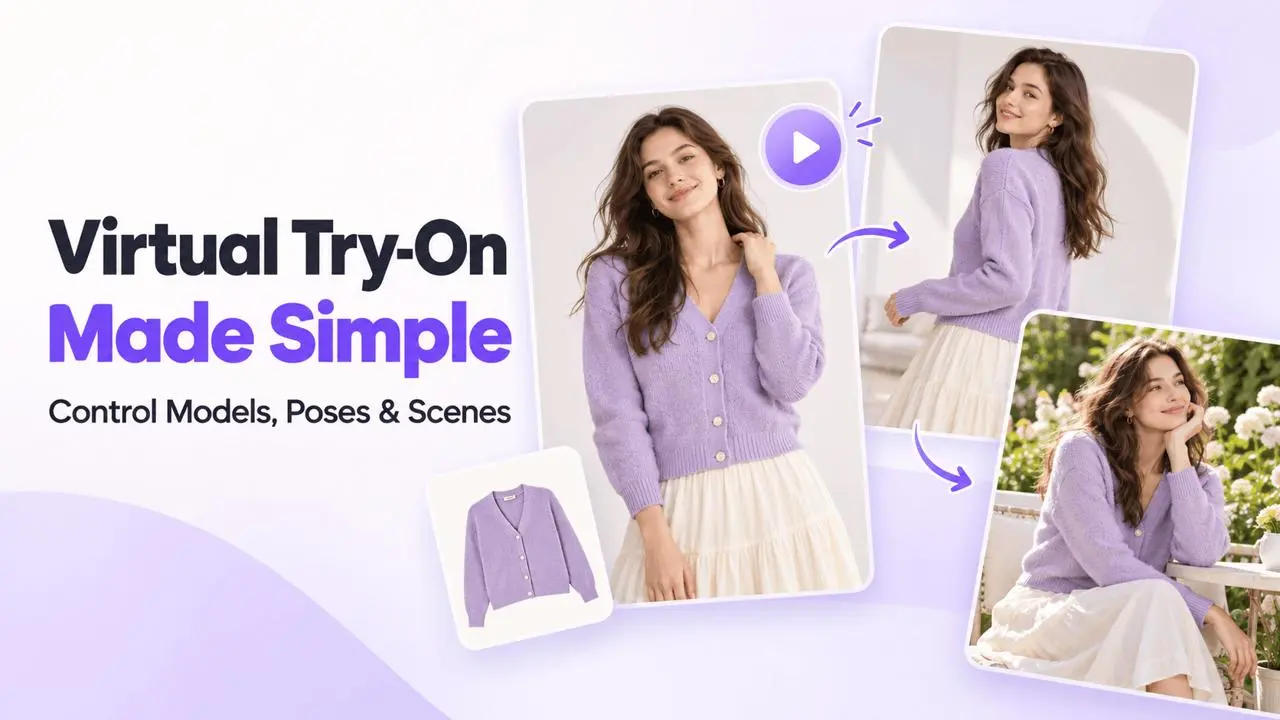
Master Virtual Try-On Feature with Step-by-Step Video Guide
Follow the video guide to upload clothing images, choose a model and location, adjust pose and composition, and review virtual try-on results.
Read guide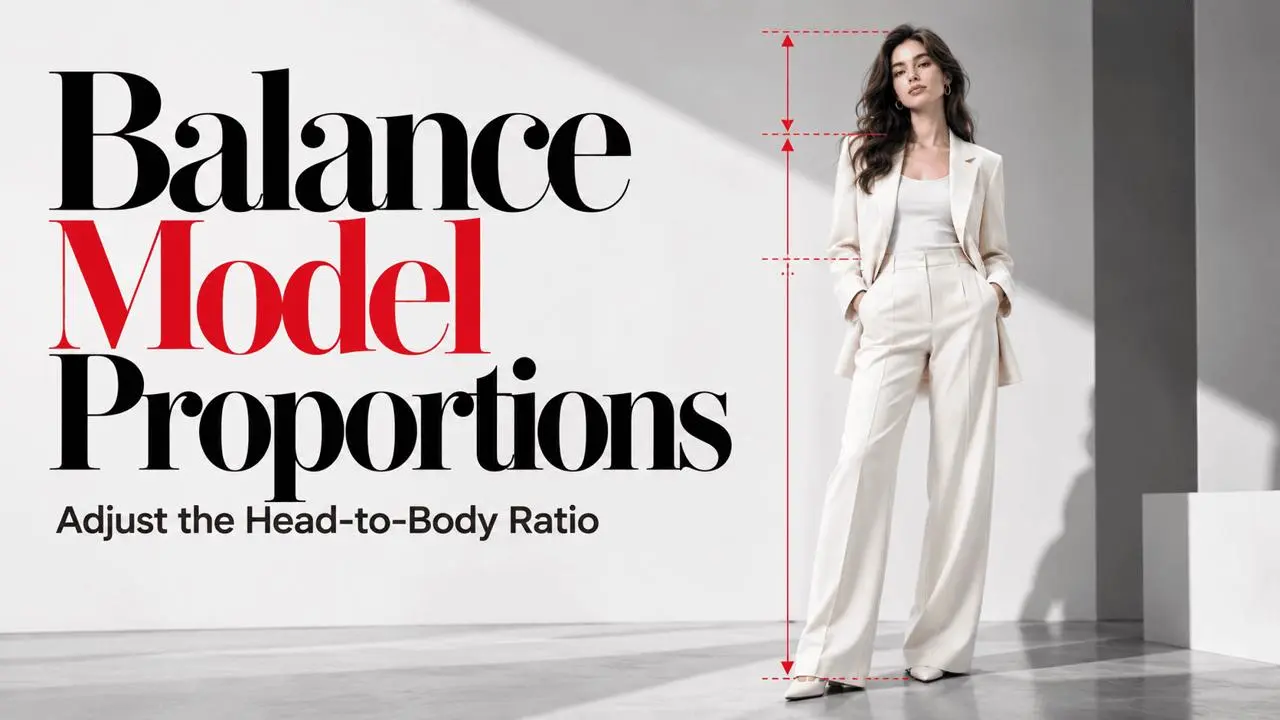
Simple Tips to Perfect AI Model Head-to-Body Ratio
Adjust oversized heads and unnatural model proportions with Reduce Head Size, compare adjustment levels, and save a model for reuse.
Read guide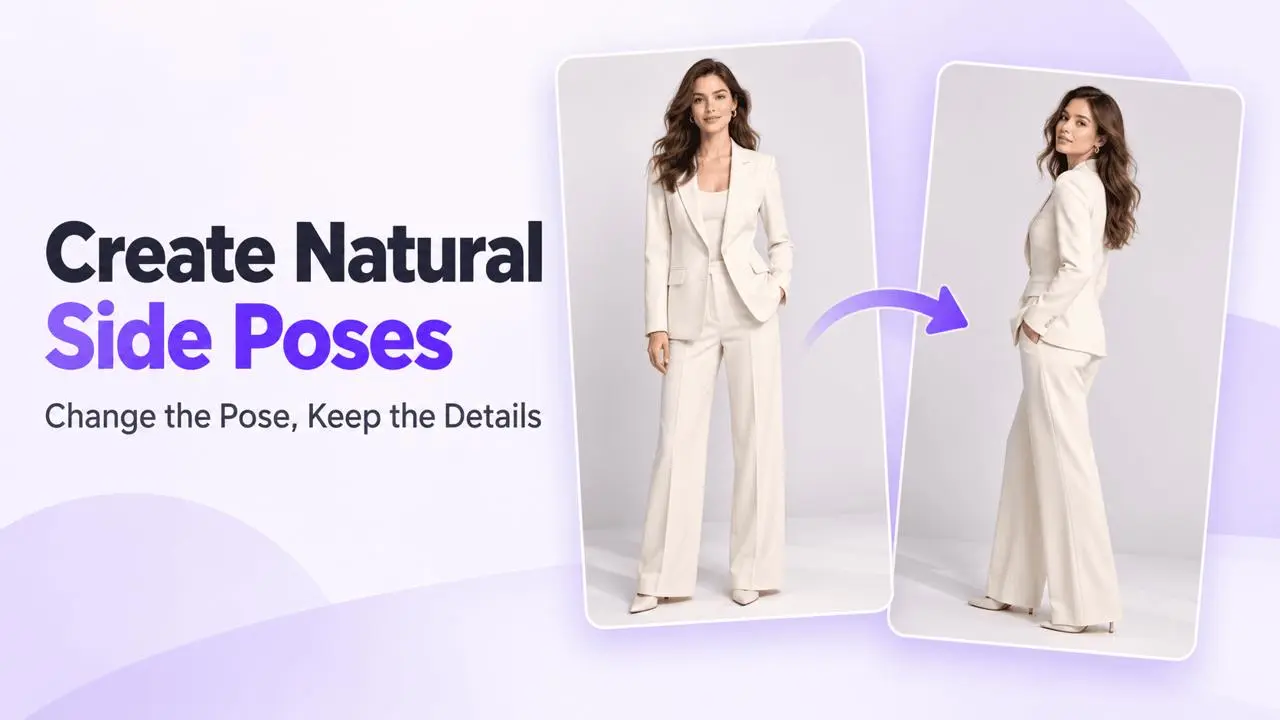
The Ultimate AI Pose Generator for Perfect Side Profile
Generate a side-profile pose with Change Poses, write clear change-and-preserve instructions, refine the result, and download your chosen image.
Read guide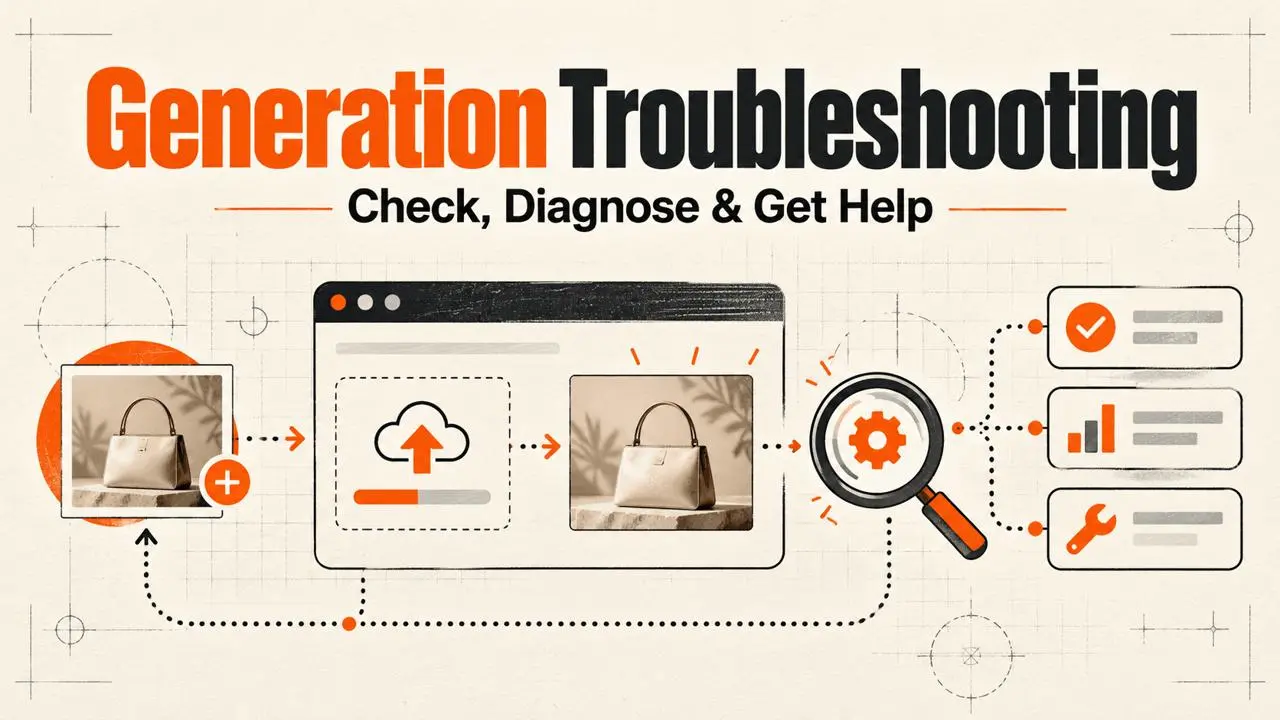
Troubleshoot Generation and Website Issues
Troubleshoot website, upload, slow generation, and failed-task issues, understand point returns, and collect useful details for support.
Read guide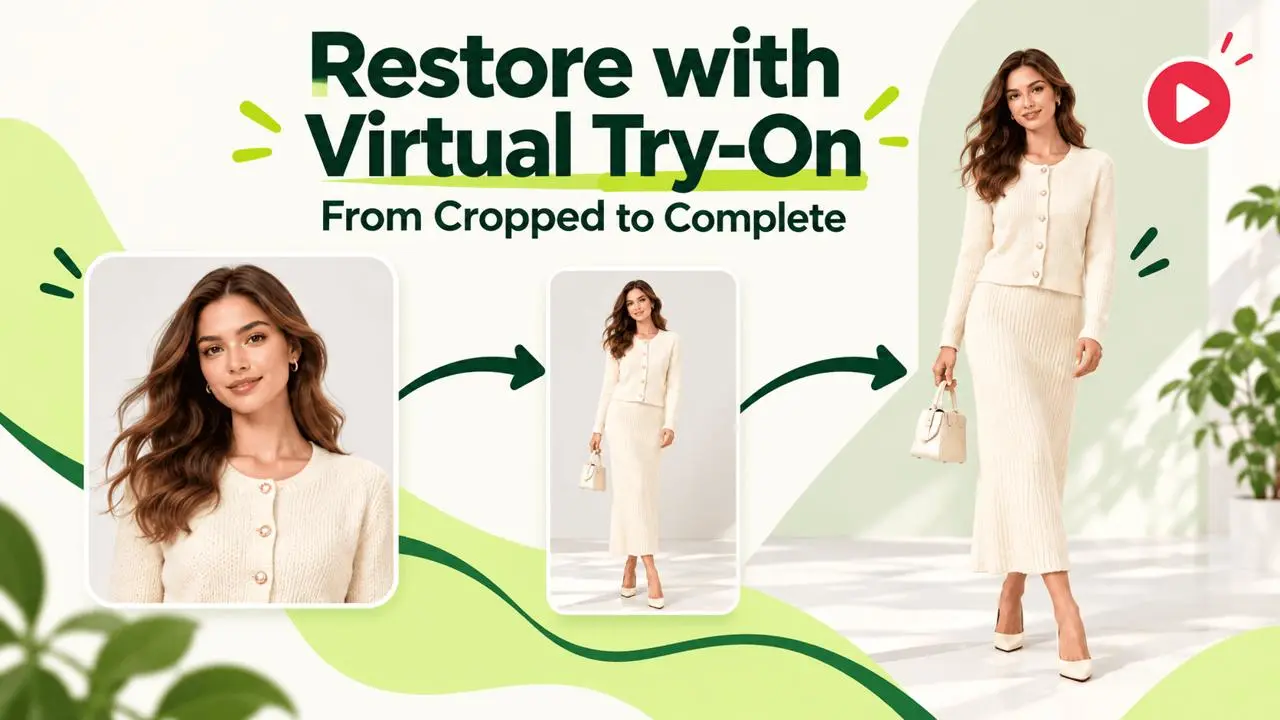
Virtual Try On Video Guide: Restore Headless or Cropped Photo
Follow a video walkthrough to restore cropped fashion photos using a full-body reference, pose settings, and photo composition.
Read guide