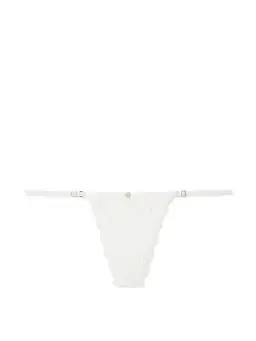
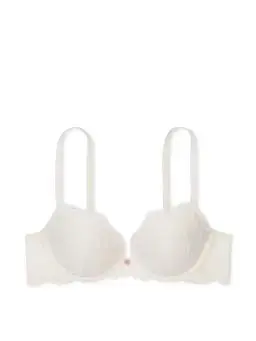
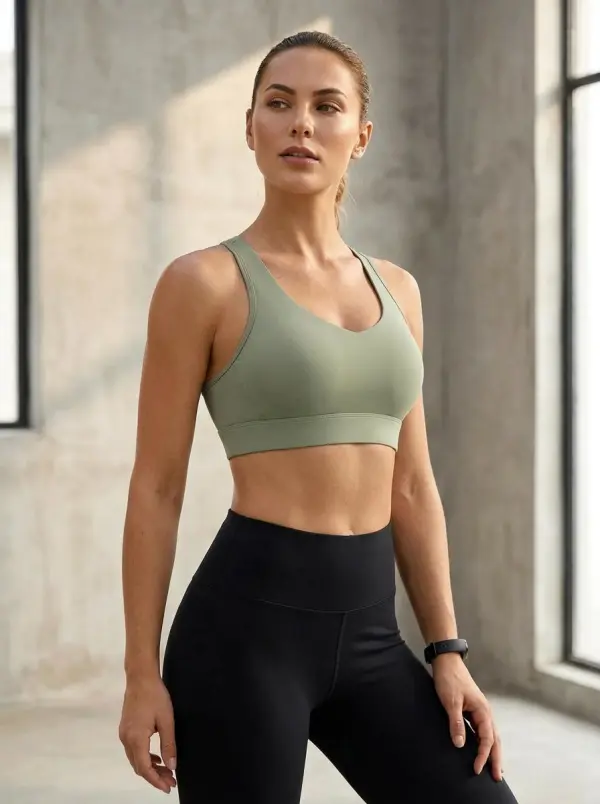
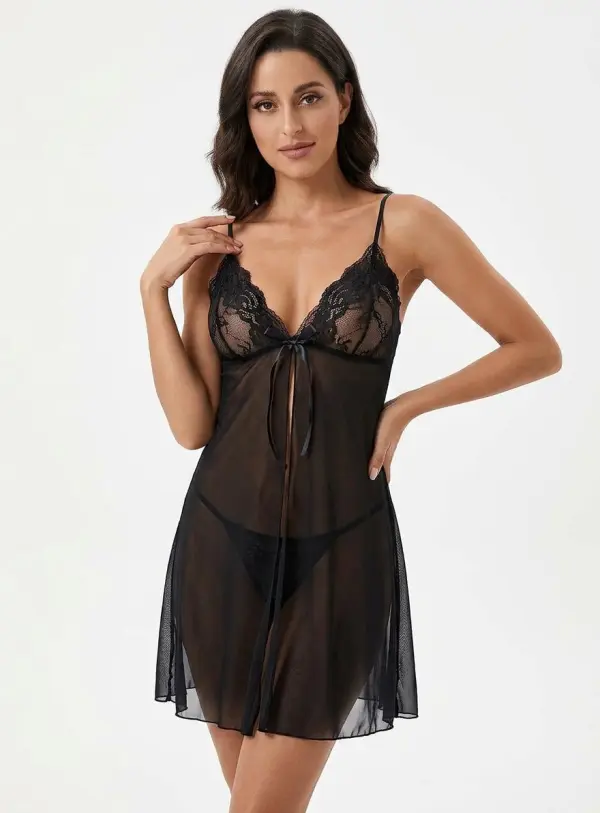
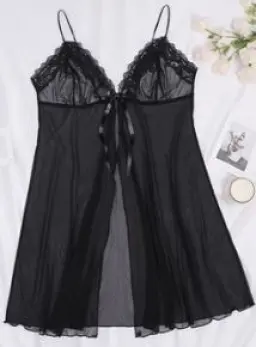
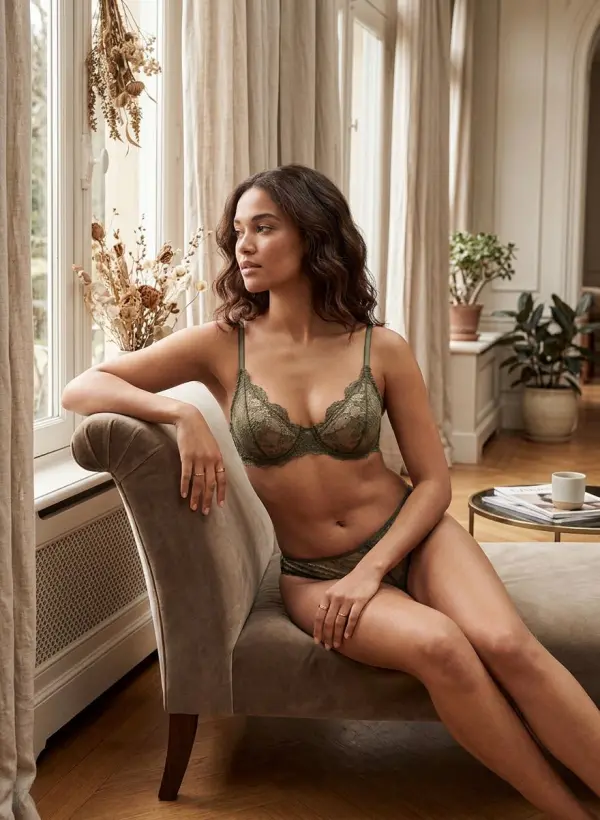
app download

Download

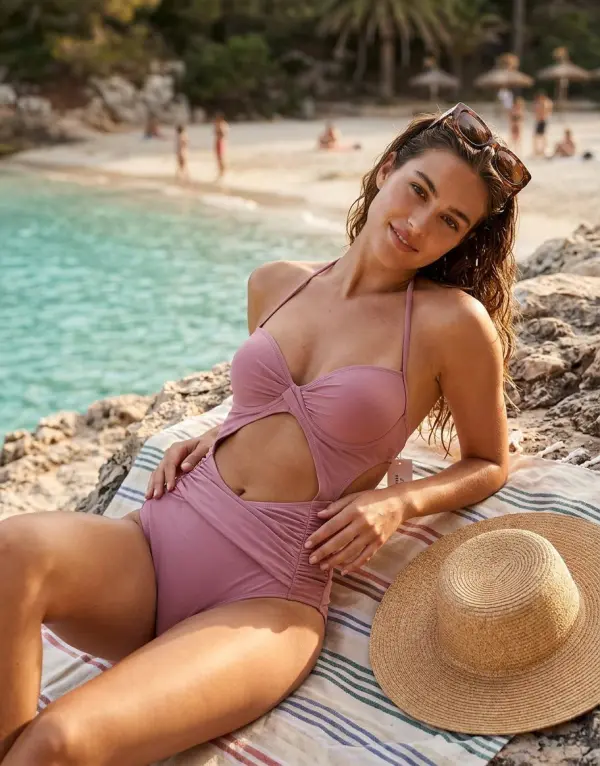
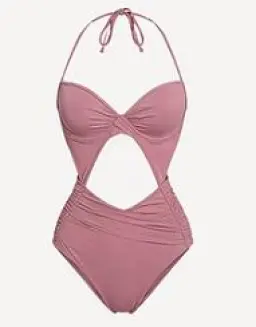
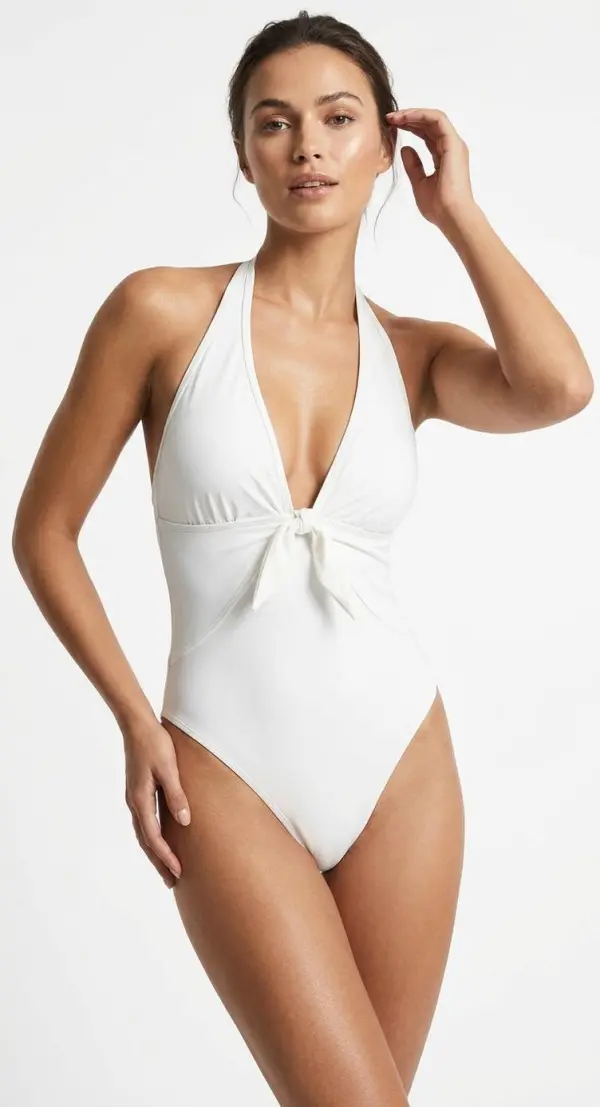
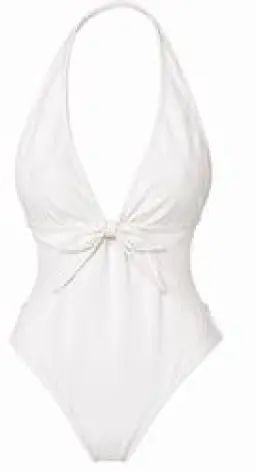
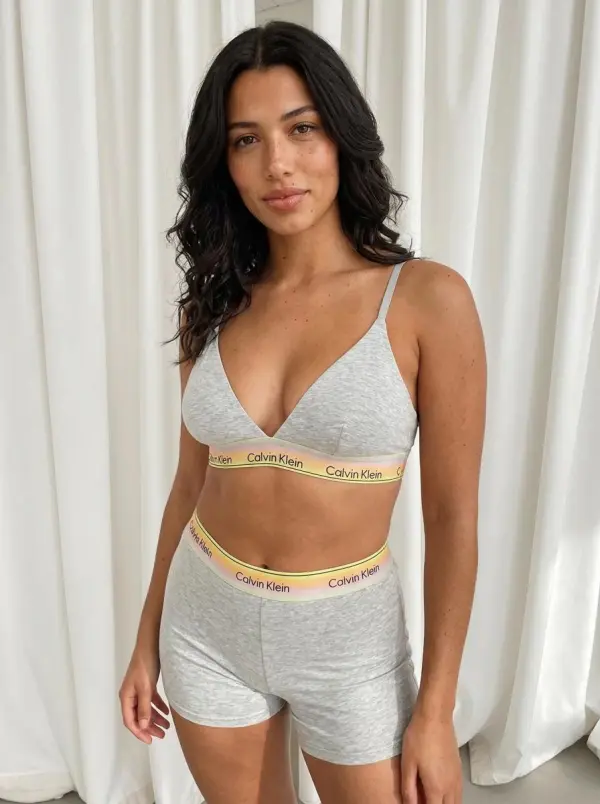
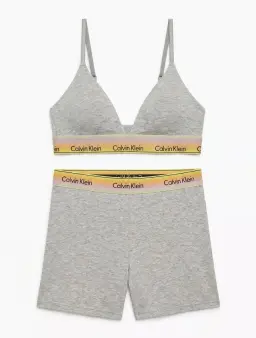
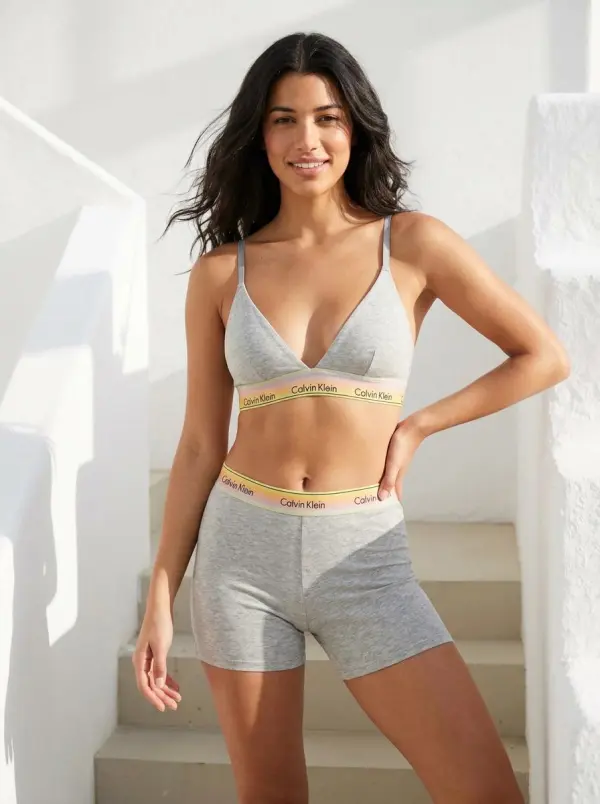
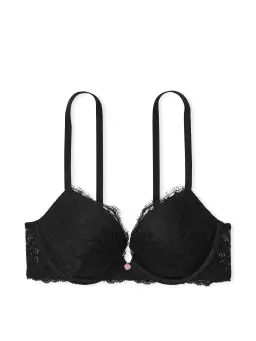
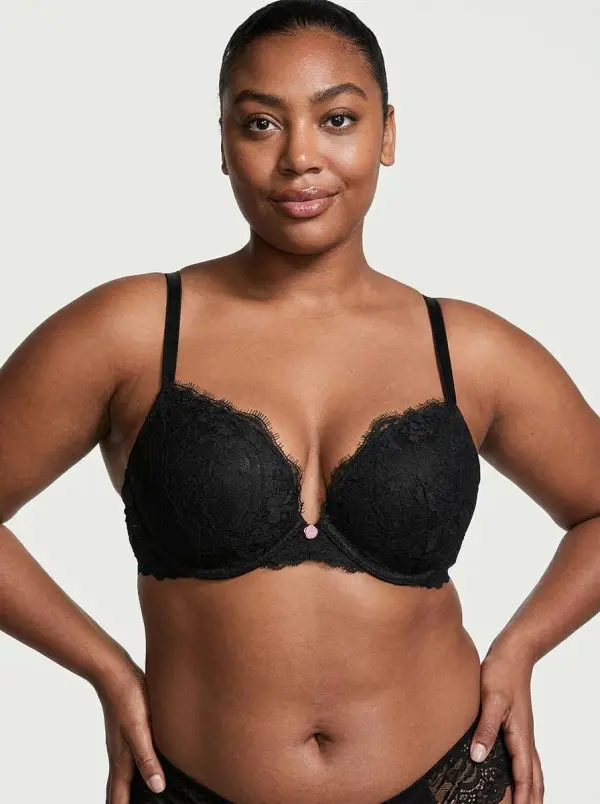
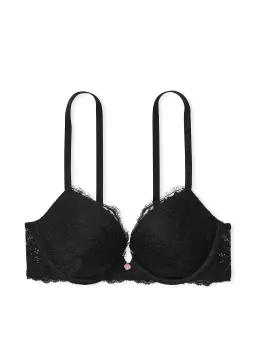
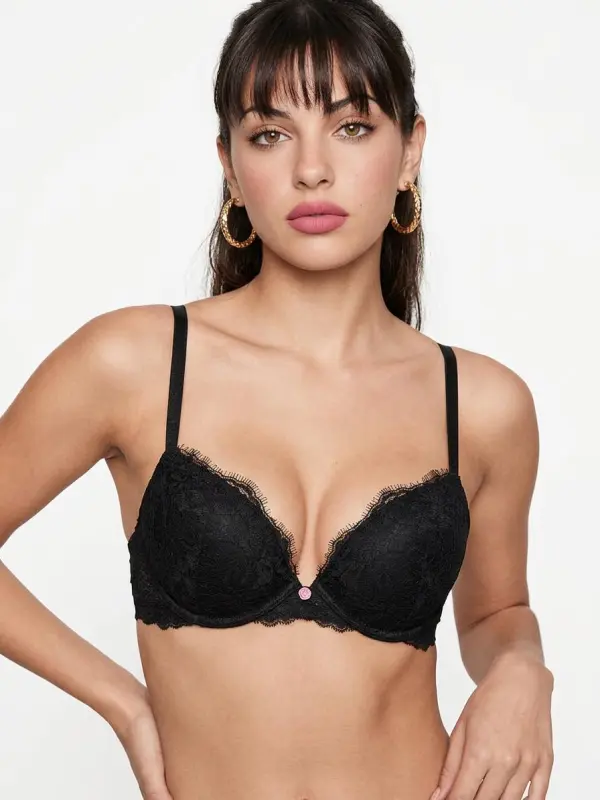
Steal the Look! Click to Replicate it with Your Product!

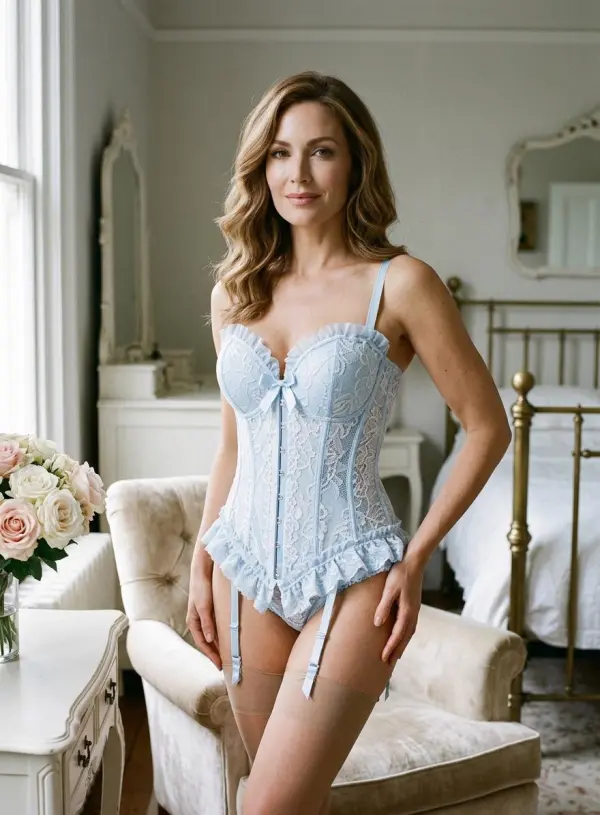
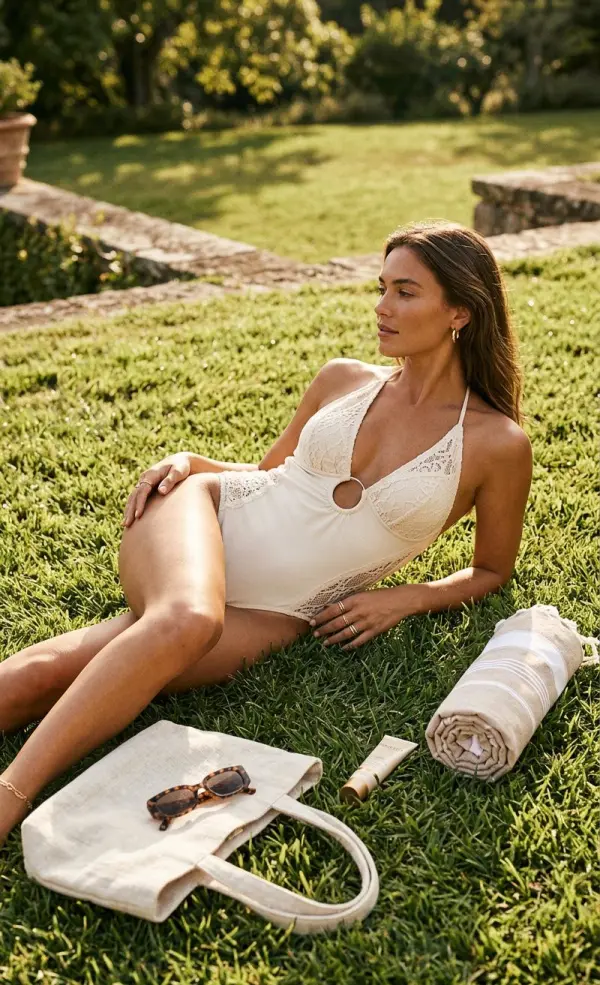
AI Intimate Apparel Product Photo Editor – Create Lingerie Product Models and Try-On Photos Online

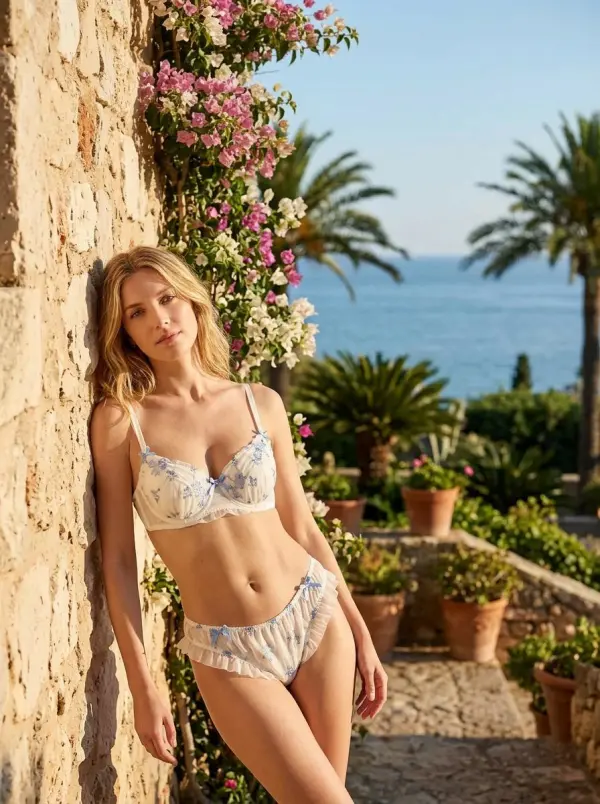
Create polished intimate apparel product visuals for ecommerce, lookbooks, and campaign testing. Upload an approved product or model image, describe the styling direction, choose output size, and generate brand-safe visuals for product pages, social posts, and ad creative testing. This tool is for responsible apparel visualization. It should not be used for explicit, nude, sexualized, deceptive, or non-consensual content.

Real-World Uses of AI Lingerie Generator

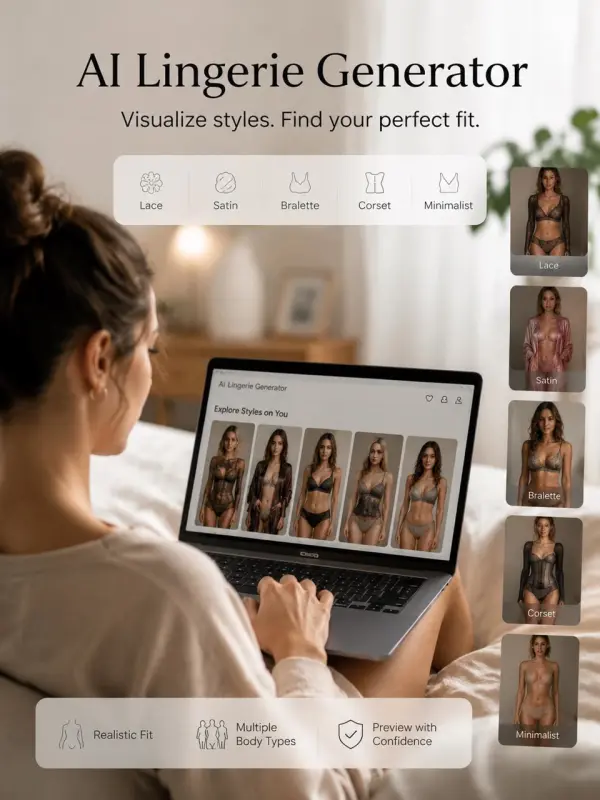
Previewing Lingerie Styles Before Shopping

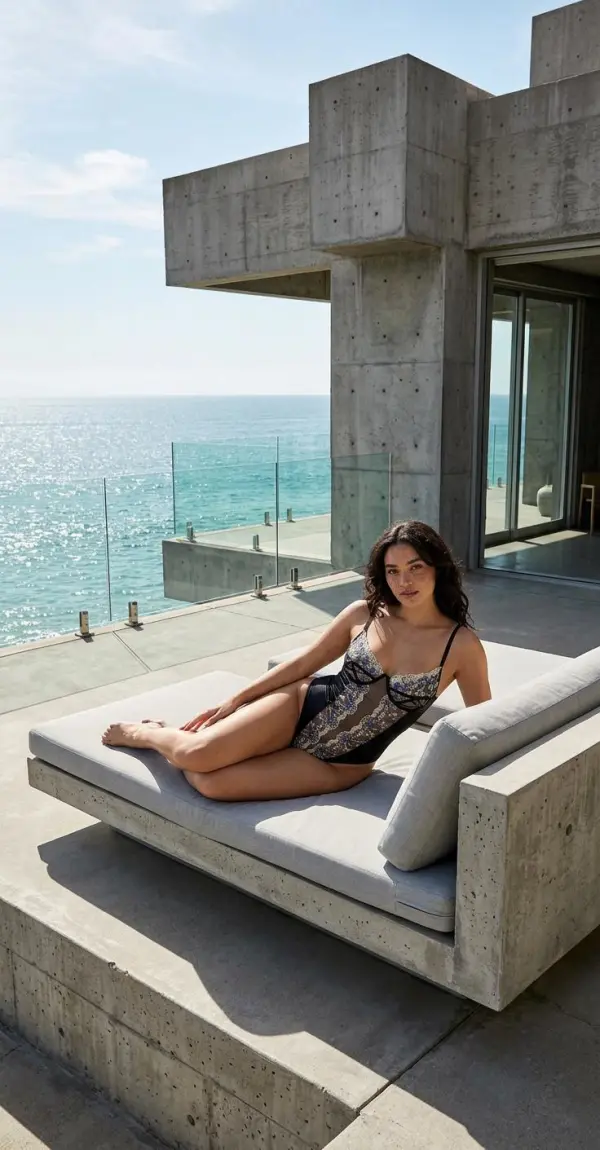
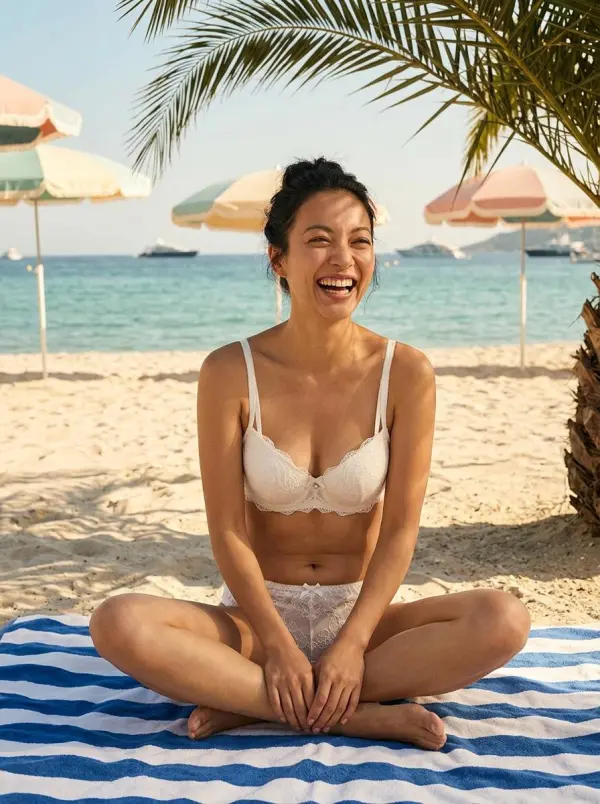
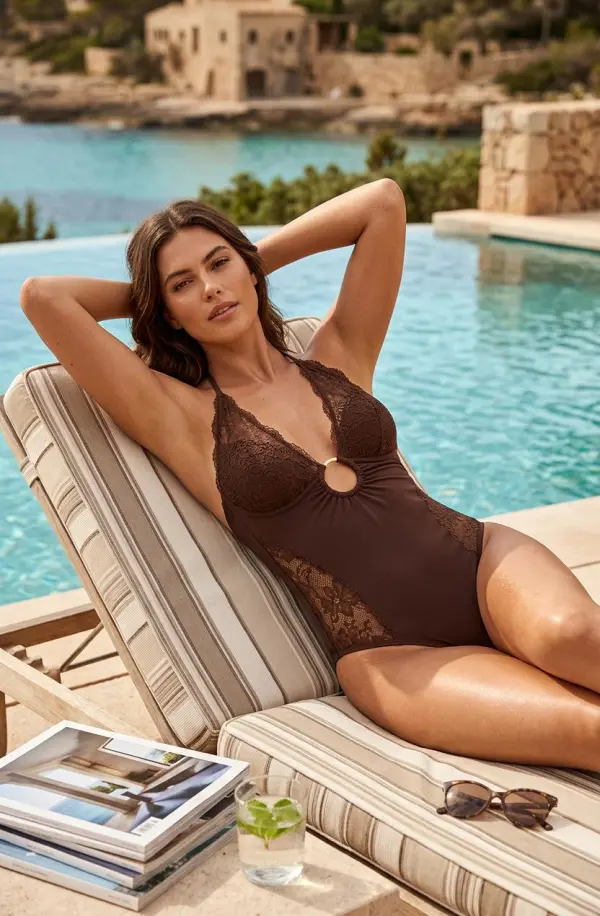
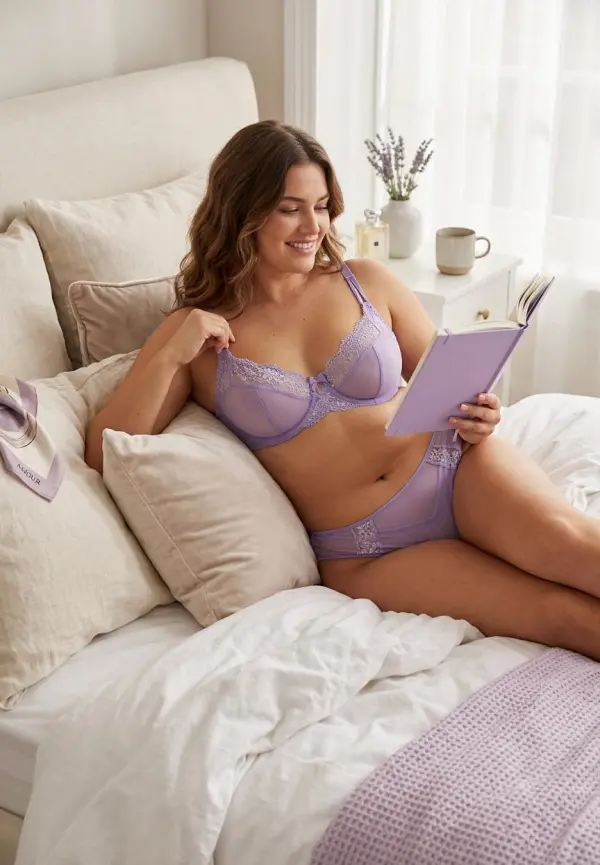
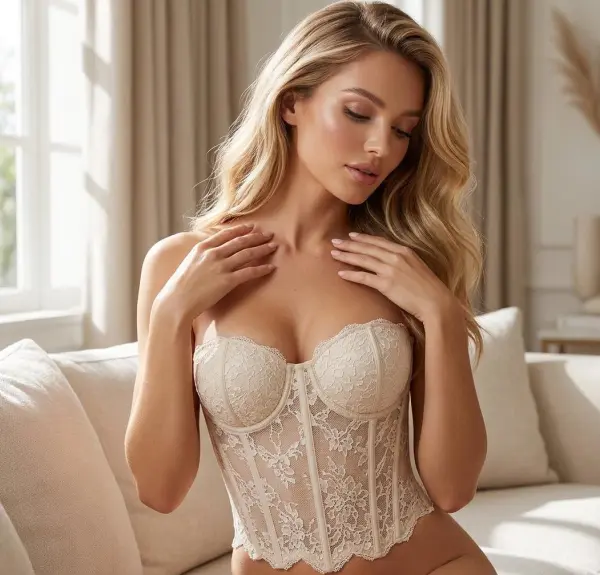
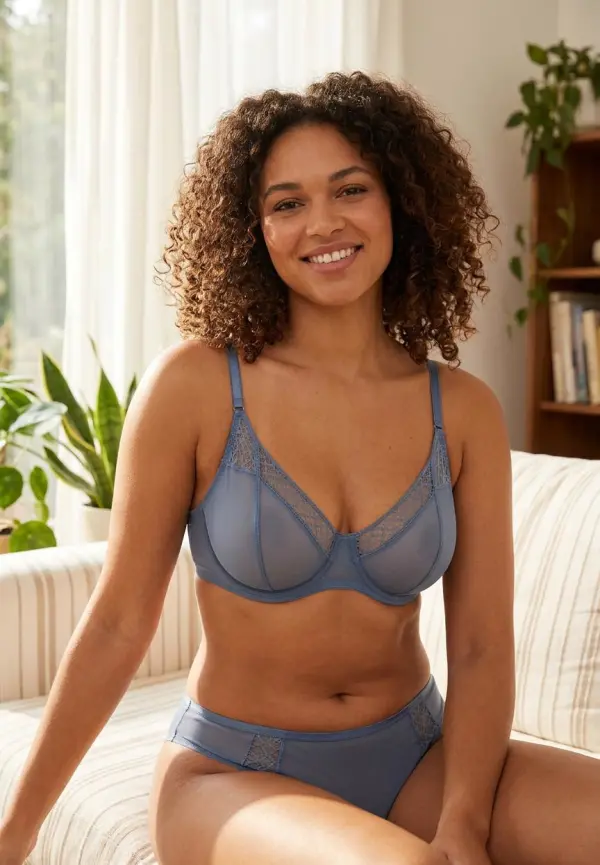
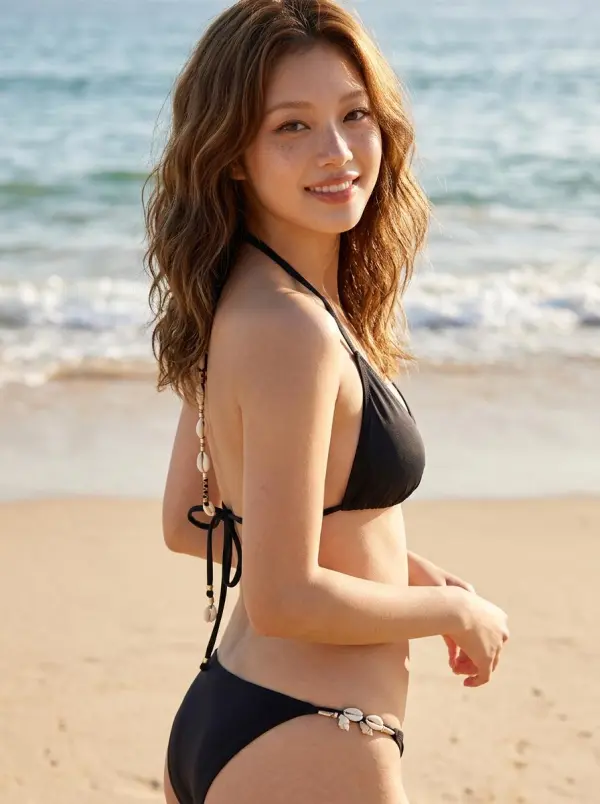
A shopper named Maya Collins wanted to compare virtual lingerie styles before buying online. She used an AI Lingerie Generator with simple input prompts to preview lace, satin, bralette, corset, and minimalist clothing designs on different body types. With good lighting, accurate fit, and photorealistic results, the generated images helped her compare new styles and choose the perfect fit more confidently before adding products to her wishlist.
perfect fit

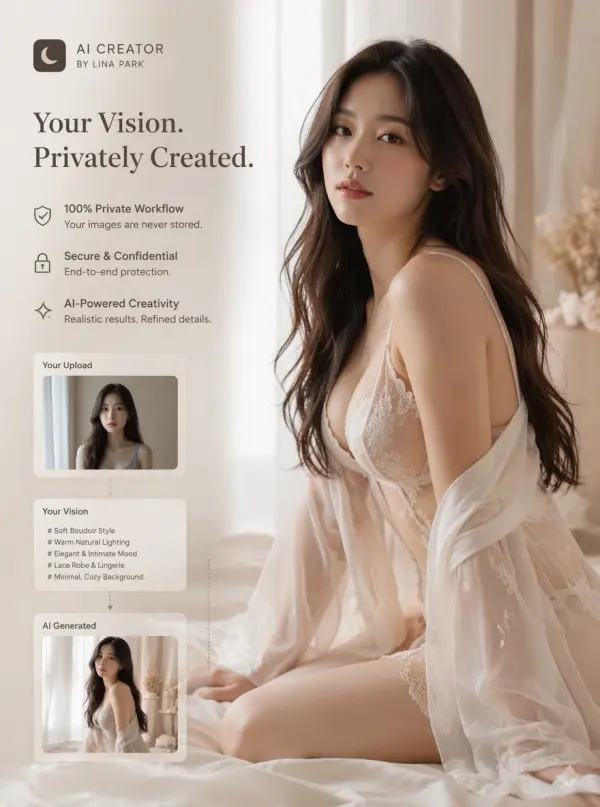
Creating Tasteful Boudoir-Style Visuals

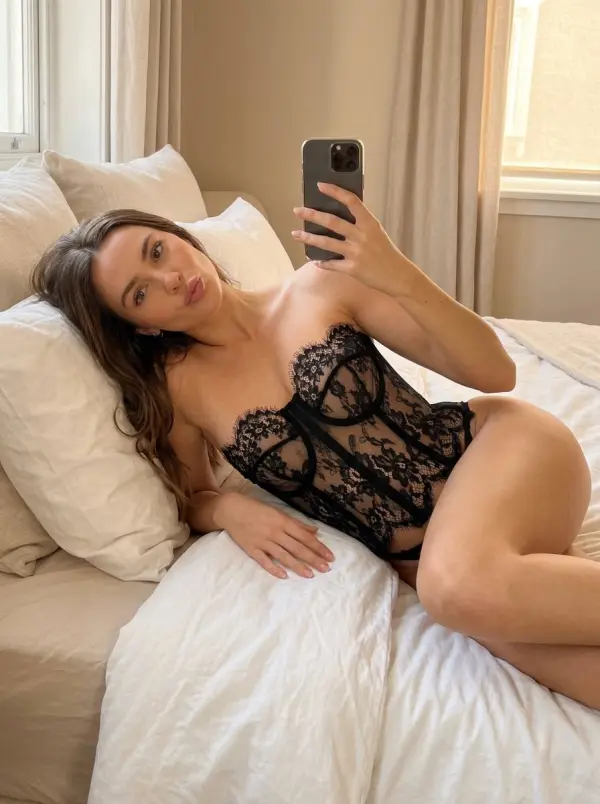
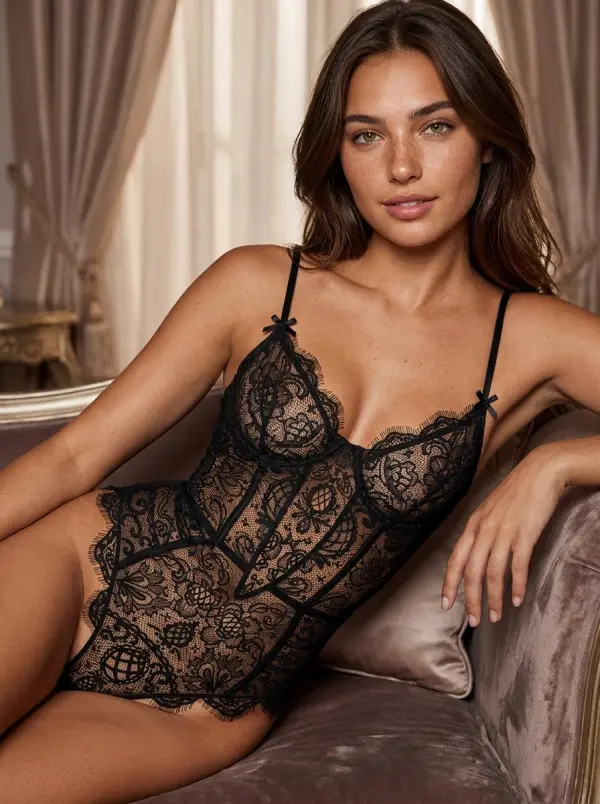
A creator named Lina Park wanted to explore a soft, elegant boudoir-style photo concept in a completely private workflow. She uploaded an authorized adult photo, then described the clothes, lighting, background, and mood she wanted. The advanced AI generated a polished final image with studio-style lighting, refined composition, and realistic fabric details. Her images were processed securely, and no images stored after generation gave her stronger confidence while exploring new designs absolutely privately.
new designs absolutely
Previous
Next

Key Features of the AI Intimate Apparel Photo Editor

visual mood
visual mood

Create Intimate Apparel Model Images with AI

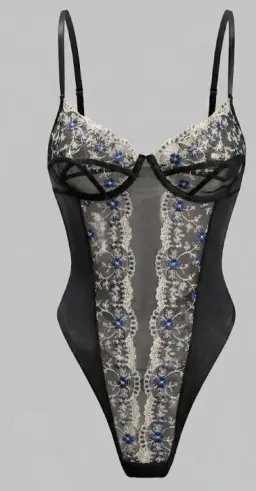
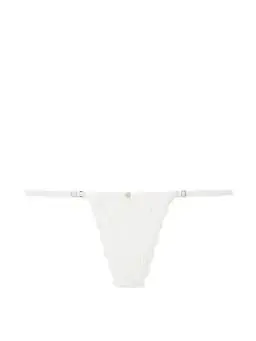
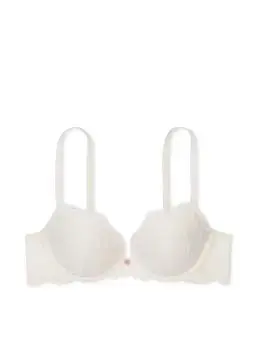
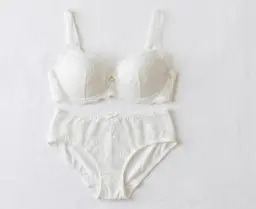
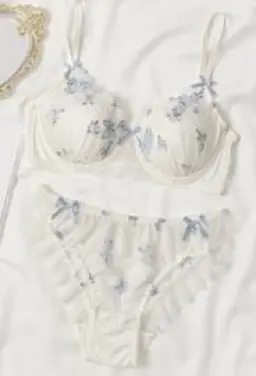
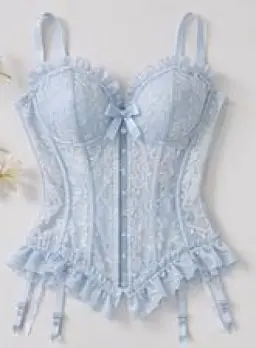
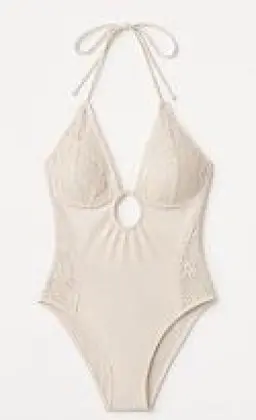
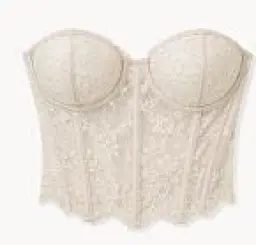
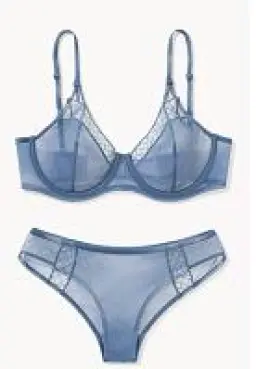
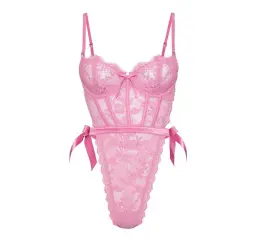
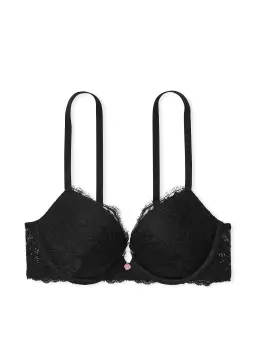
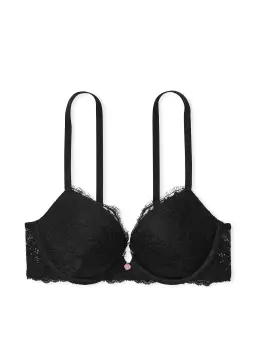
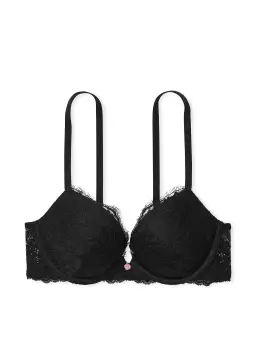
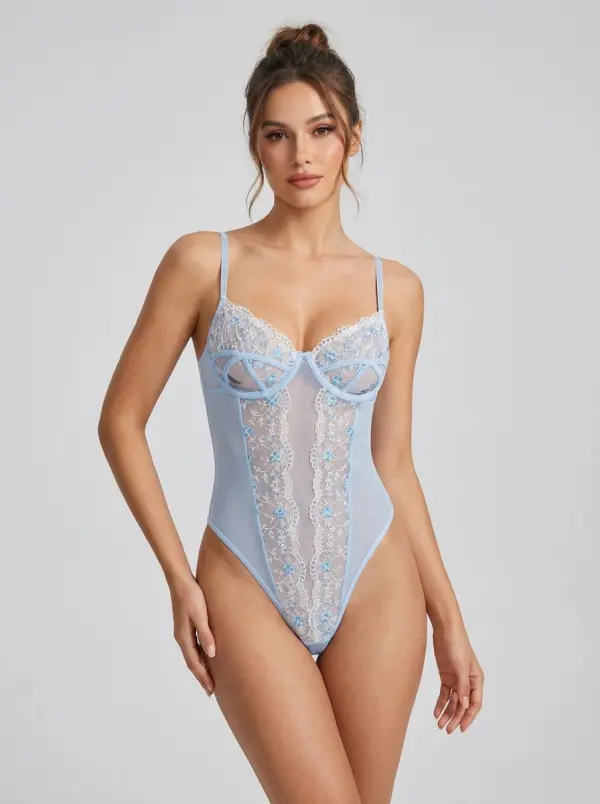
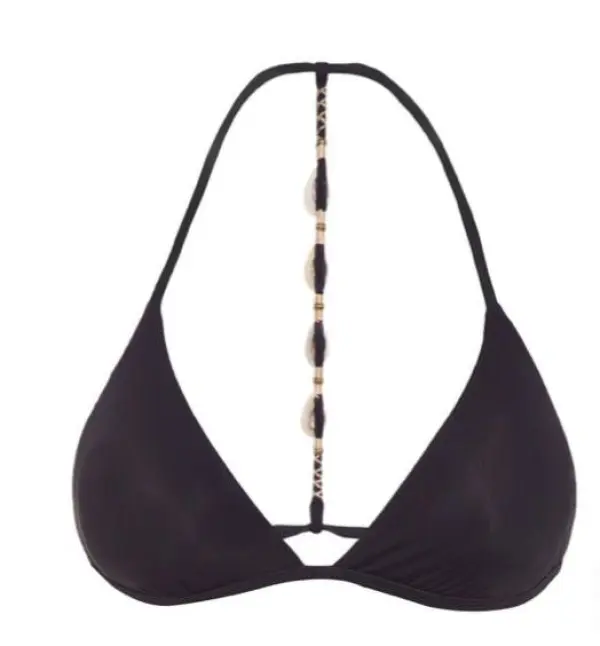
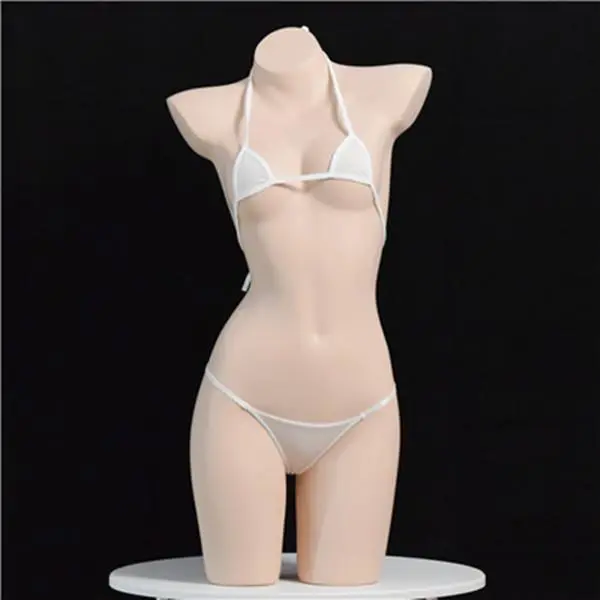
Upload a clear intimate apparel product image and describe the model, pose, framing, background, and lighting you want. Ask the AI to preserve key garment details such as color, coverage, straps, silhouette, and fabric appearance while creating a new model-based product visual
styles may look
styles may look

Preview Intimate Apparel Styles on Models

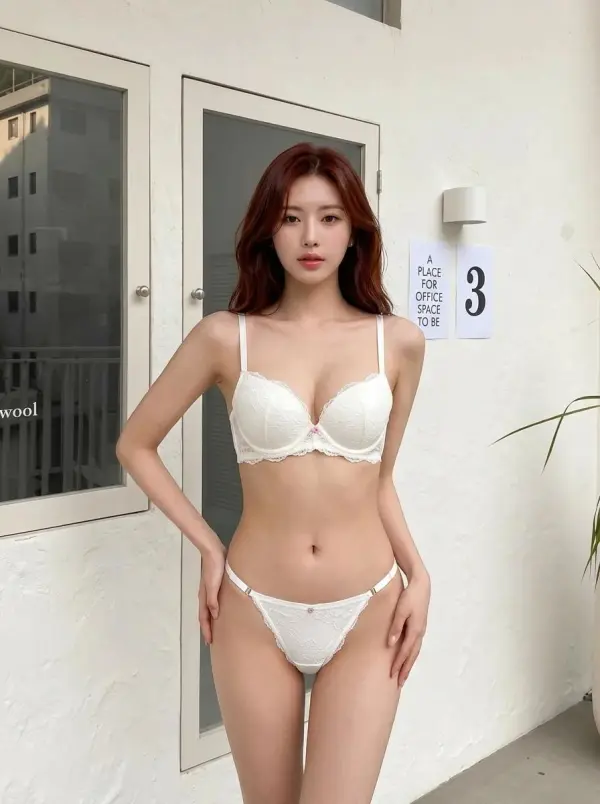
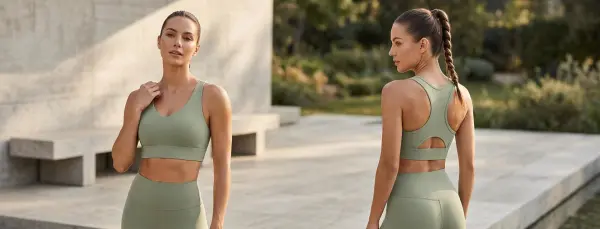
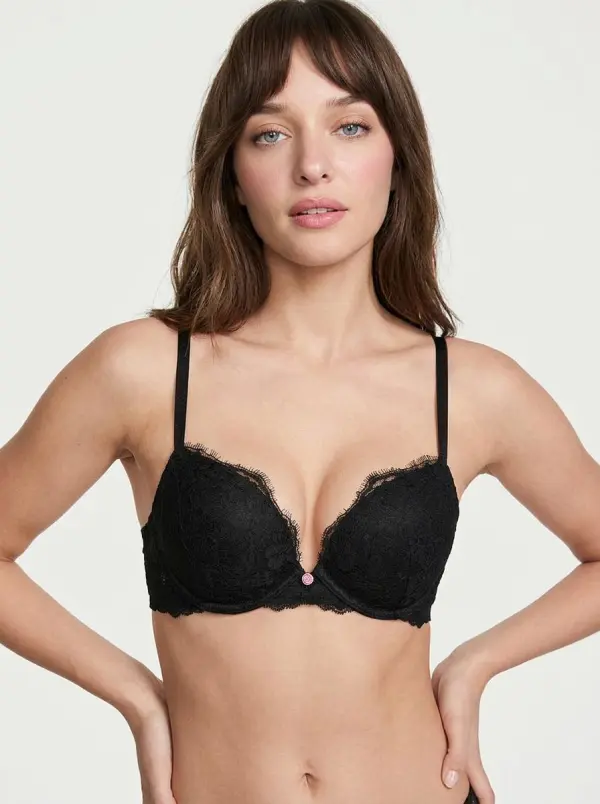
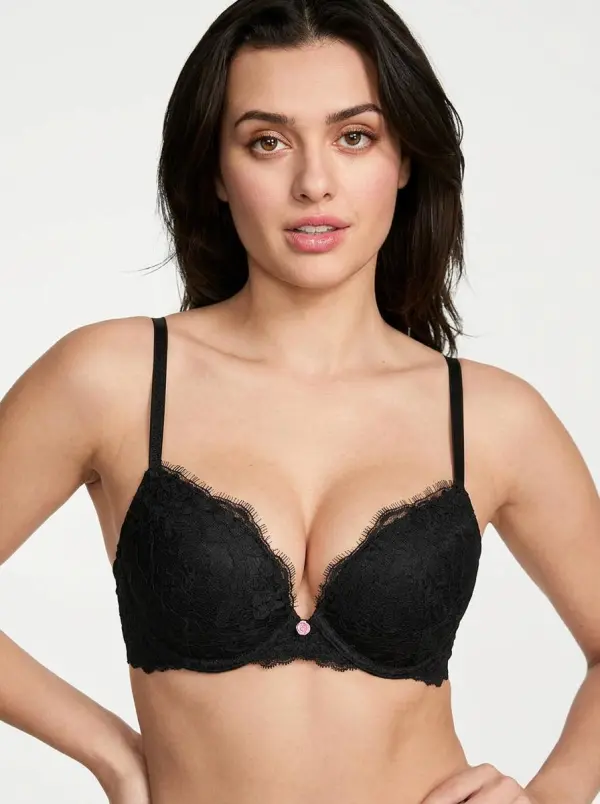
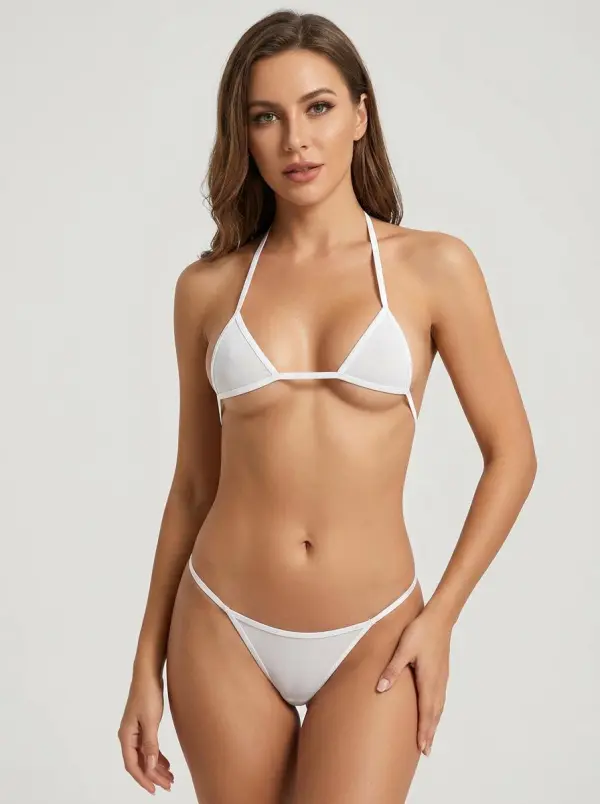
Visualize different garment styles, colors, fabrics, and design variations on an approved adult model image. This helps ecommerce teams compare creative options and explore product presentation ideas before producing additional campaign or catalog photography.
product compositions

Generate Ecommerce Product and Catalog Photos

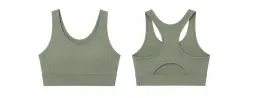
Create additional product-page, catalog, marketplace, and lookbook visuals from existing product references. Generate multiple compositions and model-based images while keeping the visual direction consistent across a collection.
create realistic fabric texture

Render Realistic Fabric and Garment Details

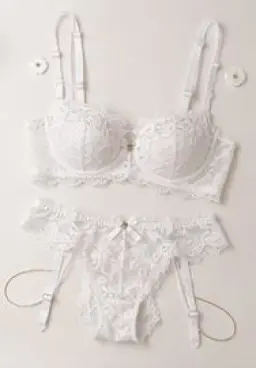
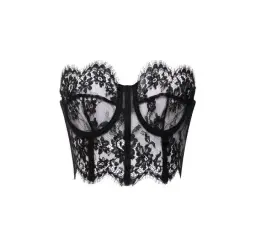
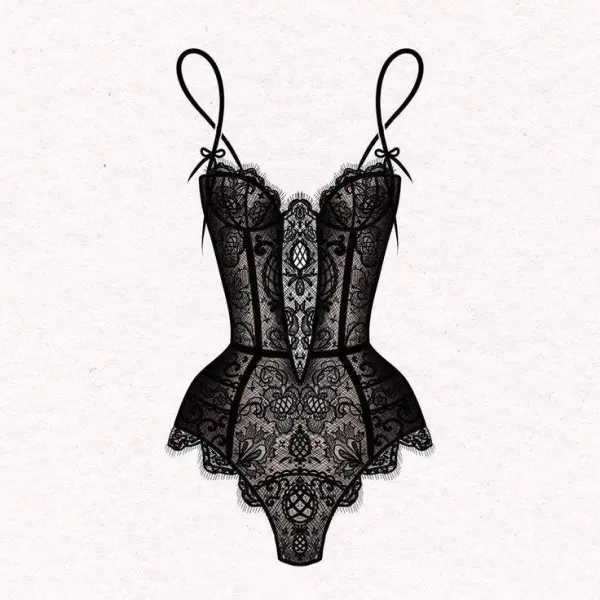
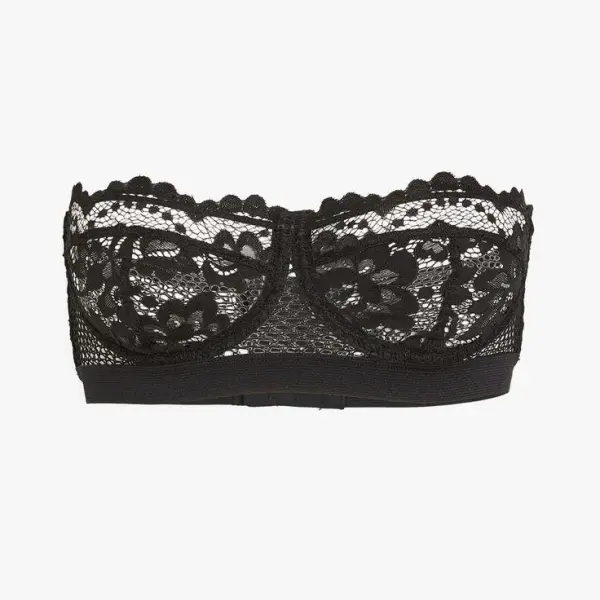
Recreate visual details such as lace, satin, seams, straps, fabric folds, highlights, shadows, and studio lighting. Use clear source images and detailed prompts to improve garment consistency and overall image quality.
making the creative process faster

Create Marketing and Campaign Visuals

Generate creative concepts for product launches, seasonal collections, social ads, landing pages, email campaigns, and brand lookbooks. Test different backgrounds, lighting styles, compositions, and campaign moods before selecting a final direction.

How It Works

01

1. Upload an approved product or model image.
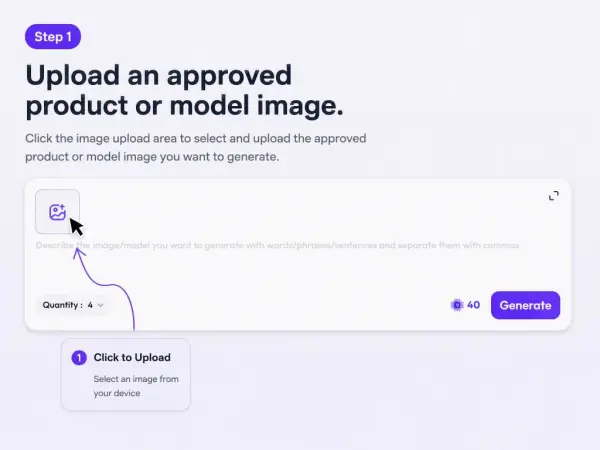
approved product or model image
02

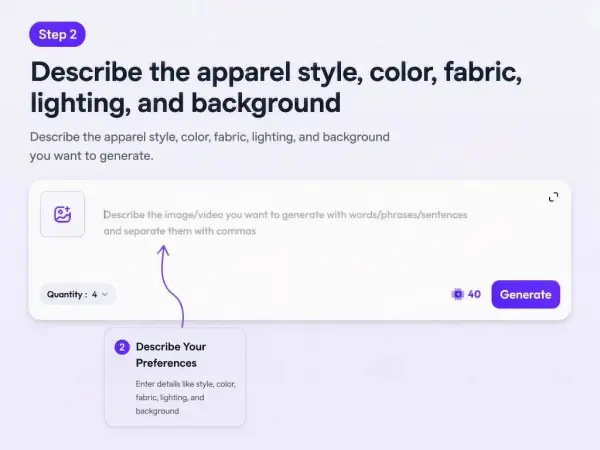
2. Describe the apparel style, color, fabric, lighting, and background.

apparel style prompt
03

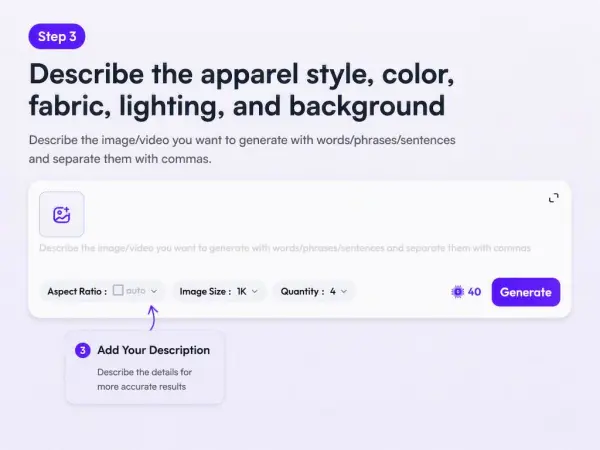
3. Choose vertical, square, or horizontal output size.

horizontal output size
04

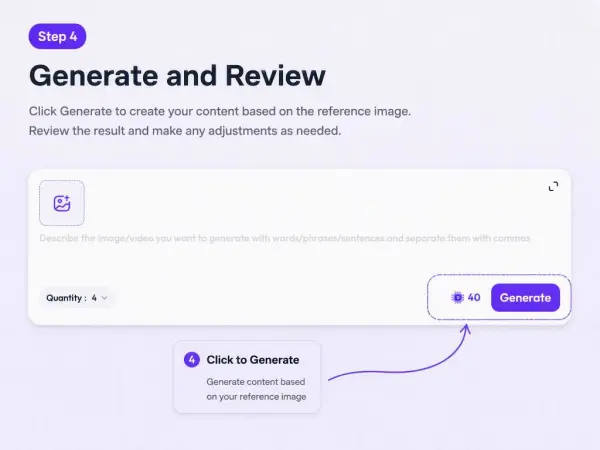
4. Review fit, coverage, product accuracy, body proportions, hands, face, and background.

Review  image

Real Example

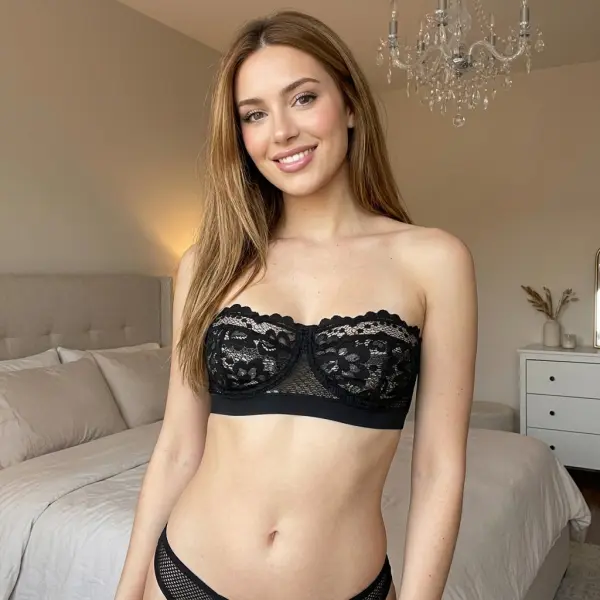
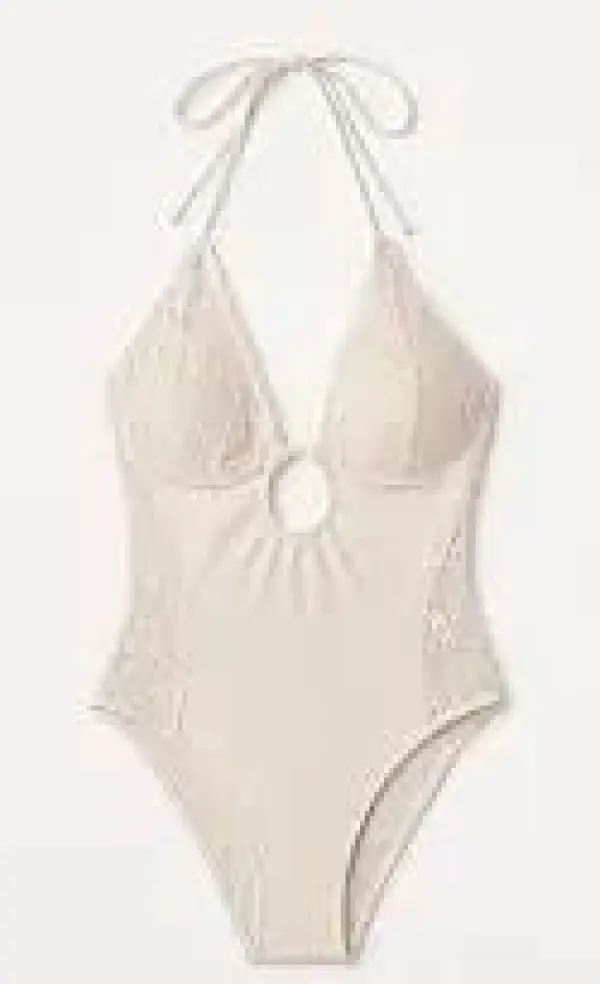
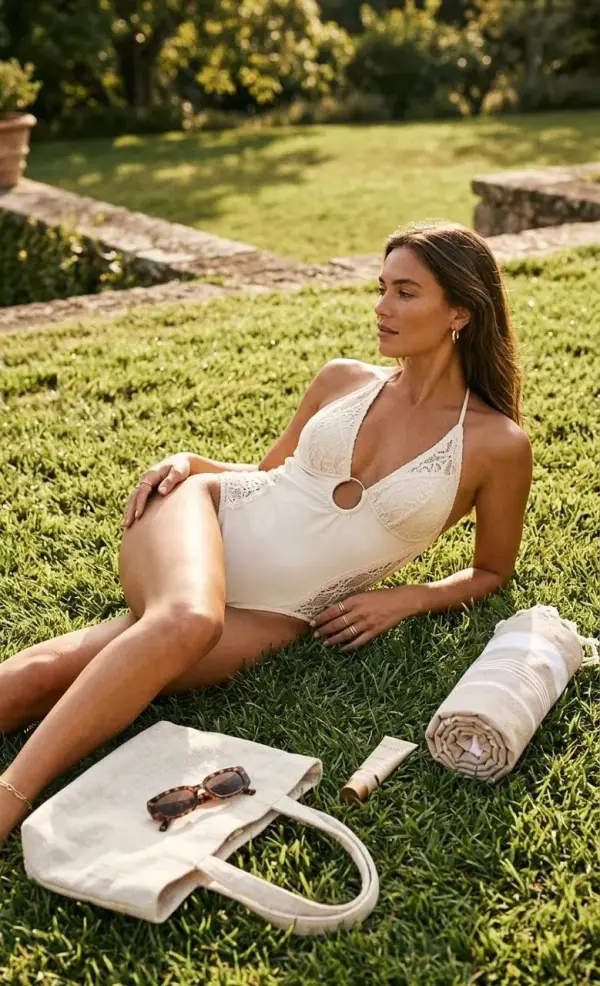
An intimate apparel brand wants to test a softer campaign background for an existing product image. The team uploads an approved model image and keeps the product coverage and silhouette unchanged.
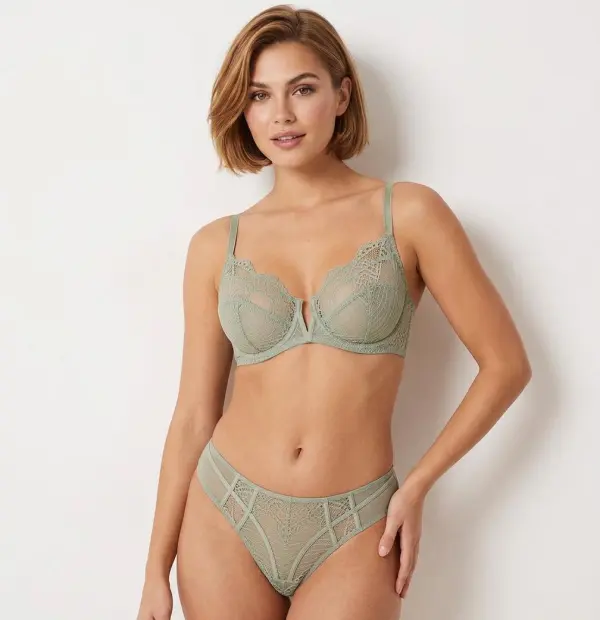
Prompt
Create a clean intimate apparel ecommerce visual from this approved image. Keep the product coverage, straps, fabric, fit, model pose, body shape, and lighting direction consistent. Improve the background and campaign mood while keeping the image appropriate for product promotion.
Limitations

Fine lace, straps, seams, embroidery, labels, jewelry, and fabric texture may change. Review the final image carefully before using it for ads or product pages.

How to Create Intimate Apparel Product Photos with AI

Turn a Product Image into a Model Photo

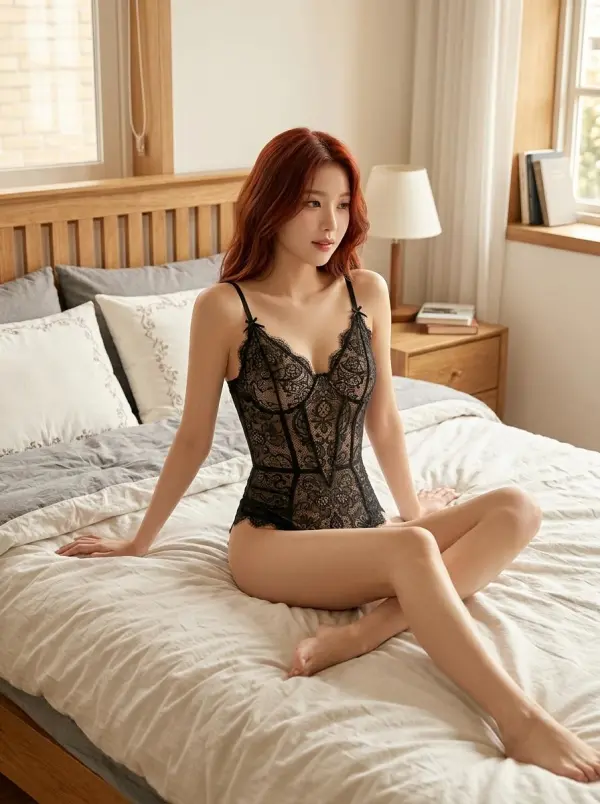
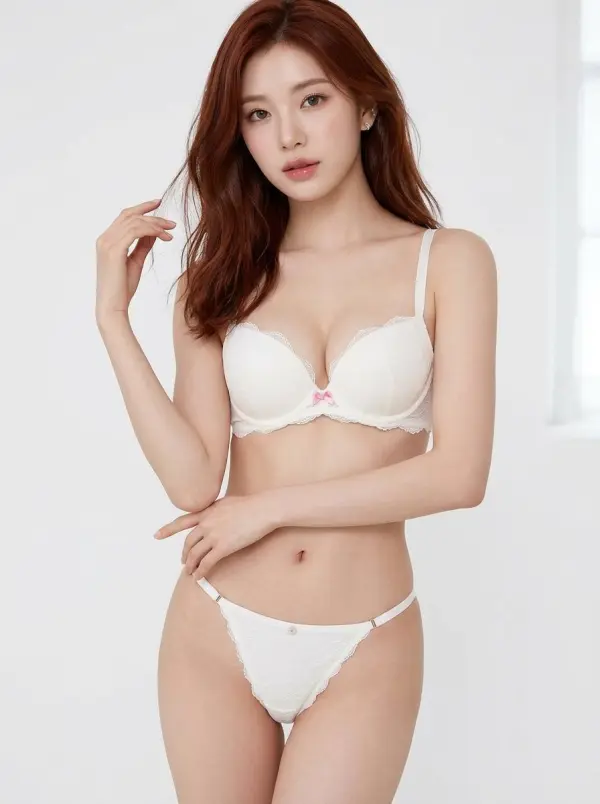
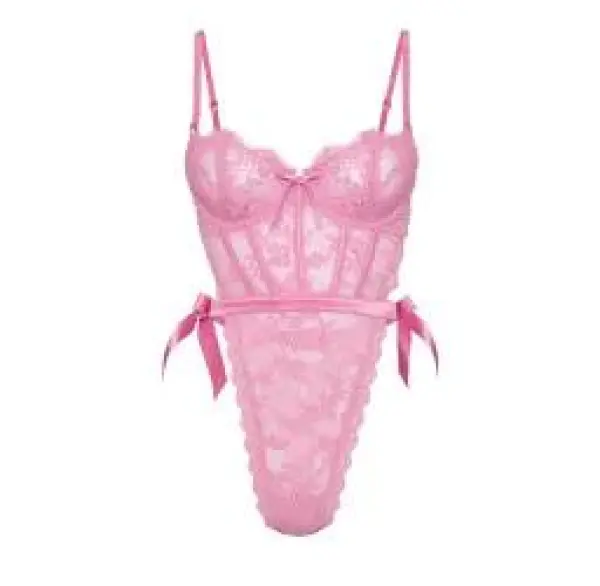
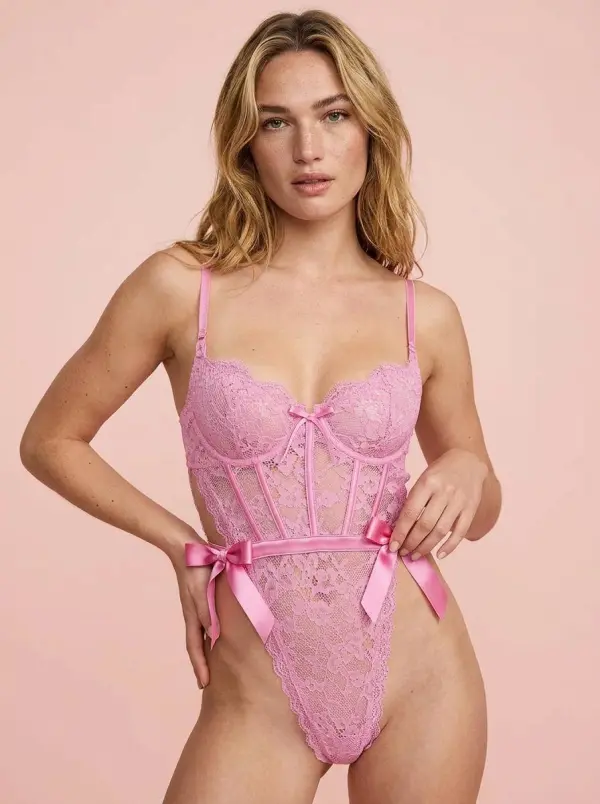
Use AI Intimate Apparel Product try-on to compare styles before buying or styling a look. Upload an authorized adult photo or choose a model-style base image, then test different cuts, fabrics, colors, and designs. This is useful for shoppers who want to compare options visually instead of relying only on product thumbnails.
styling a look
styling a look

Build Lingerie Catalog Images

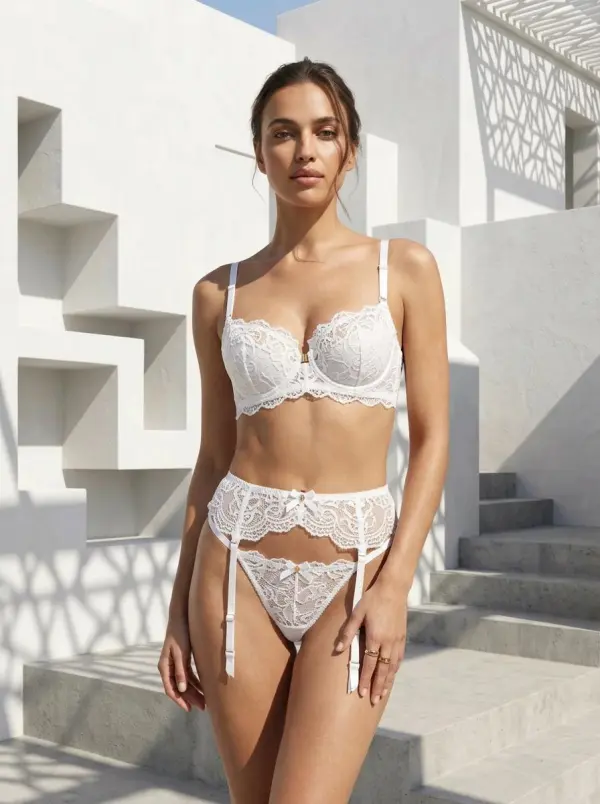
Ecommerce sellers can generate lingerie catalog images for product pages, online stores, marketplaces, and lookbooks. Start with a product reference, describe the model pose, lighting, background, and scene style, then create several image variations. This helps expand product presentation for different colors, seasonal collections, and campaign themes.
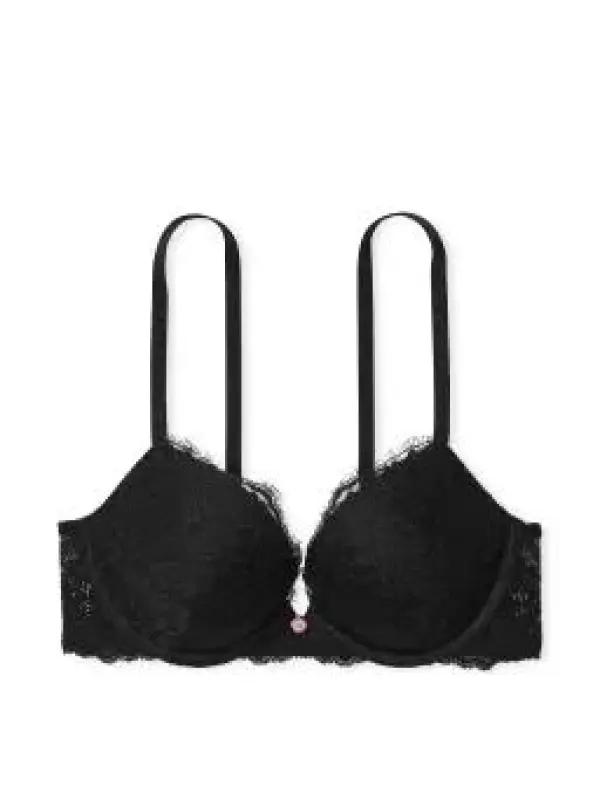
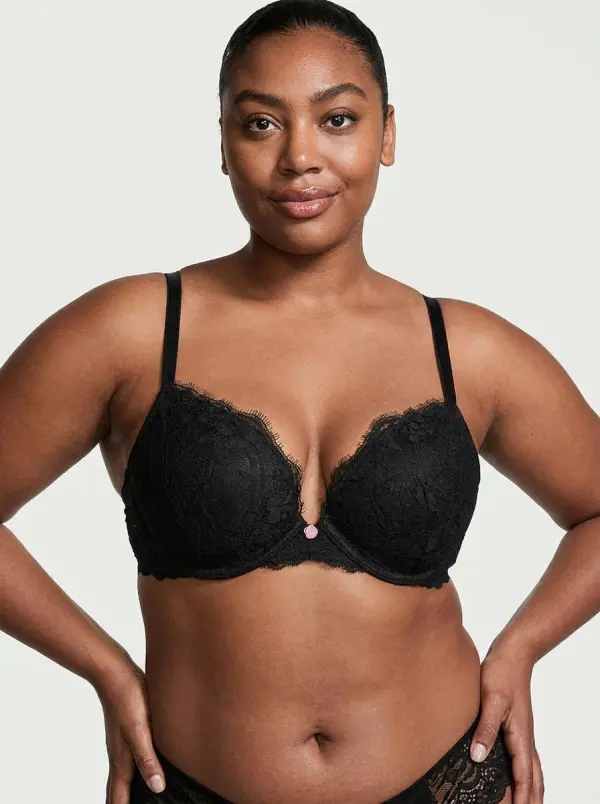
scene style
scene style

Make Social Media Fashion Content

Creators can use AI Intimate Apparel Product Photo Editor to create stylish fashion visuals for Instagram, TikTok, Pinterest, campaign previews, and content calendars. Add prompts for soft studio lighting, editorial backgrounds, natural poses, and tasteful styling. Social-ready visuals can support product drops, wishlist posts, styling inspiration, and brand storytelling.
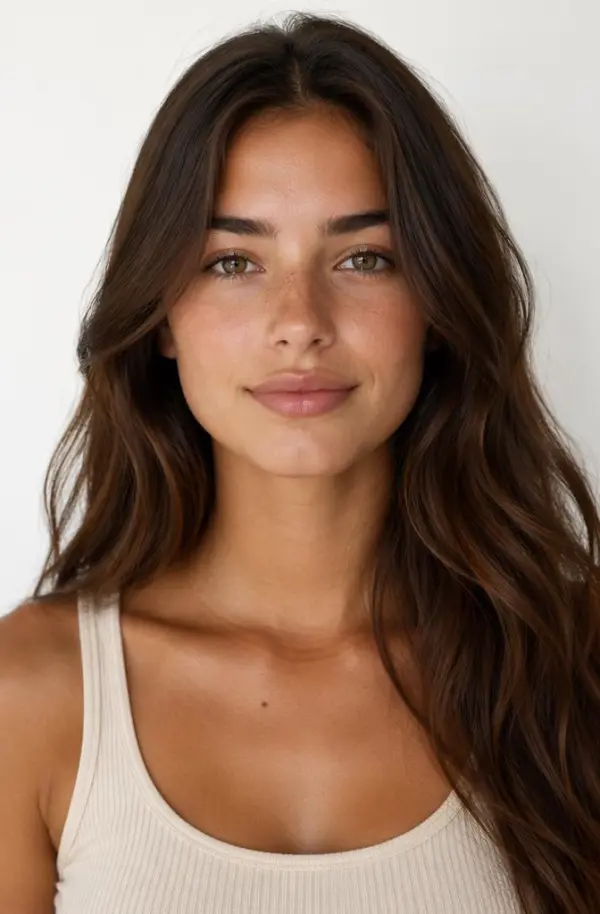
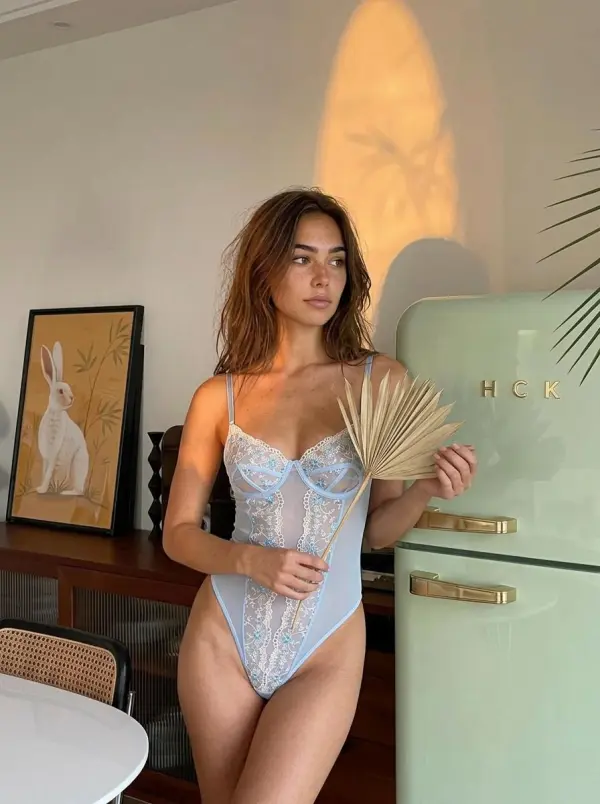
styling inspiration
styling inspiration

Design Boudoir-Style Photo Concepts

Users can create tasteful boudoir-style photos with soft lighting, elegant composition, neutral backgrounds, and refined styling. This works best when the goal is polished personal imagery rather than explicit content. Use only adult, consent-based photos and avoid misleading edits, non-consensual transformations, or inappropriate use of someone else’s image.
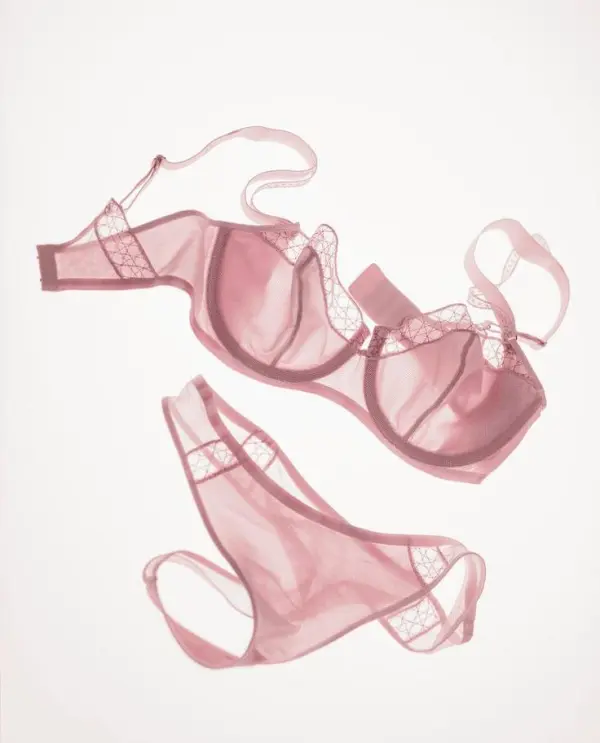
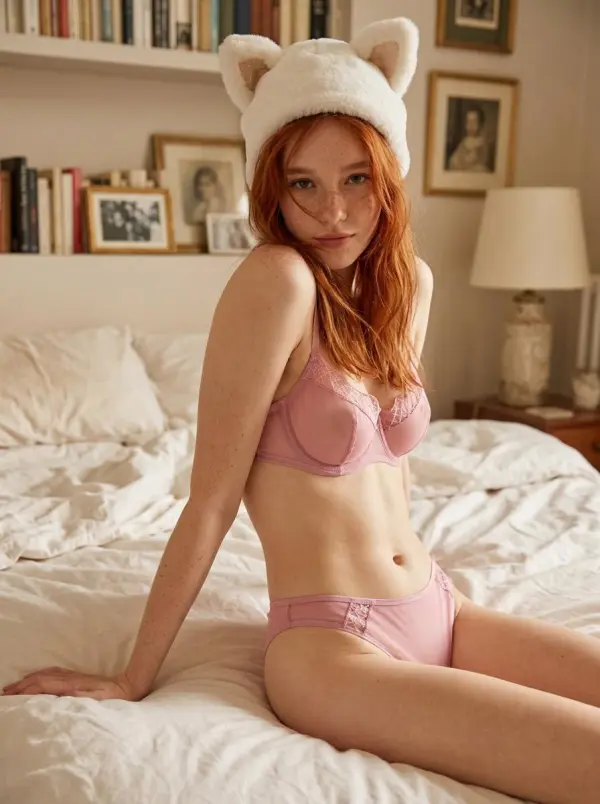
boudoir-Style Photo
boudoir-Style Photo

Compare Lingerie Cuts and Fabrics

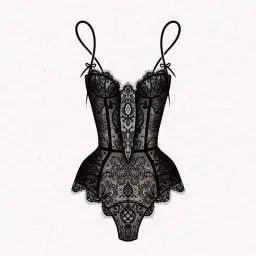
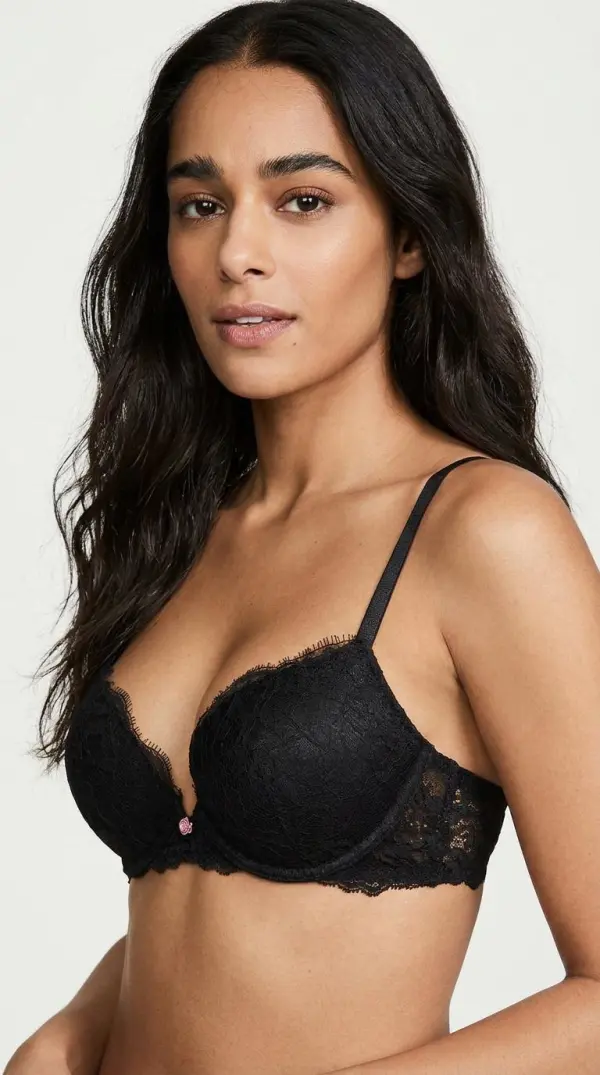
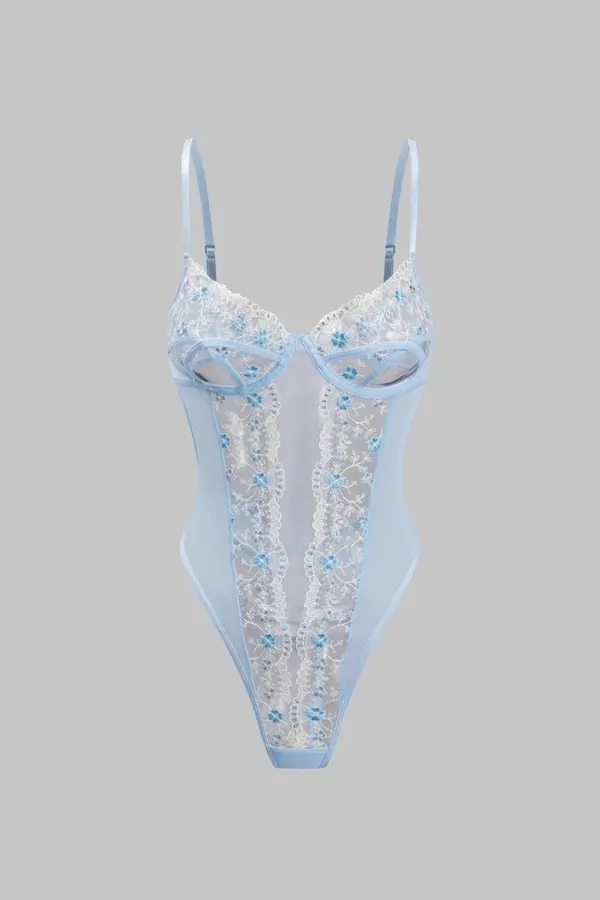
AI can help users compare bralettes, corsets, bodysuits, lace sets, satin pieces, mesh details, sleepwear, and minimalist underwear styles on the same base image. Side-by-side comparison makes it easier to evaluate shape, color, mood, and styling direction. This is helpful for shopping decisions, product planning, and creative briefs.
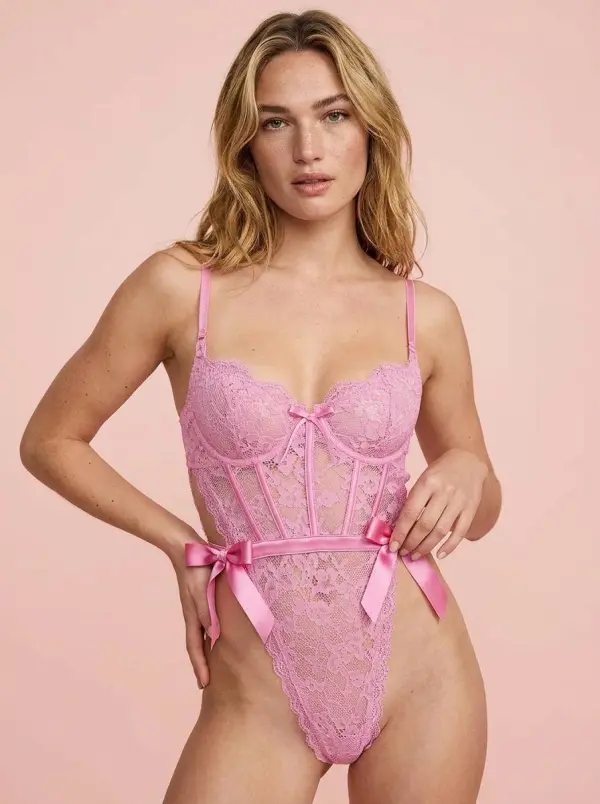
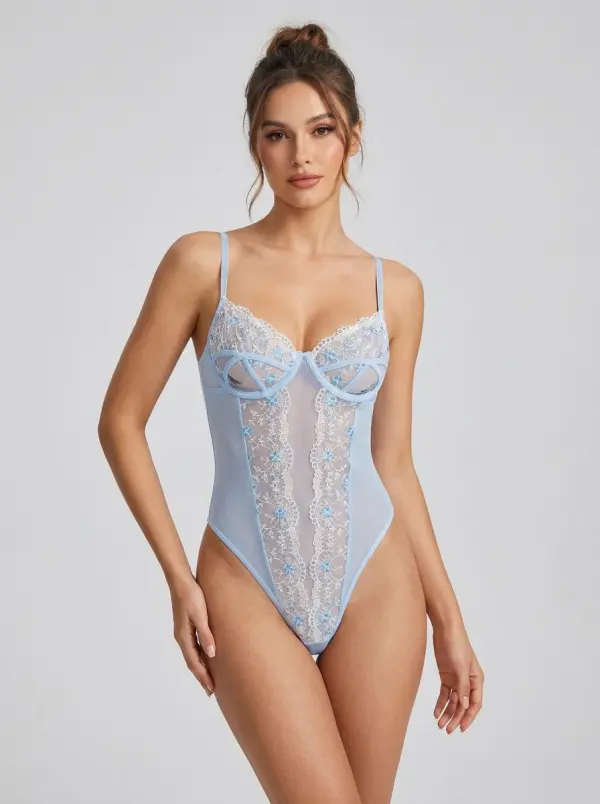
bodysuits photo
bodysuits photo

Create Product Launch Campaigns

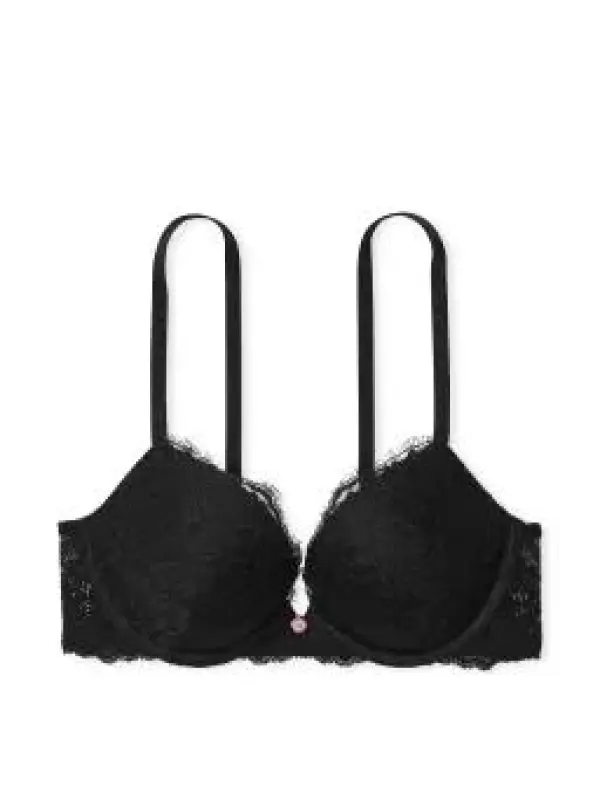
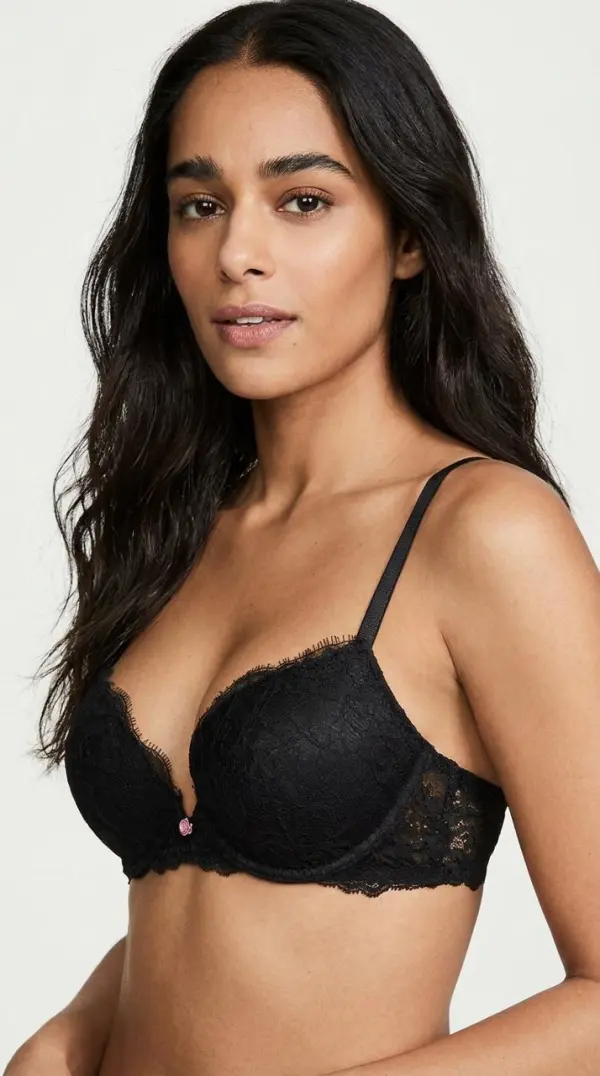
Brands can generateAI Intimate Apparel Product Photo Edito for product launches, seasonal drops, landing pages, paid ads, email campaigns, and influencer briefs. By testing different backgrounds, model poses, product colors, and lighting setups, teams can create campaign-ready concepts before booking a full shoot or producing final assets.
booking a full shoot

Frequently Asked Questions About AI Intimate Apparel Product Photo Editor

What is an AI Intimate Apparel Product Photo Editor?

An AI Intimate Apparel Product Photo Editor is an online tool that uses AI image generation or AI photo editing to create lingerie model images, virtual try-on previews, boudoir-style photos, product catalog visuals, and intimate apparel concepts from prompts, templates, product images, or authorized photos.

Can I try on lingerie virtually with AI?

Yes. Some AI Intimate Apparel Product Photo Editor tools allow users to preview lingerie styles on a model image or authorized personal photo. This can help compare cuts, colors, fabrics, and designs before shopping, styling, or creating product visuals.

Can I upload my own photo?

Some tools support photo upload for personalized editing or virtual try-on. Only upload adult photos that you own or have permission to use. Do not use someone else’s image, private photo, celebrity likeness, or minor’s image for lingerie editing.

Is AI Intimate Apparel Product Photo Editor free?

Many tools offer free trials, limited free generations, or basic online editing. Advanced features such as HD export, watermark-free downloads, private processing, commercial usage, batch catalog creation, or premium templates may depend on the selected plan.

What photos work best for AI Intimate Apparel Product Editor try-on?

Clear, well-lit, front-facing or full-body photos usually work better for virtual try-on. For product catalog generation, clean product images with visible fabric, color, and shape help the AI create more accurate lingerie model visuals.

Can AI generate realistic fabric and fit?

AI Intimate Apparel Product Editor can simulate lace texture, satin highlights, garment fit, strap placement, shadows, and lighting. Results may vary depending on the input image, prompt detail, model quality, pose, and garment complexity.

Can this tool create explicit images?

No. It is for responsible apparel product visualization only.

Can I edit product colors?

Yes. You can adjust color and styling while preserving product shape and coverage.

Can I use it commercially?

Yes, if you have rights to the original image and the final image accurately represents the product.

Explore More AI Tools

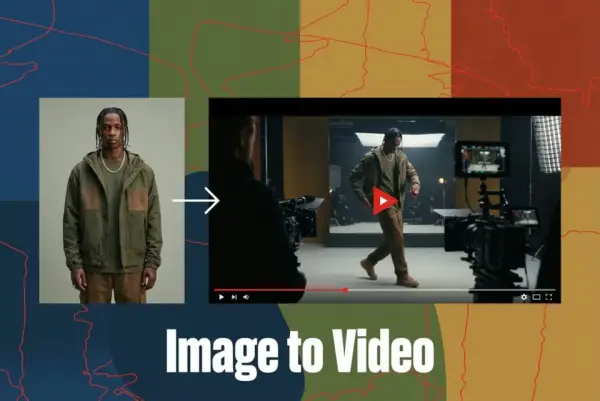
AI Video Generator

Turn Images into Stunning AI Videos for Free

Virtual Try-On

Try On Clothes Online with AI Virtual Try Technology

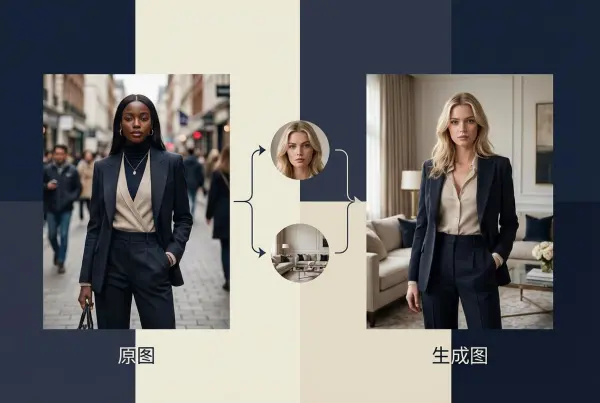
Swap Model & BG

Realistic Model & Background Swapping Online with AI

AI Fashion Model

Showcase clothing with a variety of models

AI Product

Create stunning product images with few clicks from anywhere

Face Forge

AI Face Morph & Face Swap Generator Online

Product Recoloring

Recolor Image Online Free - Color Changer in WeShop AI

To Mannequin

Convert real model photos into mannequin displays

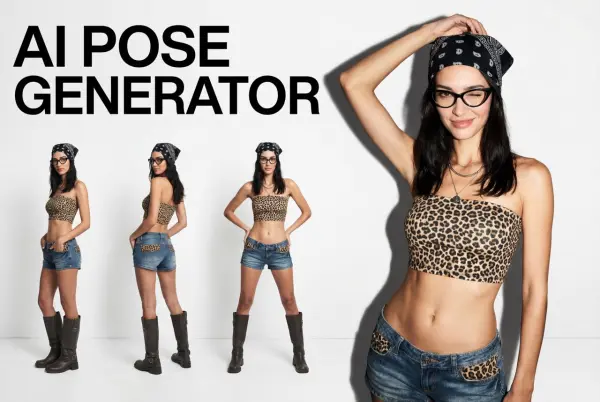
Change Pose

Change poses, switch between various model poses, making the clothing display more natural

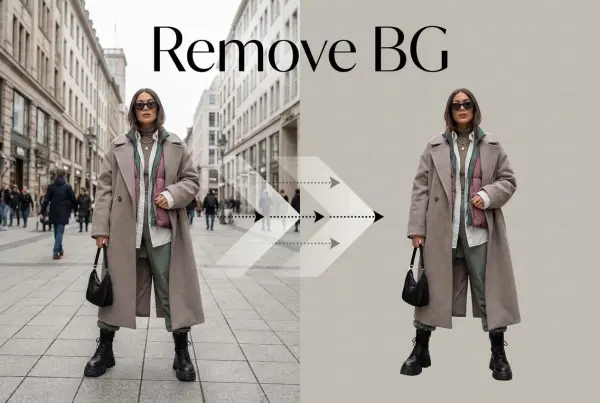
Remove Background

Removing background with lightning speed and ease

AI Photo Enhancer

Enhance Photo Quality Online with Free AI

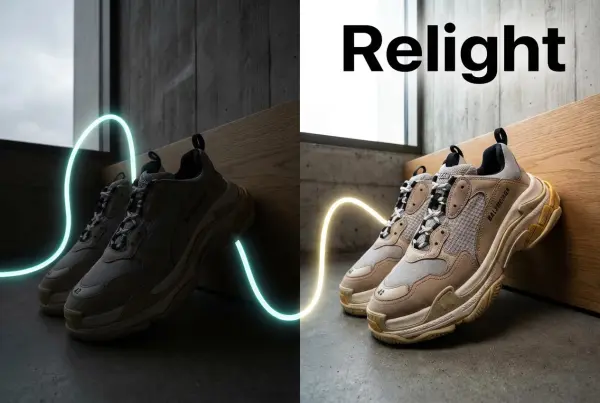
Relight

Relight your images automatically and efficiently

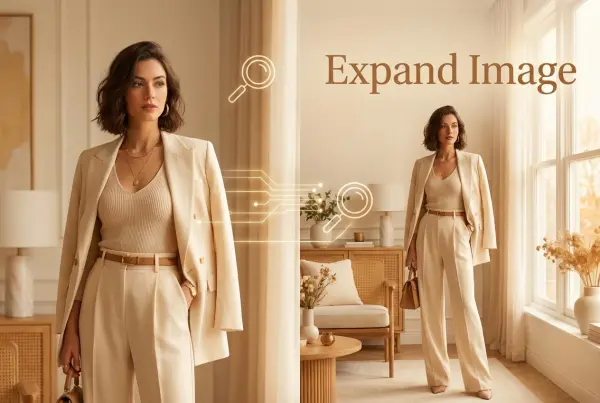
Expand Image

Expand images & backgrounds to fit any platform

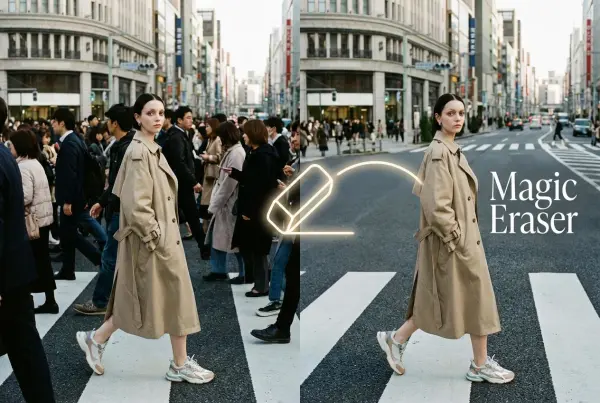
Magic Eraser

Remove unwanted objects from your photos with AI

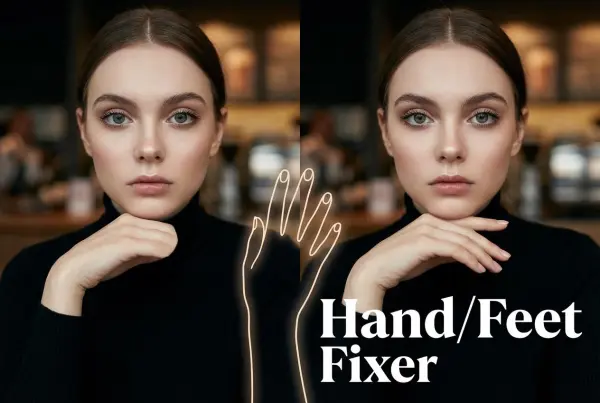
Hand/Feet Fixer

Regenerate natural-looking hands and feet in AI-generated images

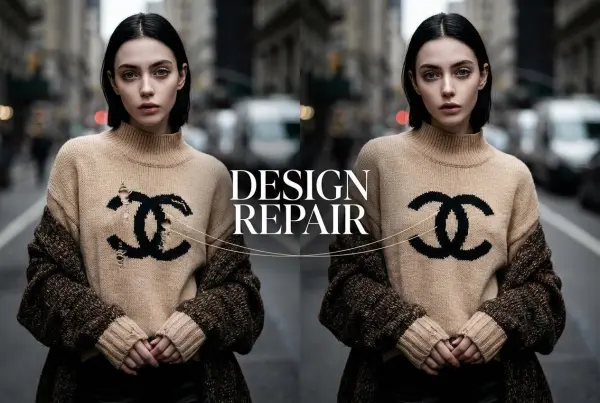
Design Repair

Upload an image, highlight the area you wish to fix, and upload a target reference image

Video Agent

Create and publish videos from a photo or description—instantly, in any style.

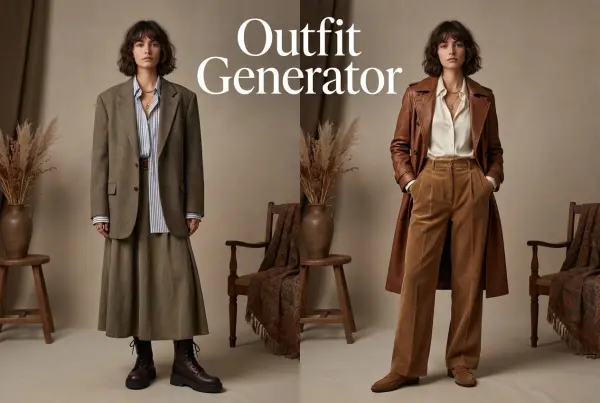
AI Outfit Generator for Ecommerce

Create AI clothes styling from any model photo, garment, or style prompt.

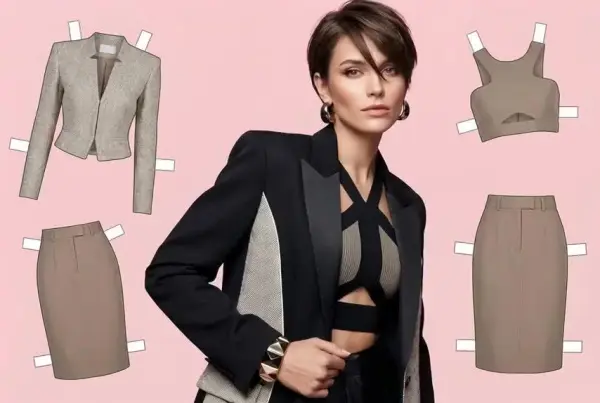
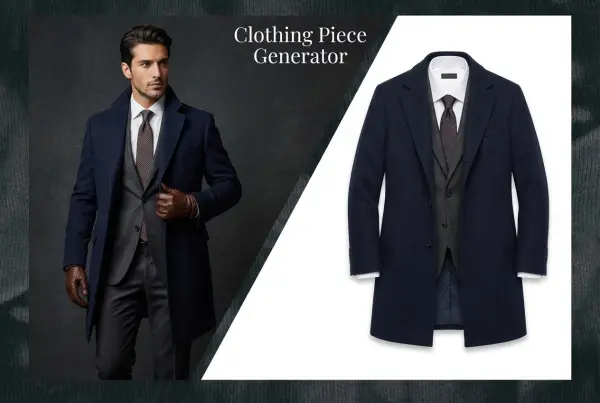
AI Clothing Piece Generator

Create Professional Flatlay Clothing Images From Any Photo or Idea

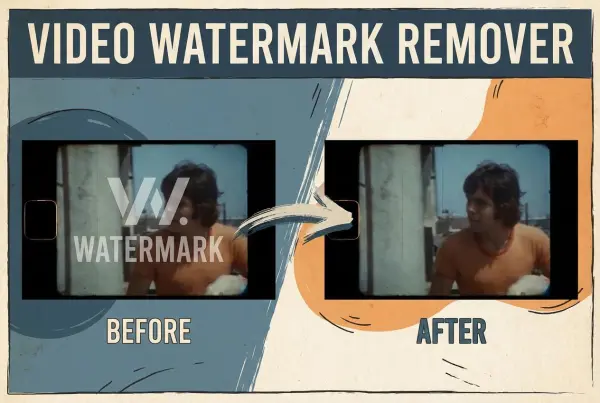
Watermark Video Remover Free Online

Remove Watermark from Video

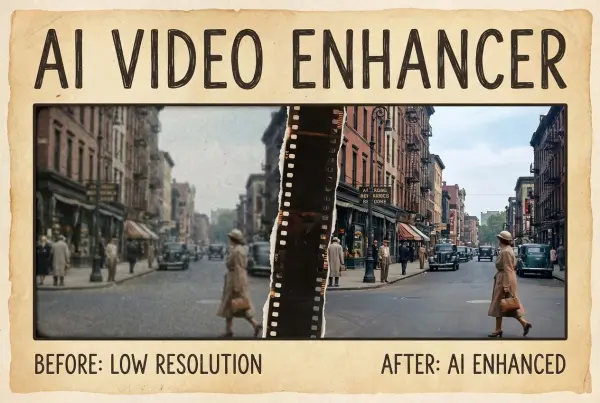
AI Video Enhancer

Enhance Video Quality Online with AI

Replace Face in Video Online Free

AI Video Face Swap for Realistic Clips

Video Replication

Recreate Video Styles, Motion, and Scenes with AI

idea
helper