logo
AI E-Commerce Creative Studio

Sign In

šŸŽ‰new
Our new Virtual Try-On just launched. Try it now!
🄳
close

WeShop AI's Workspace

iconStart
addNew Task
1
Create new task and upload an image
Image Tips
requirement
2
Choose mannequin style
3
Generate

AI Mannequin Generator

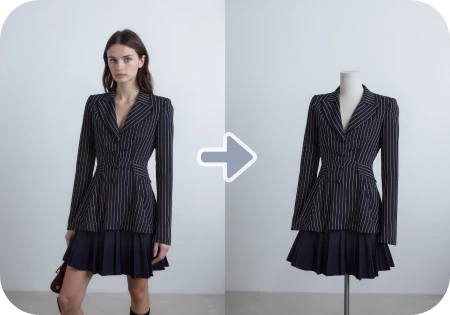
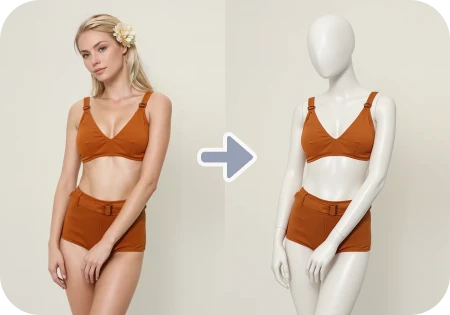
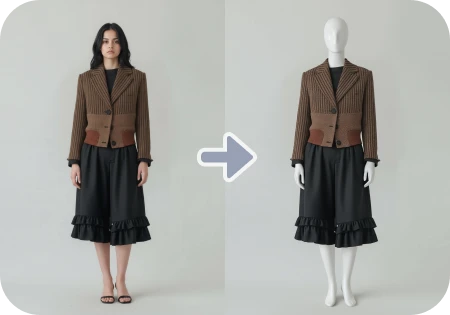
Convert real model photos into clean, professional mannequin shots. Ideal for apparel display, product pages, and catalog consistency.

WeShop AI Real Model to Mannequin User Guide

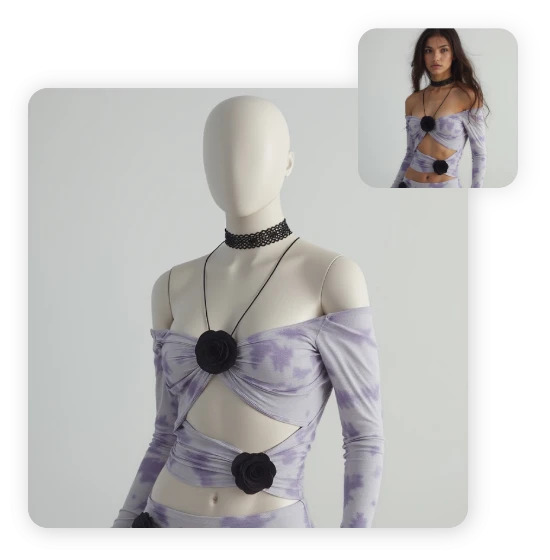
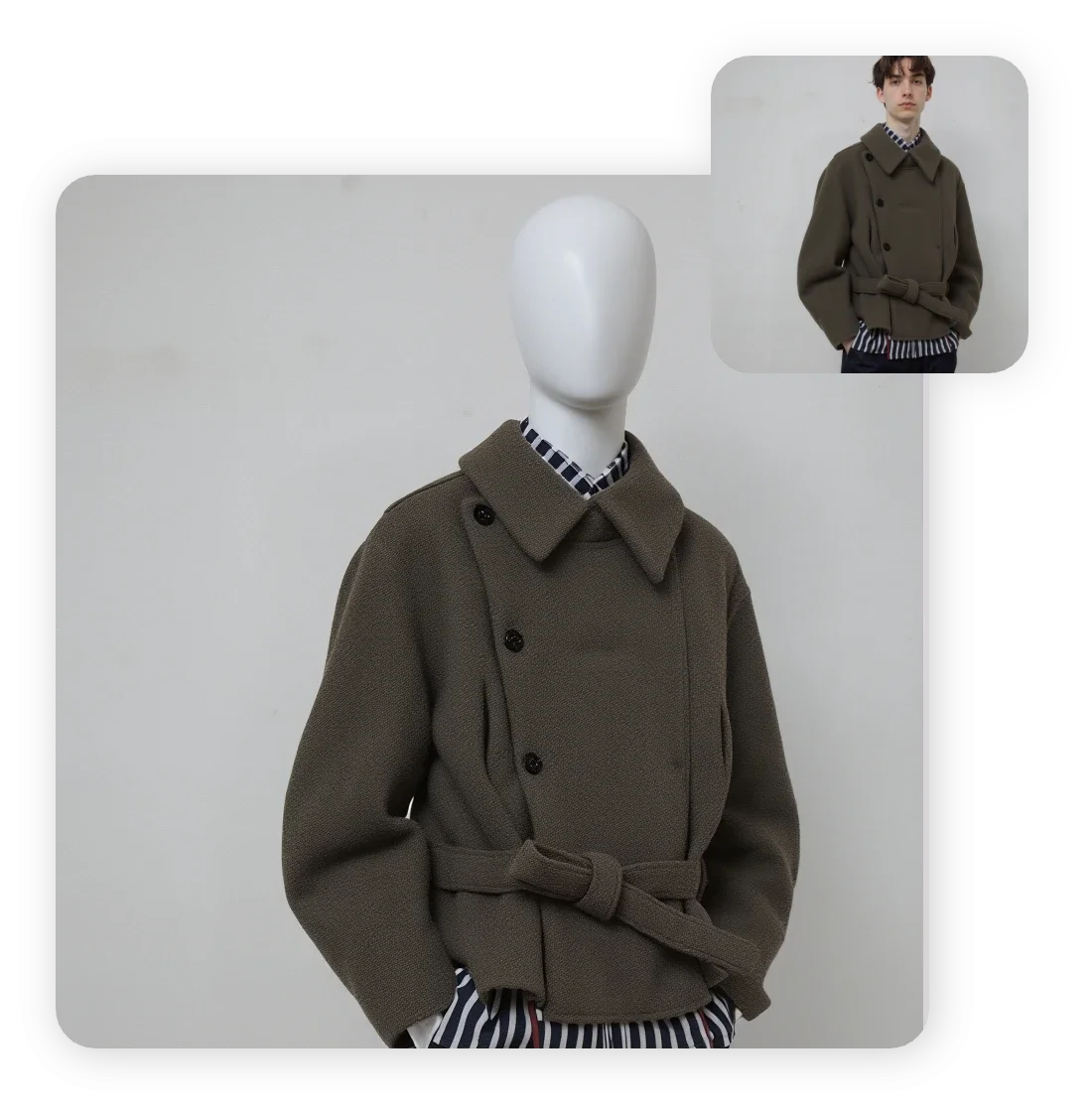
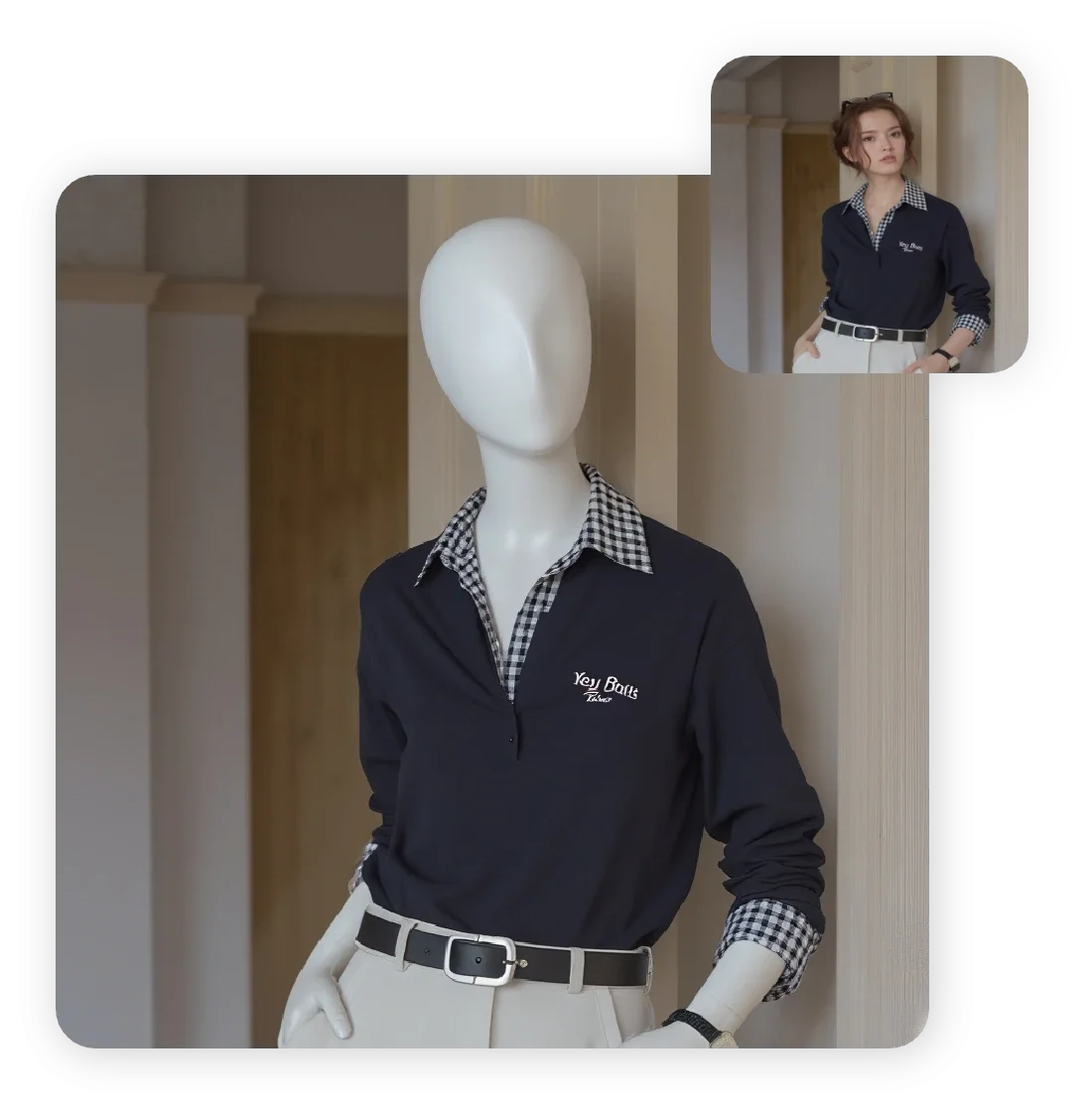
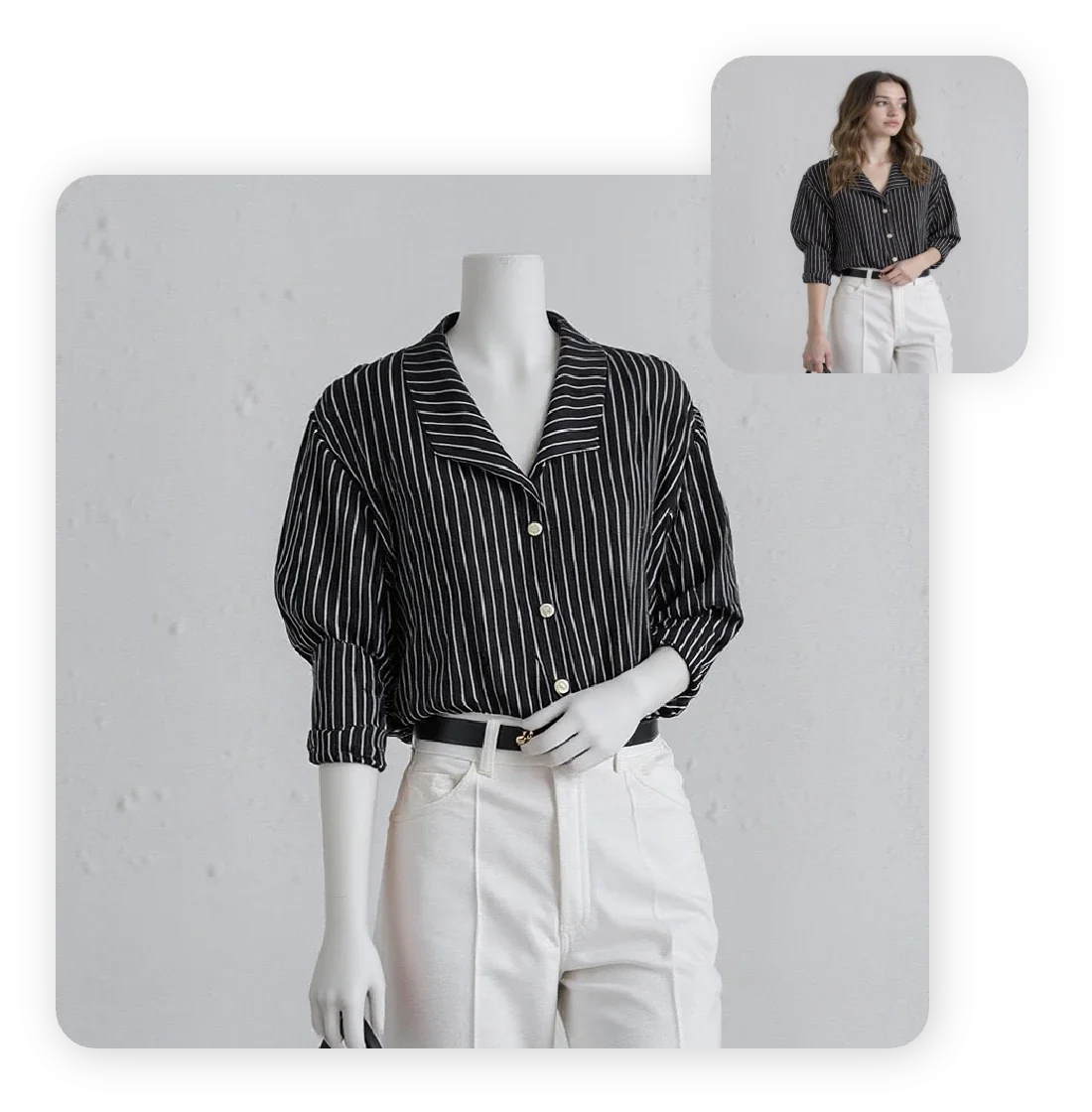
The Real Model to Mannequin feature allows you to convert real model photos into professional mannequin display images with one click. It supports both standard mannequins and display mannequins to meet diverse merchandising needs. The generated mannequin images are clean, professional, and highlight garment structure and details for a more effective presentation.
For Small Fashion Brands

Emily, an indie designer, used To Mannequin to convert her photoshoots into mannequin images for her Shopify store. The result is a 40% faster product launch cycle and a consistent visual brand.
For eCommerce Photographers

Jake, a product photographer, replaced tedious background removals with To Mannequin. His clients love the polished results and quick delivery.
For Online Marketplaces

A boutique owner selling on Etsy and Amazon uses To Mannequin to maintain a professional look without hiring models for every new collection.
For Styling Agencies

Creative teams use To Mannequin to visualize outfit layouts and present clean catalogs without the distraction of live models.

FAQs

What is the AI Mannequin Generator tool?

It’s an AI-powered feature that transforms photos of real models into clean, distraction-free mannequin-style images in one click.

Why would I use a mannequin version instead of a model version?

Mannequins remove facial/pose distractions and help the viewer focus entirely on the garment’s fit, drape and design — ideal for catalogs and product listings.

What types of mannequins are available?

You can choose from styles such as Standard Mannequin (dress form) or Display Mannequin (full body) including options like headless, torso only, or full-body versions.

Are the garment details preserved (texture, folds, fit)?

Yes — the AI retains garment texture, drape and fit while converting the figure into a mannequin, ensuring professional visual quality.

Is this suitable for bulk catalog updates?

We support 9 uploads maximum. We recommend using the API service to efficiently handle high-volume image editing tasks. The tool supports quick conversion of many images, making it ideal for large SKU sets needing consistent visuals.

Can I remove unwanted elements (props, accessories) during conversion?

Yes — you can use Magic Eraser afterwards to remove anything unwanted.

What impact does this have on e-commerce visuals?

It boosts consistency, speeds up production, lowers cost of photoshoots, and enhances product presentation across listings, lookbooks and catalogs.

Are there any limitations?

While conversion is fast and powerful, the best results come from original photos with clear garments and good lighting. Highly dynamic poses or cluttered backgrounds may require more refinement.
idea
helper