 Jessie
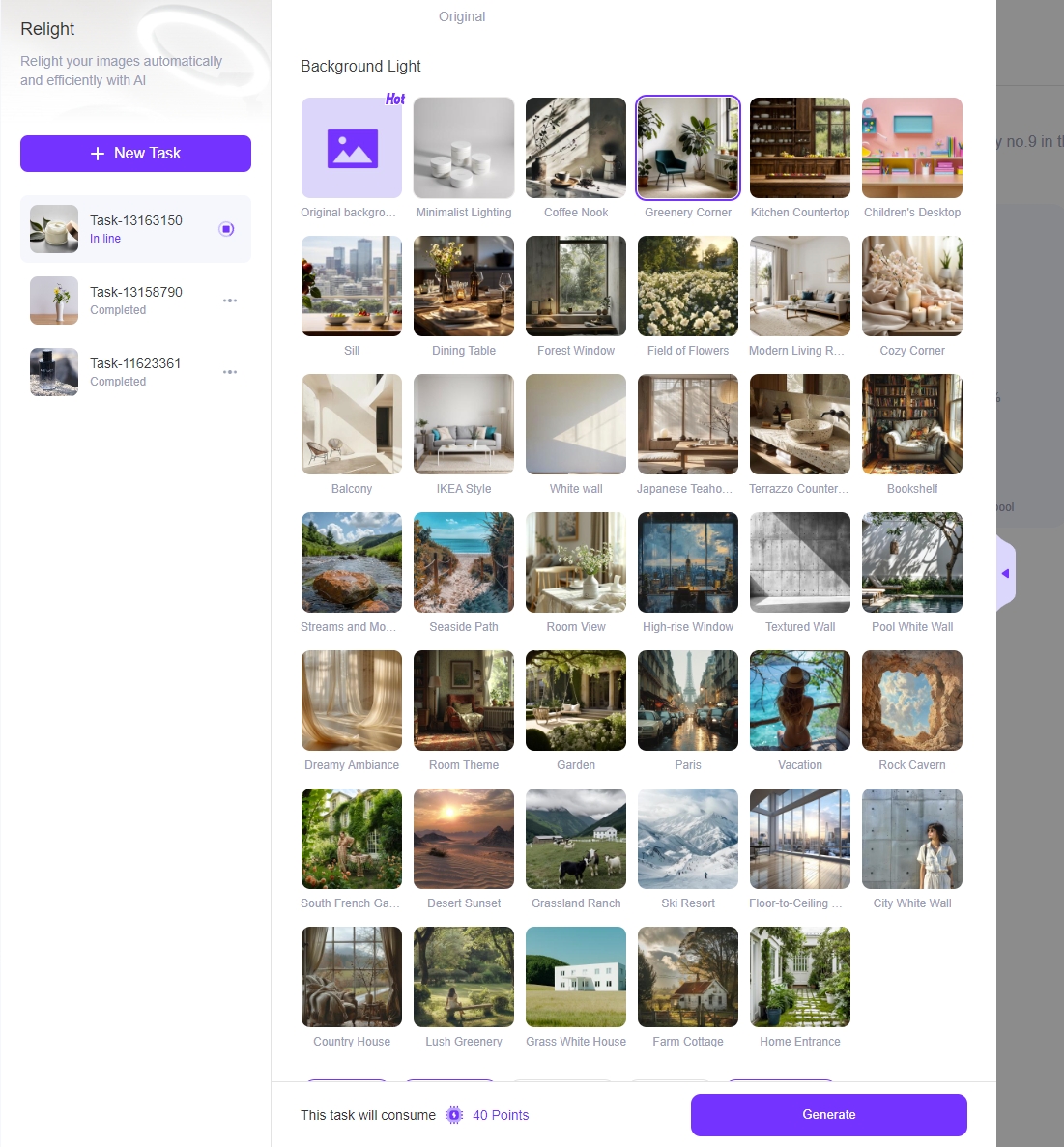
 A significant upgrade to our “Relight” feature! Our latest update brings a new level of naturalness and seamless integration of lighting with your products.
 Jessie
 Boost your e-commerce sales with AI-enhanced model and product photos. Learn to create stunning visuals that convert, all in one comprehensive guide
 Jessie
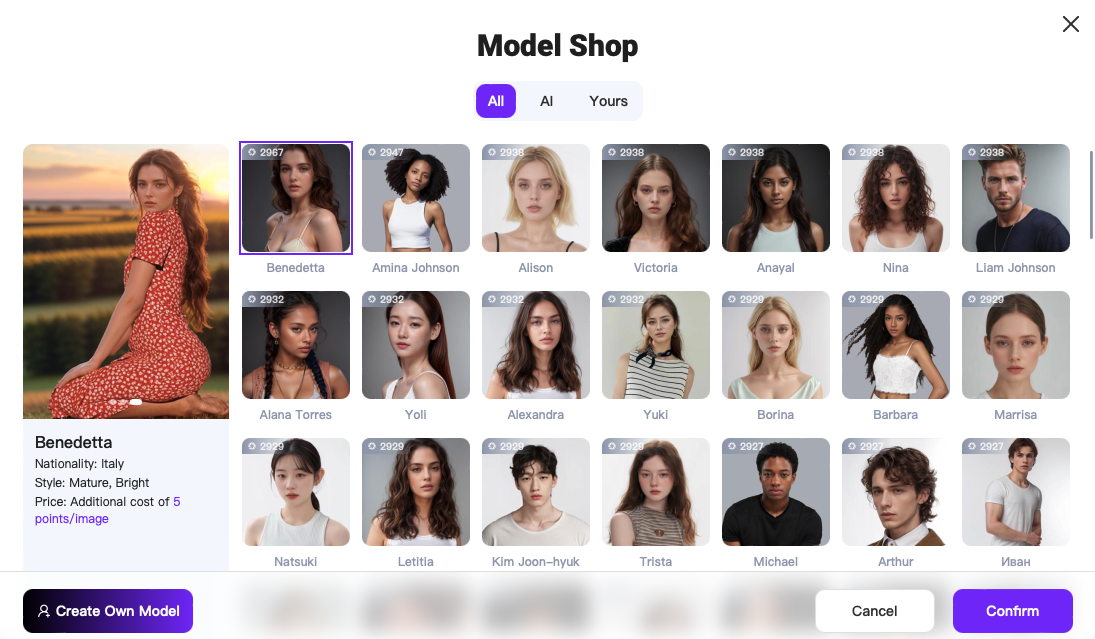
 Groundbreaking ‘AI Model’ feature launched! Create consistent AI-generated female and male models across all clothing and product images.
 Jessie
 We are thrilled to announce the launch of the latest version of WeShop AI, along with a new and improved pricing plan.
 Jessie
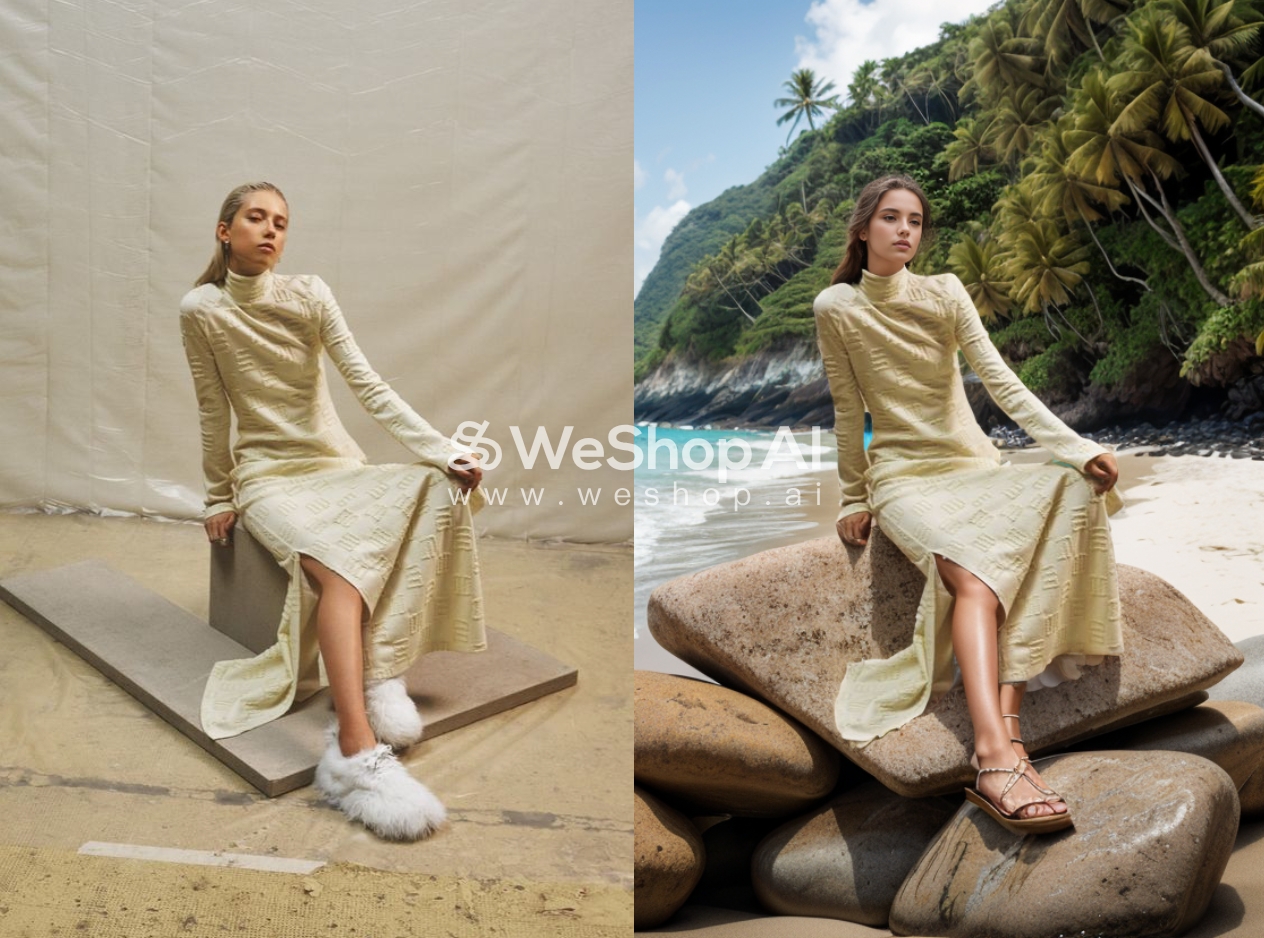
 We are thrilled to announce the release of WeShop AI Version 1.5! In this update, we have introduced more diverse and realistic backgrounds to enhance your photo image.
 Jessie
 Have difficulties when the original image contains elements like hats or glasses that you want to remove? Here are tricks of how to erase items and get a stunning effect with WeShop AI.
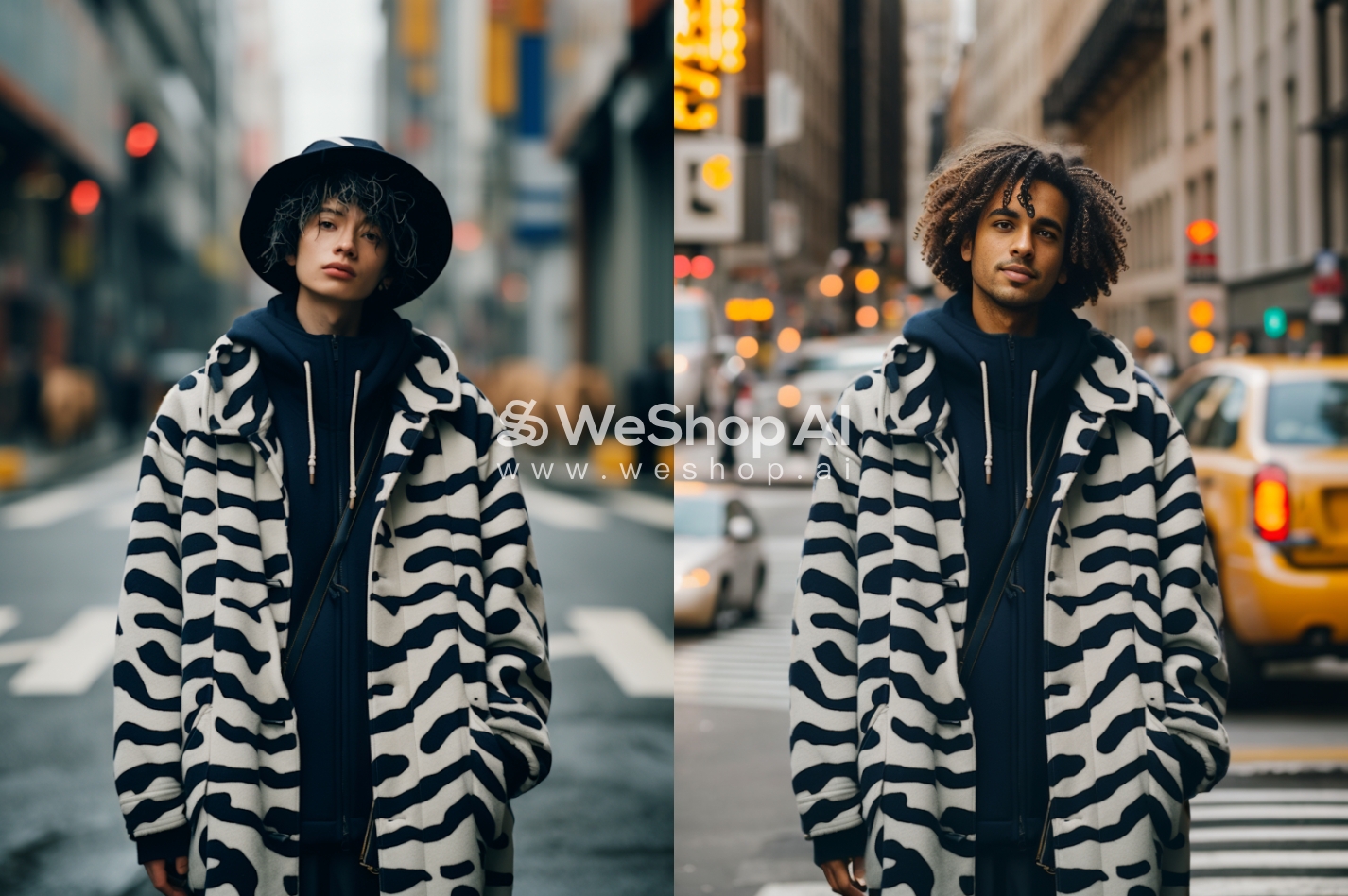
 Lynn Lin
 Prototype multiple fashion designs from one sketch with AI image generation for rapid design iteration
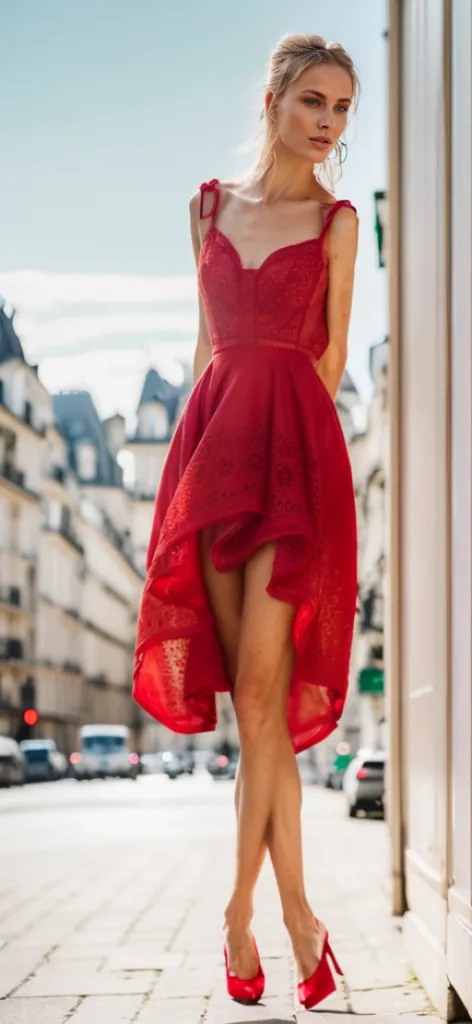 Lynn Lin
 Simple hand-drawn sketches provide more context.
Sketching guides the AI to create perfectly branded product images.
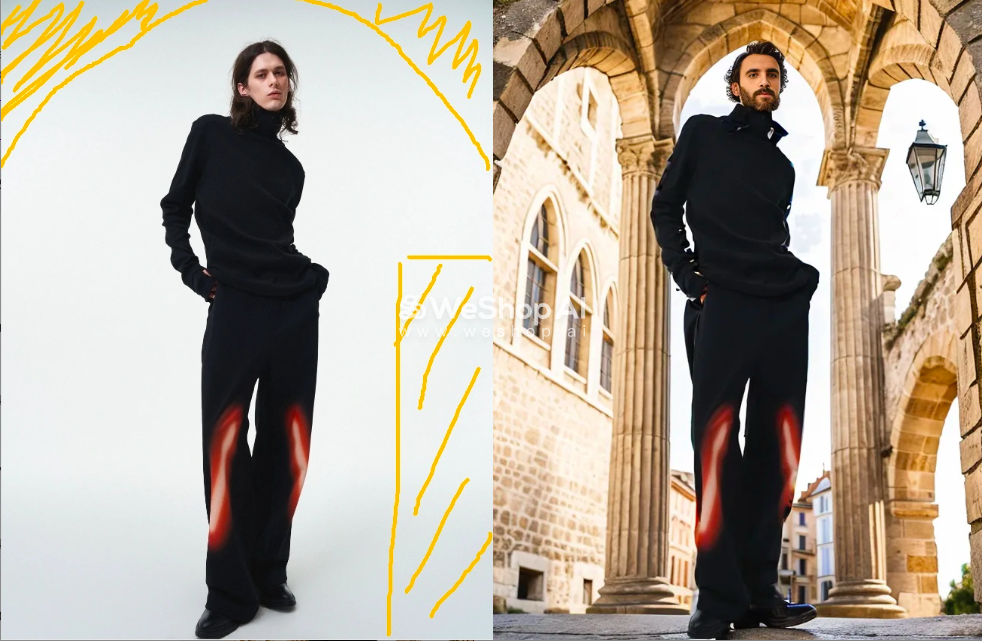 Lynn Lin
 After the Autoselect Subject launched, WeShop AI discovered a trick that enables quickly and high-quality replacing model photo backgrounds!
 Lynn Lin
 New features: Text-to-Image & Image-to-Image allow quickly iterating designs from text prompts to refined images.

 Instagram